- Clasificación por edad4+
- CategoríaFoto y vídeo
- DesarrolladorNoam Koren
- IdiomasInglés+ 6 más
- Tamaño24,7 MB
Enlaza a la página oficial de App Store
Download.org no aloja ningún archivo de Chromavid. El botón abre la página de la aplicación en App Store, donde la publica Noam Koren. Ficha comprobada por última vez el 14/11/2026.
Capturas de pantalla
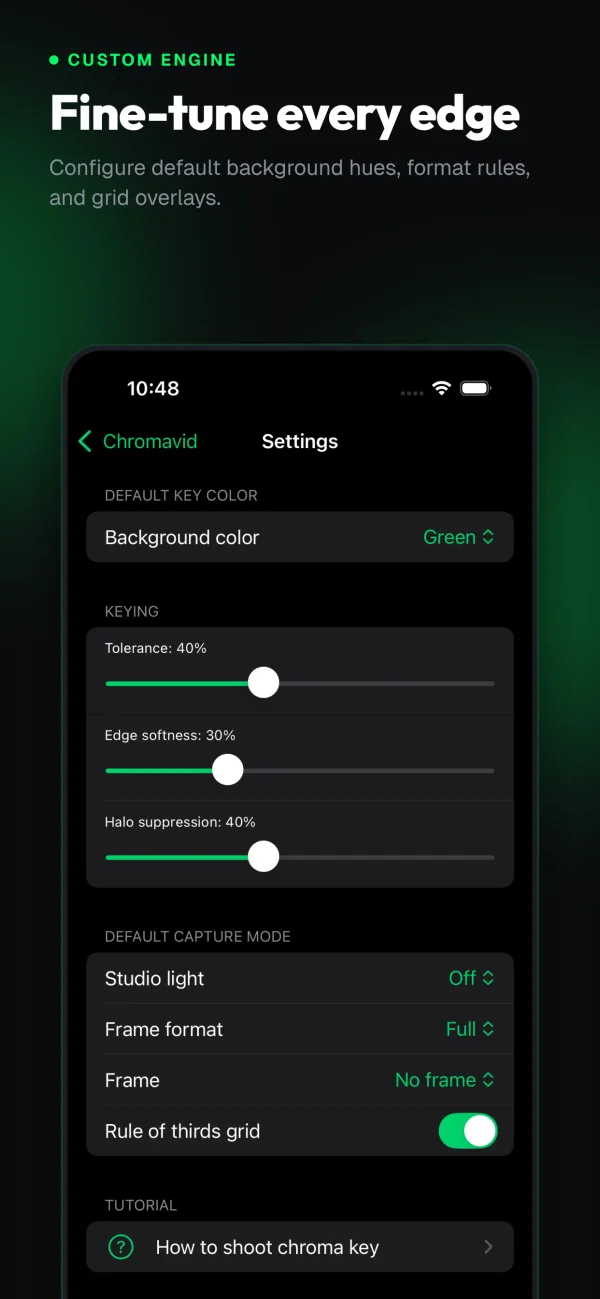
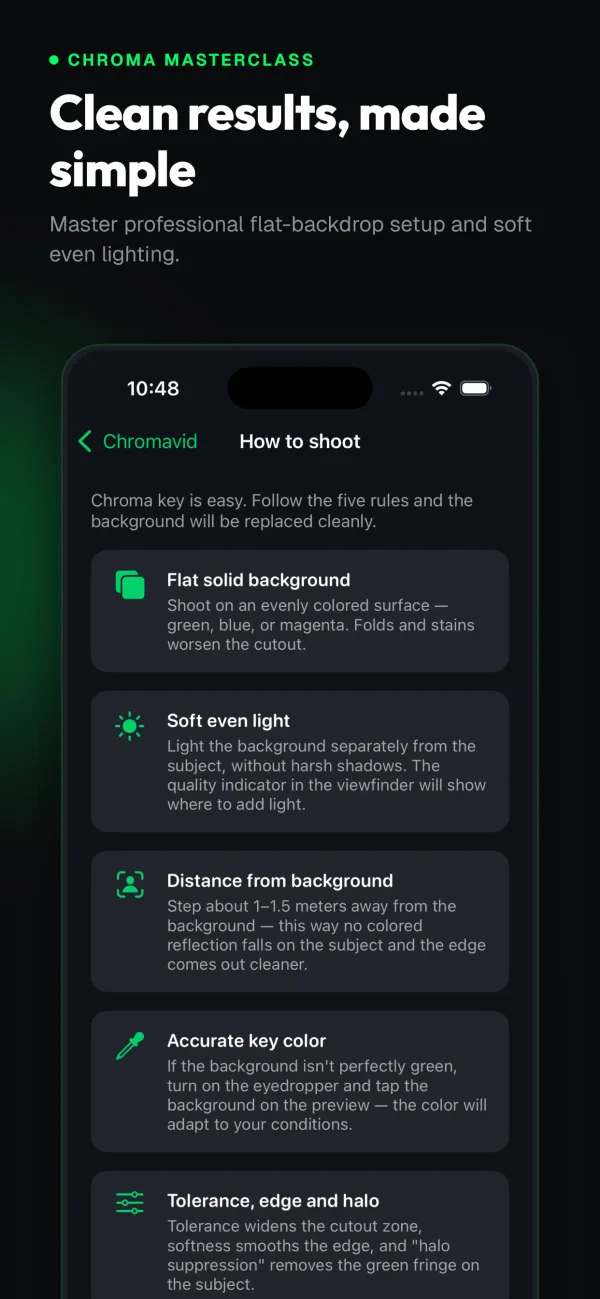
Acerca de
El desarrollador no ha proporcionado este texto en tu idioma.
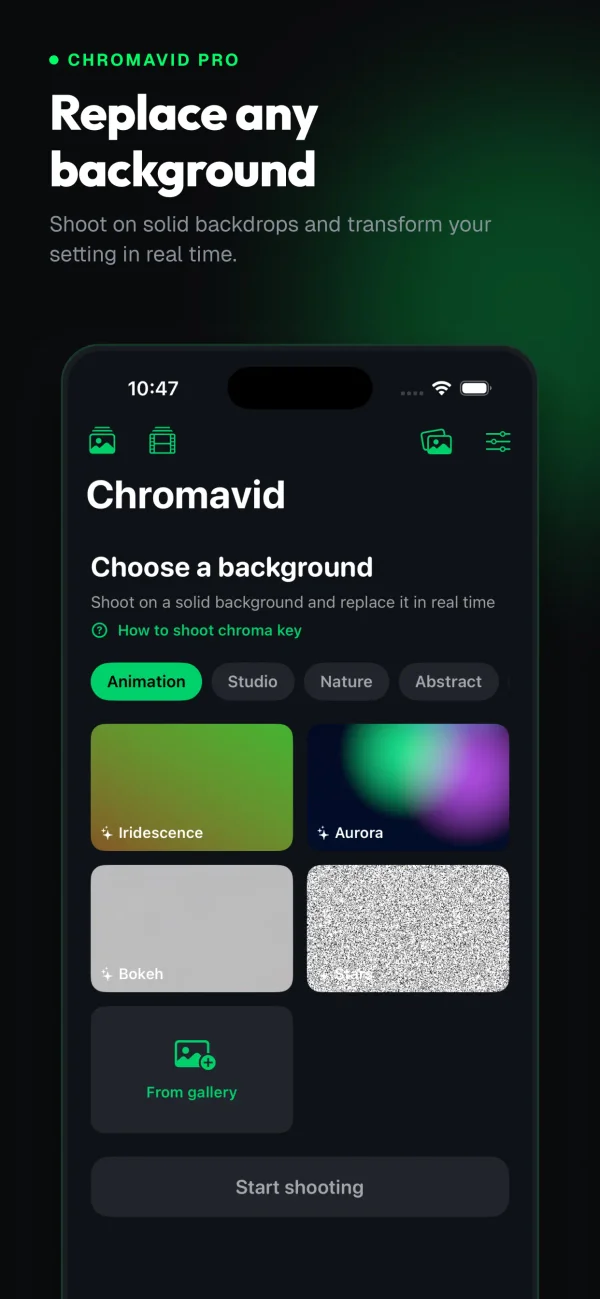
Introducing Chromavid - The best green screen chroma key app to shoot awesome videos and photos using chroma key effects in real time just like they do it in Movies and TV shows.
Steps to create an awesome Chroma key video or photo:
Choose the chroma color (Background wall / Curtain). It can be blue, green, yellow or red. Make sure it's plain color.
Select the background image or video you wish to replace instead of chroma color in background.
That’s it ! The Background Chroma color will be replaced with the photo or video you selected in the Camera. You can take a photo or record a video.
Go ahead , be creative and try out with different background available in the app, you can also you any image in your phone as background.
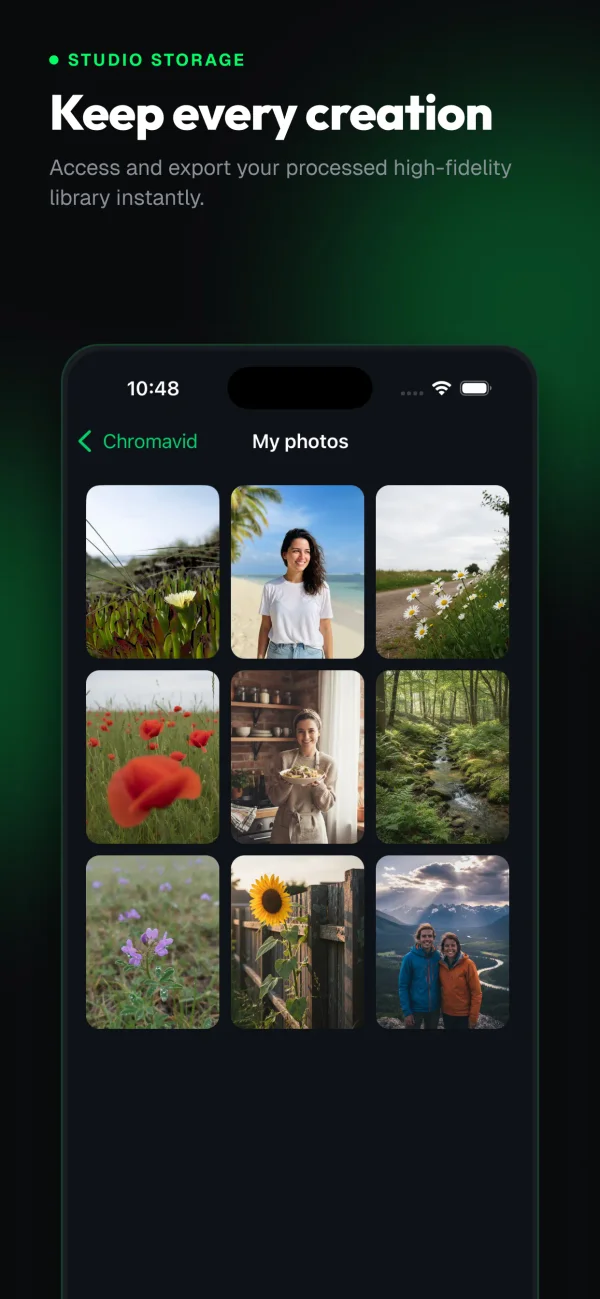
Share your creations with your friends on various social media platforms. You can even save your Chromavid on your device storage.
Hope you enjoy using Chromavid. Please rate us on Appstore if you love us. Tag us on Social media.
Novedades
Versión 5.0 · 9/10/2026
What’s New in Chromavid
Chromavid is now completely free.
You can use the camera, editing tools, visual effects, and chroma key features without a subscription. I wanted everyone to have access to the full creative experience.
New app version also brings a redesigned app and more ways to edit your photos and videos.
• A completely redesigned app
Chromavid has a cleaner look and simpler navigation. Your favorite tools are easier to find, so you can spend less time looking through menus and more time creating.
• New editing modes
You have more control over the way your edits look. Try different modes, combine adjustments, and experiment until you get the result you want.
• More background controls
Change, replace, or customize your background with greater flexibility. It’s easier to create cleaner compositions and make your subject stand out.
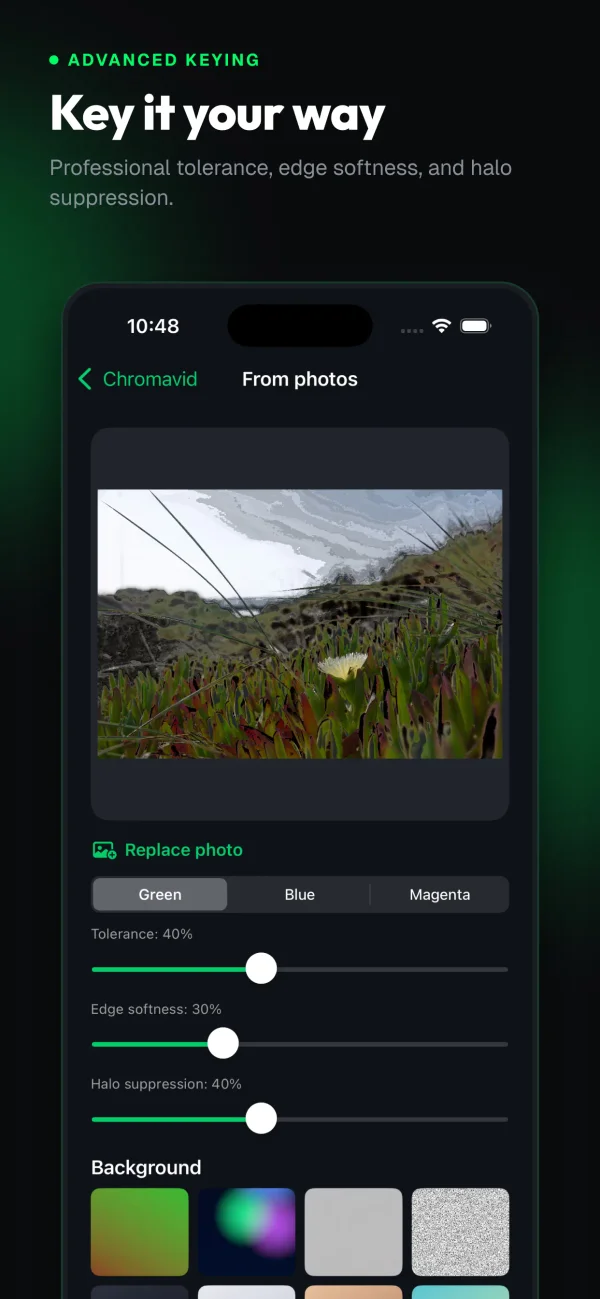
• Improved chroma key controls
New tolerance and edge-softness controls give you more precise background removal and smoother edges.
• New lighting controls: Adjust the amount of light, choose from different light types, and change how lighting affects your image. You can create a softer look, add contrast, or try something completely different.
• More creative effects
Combine effects, backgrounds, lighting, and editing tools to create photos and videos that feel unique to you.
• A better camera-to-editing experience: Take a photo or video in Chromavid and start editing immediately. Try different effects and backgrounds without interrupting your creative process.
• A smoother overall experience: I also made improvements throughout the app to make editing feel faster, clearer, and easier.
The update combines a new design, more editing control, improved chroma key tools, and free access to the full Chromavid experience.
Whether you enjoy creating camera effects, editing videos, experimenting with chroma key, or simply improving your photos, there’s more to explore in Chromavid.
Thank you for using Chromavid and supporting its journey. Open the latest version and take a look around.
Privacidad de la aplicación
Lo que Noam Koren declara en App Store sobre cómo esta aplicación gestiona los datos.
-
No se recopilan datos
El desarrollador no recopila ningún dato de esta aplicación.
Las prácticas de privacidad pueden variar, por ejemplo, según las funciones que uses o tu edad.
Información
- Vendedor
- Noam Koren
- Categoría
- Foto y vídeo
- Versión
- 5.0
- Actualizado
- 9/10/2026
- Publicado
- 10/8/2015
- Tamaño
- 24,7 MB
- Requiere
- iOS 16.0 o posterior
- Clasificación por edad
- 4+
- Precio
- Gratis
- Idiomas
- Inglés, Francés, Alemán, Japonés, Coreano, Ruso, Chino simplificado
- Copyright
- © Chromavid
Quizá también te guste
-
 Veescope Live Green Screen AppFoto y vídeo
-
 Green Screen Pantalla VerdeCroma y cambiar fondo de vídeo
-
 Green Screen-Background EditorMagic Eraser, Remover, Changer
-
 Efecto croma para fondo verdeEditor con filtro de pantalla
-
 Easy Chroma Key :iChromaCamFoto y vídeo
-
 Teleplay - Green Screen StudioFoto y vídeo
-
 BgRem: quitar fondo de videoEliminar fondo video. Remov bg
-
 Pantalla verde y pantalla azulChroma Key. Verde, fondo azul.
-
 Cambiar Fondo de VideoRemovedor/Cambiador IA
-
 Quitar Fondo Video - CambiarEliminar fondo, quitar objetos