- Altersfreigabe4+
- KategorieProduktivität
- EntwicklerFabrizio Boco
- SprachenEnglisch+ 1 weitere
- Größe127,7 MB
Verlinkt auf die offizielle App Store-Seite
Download.org hostet keine Datei von Circuit Laboratory. Die Schaltfläche öffnet die App-Seite bei App Store, wo Fabrizio Boco die App veröffentlicht. Eintrag zuletzt geprüft am 13.11.2026.
Screenshots




Info
Der Entwickler hat diesen Text nicht in Ihrer Sprache bereitgestellt.
Circuit Lab is an electronic circuit analysis tool based on the modified node analysis method.
Four kind of analysis may be conducted:
- DC: linear and non linear circuits with continuous voltage and current sources;
- AC: linear e non linear circuits with sinusoidal voltage and current sources;
- Multifrequency AC Analysis: linear and non linear circuits with sinusoidal voltage and current sources. It allows to analyze the circuit behavior in a range of frequencies. Useful to study the bandwidth of the circuit;
- Transient: linear and non linear circuits, with sinusoidal and pulse voltage sources (available as In App Purchases).
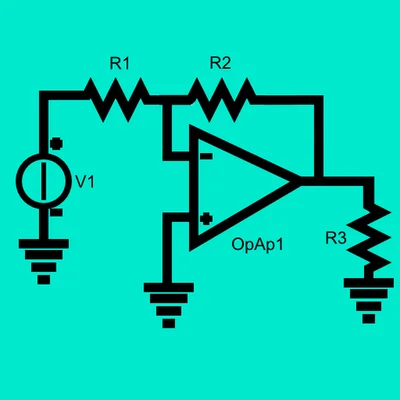
User can graphically draw the circuit and then the circuit can be analyzed.
Circuit may be controlled by means of the following gestures:
- Drag: to move the circuit into the desired position
- Tap on a component: to modify the component's parameters
- Pinch: to zoom in and out
- Double Finger Double Tap: to reset position and zoom level to the original values
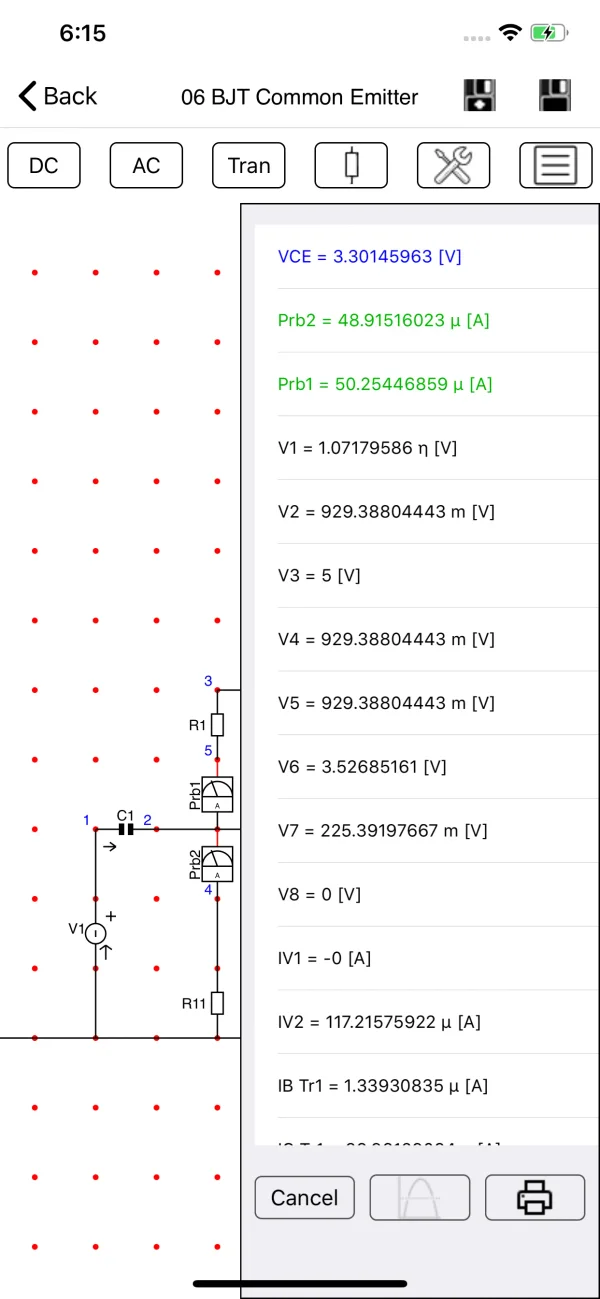
Tapping DC button, user gets voltage at each circuit's node.
Tapping AC button, user gets voltage phasors at each circuit node or the bode graph of the voltage at each circuit node (see BJT 16 - Common Emitter).
Phasor graphs may be controlled by means of the following gesture:
- Drag: to move the graph into the desired position
- Pinch: to zoom in and out
- Double Finger Double Tap: to reset position and zoom level to the original values
Pressing Transient button, user can analyze circuit's behavior during time and get graphs of voltages and currents function of time.
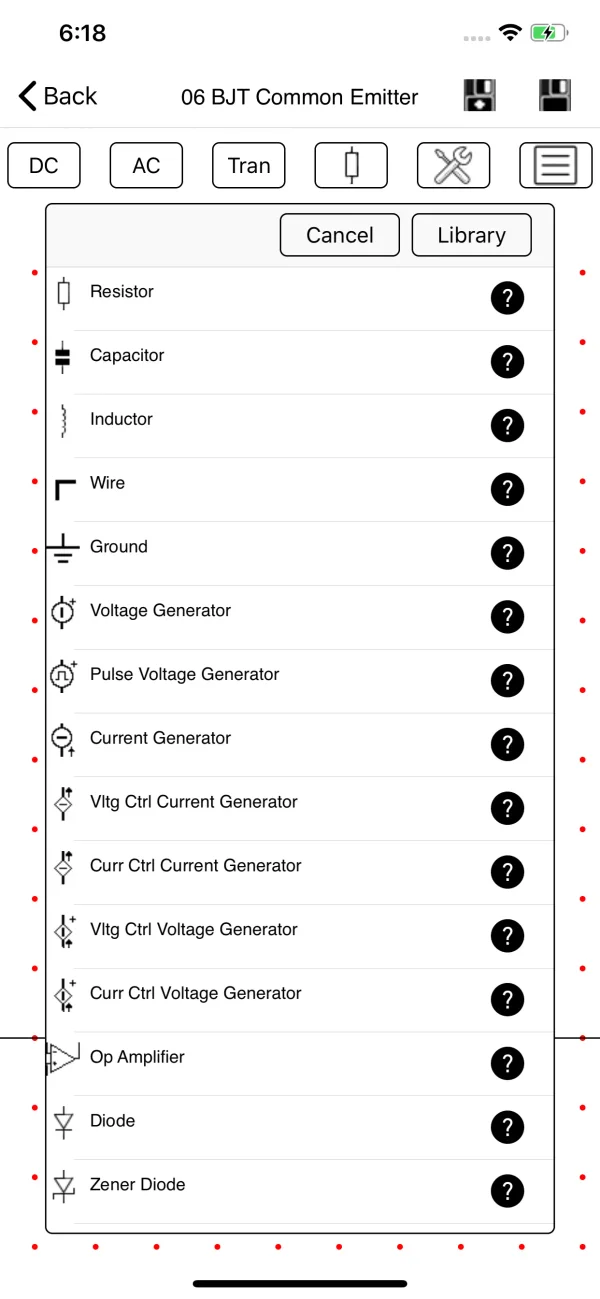
Each circuit can contain:
- Resistors
- Capacitors
- Inductors
- Mutual Coupled Inductors
- Independent sinusoidal voltage generators
- Independent pulse voltage generators
- Independent sinusoidal current generators
- Controlled voltage generators
- Controlled current generators
- Operation Amplifier
- Diodes
- Zener Diodes
- Bjt NPN and PNP
- Channel-N and Channel-P JFet
- Channel-N and Channel-P Mosfet
For each component, a short video is available to demonstrate how to insert it into the circuit and edit it's characteristics.
Circuits may be easily stored and reused.
User can print:
- Circuits and component's list
- Transient Analysis graphs
Circuits can be easily shared through iCloud, by mail in the internal format so that can be reused by other users (on iPad too) and in PDF format.
Visit my site for video tutorials and details about operational amplifier's internal model and diode's internal model.
Neue Funktionen
Version 9.0.0 · 23.06.2026
Bug Fixing and performance improvements
App-Datenschutz
Was Fabrizio Boco im App Store zum Umgang dieser App mit Daten angibt.
-
Keine Daten erfasst
Der Entwickler erfasst keine Daten von dieser App.
Die Datenschutzpraktiken können variieren, zum Beispiel je nach den von Ihnen verwendeten Funktionen oder Ihrem Alter.
Informationen
- Anbieter
- Fabrizio Boco
- Kategorie
- Produktivität
- Version
- 9.0.0
- Aktualisiert
- 23.06.2026
- Veröffentlicht
- 03.10.2015
- Größe
- 127,7 MB
- Erfordert
- iOS 13.0 oder neuer
- Altersfreigabe
- 4+
- Preis
- 6,99 €
- Sprachen
- Englisch, Italienisch
- Copyright
- © Fabrizio Boco