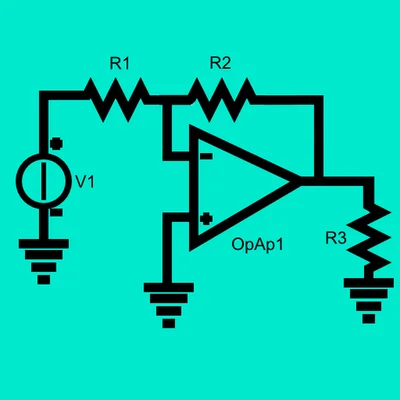
- Age rating4+
- CategoryProductivity
- DeveloperFabrizio Boco
- LanguagesEnglish+ 1 more
- Size127.7 MB
Links to the official App Store page
Download.org hosts no file of Circuit Laboratory. The button opens its official App Store page, published by Fabrizio Boco. Listing last checked on Nov 13, 2026.
Screenshots




About
Circuit Lab is an electronic circuit analysis tool based on the modified node analysis method.
Four kind of analysis may be conducted:
- DC: linear and non linear circuits with continuous voltage and current sources;
- AC: linear e non linear circuits with sinusoidal voltage and current sources;
- Multifrequency AC Analysis: linear and non linear circuits with sinusoidal voltage and current sources. It allows to analyze the circuit behavior in a range of frequencies. Useful to study the bandwidth of the circuit;
- Transient: linear and non linear circuits, with sinusoidal and pulse voltage sources (available as In App Purchases).
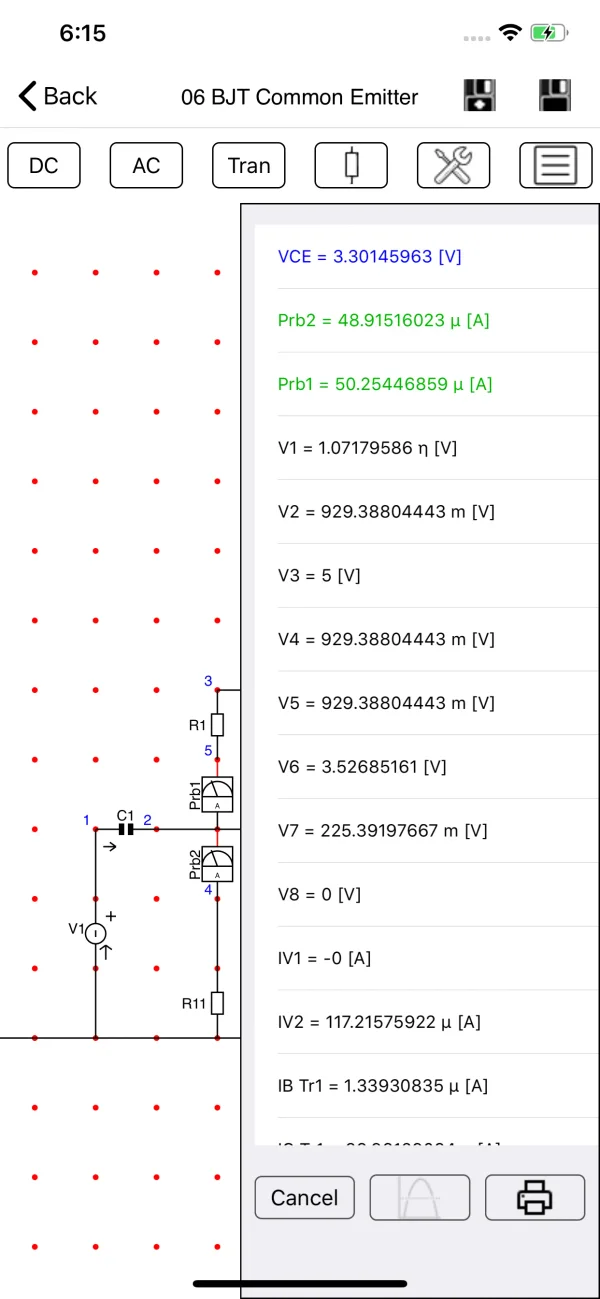
User can graphically draw the circuit and then the circuit can be analyzed.
Circuit may be controlled by means of the following gestures:
- Drag: to move the circuit into the desired position
- Tap on a component: to modify the component's parameters
- Pinch: to zoom in and out
- Double Finger Double Tap: to reset position and zoom level to the original values
Tapping DC button, user gets voltage at each circuit's node.
Tapping AC button, user gets voltage phasors at each circuit node or the bode graph of the voltage at each circuit node (see BJT 16 - Common Emitter).
Phasor graphs may be controlled by means of the following gesture:
- Drag: to move the graph into the desired position
- Pinch: to zoom in and out
- Double Finger Double Tap: to reset position and zoom level to the original values
Pressing Transient button, user can analyze circuit's behavior during time and get graphs of voltages and currents function of time.
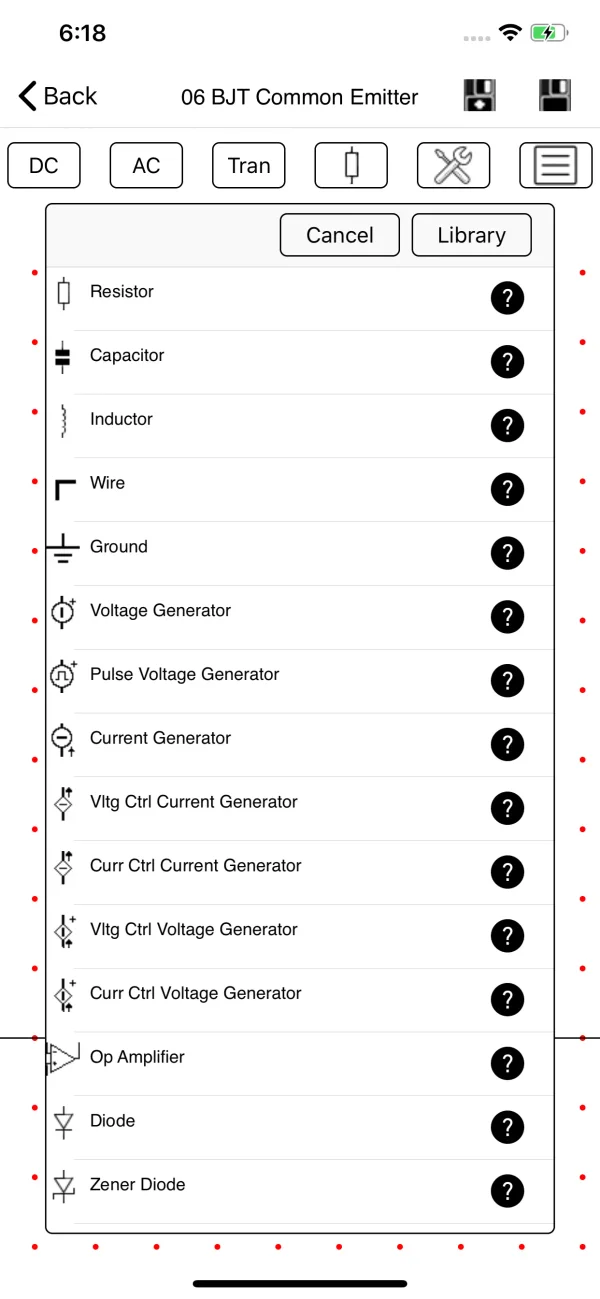
Each circuit can contain:
- Resistors
- Capacitors
- Inductors
- Mutual Coupled Inductors
- Independent sinusoidal voltage generators
- Independent pulse voltage generators
- Independent sinusoidal current generators
- Controlled voltage generators
- Controlled current generators
- Operation Amplifier
- Diodes
- Zener Diodes
- Bjt NPN and PNP
- Channel-N and Channel-P JFet
- Channel-N and Channel-P Mosfet
For each component, a short video is available to demonstrate how to insert it into the circuit and edit it's characteristics.
Circuits may be easily stored and reused.
User can print:
- Circuits and component's list
- Transient Analysis graphs
Circuits can be easily shared through iCloud, by mail in the internal format so that can be reused by other users (on iPad too) and in PDF format.
Visit my site for video tutorials and details about operational amplifier's internal model and diode's internal model.
What’s new
Version 9.0.0 · Jun 23, 2026
Bug Fixing and performance improvements
App privacy
What Fabrizio Boco declares on the App Store about how this app handles data.
-
Data not collected
The developer does not collect any data from this app.
Privacy practices may vary, for example with the features you use or your age.
Information
- Seller
- Fabrizio Boco
- Category
- Productivity
- Version
- 9.0.0
- Updated
- Jun 23, 2026
- Released
- Oct 3, 2015
- Size
- 127.7 MB
- Requires
- iOS 13.0 or later
- Age rating
- 4+
- Price
- $5.99
- Languages
- English, Italian
- Copyright
- © Fabrizio Boco
You might also like
-
 CapacitorCalcProductivity
-
 OhmniViewElectronic Design Toolbox
-
 iSlipstick RFProductivity
-
 Cortona3D ViewerProductivity
-
 CalcaAdvanced symbolic calculator
-
 HVAC Super TechThe Ultimate HVAC Tech Support
-
 AGBoard - PCBEditorView & edit Gerber, ODB++
-
 Chat with o1 - ChatbotPowered by OpenAI's o1 series
-
 Xeleqt Mobility ManagerXeleqt
-
 iPocket DrawProductivity