
click clock: A Visual Timer
Screen Always On, Custom Alarm
Entwickelt für iPhone
Kostenlos
- Altersfreigabe4+
- KategorieProduktivität
- EntwicklerCosmometrics
- SprachenEnglisch
- Größe22,4 MB
Verlinkt auf die offizielle App Store-Seite
Download.org hostet keine Datei von click clock: A Visual Timer. Die Schaltfläche öffnet die App-Seite bei App Store, wo Cosmometrics die App veröffentlicht. Eintrag zuletzt geprüft am 17.11.2026.
Screenshots

Info
Der Entwickler hat diesen Text nicht in Ihrer Sprache bereitgestellt.
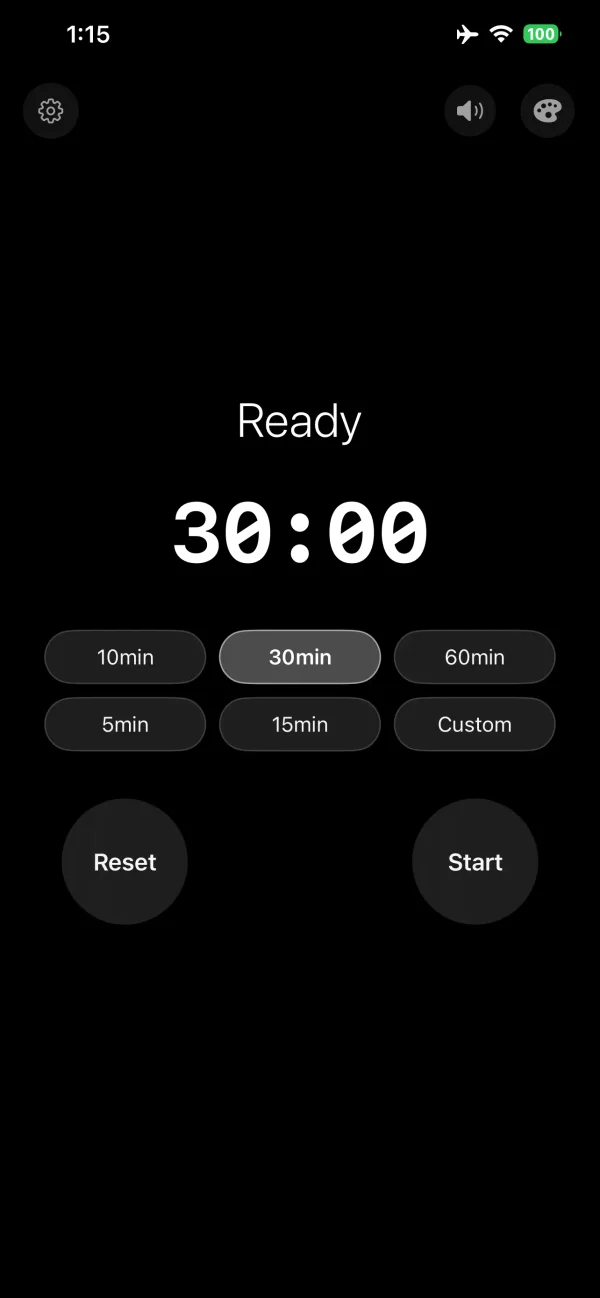
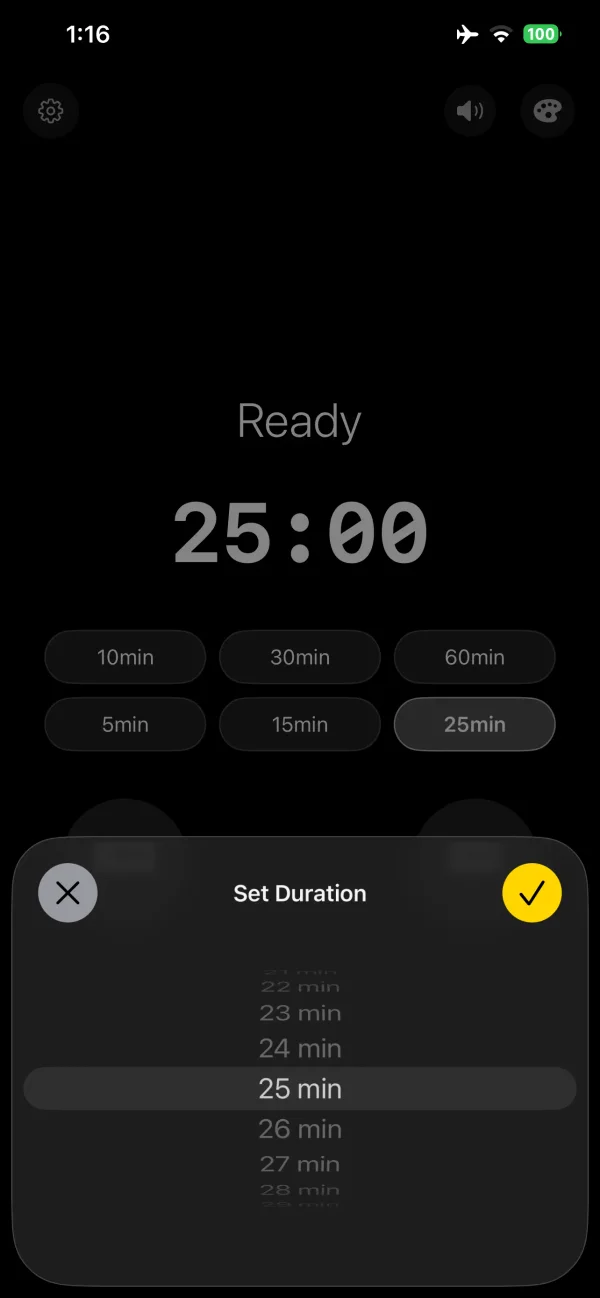
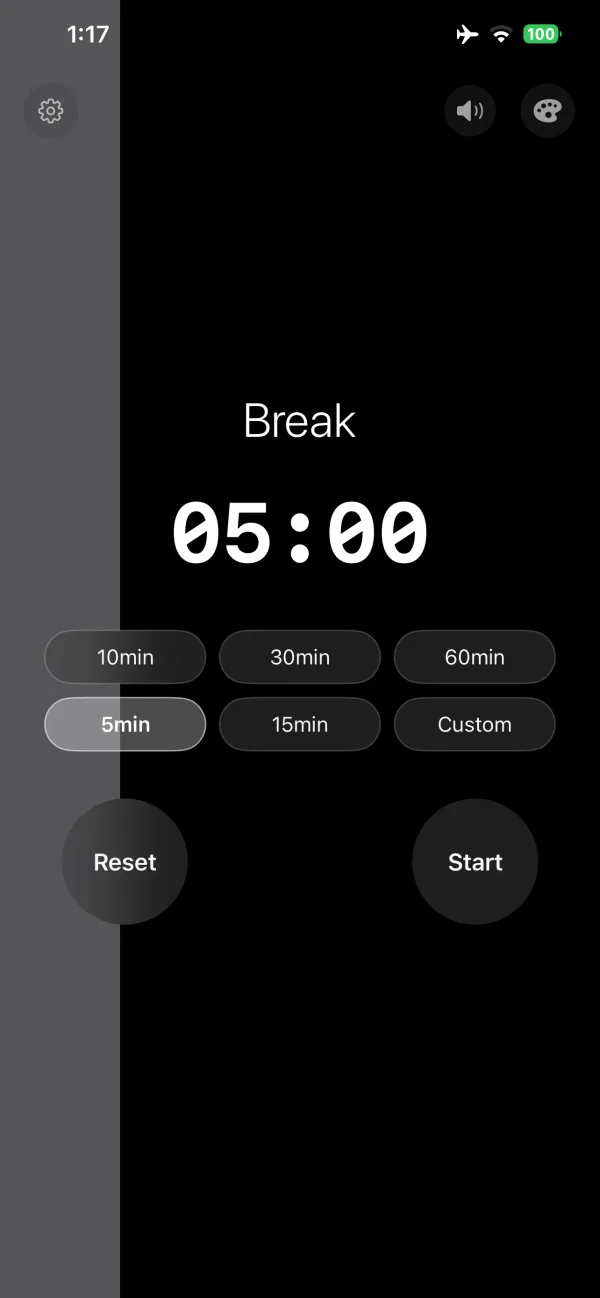
Visual pomodoro timer.
The screen can be always on, and the timer is a colored slider so you can always take a glimpse at how much time has passed.
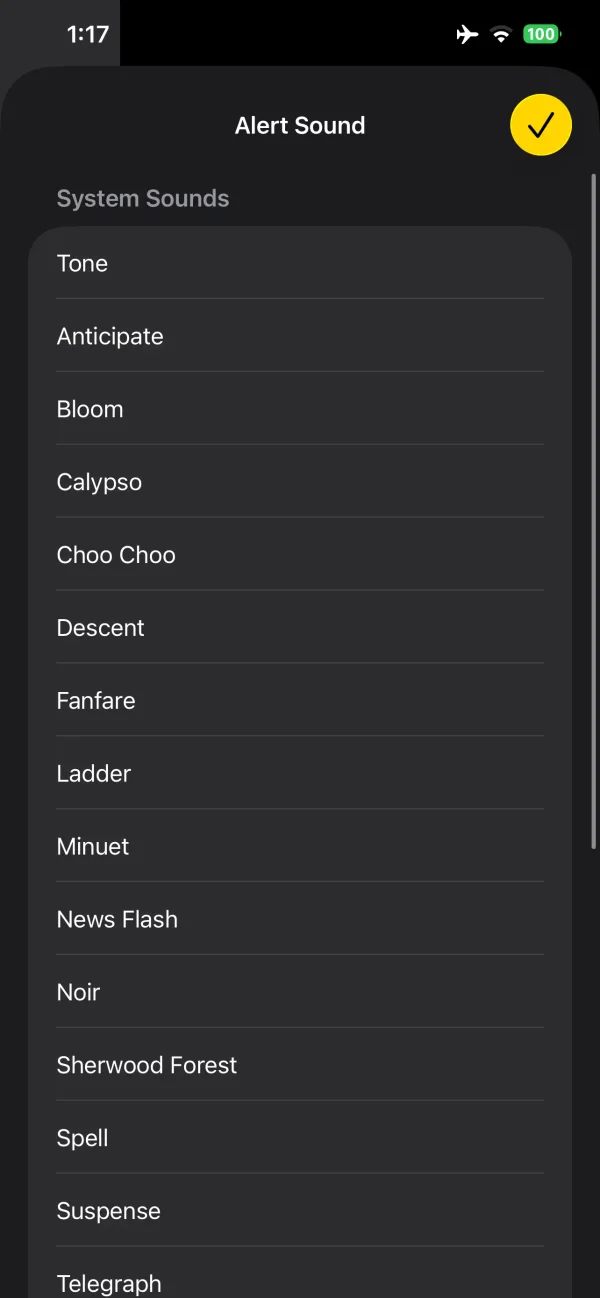
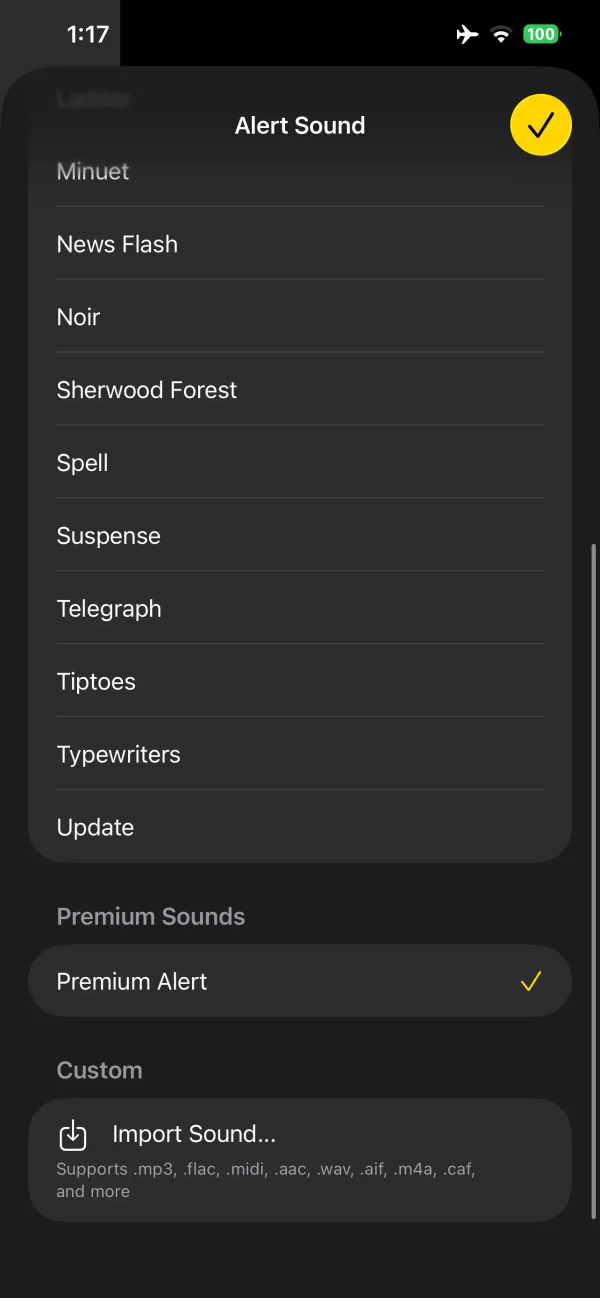
Add your custom alarm sound or select built-in sounds.
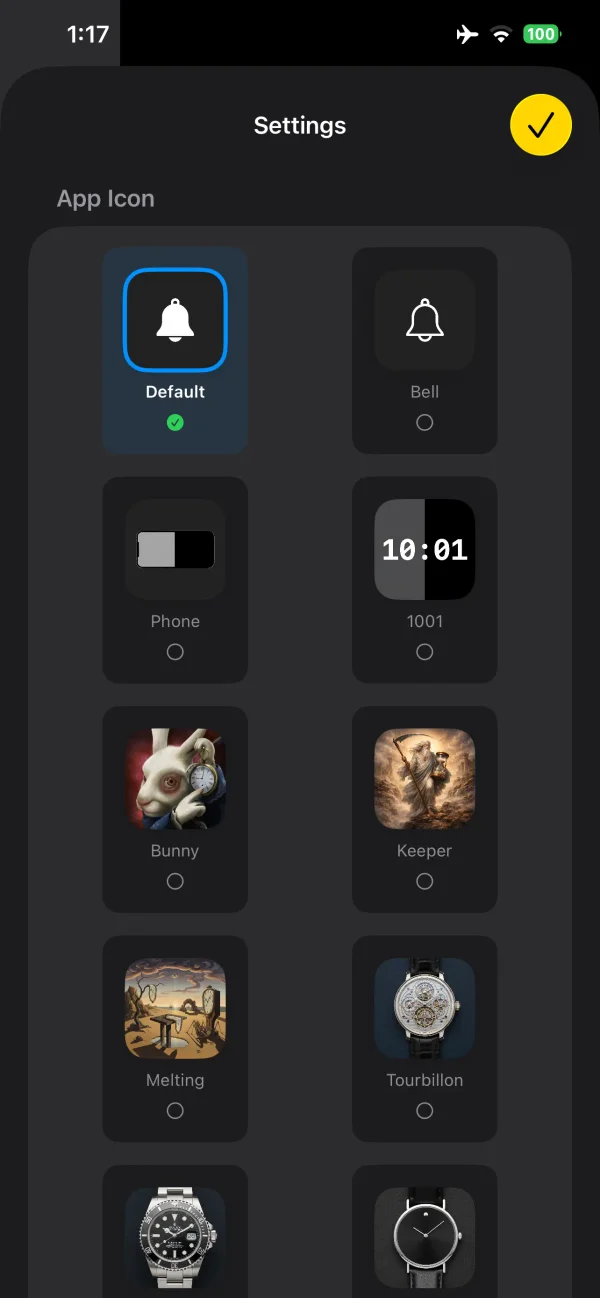
Change the app icon to one that you like.
App-Datenschutz
Was Cosmometrics im App Store zum Umgang dieser App mit Daten angibt.
-
Keine Daten erfasst
Der Entwickler erfasst keine Daten von dieser App.
Die Datenschutzpraktiken können variieren, zum Beispiel je nach den von Ihnen verwendeten Funktionen oder Ihrem Alter.
Informationen
- Anbieter
- Cosmometrics LLC
- Kategorie
- Produktivität
- Version
- 1.0
- Aktualisiert
- 15.03.2026
- Veröffentlicht
- 15.03.2026
- Größe
- 22,4 MB
- Erfordert
- iOS 26.0 oder neuer
- Altersfreigabe
- 4+
- Preis
- Kostenlos
- Sprachen
- Englisch
- Copyright
- © 2026 Cosmometrics LLC
Das könnte Ihnen auch gefallen
-
 FocusWise: Focus TimerProduktivität
-
 PomodoroTimer mi.rsProduktivität
-
 streakr - One TaskProduktivität
-
 Focus: Custom Pomodoro TimerProduktivität
-
 Brain Dump TrackerProduktivität
-
 Blue Hour: Visual TimerProduktivität
-
 Tick - Interval Timer & AlarmProduktivität
-
 TruePomo: Pomodoro Focus TimerProduktivität
-
 FocusOnly - Pomodoro-TimerMinimalistischer Fokus & Stats
-
 Basic Countdown TimerProduktivität