
click clock: A Visual Timer
Screen Always On, Custom Alarm
Designed for iPhone
Free
- Age rating4+
- CategoryProductivity
- DeveloperCosmometrics
- LanguagesEnglish
- Size22.4 MB
Links to the official App Store page
Download.org hosts no file of click clock: A Visual Timer. The button opens its official App Store page, published by Cosmometrics. Listing last checked on Nov 17, 2026.
Screenshots
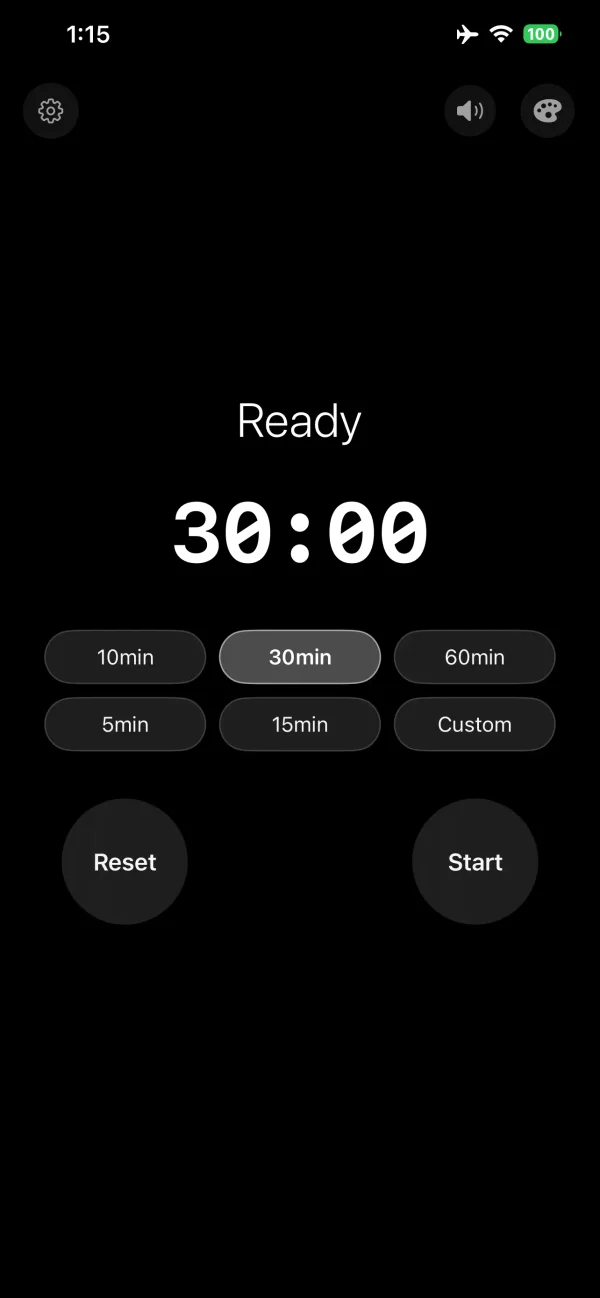
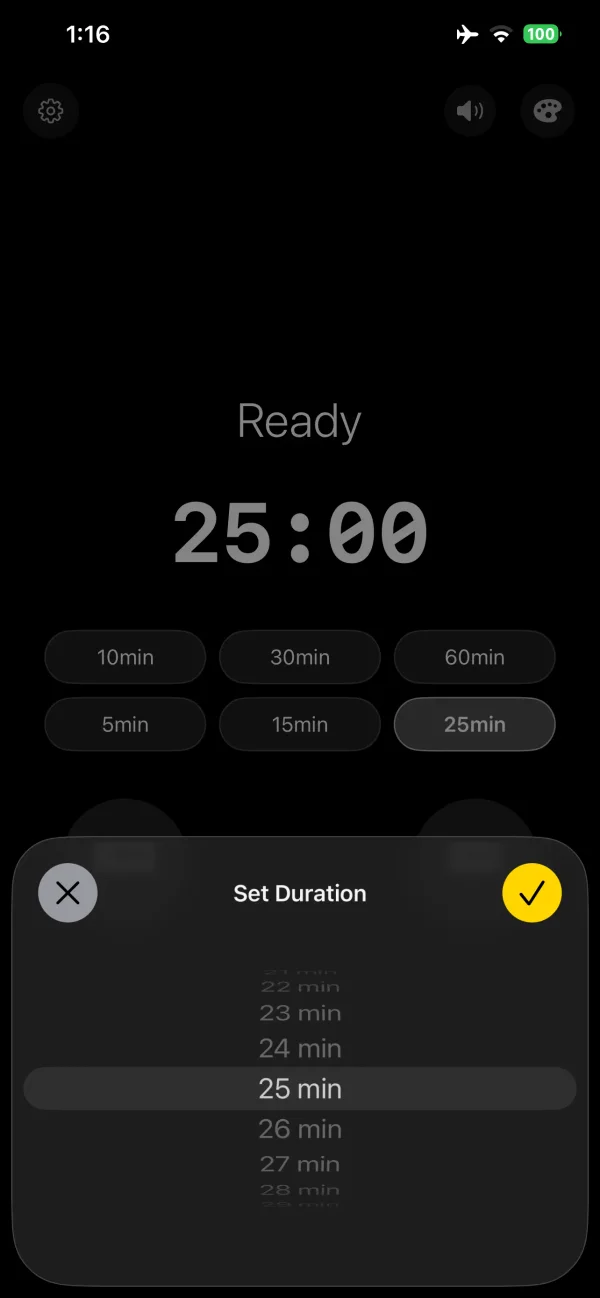

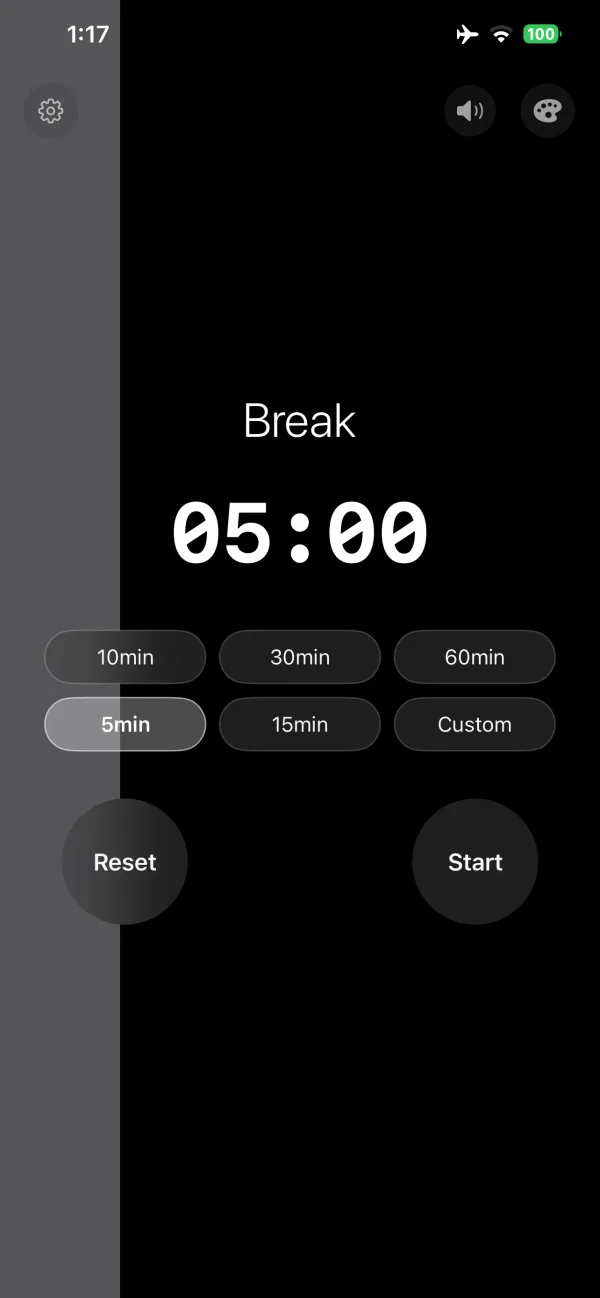
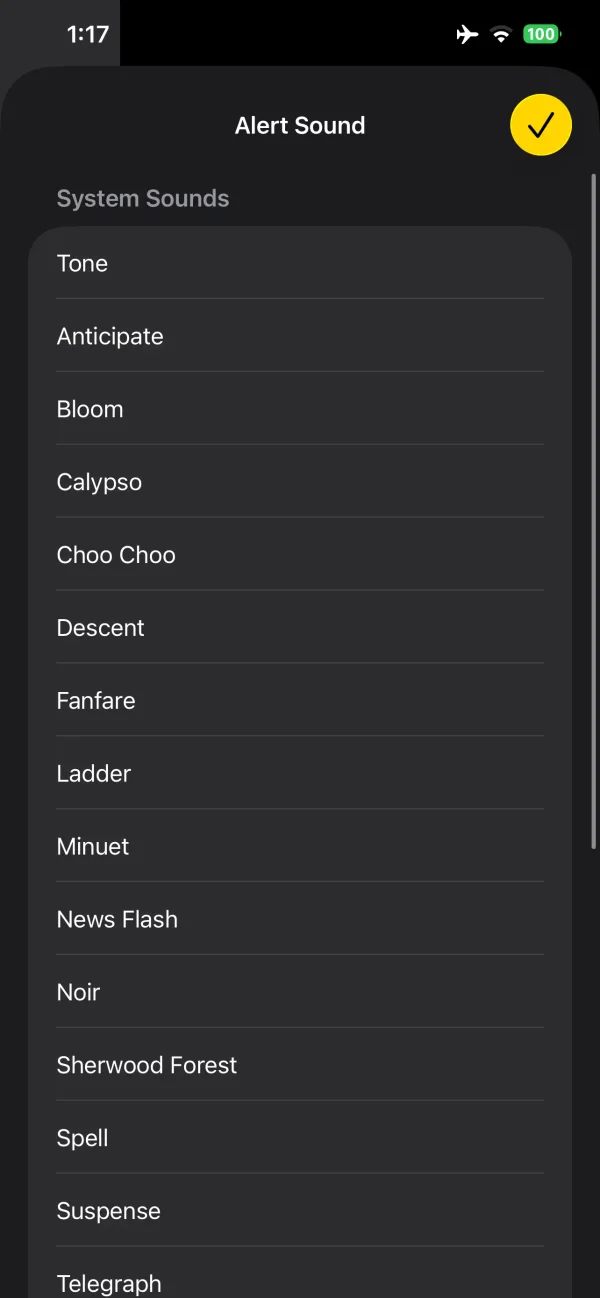
About
Visual pomodoro timer.
The screen can be always on, and the timer is a colored slider so you can always take a glimpse at how much time has passed.
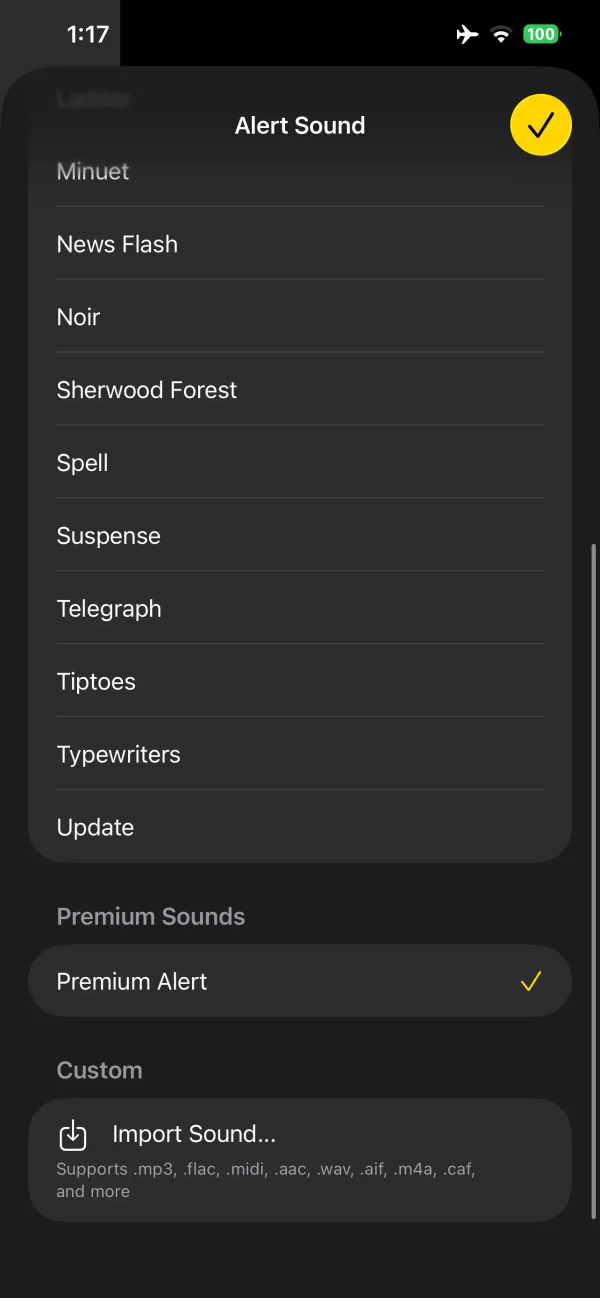
Add your custom alarm sound or select built-in sounds.
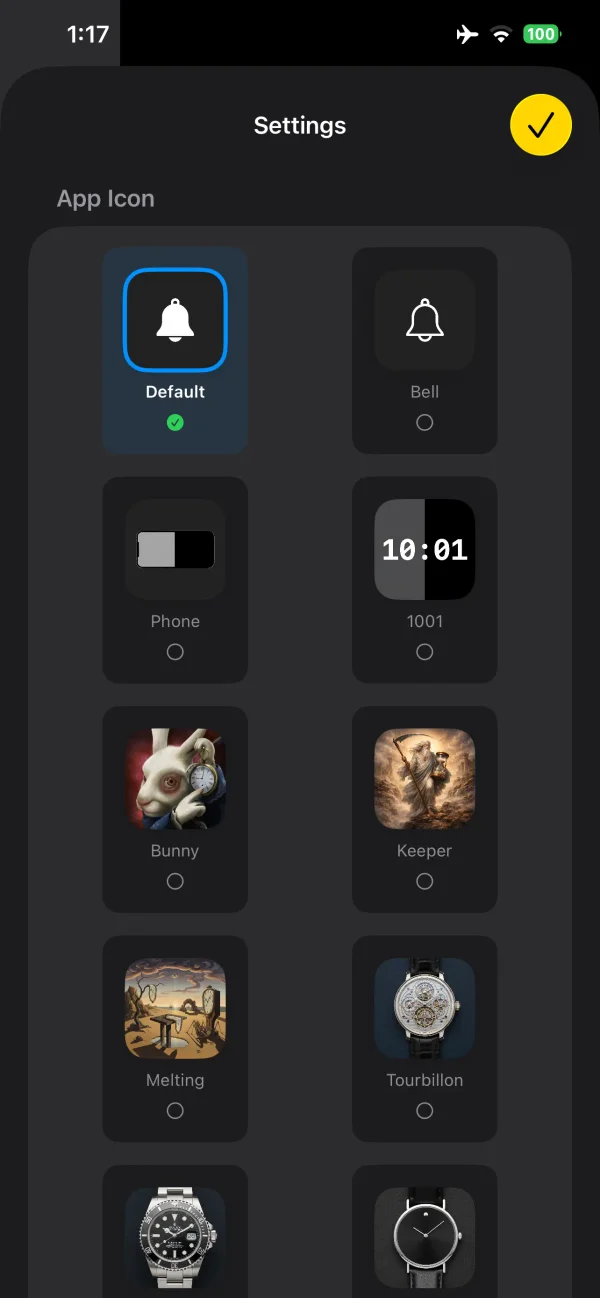
Change the app icon to one that you like.
App privacy
What Cosmometrics declares on the App Store about how this app handles data.
-
Data not collected
The developer does not collect any data from this app.
Privacy practices may vary, for example with the features you use or your age.
Information
- Seller
- Cosmometrics LLC
- Category
- Productivity
- Version
- 1.0
- Updated
- Mar 15, 2026
- Released
- Mar 15, 2026
- Size
- 22.4 MB
- Requires
- iOS 26.0 or later
- Age rating
- 4+
- Price
- Free
- Languages
- English
- Copyright
- © 2026 Cosmometrics LLC
You might also like
-
 FocusWise: Focus TimerCustom Timer for Deep Work
-
 PomodoroTimer mi.rsStay focused, get more done
-
 streakr - One TaskOne task. Laser focus. Execute
-
 Focus: Custom Pomodoro TimerStay Focused, Escape Brainrot
-
 Brain Dump TrackerMind Cluttering
-
 Blue Hour: Visual TimerCalm countdown you can see
-
 Tick - Interval Timer & AlarmRoutine Clock & Smart Alerts
-
 TruePomo: Pomodoro Focus TimerADHD Study & Work Auto Pause
-
 FocusOnly - Pomodoro TimerMinimalist Pomodoro & Stats
-
 Basic Countdown TimerCount down to what matters