ClipStack - Save & Reuse Text
Clipboard history & templates
Entwickelt für iPhone, iPad
Kostenlos · In-App-Käufe
- Altersfreigabe4+
- KategorieDienstprogramme
- EntwicklerHiroyuki Sonozuka
- SprachenEnglisch+ 1 weitere
- Größe14,4 MB
Verlinkt auf die offizielle App Store-Seite
Download.org hostet keine Datei von ClipStack - Save & Reuse Text. Die Schaltfläche öffnet die App-Seite bei App Store, wo Hiroyuki Sonozuka die App veröffentlicht. Eintrag zuletzt geprüft am 17.11.2026.
Screenshots
Info
Der Entwickler hat diesen Text nicht in Ihrer Sprache bereitgestellt.
“Wait... where did Grandma’s address go?”
You copied it earlier to send to someone.
Now you need it again—and it’s just… gone.
No trace of it.
Ever had a moment like that?
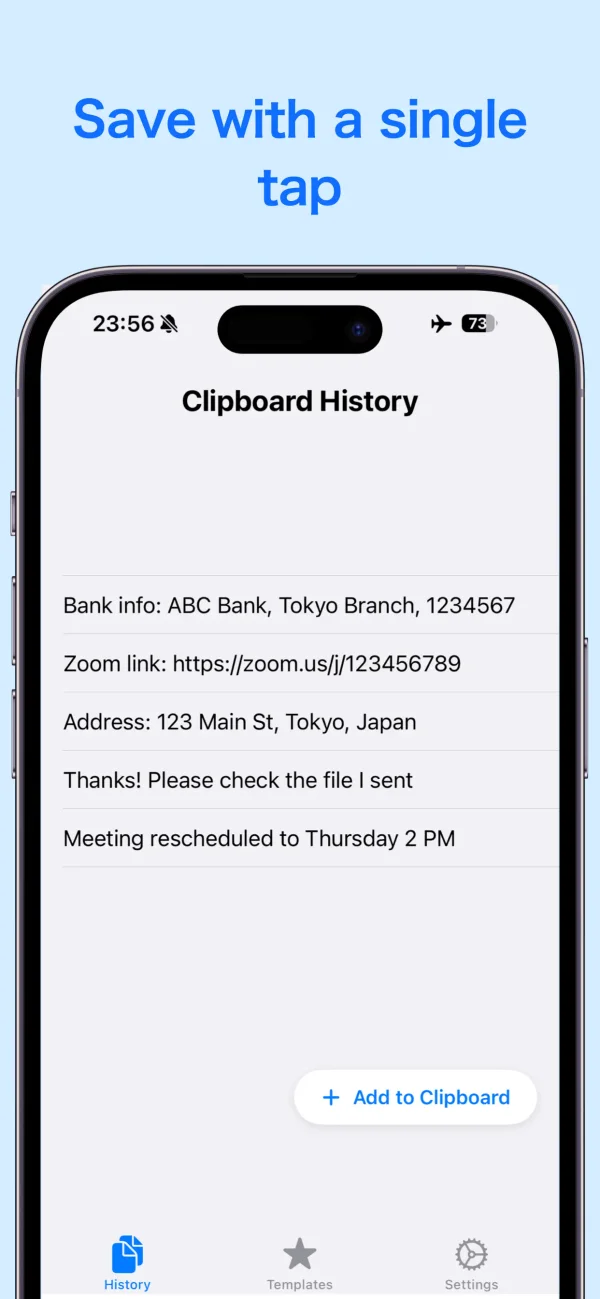
ClipStack lets you save copied text so you can reuse it later—
not just immediately, but when it truly matters.
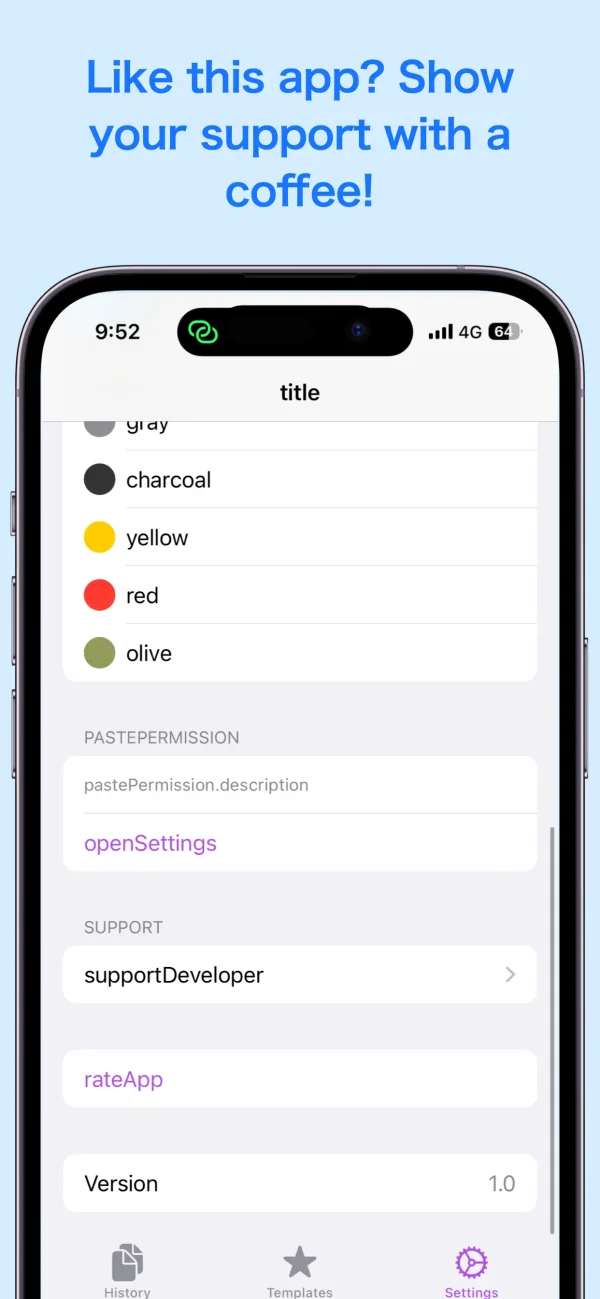
Recopy in a single tap
Duplicate entries move to the top
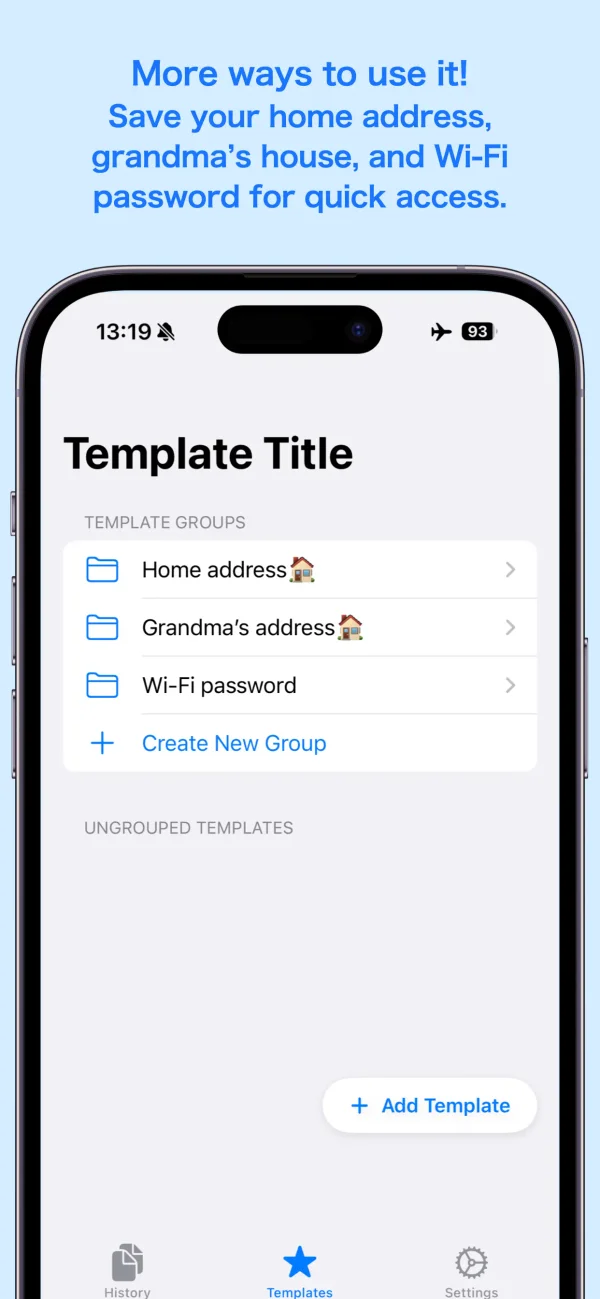
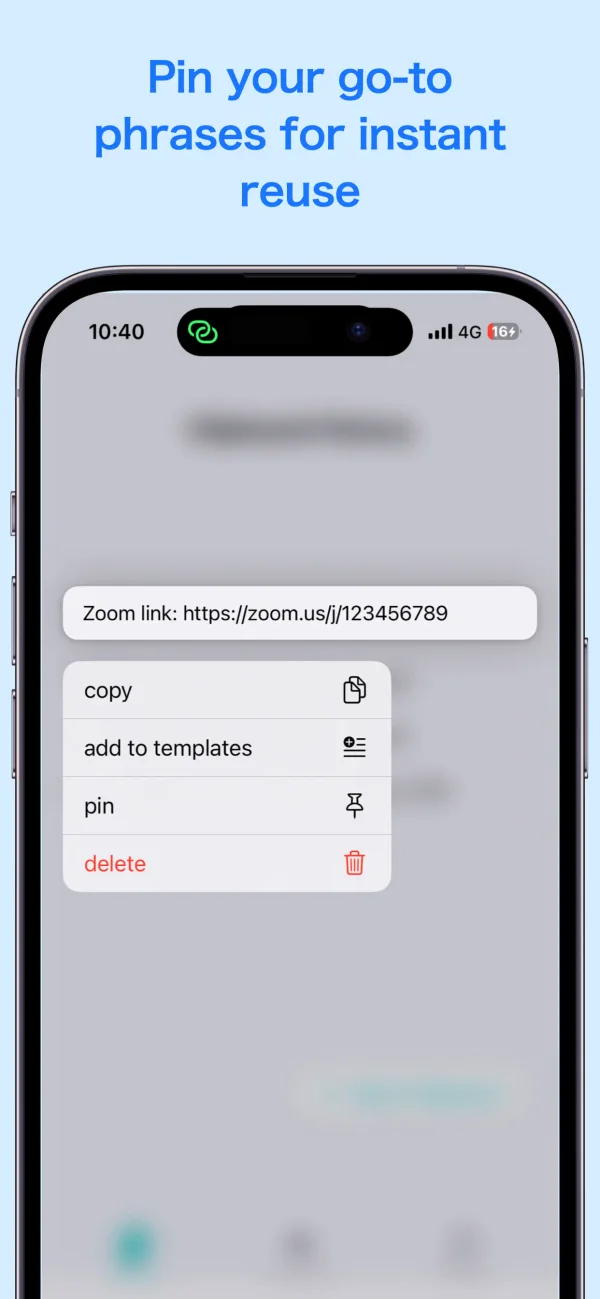
Pin your favorite phrases for quick access
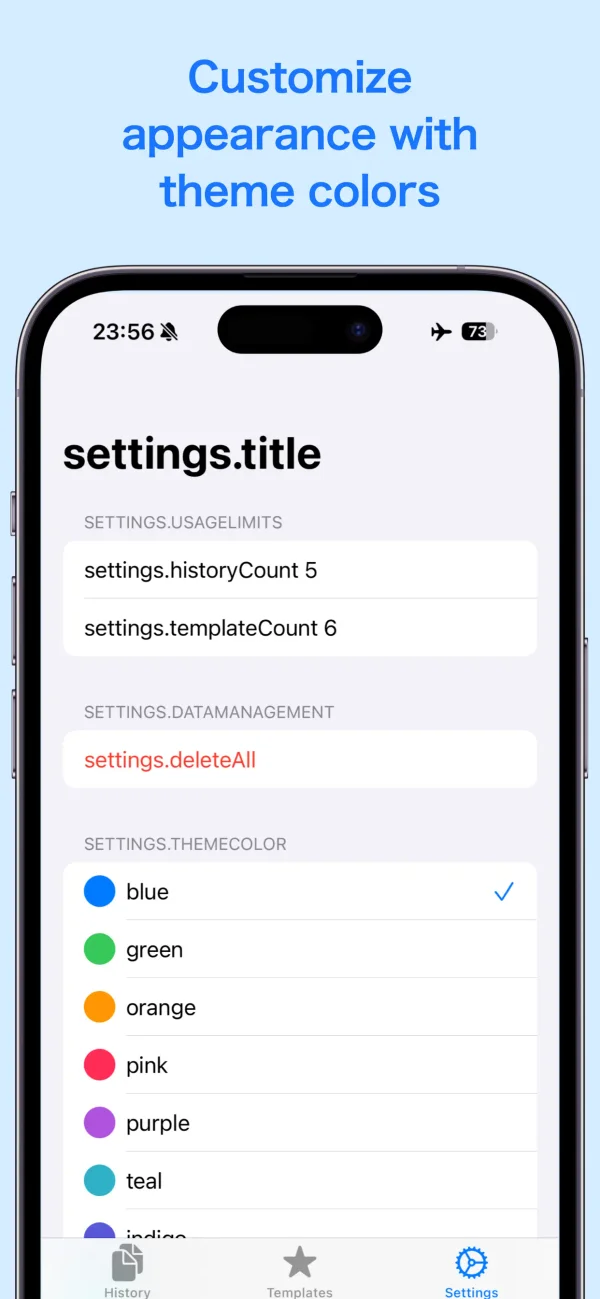
Customize the look with theme colors
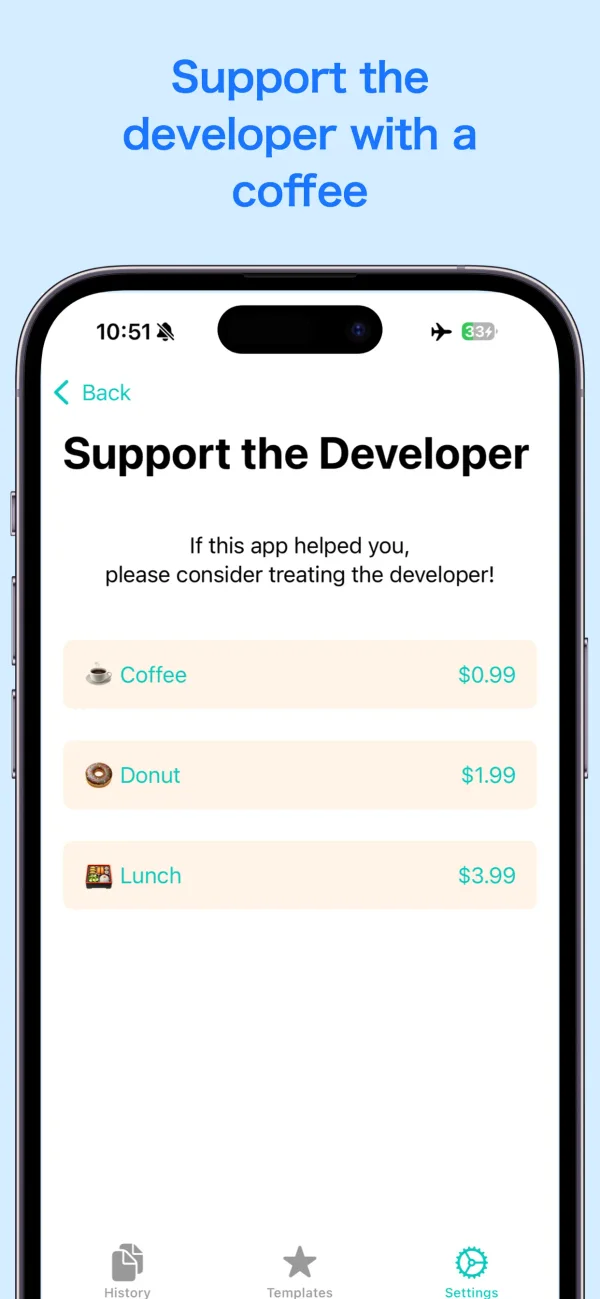
Tip the developer with a small “thank you”
Perfect for situations like:
Sending family addresses or contact info over and over
Reusing Zoom links or templated replies
Saving short thoughts or messages to revisit later
Copying is convenient—but too temporary.
And sometimes, in that fleeting piece of text,
there’s a bit of care or a connection to someone that matters.
This app exists to make sure
you don’t lose the little things that matter.
Key Features
◆ Save & reuse copied text
・Duplicate content moves to the top for better organization
・Clean, one-line list view
・Tap to instantly copy
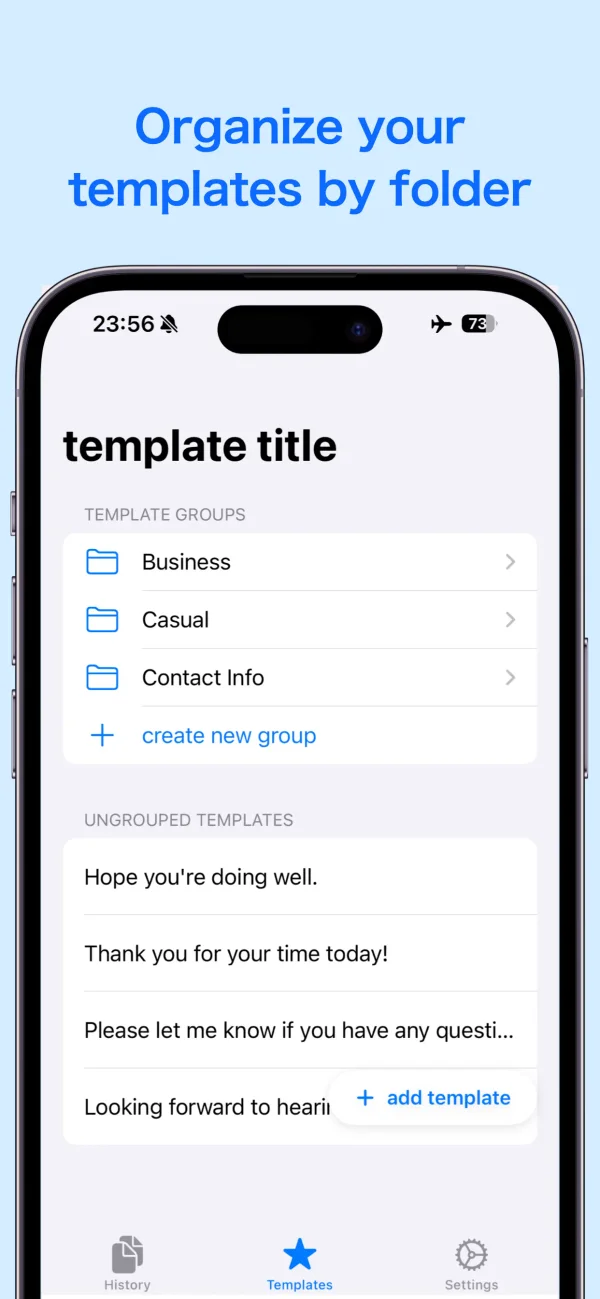
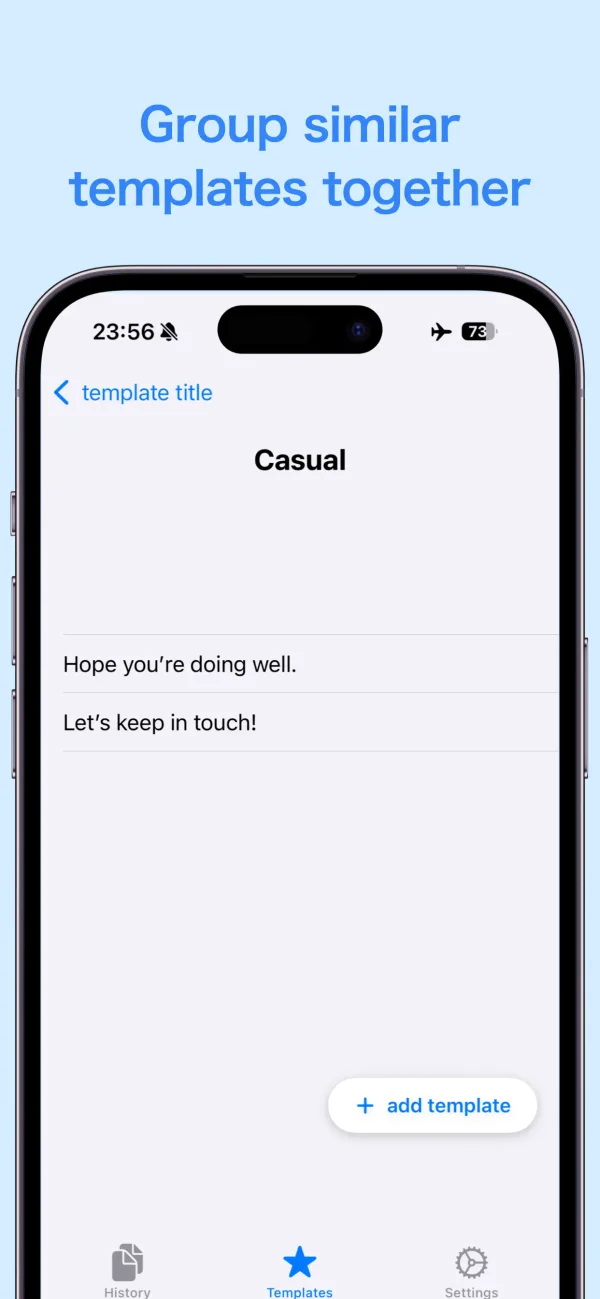
◆ Manage templates
・Group by folder
・Perfect for work or personal use
◆ Theme color customization
・Set your favorite color to match your mood
◆ Tip feature
・Send a little “thanks” with coffee, donuts, or lunch
If you've ever thought:
“I need that text again—but it's already gone...”
then ClipStack is here to help.
Neue Funktionen
Version 6.0 · 05.06.2025
What’s New (Hirakawa-style)
“Wish I could add my go-to phrases a bit faster...”
We heard you.
We made a few small tweaks to the UI to make adding templates smoother and more intuitive.
Just a tiny change — but it might make your day a bit easier.
App-Datenschutz
Was Hiroyuki Sonozuka im App Store zum Umgang dieser App mit Daten angibt.
-
Daten, die zum Tracking Ihrer Person verwendet werden
Können verwendet werden, um Sie über Apps und Websites anderer Unternehmen hinweg zu verfolgen.
- Nutzungsdaten
-
Nicht mit Ihnen verknüpfte Daten
Können erfasst werden, sind aber nicht mit Ihrer Identität verknüpft.
- Nutzungsdaten
Die Datenschutzpraktiken können variieren, zum Beispiel je nach den von Ihnen verwendeten Funktionen oder Ihrem Alter.
Informationen
- Anbieter
- Hiroyuki Sonozuka
- Kategorie
- Dienstprogramme
- Version
- 6.0
- Aktualisiert
- 05.06.2025
- Veröffentlicht
- 24.05.2025
- Größe
- 14,4 MB
- Erfordert
- iOS 18.4 oder neuer
- Altersfreigabe
- 4+
- Preis
- Kostenlos
- In-App-Käufe
- Ja
- Sprachen
- Englisch, Japanisch
- Copyright
- © 2025 Hiroyuki Sonozuka
Das könnte Ihnen auch gefallen
-
 ClipStack — Clipboard ManagerDienstprogramme
-
 ClipStack - ZwischenablageVorlagen schnell kopieren
-
 コピペ帳 ウィジェットでコピー&ペーストDienstprogramme
-
 Copy gentlemanDienstprogramme
-
 フリマ定型文:取引コメントをかんたん管理&即コピーDienstprogramme
-
 Rearrange Copy PasteDienstprogramme
-
 CopyAndPaste ManagerDienstprogramme
-
 Einfach Kopieren & MemolisteEin Tipp kopiert – mit Memos
-
 爆速クリップボードDienstprogramme
-
 Clipboard Keyboard -Copy PasteDienstprogramme