ClipStack - Save & Reuse Text
Clipboard history & templates
Diseñada para iPhone, iPad
Gratis · Compras en la aplicación
- Clasificación por edad4+
- CategoríaUtilidades
- DesarrolladorHiroyuki Sonozuka
- IdiomasInglés+ 1 más
- Tamaño14,4 MB
Enlaza a la página oficial de App Store
Download.org no aloja ningún archivo de ClipStack - Save & Reuse Text. El botón abre la página de la aplicación en App Store, donde la publica Hiroyuki Sonozuka. Ficha comprobada por última vez el 17/11/2026.
Capturas de pantalla
Acerca de
El desarrollador no ha proporcionado este texto en tu idioma.
“Wait... where did Grandma’s address go?”
You copied it earlier to send to someone.
Now you need it again—and it’s just… gone.
No trace of it.
Ever had a moment like that?
ClipStack lets you save copied text so you can reuse it later—
not just immediately, but when it truly matters.
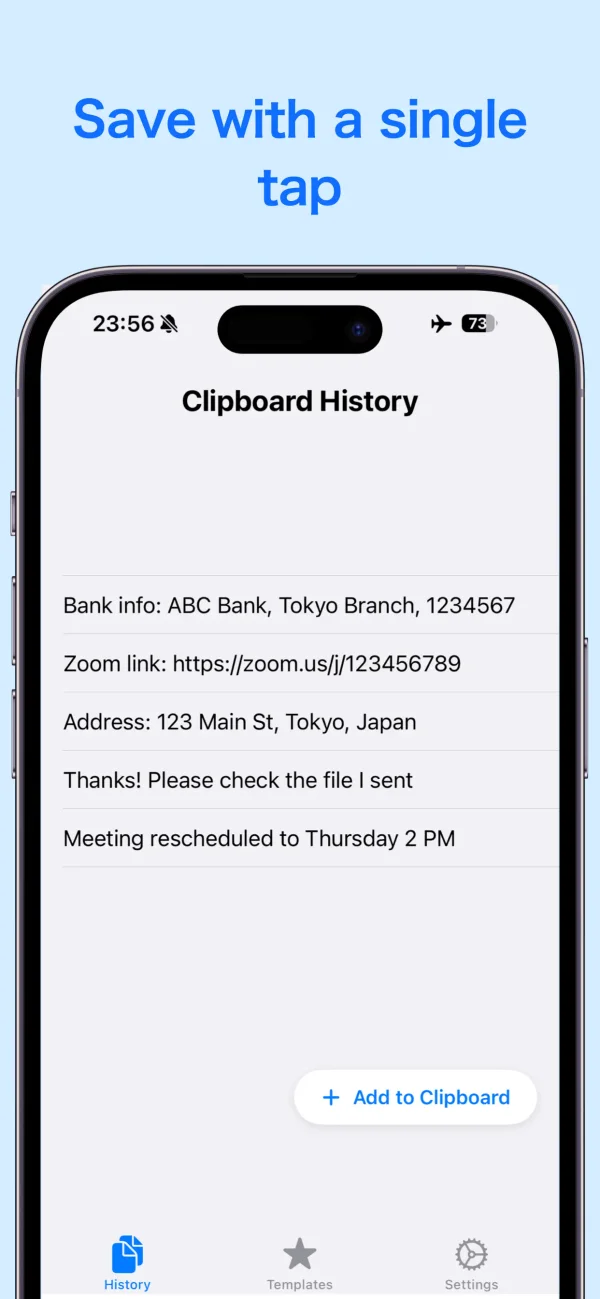
Recopy in a single tap
Duplicate entries move to the top
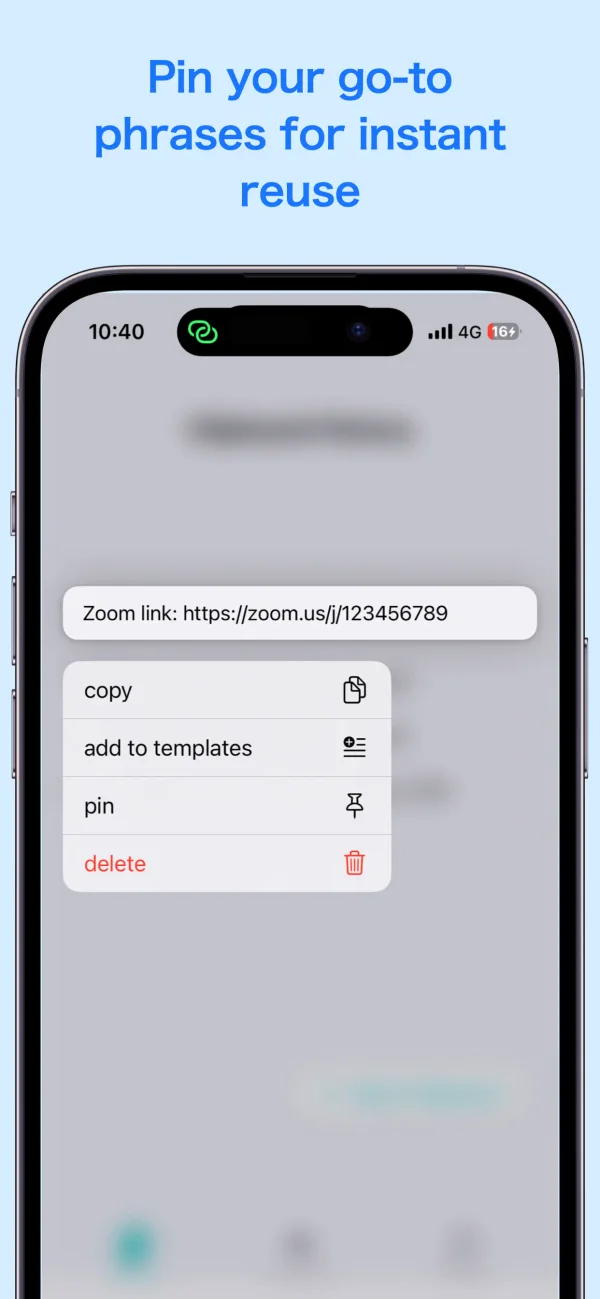
Pin your favorite phrases for quick access
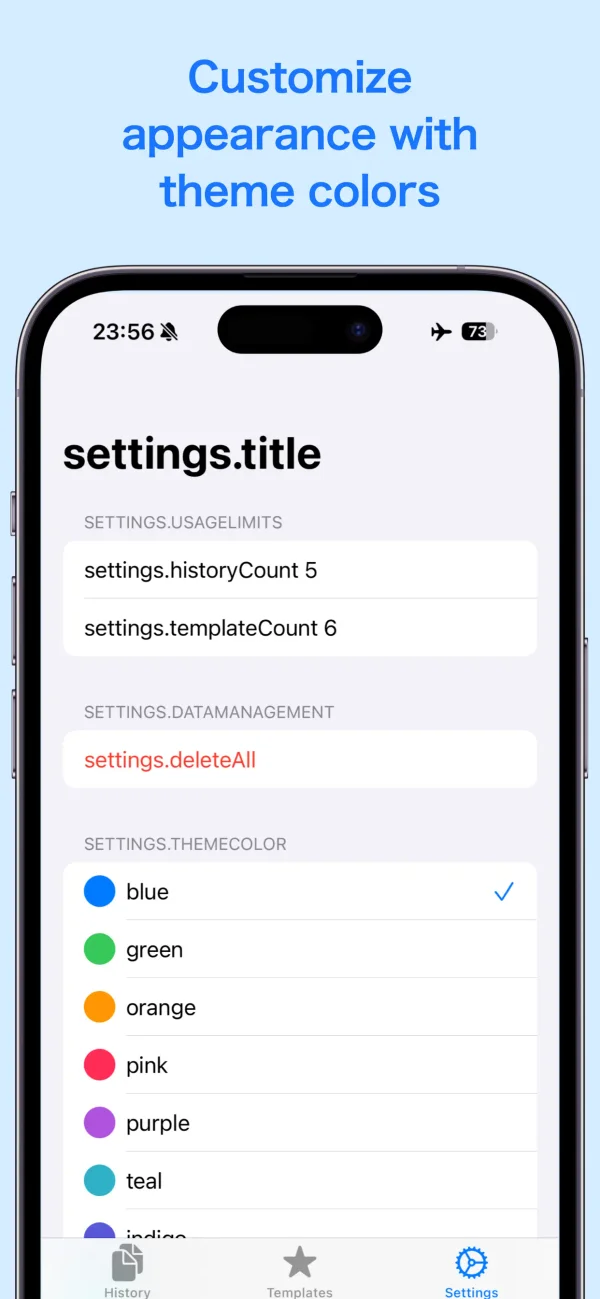
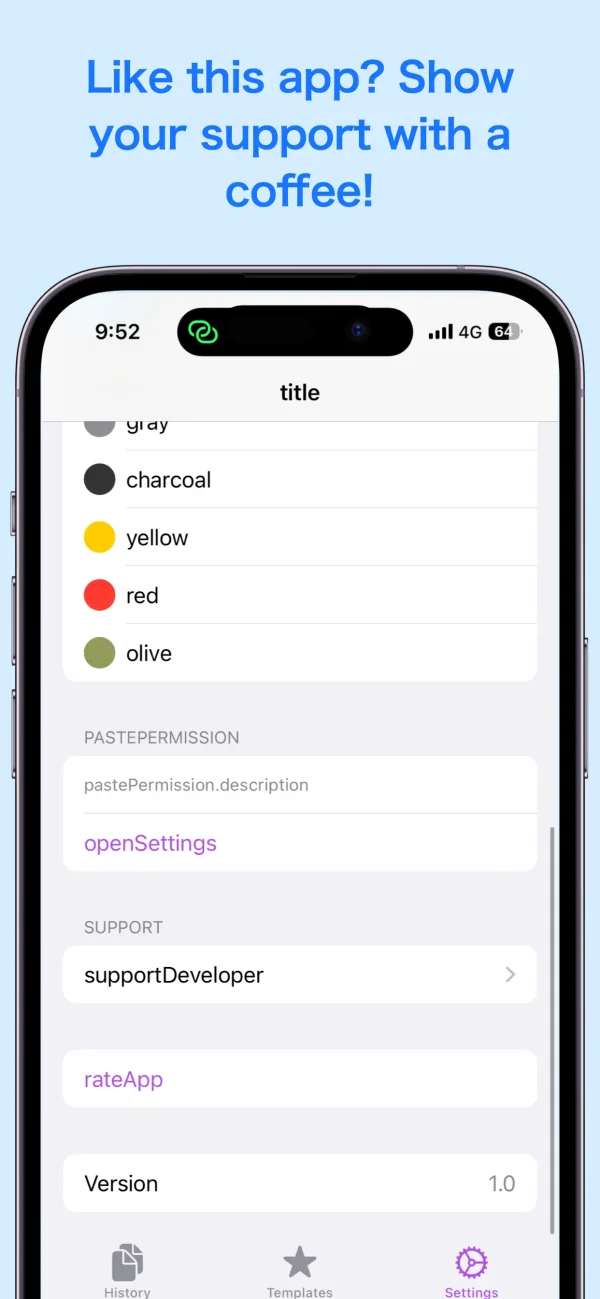
Customize the look with theme colors
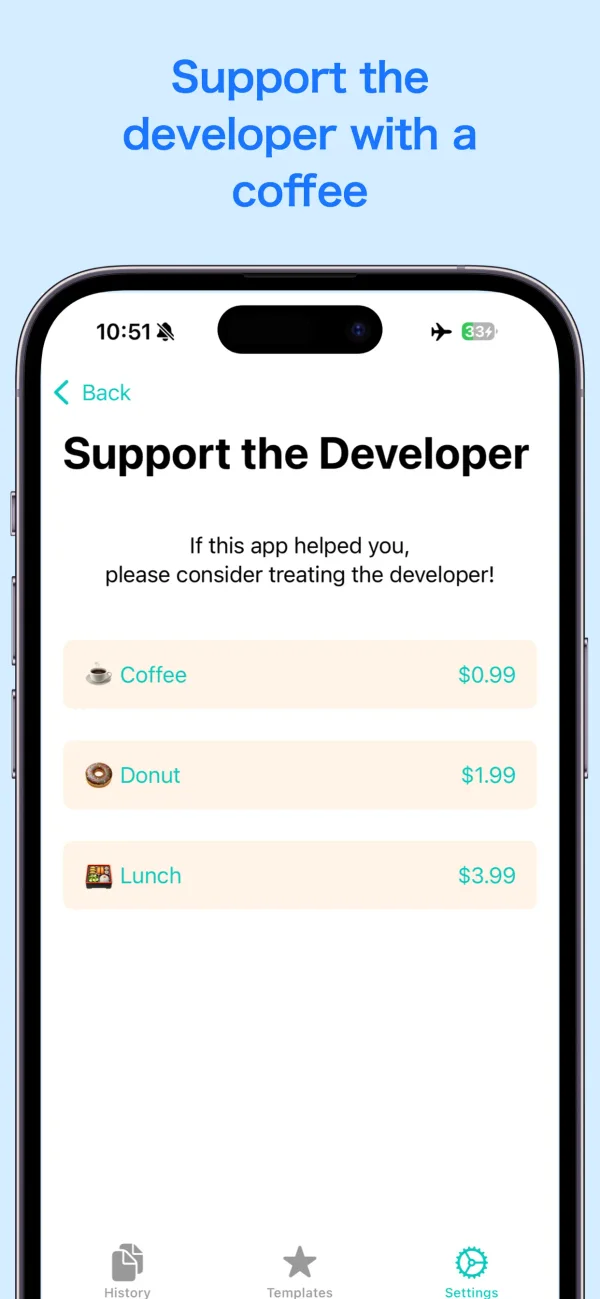
Tip the developer with a small “thank you”
Perfect for situations like:
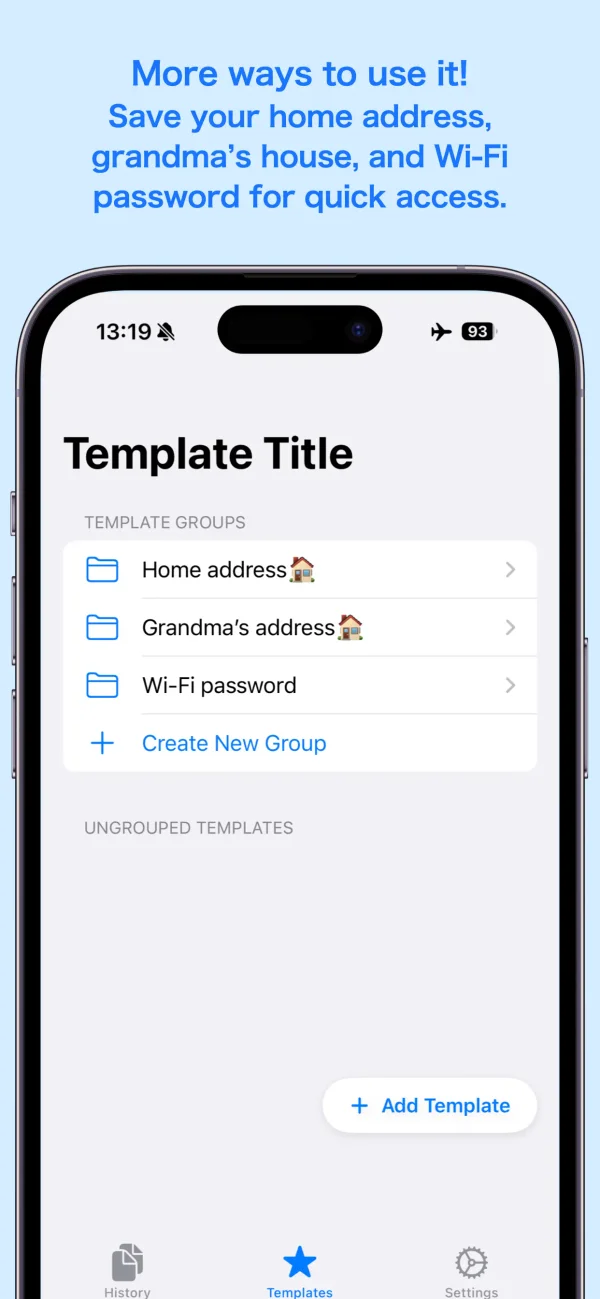
Sending family addresses or contact info over and over
Reusing Zoom links or templated replies
Saving short thoughts or messages to revisit later
Copying is convenient—but too temporary.
And sometimes, in that fleeting piece of text,
there’s a bit of care or a connection to someone that matters.
This app exists to make sure
you don’t lose the little things that matter.
Key Features
◆ Save & reuse copied text
・Duplicate content moves to the top for better organization
・Clean, one-line list view
・Tap to instantly copy
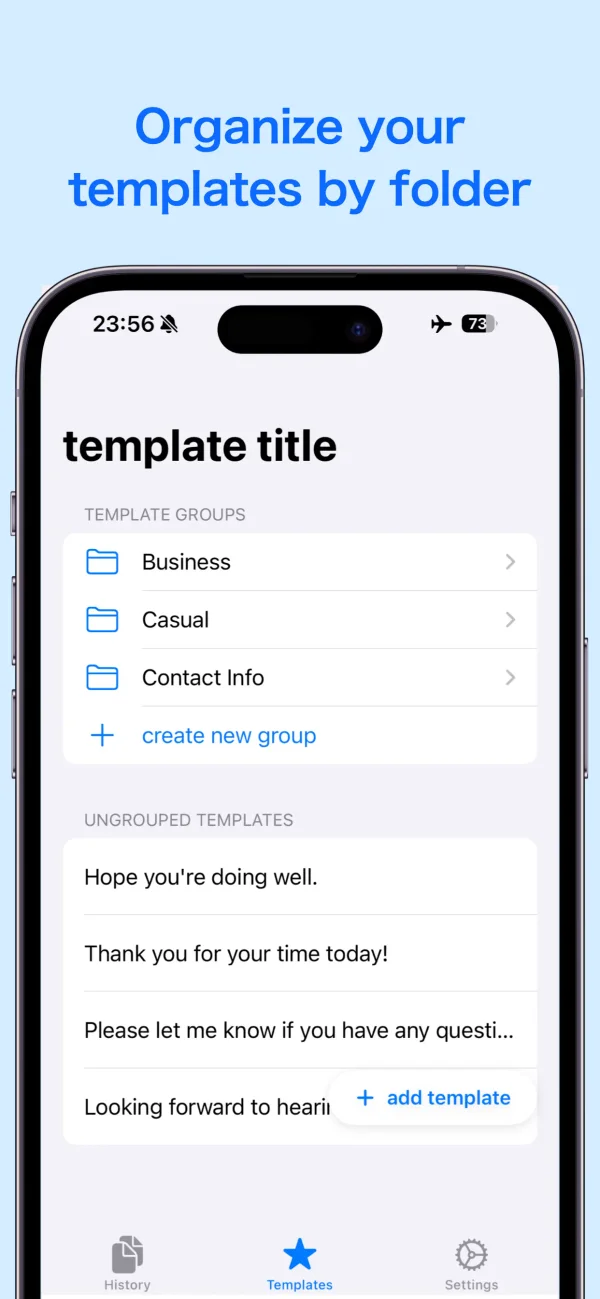
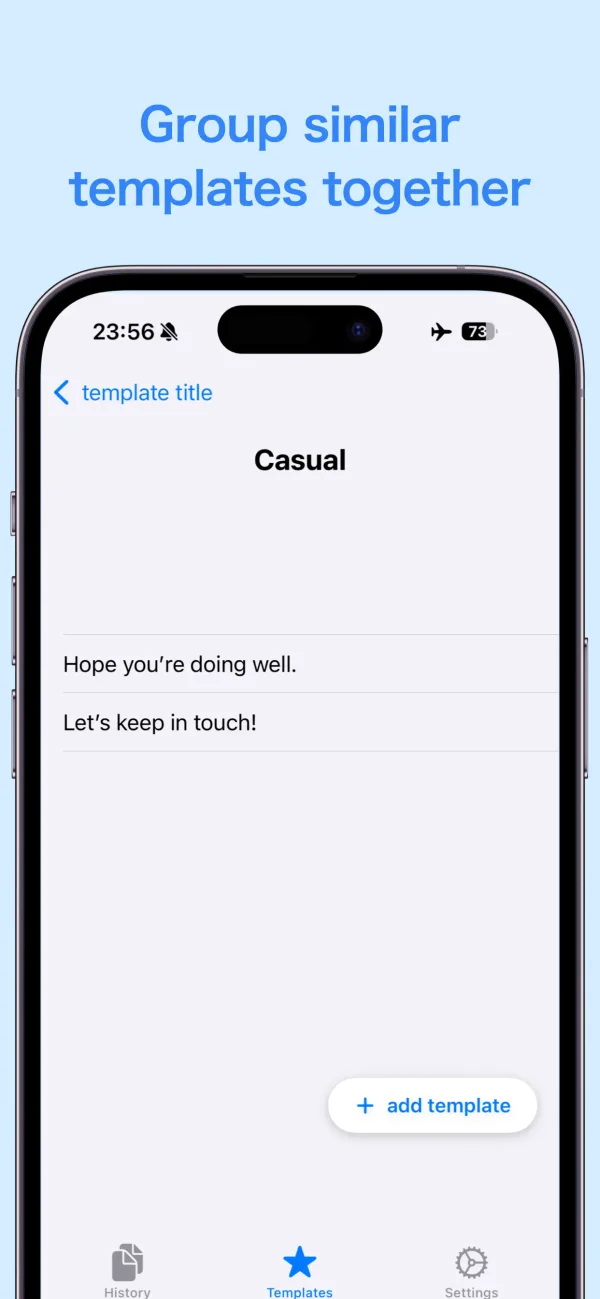
◆ Manage templates
・Group by folder
・Perfect for work or personal use
◆ Theme color customization
・Set your favorite color to match your mood
◆ Tip feature
・Send a little “thanks” with coffee, donuts, or lunch
If you've ever thought:
“I need that text again—but it's already gone...”
then ClipStack is here to help.
Novedades
Versión 6.0 · 5/6/2025
What’s New (Hirakawa-style)
“Wish I could add my go-to phrases a bit faster...”
We heard you.
We made a few small tweaks to the UI to make adding templates smoother and more intuitive.
Just a tiny change — but it might make your day a bit easier.
Privacidad de la aplicación
Lo que Hiroyuki Sonozuka declara en App Store sobre cómo esta aplicación gestiona los datos.
-
Datos usados para rastrearte
Pueden usarse para rastrearte en aplicaciones y sitios web propiedad de otras empresas.
- Datos de uso
-
Datos no vinculados a ti
Pueden recopilarse, pero no se vinculan a tu identidad.
- Datos de uso
Las prácticas de privacidad pueden variar, por ejemplo, según las funciones que uses o tu edad.
Información
- Vendedor
- Hiroyuki Sonozuka
- Categoría
- Utilidades
- Versión
- 6.0
- Actualizado
- 5/6/2025
- Publicado
- 24/5/2025
- Tamaño
- 14,4 MB
- Requiere
- iOS 18.4 o posterior
- Clasificación por edad
- 4+
- Precio
- Gratis
- Compras en la aplicación
- Sí
- Idiomas
- Inglés, Japonés
- Copyright
- © 2025 Hiroyuki Sonozuka
Quizá también te guste
-
 ClipStack — Clipboard ManagerUtilidades
-
 ClipStack - PortapapelesCopia tus plantillas rápido
-
 コピペ帳 ウィジェットでコピー&ペーストUtilidades
-
 Copy gentlemanUtilidades
-
 フリマ定型文:取引コメントをかんたん管理&即コピーUtilidades
-
 Rearrange Copy PasteUtilidades
-
 CopyAndPaste ManagerUtilidades
-
 Copiar y Pegar Fácil & MemosCopia con un toque y memos
-
 爆速クリップボードUtilidades
-
 Clipboard Keyboard -Copy PasteUtilidades