- Altersfreigabe4+
- KategoriePuzzle
- EntwicklerJohn Coumerilh
- SprachenEnglisch
- Größe71,1 MB
Verlinkt auf die offizielle App Store-Seite
Download.org hostet keine Datei von Contraptor. Die Schaltfläche öffnet die App-Seite bei App Store, wo John Coumerilh die App veröffentlicht. Eintrag zuletzt geprüft am 25.11.2026.
Screenshots


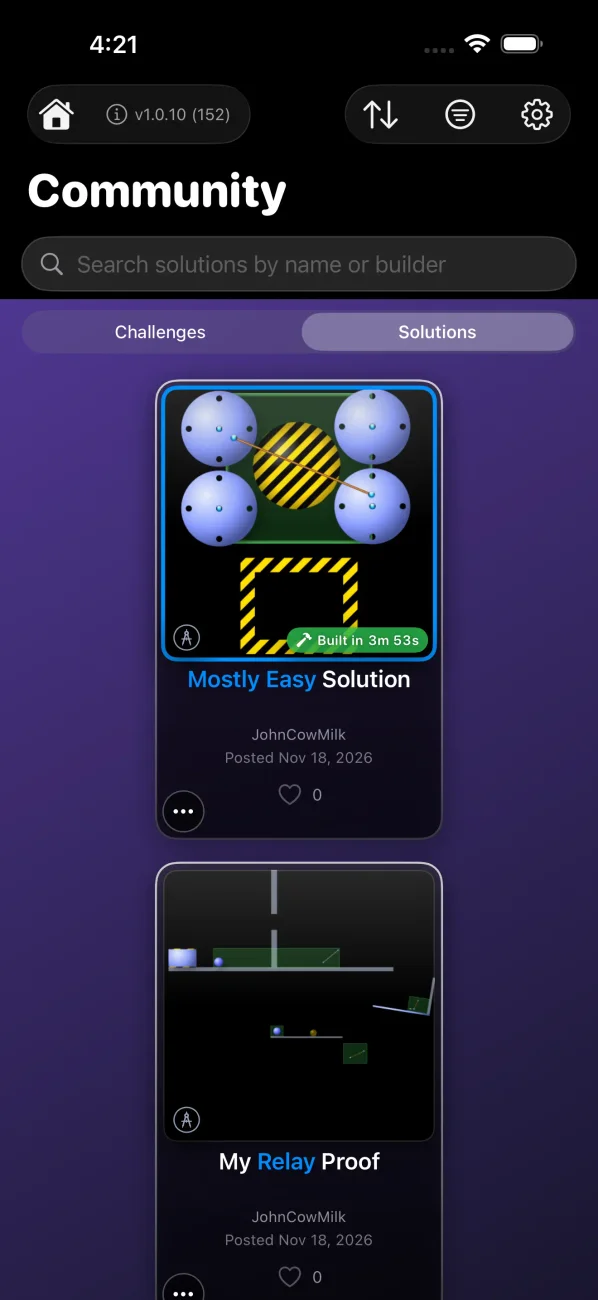
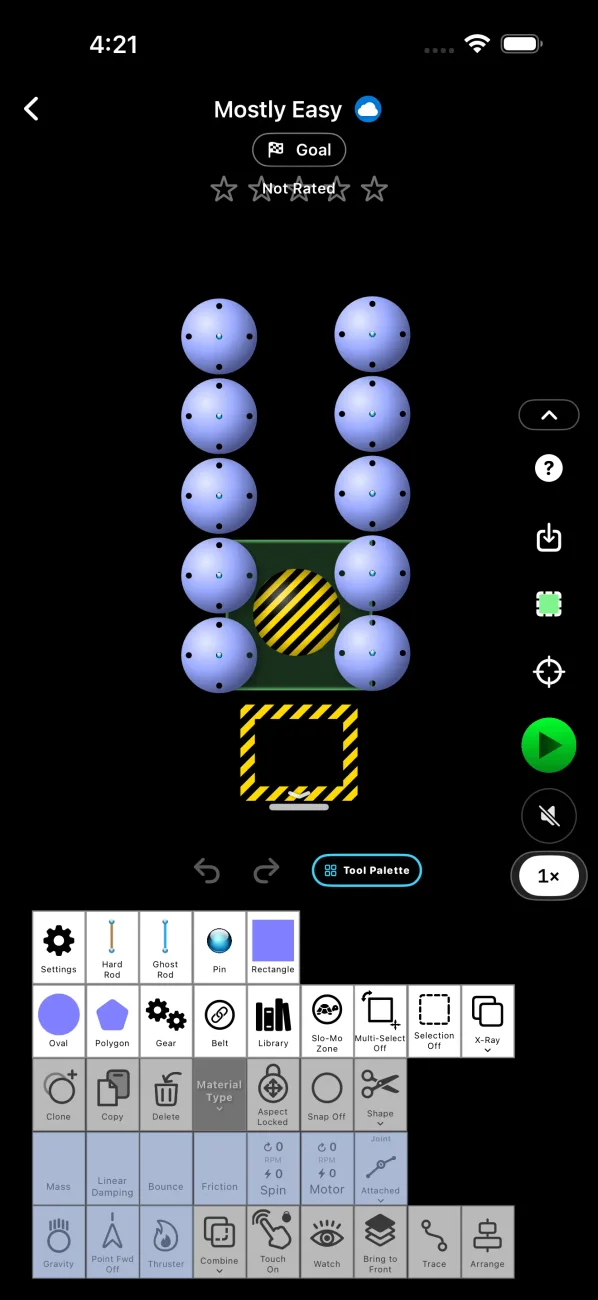
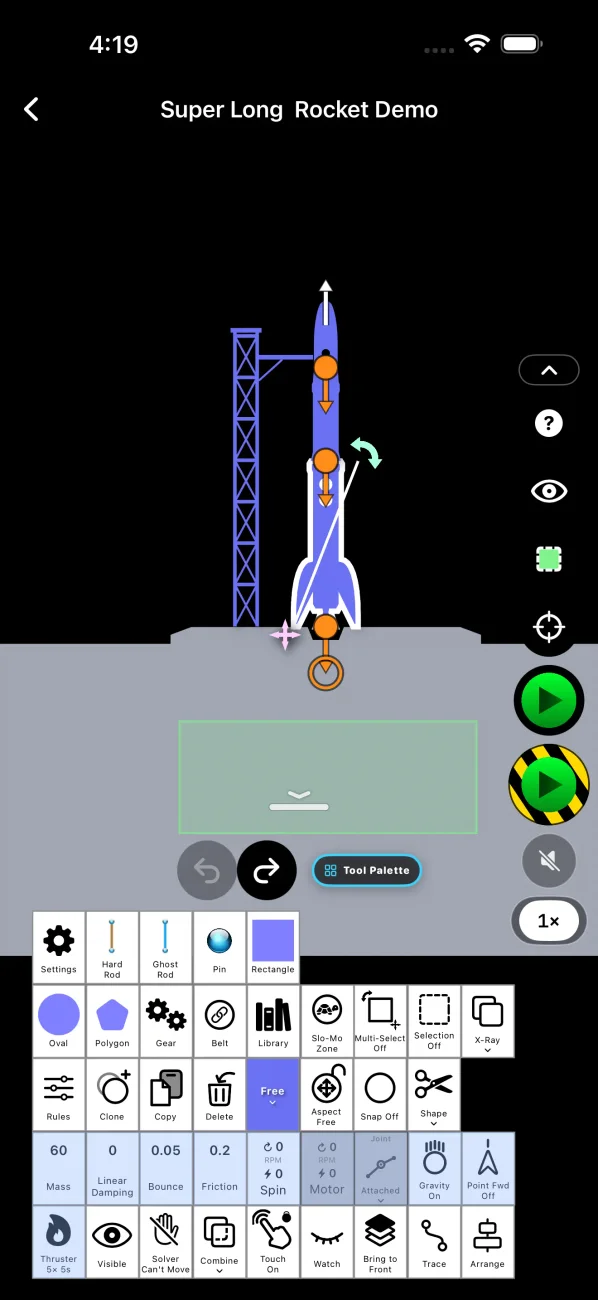
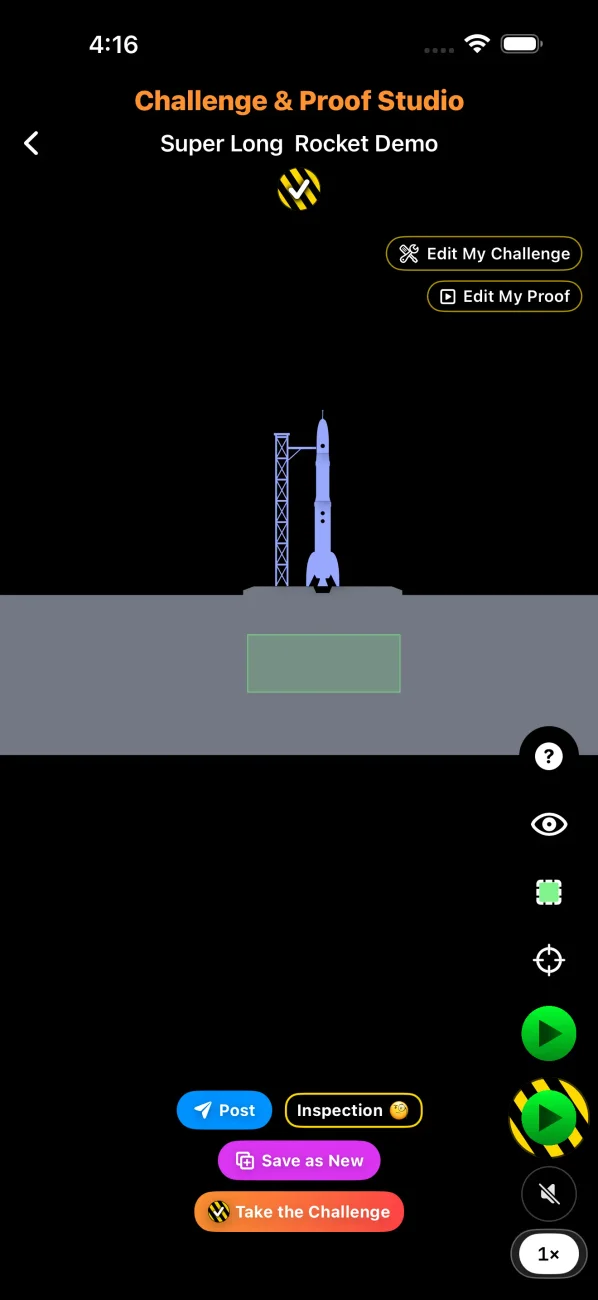
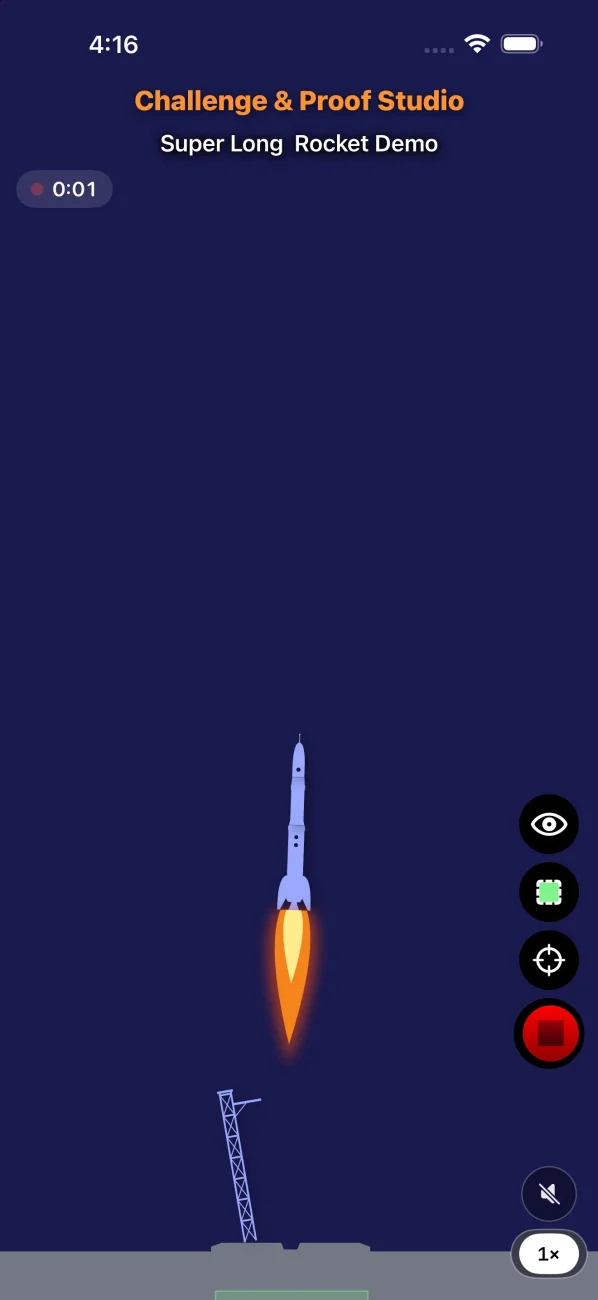
Info
Der Entwickler hat diesen Text nicht in Ihrer Sprache bereitgestellt.
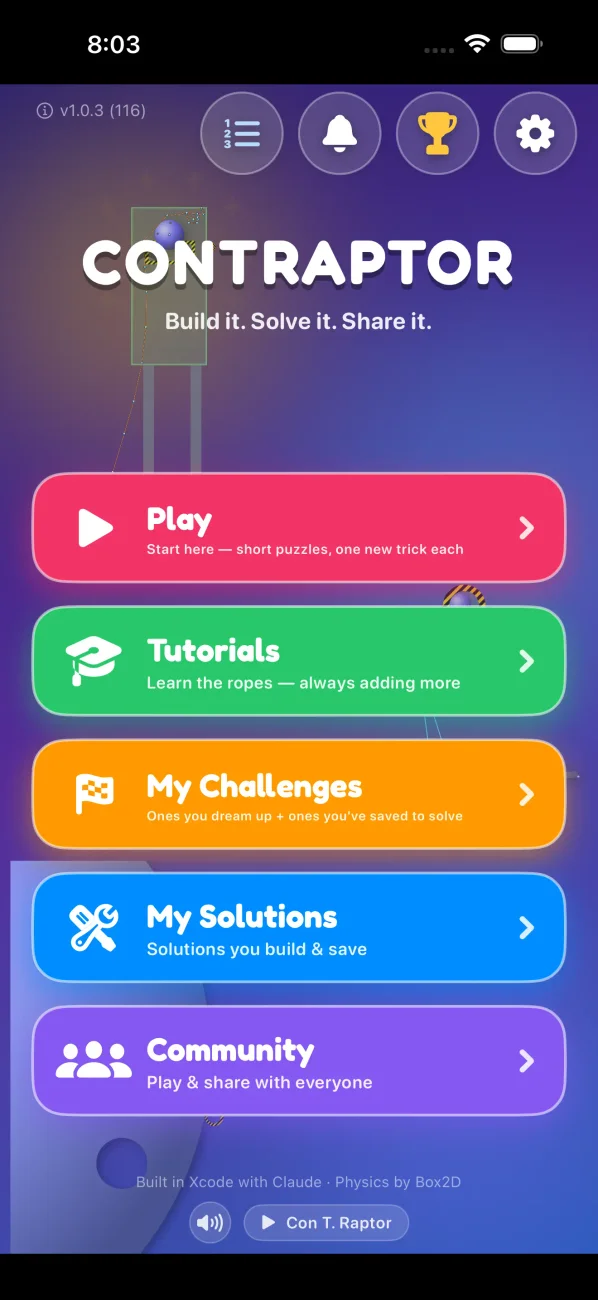
Contraptor is a complete physics toolbox. Build machines from scratch, dare the world to solve your puzzles, and solve theirs. Every physical property is yours to adjust, and over 1,000 player-made challenges are waiting.
SHAPE ANYTHING
- Rectangles, ovals, Hard Rods, Ghost Rods that pass through everything, and Pins
- Polygon: draw any shape corner by corner, add or remove corners, and drag them to reshape it
- Round any corner by dragging its curve
- Shape: cut pieces out of each other, keep only where they overlap, or shrink and grow every edge
- Merge touching pieces into one new shape
- Drag to size, turn with handles, or type an exact angle or rod length
- Lock or free the aspect ratio, and stretch whole groups
- Arrange: flip, align and space evenly
- Clone, copy and paste with connections kept
- Library: save what you build and reuse it, or start from ready-made items
- Groups inside groups, as deep as you like
- Snap holes and Snap Align guides for exact placement
TUNE EVERY PHYSICAL PROPERTY
- Mass from 1 to 1000
- Bounce from 0 to 20 (above 1, pieces gain energy on every hit)
- Friction from 0 (ice) to 5
- Damping from 0 to 20
- Gravity on or off for each piece
- Scene gravity from 0 to 100 m/s²
- Pieces can be static, free, payload or target
GLUE, HINGES, WELDS AND MOTORS
- Glue pieces into one solid object, even when they don't touch
- Pins join pieces on one pivot, weld them solid, or pin them in space
- Motors on any pin or rod end: up to 1000 RPM and 500 torque, either direction
- Spin any piece against the world
- Double-tap a motor to flip its direction
- Warning rims show rod ends that look connected but aren't
GEARS, BELTS AND ROCKETS
- Round gears and straight racks that grip and never slip
- Belts link two turning pieces, so you can build a gearbox
- Thrusters: timed invisible engines with a flame
- Point Forward: a piece noses toward the way it's moving, like a rocket
WORMHOLES AND SLO-MO ZONES
- Wormholes teleport whole contraptions: each exit keeps them going, shoots them out along an arrow you aim, or stops them
- Links can run one way or both ways, and glued Wormholes act as one
- Wormholes can be visible, border-only or hidden
- Slo-Mo Zones drop playback to quarter speed while a chosen piece passes through
WATCH, TRACE, INSPECT
- Watch: the camera follows any piece
- Trace: draws the path a piece travels
- X-Ray: see your pieces through anything covering them, with arrows on every motor and spin
- Inspect any Community challenge or solution, layer by layer and value by value
- Playback from 1/4x to 8x, any time
- Check Stability: confirm your machine runs the same way every time
SAME RESULT, EVERY TIME
- 100% deterministic physics: the same machine plays out exactly the same way on every run
- A posted solution replays exactly as its builder made it, so a Proven Solvable badge means what it says
CREATE CHALLENGES
- Place the payload, the target and the Work Area where solvers may build
- Cut a Work Area or Target into any shape
- Win rules: Simultaneous, Capture (hold up to 30 s), or Grand Tour
- Twists: Only Rods, No Rods, No Pins, mass, bounce and RPM limits, piece limits, and more
- Invisible pieces that solvers never see
- Let solvers move a piece you choose
- Prove it's solvable: the Proven Solvable badge re-checks itself after every edit
- Autosave and crash recovery keep your work safe
A COMMUNITY OF BUILDERS
- Over 1,000 challenges to solve
- Sort, filter and search
- Follow builders, rate, like and earn badges
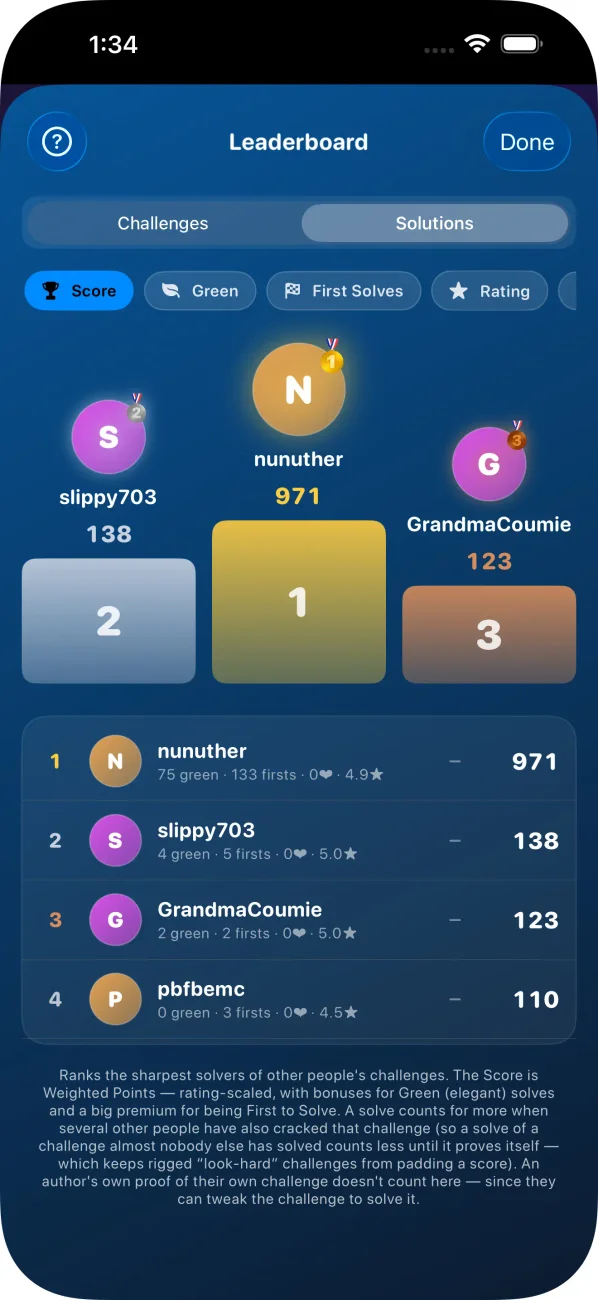
- Leaderboard and Trophy Case
- Share a short video and a link with friends
LEARN BY DOING
- 33 levels in 8 worlds teach each tool
- 48 interactive tutorials that show you instead of telling you
- Long-press any button for help
YOUR WORK, SAFE
- iCloud sync across devices
- Recently Deleted, plus Backup and Restore
No ads. No tracking. No in-app purchases.
Made by a retired mechanical engineer, at 76, with Xcode's Coding Intelligence.
Neue Funktionen
Version 1.0.10 · 24.11.2026
NEW
• Gears. Tap "Gear" to add a round gear or a straight rack. Gears grip each other and never slip. A gear twice as big turns half as fast. You can also turn a round piece or a rectangle into a gear.
• Belts. Tap "Belt", then tap two pieces that turn on pins. They turn together. Tap the belt to pick how many times each one turns, or to cross it so they turn opposite ways.
• Library. Save anything you've built and use it again in any Challenge or Solution. It also comes with ready-made items, like a car. In a Solution, an item shrinks to fit the Work Area.
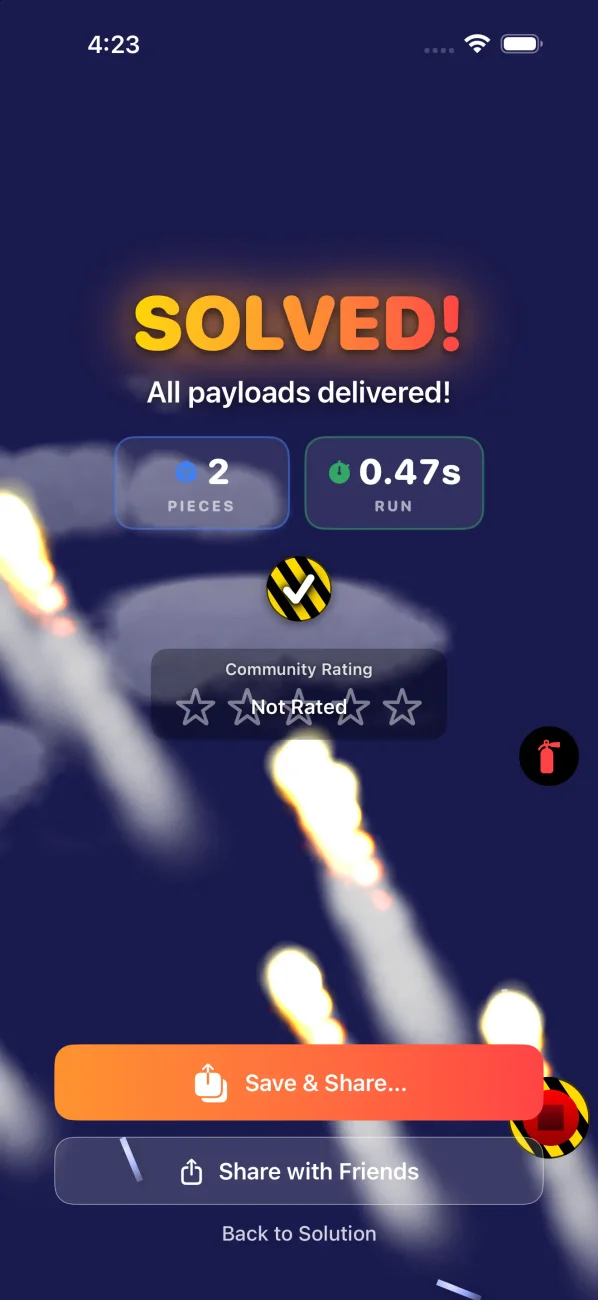
• Thruster. Give a piece an invisible rocket engine that pushes for as long as you choose, with a flame and a roar.
• Point Forward. A piece keeps its front turned the way it's moving, like an arrow or a rocket.
• 11 new tutorials: The Library, Win Rules, Arrange, Slo-Mo Zones, Wormholes, Pieces You Can Move, Invisible Pieces, Glue It Together, Cut a Shape, Draw a Shape and Trace a Path. Tutorials can play at up to 2x.
• Pieces that spin very fast now blur. A piece spinning too fast turns red and shows a warning you can tap.
• "Rate Contraptor" in Settings, under About.
FOR CHALLENGE MAKERS
• "Solver Can Move": let solvers drag and turn one of your pieces. It shows a small hand.
• "Invisible": hide a piece from solvers. Their pieces pass right through it.
• New Twist: "No Thrusters allowed". "Green solutions only" now rules out Thrusters and Point Forward too.
• "Replace the Blow-up Warning": for Challenges meant to blow up. Pick "Celebrate the Blow-up" for a slow-motion shockwave with emoji flying out, or "Ignore the Blow-up" for nothing at all.
• A Challenge that wins with nothing added now says so in its goal: just press Play and watch.
EASIER BUILDING
• Round corners right on the piece: drag the small curve inside a corner. Tap a corner first to round only that one.
• Polygons: drag the dot in the middle of an edge to add a corner. Double-tap a corner to remove it.
• Drop a rod end on a Pin, and the rod end takes its place, motor and all.
• A rod end's motor can turn any piece at that end. Drag its arrow onto the piece.
• Play warns you about a motor that can't turn anything, or motors that fight each other through gears or belts.
• If pieces you've selected are off screen, the view zooms out to show them before a change.
• Palette buttons have a cleaner, matching look, and their labels grow with the palette size.
• Swipe left to delete items in Activity.
FIXES
• Tapping quickly in My Challenges could open two Challenges at once.
• Back and Play could stop responding after swiping up the Dock.
• The screen could freeze for a few seconds after editing a big Challenge.
• The app could pause briefly during fiery effects, and tutorials paused at each new line, mostly with Bluetooth headphones or hearing aids.
• Moving a rod joined to a motor pin could reverse the motor.
• Picking Payload with many rods selected changed none of them.
• Shapes drawn with rods often couldn't be cut out of a piece.
• Opening a notification while you worked left you in Community. Now you go right back to your work.
• A rare crash while sound effects played.
App-Datenschutz
Was John Coumerilh im App Store zum Umgang dieser App mit Daten angibt.
-
Mit Ihnen verknüpfte Daten
Können erfasst und mit Ihrer Identität verknüpft werden.
- Benutzerinhalte
- Kennungen
- Nutzungsdaten
- Diagnose
Die Datenschutzpraktiken können variieren, zum Beispiel je nach den von Ihnen verwendeten Funktionen oder Ihrem Alter.
Informationen
- Anbieter
- John Coumerilh
- Kategorie
- Puzzle
- Version
- 1.0.10
- Aktualisiert
- 24.11.2026
- Veröffentlicht
- 15.09.2026
- Größe
- 71,1 MB
- Erfordert
- iOS 18.0 oder neuer
- Altersfreigabe
- 4+
- Preis
- Kostenlos
- Sprachen
- Englisch
- Copyright
- © 2026 John Coumerilh
Das könnte Ihnen auch gefallen
-
 Things In MotionBauen. Lösen. In Bewegung.
-
 Crane Creator: Claw & CoinSimulation
-
 Puzzle of GravityPuzzle
-
 Pixel Creator: SandboxSimulation
-
 Pinball ArchitectSimulation
-
 Mobility Maker: Car BuilderSimulation
-
 Space LLCSpiele
-
 Apex Sky: FlugsimulatorEchte Flugzeuge live spotten
-
 Fun with Ragdolls PlusAction
-
 Life Vest AppSimulation