- Age rating4+
- CategoryPuzzle
- DeveloperJohn Coumerilh
- LanguagesEnglish
- Size65.2 MB
Links to the official App Store page
Download.org hosts no file of Contraptor. The button opens its official App Store page, published by John Coumerilh. Listing last checked on Nov 20, 2026.
Screenshots
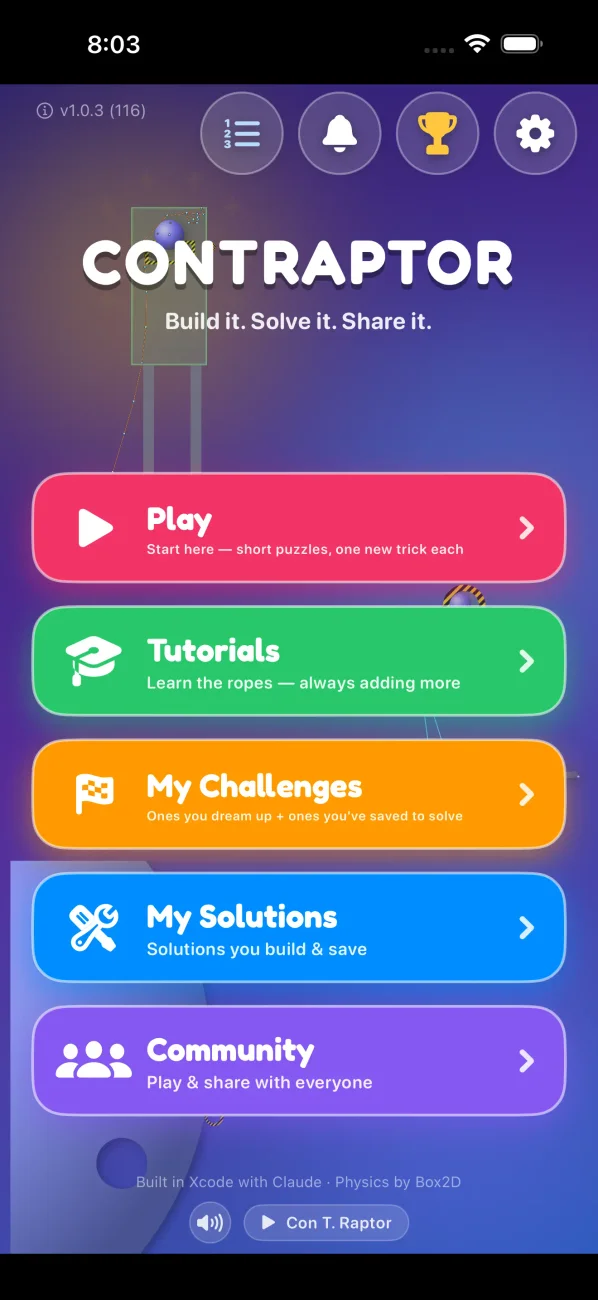
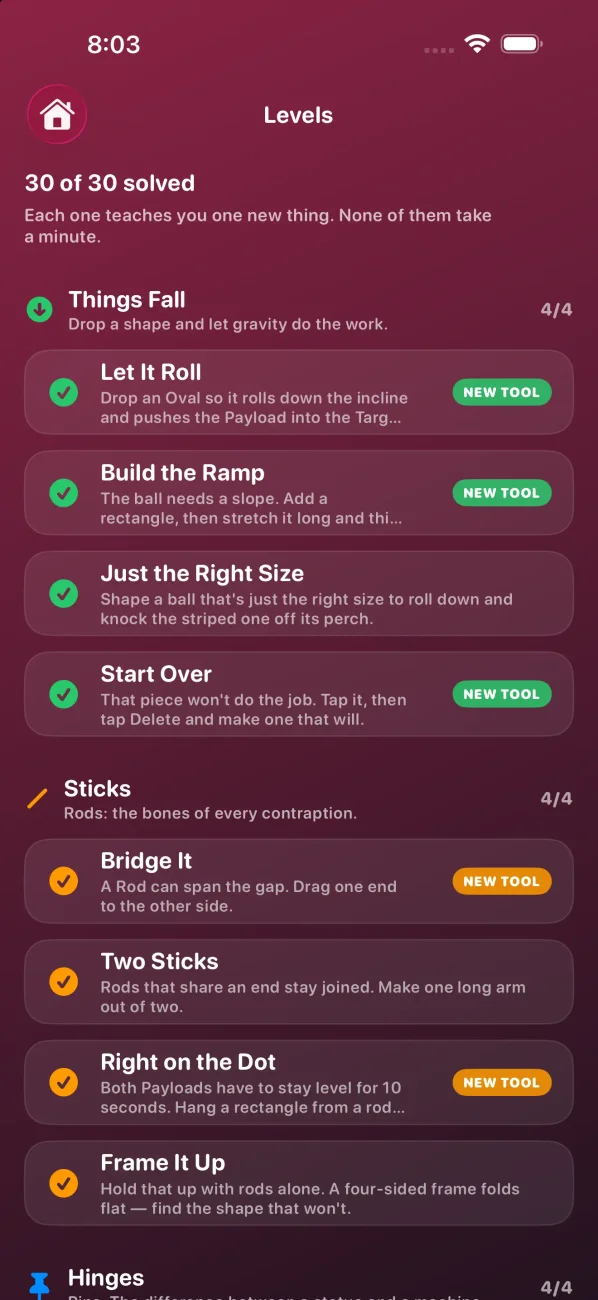
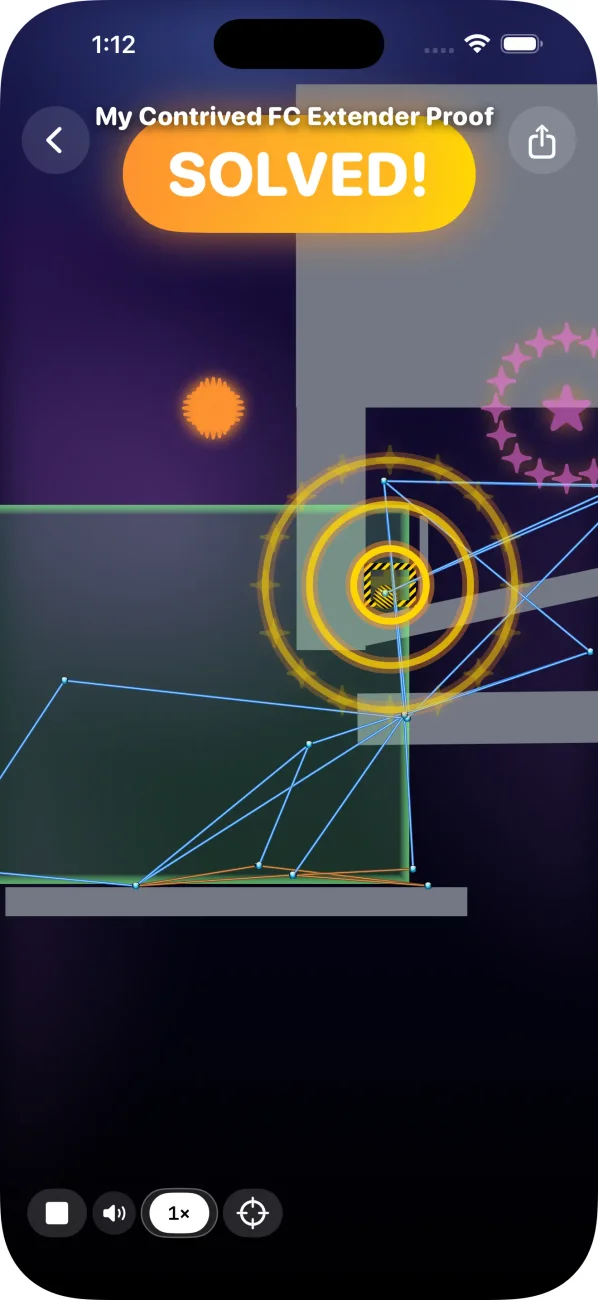
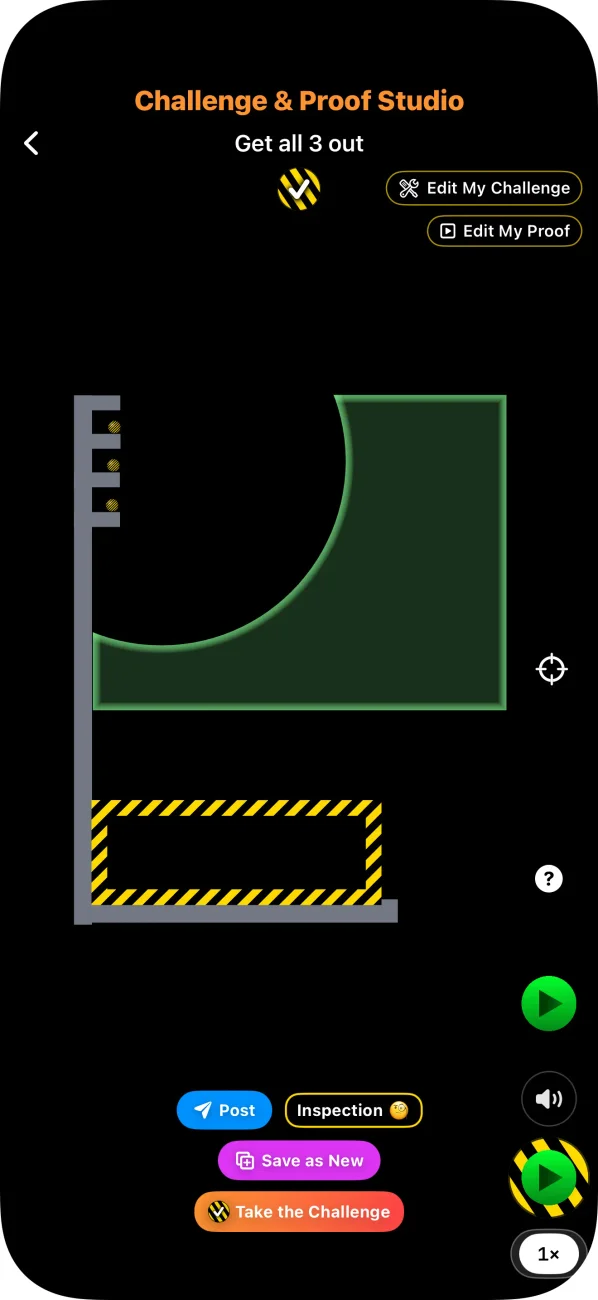

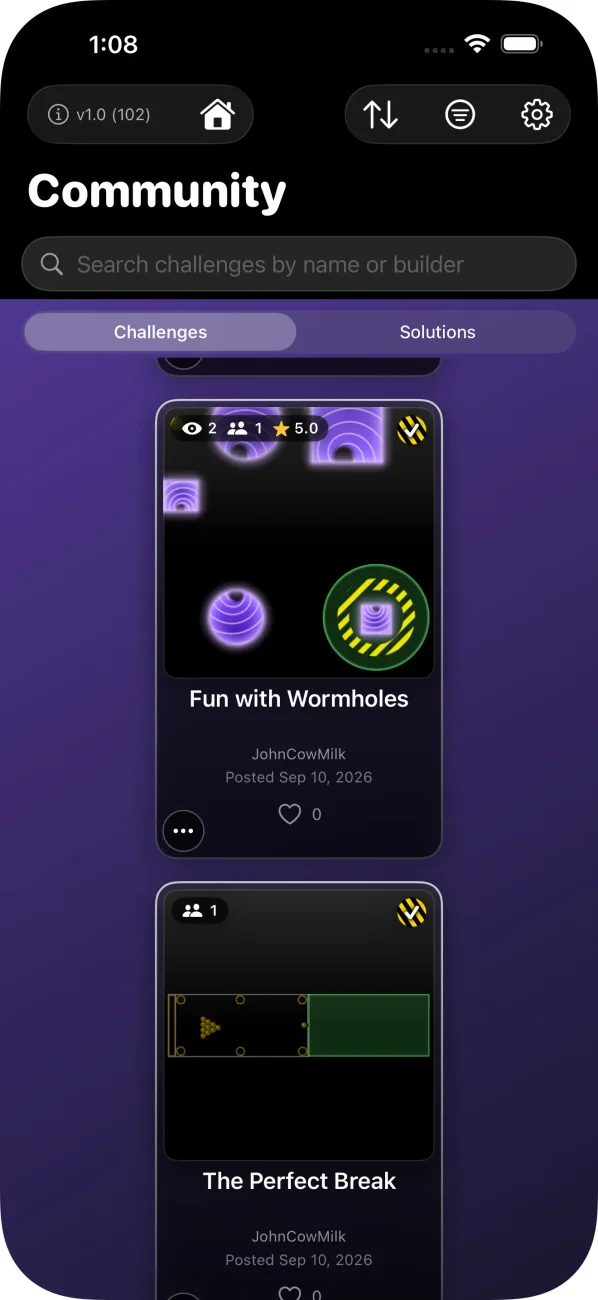
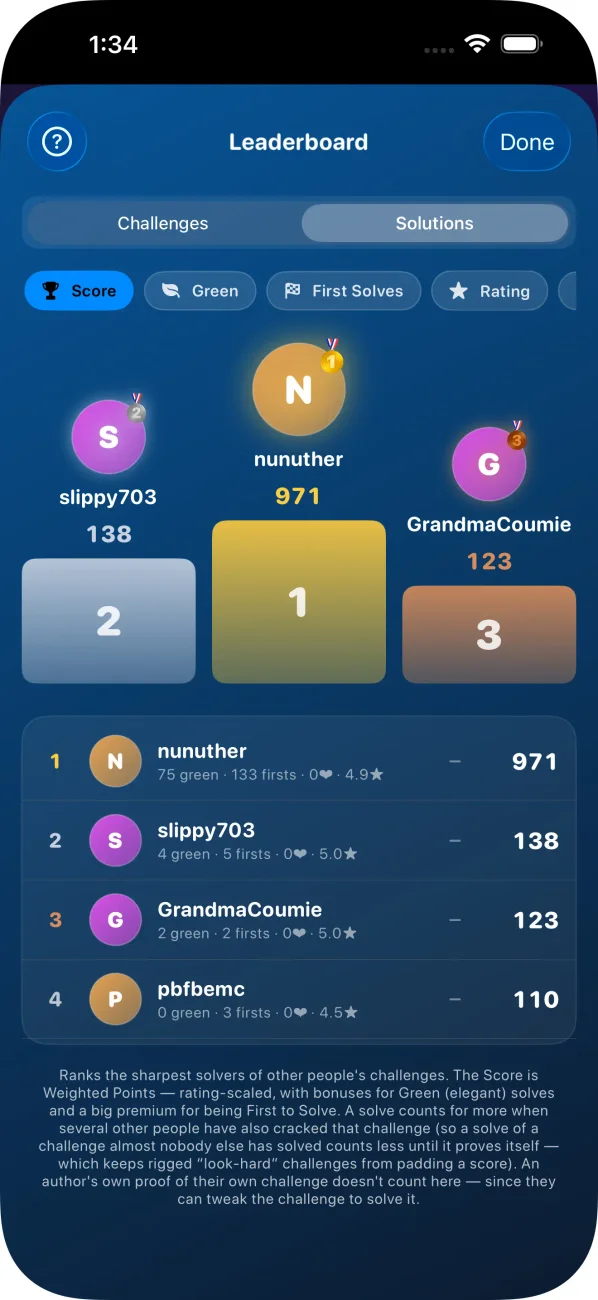

About
Contraptor is a complete physics toolbox. Build machines from scratch, dare the world to solve your puzzles, and solve theirs. Every physical property is yours to adjust, and over 950 player-made challenges are waiting.
SHAPE ANYTHING
- Rectangles, ovals, Hard Rods, Ghost Rods that pass through everything, and Pins
- Polygon: draw any shape corner by corner, then drag its corners to reshape it
- Shape: cut pieces out of each other, keep only where they overlap, or shrink and grow every edge
- Merge touching pieces into one new shape
- Drag to size, turn with handles, or type an exact angle or rod length
- Lock or free the aspect ratio, and stretch whole groups
- Arrange: flip, align and space evenly
- Clone, copy and paste with connections kept
- Groups inside groups, as deep as you like
- Snap holes and Snap Align guides for exact placement
TUNE EVERY PHYSICAL PROPERTY
- Mass from 1 to 1000
- Bounce from 0 to 20 (above 1, pieces gain energy on every hit)
- Friction from 0 (ice) to 5
- Damping from 0 to 20
- Gravity on or off for each piece
- Scene gravity from 0 to 100 m/s²
- Pieces can be static, free, payload or target
GLUE, HINGES, WELDS AND MOTORS
- Glue pieces into one solid object, even when they don't touch
- Pins join pieces on one pivot, weld them solid, or pin them in space
- Motors on any pin or rod end: up to 1000 RPM and 500 torque, either direction
- Spin any piece against the world
- Double-tap a motor to flip its direction
- Warning rims show rod ends that look connected but aren't
WORMHOLES AND SLO-MO ZONES
- Wormholes teleport whole contraptions: each exit keeps them going, shoots them out along an arrow you aim, or stops them
- Links can run one way or both ways, and glued Wormholes act as one
- Wormholes can be visible, border-only or hidden
- Slo-Mo Zones drop playback to quarter speed while a chosen piece passes through
WATCH, TRACE, INSPECT
- Watch: the camera follows any piece
- Trace: draws the path a piece travels
- X-Ray: see your pieces through anything covering them, with arrows on every motor and spin
- Inspect any Community challenge or solution, layer by layer and value by value
- Playback from 1/4x to 8x, any time
- Check Stability: confirm your machine runs the same way every time
SAME RESULT, EVERY TIME
- 100% deterministic physics: the same machine plays out exactly the same way on every run
- A posted solution replays exactly as its builder made it, so a Proven Solvable badge means what it says
CREATE CHALLENGES
- Place the payload, the target and the Work Area where solvers may build
- Cut a Work Area or Target into any shape
- Win rules: Simultaneous, Capture (hold up to 30 s), or Grand Tour
- Twists: Only Rods, No Rods, No Pins, mass, bounce and RPM limits, piece limits, and more
- Prove it's solvable: the Proven Solvable badge re-checks itself after every edit
- Autosave and crash recovery keep your work safe
A COMMUNITY OF BUILDERS
- Over 950 challenges to solve
- Sort, filter and search
- Follow builders, rate, like and earn badges
- Leaderboard and Trophy Case
- Share a short video and a link with friends
LEARN BY DOING
- 33 levels in 8 worlds teach each tool
- 40 interactive tutorials that show you instead of telling you
- Long-press any button for help
YOUR WORK, SAFE
- iCloud sync across devices
- Recently Deleted, plus Backup and Restore
No ads. No tracking. No in-app purchases.
Made by a retired mechanical engineer, at 76, with Xcode's Coding Intelligence.
What’s new
Version 1.0.9 · Nov 11, 2026
NEW
• Every tutorial now speaks in a warm, natural recorded voice instead of the robotic device voice.
• Glue: select pieces and tap Glue. When you press Play, they move together as one solid object, even if they don't touch. While you build, they stay separate, so you can still add or remove one.
• Merge into One Shape: pieces that touch become one new piece with a single outline. This can't be undone later.
• Polygon: draw any shape you like. Tap each corner, then tap the first corner again to finish. You can drag any corner later to reshape it.
• Shape button: Cut lets one piece cut a hole or notch out of another. Keep Overlap keeps only the part where pieces overlap. Shrink / Grow makes a piece fatter or thinner. Round Corners rounds the corners of a piece. Shape replaces the old Subtract button.
• Combine button: Group, Glue and Merge into One Shape are now together in one menu.
• Three new Levels: "Draw Your Own" and "Cut It Out" (in a new world called "Shape It"), and "Glue the Gap".
• After you solve a Challenge, tap Share with Friends to send a short video of your machine, with a link to the Challenge.
• Your posted Challenge has a View My Proof button, so you can watch your own Proof.
• X-Ray has a menu now. Choose Motors and Spin to see which way every motor turns.
• Number pads show the smallest and largest number allowed, with Min, Max and Cancel keys.
IMPROVED
• Welded pieces now become one solid object when you press Play. Welded loops no longer slow down, jerk or spin out of control. Machines you built before play the same as always.
• A motor where several rod ends meet now belongs to that point. Tap any of those rod ends to change it.
• Wormholes are simpler. Each hole chooses how things come out: they keep going, shoot out along an arrow, or stop. The line between two linked holes shows which way things travel.
• Targets that overlap now look like one Target. Payloads glued together look like one Payload.
• In new Challenges, a Payload touching two Targets counts only when all of it is inside them.
• Fixed scenery now counts as a tenth of a piece toward the piece limit, so you can build bigger scenes.
• Undo brings back whatever you had selected before.
• Snap Align now works when you drag a group, a glued object or several pieces at once.
• A group now acts like one piece. The Group button can also take one piece out of a group.
• When you turn or resize something, the angle and size show at the top of the screen.
• Watch: pinching zooms where your fingers are. If you move the watched piece off the screen, the camera stops following it. Bring it back on screen and following starts again.
• Moving a group now brings its pins along.
• Before you post a Challenge, the app checks that your Proof follows your own Twists.
• Tutorials show the same buttons as the rest of the app, and the X-Ray and Grouping tutorials teach the newest ones.
• The Home button is now at the far left of the top bar.
FIXED
• Handles and rod ends were hard to grab when they sat on top of a group or glued object.
• With a long hold time, a help message could close the moment it opened.
• Pieces a tutorial added could land outside the Work Area.
• The Solved screen and the Post screen allowed different lengths for a Solution's name.
• Right after you re-posted a Challenge, its Proof could show the old version.
• On iPhone, some buttons could cover others, and Instructions could run under the buttons.
• A thin Target's striped border could fade to dots.
• In Inspection, tapping a glued object selected only one of its pieces, and some buttons showed that did nothing.
App privacy
What John Coumerilh declares on the App Store about how this app handles data.
-
Data linked to you
May be collected and linked to your identity.
- User content
- Identifiers
- Usage data
- Diagnostics
Privacy practices may vary, for example with the features you use or your age.
Information
- Seller
- John Coumerilh
- Category
- Puzzle
- Version
- 1.0.9
- Updated
- Nov 11, 2026
- Released
- Sep 15, 2026
- Size
- 65.2 MB
- Requires
- iOS 18.0 or later
- Age rating
- 4+
- Price
- Free
- Languages
- English
- Copyright
- © 2026 John Coumerilh
You might also like
-
 Things In MotionBuild. Solve. Make it move.
-
 Crane Creator: Claw & CoinBuild & Play Arcade Machines
-
 Puzzle of GravityPhysics chain-reaction puzzles
-
 Pixel Creator: SandboxFalling-sand physics sandbox
-
 Pinball ArchitectPlay and Build: DIY Sandbox
-
 Mobility Maker: Car BuilderPhysics sandbox: drive & fly
-
 Space LLCSpace Clicker
-
 Apex Sky: Catch & Fly PlanesPlane Spotting & Flight Sim
-
 Fun with Ragdolls PlusAction
-
 Life Vest AppSimulation