
- Altersfreigabe4+
- KategorieFinanzen
- EntwicklerElavon
- SprachenEnglisch+ 1 weitere
- Größe74,0 MB
Converge Mobile ist bei App Store derzeit möglicherweise nicht verfügbar
Bei unserer letzten Prüfung war der Store-Eintrag nicht erreichbar. Der Link führt weiterhin zur offiziellen App Store-Seite.
Screenshots


Info
Der Entwickler hat diesen Text nicht in Ihrer Sprache bereitgestellt.
Accept credit and debit payments anywhere, anytime with this intuitive, easy-to-use mobile application that turns your smartphone, tablet or mobile device into a secured, affordable point-of-sale solution! Converge Mobile is a free mobile app that is an extension of Converge, an omni-commerce solution that allows you to process payments in person, via phone or telephone order, online, and using a mobile device. Converge Mobile supports EMV chip card transactions using an encrypted EMV card reader.
Key features:
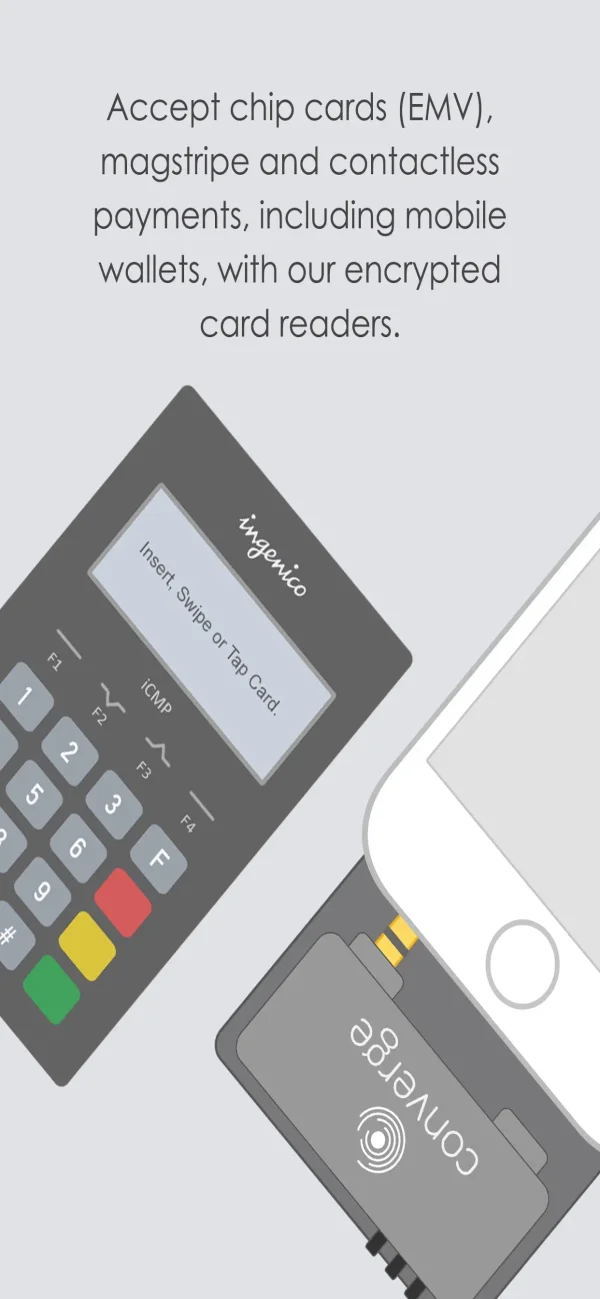
• Accept PIN debit and credit cards, including mag stripe, chip card and contactless payments, like Apple Pay™
• Record cash transactions
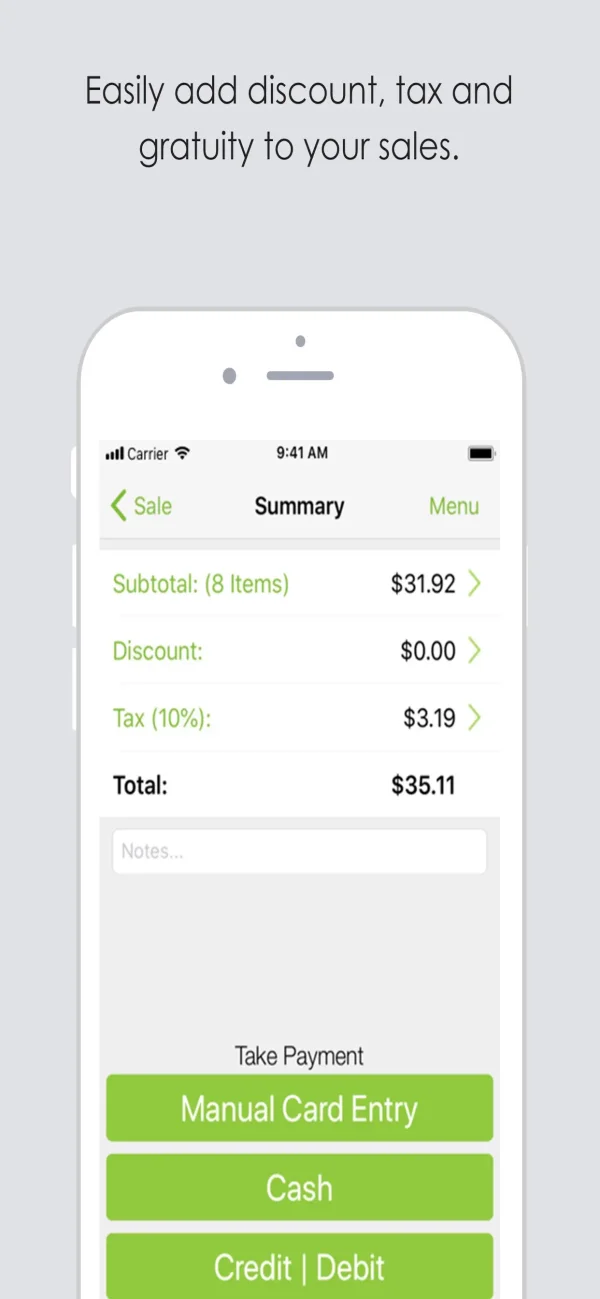
• Automatically calculate discounts and taxes and offer tips
• Email or print customer receipts
• Help protect cardholder data with an encrypted, chip card device
• Use an unlimited number of supported iOS devices
Converge Mobile is for any size business that needs to process transactions on the go. If you accept card payments on the road, then Converge Mobile will likely save you time and money, while improving the checkout experience for your customers. It can also be used at your location for payments during peak sales seasons, essentially creating a new checkout line without the added expense.
Getting started is easy!
1. Establish a customer account with Elavon, directly or through one of many partners, and get a card reader (set up cost associated). If you do not have an account, follow the link at the bottom of the page.
2. Download the Converge Mobile App for free!
3. Open the App and enter a Device PassCode of your choice. You will be required to enter this security passcode each time you access the app. Note: If you do not have an Elavon customer account, select the ‘I don’t have an account’ option at bottom of the Welcome page.
4. Follow the simple set up instructions and start taking payments anywhere, anytime!
Note: If you need a card reader to accept cards, contact your sales representative or account manager.
For more information please visit: www.elavon.com/convergemobile or contact Elavon to establish a customer account.
Neue Funktionen
Version 3.4.4 · 06.08.2024
Link2500 v2 support for Canada
App-Datenschutz
Was Elavon im App Store zum Umgang dieser App mit Daten angibt.
-
Mit Ihnen verknüpfte Daten
Können erfasst und mit Ihrer Identität verknüpft werden.
- Käufe
- Finanzinformationen
- Standort
- Kennungen
- Nutzungsdaten
-
Nicht mit Ihnen verknüpfte Daten
Können erfasst werden, sind aber nicht mit Ihrer Identität verknüpft.
- Kennungen
- Diagnose
Die Datenschutzpraktiken können variieren, zum Beispiel je nach den von Ihnen verwendeten Funktionen oder Ihrem Alter.
Informationen
- Anbieter
- Elavon
- Kategorie
- Finanzen
- Version
- 3.4.4
- Aktualisiert
- 06.08.2024
- Veröffentlicht
- 30.11.2015
- Größe
- 74,0 MB
- Erfordert
- iOS 12.5.7 oder neuer
- Altersfreigabe
- 4+
- Sprachen
- Englisch, Französisch
- Copyright
- © 2024 Elavon