
- Age rating4+
- CategoryFinance
- DeveloperElavon
- LanguagesEnglish+ 1 more
- Size74.0 MB
Links to the official App Store page
Download.org hosts no file of Converge Mobile. The button opens its official App Store page, published by Elavon. Listing last checked on Nov 17, 2026.
Screenshots


About
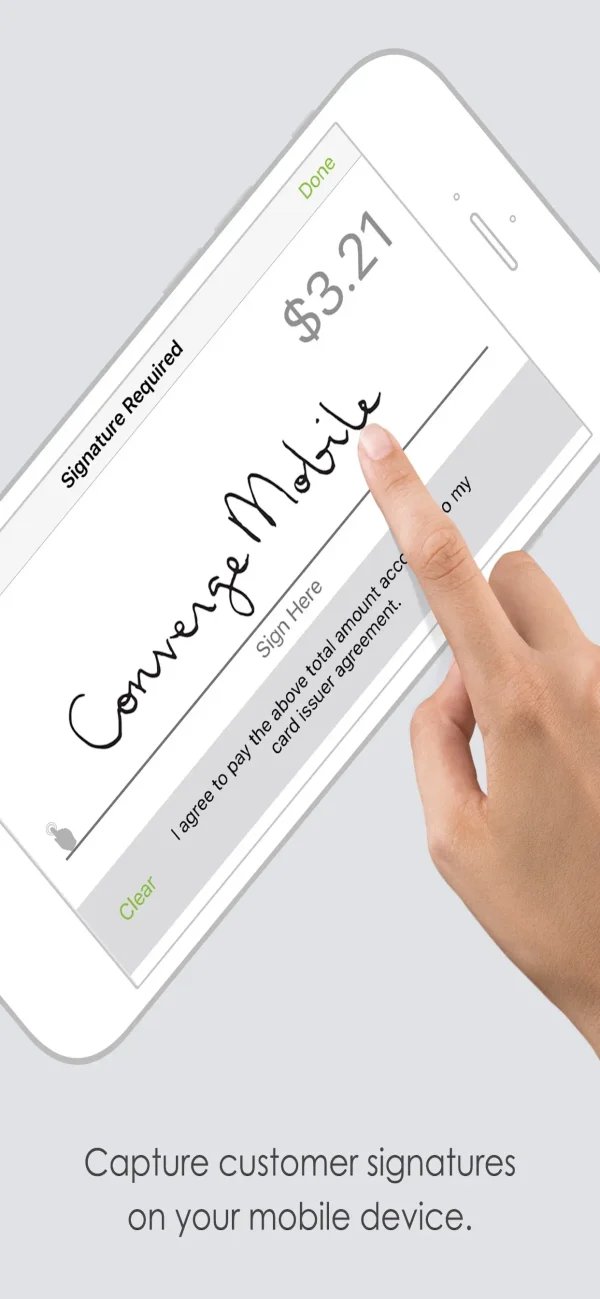
Accept credit and debit payments anywhere, anytime with this intuitive, easy-to-use mobile application that turns your smartphone, tablet or mobile device into a secured, affordable point-of-sale solution! Converge Mobile is a free mobile app that is an extension of Converge, an omni-commerce solution that allows you to process payments in person, via phone or telephone order, online, and using a mobile device. Converge Mobile supports EMV chip card transactions using an encrypted EMV card reader.
Key features:
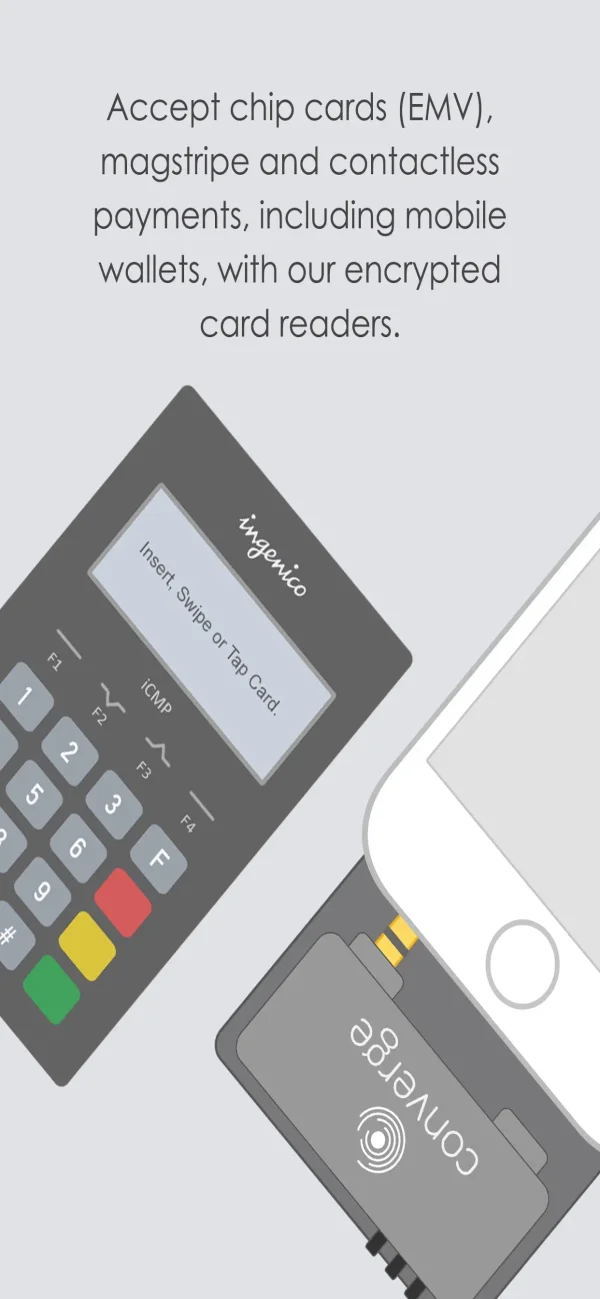
• Accept PIN debit and credit cards, including mag stripe, chip card and contactless payments, like Apple Pay™
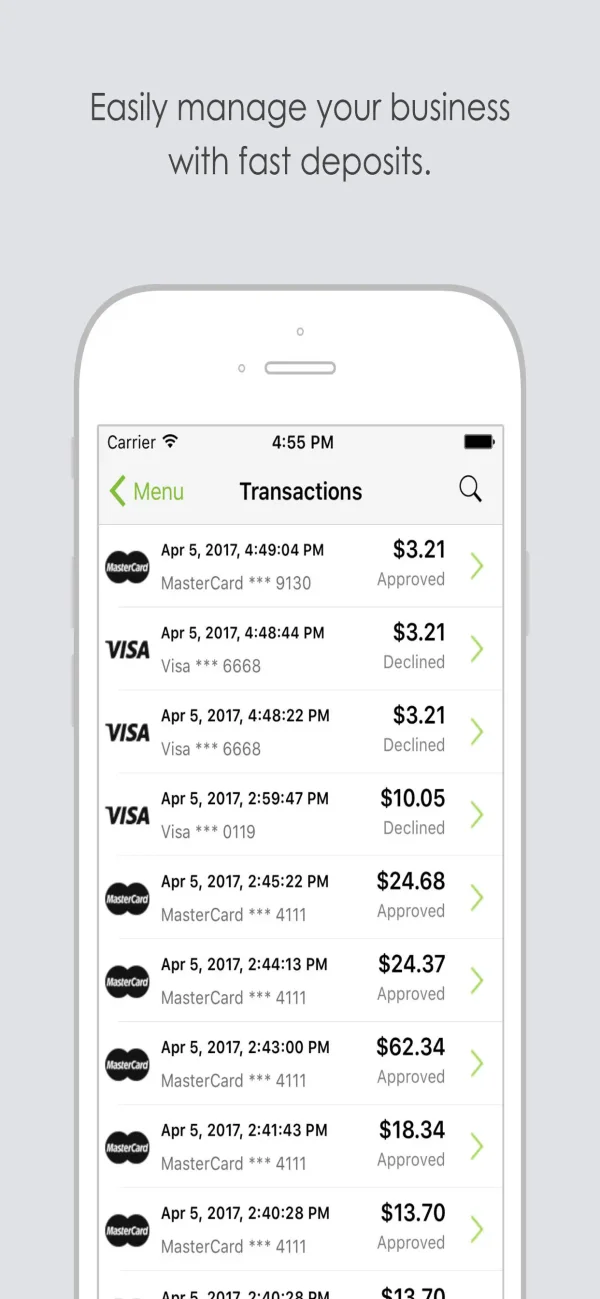
• Record cash transactions
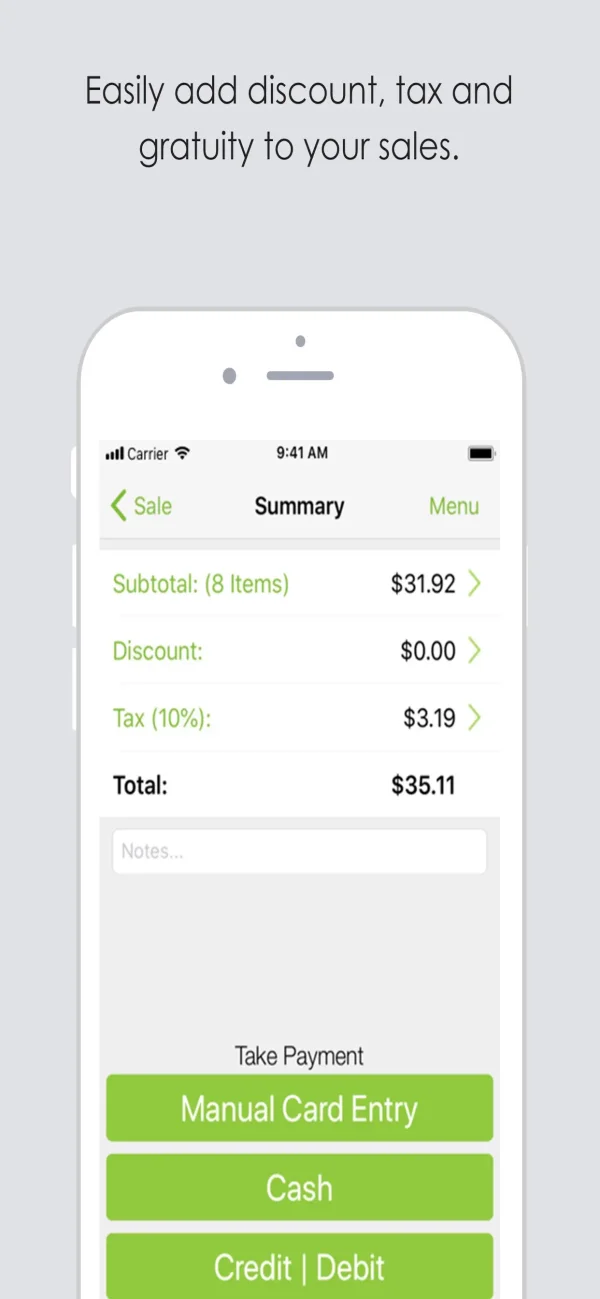
• Automatically calculate discounts and taxes and offer tips
• Email or print customer receipts
• Help protect cardholder data with an encrypted, chip card device
• Use an unlimited number of supported iOS devices
Converge Mobile is for any size business that needs to process transactions on the go. If you accept card payments on the road, then Converge Mobile will likely save you time and money, while improving the checkout experience for your customers. It can also be used at your location for payments during peak sales seasons, essentially creating a new checkout line without the added expense.
Getting started is easy!
1. Establish a customer account with Elavon, directly or through one of many partners, and get a card reader (set up cost associated). If you do not have an account, follow the link at the bottom of the page.
2. Download the Converge Mobile App for free!
3. Open the App and enter a Device PassCode of your choice. You will be required to enter this security passcode each time you access the app. Note: If you do not have an Elavon customer account, select the ‘I don’t have an account’ option at bottom of the Welcome page.
4. Follow the simple set up instructions and start taking payments anywhere, anytime!
Note: If you need a card reader to accept cards, contact your sales representative or account manager.
For more information please visit: www.elavon.com/convergemobile or contact Elavon to establish a customer account.
What’s new
Version 3.4.4 · Aug 6, 2024
Link2500 v2 support for Canada
App privacy
What Elavon declares on the App Store about how this app handles data.
-
Data linked to you
May be collected and linked to your identity.
- Purchases
- Financial info
- Location
- Identifiers
- Usage data
-
Data not linked to you
May be collected but is not linked to your identity.
- Identifiers
- Diagnostics
Privacy practices may vary, for example with the features you use or your age.
Information
- Seller
- Elavon
- Category
- Finance
- Version
- 3.4.4
- Updated
- Aug 6, 2024
- Released
- Nov 30, 2015
- Size
- 74.0 MB
- Requires
- iOS 12.5.7 or later
- Age rating
- 4+
- Price
- Free
- Languages
- English, French
- Copyright
- © 2024 Elavon
You might also like
-
 Orbit MobileSubmit customers' applications
-
 ETran Mobile PaymentsPay invoices via mobile
-
 Upgrade Home for ContractorsFinance
-
 Eagle Rock Bank BusinessFinance
-
 Service Finance Dealer AppFinance
-
 ValorPayFinance
-
 Mobile SinglePointFinance
-
 PCI_MobileFinance
-
 GoodLeap ProsFinance
-
 Hearth for ContractorsFinancing, invoices, contracts