
Copy All: Text
Select All for web pages
Entwickelt für iPhone, iPad, iPod touch
Kostenlos
- Altersfreigabe4+
- KategorieDienstprogramme
- EntwicklerKohei Ishikawa
- SprachenEnglisch+ 6 weitere
- Größe1,3 MB
Verlinkt auf die offizielle App Store-Seite
Download.org hostet keine Datei von Copy All: Text. Die Schaltfläche öffnet die App-Seite bei App Store, wo Kohei Ishikawa die App veröffentlicht. Eintrag zuletzt geprüft am 17.11.2026.
Screenshots


Info
Der Entwickler hat diesen Text nicht in Ihrer Sprache bereitgestellt.
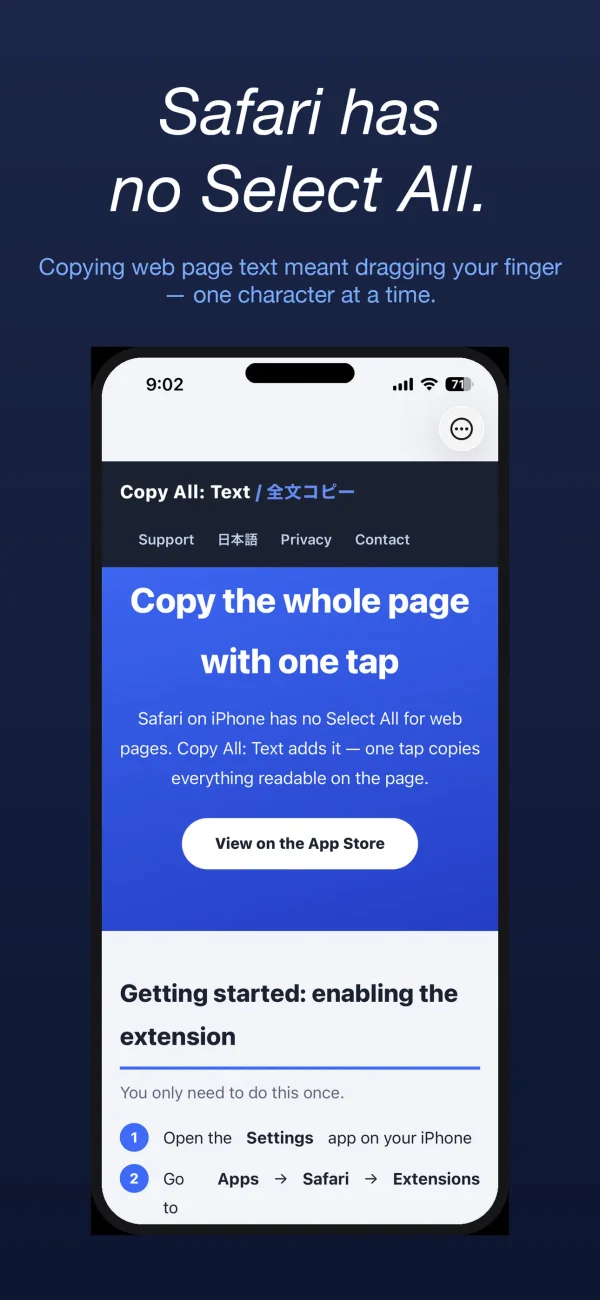
Safari on iPhone has no Select All for web pages.
On a computer, Command + A takes a second. On iPhone, there is no equivalent. Copying a long article means dragging your finger down the screen and starting over every time the selection slips.
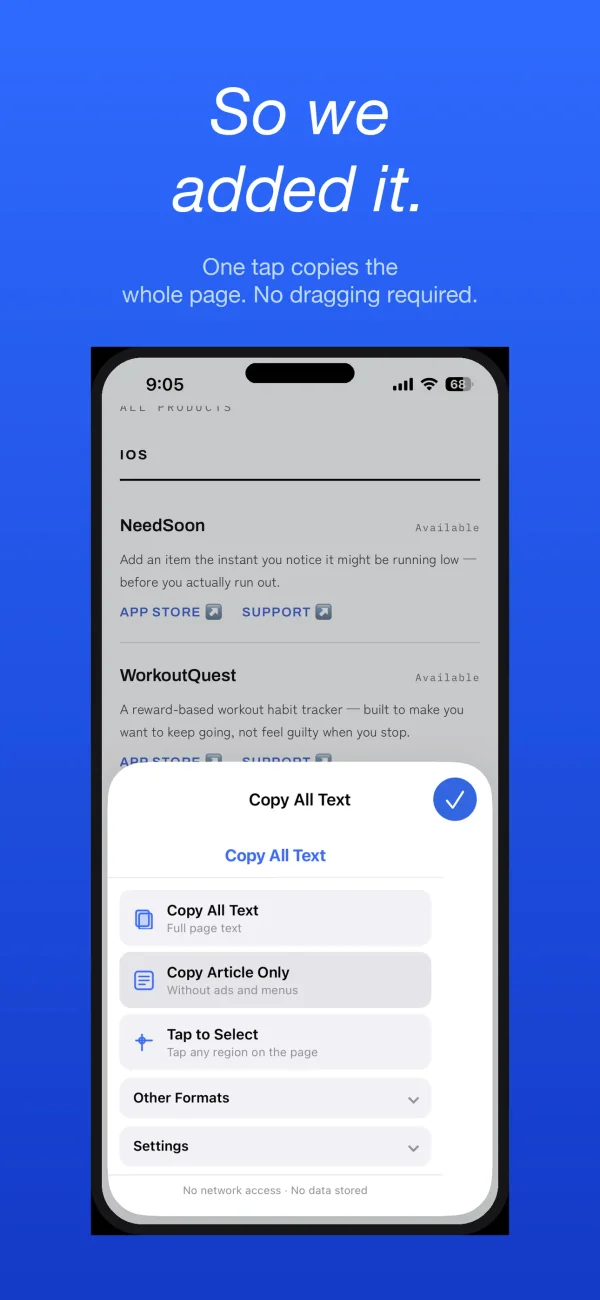
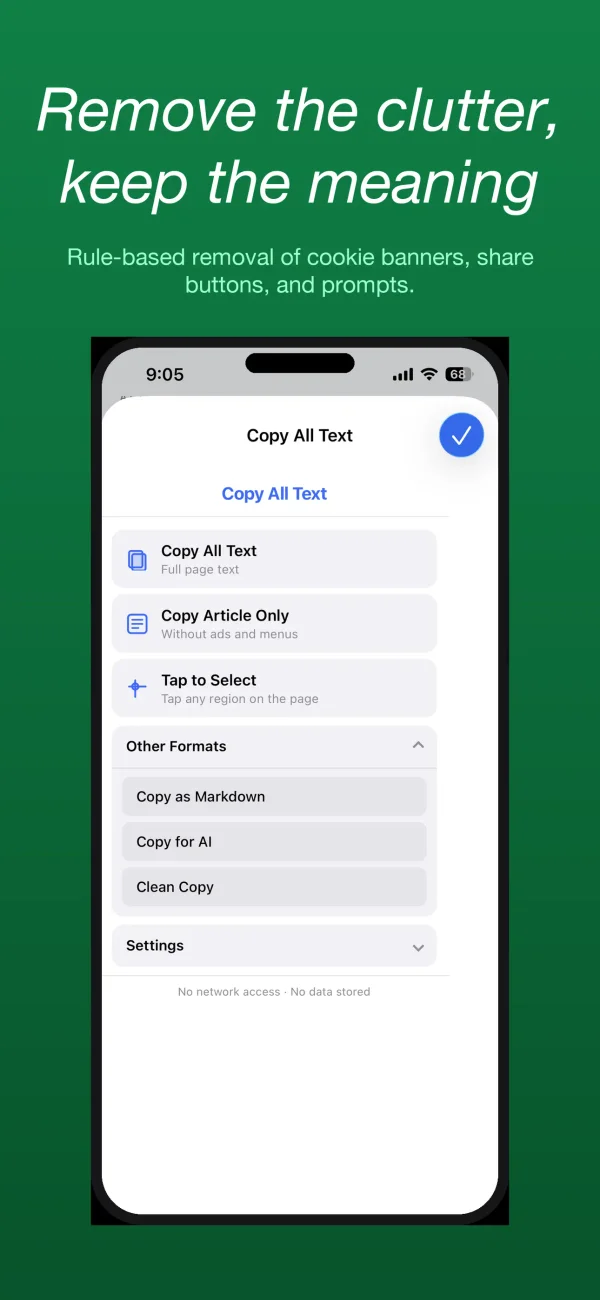
Copy All Text adds the Select All that Safari is missing. One tap copies the whole page.
COPY WHAT YOU NEED, IN A USEFUL FORMAT
- Copy All Text: copies the page text readable in Safari.
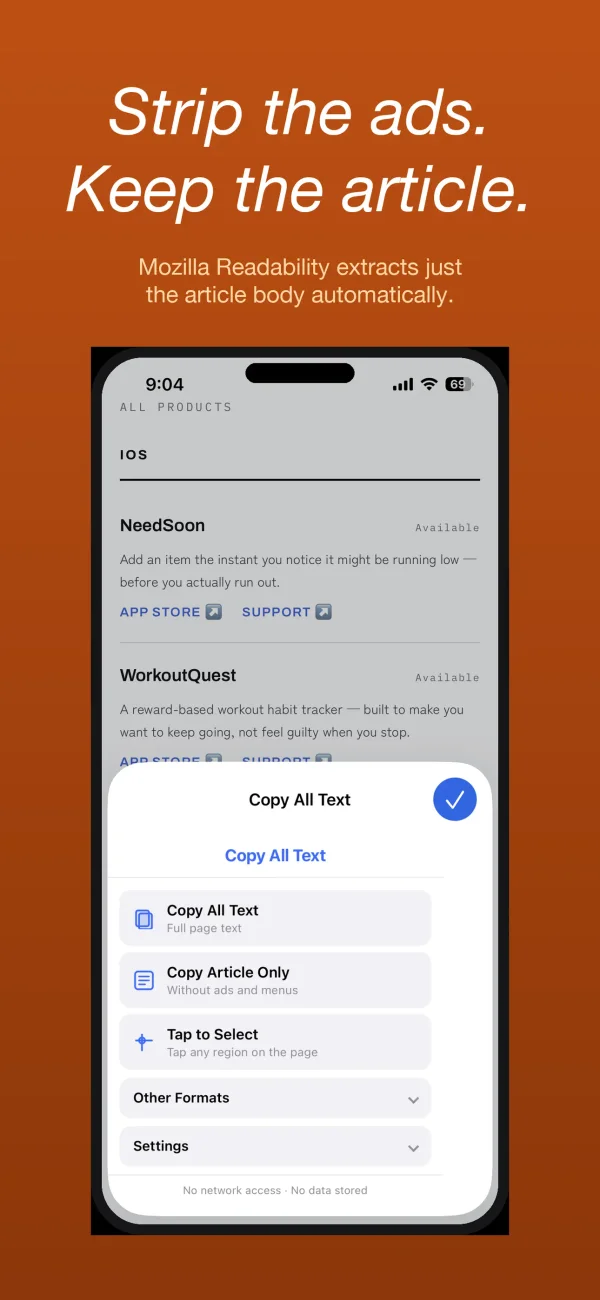
- Copy Article Only: removes ads, menus, and footers, then copies just the article body.
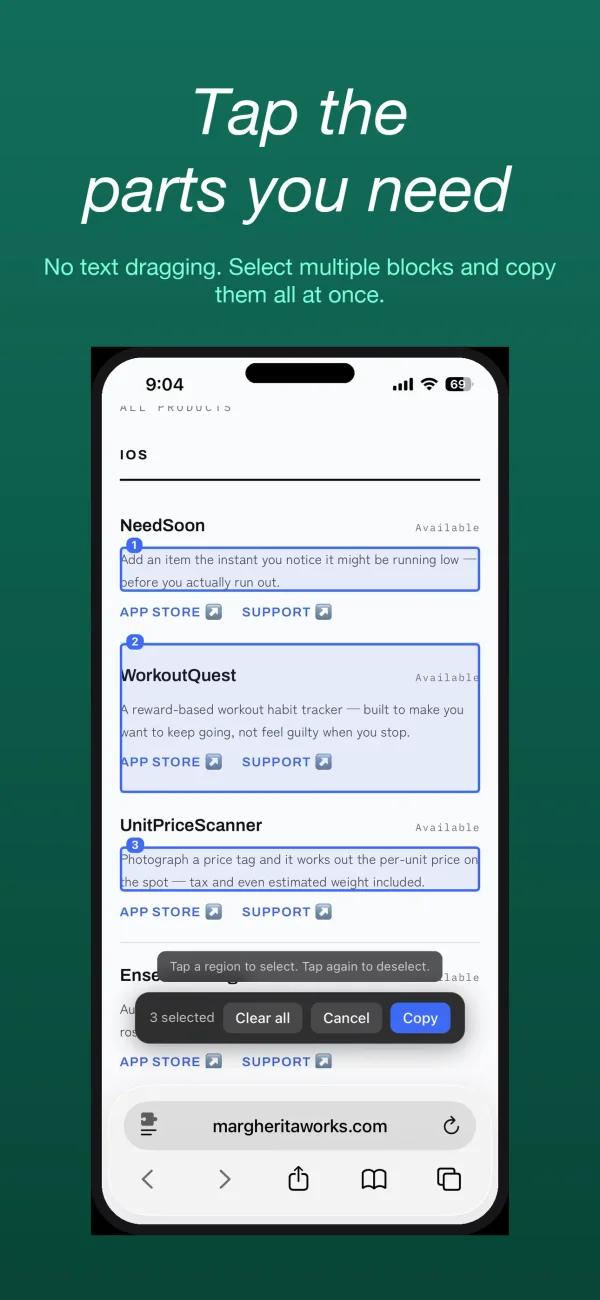
- Tap to Select: tap one or more page regions instead of dragging text handles.
- Copy for AI: locally formats content and an instruction for pasting into an AI chat. Nothing is sent.
- Clean Copy: removes cookie notices, sharing controls, subscription prompts, and repeated clutter.
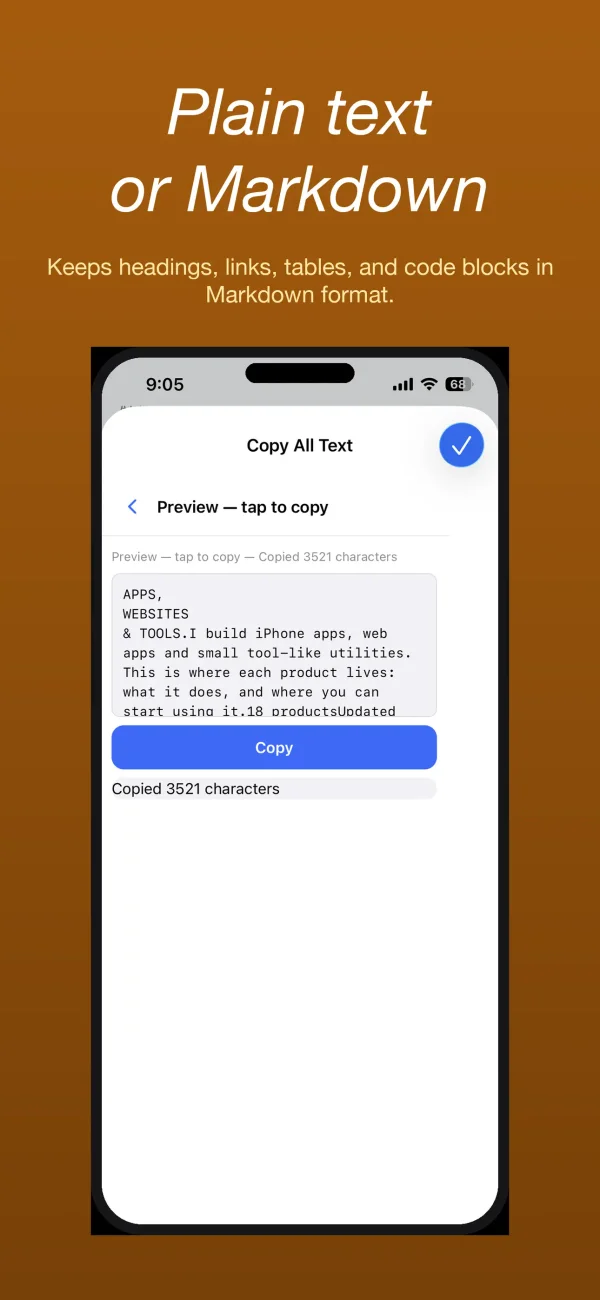
- Copy as Markdown: keeps headings, links, and lists intact.
If you already have text selected, only that selection is copied.
GOOD FOR
- Saving long articles into a notes app
- Moving research into another app in one go
- Passing page content to a translation service
PRIVACY AND PRICING
- Completely free. No ads. No in-app purchases.
- No network access at all. Page content never leaves your device.
- Nothing is stored or logged.
- The extension only runs on the page where you tap the button.
HOW TO USE
1. Enable the Safari extension in the Settings app.
2. Open any page in Safari.
3. Tap the extension icon in the address bar and choose a copy mode.
Supports VoiceOver and Dynamic Type. Available in Japanese, English, Korean, Traditional Chinese, Simplified Chinese, Spanish, and Arabic.
Note: Depending on the structure of a website or its access restrictions, some text may not be retrievable.
Neue Funktionen
Version 1.2.1 · 03.11.2026
Bug fixes
• Fixed an issue where the copy buttons could leave the previous clipboard content in place. One tap now reliably copies the text
• Fixed "Copied" being shown when nothing had been copied
• Popup headings and button labels are no longer selected by a long press
App-Datenschutz
Was Kohei Ishikawa im App Store zum Umgang dieser App mit Daten angibt.
-
Keine Daten erfasst
Der Entwickler erfasst keine Daten von dieser App.
Die Datenschutzpraktiken können variieren, zum Beispiel je nach den von Ihnen verwendeten Funktionen oder Ihrem Alter.
Informationen
- Anbieter
- Kohei Ishikawa
- Kategorie
- Dienstprogramme
- Version
- 1.2.1
- Aktualisiert
- 03.11.2026
- Veröffentlicht
- 04.09.2026
- Größe
- 1,3 MB
- Erfordert
- iOS 15.0 oder neuer
- Altersfreigabe
- 4+
- Preis
- Kostenlos
- Sprachen
- Englisch, Arabisch, Japanisch, Koreanisch, Vereinf. Chinesisch, Spanisch, Tradit. Chinesisch
- Copyright
- © 2026 Margherita Works by Kohei Ishikawa
Das könnte Ihnen auch gefallen
-
 Shellcove · Cloud AgentDienstprogramme
-
 Run Custom JS on BackgroundDienstprogramme
-
 NasScaleDein NAS, immer greifbar
-
 Playwall: Spiele TrackerBacklog, Wunschliste, Sammlung
-
 WebClean: WerbeblockerSafari Adblock & Dunkelmodus
-
 ProEncryptor: File EncryptionDienstprogramme
-
 Matrix Alarm-A code rain alarmDienstprogramme
-
 PearpipeDienstprogramme
-
 TigerTextDienstprogramme
-
 Smart Calculator: All In OneDienstprogramme