Copy My Data – Smart Switch
Phone Clone Mobile Transfer
Entwickelt für iPhone, iPad
Kostenlos · In-App-Käufe
- Altersfreigabe4+
- KategorieDienstprogramme
- EntwicklerRadddio
- SprachenEnglisch+ 4 weitere
- Größe16,8 MB
Verlinkt auf die offizielle App Store-Seite
Download.org hostet keine Datei von Copy My Data – Smart Switch. Die Schaltfläche öffnet die App-Seite bei App Store, wo Radddio die App veröffentlicht. Eintrag zuletzt geprüft am 24.11.2026.
Screenshots

Info
Der Entwickler hat diesen Text nicht in Ihrer Sprache bereitgestellt.
Copy My Data makes mobile transfer effortless.
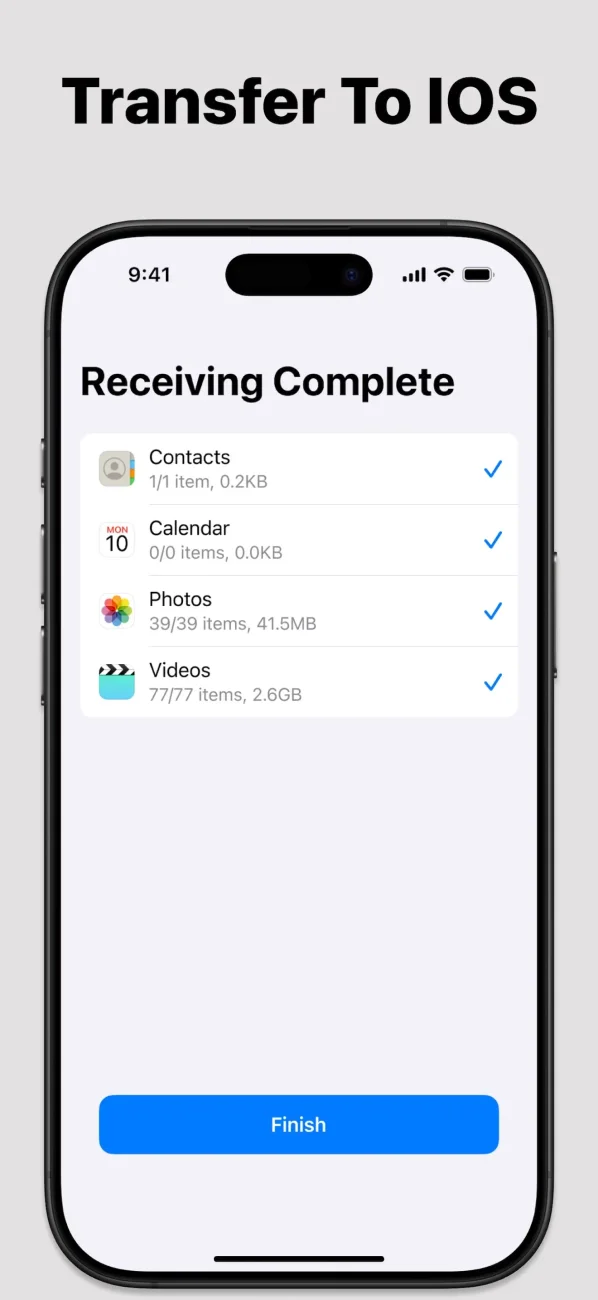
Whether you’re upgrading to a new iPhone or want to sync two devices, this app lets you securely transfer your contacts, photos, videos, and calendar events using just your local network, the smart transfer solution for quick and easy content transfer.
No accounts. No cloud. Just fast, private, and intuitive phone transfer between iPhones.
How it works:
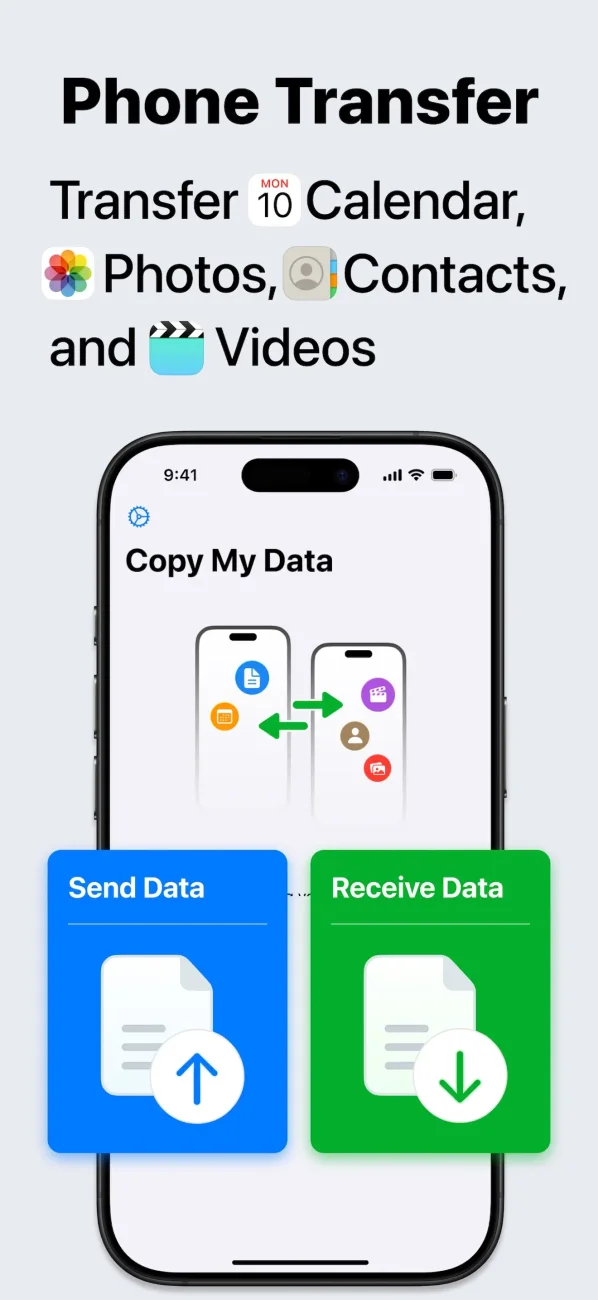
1. Install the app on both iPhones
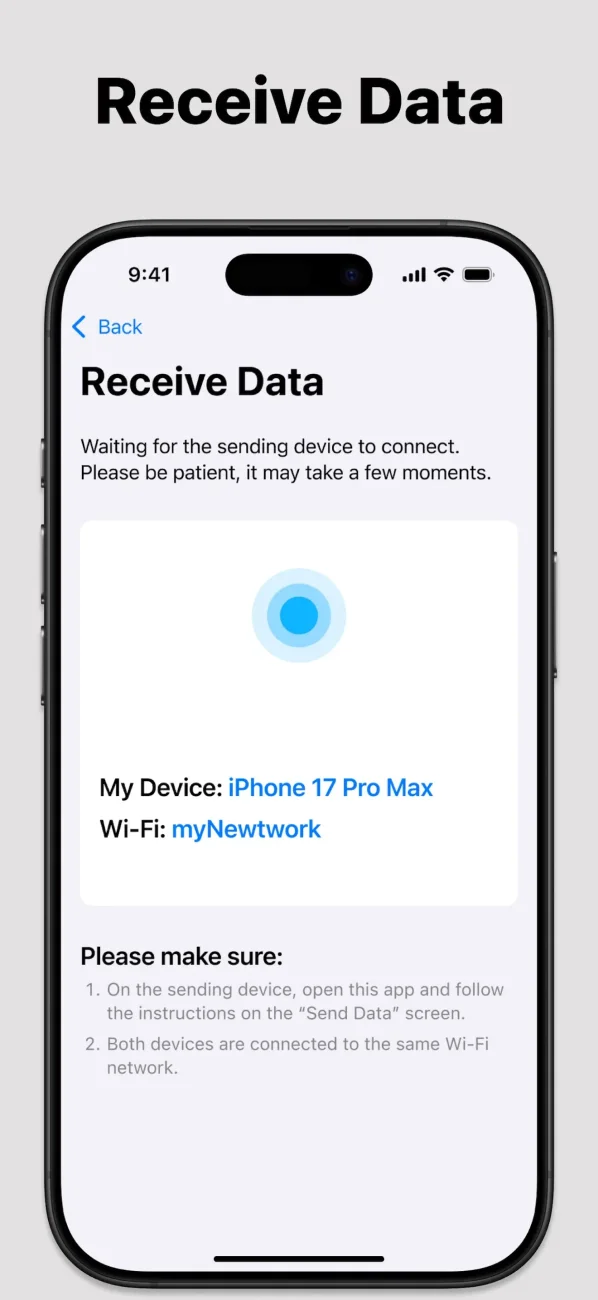
2. Connect both devices to the same local network
3. Select Send Data on one device and Receive Data on the other
4. Follow the on-screen steps to complete your data transfer
It’s that simple. Skip cables and complicated backups, use Copy My Data for reliable phone cloning and secure sharing.
Key features:
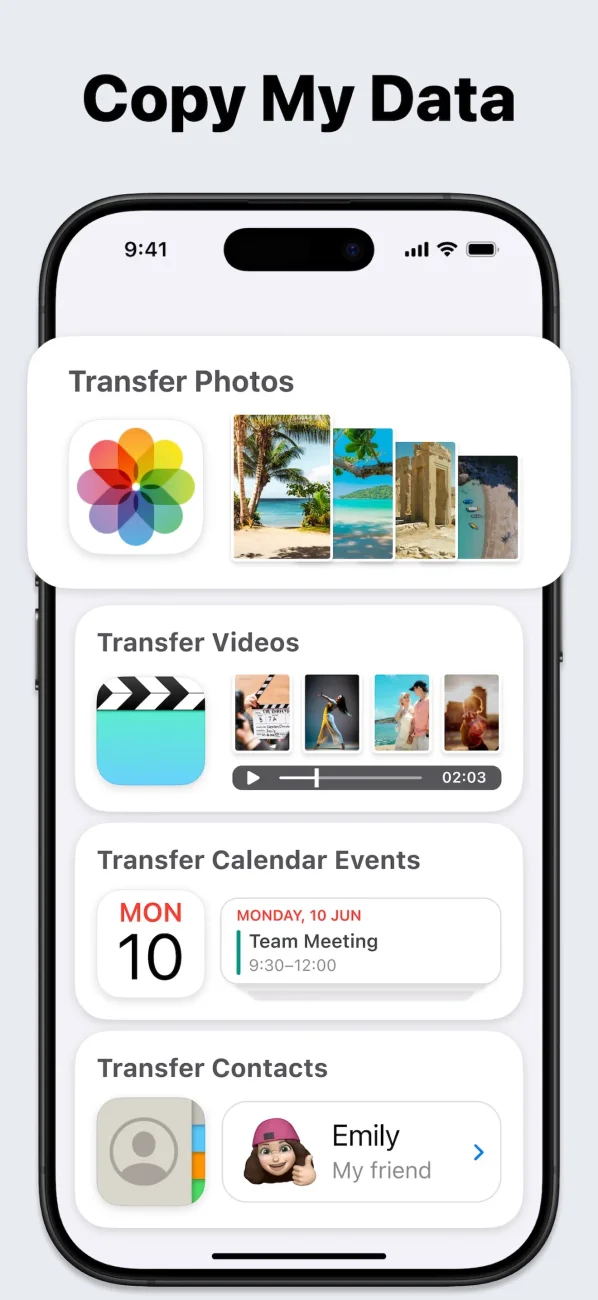
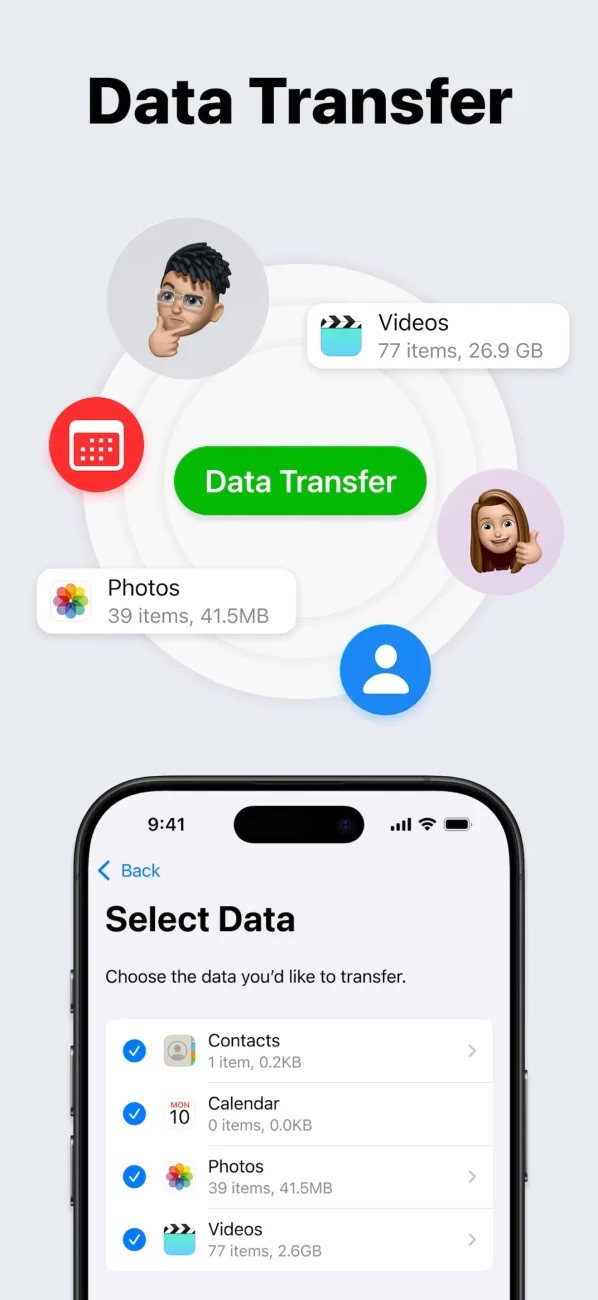
• Transfer contacts, photos, videos, and calendar events
• Send and receive data between iPhones
• Complete data transfer using only your local network, no internet required
• We do not collect or store any user data
• Fast, secure, and private mobile transfer experience
• Simple setup and guided smart transfer process
Whether you’re performing a phone transfer, content transfer, or just want to transfer videos, transfer photos, or transfer contacts, Copy My Data gets it done — hassle-free.
Common Questions:
• How do I transfer data from iphone to iphone?
Just install Copy My Data on both devices, connect them to the same network, and follow the steps to send data from your old phone and receive data on your new one.
• Can I transfer photos and videos without using iCloud?
Yes! This app enables full content transfer, including transfer videos and transfer photos, directly over your local Wi-Fi, no internet or iCloud needed.
• Is my data secure during transfer?
Absolutely. Your data transfer never leaves your local network, and we do not collect or store any user data.
A subscription is required for Copy My Data Premium. Manage or cancel your subscription anytime in your Apple ID settings.
----
Privacy Policy: https://ios2web.com/copy-my-data/privacy-policy/
Terms of Service: https://ios2web.com/copy-my-data/terms-of-service/
Neue Funktionen
Version 1.0.5 · 09.02.2026
• Enhanced contact transfer with a more intuitive and easier flow
• Minor performance improvements and bug fixes
Thank you for using Copy My Data. We’re continuously working to make file transfers faster, simpler, and more reliable.
App-Datenschutz
Was Radddio im App Store zum Umgang dieser App mit Daten angibt.
-
Keine Daten erfasst
Der Entwickler erfasst keine Daten von dieser App.
Die Datenschutzpraktiken können variieren, zum Beispiel je nach den von Ihnen verwendeten Funktionen oder Ihrem Alter.
Informationen
- Anbieter
- Radddio Ltd
- Kategorie
- Dienstprogramme
- Version
- 1.0.5
- Aktualisiert
- 09.02.2026
- Veröffentlicht
- 29.09.2025
- Größe
- 16,8 MB
- Erfordert
- iOS 17.6 oder neuer
- Altersfreigabe
- 4+
- Preis
- Kostenlos
- In-App-Käufe
- Ja
- Sprachen
- Englisch, Französisch, Vereinf. Chinesisch, Spanisch, Tradit. Chinesisch
- Copyright
- © Radddio
Das könnte Ihnen auch gefallen
-
 MP3 Converter: VoxCutVideo to Audio, MP3 Converter
-
 PDF Signieren: UnterschriftFormulare ausfüllen & E-Sign
-
 Song RecorderDienstprogramme
-
 Printer App: AirPrint & Scan.Dienstprogramme
-
 MP4 to MP3 Converter ™Dienstprogramme
-
 Remove BG・Background RemoverDienstprogramme
-
 Null AI - Detect AI MediaDienstprogramme
-
 Device Detector: Find & DetectDienstprogramme
-
 Air Share: Backup or Copy DataDienstprogramme
-
 Scan QR Code - QRCode ScannerDienstprogramme