
CopyAgain: Clipboard Manager
Text Snippets & Paste Keyboard
Entwickelt für iPhone, iPad, Mac
Kostenlos · In-App-Käufe
- Altersfreigabe4+
- KategorieProduktivität
- EntwicklerVishal Paliwal
- SprachenEnglisch
- Größe20,7 MB
Verlinkt auf die offizielle App Store-Seite
Download.org hostet keine Datei von CopyAgain: Clipboard Manager. Die Schaltfläche öffnet die App-Seite bei App Store, wo Vishal Paliwal die App veröffentlicht. Eintrag zuletzt geprüft am 26.11.2026.
Screenshots
Info
Der Entwickler hat diesen Text nicht in Ihrer Sprache bereitgestellt.
Save once. Copy anytime.
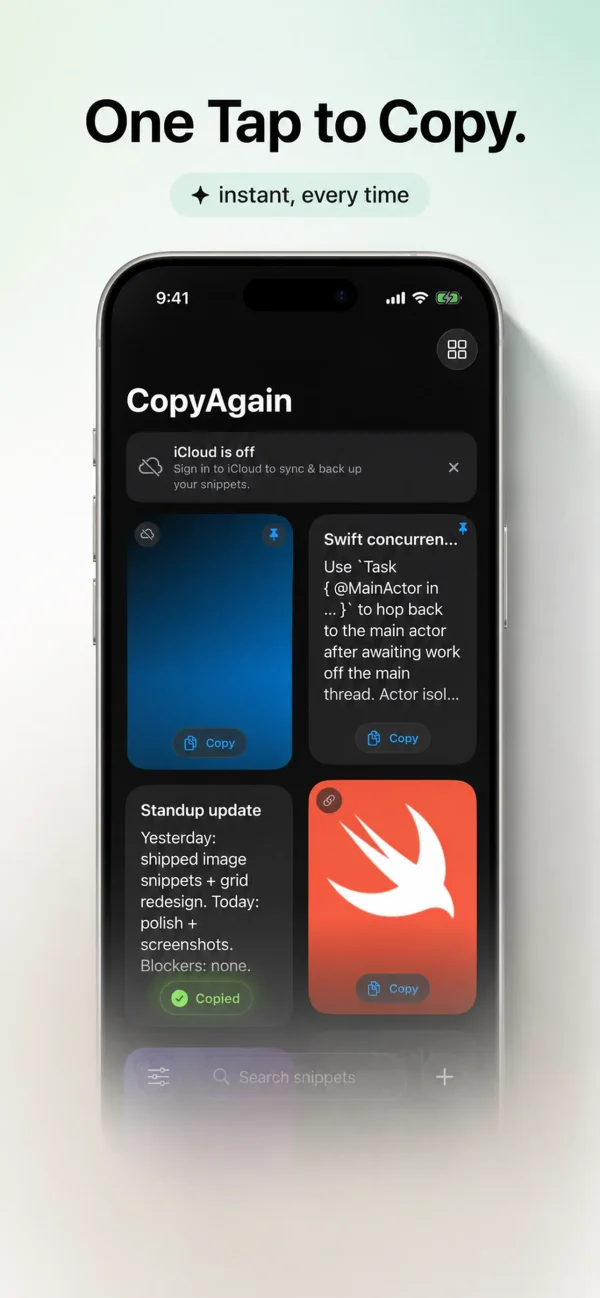
CopyAgain is a private clipboard manager that only keeps what you choose. No silent history, no account. Just the text, links and images you reuse, one tap away from any app, from the keyboard, or from a widget.
If you retype the same captions, links, prompts, replies, or commands over and over, CopyAgain gives them a home.
Built for people who reuse text
• Creators — captions, hooks, hashtags, CTAs, collab replies
• Developers — prompts, git commands, repo links, code snippets
• Freelancers — intros, pricing replies, proposals, payment reminders
What makes it different
• A curated copy library, not an automatic clipboard history
• One-tap copy with instant haptic confirmation
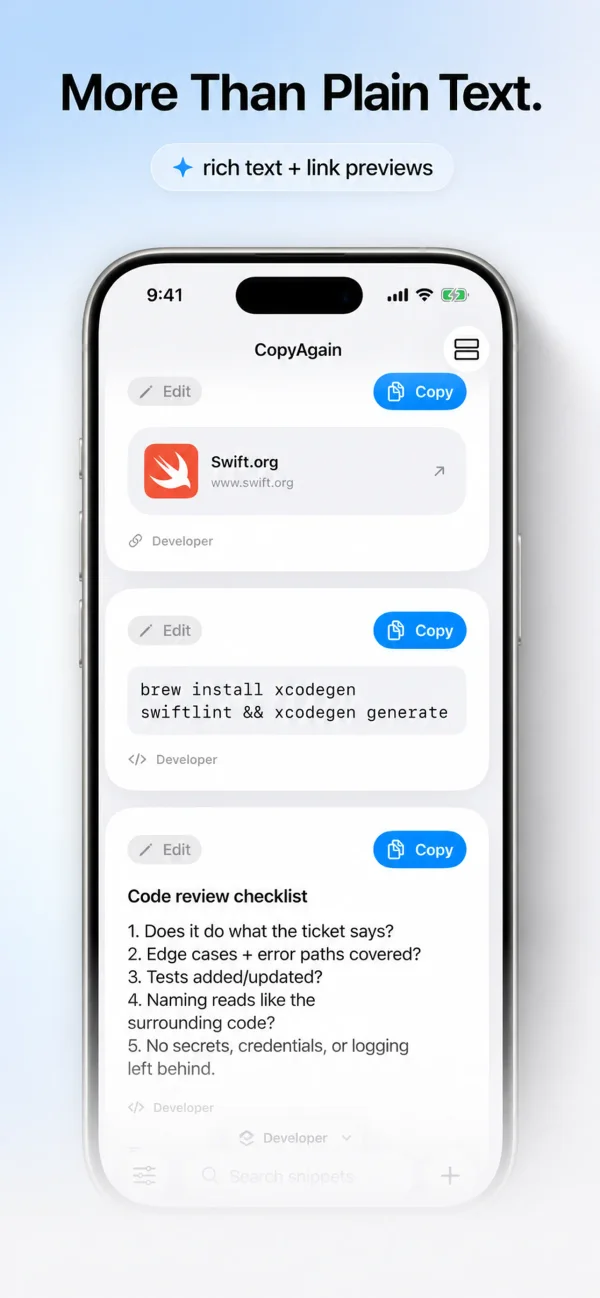
• Rich text and link previews, not just plain strings
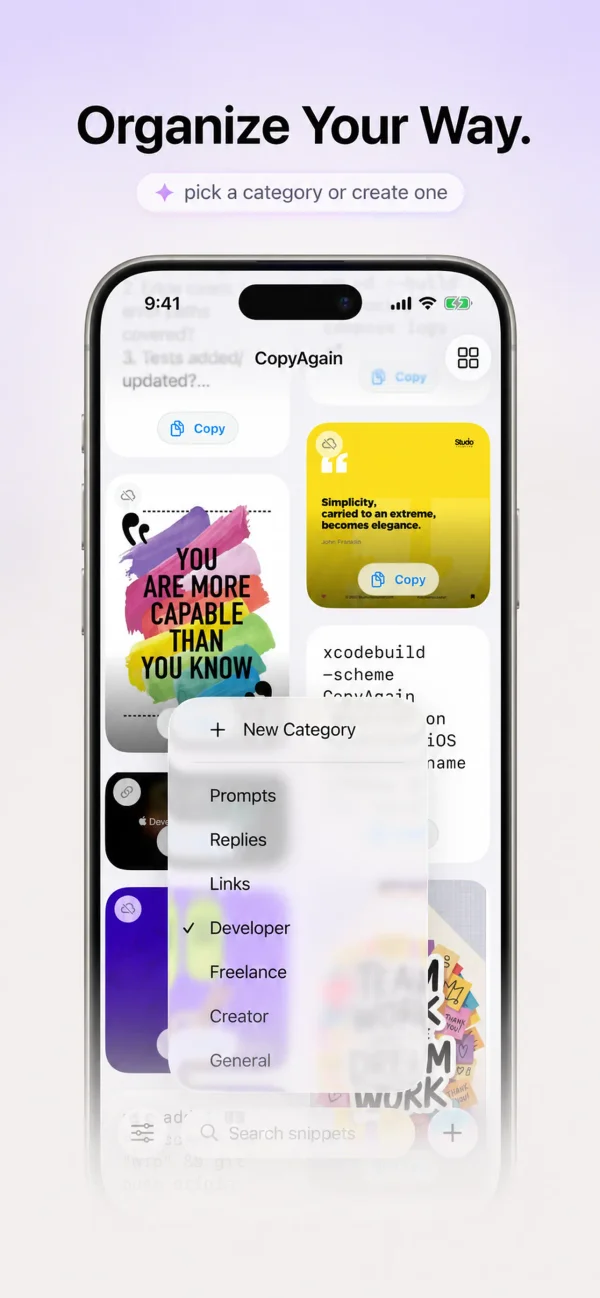
• Organize by category — Developer, Creator, Freelance, and your own
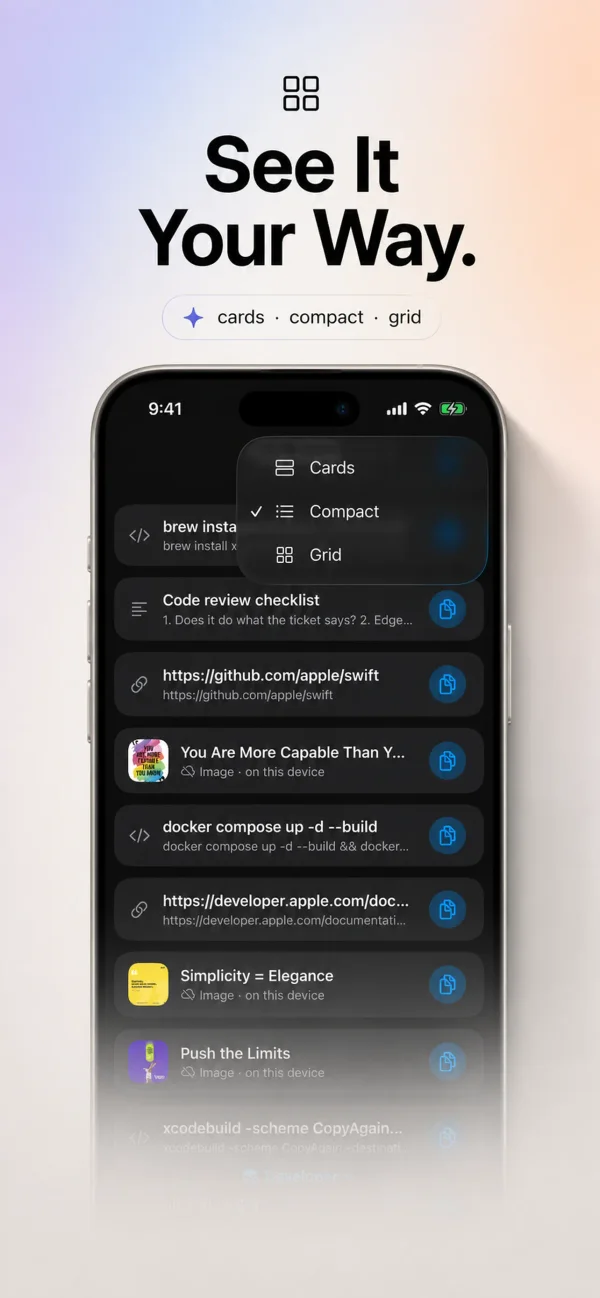
• View as cards, compact list, or grid — whatever fits how you think
• Pin, search, and reorder so the right snippet is always close
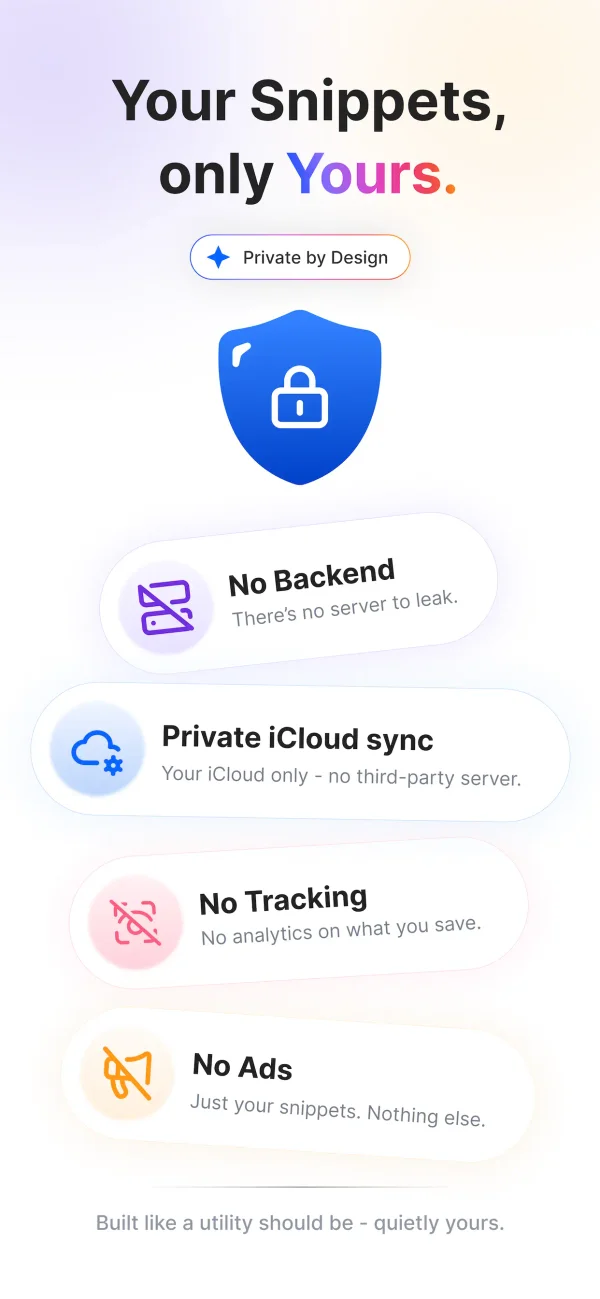
Private by design
• No backend — there's no server to leak
• Syncs through your own iCloud only — no third-party servers
• No tracking, no analytics on what you save
• No ads. Just your snippets, nothing else
• CopyAgain only reads your clipboard when you tap to copy or paste — never in the background
Built natively with SwiftUI for a fast, calm, Apple-quality experience.
Save the text you reuse. Copy it again, anytime.
Neue Funktionen
Version 1.11 · 24.11.2026
Find your snippets, even when you forget the words.
• Search by meaning: type what a snippet is about, like "address" or "flight", and related snippets show up after the exact matches. All on your device.
• Search inside pictures: saved images now turn up in search by the text in them.
• Auto-sort: new snippets saved to General move to the right category on their own, using Apple Intelligence on your device.
• Export and import: back up your library to a file and bring it into CopyAgain on another device.
• Untitled image snippets now take their name from the first line of their text.
App-Datenschutz
Was Vishal Paliwal im App Store zum Umgang dieser App mit Daten angibt.
-
Nicht mit Ihnen verknüpfte Daten
Können erfasst werden, sind aber nicht mit Ihrer Identität verknüpft.
- Nutzungsdaten
- Diagnose
Die Datenschutzpraktiken können variieren, zum Beispiel je nach den von Ihnen verwendeten Funktionen oder Ihrem Alter.
Informationen
- Anbieter
- Vishal Paliwal
- Kategorie
- Produktivität
- Version
- 1.11
- Aktualisiert
- 24.11.2026
- Veröffentlicht
- 30.06.2026
- Größe
- 20,7 MB
- Erfordert
- iOS 26.0 oder neuer
- Altersfreigabe
- 4+
- Preis
- Kostenlos
- In-App-Käufe
- Ja
- Sprachen
- Englisch
- Copyright
- © 2026 Eightinity Technologies
Das könnte Ihnen auch gefallen
-
 KIN: Family Calendar & PlannerProduktivität
-
 TapCopy: TextbausteineAdressen & Antworten kopieren
-
 SchoolSnap: School Day PlannerProduktivität
-
 uFlowing: Focus and PresentProduktivität
-
 Yike: To-Do List, Task PlannerProduktivität
-
 Say The Thing: Message ClarityProduktivität
-
 Tactical TalkProduktivität
-
 Jobney: Job Search TrackerProduktivität
-
 Dev Partner: Meeting NotesProduktivität
-
 Uglify Screen TimeProduktivität