
CopyAgain: Copy/Paste Library
Save & reuse text, one tap
Designed for iPhone, iPad, Mac
Free · In-app purchases
- Age rating4+
- CategoryProductivity
- DeveloperVishal Paliwal
- LanguagesEnglish
- Size20.1 MB
Links to the official App Store page
Download.org hosts no file of CopyAgain: Copy/Paste Library. The button opens its official App Store page, published by Vishal Paliwal. Listing last checked on Nov 21, 2026.
Screenshots
About
Save once. Copy anytime.
CopyAgain is a calm, focused utility for the text you reuse every day. It's not a clipboard manager that logs everything you copy — it's a curated library of the snippets you choose to keep, one tap from anywhere.
If you retype the same captions, links, prompts, replies, or commands over and over, CopyAgain gives them a home.
Built for people who reuse text
• Creators — captions, hooks, hashtags, CTAs, collab replies
• Developers — prompts, git commands, repo links, code snippets
• Freelancers — intros, pricing replies, proposals, payment reminders
What makes it different
• A curated copy library, not an automatic clipboard history
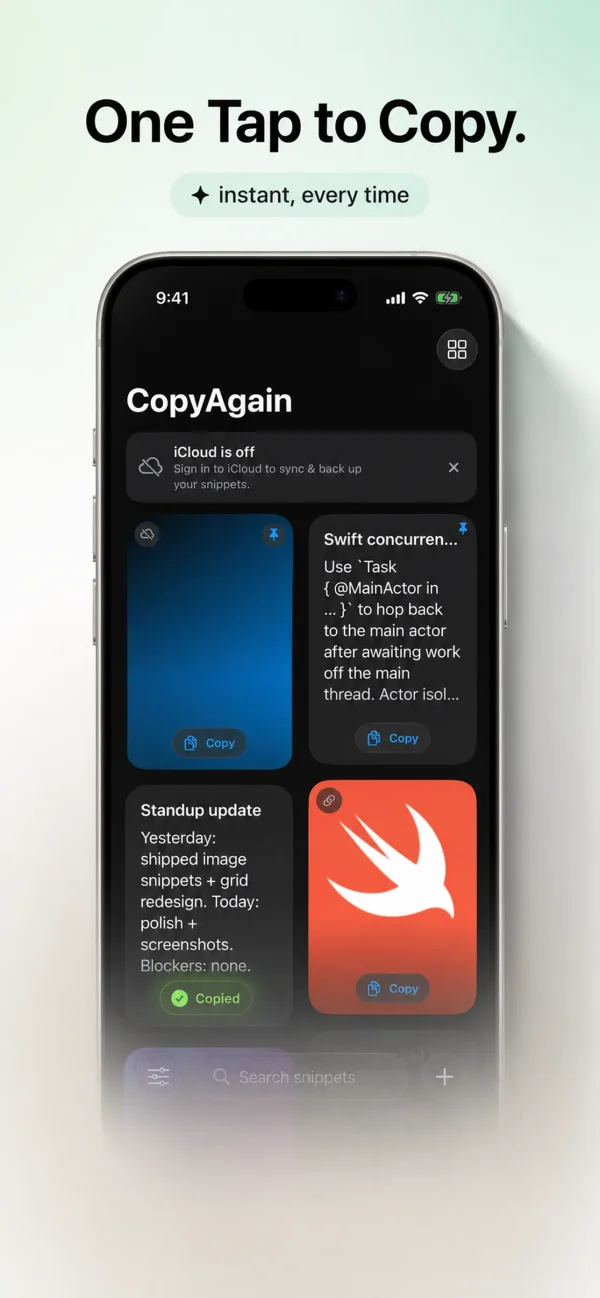
• One-tap copy with instant haptic confirmation
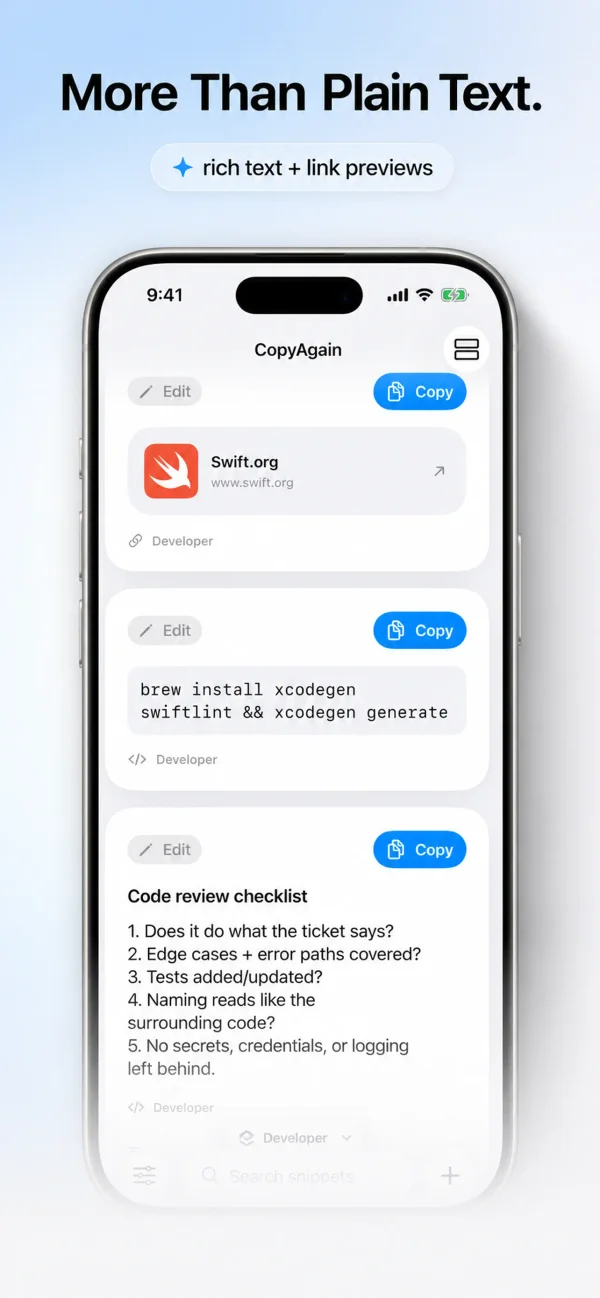
• Rich text and link previews, not just plain strings
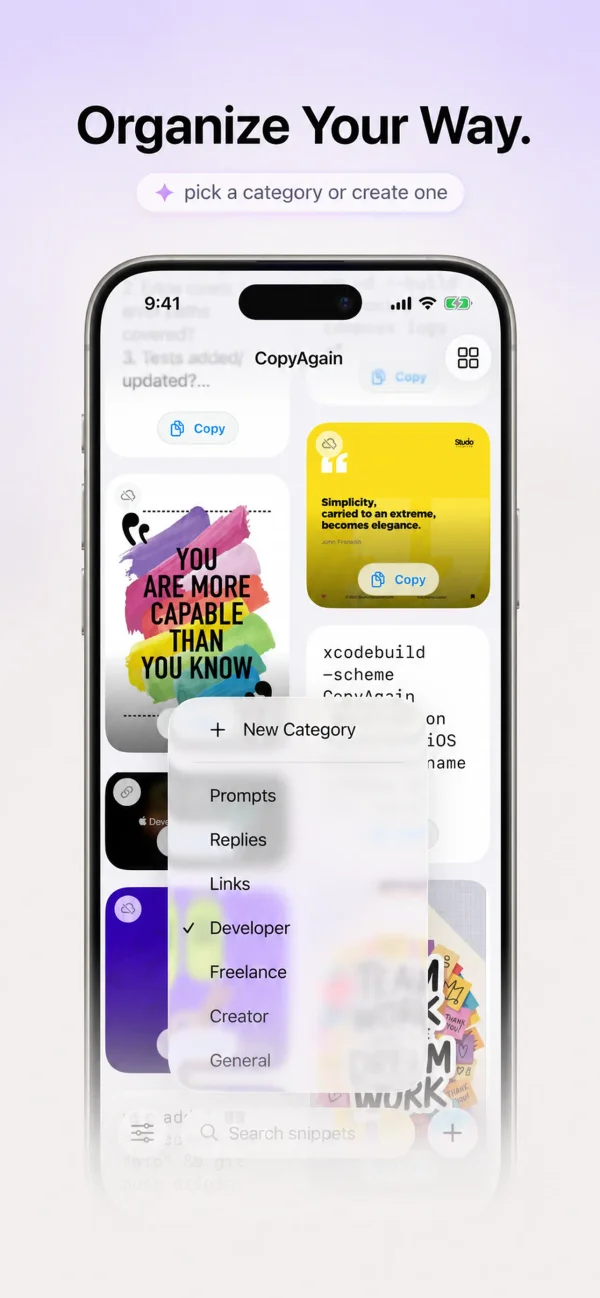
• Organize by category — Developer, Creator, Freelance, and your own
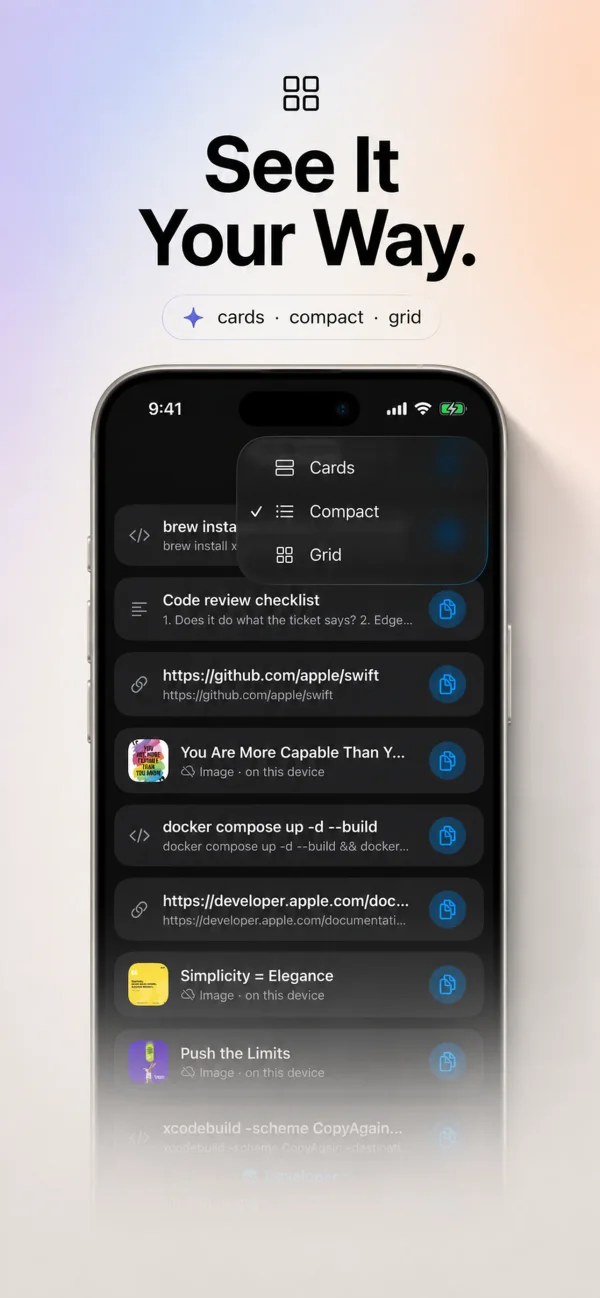
• View as cards, compact list, or grid — whatever fits how you think
• Pin, search, and reorder so the right snippet is always close
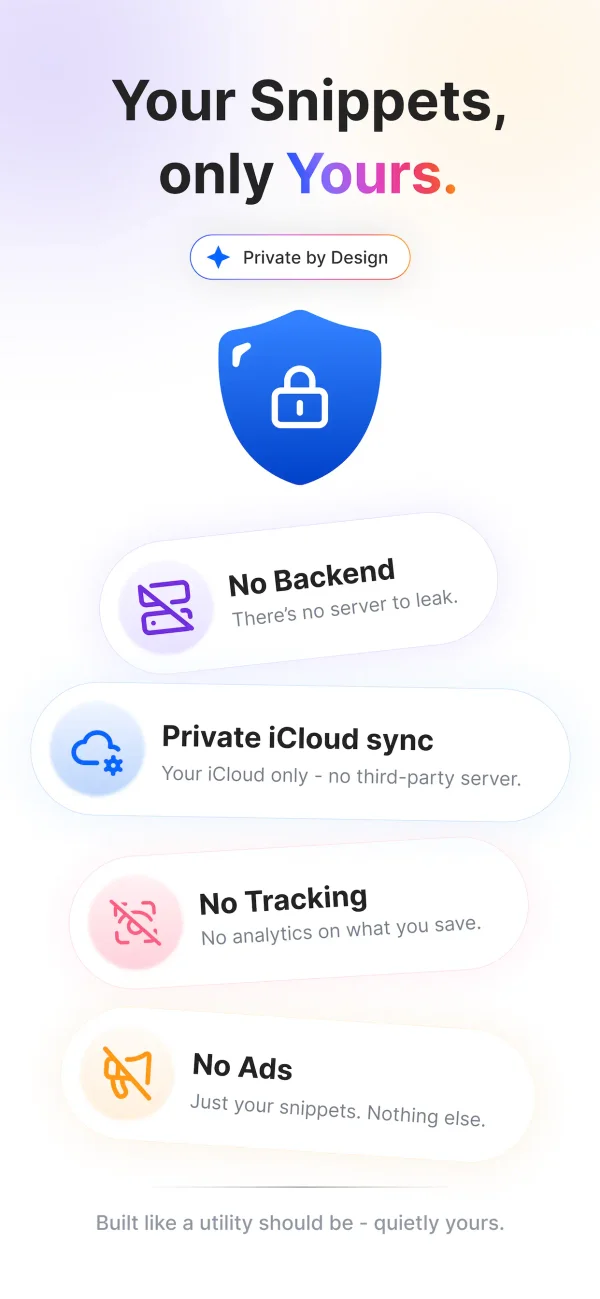
Private by design
• No backend — there's no server to leak
• Syncs through your own iCloud only — no third-party servers
• No tracking, no analytics on what you save
• No ads. Just your snippets, nothing else
• CopyAgain only reads your clipboard when you tap to copy or paste — never in the background
Built natively with SwiftUI for a fast, calm, Apple-quality experience.
Save the text you reuse. Copy it again, anytime.
What’s new
Version 1.10 · Nov 19, 2026
Smarter ways to copy.
• Placeholders: add {date}, {time} or {clipboard} to a snippet and it fills in when you copy.
• Copy several at once: select a few snippets and copy them as one, line by line or as a bulleted list.
• Copy As: turn a link into a Markdown link or a title with its link, or copy any snippet as a PDF.
• Copy text from an image: pull the words out of a saved picture, all on your device.
• Safer sensitive snippets: copies from your vault stay on this device and clear themselves after a minute.
• CopyAgain no longer asks to save something you just copied from it.
App privacy
What Vishal Paliwal declares on the App Store about how this app handles data.
-
Data not linked to you
May be collected but is not linked to your identity.
- Usage data
- Diagnostics
Privacy practices may vary, for example with the features you use or your age.
Information
- Seller
- Vishal Paliwal
- Category
- Productivity
- Version
- 1.10
- Updated
- Nov 19, 2026
- Released
- Jun 30, 2026
- Size
- 20.1 MB
- Requires
- iOS 26.0 or later
- Age rating
- 4+
- Price
- Free
- In-app purchases
- Yes
- Languages
- English
- Copyright
- © 2026 Eightinity Technologies
You might also like
-
 KIN: Family Calendar & PlannerAI voice organizer for couples
-
 TapCopy: Text SnippetsCopy replies & signatures
-
 SchoolSnap: School Day PlannerScan notices, plan tomorrow
-
 uFlowing: Focus and PresentApp for Productivity and Focus
-
 Yike: To-Do List, Task PlannerFocus Timer, Calendar & Alerts
-
 Say The Thing: Message ClarityRewrite messages clearly
-
 Tactical TalkReal-time conversation coach
-
 Jobney: Job Search TrackerTrack Job Applications
-
 Dev Partner: Meeting NotesTranscripts, tasks, daily plan
-
 Uglify Screen TimeMake Your Feed Boring