
- Altersfreigabe4+
- KategorieProduktivität
- EntwicklerSadd Tech LLC
- SprachenEnglisch
- Größe16,3 MB
Verlinkt auf die offizielle App Store-Seite
Download.org hostet keine Datei von DayCommand: AI Calendar. Die Schaltfläche öffnet die App-Seite bei App Store, wo Sadd Tech LLC die App veröffentlicht. Eintrag zuletzt geprüft am 23.11.2026.
Screenshots


Info
Der Entwickler hat diesen Text nicht in Ihrer Sprache bereitgestellt.
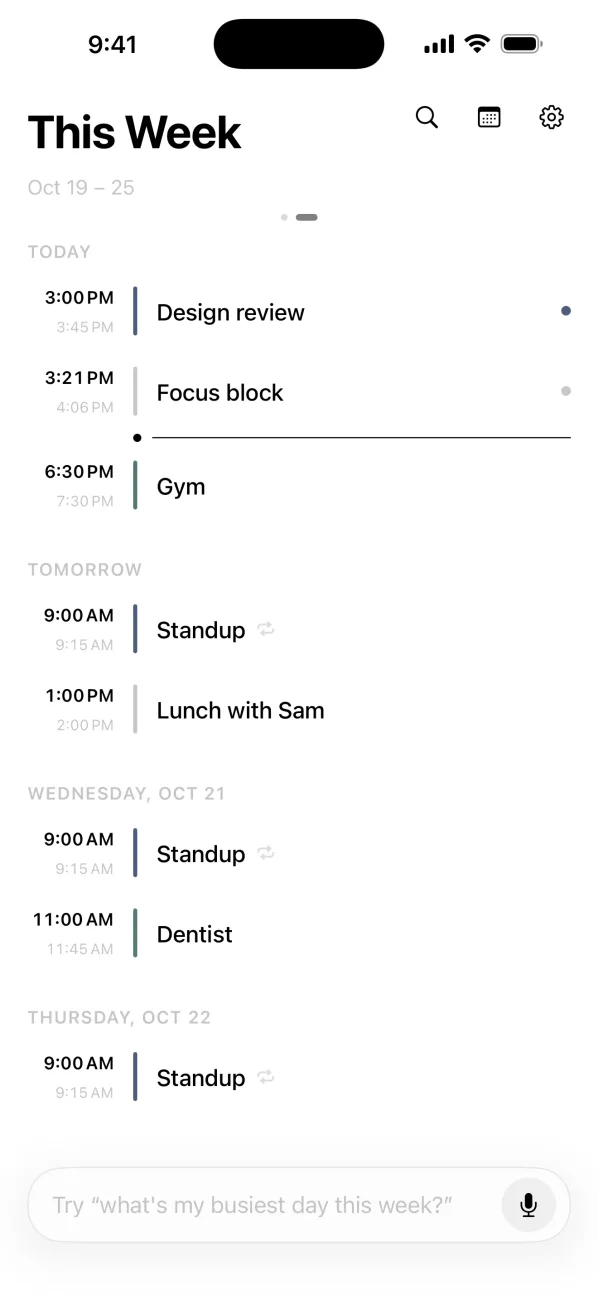
DayCommand understands what you type or say — no forms, no menus, no
tapping through a dozen fields.
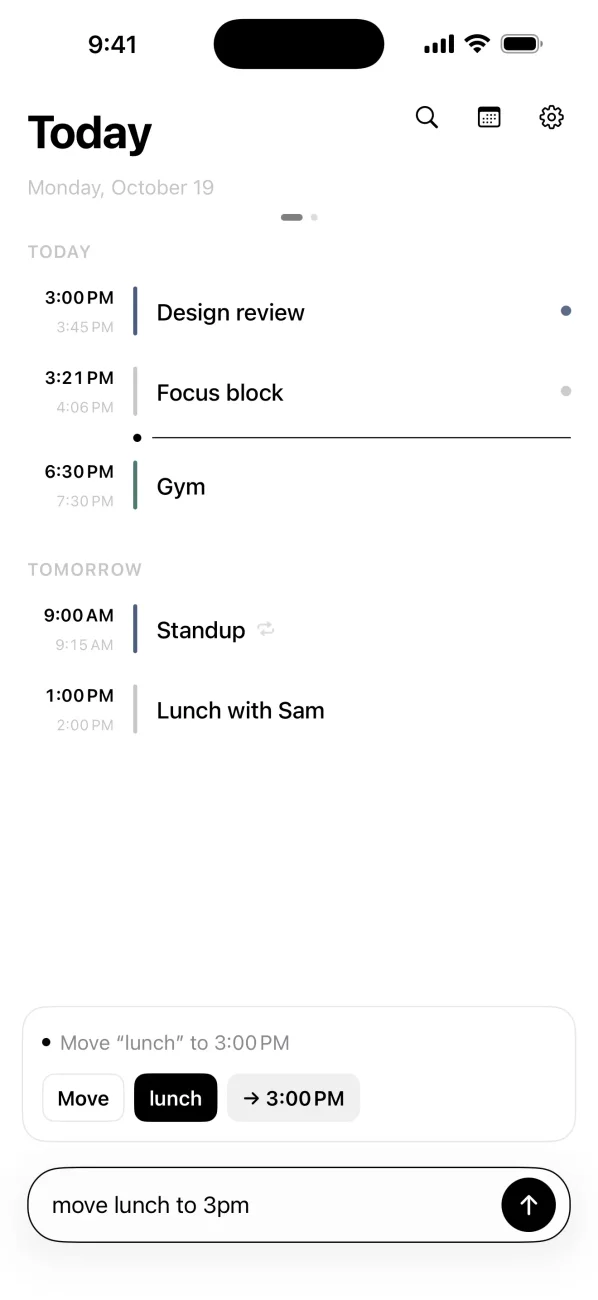
"standup every weekday 9am" creates a recurring event on every calendar
you've connected. "move lunch to 3pm" finds it and moves it. "cancel gym
tomorrow" removes it — with an undo. "am I free at 3?" and "find 30 min
for a run" answer questions your calendar app has never been able to.
WHAT MAKES IT DIFFERENT
• On-device, not cloud. Parsing runs entirely on your phone — no message
limits, no monthly quota, no round-trip to a server. It works on a plane.
• One command, every calendar. Connect Apple, Google, and Outlook calendars
at once, and a single command writes to all of them — moves, renames, and
deletes fan out everywhere automatically, so your calendars never drift
out of sync with each other.
• Real mutations, not just creation. Most "smart" calendar apps can only
parse new events. This one moves, renames, resizes, and cancels existing
events by fuzzy-matched title — and answers scheduling questions directly.
• Genuinely private. Your calendar data goes only to the accounts you
connect. Voice dictation runs on-device (Apple CoreML). Nothing about how
the app understands your commands is sent anywhere.
FEATURES
• Natural-language create, move, rename, resize, and cancel — with a
confirm card before anything destructive happens
• Recurring events: daily/weekly/monthly, intervals, ordinal weekdays
("first Monday of the month"), end dates
• Free-time finder: "find 30 min for a run" returns bookable time slots
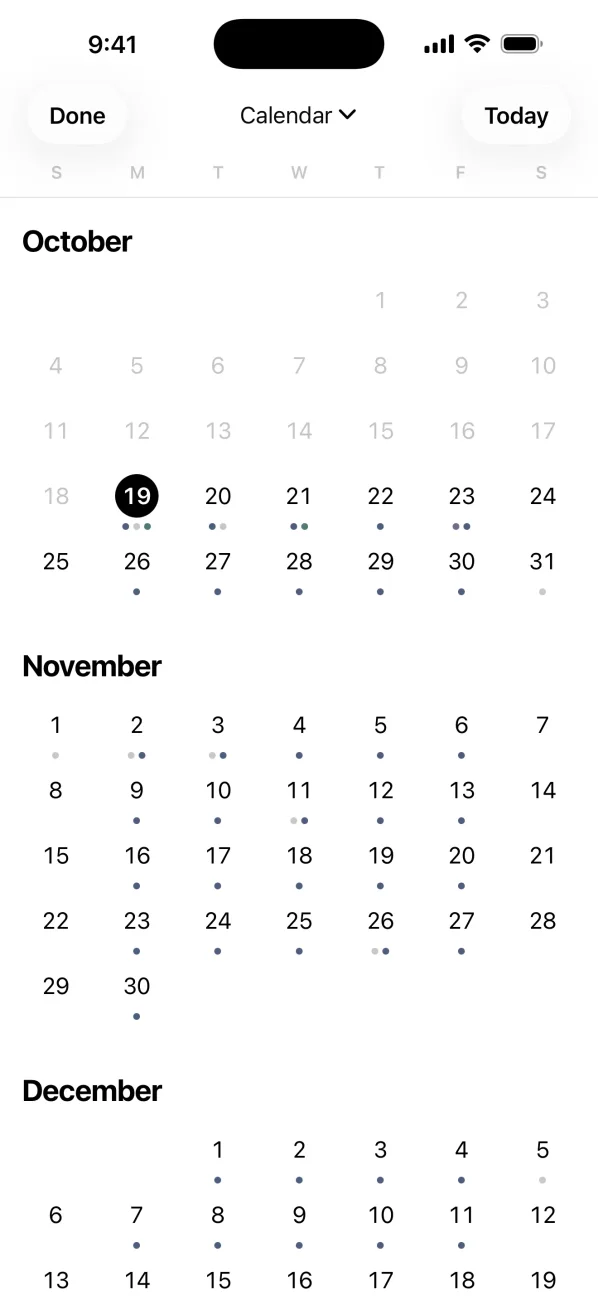
• 60-day agenda with a week strip, live parse preview as you type
• Voice dictation, fully on-device
• Home Screen widgets
• Siri quick-add
• Conflict detection when two events would overlap
• Time-zone awareness for events created while traveling
DayCommand connects to Apple Calendar (iCloud), Google Calendar, and
Outlook/Microsoft 365 Calendar. Connect one or all three — everything works
the same either way.
Neue Funktionen
Version 1.0.4 · 21.11.2026
Improved calendar sync safety after account or device changes, and fixed several natural-language scheduling mistakes. Siri Quick Add now rejects commands that would edit or cancel an event.
App-Datenschutz
Was Sadd Tech LLC im App Store zum Umgang dieser App mit Daten angibt.
-
Keine Daten erfasst
Der Entwickler erfasst keine Daten von dieser App.
Die Datenschutzpraktiken können variieren, zum Beispiel je nach den von Ihnen verwendeten Funktionen oder Ihrem Alter.
Informationen
- Anbieter
- Sadd Tech LLC
- Kategorie
- Produktivität
- Version
- 1.0.4
- Aktualisiert
- 21.11.2026
- Veröffentlicht
- 02.09.2026
- Größe
- 16,3 MB
- Erfordert
- iOS 17.0 oder neuer
- Altersfreigabe
- 4+
- Preis
- Kostenlos
- Sprachen
- Englisch
- Copyright
- © 2026 Asjad Rehman
Das könnte Ihnen auch gefallen
-
 SuperCal: Shared CalendarProduktivität
-
 Matter: Tasks, Notes, CalendarProduktivität
-
 Presently - The Now CalendarProduktivität
-
 Bema CalendarProduktivität
-
 Againly: Track Recurring TasksProduktivität
-
 Network Notes AIProduktivität
-
 What Now - Live-KalenderKalender als Live-Aktivität
-
 SayEvent - AI CalendarProduktivität
-
 Die Ideen-App - The Ideas AppBrainstorm – Inspiration
-
 0sec: voice ai calendarProduktivität