
- Age rating4+
- CategoryProductivity
- DeveloperSadd Tech LLC
- LanguagesEnglish
- Size16.3 MB
Links to the official App Store page
Download.org hosts no file of DayCommand: AI Calendar. The button opens its official App Store page, published by Sadd Tech LLC. Listing last checked on Nov 23, 2026.
Screenshots

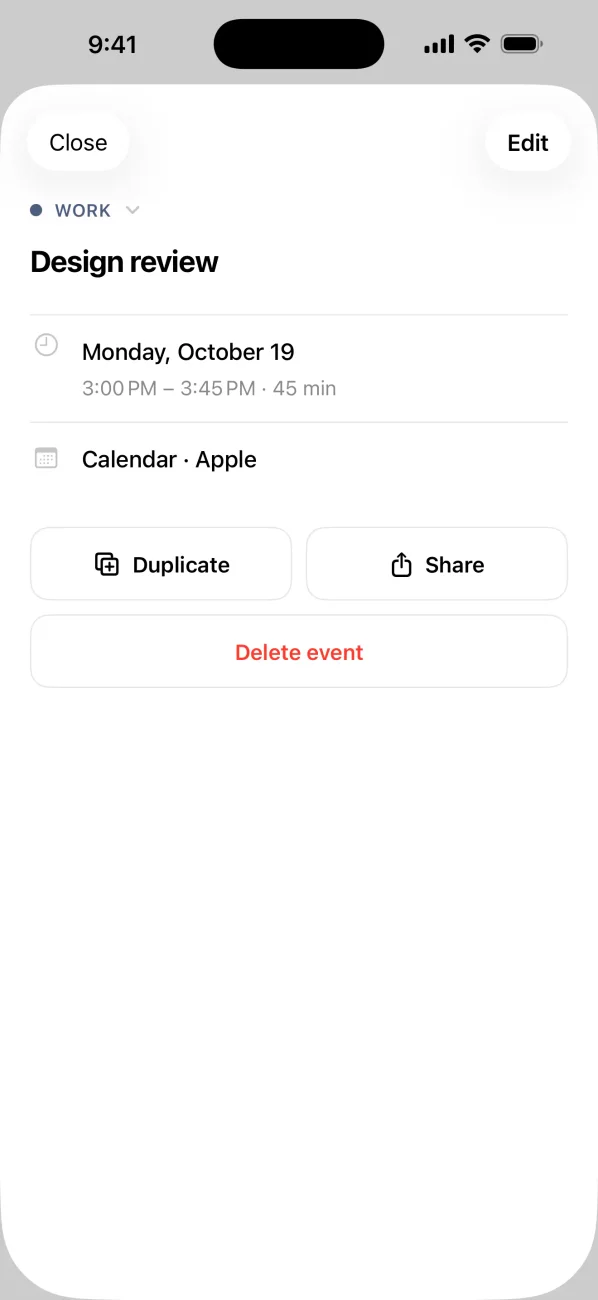
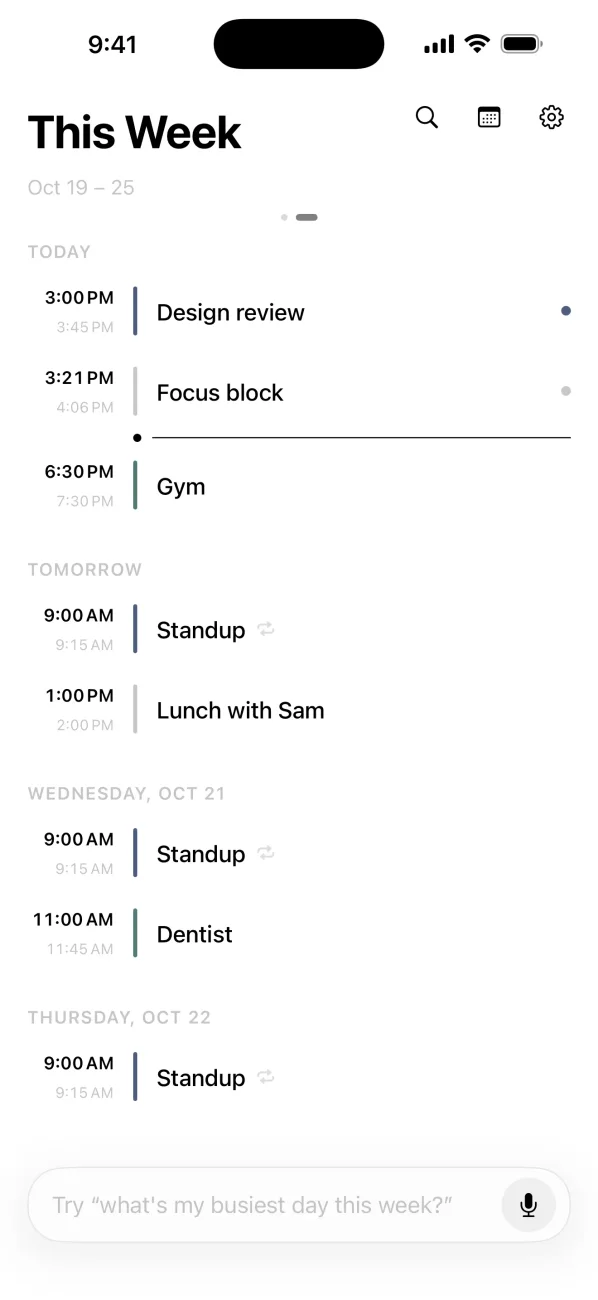
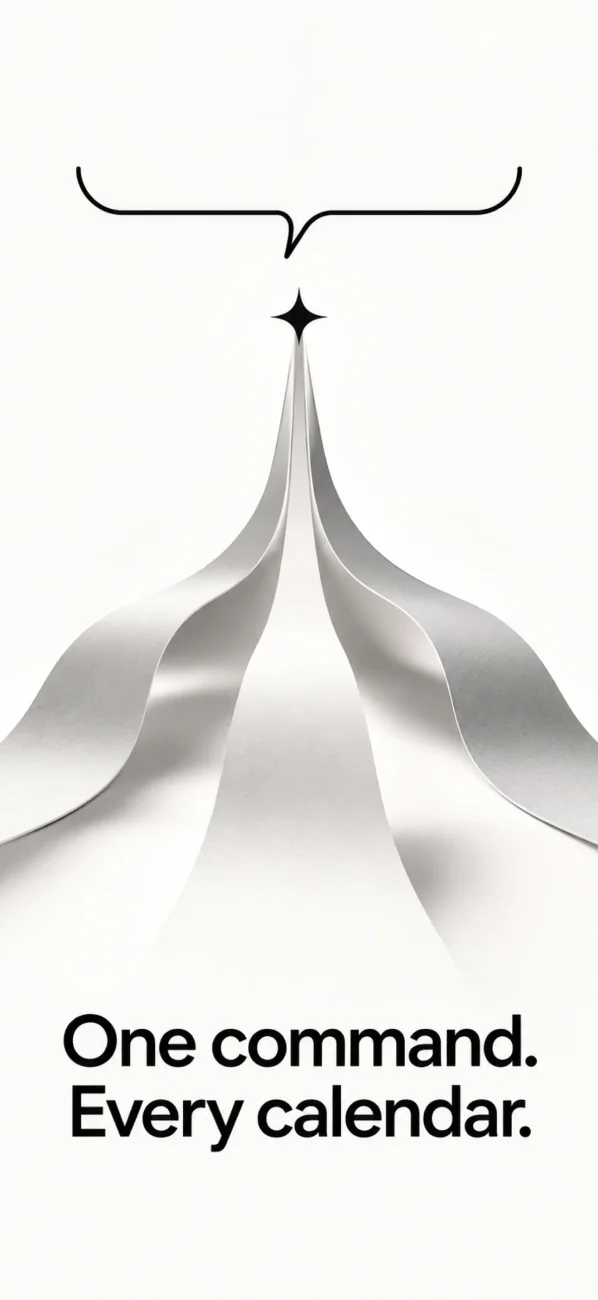
About
DayCommand understands what you type or say — no forms, no menus, no
tapping through a dozen fields.
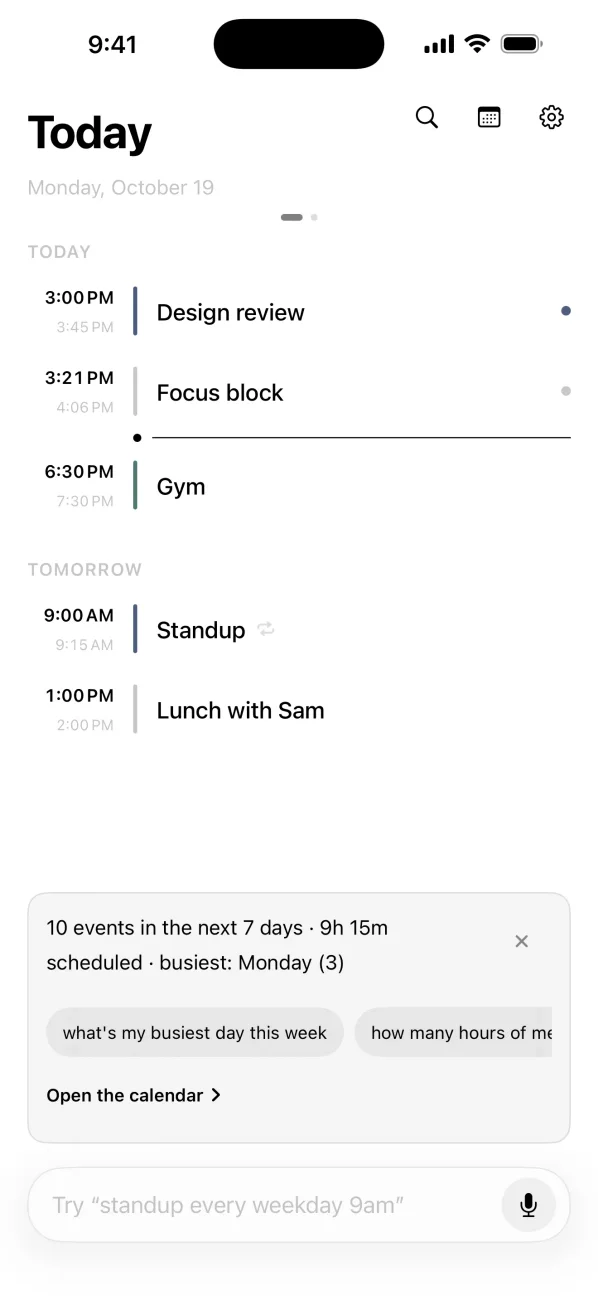
"standup every weekday 9am" creates a recurring event on every calendar
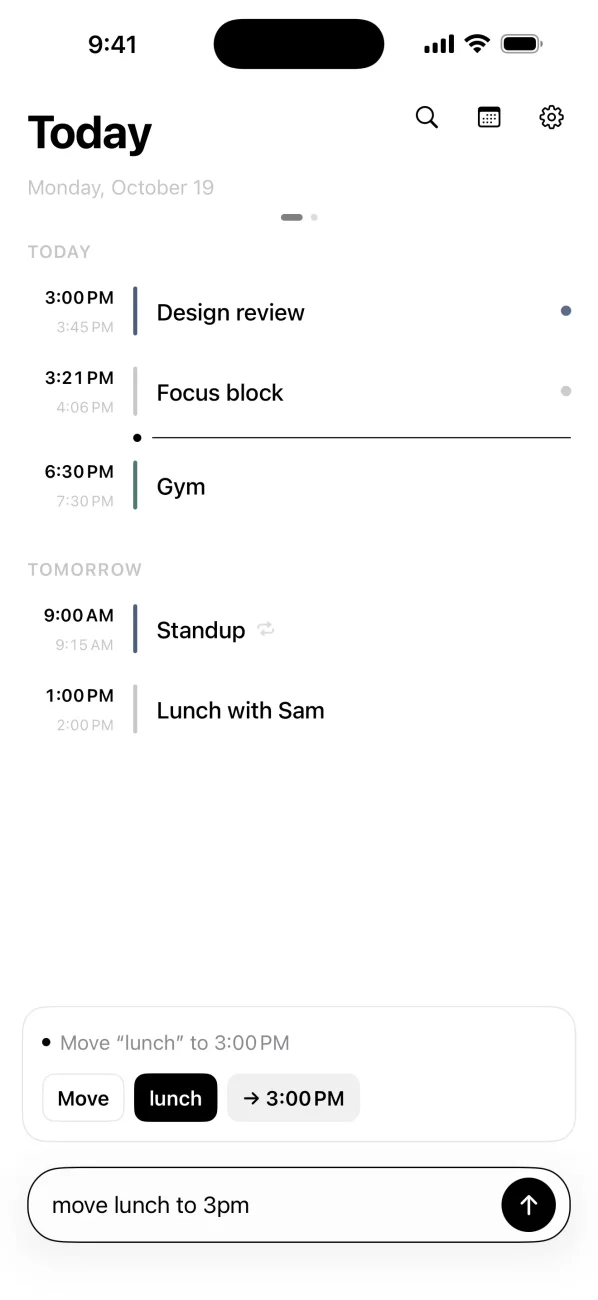
you've connected. "move lunch to 3pm" finds it and moves it. "cancel gym
tomorrow" removes it — with an undo. "am I free at 3?" and "find 30 min
for a run" answer questions your calendar app has never been able to.
WHAT MAKES IT DIFFERENT
• On-device, not cloud. Parsing runs entirely on your phone — no message
limits, no monthly quota, no round-trip to a server. It works on a plane.
• One command, every calendar. Connect Apple, Google, and Outlook calendars
at once, and a single command writes to all of them — moves, renames, and
deletes fan out everywhere automatically, so your calendars never drift
out of sync with each other.
• Real mutations, not just creation. Most "smart" calendar apps can only
parse new events. This one moves, renames, resizes, and cancels existing
events by fuzzy-matched title — and answers scheduling questions directly.
• Genuinely private. Your calendar data goes only to the accounts you
connect. Voice dictation runs on-device (Apple CoreML). Nothing about how
the app understands your commands is sent anywhere.
FEATURES
• Natural-language create, move, rename, resize, and cancel — with a
confirm card before anything destructive happens
• Recurring events: daily/weekly/monthly, intervals, ordinal weekdays
("first Monday of the month"), end dates
• Free-time finder: "find 30 min for a run" returns bookable time slots
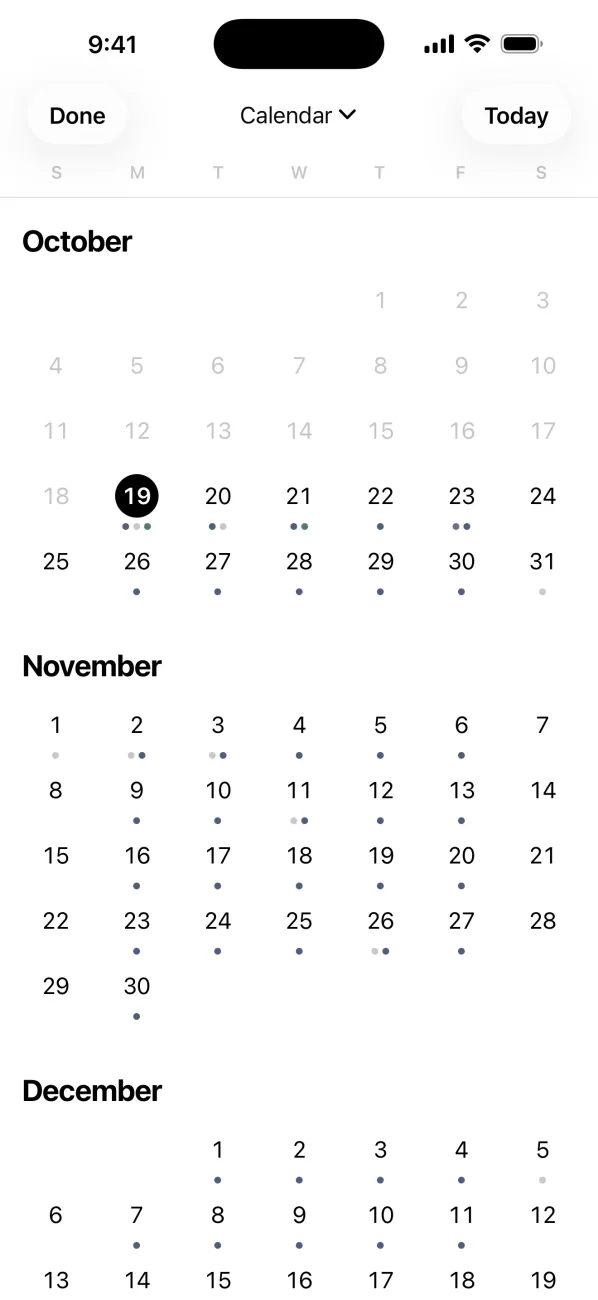
• 60-day agenda with a week strip, live parse preview as you type
• Voice dictation, fully on-device
• Home Screen widgets
• Siri quick-add
• Conflict detection when two events would overlap
• Time-zone awareness for events created while traveling
DayCommand connects to Apple Calendar (iCloud), Google Calendar, and
Outlook/Microsoft 365 Calendar. Connect one or all three — everything works
the same either way.
What’s new
Version 1.0.4 · Nov 21, 2026
Improved calendar sync safety after account or device changes, and fixed several natural-language scheduling mistakes. Siri Quick Add now rejects commands that would edit or cancel an event.
App privacy
What Sadd Tech LLC declares on the App Store about how this app handles data.
-
Data not collected
The developer does not collect any data from this app.
Privacy practices may vary, for example with the features you use or your age.
Information
- Seller
- Sadd Tech LLC
- Category
- Productivity
- Version
- 1.0.4
- Updated
- Nov 21, 2026
- Released
- Sep 2, 2026
- Size
- 16.3 MB
- Requires
- iOS 17.0 or later
- Age rating
- 4+
- Price
- Free
- Languages
- English
- Copyright
- © 2026 Asjad Rehman
You might also like
-
 SuperCal: Shared CalendarShare your plans, beautifully
-
 Matter: Tasks, Notes, CalendarDaily to-do list for Mac & iOS
-
 Presently - The Now CalendarProductivity
-
 Bema CalendarProductivity
-
 Againly: Track Recurring TasksNext due tasks, done your way
-
 Network Notes AIStrong Relationships Made Easy
-
 What Now - Live CalendarLive Activity For Calendar
-
 SayEvent - AI CalendarAI Planner for Daily Schedule
-
 Ideas App: Brainstorm with AIBusiness, Gift & Hobby Ideas
-
 0sec: voice ai calendarEvents, Meetings & Reminders