
Device Settings
Entwickelt für iPhone, iPad, iPod touch
Kostenlos · In-App-Käufe
- Altersfreigabe4+
- KategorieProduktivität
- EntwicklerYalintech
- SprachenEnglisch
- Größe59,4 MB
Verlinkt auf die offizielle App Store-Seite
Download.org hostet keine Datei von Device Settings. Die Schaltfläche öffnet die App-Seite bei App Store, wo Yalintech die App veröffentlicht. Eintrag zuletzt geprüft am 24.11.2026.
Screenshots
Info
Der Entwickler hat diesen Text nicht in Ihrer Sprache bereitgestellt.
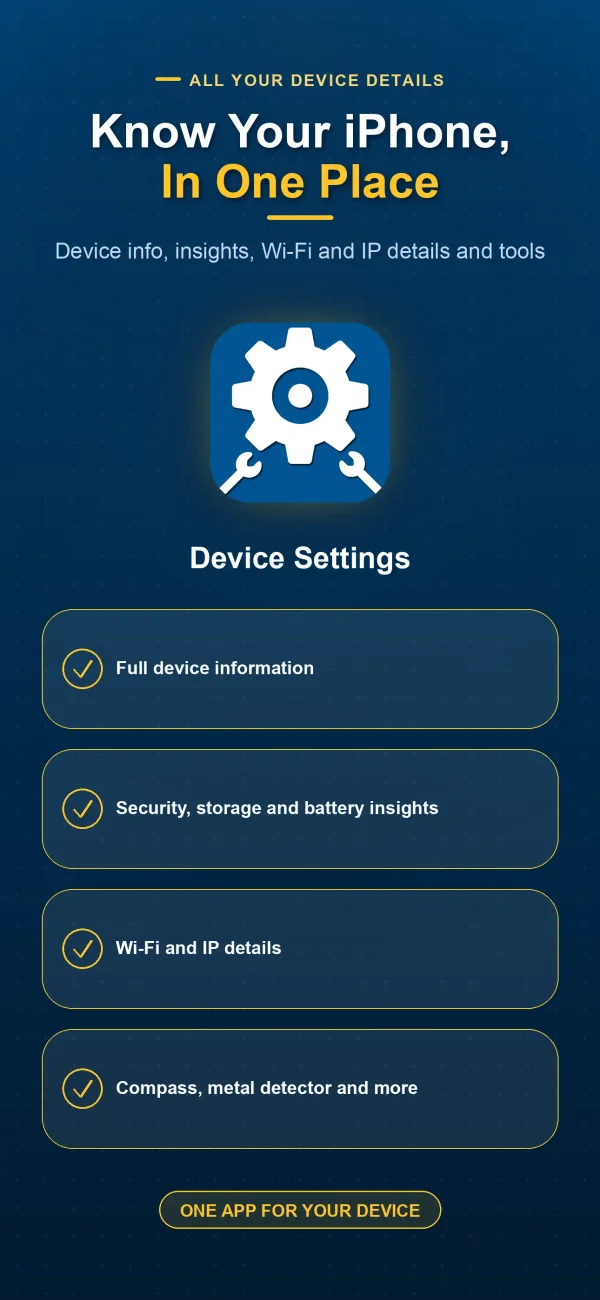
Device Settings shows what is inside your iPhone or iPad in one place: device details, a quick check-up, battery and network information, and a set of handy tools.
DEVICE INFO
• Model, system version, manufacturer and platform
• Display: resolution, pixel density and orientation
• Storage: total, used and available space
• Memory (RAM): total, used and available
• Processor: architecture, number of cores and ABI
• Battery: level and charging state
DEVICE CHECK-UP
• A check-up of your passcode, iOS version, free storage, Low Power Mode and signs of a jailbreak
• Each item says what is fine and what needs attention, with the path in Settings to fix it
WI-FI AND IP DETAILS
• Network name and BSSID of the Wi-Fi you are connected to (with your permission to use location, which iOS requires for these two values)
• IP address and connection type
ADVANCED INSIGHTS
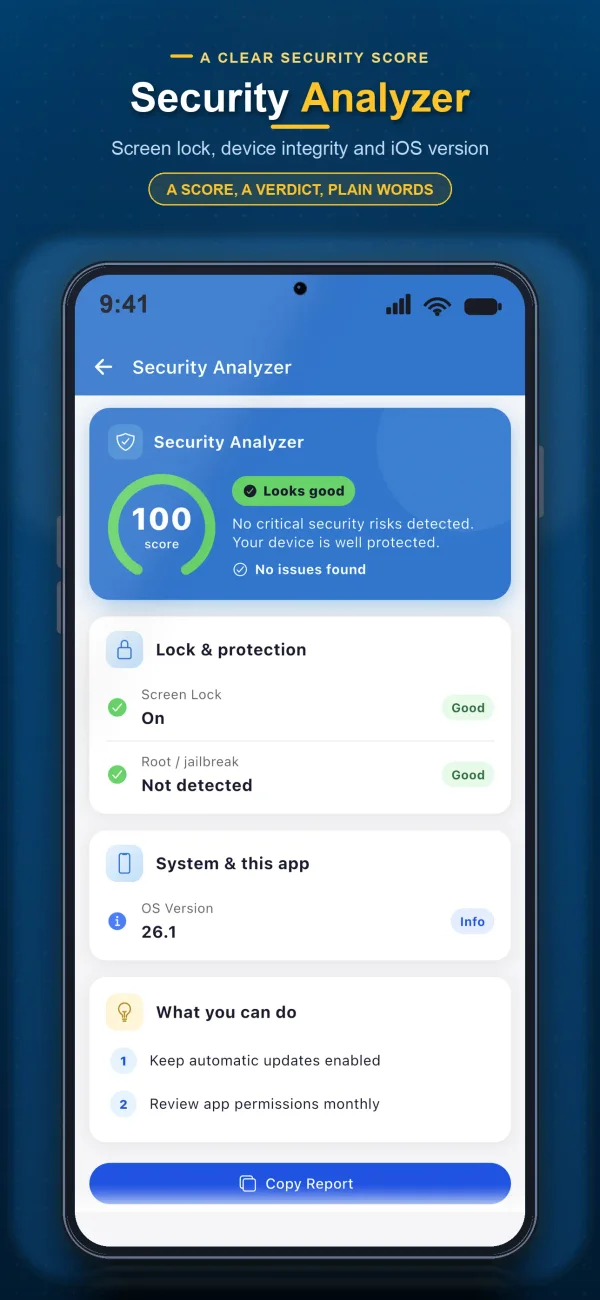
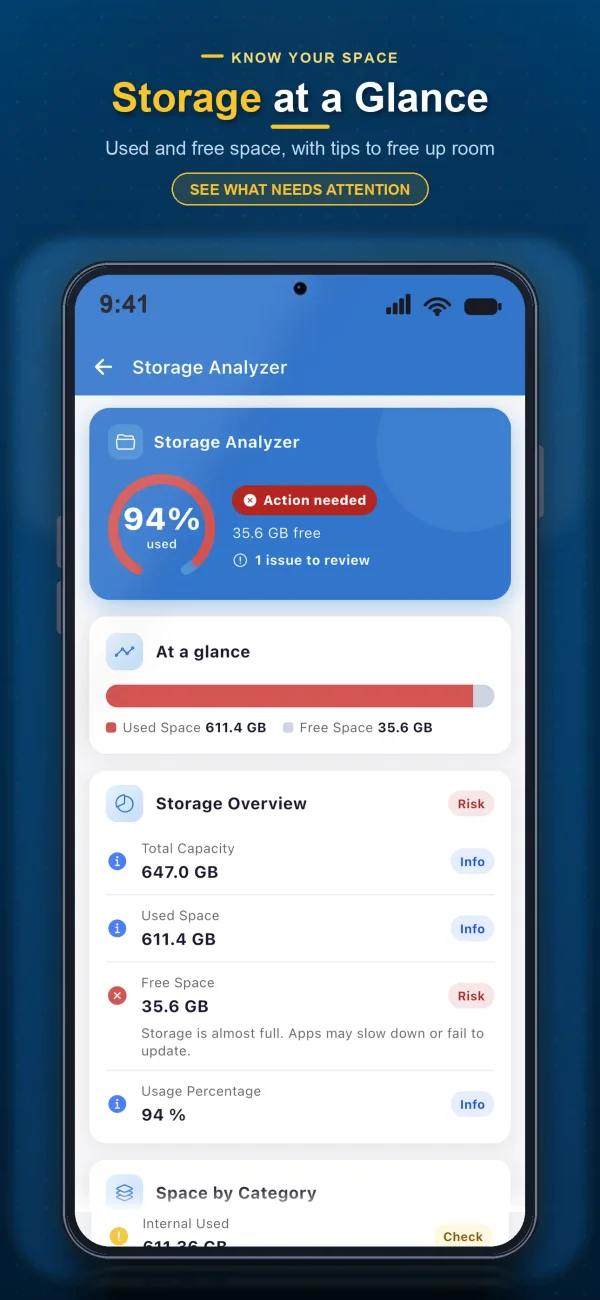
The security and storage insights open on a clear dashboard: a 0-100 score ring, a verdict (Looks good, Needs attention or Action needed) and the number of issues found. Every row carries a status (Good, Check, Risk or Info) and says in plain words why it matters, and an At a glance card shows the key numbers as charts.
• Security Analyzer: screen lock, device integrity and system version, scored, with what to check in Settings
• Storage Analyzer: a used and free space bar, with tips to free up room
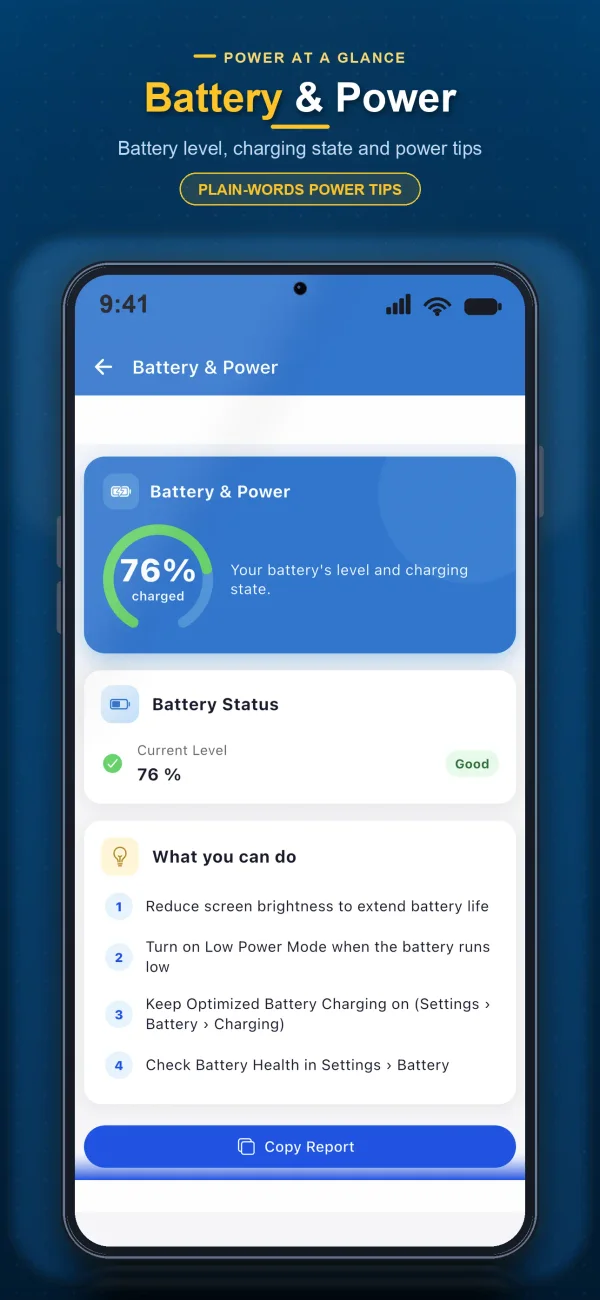
• Battery & Power: battery level and charging status, with iPhone power tips (Low Power Mode, Optimized Battery Charging); iOS gives apps no battery health reading, so this insight gives no verdict
• Export Device Report: copy or share a device report as text or JSON
TOOLS
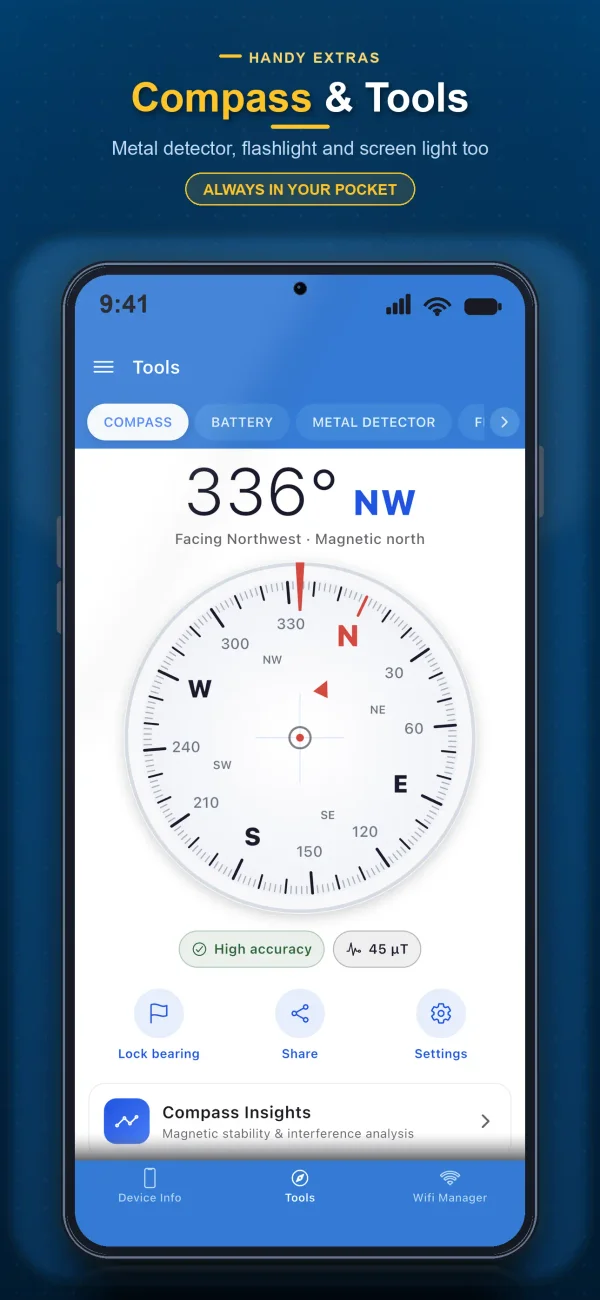
• Compass
• Metal detector that uses the magnetic sensor
• Flashlight and screen light
• Battery monitor
APPLE WATCH
• A dashboard: watch and iPhone storage, and a Needs attention list of what to fix
• Watch and last-known iPhone battery, each iPhone value timed
• Watch info, iPhone info and a Check-up score on the wrist
• Compass, bubble level, altitude and a haptics test
• Guides to the watch's own settings
• Battery complications; low / full watch alerts checked every 15-30 min
• Your iPhone Pro unlocks history, bearing lock, dial styles, Smart Stack and more
• No ads, nothing to buy on the watch
GOOD TO KNOW
iOS does not share some readings with apps, such as battery health, battery temperature and Wi-Fi signal strength, so the app does not show them. Some tools depend on the hardware: the flashlight needs a camera flash (most iPads have none), and the compass and metal detector need a magnetic sensor. The app reads information only; it does not change any system setting. Check-up results are kept on your device.
ADS AND PRO
The app shows ads. Without Pro, Advanced Insights open with daily passes or after watching a short video. Pro removes ads, unlocks unlimited Advanced Insights and device reports, and adds the Pro compass and flashlight tools.
PRO: PURCHASE OPTIONS
• Yearly subscription: $14.99 per year, with a 3-day free trial for eligible new subscribers
• Monthly subscription: $4.99 per month, with a 3-day free trial for eligible new subscribers
• Lifetime: $24.99, a one-time purchase that does not renew
Prices are in US dollars and may vary by country and currency.
SUBSCRIPTION TERMS
• Payment is charged to your Apple ID account at confirmation of purchase.
• A subscription renews automatically for the same period and price unless it is cancelled at least 24 hours before the end of the current period.
• Your account is charged for renewal within 24 hours before the end of the current period.
• You can manage and cancel subscriptions in your Account Settings on the App Store after purchase.
• Any unused part of a free trial is forfeited when you purchase a subscription.
Questions or a problem? Write to support@yalintech.com and we will help.
Terms of Use (EULA): https://www.apple.com/legal/internet-services/itunes/dev/stdeula/
Privacy Policy: https://yalintech.com/legal/device/privacy
Neue Funktionen
Version 4.13.0 · 23.11.2026
What's new:
• Apple Watch app: a dashboard with watch and iPhone storage and a Needs attention list, Watch info, iPhone info, Check-up, compass and level, setting guides, a Batteries complication and watch battery alerts
• Your watch battery and the last-known iPhone battery on the wrist, each iPhone value with its time
Fixes & improvements:
• Stability improvements
App-Datenschutz
Was Yalintech im App Store zum Umgang dieser App mit Daten angibt.
-
Daten, die zum Tracking Ihrer Person verwendet werden
Können verwendet werden, um Sie über Apps und Websites anderer Unternehmen hinweg zu verfolgen.
- Kennungen
- Nutzungsdaten
-
Mit Ihnen verknüpfte Daten
Können erfasst und mit Ihrer Identität verknüpft werden.
- Nutzungsdaten
-
Nicht mit Ihnen verknüpfte Daten
Können erfasst werden, sind aber nicht mit Ihrer Identität verknüpft.
- Käufe
- Kennungen
- Diagnose
Die Datenschutzpraktiken können variieren, zum Beispiel je nach den von Ihnen verwendeten Funktionen oder Ihrem Alter.
Informationen
- Anbieter
- Yalintech
- Kategorie
- Produktivität
- Version
- 4.13.0
- Aktualisiert
- 23.11.2026
- Veröffentlicht
- 09.04.2022
- Größe
- 59,4 MB
- Erfordert
- iOS 15.0 oder neuer
- Altersfreigabe
- 4+
- Preis
- Kostenlos
- In-App-Käufe
- Ja
- Sprachen
- Englisch
- Copyright
- © Copyright (c) 2024, Yalintech
Das könnte Ihnen auch gefallen
-
 Geräte DiagnoseCPU, System, Batterie Infos
-
 Deep Cleaner:AI Clean UpFotos & Kontakte Löschen
-
 Quick Cleaner-Saubere LagerungTelefonfotos Löschen, Kontakte
-
 Clean Now:Clean Up StorageKontakte und Medien löschen
-
 Master Cleaner - BereinigenFotos&Kontakte,Videos Löschen
-
 Total Drive - Cloud StorageProduktivität
-
 Total Password for MobileProduktivität
-
 RapidClear: Storage CleanerProduktivität
-
 Magic Cleaner-Saubere AblageDoppelte Fotos&Videos Löschen
-
 Deep Cleaner - ReinigungSpeicher Frei&Fotos Löschen