
- 対象年齢4+
- カテゴリ仕事効率化
- 開発元Yalintech
- 言語英語
- サイズ59.4 MB
App Storeの公式ページにリンクしています
Download.orgはDevice Settingsのファイルを一切ホストしていません。ボタンを押すと、Yalintechが公開しているApp Storeのアプリページが開きます。ページの最終確認:2026/11/24。
スクリーンショット
概要
開発元はこのテキストをお使いの言語で提供していません。
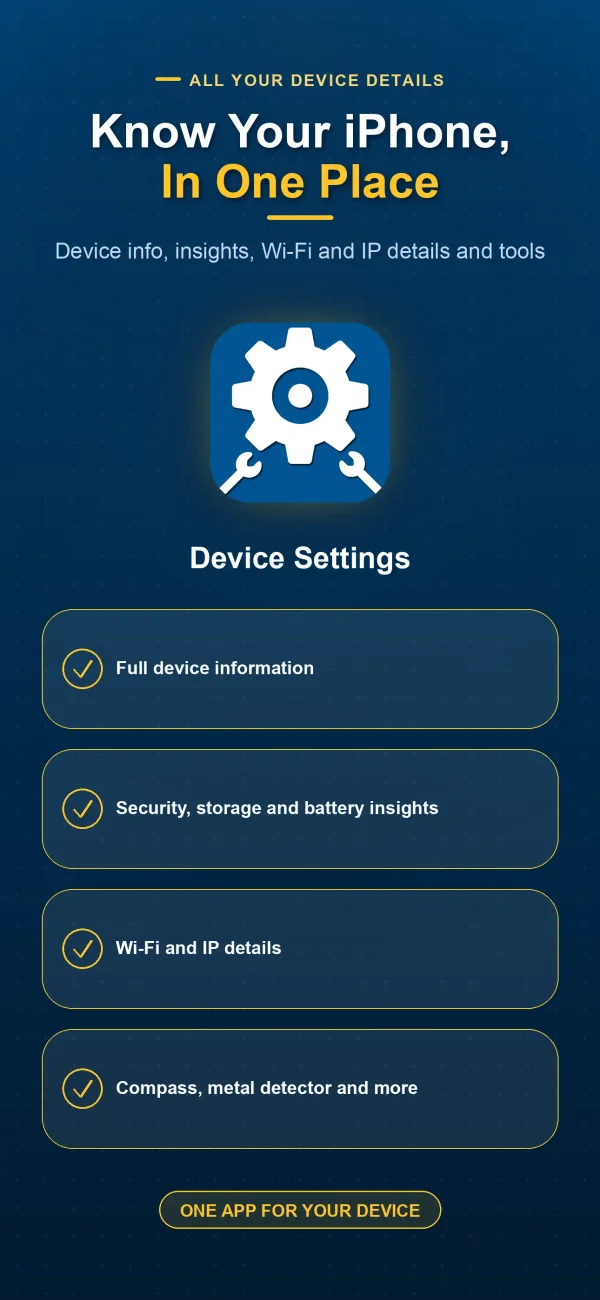
Device Settings shows what is inside your iPhone or iPad in one place: device details, a quick check-up, battery and network information, and a set of handy tools.
DEVICE INFO
• Model, system version, manufacturer and platform
• Display: resolution, pixel density and orientation
• Storage: total, used and available space
• Memory (RAM): total, used and available
• Processor: architecture, number of cores and ABI
• Battery: level and charging state
DEVICE CHECK-UP
• A check-up of your passcode, iOS version, free storage, Low Power Mode and signs of a jailbreak
• Each item says what is fine and what needs attention, with the path in Settings to fix it
WI-FI AND IP DETAILS
• Network name and BSSID of the Wi-Fi you are connected to (with your permission to use location, which iOS requires for these two values)
• IP address and connection type
ADVANCED INSIGHTS
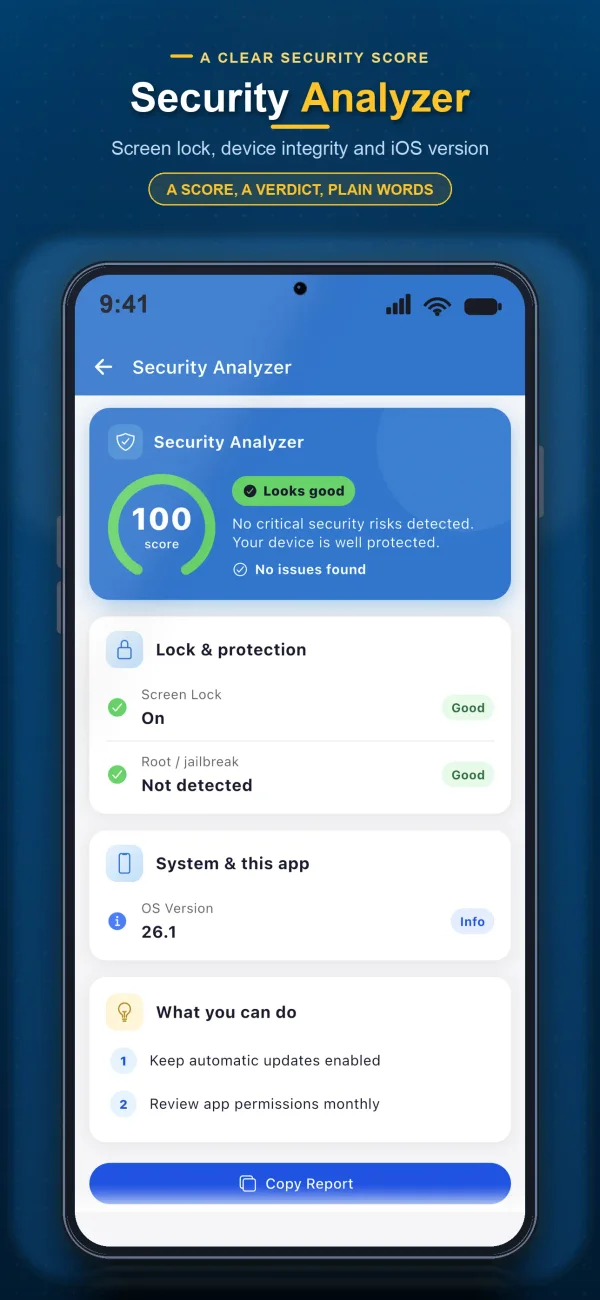
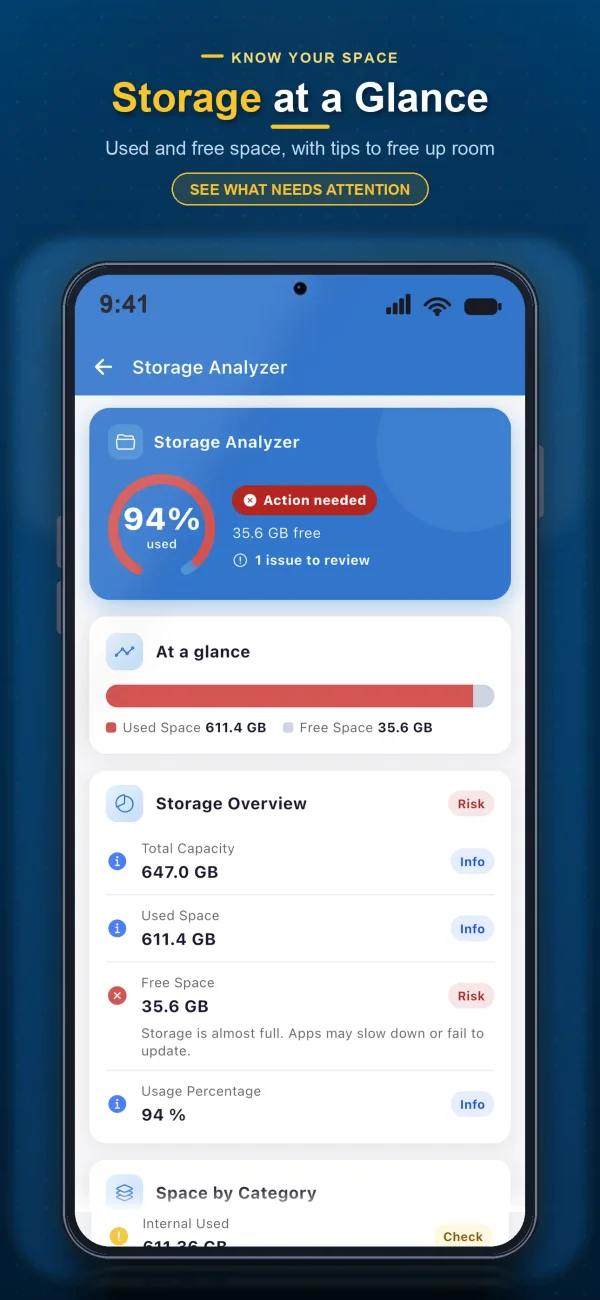
The security and storage insights open on a clear dashboard: a 0-100 score ring, a verdict (Looks good, Needs attention or Action needed) and the number of issues found. Every row carries a status (Good, Check, Risk or Info) and says in plain words why it matters, and an At a glance card shows the key numbers as charts.
• Security Analyzer: screen lock, device integrity and system version, scored, with what to check in Settings
• Storage Analyzer: a used and free space bar, with tips to free up room
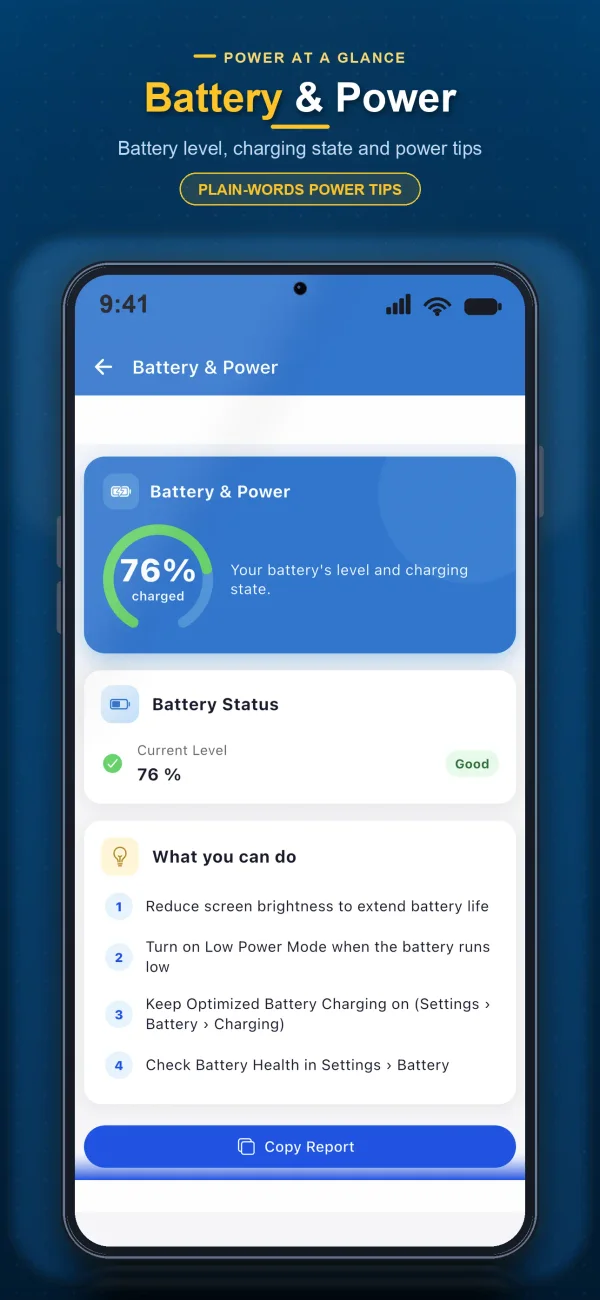
• Battery & Power: battery level and charging status, with iPhone power tips (Low Power Mode, Optimized Battery Charging); iOS gives apps no battery health reading, so this insight gives no verdict
• Export Device Report: copy or share a device report as text or JSON
TOOLS
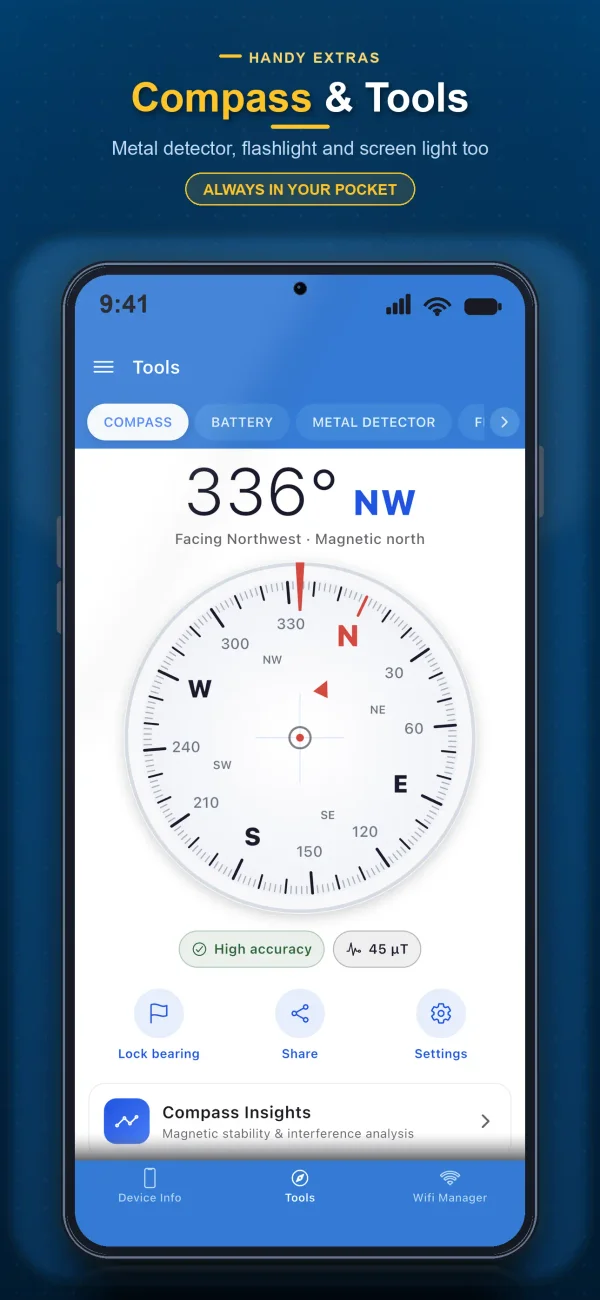
• Compass
• Metal detector that uses the magnetic sensor
• Flashlight and screen light
• Battery monitor
APPLE WATCH
• A dashboard: watch and iPhone storage, and a Needs attention list of what to fix
• Watch and last-known iPhone battery, each iPhone value timed
• Watch info, iPhone info and a Check-up score on the wrist
• Compass, bubble level, altitude and a haptics test
• Guides to the watch's own settings
• Battery complications; low / full watch alerts checked every 15-30 min
• Your iPhone Pro unlocks history, bearing lock, dial styles, Smart Stack and more
• No ads, nothing to buy on the watch
GOOD TO KNOW
iOS does not share some readings with apps, such as battery health, battery temperature and Wi-Fi signal strength, so the app does not show them. Some tools depend on the hardware: the flashlight needs a camera flash (most iPads have none), and the compass and metal detector need a magnetic sensor. The app reads information only; it does not change any system setting. Check-up results are kept on your device.
ADS AND PRO
The app shows ads. Without Pro, Advanced Insights open with daily passes or after watching a short video. Pro removes ads, unlocks unlimited Advanced Insights and device reports, and adds the Pro compass and flashlight tools.
PRO: PURCHASE OPTIONS
• Yearly subscription: $14.99 per year, with a 3-day free trial for eligible new subscribers
• Monthly subscription: $4.99 per month, with a 3-day free trial for eligible new subscribers
• Lifetime: $24.99, a one-time purchase that does not renew
Prices are in US dollars and may vary by country and currency.
SUBSCRIPTION TERMS
• Payment is charged to your Apple ID account at confirmation of purchase.
• A subscription renews automatically for the same period and price unless it is cancelled at least 24 hours before the end of the current period.
• Your account is charged for renewal within 24 hours before the end of the current period.
• You can manage and cancel subscriptions in your Account Settings on the App Store after purchase.
• Any unused part of a free trial is forfeited when you purchase a subscription.
Questions or a problem? Write to support@yalintech.com and we will help.
Terms of Use (EULA): https://www.apple.com/legal/internet-services/itunes/dev/stdeula/
Privacy Policy: https://yalintech.com/legal/device/privacy
新機能
バージョン 4.13.0 · 2026/11/23
What's new:
• Apple Watch app: a dashboard with watch and iPhone storage and a Needs attention list, Watch info, iPhone info, Check-up, compass and level, setting guides, a Batteries complication and watch battery alerts
• Your watch battery and the last-known iPhone battery on the wrist, each iPhone value with its time
Fixes & improvements:
• Stability improvements
アプリのプライバシー
このアプリのデータの取り扱いについて、YalintechがApp Storeで申告している内容です。
-
ユーザーのトラッキングに使用されるデータ
他社のアプリやウェブサイトを横断してユーザーをトラッキングする目的で使用される場合があります。
- ID
- 使用状況データ
-
ユーザーに関連付けられたデータ
収集され、ユーザーの識別情報に関連付けられる場合があります。
- 使用状況データ
-
ユーザーに関連付けられないデータ
収集される場合がありますが、ユーザーの識別情報には関連付けられません。
- 購入
- ID
- 診断
プライバシーの取り扱いは、ご利用の機能やお客様の年齢などに応じて異なる場合があります。
情報
- 販売元
- Yalintech
- カテゴリ
- 仕事効率化
- バージョン
- 4.13.0
- 更新日
- 2026/11/23
- リリース
- 2022/4/9
- サイズ
- 59.4 MB
- 必要条件
- iOS 15.0以降
- 対象年齢
- 4+
- 価格
- 無料
- アプリ内課金
- あり
- 言語
- 英語
- 著作権
- © Copyright (c) 2024, Yalintech
こちらもおすすめ
-
 デバイスモニターと診断CPU、システム、バッテリー、温度情報
-
 Deep Cleaner:AI Clean Up重複ファイルを削除してストレージ空き容量を増やせるクリーナー
-
 Quick Cleaner - ストレージ容量整理重複する電話の連絡先と画像を削除する
-
 Clean Now:Clean Up Storage整理容量, お使いの携帯電話で重複する写真ビデオを削除します
-
 Master Cleaner - クリーンストレージ写真と連絡先、ビデオを削除する
-
 Total Drive - Cloud Storage仕事効率化
-
 Total Password for Mobile仕事効率化
-
 RapidClear: Storage Cleaner仕事効率化
-
 Magic Cleaner-クリーンストレージ重複した写真とビデオを削除
-
 Deep Cleaner - クリーンアップストレージ整理&写真削除