- Altersfreigabe4+
- KategorieMusik
- EntwicklerDavid Hart
- SprachenEnglisch
- Größe62,0 MB
Verlinkt auf die offizielle App Store-Seite
Download.org hostet keine Datei von dh noise. Die Schaltfläche öffnet die App-Seite bei App Store, wo David Hart die App veröffentlicht. Eintrag zuletzt geprüft am 20.11.2026.
Screenshots




Info
Der Entwickler hat diesen Text nicht in Ihrer Sprache bereitgestellt.
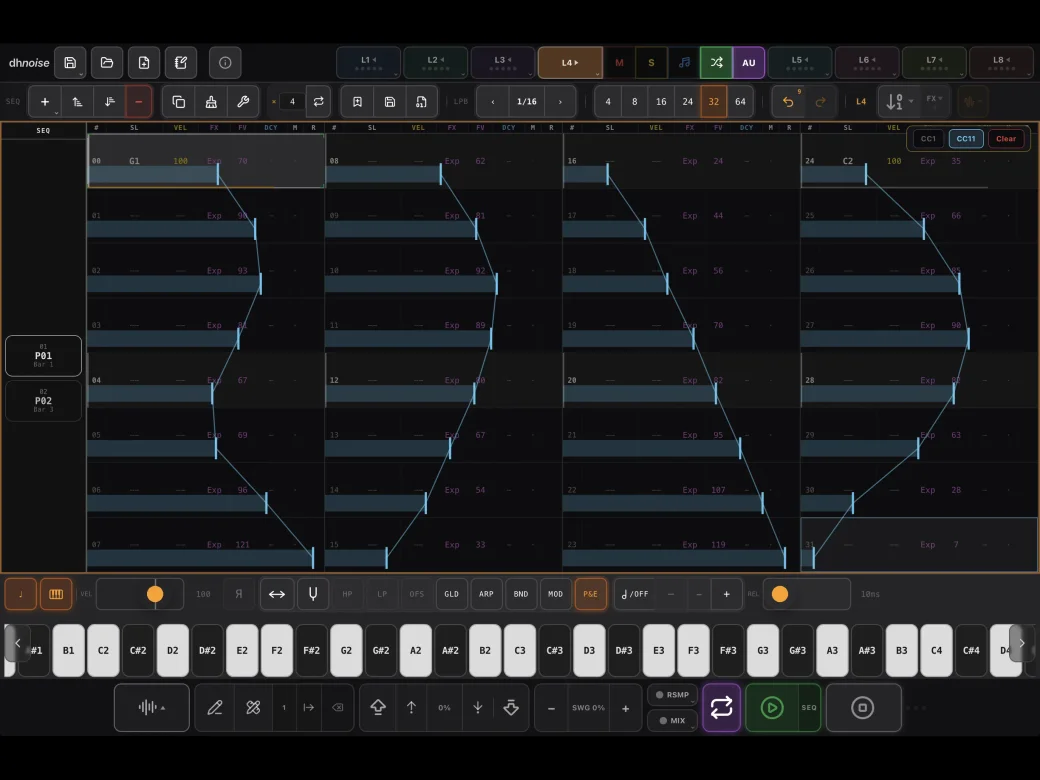
dh-NOISE — sampler & tracker sequencer
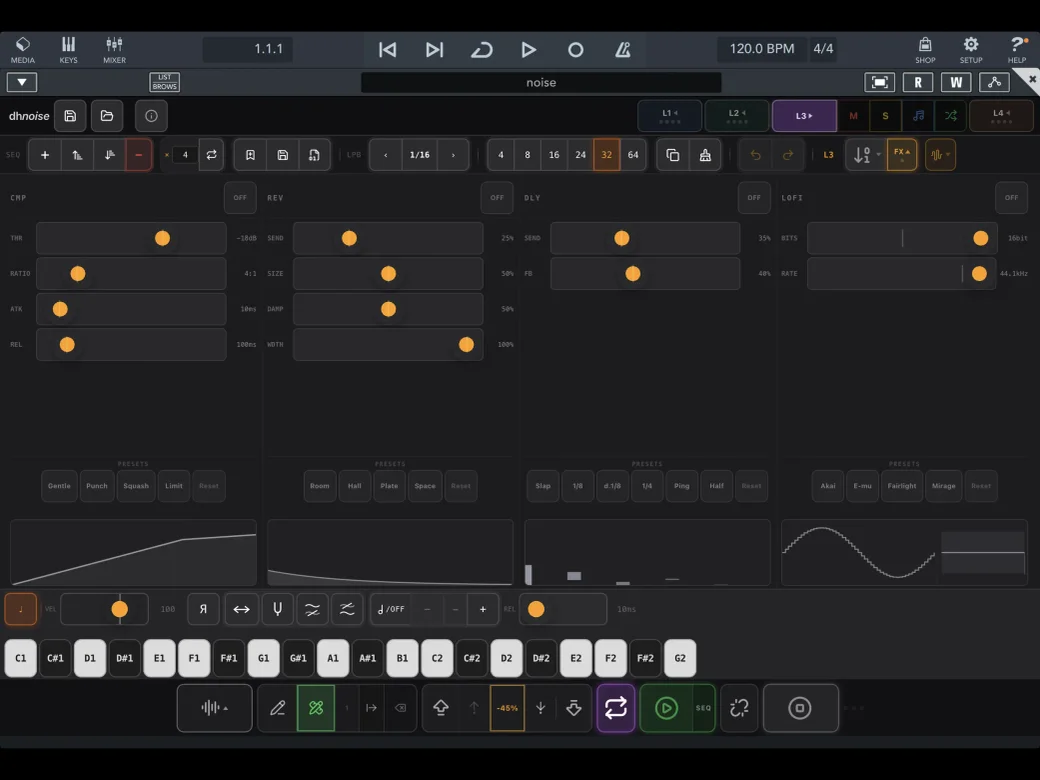
Turn any sound into an instrument you can play, slice and sequence. dh-NOISE is a sample slicer and a tracker sequencer in one: load a sample, chop it into slices, play them across a keyboard, and arrange them into beats — all inside your favourite iOS music apps.
dh-NOISE is an Audio Unit (AUv3) plug-in: it opens inside a host app such as AUM, Cubasis, GarageBand or NanoStudio — not as a standalone app.
LOAD & SLICE
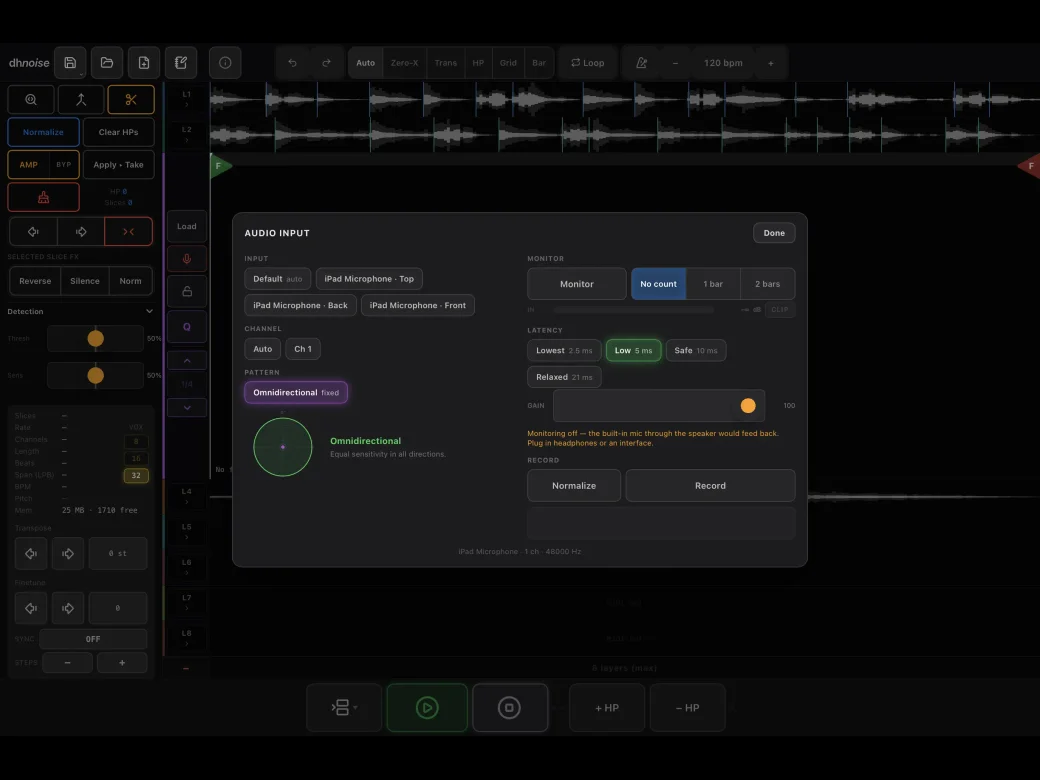
• Import WAV, MP3, AIFF, FLAC, OGG, M4A and CAF files
• Open vintage Akai S1000 / S3000 sampler CD-ROMs (.iso) — load those classic '90s sample libraries straight into a layer
• Append a new sample onto one you've already loaded — stacked end-to-end and auto-sliced at each join, perfect for building kits and chains
• Auto-find the slice points in a loop, or tap to place them yourself
• Name your slices (Kick, Snare, Hat…) — the names carry straight through to the tracker
• Audio quantize — lock your slices to the beat grid (or bars) so chops sit tight in time
• Reorder and shuffle slices to flip a loop into something new
• Trim, normalize, reverse and fade — the whole sample, or just one slice
PLAY
• Play any sample across the on-screen keyboard, automatically pitched to the right note
• Or trigger your slices like a drum kit — one slice per key
• Everything stays locked to your project's tempo, with high-quality time-stretching
TRACKER SEQUENCER
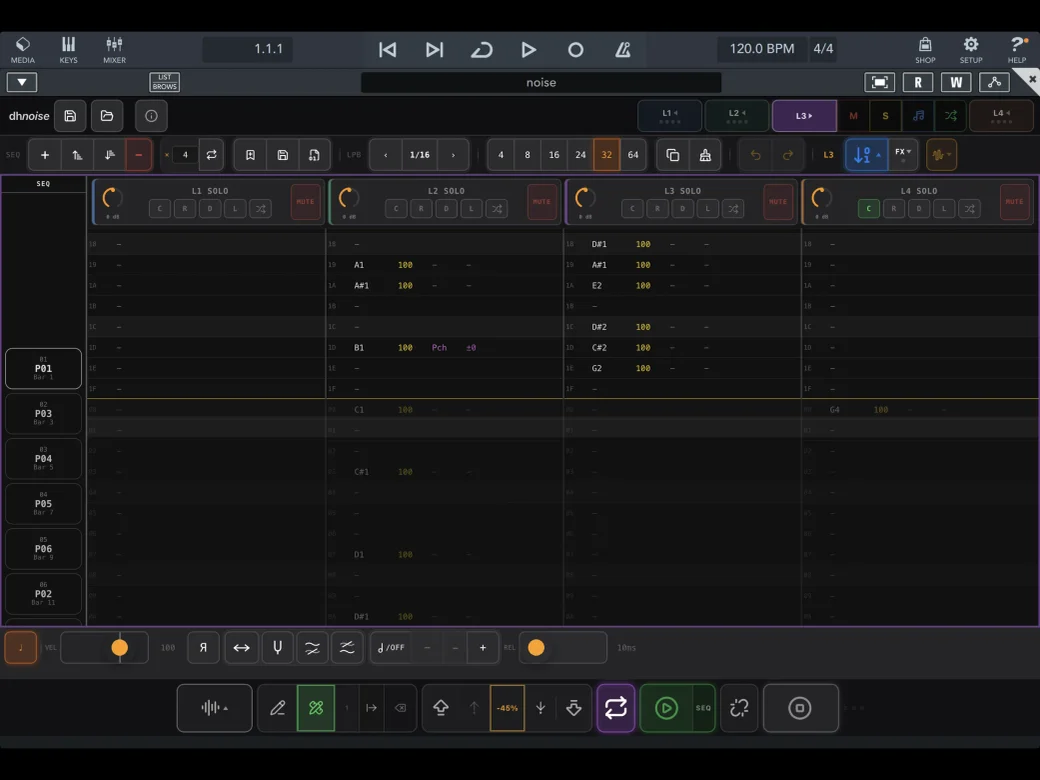
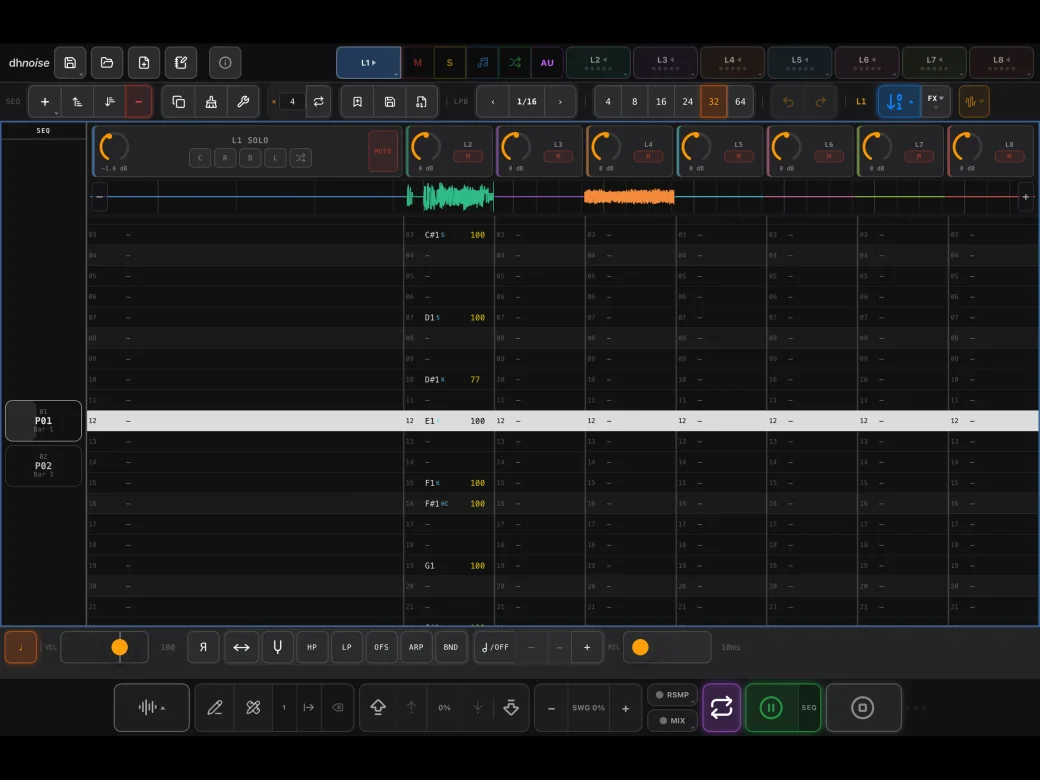
• A built-in tracker-style step sequencer with four independent layers
• Your named slices appear right in the pattern editor — drop them in with precise micro-timing
• Per-step control over every hit: repeat, pan, reverse, and high-pass / low-pass filters
• Save your patterns to a library and reuse them across projects — build your own pattern libraries
• Chain patterns into full songs; mute and solo tracks on the fly
MIDI
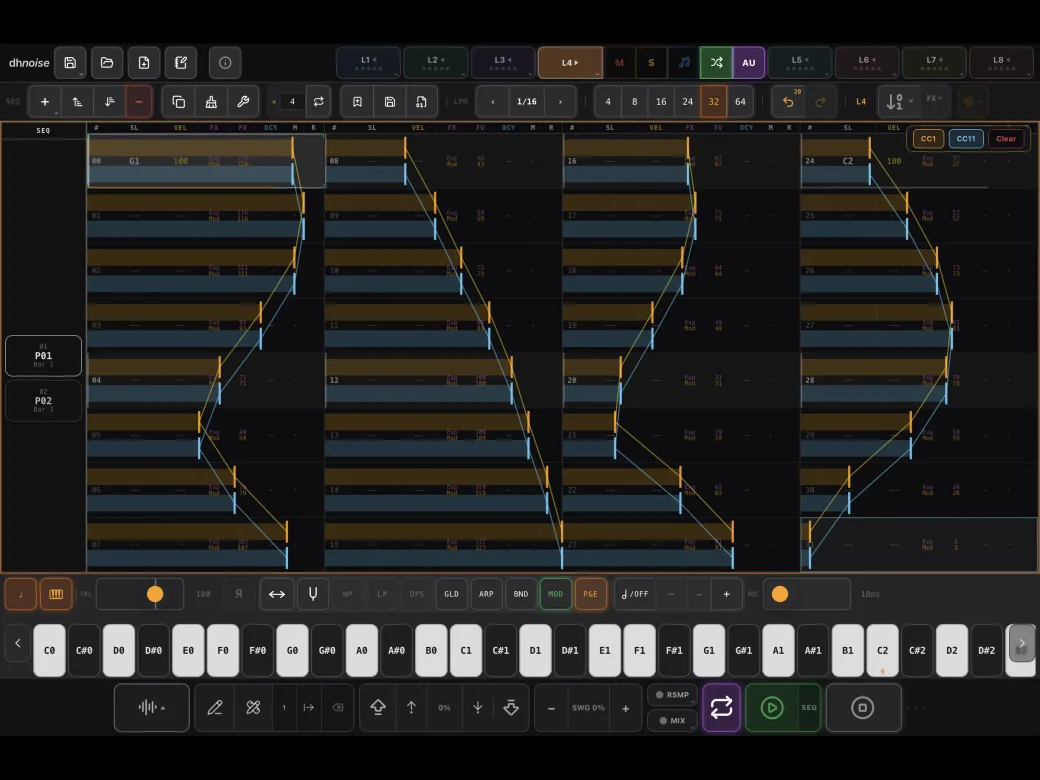
• Plays from MIDI in your host — live, or drawn into the piano roll
• Sends MIDI out per layer to drive other instruments — including chords and triads built with the on-board chord picker, with inversion control
• Syncs to your host's tempo and transport
Four layers. One sample slicer, tracker sequencer and playable instrument — built for making beats on the move.
Neue Funktionen
Version 4.12.(35) · 13.11.2026
• Timeline: tap the new timeline button beside MIXER and the open track’s pattern is drawn left to right above the tracker grid, like a piano roll, with a marker that follows the song as it plays
• Edit in the timeline: drag a note’s end to shorten or lengthen it, or its start to move it — the tracker grid follows, and edits in the grid show in the timeline straight away
• Audio takes show in the timeline across their whole length, with their waveform, and can be trimmed and moved the same way
• Chord picker: the audition button now plays the chord on module tracks too, including inversions and custom voicings
• Fixed a crash when a host reopened a project that used SoundFonts
Plus small fixes and refinements.
App-Datenschutz
Was David Hart im App Store zum Umgang dieser App mit Daten angibt.
-
Keine Daten erfasst
Der Entwickler erfasst keine Daten von dieser App.
Die Datenschutzpraktiken können variieren, zum Beispiel je nach den von Ihnen verwendeten Funktionen oder Ihrem Alter.
Informationen
- Anbieter
- David Hart
- Kategorie
- Musik
- Version
- 4.12.(35)
- Aktualisiert
- 13.11.2026
- Veröffentlicht
- 30.06.2026
- Größe
- 62,0 MB
- Erfordert
- iOS 16.0 oder neuer
- Altersfreigabe
- 4+
- Preis
- 9,99 €
- Sprachen
- Englisch
- Copyright
- © 2026 David Hart