- Age rating4+
- CategoryMusic
- DeveloperDavid Hart
- LanguagesEnglish
- Size62.0 MB
Links to the official App Store page
Download.org hosts no file of dh noise. The button opens its official App Store page, published by David Hart. Listing last checked on Nov 20, 2026.
Screenshots




About
dh-NOISE — sampler & tracker sequencer
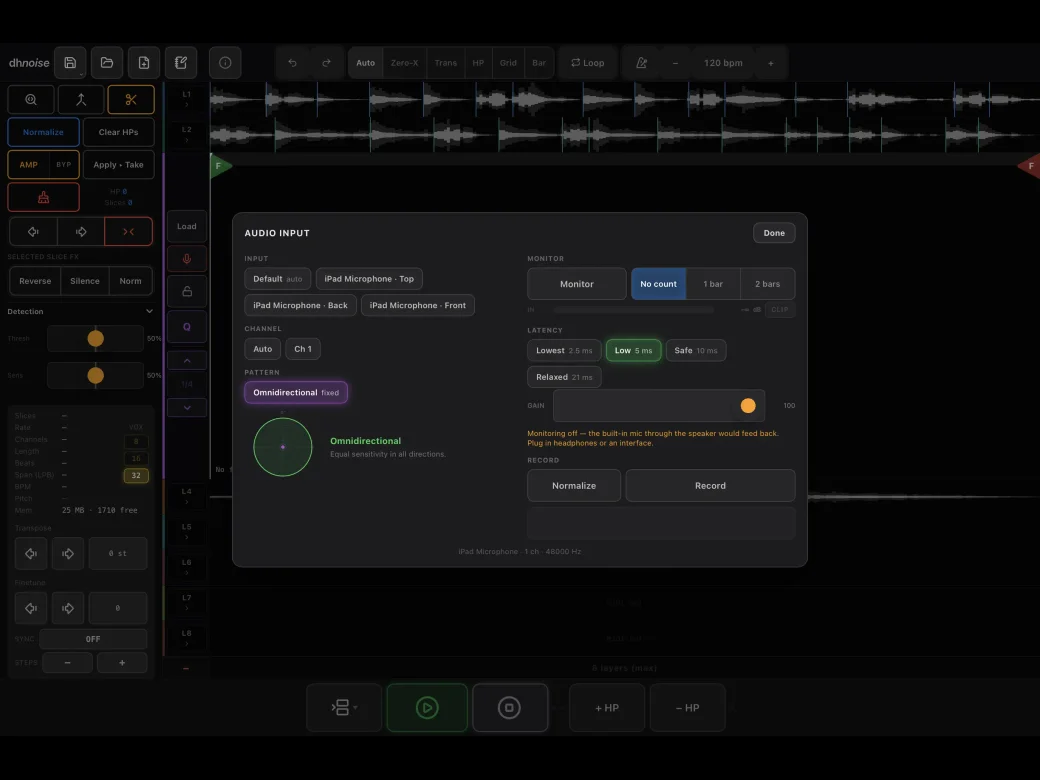
Turn any sound into an instrument you can play, slice and sequence. dh-NOISE is a sample slicer and a tracker sequencer in one: load a sample, chop it into slices, play them across a keyboard, and arrange them into beats — all inside your favourite iOS music apps.
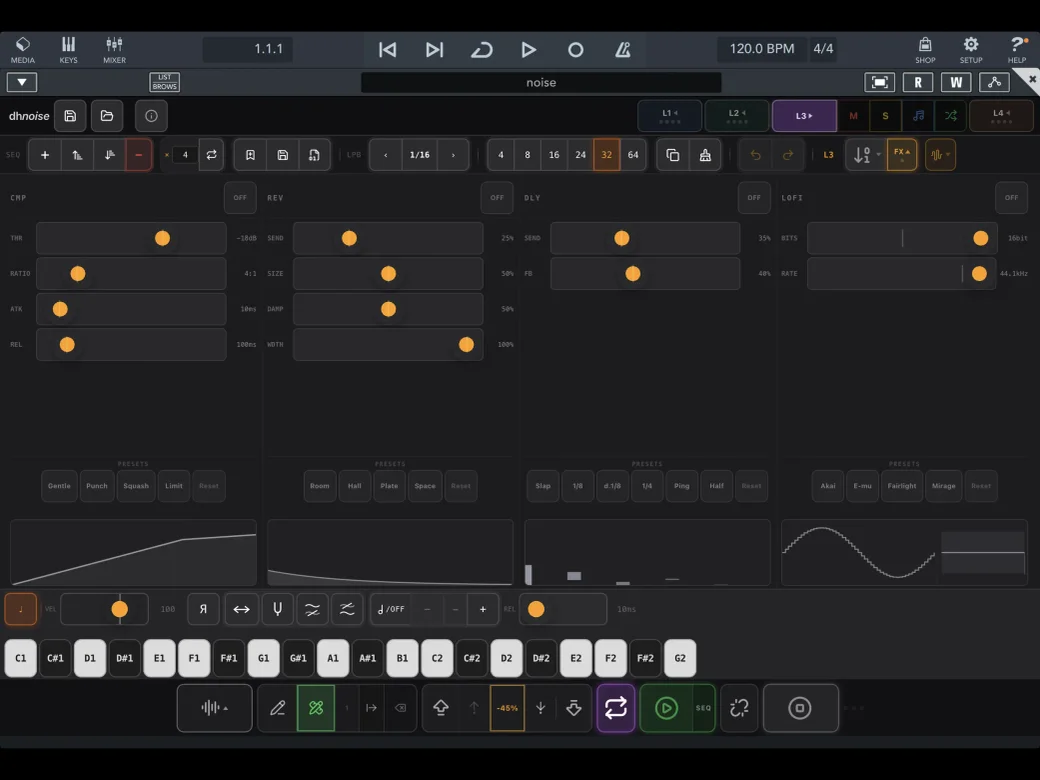
dh-NOISE is an Audio Unit (AUv3) plug-in: it opens inside a host app such as AUM, Cubasis, GarageBand or NanoStudio — not as a standalone app.
LOAD & SLICE
• Import WAV, MP3, AIFF, FLAC, OGG, M4A and CAF files
• Open vintage Akai S1000 / S3000 sampler CD-ROMs (.iso) — load those classic '90s sample libraries straight into a layer
• Append a new sample onto one you've already loaded — stacked end-to-end and auto-sliced at each join, perfect for building kits and chains
• Auto-find the slice points in a loop, or tap to place them yourself
• Name your slices (Kick, Snare, Hat…) — the names carry straight through to the tracker
• Audio quantize — lock your slices to the beat grid (or bars) so chops sit tight in time
• Reorder and shuffle slices to flip a loop into something new
• Trim, normalize, reverse and fade — the whole sample, or just one slice
PLAY
• Play any sample across the on-screen keyboard, automatically pitched to the right note
• Or trigger your slices like a drum kit — one slice per key
• Everything stays locked to your project's tempo, with high-quality time-stretching
TRACKER SEQUENCER
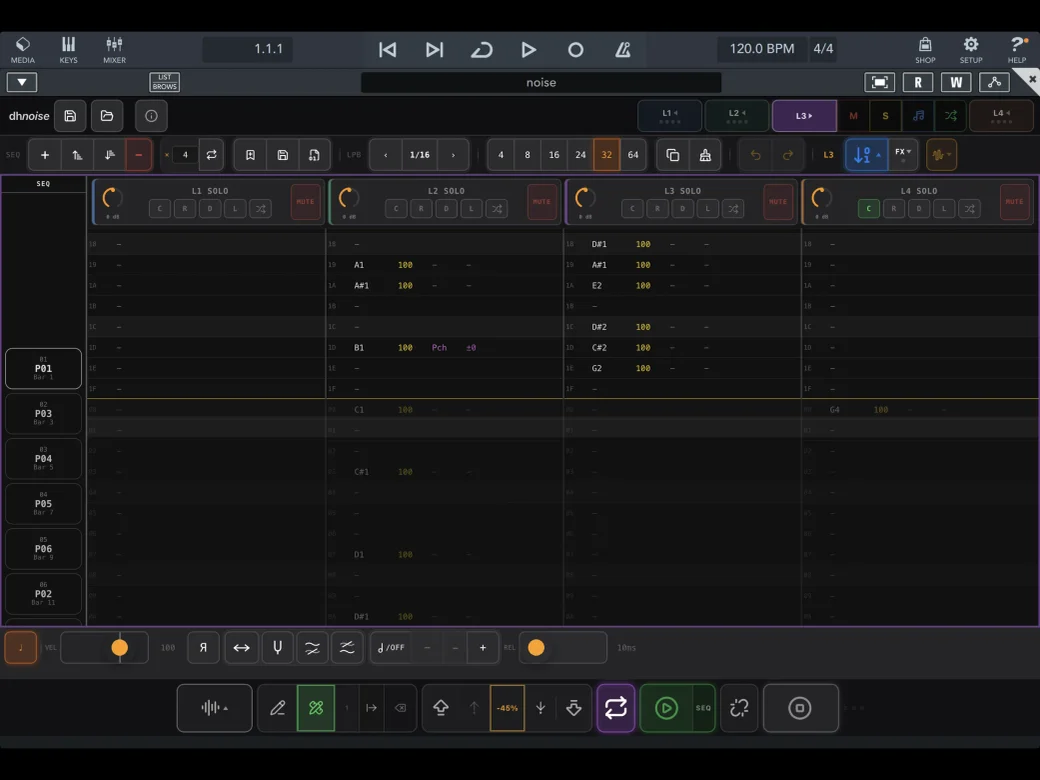
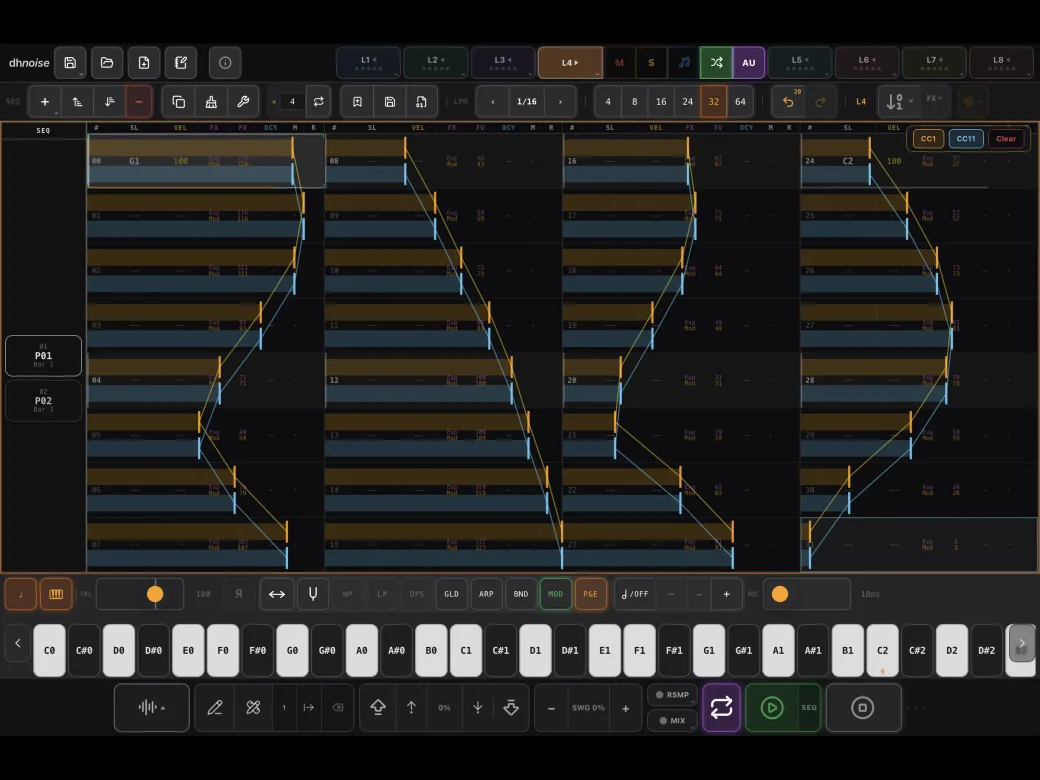
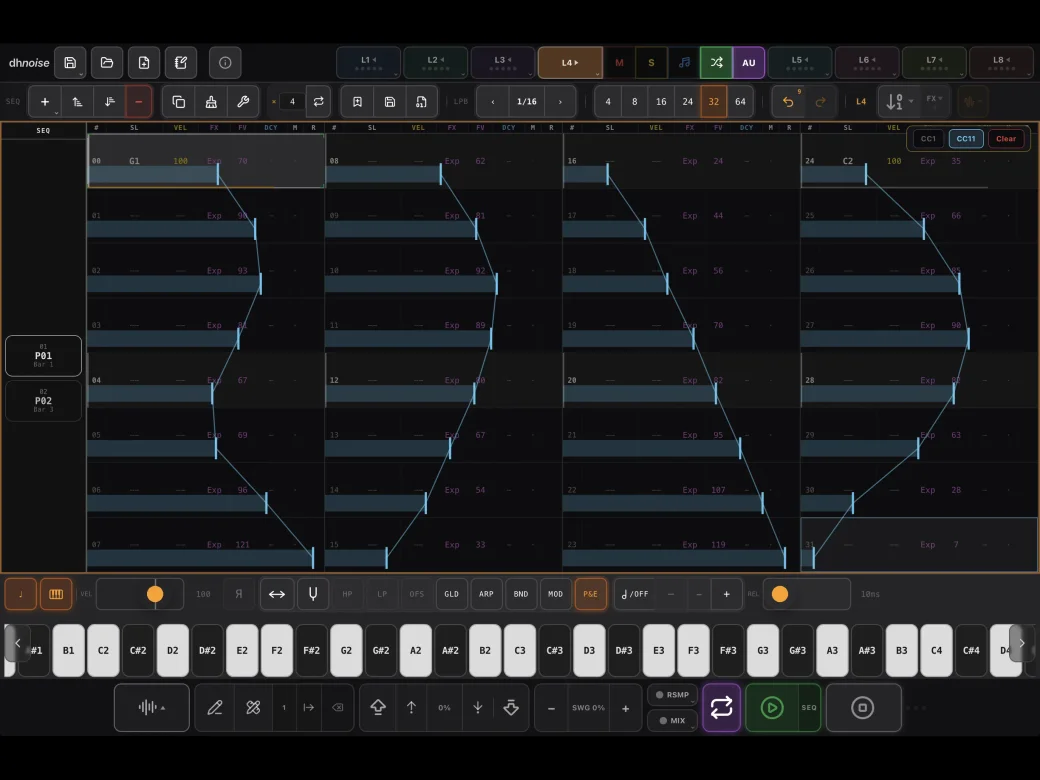
• A built-in tracker-style step sequencer with four independent layers
• Your named slices appear right in the pattern editor — drop them in with precise micro-timing
• Per-step control over every hit: repeat, pan, reverse, and high-pass / low-pass filters
• Save your patterns to a library and reuse them across projects — build your own pattern libraries
• Chain patterns into full songs; mute and solo tracks on the fly
MIDI
• Plays from MIDI in your host — live, or drawn into the piano roll
• Sends MIDI out per layer to drive other instruments — including chords and triads built with the on-board chord picker, with inversion control
• Syncs to your host's tempo and transport
Four layers. One sample slicer, tracker sequencer and playable instrument — built for making beats on the move.
What’s new
Version 4.12.(35) · Nov 13, 2026
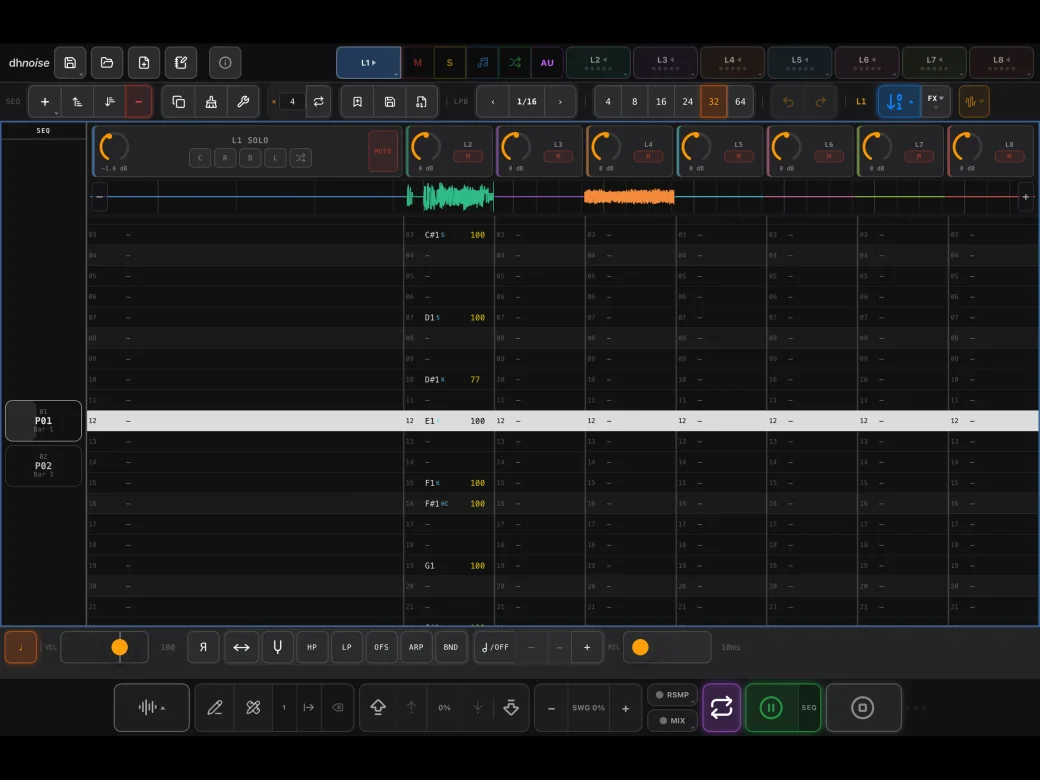
• Timeline: tap the new timeline button beside MIXER and the open track’s pattern is drawn left to right above the tracker grid, like a piano roll, with a marker that follows the song as it plays
• Edit in the timeline: drag a note’s end to shorten or lengthen it, or its start to move it — the tracker grid follows, and edits in the grid show in the timeline straight away
• Audio takes show in the timeline across their whole length, with their waveform, and can be trimmed and moved the same way
• Chord picker: the audition button now plays the chord on module tracks too, including inversions and custom voicings
• Fixed a crash when a host reopened a project that used SoundFonts
Plus small fixes and refinements.
App privacy
What David Hart declares on the App Store about how this app handles data.
-
Data not collected
The developer does not collect any data from this app.
Privacy practices may vary, for example with the features you use or your age.
Information
- Seller
- David Hart
- Category
- Music
- Version
- 4.12.(35)
- Updated
- Nov 13, 2026
- Released
- Jun 30, 2026
- Size
- 62.0 MB
- Requires
- iOS 16.0 or later
- Age rating
- 4+
- Price
- $9.99
- Languages
- English
- Copyright
- © 2026 David Hart
You might also like
-
 ANALOGyKITVirtual Analog Drum Kit AUv3
-
 FinalFXFinal / Mastering Effects AUv3
-
 VMEGAfmCharacterful 4-Operator FM
-
 ResamplrHardware-Inspired Sampler
-
 Backrooms PianoA Liminal Space Instrument
-
 Omni: Pocket SynthChords, Strums & MIDI Out
-
 Vagabond SynthMusic
-
 Strange Loop: Chaos MelodyChaos Theory + Music Theory
-
 OtooMinimal groovebox & AUv3 host
-
 PentatoneArithmophone Synthesizer AUv3