
DifCompare
File & Folder Compare Tool
Entwickelt für iPhone, iPad, Mac, iPod touch
In-App-Käufe
- Altersfreigabe4+
- KategorieProduktivität
- Entwickler小兵 刘
- SprachenEnglisch+ 1 weitere
- Größe641,0 KB
DifCompare ist bei App Store derzeit möglicherweise nicht verfügbar
Bei unserer letzten Prüfung war der Store-Eintrag nicht erreichbar. Der Link führt weiterhin zur offiziellen App Store-Seite.
Screenshots

Info
Der Entwickler hat diesen Text nicht in Ihrer Sprache bereitgestellt.
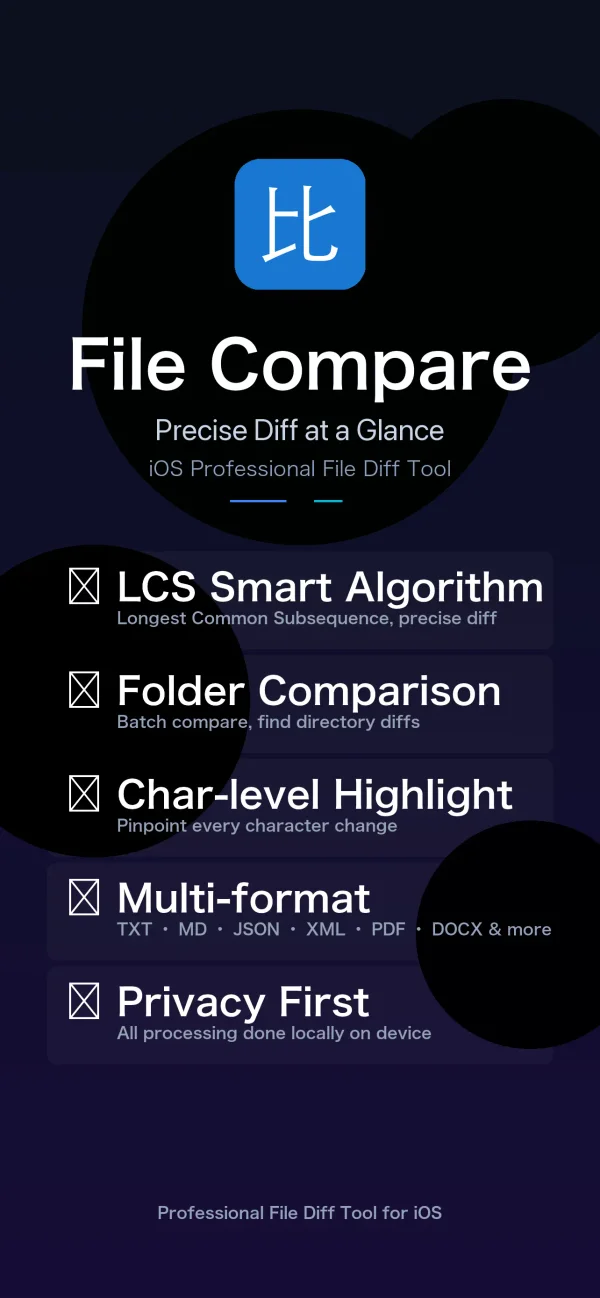
A professional, lightweight file & folder comparison tool supporting line-by-line difference analysis for text files, Word, Excel, PDF and more formats. It helps developers, editors and proofreaders quickly locate content modifications.
Core Features
▸ File Comparison
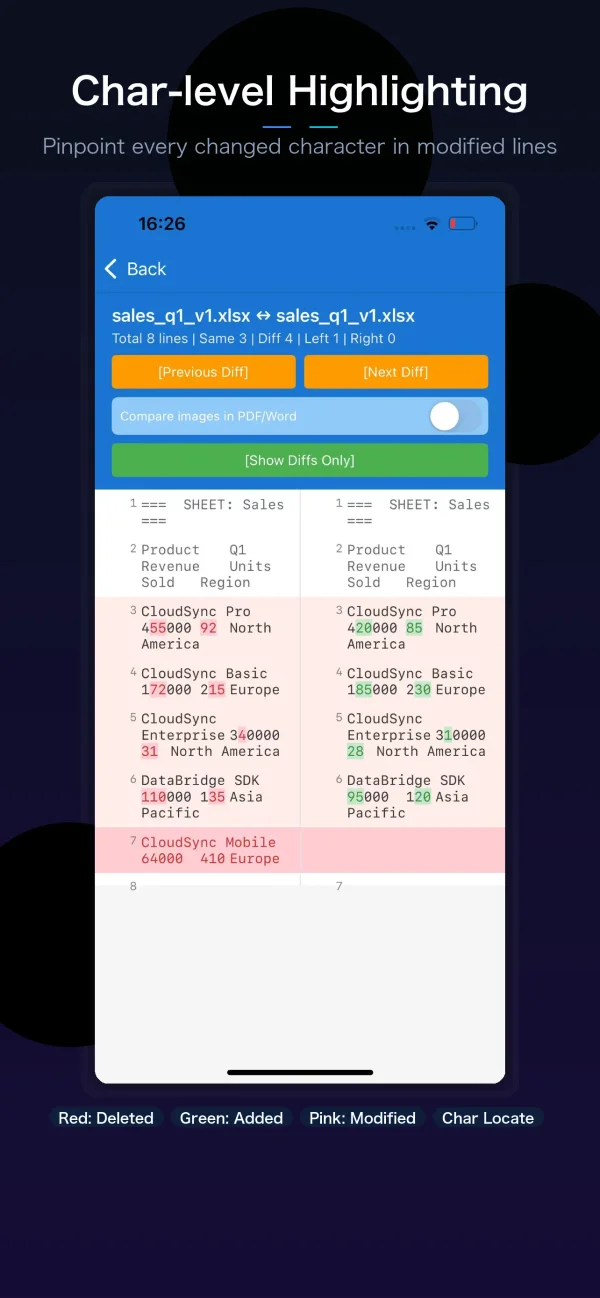
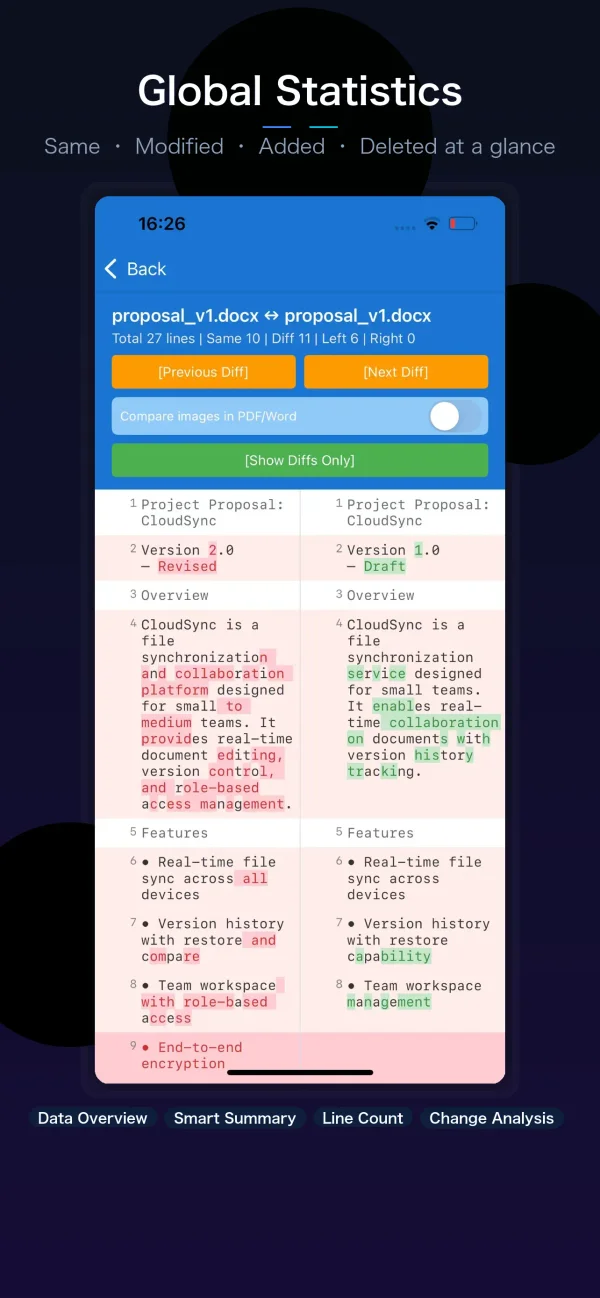
Select two files for left and right panes, start comparison with one click. The app automatically parses file content, compares line by line and highlights all discrepancies: added lines, deleted lines and modified lines are clearly displayed. Character-level highlighting is available to pinpoint every inserted, deleted or revised character.
▸ Folder Comparison
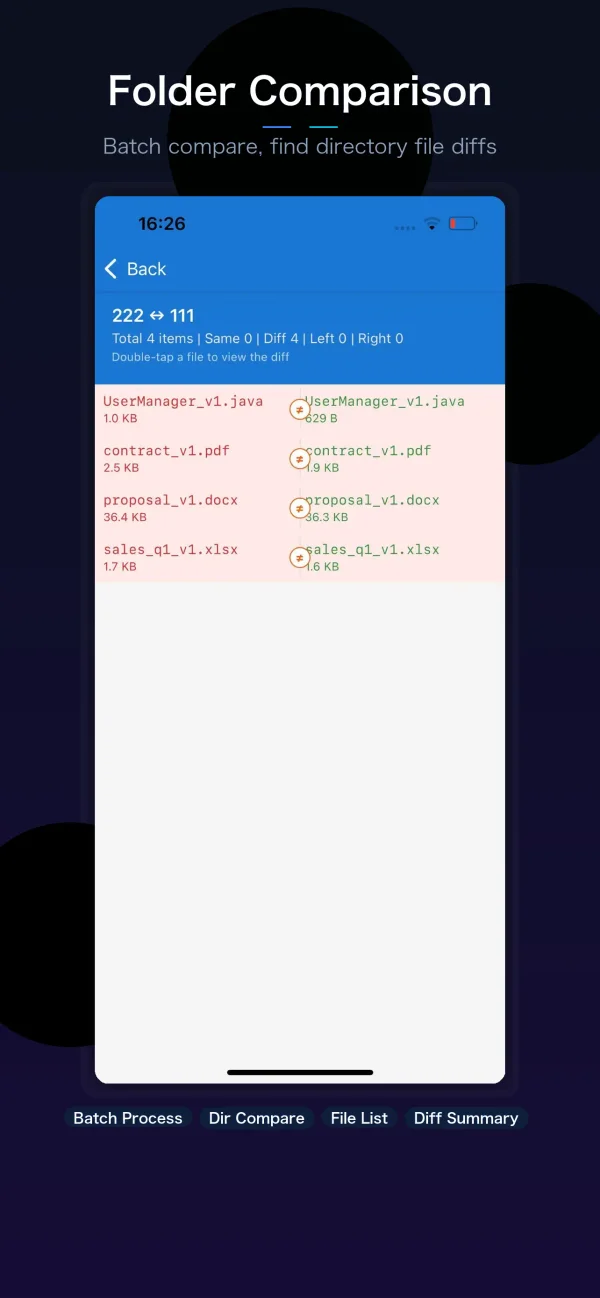
Recursively scan two folders and list the difference status of all files: identical, different, exists only on the left, exists only on the right. File size and modification timestamps are displayed, ideal for version comparison and backup verification.
▸ Supported Formats
Plain text & code files: .txt, .md, .json, .xml, .csv, .yaml, .html, .css, .js, .ts, .swift, .java, .py, .c, .cpp, .h and over 50 other code & text formats
Office documents: Word (.docx), Excel (.xlsx), PDF (.pdf)
All formats support mixed Chinese & English text
▸ Difference Navigation
Comparison results are displayed side-by-side with a dedicated sidebar navigation panel, featuring:
Quick jump to Previous / Next difference
Filter mode to show only differing content
Difference counter (e.g., Diff 3 of 15)
▸ Premium Membership Benefits
Free users may only compare plain text files with a 1MB single-file limit and 10 daily uses. Upgrade to Premium for unlimited access, unlock folder comparison, Word/Excel/PDF support, and remove all file size & usage caps.
▸ Internationalization
Fully bilingual Chinese & English UI. Automatically follows system language, with manual language switching available in Settings.
▸ Privacy & Security
All file comparison tasks run locally on your device; no file data is uploaded externally, and no network permission is required. Ad-free, zero tracking, no account registration mandatory.
Use Cases
Code Review – Rapidly inspect code changes
Document Proofreading – Compare draft & final versions of contracts and copywriting
Data Processing – Spot disparities in CSV, JSON datasets
Version Management – Track content changes between folder versions
Translation Proofreading – Line-by-line cross-check of source text and translations
This file comparison tool makes every single difference instantly visible.
Terms of Service: https://www.apple.com/legal/internet-services/itunes/dev/stdeula/
Privacy Policy: https://xiaobingliu2026.github.io/privacy-policy/compare-en.html
Neue Funktionen
Version 2.1 · 21.11.2026
Now available on Mac — with a better folder comparison experience.
App-Datenschutz
Was 小兵 刘 im App Store zum Umgang dieser App mit Daten angibt.
-
Keine Daten erfasst
Der Entwickler erfasst keine Daten von dieser App.
Die Datenschutzpraktiken können variieren, zum Beispiel je nach den von Ihnen verwendeten Funktionen oder Ihrem Alter.
Informationen
- Anbieter
- 小兵 刘
- Kategorie
- Produktivität
- Version
- 2.1
- Aktualisiert
- 21.11.2026
- Veröffentlicht
- 01.08.2026
- Größe
- 641,0 KB
- Erfordert
- iOS 15.0 oder neuer
- Altersfreigabe
- 4+
- In-App-Käufe
- Ja
- Sprachen
- Englisch, Vereinf. Chinesisch
- Copyright
- © 2026 xiaobing liu
Das könnte Ihnen auch gefallen
-
 Open CSVProduktivität
-
 文档对比:文本内容差异检查阅读编辑器Produktivität
-
 DevTools - MD5&SHA1&URL&JSONProduktivität
-
 md Viewerlesen, bearbeiten, erstellen
-
 All Cloud Hub: Storage ManagerProduktivität
-
 Diff Checker - Compare TextProduktivität
-
 Kizami 刻みProduktivität
-
 文件管理王-文件浏览器Produktivität
-
 CSV Viewer and EditorProduktivität
-
 Lattics – Akademisch SchreibenAbschlussarbeit, Belletristik