
DifCompare
File & Folder Compare Tool
Designed for iPhone, iPad, Mac, iPod touch
Free · In-app purchases
- Age rating4+
- CategoryProductivity
- Developer小兵 刘
- LanguagesEnglish+ 1 more
- Size641.0 KB
Links to the official App Store page
Download.org hosts no file of DifCompare. The button opens its official App Store page, published by 小兵 刘. Listing last checked on Nov 23, 2026.
Screenshots

About
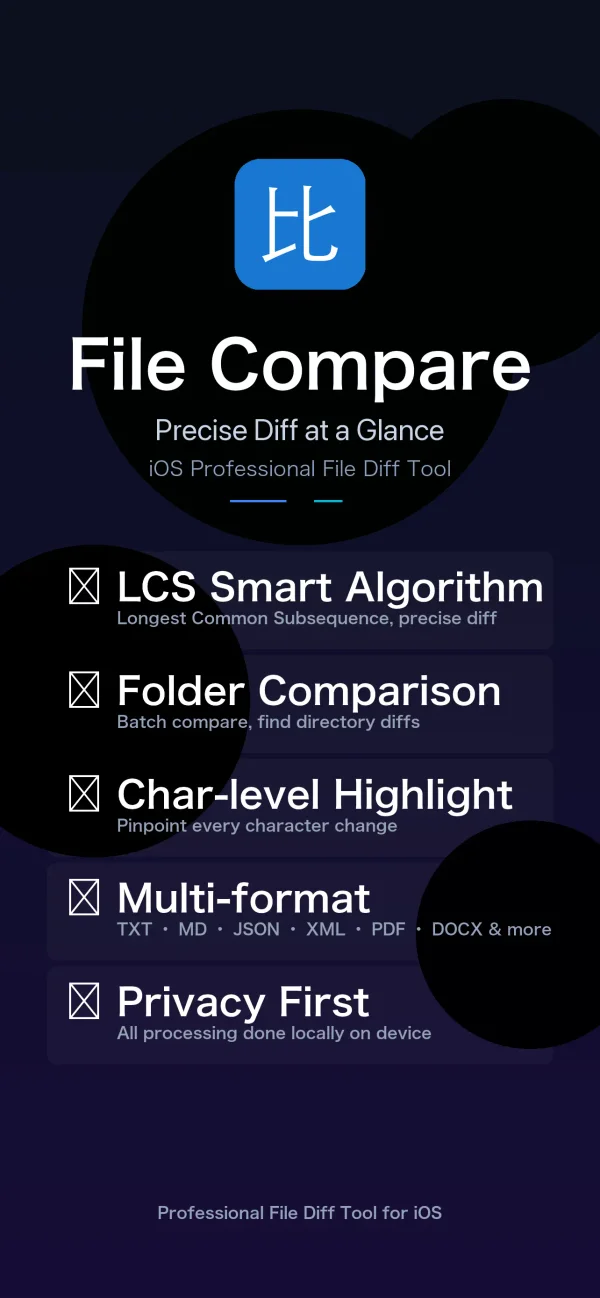
A professional, lightweight file & folder comparison tool supporting line-by-line difference analysis for text files, Word, Excel, PDF and more formats. It helps developers, editors and proofreaders quickly locate content modifications.
Core Features
▸ File Comparison
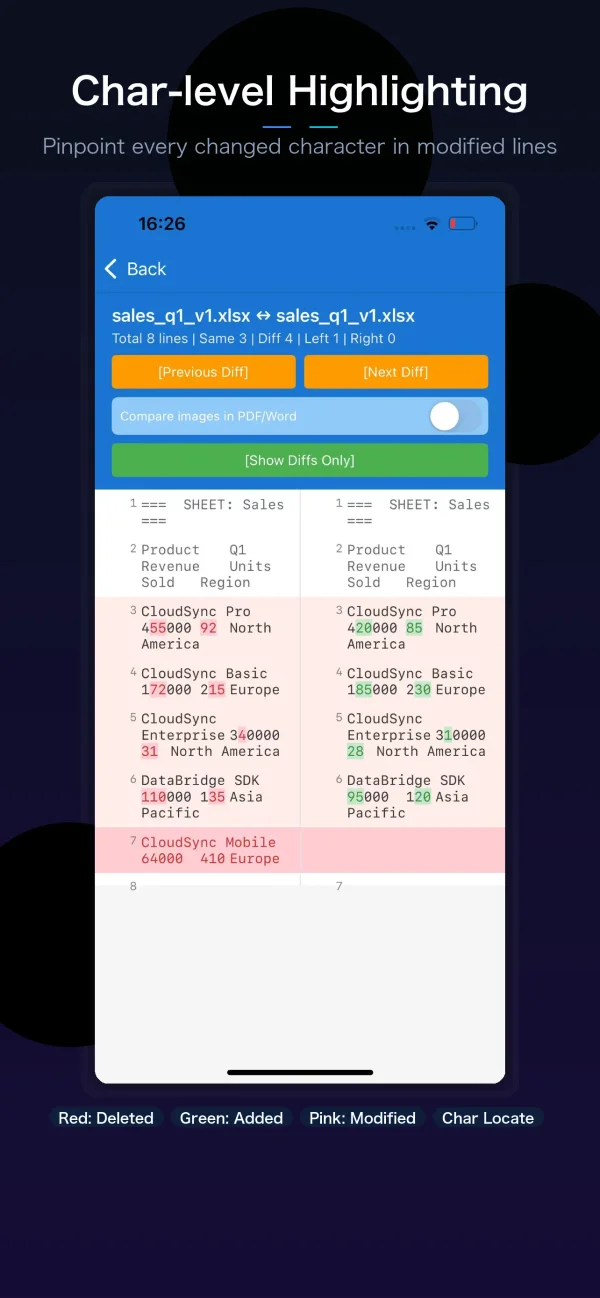
Select two files for left and right panes, start comparison with one click. The app automatically parses file content, compares line by line and highlights all discrepancies: added lines, deleted lines and modified lines are clearly displayed. Character-level highlighting is available to pinpoint every inserted, deleted or revised character.
▸ Folder Comparison
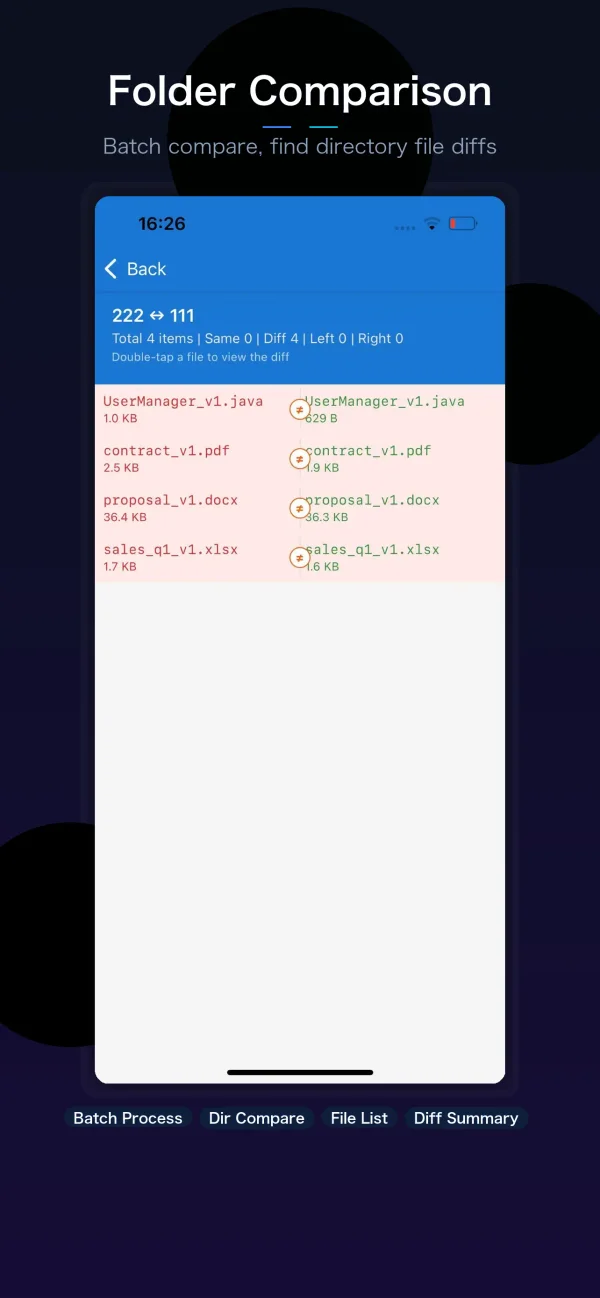
Recursively scan two folders and list the difference status of all files: identical, different, exists only on the left, exists only on the right. File size and modification timestamps are displayed, ideal for version comparison and backup verification.
▸ Supported Formats
Plain text & code files: .txt, .md, .json, .xml, .csv, .yaml, .html, .css, .js, .ts, .swift, .java, .py, .c, .cpp, .h and over 50 other code & text formats
Office documents: Word (.docx), Excel (.xlsx), PDF (.pdf)
All formats support mixed Chinese & English text
▸ Difference Navigation
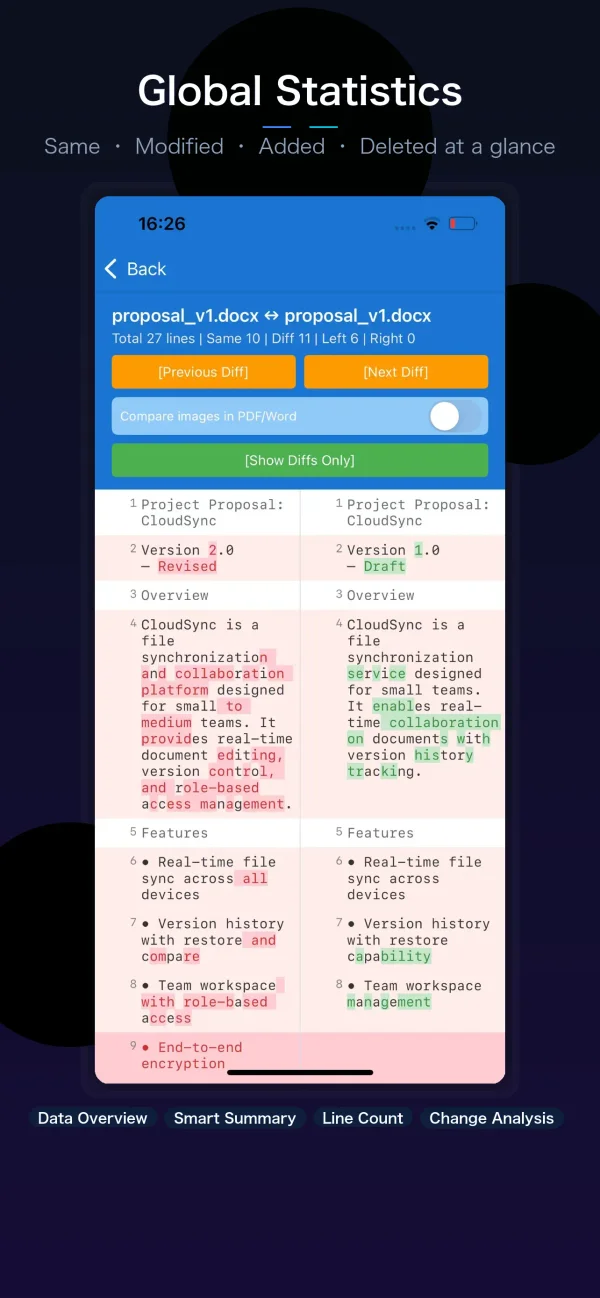
Comparison results are displayed side-by-side with a dedicated sidebar navigation panel, featuring:
Quick jump to Previous / Next difference
Filter mode to show only differing content
Difference counter (e.g., Diff 3 of 15)
▸ Premium Membership Benefits
Free users may only compare plain text files with a 1MB single-file limit and 10 daily uses. Upgrade to Premium for unlimited access, unlock folder comparison, Word/Excel/PDF support, and remove all file size & usage caps.
▸ Internationalization
Fully bilingual Chinese & English UI. Automatically follows system language, with manual language switching available in Settings.
▸ Privacy & Security
All file comparison tasks run locally on your device; no file data is uploaded externally, and no network permission is required. Ad-free, zero tracking, no account registration mandatory.
Use Cases
Code Review – Rapidly inspect code changes
Document Proofreading – Compare draft & final versions of contracts and copywriting
Data Processing – Spot disparities in CSV, JSON datasets
Version Management – Track content changes between folder versions
Translation Proofreading – Line-by-line cross-check of source text and translations
This file comparison tool makes every single difference instantly visible.
Terms of Service: https://www.apple.com/legal/internet-services/itunes/dev/stdeula/
Privacy Policy: https://xiaobingliu2026.github.io/privacy-policy/compare-en.html
What’s new
Version 2.1 · Nov 21, 2026
Now available on Mac — with a better folder comparison experience.
App privacy
What 小兵 刘 declares on the App Store about how this app handles data.
-
Data not collected
The developer does not collect any data from this app.
Privacy practices may vary, for example with the features you use or your age.
Information
- Seller
- 小兵 刘
- Category
- Productivity
- Version
- 2.1
- Updated
- Nov 21, 2026
- Released
- Aug 1, 2026
- Size
- 641.0 KB
- Requires
- iOS 15.0 or later
- Age rating
- 4+
- Price
- Free
- In-app purchases
- Yes
- Languages
- English, Simplified Chinese
- Copyright
- © 2026 xiaobing liu
You might also like
-
 Open CSVOpen, view, sort CSV files
-
 文档对比:文本内容差异检查阅读编辑器Productivity
-
 DevTools - MD5&SHA1&URL&JSONASCII,Base64 Encode/Decode
-
 md Viewer: MarkdownRead, edit & create Markdown
-
 All Cloud Hub: Storage ManagerMulti-Cloud Search & Transfer
-
 Diff Checker - Compare TextText to Text Comparison Tool
-
 Kizami 刻みPromise yourself. It stays.
-
 文件管理王-文件浏览器Productivity
-
 CSV Viewer and EditorOpen, Edit & Compare CSV Files
-
 Lattics - "Brain-like" WritingThesis, Reports, Fictions