
DocPro: Sign & Edit Documents
PDF, Image & Signing Tools
Entwickelt für iPhone, iPad, iPod touch
Kostenlos · In-App-Käufe
- Altersfreigabe4+
- KategorieProduktivität
- EntwicklerJavid Abid
- SprachenEnglisch+ 16 weitere
- Größe160,2 MB
Verlinkt auf die offizielle App Store-Seite
Download.org hostet keine Datei von DocPro: Sign & Edit Documents. Die Schaltfläche öffnet die App-Seite bei App Store, wo Javid Abid die App veröffentlicht. Eintrag zuletzt geprüft am 27.11.2026.
Screenshots

Info
Der Entwickler hat diesen Text nicht in Ihrer Sprache bereitgestellt.
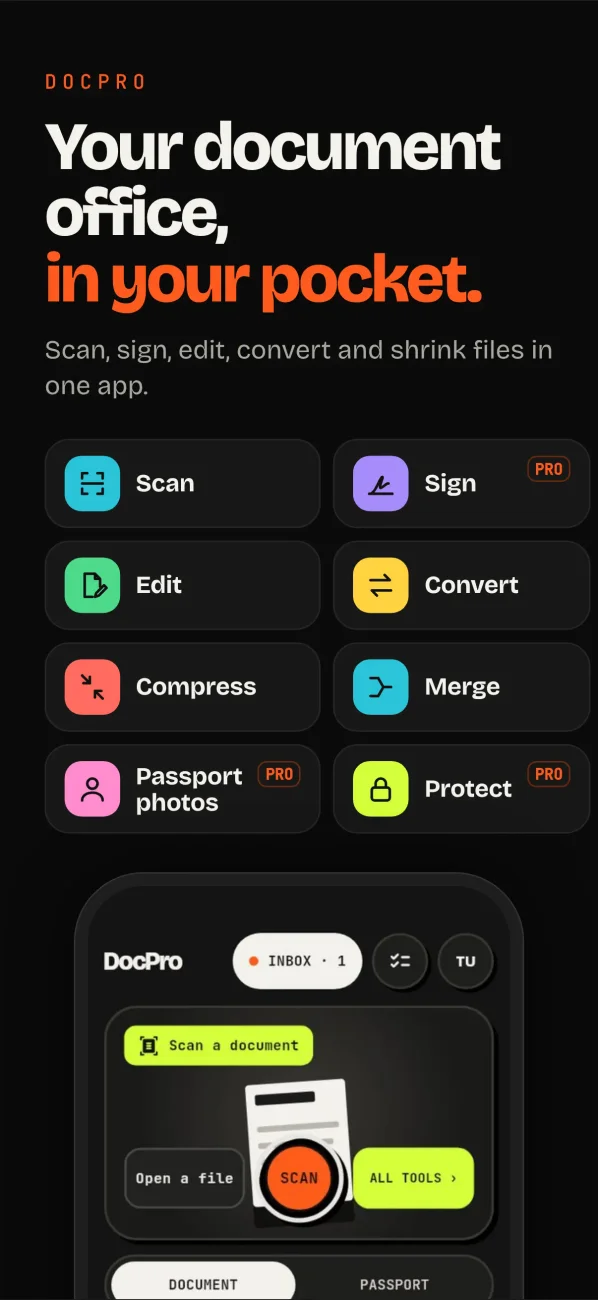
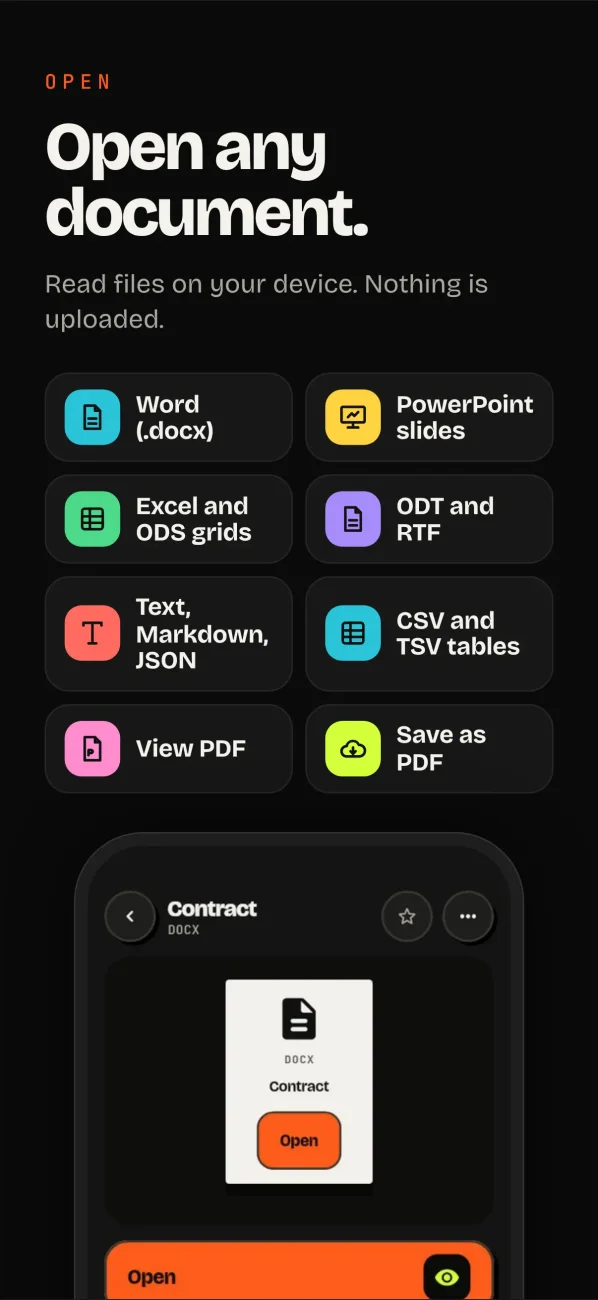
DocPro is a complete document toolkit for your phone. Open, edit, sign, scan, convert and shrink PDFs, Word, Excel and PowerPoint files in one app. Files are processed on your device, so they stay with you, and DocPro works offline, even during internet outages.
FREE, NO ACCOUNT NEEDED
• View PDFs and documents
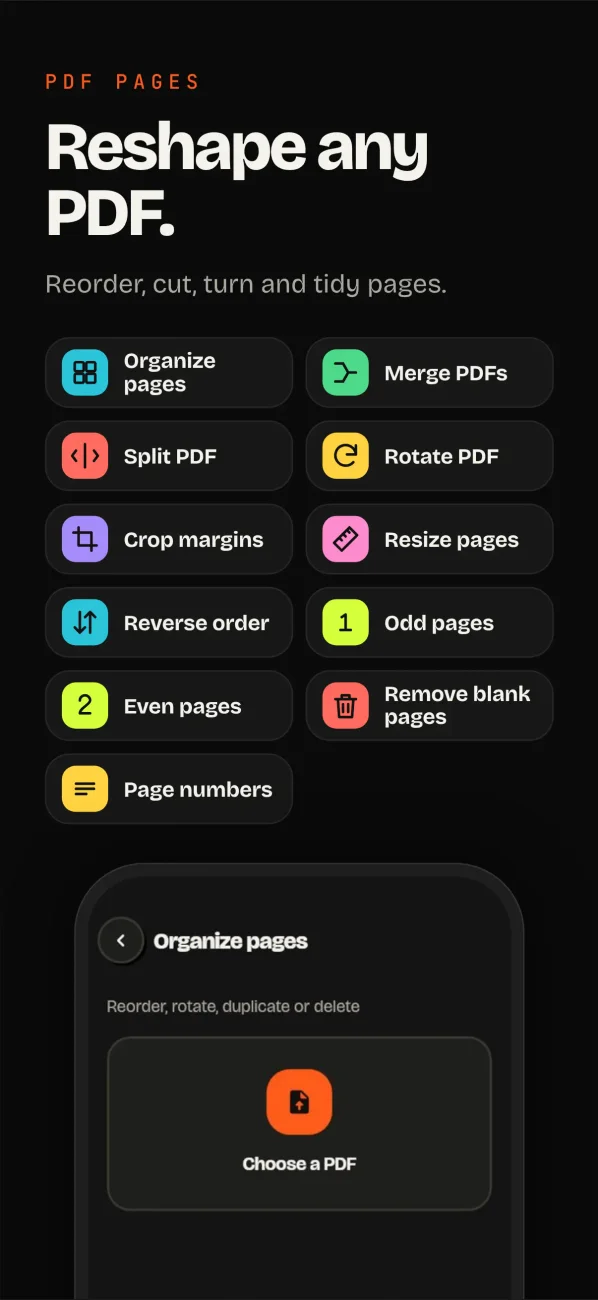
• Merge, split and rotate PDFs
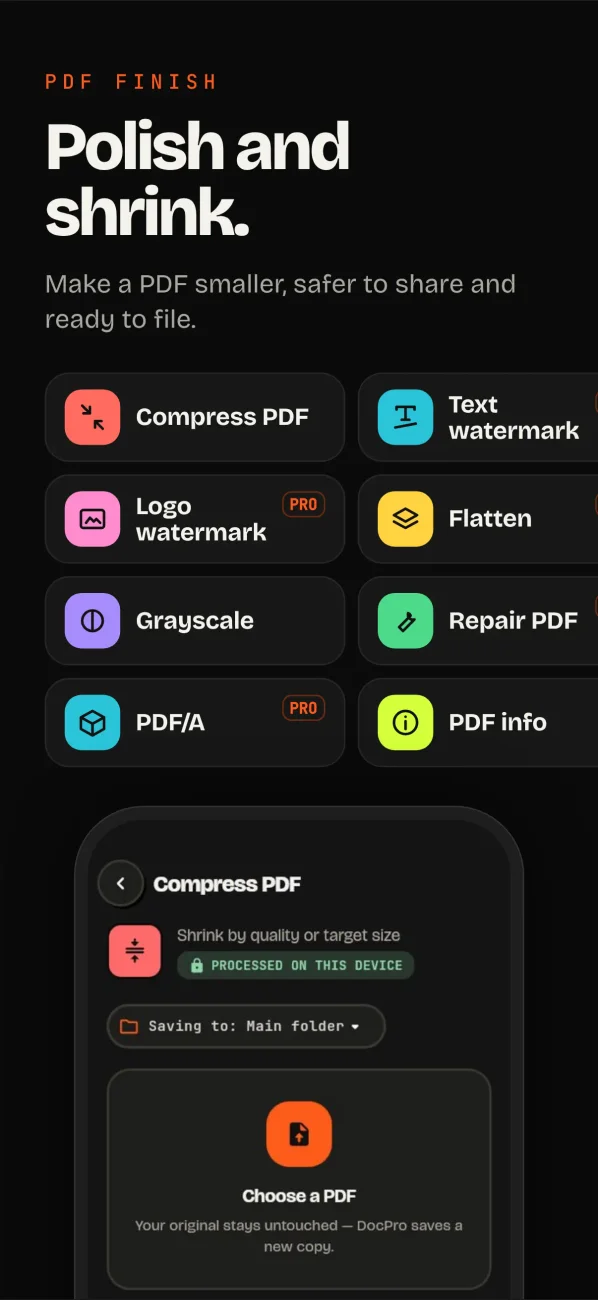
• Compress PDFs by quality or to a target size
• Photos to PDF, and PDF pages to images
• Compress images to an exact size in KB
OFFICE FILES
• Open Word and PowerPoint files, with a full-screen slide show
• Edit Word, OpenDocument, RTF, text and Markdown documents, and Excel and CSV sheets
• View text, JSON, XML and log files, with search
EDIT AND MARK UP PDFs
• Pens, highlights, shapes, text boxes, images, tables and links, editable later
• Fill in PDF forms
• Reorder, rotate, duplicate, delete, crop and resize pages
• Page numbers, text or logo watermarks
• Redact, flatten, grayscale, remove blank pages
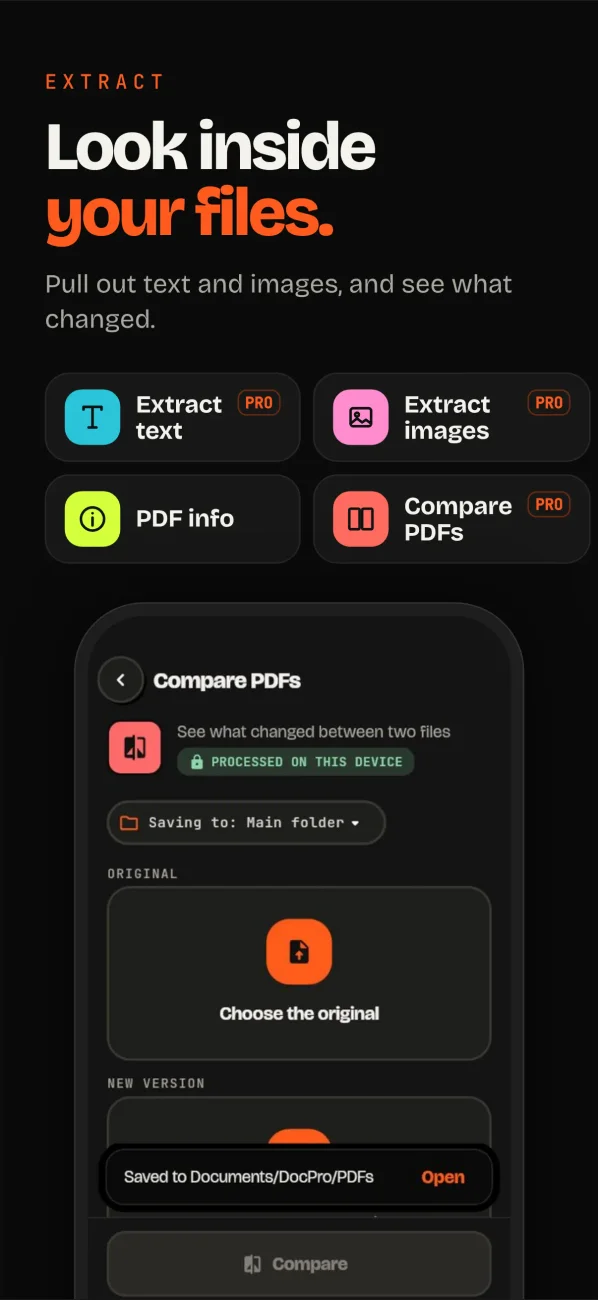
• Compare two PDFs and repair damaged files
SIGN DOCUMENTS
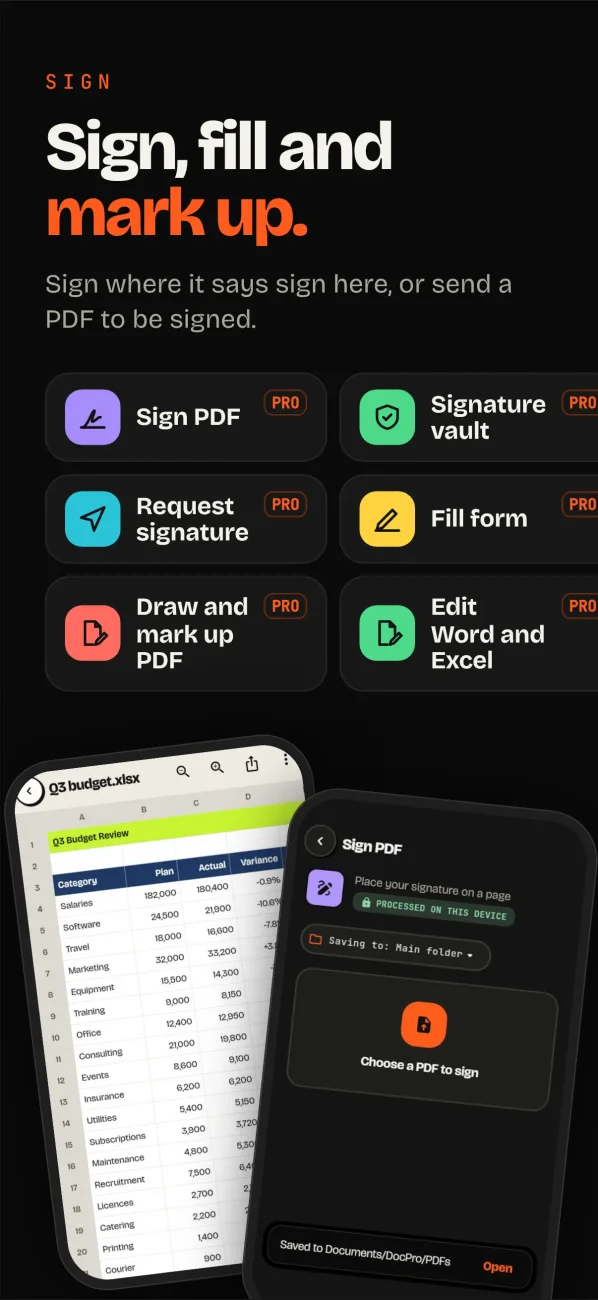
• Draw, type or photograph your signature and keep it in your signature vault
• Sign any PDF and add text, dates and checkboxes
• Request signatures by email, track each step, or sign in person
• Signing templates to resend documents in a few taps
SCAN AND READ TEXT
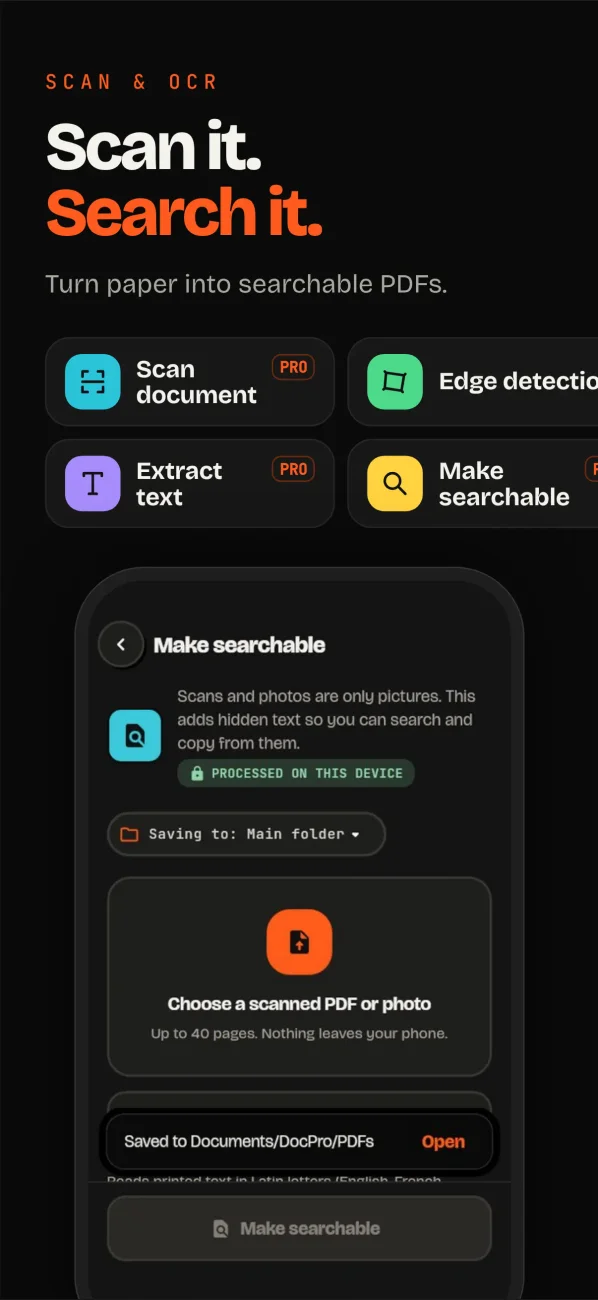
• Camera scanning with edge detection
• Read text from photos and PDFs (OCR) and make scans searchable
CONVERT
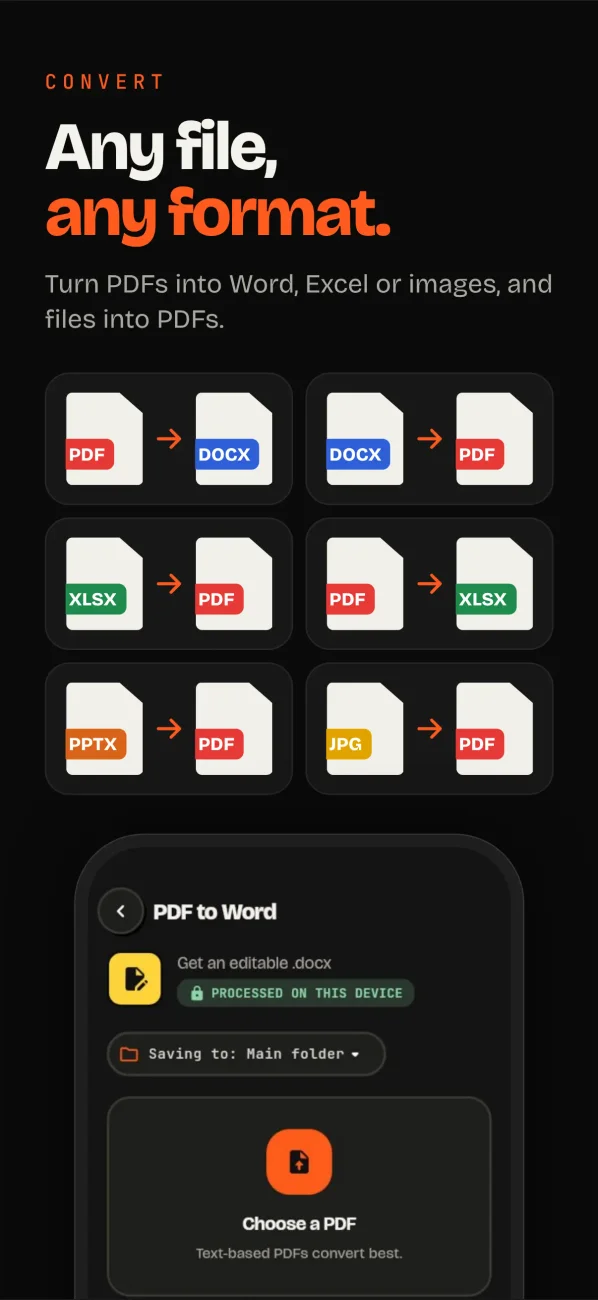
• Word, Excel and PowerPoint to PDF, and back
• JPG, PNG, WebP, GIF, TIFF and more
• PDF/A for courts and agencies
TEMPLATES
• Invoices, resumes, cover letters and formal letters, including Dari, Persian, Pashto, Arabic and Hindi
• Save your own templates; invoice numbers count up by themselves
PHOTOS
• Passport and ID photos in your country's size, with print sheets
• Edit, resize, convert and batch-process images, stitch screenshots, remove backgrounds and blur faces
PRIVACY AND SECURITY
• Your data is yours. Only files you choose to send for signature leave your device.
• Password-protect PDFs (AES-256) and unlock ones you know the password to
• Remove hidden details from PDFs and photos
• No ads. Usage and crash reports stay off unless you turn them on.
ORGANISED, ANYWHERE
• Folders, recent files and an inbox for documents sent to you
• Background jobs that keep going when you leave the app
• Open and save from iCloud Drive, Google Drive and other cloud apps
• Use DocPro in your browser at docpro.pro with the same Pro account
• 18 languages, with full right-to-left support
DOCPRO PRO
The free tools stay free. Pro unlocks every other tool, including editing, signing, scanning, conversions and templates, for one low price with no per-tool fees.
• 3-day free trial for new subscribers
• Monthly: A$9.99 in Australia
• Yearly: A$59.99 in Australia, about half the monthly cost
• Students: Pro free for one year with a school email
Prices differ by country and are shown before you buy. Payment is charged to your Apple Account at confirmation or when the trial ends. Subscriptions renew automatically unless cancelled at least 24 hours before the period ends. Manage or cancel in Settings > your name > Subscriptions.
Terms of Use (EULA): https://www.apple.com/legal/internet-services/itunes/dev/stdeula/
Privacy Policy: https://docpro.pro/privacy/
Neue Funktionen
Version 4.6.1 · 26.11.2026
• Draw and mark up PDFs: text in 8 fonts, images, tables, shapes and clickable links, and reopen the file to edit your marks later
• Templates: invoices, resumes, cover letters and formal letters, with your own saved templates
• Signing: type or photograph your signature, add text, dates and checkboxes, sign in person, follow each request on a timeline, and save signing templates
• Scans keep their original look, with adjustments per page
• Open and save files in Google Drive / iCloud Drive more easily
• PRO marks disappear while you have Pro
• Faster, smaller app and many fixes
App-Datenschutz
Was Javid Abid im App Store zum Umgang dieser App mit Daten angibt.
-
Mit Ihnen verknüpfte Daten
Können erfasst und mit Ihrer Identität verknüpft werden.
- Kontaktinformationen
- Benutzerinhalte
- Kennungen
-
Nicht mit Ihnen verknüpfte Daten
Können erfasst werden, sind aber nicht mit Ihrer Identität verknüpft.
- Nutzungsdaten
- Diagnose
Die Datenschutzpraktiken können variieren, zum Beispiel je nach den von Ihnen verwendeten Funktionen oder Ihrem Alter.
Informationen
- Anbieter
- Javid Abid
- Kategorie
- Produktivität
- Version
- 4.6.1
- Aktualisiert
- 26.11.2026
- Veröffentlicht
- 11.11.2026
- Größe
- 160,2 MB
- Erfordert
- iOS 15.5 oder neuer
- Altersfreigabe
- 4+
- Preis
- Kostenlos
- In-App-Käufe
- Ja
- Sprachen
- Englisch, Arabisch, Tschechisch, Niederländisch, Französisch, Deutsch, Hindi, Italienisch, Paschtu, Persisch, Polnisch, Portugiesisch + 5 weitere
- Copyright
- © 2026 Javid Abid
Das könnte Ihnen auch gefallen
-
 Scale It PDFProduktivität
-
 LumenScan: PDF-ScannerScannen, OCR & Signieren
-
 Lectio: Scan, OCR & ReadProduktivität
-
 Wing AIProduktivität
-
 DocuScanner – PDF ScannerProduktivität
-
 Documents: Files & DocsProduktivität
-
 PurEst®Produktivität
-
 PDF Reader: Edit, Scan & SignProduktivität
-
 Documents Editor: DocProProduktivität
-
 PUC Reminder - Vehicle HealthProduktivität