DocScan : PDF Scanning App
Scan, Edit and Convert PDFs
Entwickelt für iPhone
Kostenlos · In-App-Käufe
- Altersfreigabe12+
- KategorieDienstprogramme
- Entwicklerxita apps
- SprachenEnglisch+ 6 weitere
- Größe76,4 MB
Verlinkt auf die offizielle App Store-Seite
Download.org hostet keine Datei von DocScan : PDF Scanning App. Die Schaltfläche öffnet die App-Seite bei App Store, wo xita apps die App veröffentlicht. Eintrag zuletzt geprüft am 15.11.2026.
Screenshots

Info
Der Entwickler hat diesen Text nicht in Ihrer Sprache bereitgestellt.
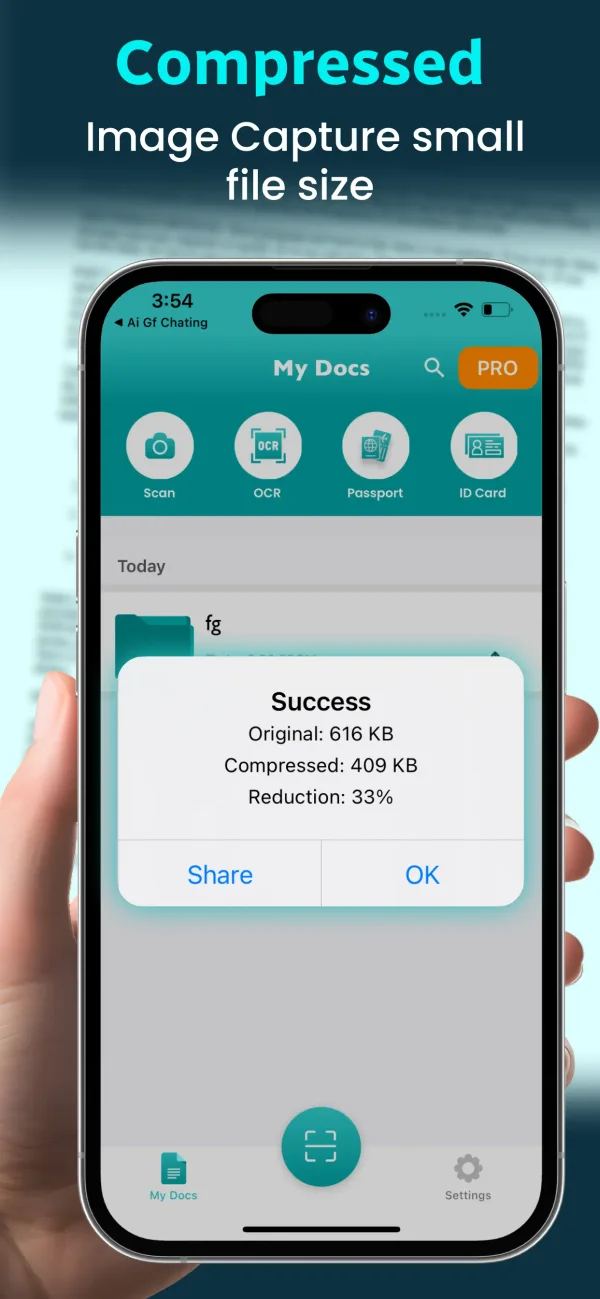
Docscan – PDF Scans & Document Scanner is a powerful docscanner and camera scanner that helps you quickly scan document files, create PDF scans, and convert scan to PDF using your phone. This smart docscan app combines an advanced docu scan tool, PDF editor, OCR text scanner, and document manager to make scanning fast, simple, and efficient.
Whether you need a reliable cam scanner, a high-quality camera scanner, or a full document scanning solution, Docscan lets you scan, edit, convert, and organize every document directly from your mobile device.
Perfect for students, professionals, and everyday users who want a fast scan to PDF and document management app.
Key Features of Docscan – PDF Scans & Docscanner
Smart Document Scan
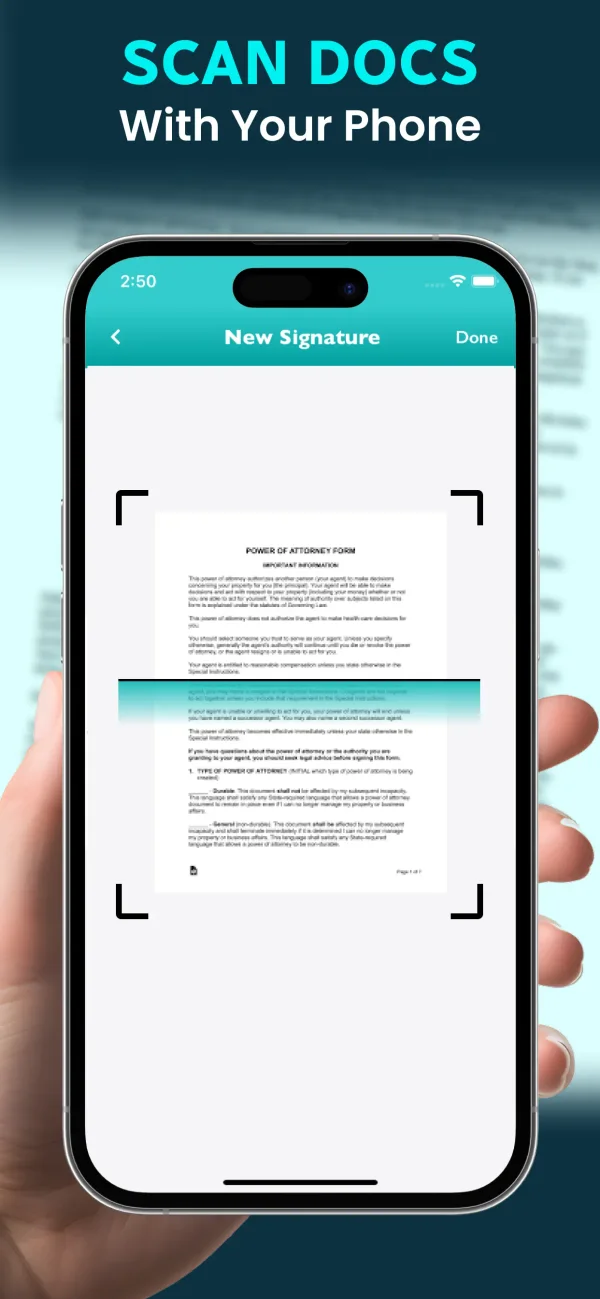
Use your phone as a powerful camera scanner to scan document pages instantly. This intelligent docscanner automatically detects edges and enhances images for clean PDF scans.
Scan to PDF Converter
Easily scan to PDF and turn any document scan into high-quality digital files. Create professional PDF scans for reports, notes, receipts, or contracts.
Multi-Page Document Scanner
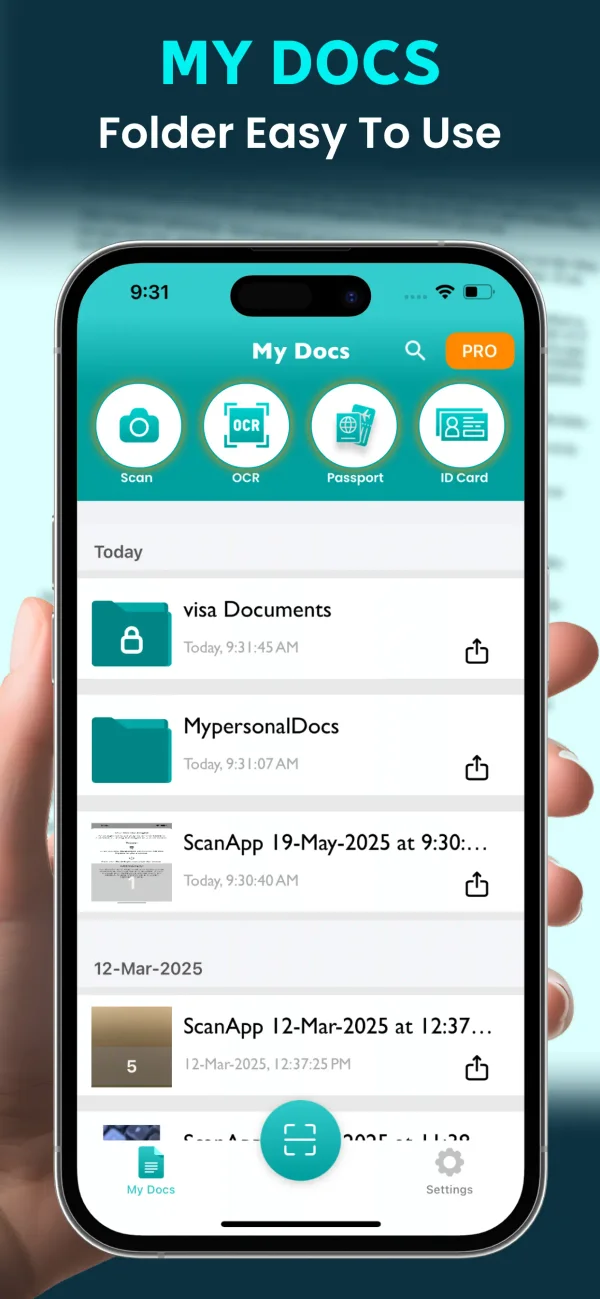
Combine multiple scan pages into one organized document PDF. This advanced docu scan tool makes it easy to store long documents.
OCR Text Scanner
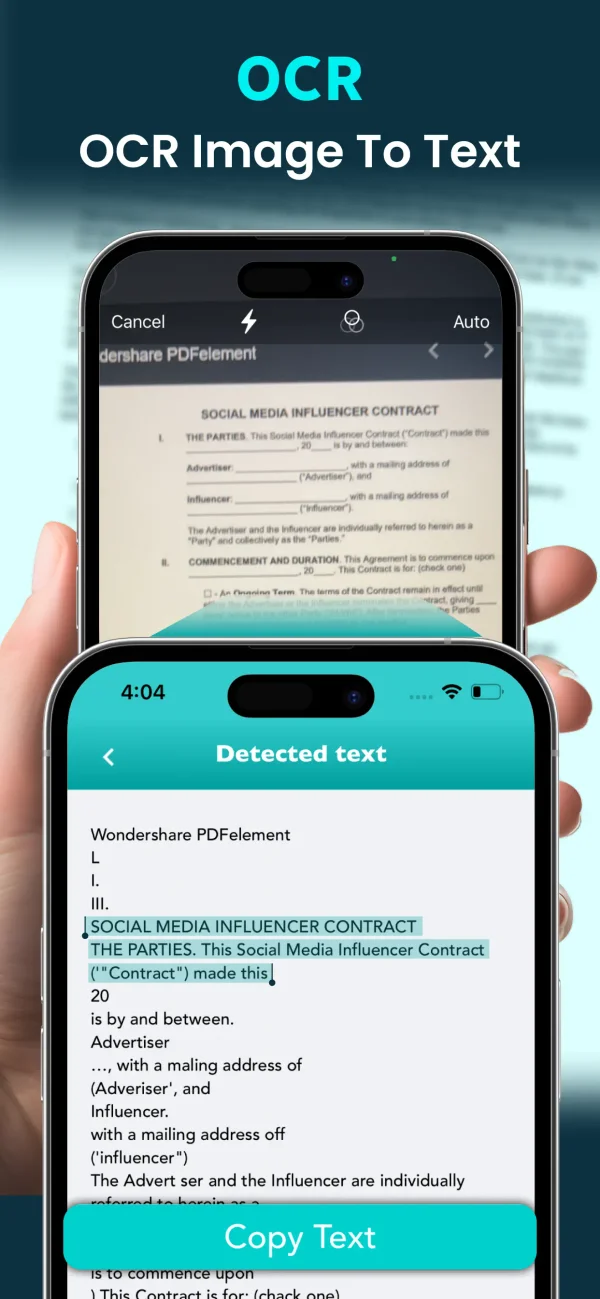
Extract text from any scanned document using powerful OCR technology. Simply scan text from camera scanner and convert it into editable content.
Powerful PDF Editor
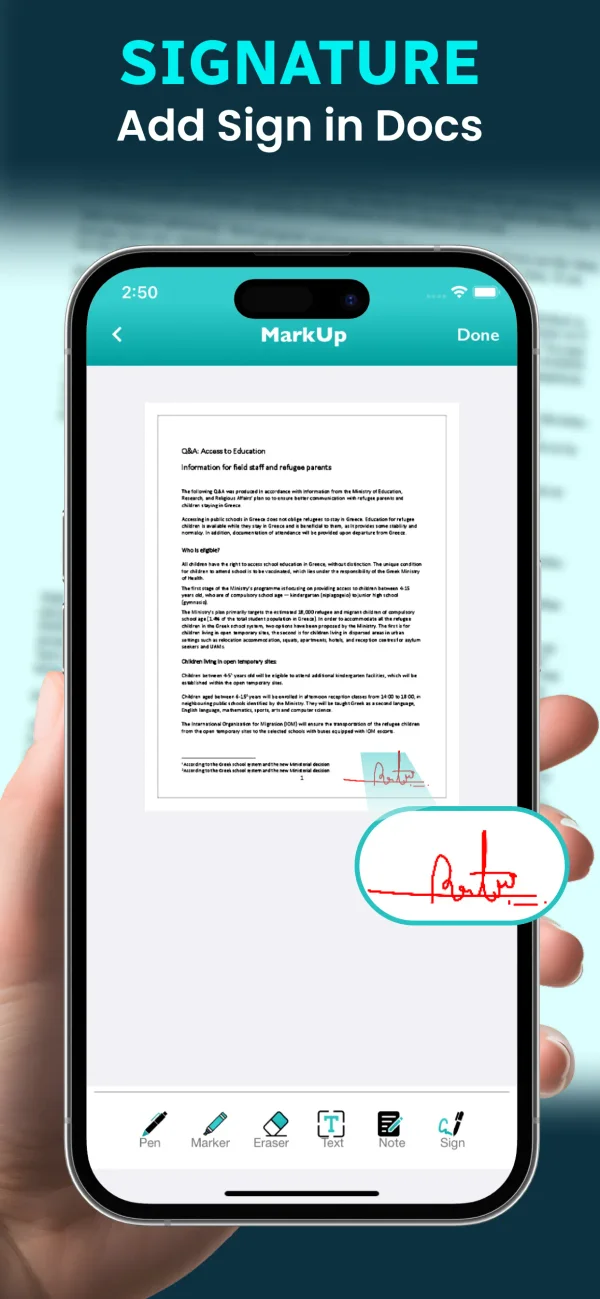
Edit your scanned document with built-in tools. Crop, rotate, highlight, annotate, or sign your PDF scans with the integrated document editor.
Forms & Document Signing
Fill out forms and sign scanned document files quickly. The app makes doc scan editing simple for contracts, forms, and agreements.
Secure Document Storage
Protect important PDF scans and document files with password security (Premium feature).
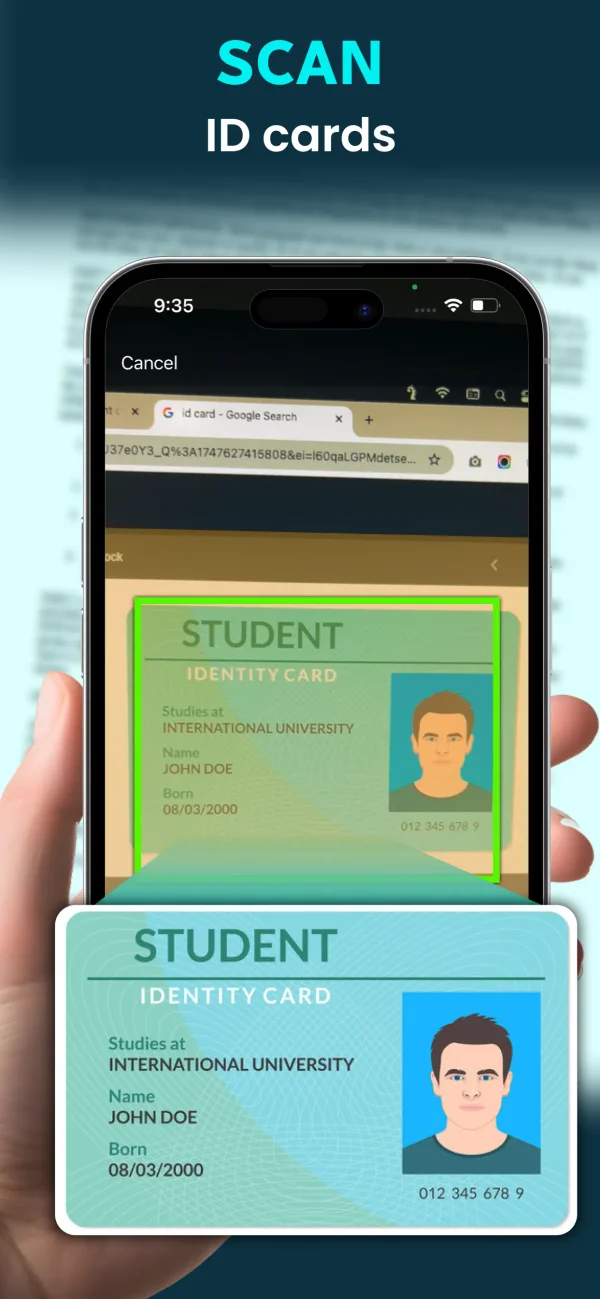
Scan Receipts, IDs & Photos
Use the camera scanner to scan receipts, ID cards, photos, and business documents quickly with clear results.
Document Reader
Open and view your PDF scans and document files inside the app using the built-in document reader.
Extra Smart Tools
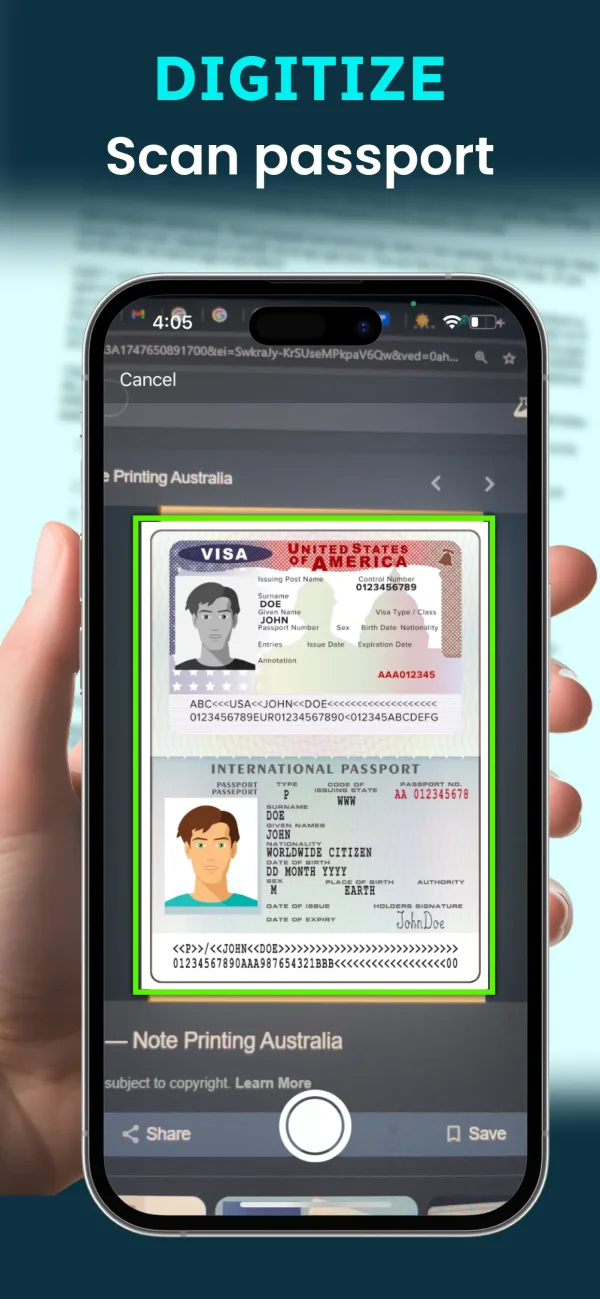
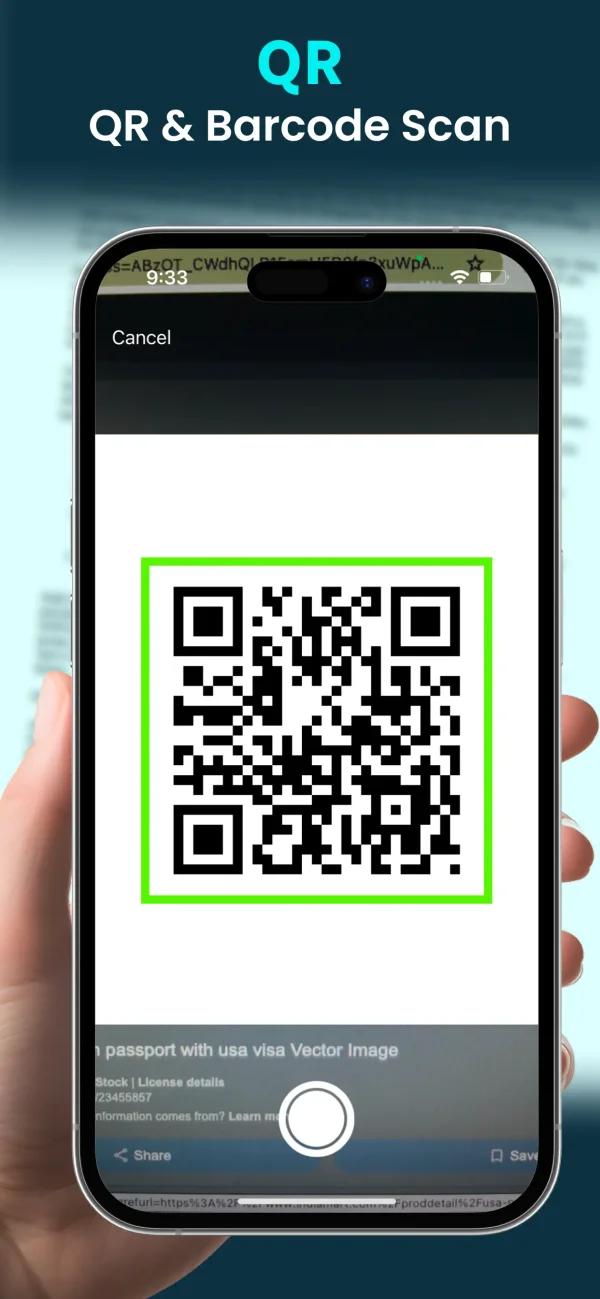
Docscan also includes helpful tools like passport scanner, barcode scener, and advanced OCR reader for professional scanning tasks.
Why Choose Docscan?
• Powerful docscan and docscanner technology
• Fast scan to PDF and high-quality PDF scans
• Easy docu scan and document editing tools
• Reliable cam scanner and camera scanner performance
• Smart OCR for extracting text from any document scan
• Complete scan, convert, and document management solution
Docscan is designed to help you scan document files faster, create professional PDF scans, and manage documents efficiently.
Ideal Use Cases
Docscan helps you:
• Scan documents for work or school
• Convert notes using scan to PDF
• Digitize receipts using the camera scanner
• Create clean PDF scans of contracts or reports
• Extract text using the OCR docscanner
• Organize every important document in one place
• Use your phone as a professional cam scanner
Go Paperless with Docscan
Turn your smartphone into a powerful docscan and camera scanner tool. With Docscan you can scan document pages, create PDF scans, convert scan to PDF, and edit any document instantly.
This advanced docscanner and document app allows you to scan, edit, store, and share documents anywhere. From quick docu scan tasks to professional PDF document management, Docscan makes paperwork simple.
Download Docscan – PDF Scans & Document Scanner today and experience the easiest way to scan document files, create PDF scans, and manage every document from your phone.
Privacy Policy: https://sites.google.com/view/docpdf-privacy-policy/home
Terms of Use: https://sites.google.com/view/scan-app-terms-and-condition
Neue Funktionen
Version 1.30.0 · 04.11.2026
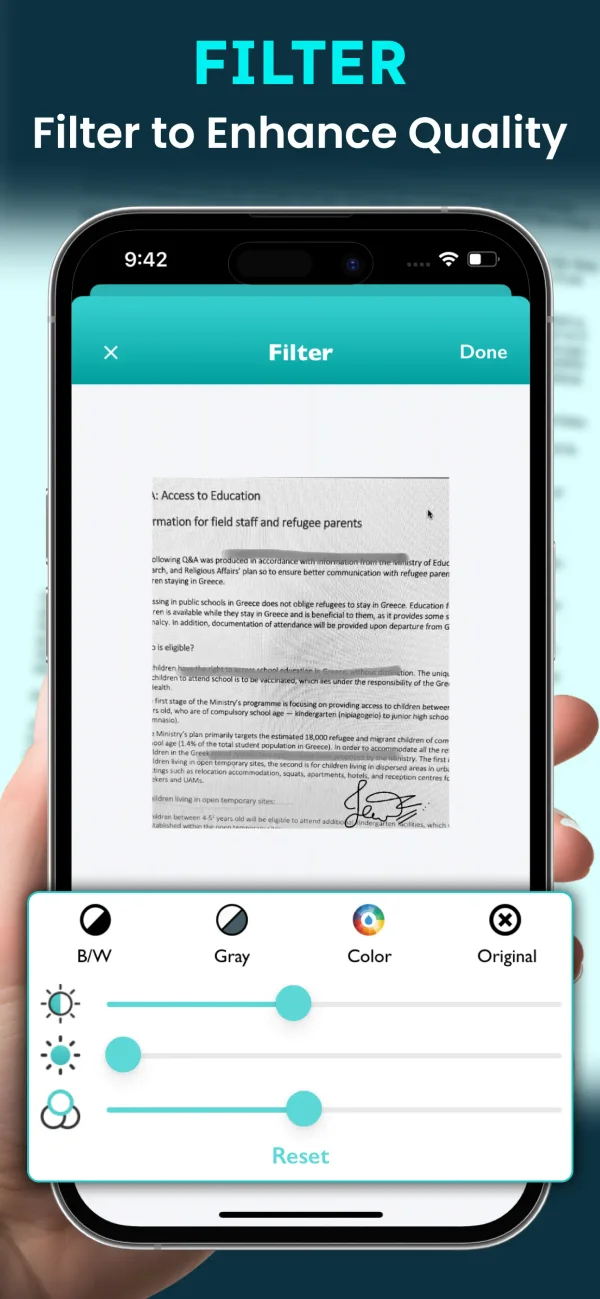
Scanning is sharper, with better edge detection, cropping, and color filters for documents, IDs, and passports.
Sign, mark up, and pull text with OCR, then save or share as PDF.
A refreshed start screen and premium screen make it easier to scan, sign, and share.
App-Datenschutz
Was xita apps im App Store zum Umgang dieser App mit Daten angibt.
-
Daten, die zum Tracking Ihrer Person verwendet werden
Können verwendet werden, um Sie über Apps und Websites anderer Unternehmen hinweg zu verfolgen.
- Kennungen
-
Nicht mit Ihnen verknüpfte Daten
Können erfasst werden, sind aber nicht mit Ihrer Identität verknüpft.
- Kennungen
- Nutzungsdaten
- Diagnose
Die Datenschutzpraktiken können variieren, zum Beispiel je nach den von Ihnen verwendeten Funktionen oder Ihrem Alter.
Informationen
- Anbieter
- xita apps
- Kategorie
- Dienstprogramme
- Version
- 1.30.0
- Aktualisiert
- 04.11.2026
- Veröffentlicht
- 05.08.2019
- Größe
- 76,4 MB
- Erfordert
- iOS 16.0 oder neuer
- Altersfreigabe
- 12+
- Preis
- Kostenlos
- In-App-Käufe
- Ja
- Sprachen
- Englisch, Französisch, Hindi, Japanisch, Vereinf. Chinesisch, Spanisch, Tradit. Chinesisch
- Copyright
- © appsteam
Das könnte Ihnen auch gefallen
-
 Dokumentenscan - OCR QuittungPDF-Export mit Cloud-Sync
-
 SwiftScan AI DokumentenscannerBearbeiten & Unterschreiben
-
 PDF Scanner - Foto KonverterDokument Scan & PDF Umwandeln
-
 PDF Scanner App & DokumenteFoto & Dokumenten
-
 Document PDF Scanner.Dienstprogramme
-
 Fotos zu PDF: Converter ProUmwandeln Sie Ihre Dokumente
-
 PDF Reader - Editor und ReaderEditor Konverter OCR
-
 Scanner PDF.Dienstprogramme
-
 Das Dokument KonverterConvert to PDF, DOCX, JPG, etc
-
 AI Cleaner:Swipe Photo CleanUpDienstprogramme