DocScan : PDF Scanning App
Scan, Edit and Convert PDFs
Designed for iPhone
Free · In-app purchases
- Age rating12+
- CategoryUtilities
- Developerxita apps
- LanguagesEnglish+ 6 more
- Size76.4 MB
Links to the official App Store page
Download.org hosts no file of DocScan : PDF Scanning App. The button opens its official App Store page, published by xita apps. Listing last checked on Nov 15, 2026.
Screenshots

About
Docscan – PDF Scans & Document Scanner is a powerful docscanner and camera scanner that helps you quickly scan document files, create PDF scans, and convert scan to PDF using your phone. This smart docscan app combines an advanced docu scan tool, PDF editor, OCR text scanner, and document manager to make scanning fast, simple, and efficient.
Whether you need a reliable cam scanner, a high-quality camera scanner, or a full document scanning solution, Docscan lets you scan, edit, convert, and organize every document directly from your mobile device.
Perfect for students, professionals, and everyday users who want a fast scan to PDF and document management app.
Key Features of Docscan – PDF Scans & Docscanner
Smart Document Scan
Use your phone as a powerful camera scanner to scan document pages instantly. This intelligent docscanner automatically detects edges and enhances images for clean PDF scans.
Scan to PDF Converter
Easily scan to PDF and turn any document scan into high-quality digital files. Create professional PDF scans for reports, notes, receipts, or contracts.
Multi-Page Document Scanner
Combine multiple scan pages into one organized document PDF. This advanced docu scan tool makes it easy to store long documents.
OCR Text Scanner
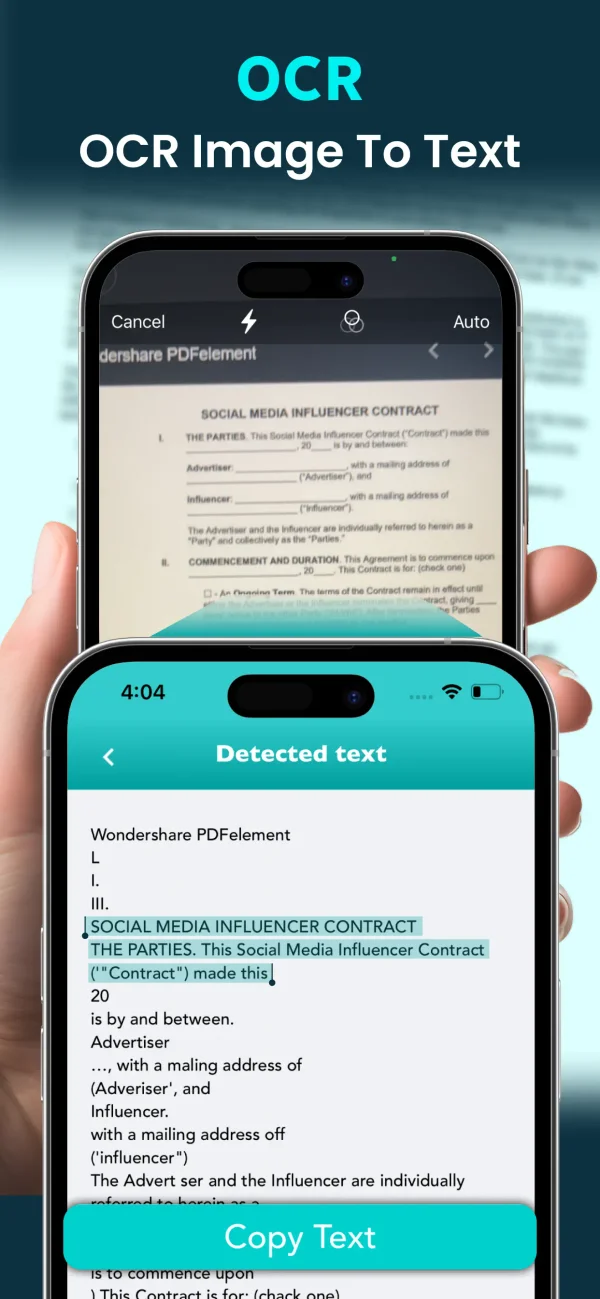
Extract text from any scanned document using powerful OCR technology. Simply scan text from camera scanner and convert it into editable content.
Powerful PDF Editor
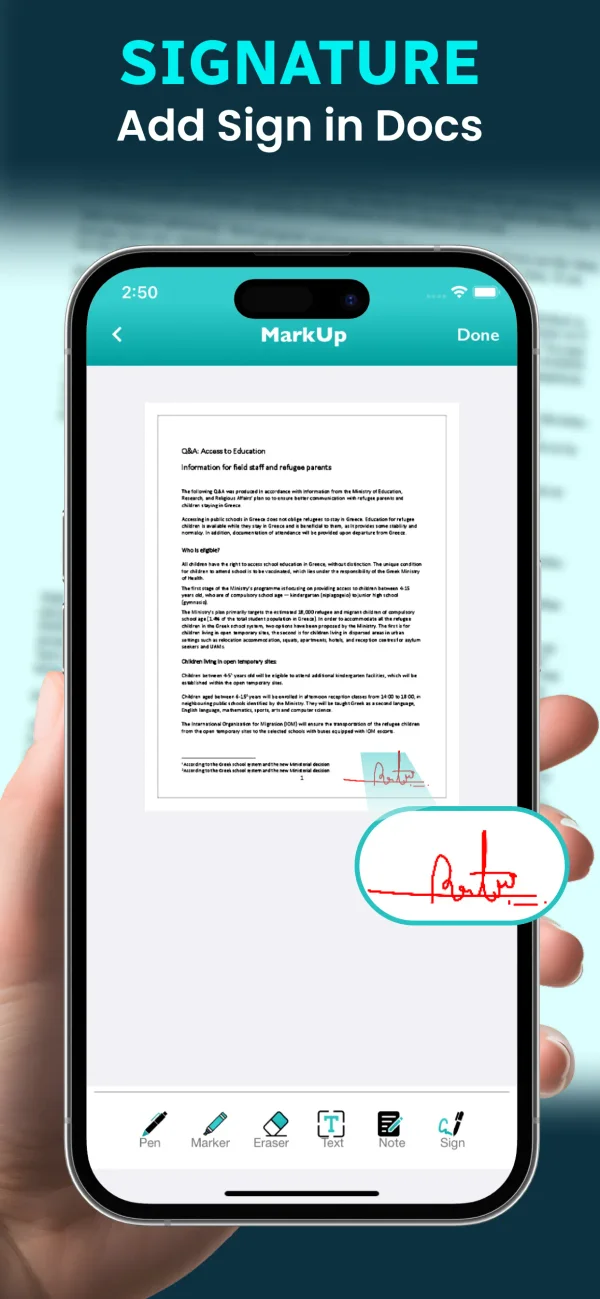
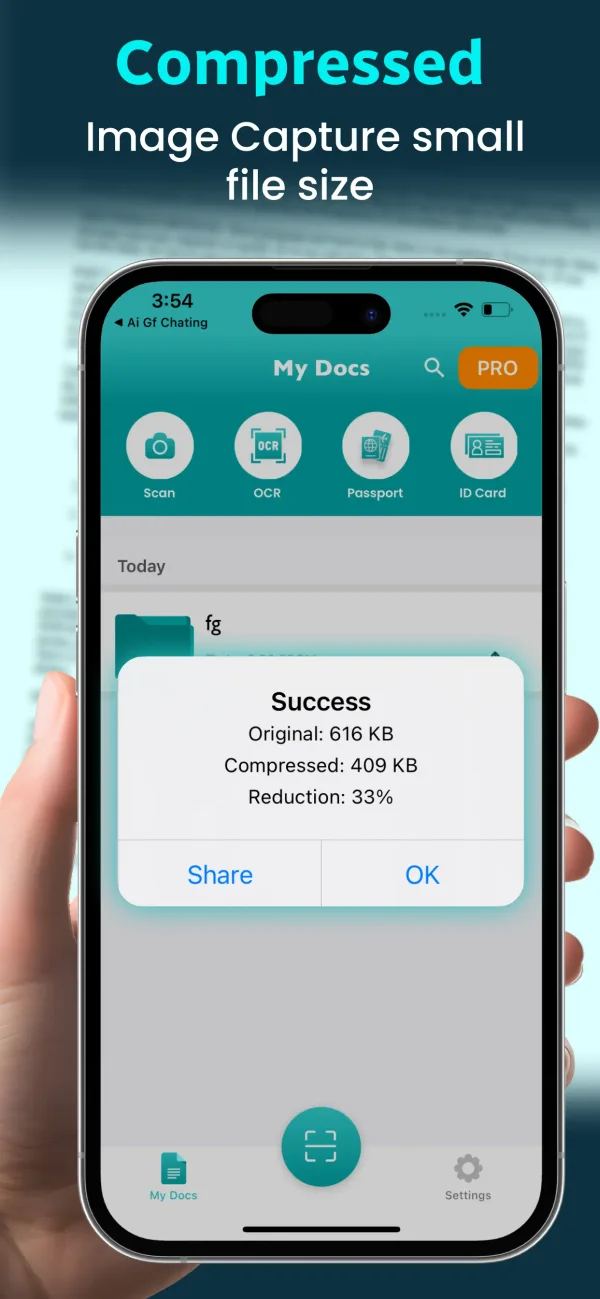
Edit your scanned document with built-in tools. Crop, rotate, highlight, annotate, or sign your PDF scans with the integrated document editor.
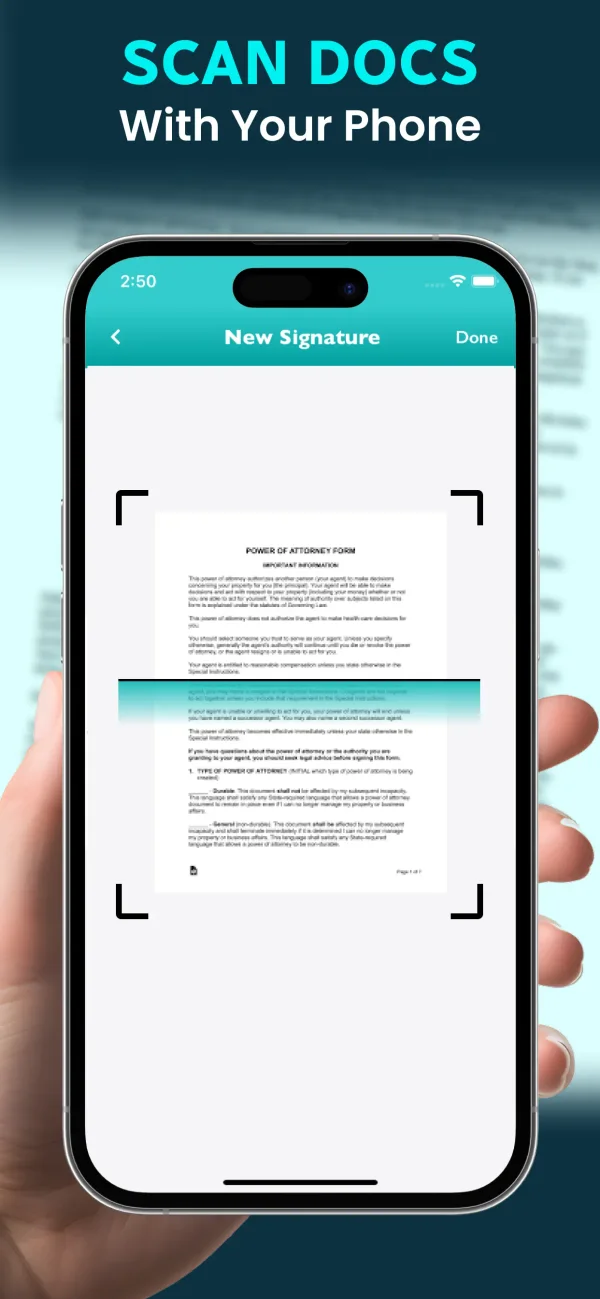
Forms & Document Signing
Fill out forms and sign scanned document files quickly. The app makes doc scan editing simple for contracts, forms, and agreements.
Secure Document Storage
Protect important PDF scans and document files with password security (Premium feature).
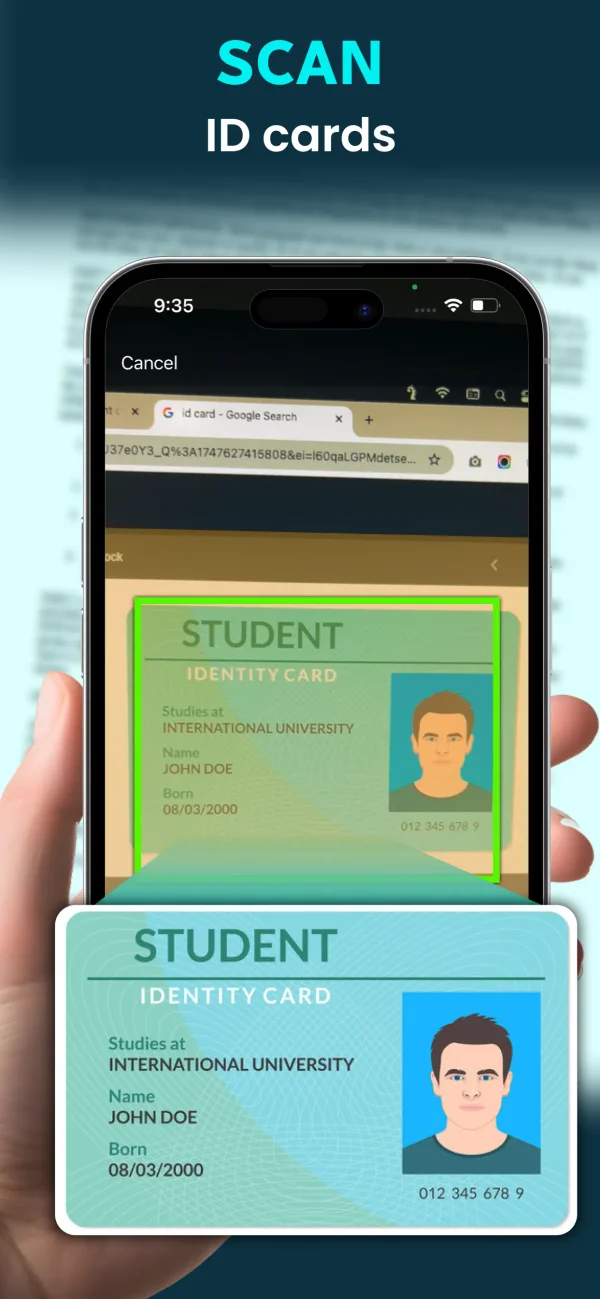
Scan Receipts, IDs & Photos
Use the camera scanner to scan receipts, ID cards, photos, and business documents quickly with clear results.
Document Reader
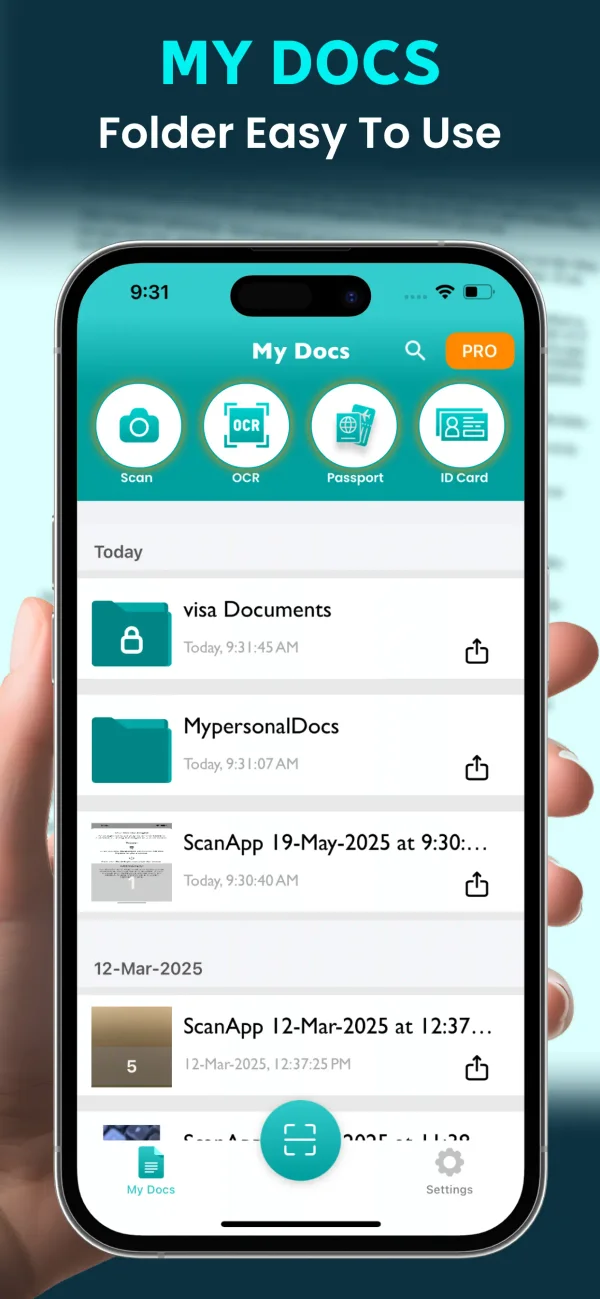
Open and view your PDF scans and document files inside the app using the built-in document reader.
Extra Smart Tools
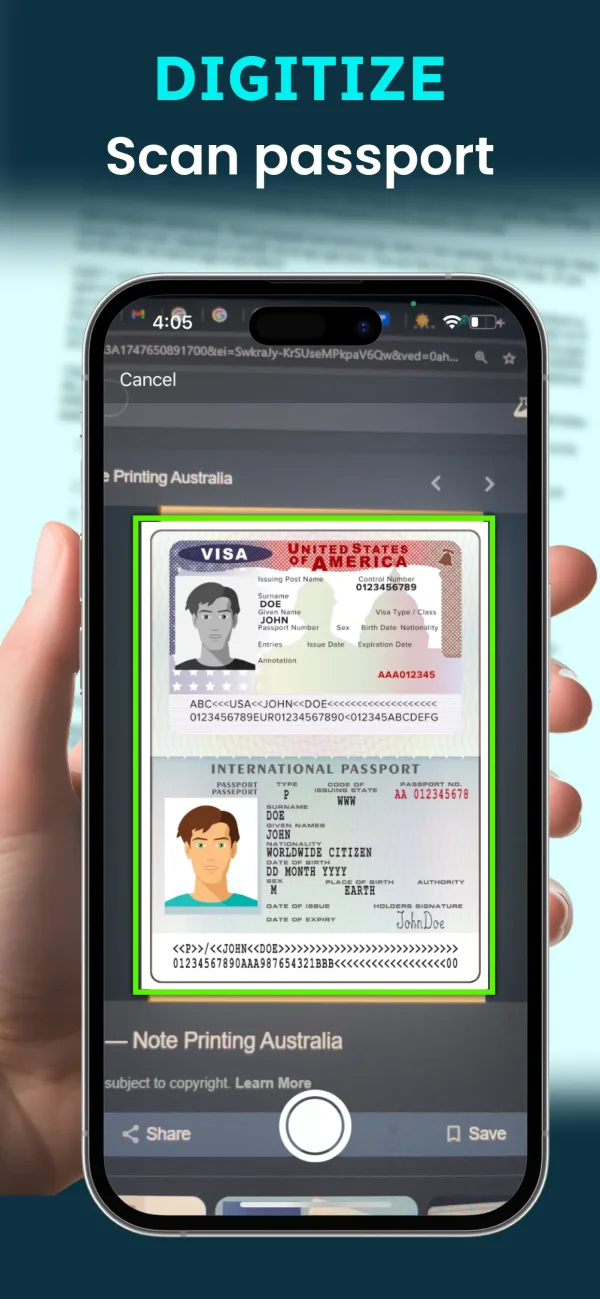
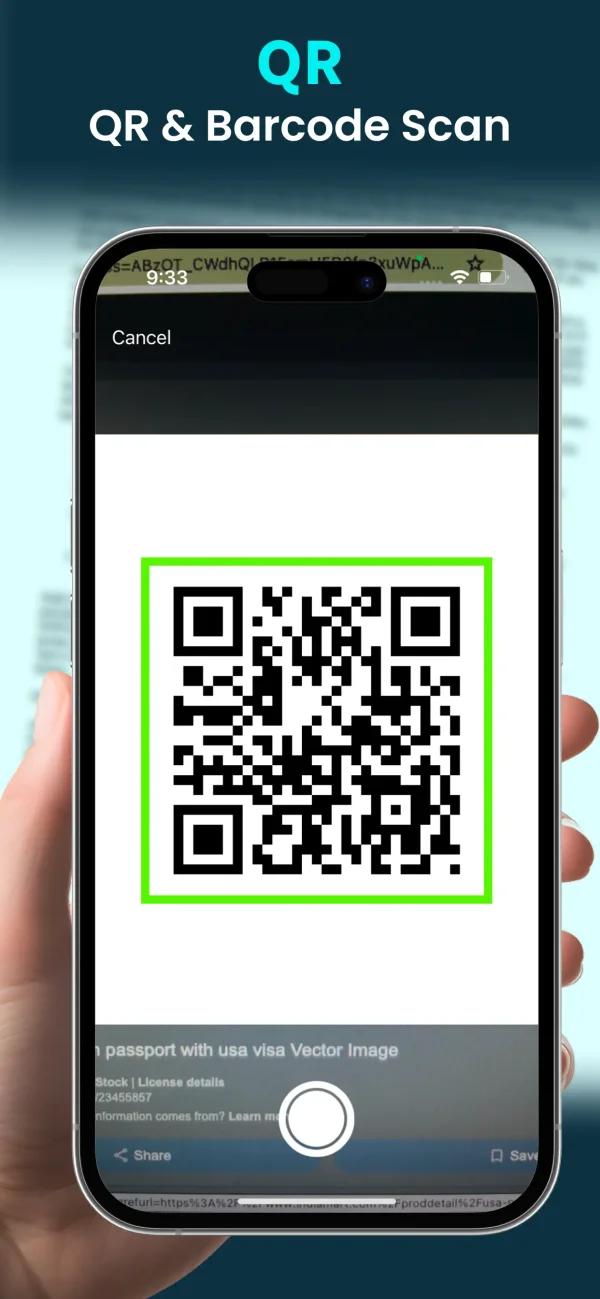
Docscan also includes helpful tools like passport scanner, barcode scener, and advanced OCR reader for professional scanning tasks.
Why Choose Docscan?
• Powerful docscan and docscanner technology
• Fast scan to PDF and high-quality PDF scans
• Easy docu scan and document editing tools
• Reliable cam scanner and camera scanner performance
• Smart OCR for extracting text from any document scan
• Complete scan, convert, and document management solution
Docscan is designed to help you scan document files faster, create professional PDF scans, and manage documents efficiently.
Ideal Use Cases
Docscan helps you:
• Scan documents for work or school
• Convert notes using scan to PDF
• Digitize receipts using the camera scanner
• Create clean PDF scans of contracts or reports
• Extract text using the OCR docscanner
• Organize every important document in one place
• Use your phone as a professional cam scanner
Go Paperless with Docscan
Turn your smartphone into a powerful docscan and camera scanner tool. With Docscan you can scan document pages, create PDF scans, convert scan to PDF, and edit any document instantly.
This advanced docscanner and document app allows you to scan, edit, store, and share documents anywhere. From quick docu scan tasks to professional PDF document management, Docscan makes paperwork simple.
Download Docscan – PDF Scans & Document Scanner today and experience the easiest way to scan document files, create PDF scans, and manage every document from your phone.
Privacy Policy: https://sites.google.com/view/docpdf-privacy-policy/home
Terms of Use: https://sites.google.com/view/scan-app-terms-and-condition
What’s new
Version 1.30.0 · Nov 4, 2026
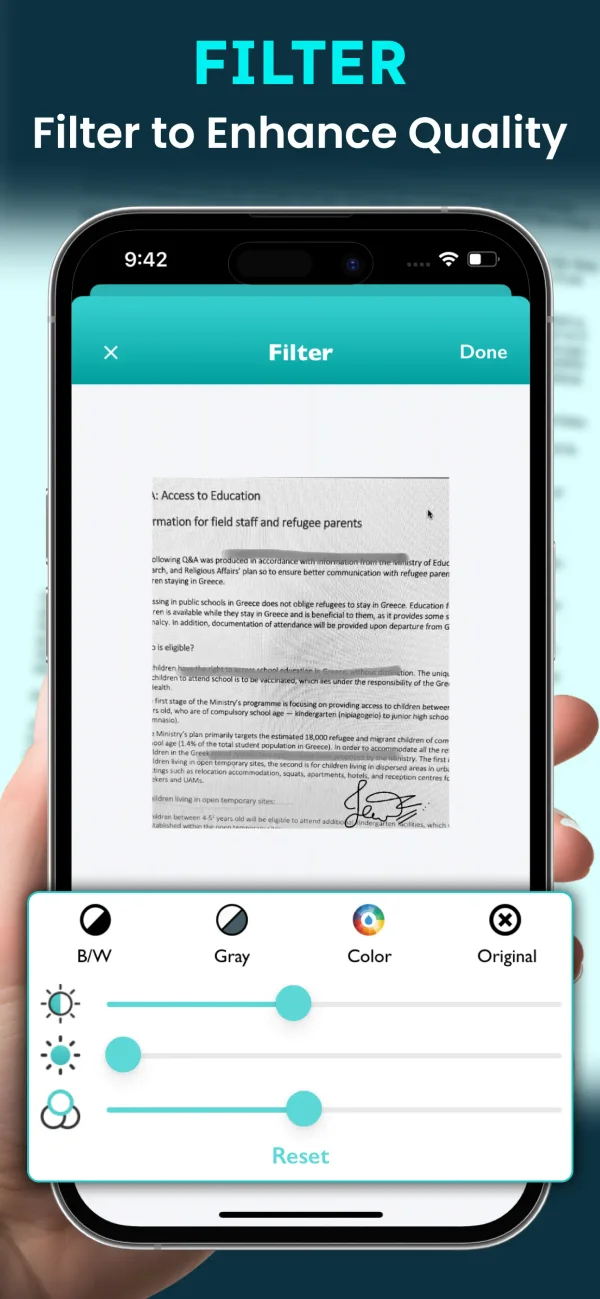
Scanning is sharper, with better edge detection, cropping, and color filters for documents, IDs, and passports.
Sign, mark up, and pull text with OCR, then save or share as PDF.
A refreshed start screen and premium screen make it easier to scan, sign, and share.
App privacy
What xita apps declares on the App Store about how this app handles data.
-
Data used to track you
May be used to track you across apps and websites owned by other companies.
- Identifiers
-
Data not linked to you
May be collected but is not linked to your identity.
- Identifiers
- Usage data
- Diagnostics
Privacy practices may vary, for example with the features you use or your age.
Information
- Seller
- xita apps
- Category
- Utilities
- Version
- 1.30.0
- Updated
- Nov 4, 2026
- Released
- Aug 5, 2019
- Size
- 76.4 MB
- Requires
- iOS 16.0 or later
- Age rating
- 12+
- Price
- Free
- In-app purchases
- Yes
- Languages
- English, French, Hindi, Japanese, Simplified Chinese, Spanish, Traditional Chinese
- Copyright
- © appsteam
You might also like
-
 Doc Scan - PDF Photo ScannerImage to text, OCR document
-
 SwiftScan AI Document ScannerEdit & Sign Docs, PDF, OCR Fax
-
 PDF Scanner - Photo ConverterDocument Scan & Convert to PDF
-
 PDF Scanner Pro ⊟Digitization your papers & ids
-
 Document PDF Scanner.Scan to PDF, OCR & Sign Docs
-
 Images to PDF Converter AppScan & Convert Photos to Text
-
 PDF Reader - Editor & ViewerEditor, Converter, OCR
-
 Scanner PDF.Utilities
-
 The Document ConverterConvert to PDF, DOCX, JPG, etc
-
 AI Cleaner:Swipe Photo CleanUpDelete duplicate and similar