Document Scanner: Scan Studio
Scanning app with Scan to PDF
Entwickelt für iPhone, iPad
Kostenlos · In-App-Käufe
- Altersfreigabe4+
- KategorieWirtschaft
- EntwicklerMobato Ltd
- SprachenEnglisch+ 17 weitere
- Größe74,4 MB
Verlinkt auf die offizielle App Store-Seite
Download.org hostet keine Datei von Document Scanner: Scan Studio. Die Schaltfläche öffnet die App-Seite bei App Store, wo Mobato Ltd die App veröffentlicht. Eintrag zuletzt geprüft am 23.11.2026.
Screenshots
Info
Der Entwickler hat diesen Text nicht in Ihrer Sprache bereitgestellt.
Scan anything on paper and turn it into a clean, professional PDF in seconds. Scan Studio is the scanner that lives in your pocket, ready whenever a receipt, contract, or handwritten note needs to become a proper document.
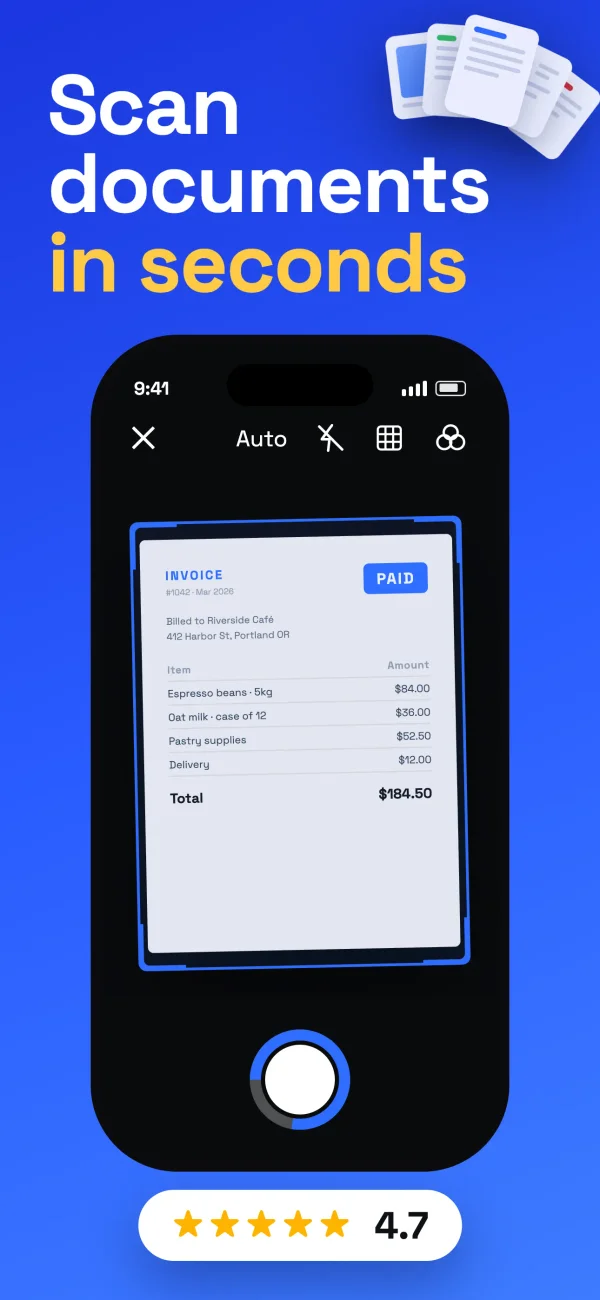
Here is the problem with paper: it gets lost, it fades, and it is never with you when you need it. Scan Studio fixes that. Point your camera at a page and the app finds the edges, straightens the angle, removes shadows, and gives you a sharp scan that looks like it came from an office scanner. Keep snapping and a 20 page contract becomes one tidy PDF, ready to email before you have even left the room.
WHY YOU WILL WANT IT ON YOUR HOME SCREEN
SAVE TIME EVERY DAY
Scanning takes seconds, not minutes. Capture page after page without stopping, so long documents are no longer a chore. Import photos or existing PDFs and work with everything in one place. It works just as well on iPad as on iPhone, so you can scan with whichever device is in your hand.
LOOK PROFESSIONAL
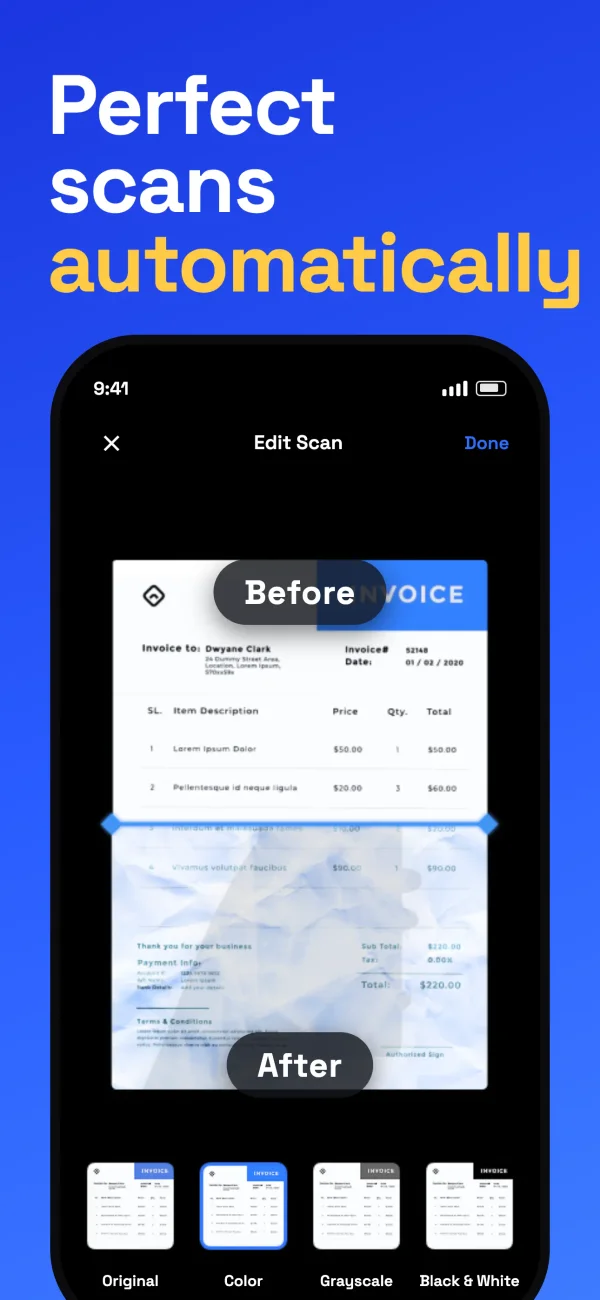
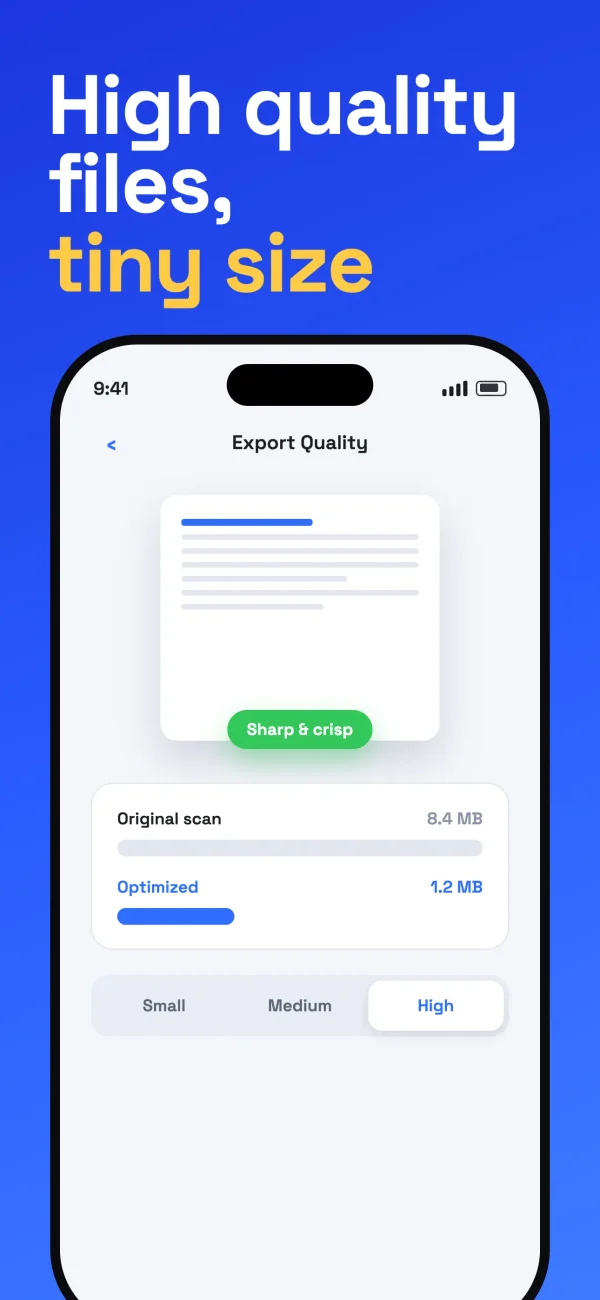
Smart filters powered by machine learning clean up your scans, sharpen the text, and remove artifacts, so the PDF you send to a client or a landlord looks polished. Set page sizes, reorder pages, and export exactly what you want.
ONE APP FOR ALL YOUR PDF JOBS
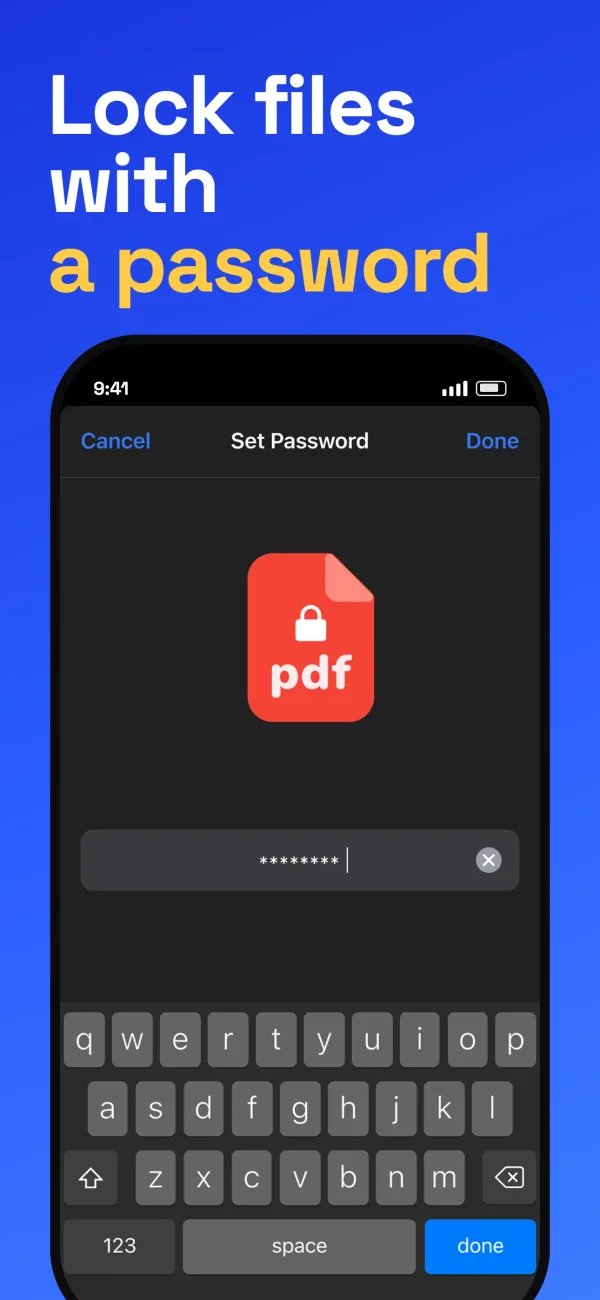
Stop juggling a different app for every little task. Merge several files into one, split a long PDF into parts, compress a heavy document so it actually sends, add a watermark, or lock sensitive files behind a password. From the moment you point your camera at a page to the moment the finished PDF lands in someone's inbox, everything happens in one place.
KEEP EVERYTHING ORGANIZED AND PRIVATE
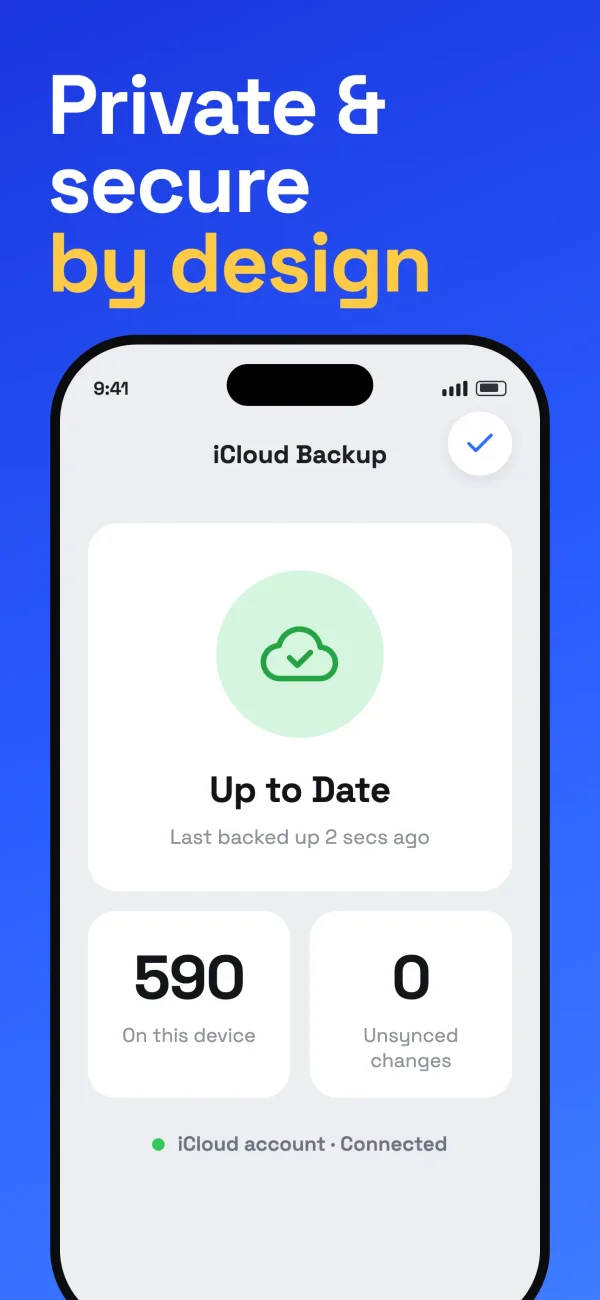
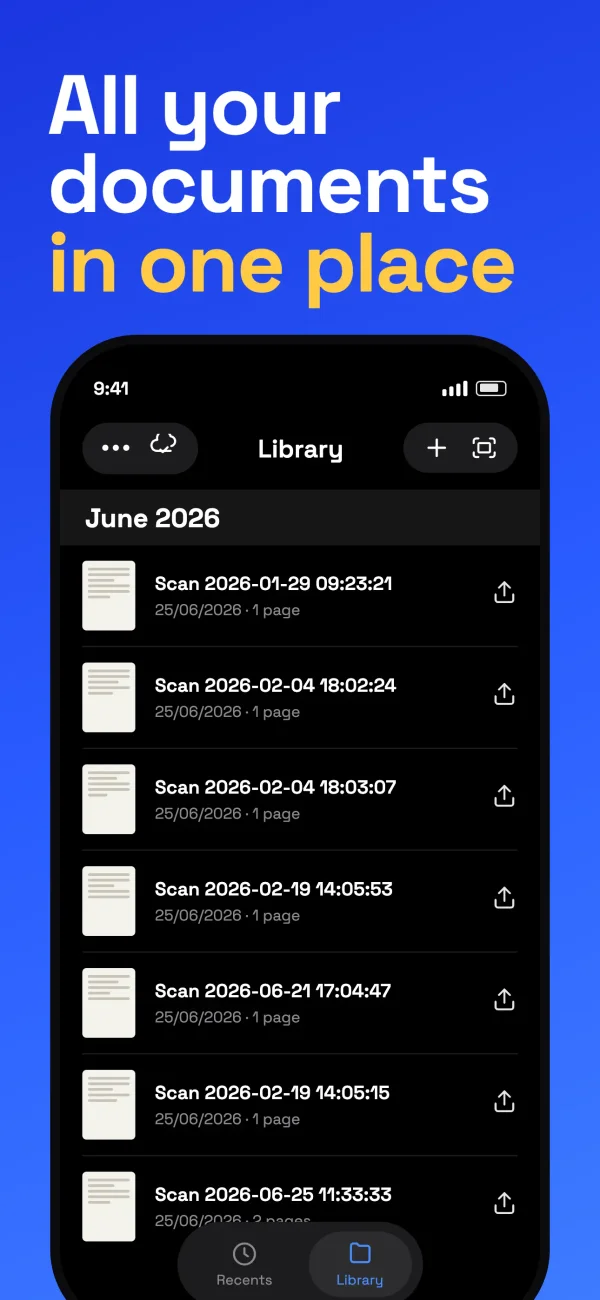
Store your documents in folders in the built in library, so the receipt from last March takes seconds to find, not an afternoon. Back everything up privately with iCloud, using your own Apple account and no third party servers. Your documents stay yours, and only you can access them.
WHAT PEOPLE SCAN WITH SCAN STUDIO
Receipts and expenses for tax season. Contracts, agreements, invoices, and bills. ID cards and passports. Homework, lecture notes, and whole textbook chapters. Recipes, warranties, whiteboards after a meeting, and the kids' drawings you cannot bear to throw away. If it fits in front of your camera, it fits in Scan Studio.
EVERYTHING INSIDE
• Fast scanning with automatic edge detection, plus manual crop when you want full control
• Automatic shadow and artifact removal for clean, readable pages
• Color, grayscale, and black and white filters tuned for documents
• Multi page scanning into a single PDF
• Search inside your documents
• Merge, split, and reorganize PDFs
• Compress PDFs to save space and add watermarks
• Password protect sensitive documents
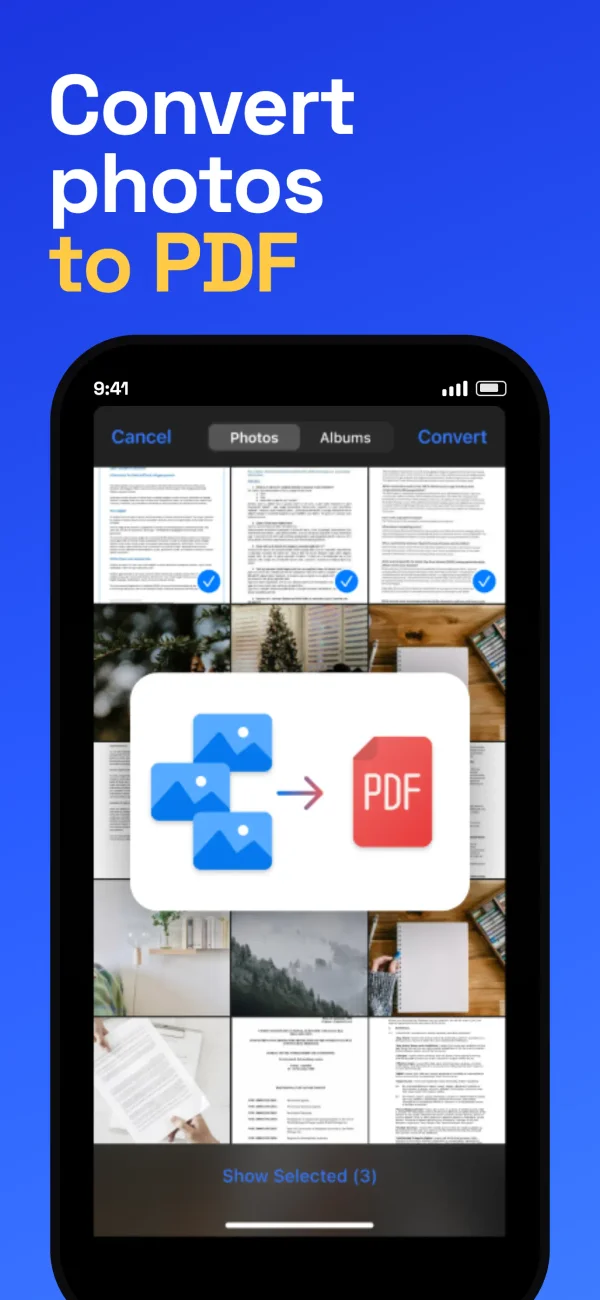
• Convert images to PDF, or PDF pages to images
• Document library with folders to keep everything tidy
• Private iCloud backup and sync across your iPhone and iPad
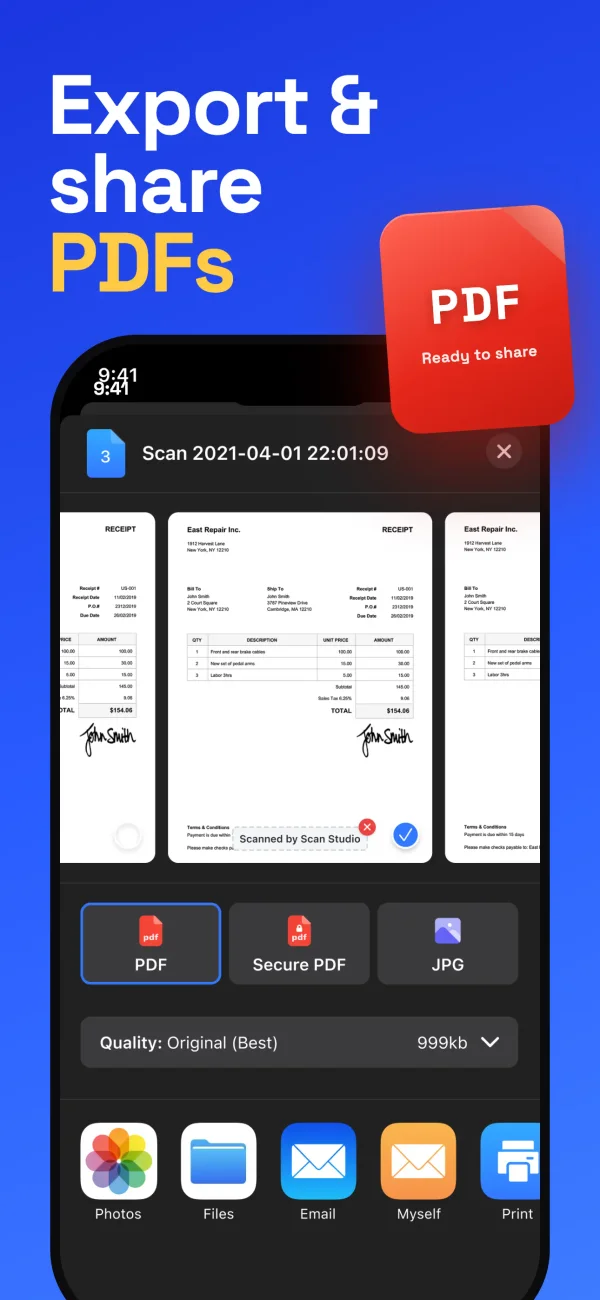
• Export and share as PDF or JPG, print, or upload to your favorite cloud drive
WHAT USERS SAY
"By far the best scanner app I've come across! And I've downloaded and used a ton of different ones, this one has simple yet effective options and layout. I would highly recommend this to anyone that wants a straight to the point scanner app!" - Bwallis52
"I downloaded this a few days ago as I needed to scan a document. It had 20 pages and I wanted one file. This was so easy to use." - BendedKnee
"Beautiful and fast scanner app, try it and see for yourself." - halabibk
SCAN STUDIO PRO
Go Pro to unlock the full toolkit, including exports, merging, and iCloud Backup and Sync. Subscriptions are easy to manage, and you can cancel any time from the app settings.
HERE TO HELP
Questions or ideas? Support is built right into the app and a real person will get back to you. We read every message.
Download Scan Studio and clear the paper off your desk today.
Neue Funktionen
Version 7.2.0 · 06.08.2026
New Features:
- New export & sharing screens
- New image editing screen with improved crop, filters and adjustment options
- Per document export settings + export option for page size
- Sequential scan naming with option to change to date/time
Improvements:
- Easier to find scan button
- Show file size in sharing popup
- Fit page size to keep original scan size
Bug fixes:
- Fixed scanner thumbnail not updated correctly when editing image during scan preview
- Crash fixes
App-Datenschutz
Was Mobato Ltd im App Store zum Umgang dieser App mit Daten angibt.
-
Nicht mit Ihnen verknüpfte Daten
Können erfasst werden, sind aber nicht mit Ihrer Identität verknüpft.
- Benutzerinhalte
- Nutzungsdaten
- Diagnose
Die Datenschutzpraktiken können variieren, zum Beispiel je nach den von Ihnen verwendeten Funktionen oder Ihrem Alter.
Informationen
- Anbieter
- Mobato Ltd
- Kategorie
- Wirtschaft
- Version
- 7.2.0
- Aktualisiert
- 06.08.2026
- Veröffentlicht
- 03.08.2020
- Größe
- 74,4 MB
- Erfordert
- iOS 18.0 oder neuer
- Altersfreigabe
- 4+
- Preis
- Kostenlos
- In-App-Käufe
- Ja
- Sprachen
- Englisch, Arabisch, Tschechisch, Niederländisch, Französisch, Deutsch, Ungarisch, Italienisch, Japanisch, Koreanisch, Polnisch, Portugiesisch + 6 weitere
- Copyright
- © 2026 Mobato Ltd
Das könnte Ihnen auch gefallen
-
 Scan PDF-Convert DocumentProduktivität
-
 Vault Calc:Sicheres Foto-VideoFotos und Dateien ausblenden
-
 Document Signer: SimpleSignProduktivität
-
 Daten Übertragen QR File SendDateien und Ordner Teilen OS
-
 Projektmanagement: MilestonesAufgaben, Ziele & Planer
-
 MinuteWise: AI Note TakerLecture Notes AI
-
 PDF Editor & Scanner: CaptizeErfassen Umwandeln Verwalten
-
 Notezy: AI Meeting Note TakerProduktivität
-
 ClipyBoard AutoPaste ClipboardProduktivität
-
 Pomodoro Fokus Timer: BalanceZeiterfassung & Konzentration