Document Scanner: Scan Studio
Scanning app with Scan to PDF
iPhone, iPad向けに設計
無料 · アプリ内課金
- 対象年齢4+
- カテゴリビジネス
- 開発元Mobato Ltd
- 言語英語ほか17言語
- サイズ74.4 MB
App Storeの公式ページにリンクしています
Download.orgはDocument Scanner: Scan Studioのファイルを一切ホストしていません。ボタンを押すと、Mobato Ltdが公開しているApp Storeのアプリページが開きます。ページの最終確認:2026/11/23。
スクリーンショット
概要
開発元はこのテキストをお使いの言語で提供していません。
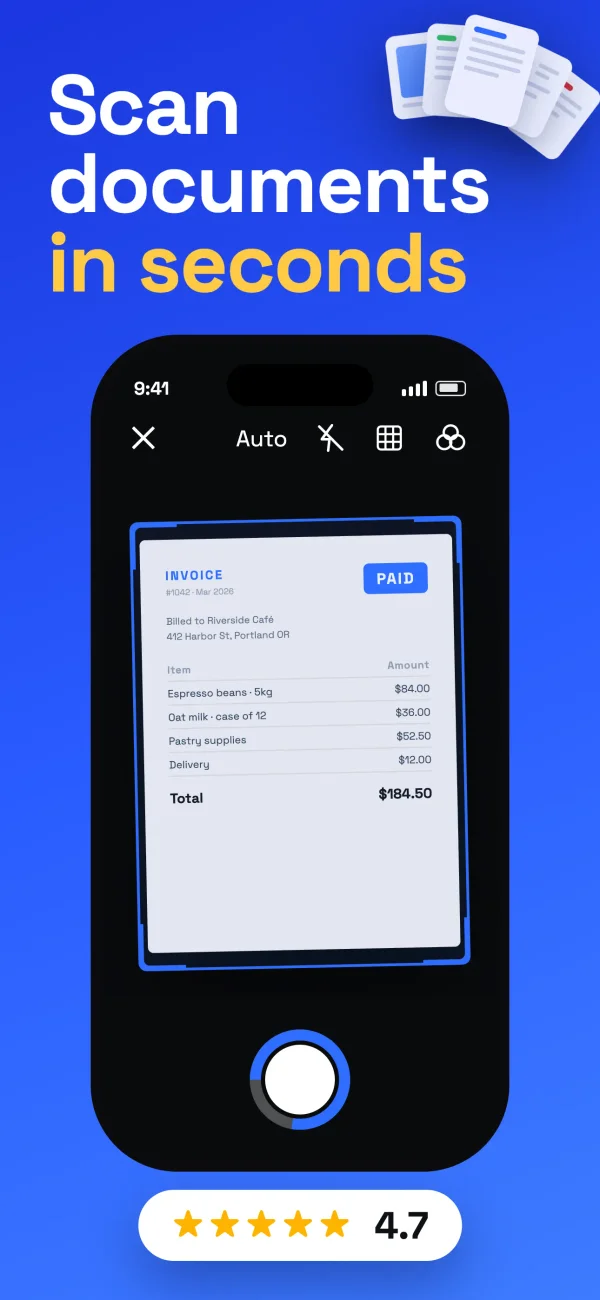
Scan anything on paper and turn it into a clean, professional PDF in seconds. Scan Studio is the scanner that lives in your pocket, ready whenever a receipt, contract, or handwritten note needs to become a proper document.
Here is the problem with paper: it gets lost, it fades, and it is never with you when you need it. Scan Studio fixes that. Point your camera at a page and the app finds the edges, straightens the angle, removes shadows, and gives you a sharp scan that looks like it came from an office scanner. Keep snapping and a 20 page contract becomes one tidy PDF, ready to email before you have even left the room.
WHY YOU WILL WANT IT ON YOUR HOME SCREEN
SAVE TIME EVERY DAY
Scanning takes seconds, not minutes. Capture page after page without stopping, so long documents are no longer a chore. Import photos or existing PDFs and work with everything in one place. It works just as well on iPad as on iPhone, so you can scan with whichever device is in your hand.
LOOK PROFESSIONAL
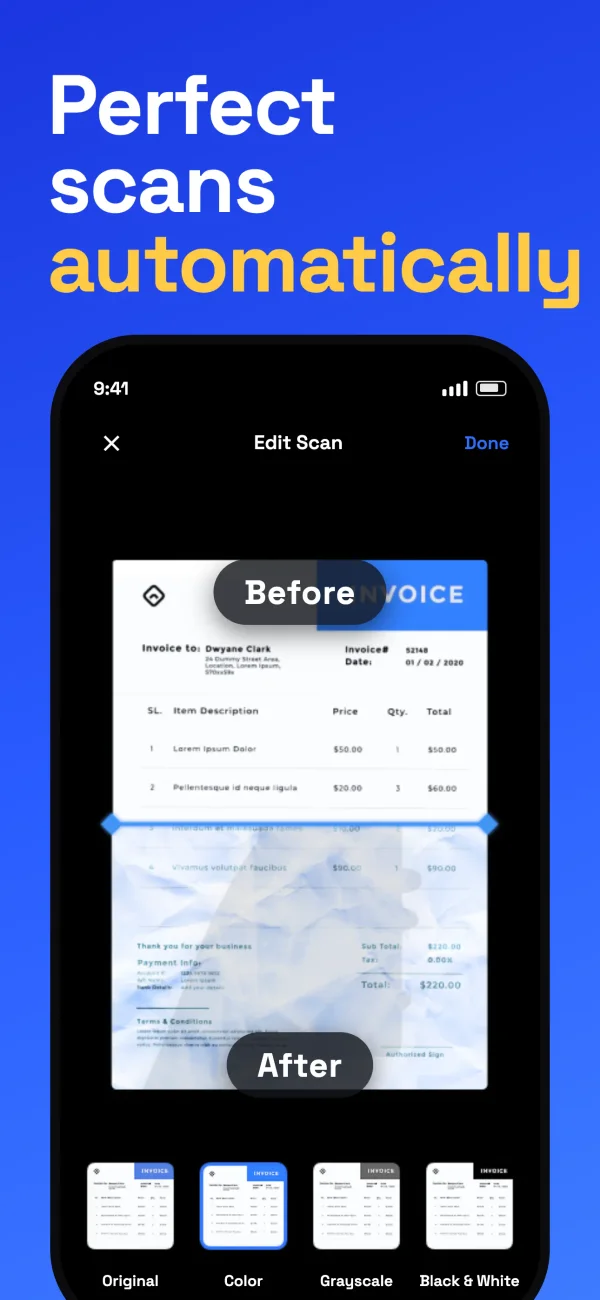
Smart filters powered by machine learning clean up your scans, sharpen the text, and remove artifacts, so the PDF you send to a client or a landlord looks polished. Set page sizes, reorder pages, and export exactly what you want.
ONE APP FOR ALL YOUR PDF JOBS
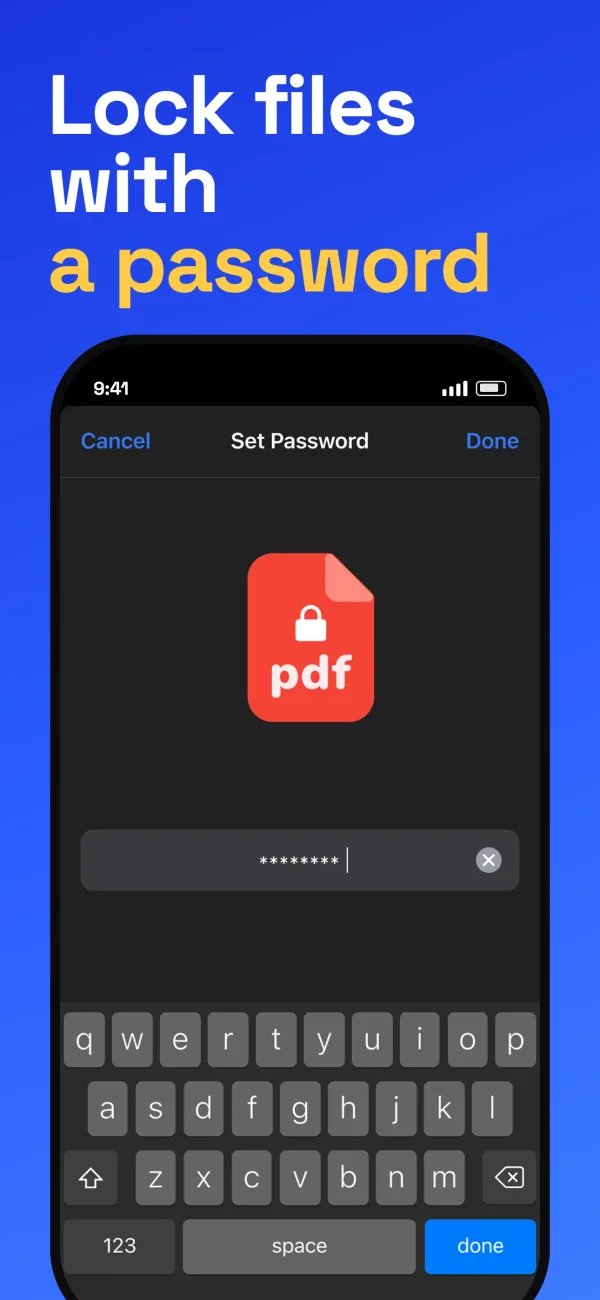
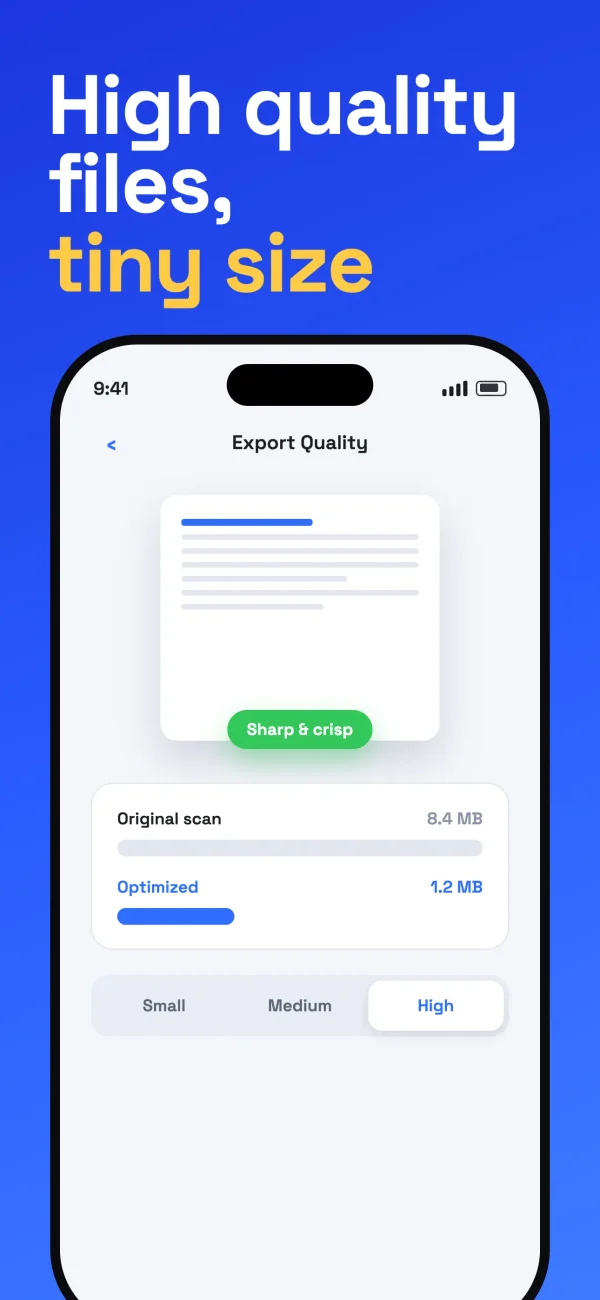
Stop juggling a different app for every little task. Merge several files into one, split a long PDF into parts, compress a heavy document so it actually sends, add a watermark, or lock sensitive files behind a password. From the moment you point your camera at a page to the moment the finished PDF lands in someone's inbox, everything happens in one place.
KEEP EVERYTHING ORGANIZED AND PRIVATE
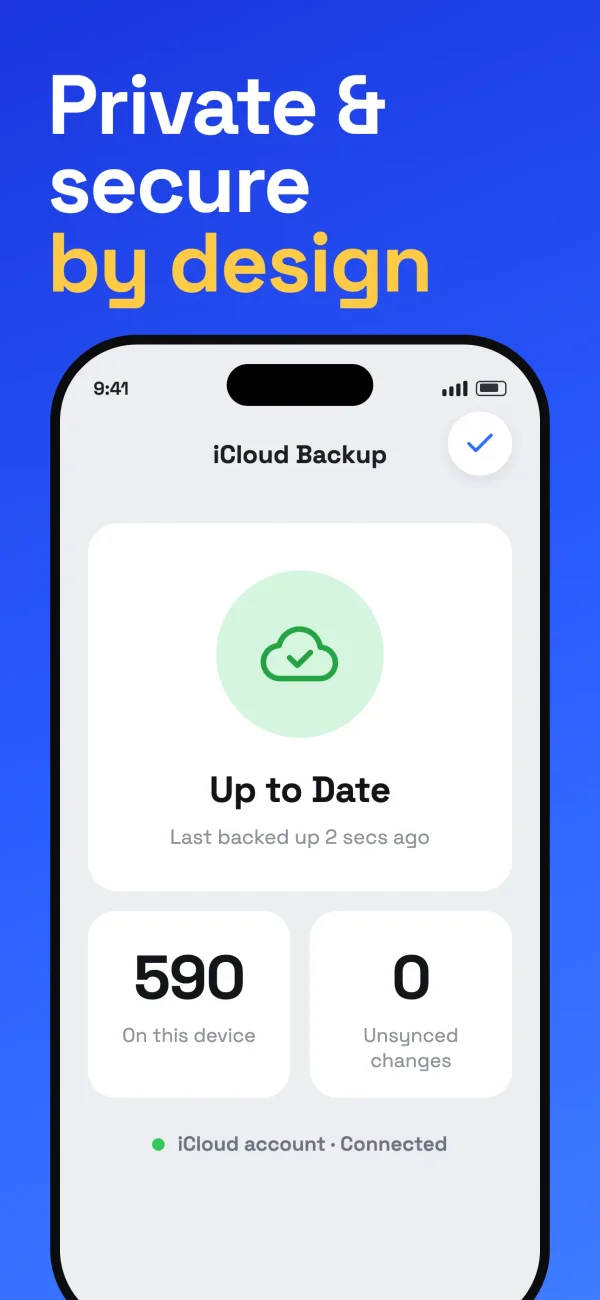
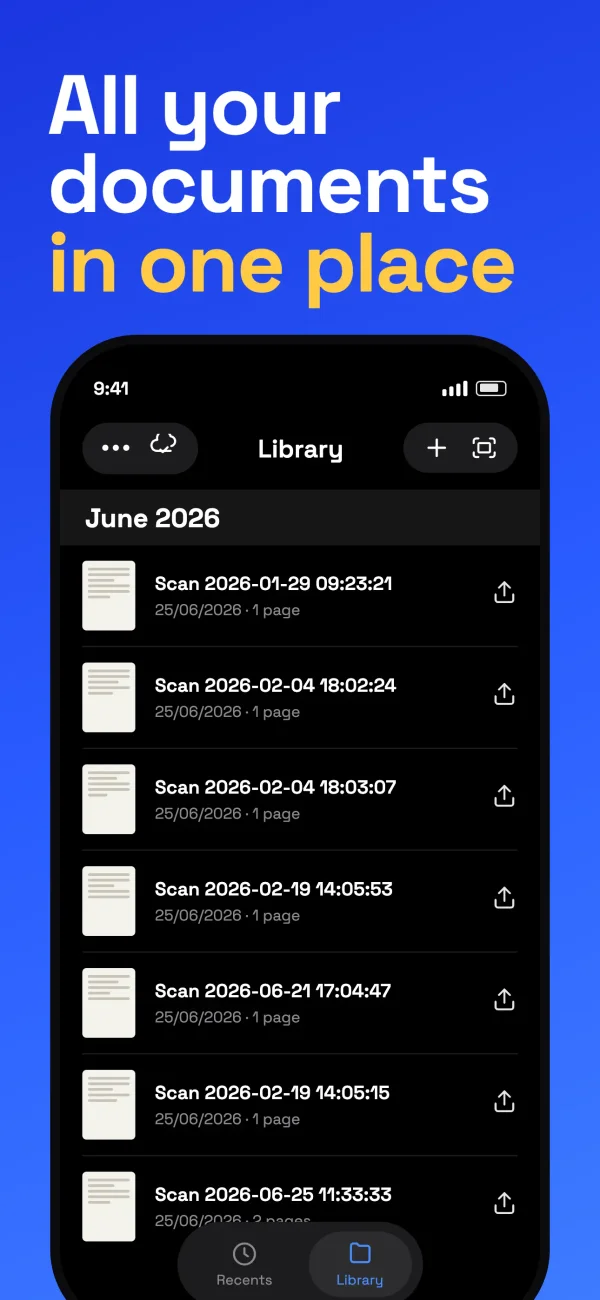
Store your documents in folders in the built in library, so the receipt from last March takes seconds to find, not an afternoon. Back everything up privately with iCloud, using your own Apple account and no third party servers. Your documents stay yours, and only you can access them.
WHAT PEOPLE SCAN WITH SCAN STUDIO
Receipts and expenses for tax season. Contracts, agreements, invoices, and bills. ID cards and passports. Homework, lecture notes, and whole textbook chapters. Recipes, warranties, whiteboards after a meeting, and the kids' drawings you cannot bear to throw away. If it fits in front of your camera, it fits in Scan Studio.
EVERYTHING INSIDE
• Fast scanning with automatic edge detection, plus manual crop when you want full control
• Automatic shadow and artifact removal for clean, readable pages
• Color, grayscale, and black and white filters tuned for documents
• Multi page scanning into a single PDF
• Search inside your documents
• Merge, split, and reorganize PDFs
• Compress PDFs to save space and add watermarks
• Password protect sensitive documents
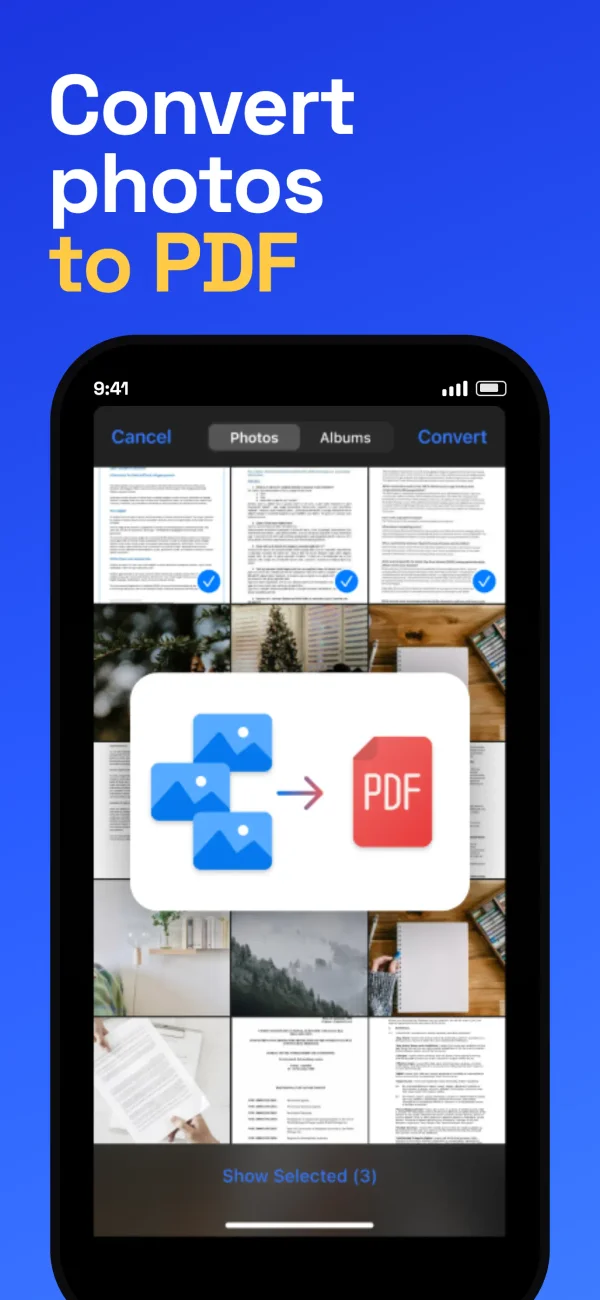
• Convert images to PDF, or PDF pages to images
• Document library with folders to keep everything tidy
• Private iCloud backup and sync across your iPhone and iPad
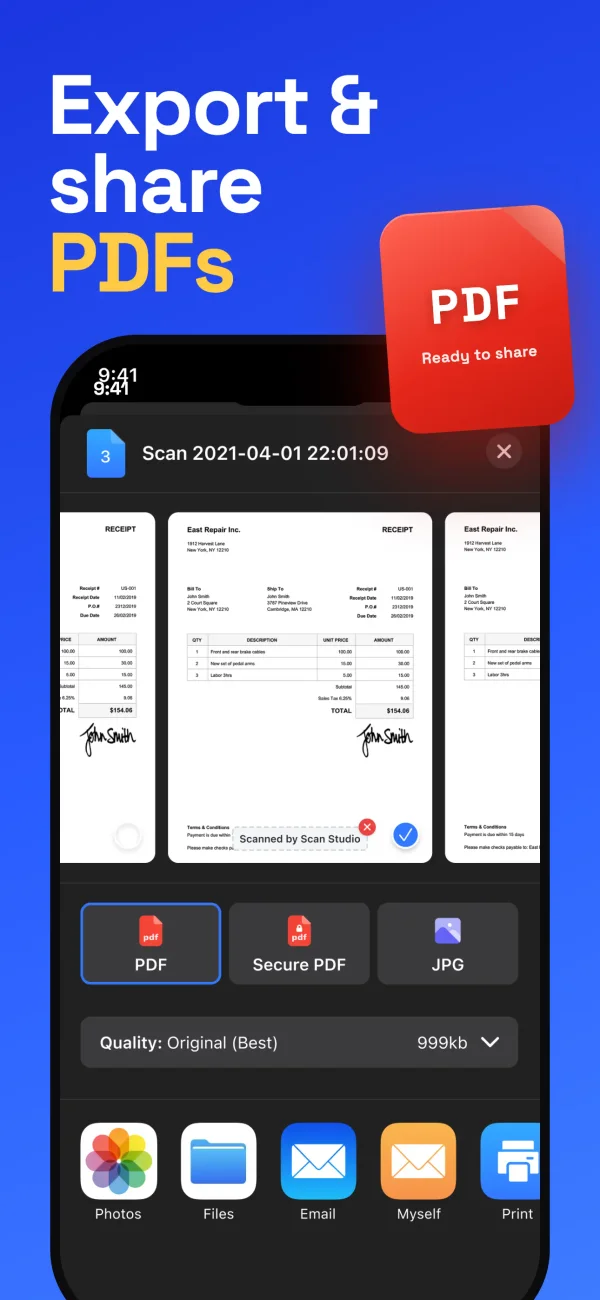
• Export and share as PDF or JPG, print, or upload to your favorite cloud drive
WHAT USERS SAY
"By far the best scanner app I've come across! And I've downloaded and used a ton of different ones, this one has simple yet effective options and layout. I would highly recommend this to anyone that wants a straight to the point scanner app!" - Bwallis52
"I downloaded this a few days ago as I needed to scan a document. It had 20 pages and I wanted one file. This was so easy to use." - BendedKnee
"Beautiful and fast scanner app, try it and see for yourself." - halabibk
SCAN STUDIO PRO
Go Pro to unlock the full toolkit, including exports, merging, and iCloud Backup and Sync. Subscriptions are easy to manage, and you can cancel any time from the app settings.
HERE TO HELP
Questions or ideas? Support is built right into the app and a real person will get back to you. We read every message.
Download Scan Studio and clear the paper off your desk today.
新機能
バージョン 7.2.0 · 2026/8/6
New Features:
- New export & sharing screens
- New image editing screen with improved crop, filters and adjustment options
- Per document export settings + export option for page size
- Sequential scan naming with option to change to date/time
Improvements:
- Easier to find scan button
- Show file size in sharing popup
- Fit page size to keep original scan size
Bug fixes:
- Fixed scanner thumbnail not updated correctly when editing image during scan preview
- Crash fixes
アプリのプライバシー
このアプリのデータの取り扱いについて、Mobato LtdがApp Storeで申告している内容です。
-
ユーザーに関連付けられないデータ
収集される場合がありますが、ユーザーの識別情報には関連付けられません。
- ユーザーコンテンツ
- 使用状況データ
- 診断
プライバシーの取り扱いは、ご利用の機能やお客様の年齢などに応じて異なる場合があります。
情報
- 販売元
- Mobato Ltd
- カテゴリ
- ビジネス
- バージョン
- 7.2.0
- 更新日
- 2026/8/6
- リリース
- 2020/8/3
- サイズ
- 74.4 MB
- 必要条件
- iOS 18.0以降
- 対象年齢
- 4+
- 価格
- 無料
- アプリ内課金
- あり
- 言語
- 英語, アラビア語, チェコ語, オランダ語, フランス語, ドイツ語, ハンガリー語, イタリア語, 日本語, 韓国語, ポーランド語, ポルトガル語 ほか6言語
- 著作権
- © 2026 Mobato Ltd
こちらもおすすめ
-
 Scan PDF-Convert Document仕事効率化
-
 Vault Calc: 安全な写真ビデオ写真、ビデオ、ファイルを非表示にする
-
 Document Signer: SimpleSign仕事効率化
-
 Data Drop: QR File Transfer仕事効率化
-
 プロジェクト管理とタスク:MilestonesToDoリスト・目標・計画・進捗・締切管理
-
 MinuteWise: AI Note Taker仕事効率化
-
 Paperless PDF DMS - CaptizePDFとビジネスカードスキャナ
-
 Notezy: AI Meeting Note Taker仕事効率化
-
 ClipyBoard AutoPaste Clipboard仕事効率化
-
 作業時間記録・集中力タイマー: Balanceポモドーロ・工数管理・タイムログ