- Altersfreigabe4+
- KategorieGrafik und Design
- EntwicklerCARLOS FERNANDEZ PLAZA
- SprachenEnglisch
- Größe5,9 MB
Verlinkt auf die offizielle App Store-Seite
Download.org hostet keine Datei von Doodle - Vector Drawing. Die Schaltfläche öffnet die App-Seite bei App Store, wo CARLOS FERNANDEZ PLAZA die App veröffentlicht. Eintrag zuletzt geprüft am 18.11.2026.
Screenshots


Info
Der Entwickler hat diesen Text nicht in Ihrer Sprache bereitgestellt.
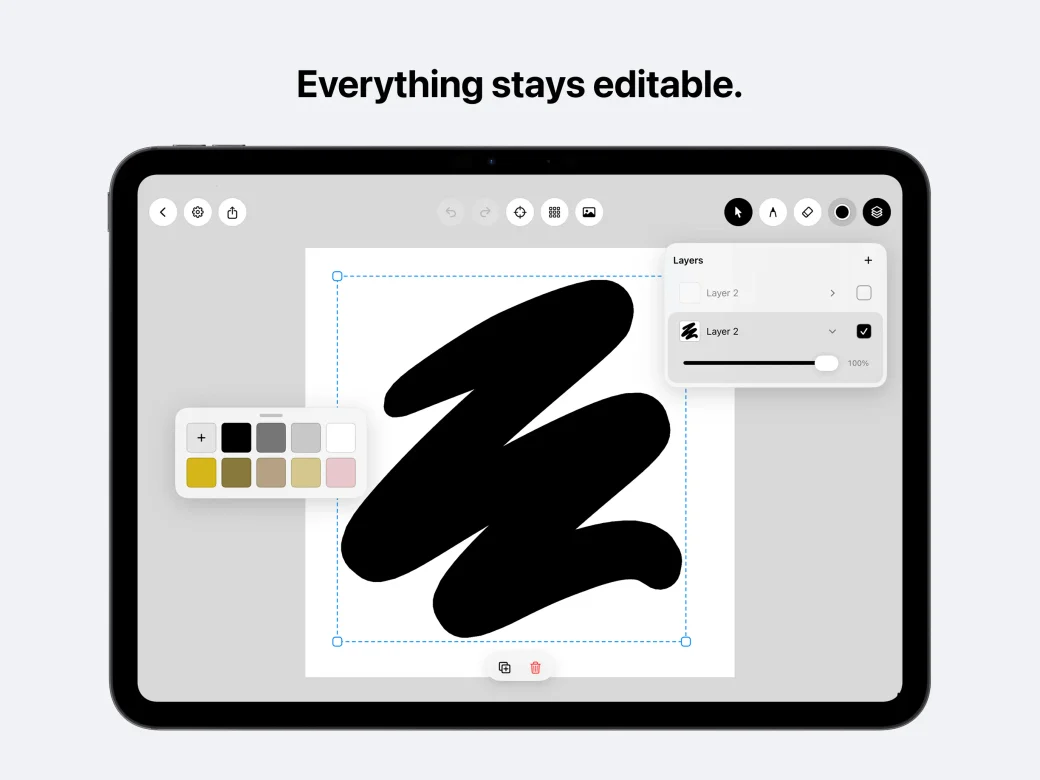
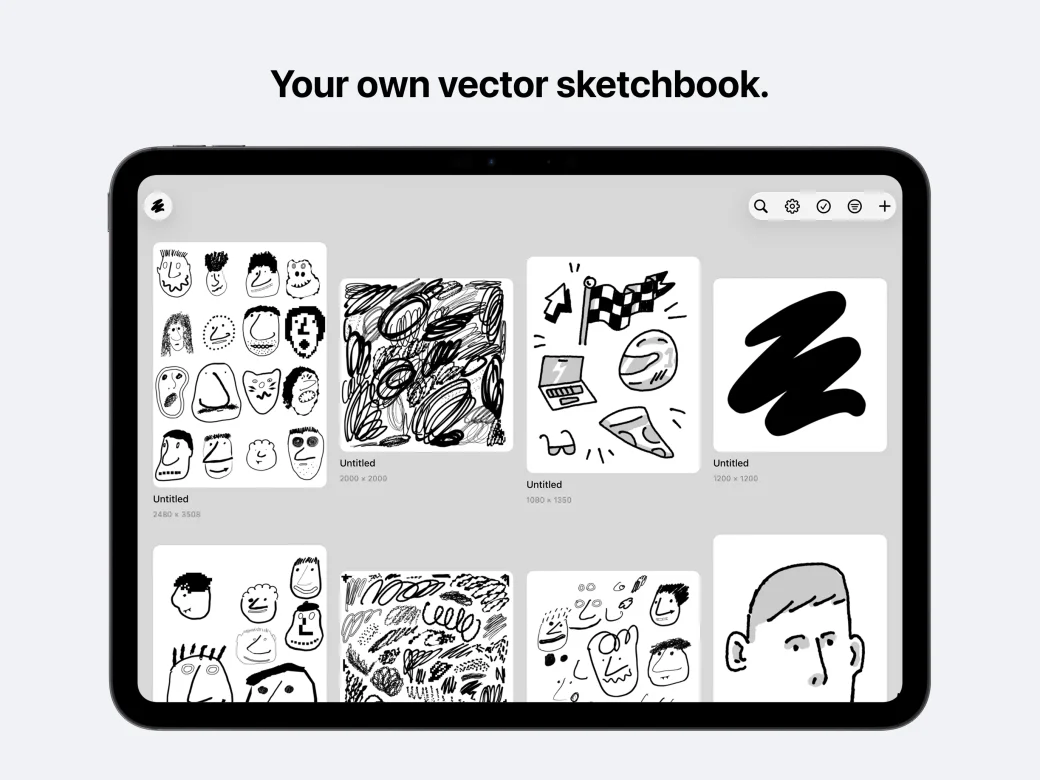
Doodle is a vector sketchbook for iPad. Everything you draw stays editable — a stroke you made an hour ago is still a stroke, not a patch of pixels. Move it, scale it, recolour it, or change its brush entirely, and it redraws itself at full quality.
DRAWS LIKE INK, BEHAVES LIKE VECTOR
Over thirty brushes, from a clean gel pen to chalk, bristle, crayon, rope, chain and cross-stitch. Every one of them responds to Apple Pencil pressure and tilt, with palm rejection so you can rest your hand on the glass while you work. Under the texture it is all real geometry.
SELECT ANYTHING, ANY TIME
Tap a single stroke — not the whole layer — to move, scale, rotate, duplicate or recolour it. The brush texture survives the transform instead of stretching into mush.
LAYERS THAT WORK LIKE LAYERS
Stack, reorder, rename, lock, hide, and set the opacity of every layer. Drop a photo onto the layer you have selected and it stacks with everything else — over the sketch below it, under the ink above it. Each layer's preview shows what is actually on it, photos included.
MAKE YOUR OWN BRUSHES
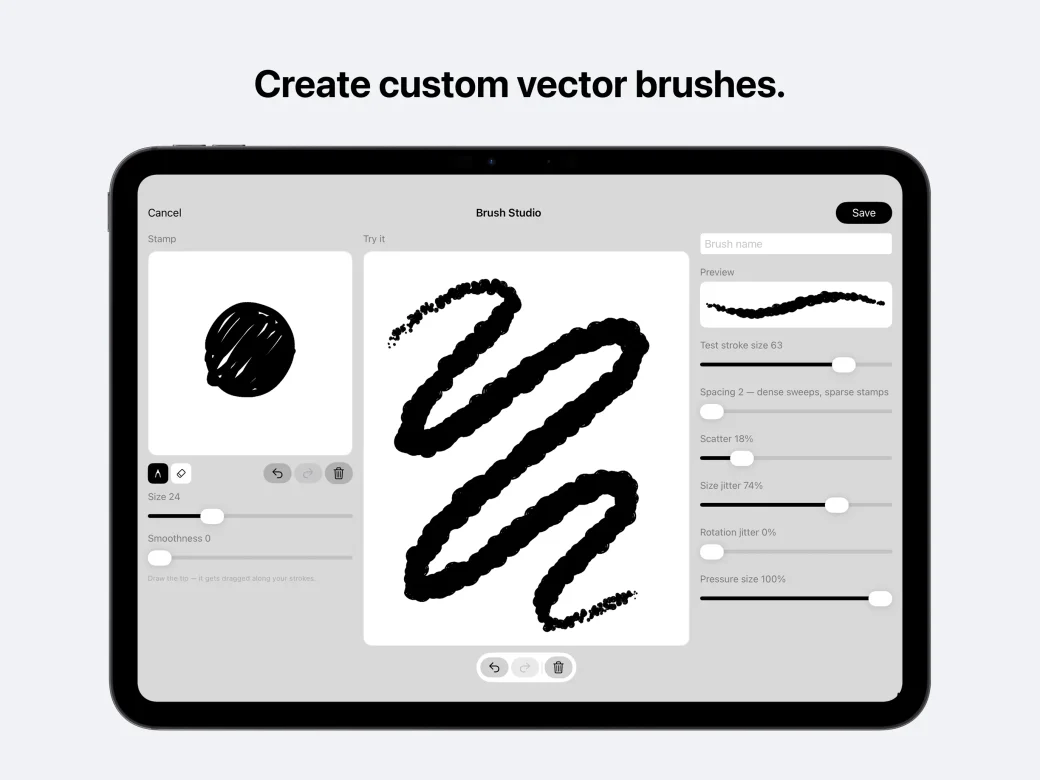
The Brush Studio turns a drawing into a brush. Draw a tip, then tune its spacing, pressure response, jitter, rotation and whether it follows the stroke, trying it on a live canvas as you go. Save it to your palette, and share it as a file so someone else can use it too.
EXPORT REAL VECTORS
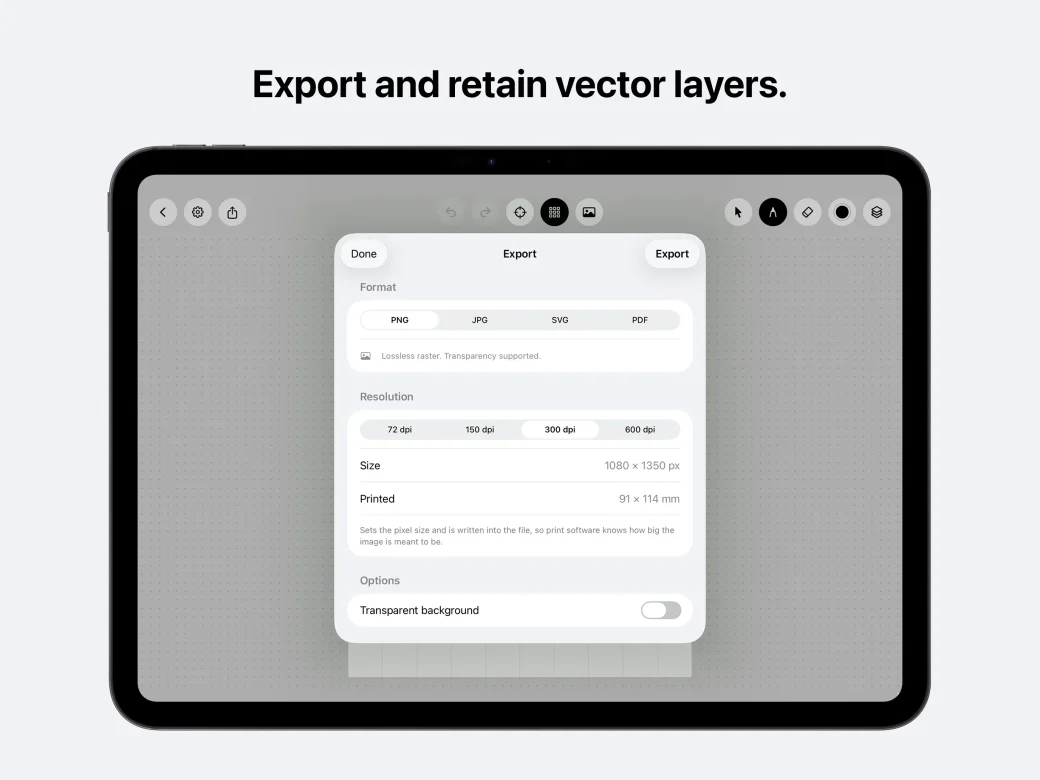
SVG and PDF come out as clean editable outlines rather than thousands of overlapping stamps — Doodle unions each stroke into its true silhouette and fits curves to it before writing the file. Open the result in Illustrator, Affinity or Figma and the anchor points are where you would have put them yourself. PNG and JPEG are there for when you just need a picture.
SET UP THE PAGE
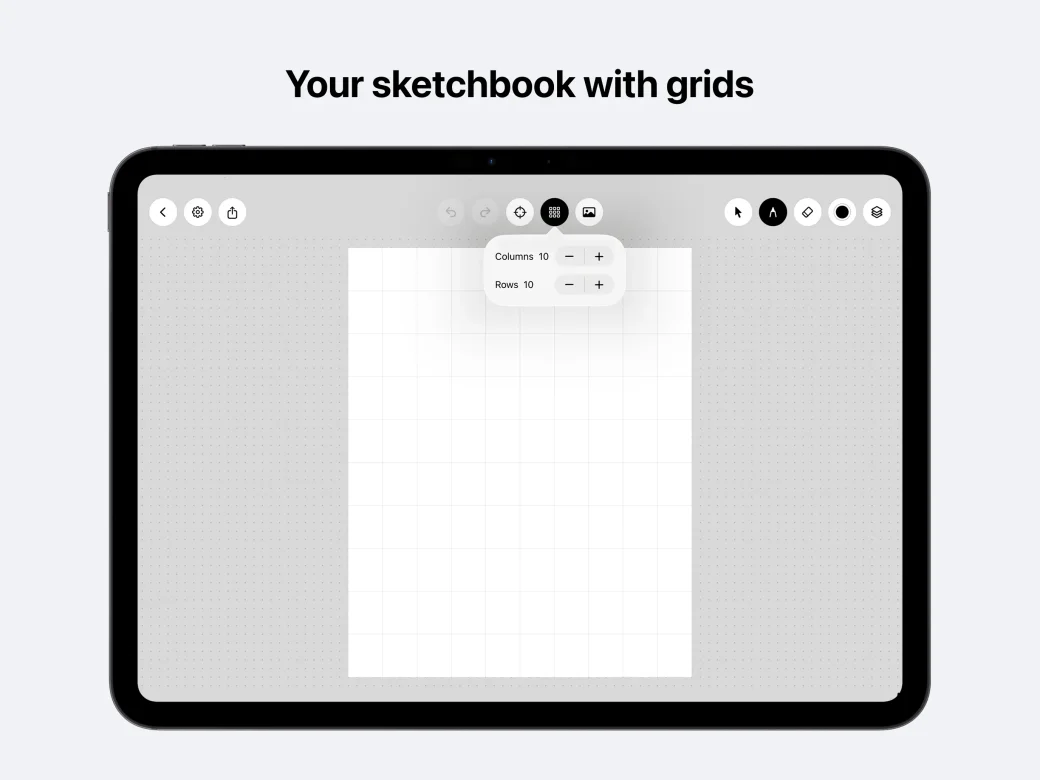
A3, A4, A5, Letter, square, 16:9, 9:16 and 4:5 — or any size you like, down to the pixel. Print a grid on the page to draw against, and dress the workspace behind it with lines or dots. Panels float where you leave them and stay put between drawings.
BUILT FOR THE HAND
Two fingers to undo, three to redo. Pinch to zoom without losing your selection. Everything you reach for often is under a thumb.
QUIET BY DEFAULT
No account, no subscription, nothing to sign up for. Your drawings live on your iPad; iCloud backup is a switch you turn on, not something that happens to you. Light and dark both, and the paper stays white in each, because it is paper.
Made for iPad and Apple Pencil.
App-Datenschutz
Was CARLOS FERNANDEZ PLAZA im App Store zum Umgang dieser App mit Daten angibt.
-
Keine Daten erfasst
Der Entwickler erfasst keine Daten von dieser App.
Die Datenschutzpraktiken können variieren, zum Beispiel je nach den von Ihnen verwendeten Funktionen oder Ihrem Alter.
Informationen
- Anbieter
- CARLOS FERNANDEZ PLAZA
- Kategorie
- Grafik und Design
- Version
- 1.0
- Aktualisiert
- 16.09.2026
- Veröffentlicht
- 16.09.2026
- Größe
- 5,9 MB
- Erfordert
- iOS 17.0 oder neuer
- Altersfreigabe
- 4+
- Preis
- 4,99 €
- Sprachen
- Englisch
- Copyright
- © 2026 Carlos Fernandez Plaza
Das könnte Ihnen auch gefallen
-
 Munus PaintGrafik und Design
-
 VectoraGrafik und Design
-
 Light AnimatorGrafik und Design
-
 xPaletteGrafik und Design
-
 Animation Zeichnen:2D FlipbookCartoons & Kunst Erstellen
-
 Particle GeneratorGrafik und Design
-
 Shelby DrawBookGrafik und Design
-
 Atelier — Draw & AnimateGrafik und Design
-
 PaintlustratorGrafik und Design
-
 Sable: Pixel • Draw • VectorGrafik und Design