
Dumoni - Essential for Windows
Copy Paste, Extra screen, M&K
Entwickelt für iPhone, iPad, iPod touch
In-App-Käufe
- Altersfreigabe4+
- KategorieProduktivität
- EntwicklerDumoni
- SprachenEnglisch+ 2 weitere
- Größe3,9 MB
Dumoni - Essential for Windows ist bei App Store derzeit möglicherweise nicht verfügbar
Bei unserer letzten Prüfung war der Store-Eintrag nicht erreichbar. Der Link führt weiterhin zur offiziellen App Store-Seite.
Screenshots

Info
Der Entwickler hat diesen Text nicht in Ihrer Sprache bereitgestellt.
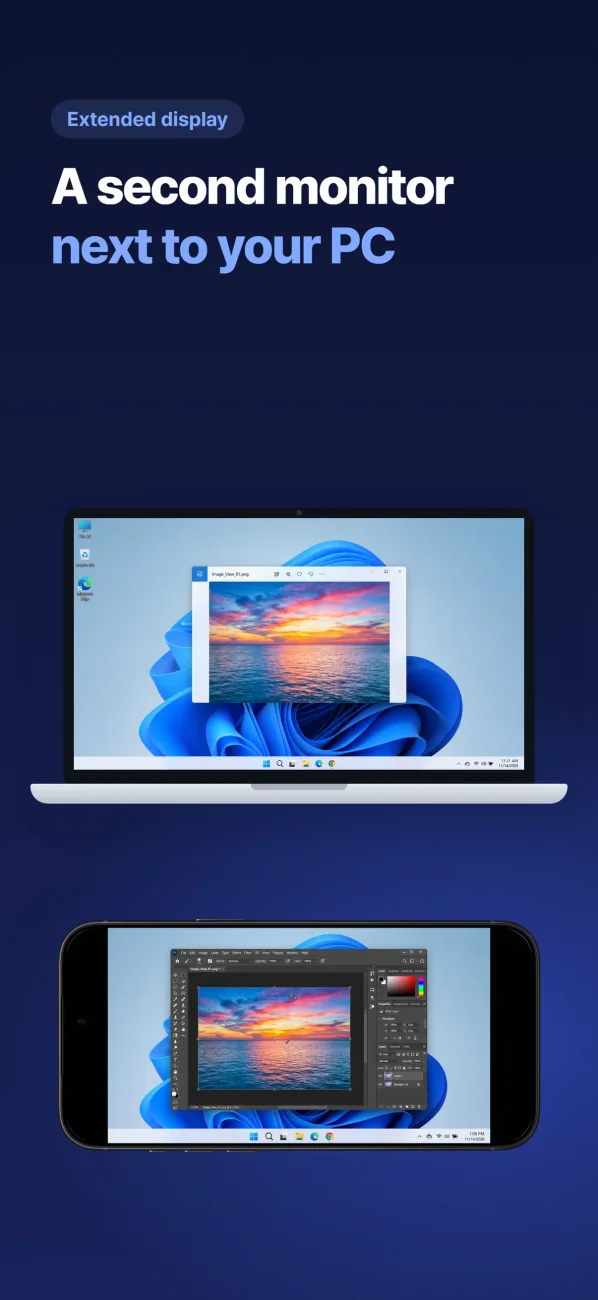
■ Extended display
Use your iPad as a second monitor for your laptop. Move windows to the iPad to keep references open while you keep working on the laptop screen. When you stop, the laptop goes back to its single screen.
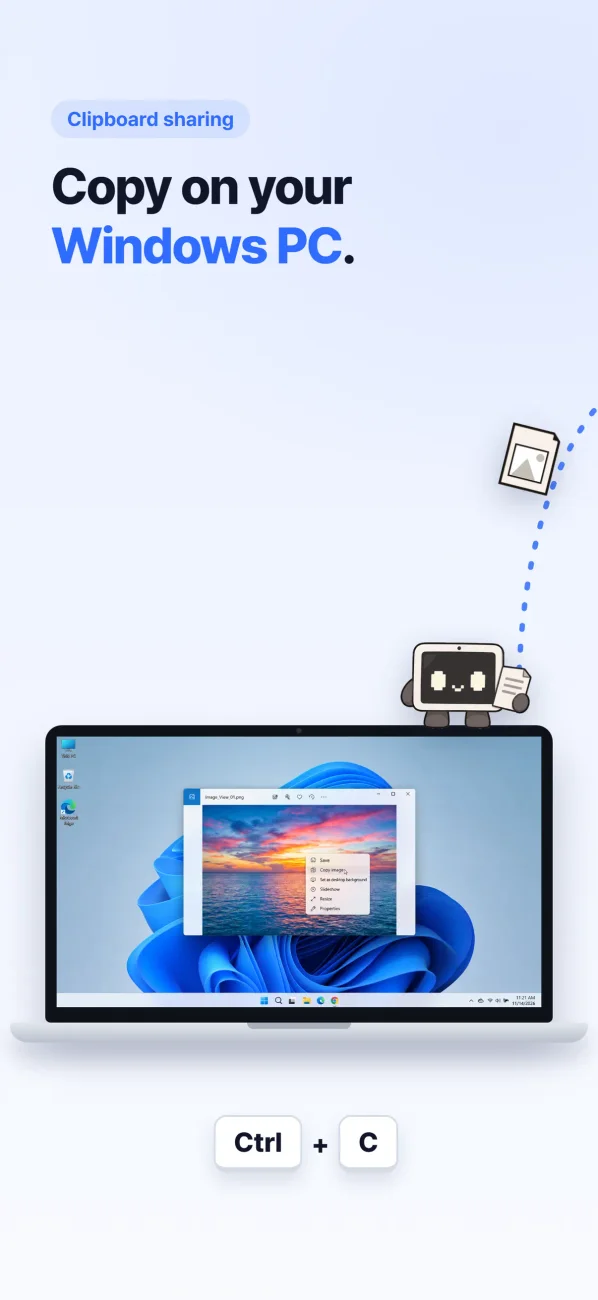
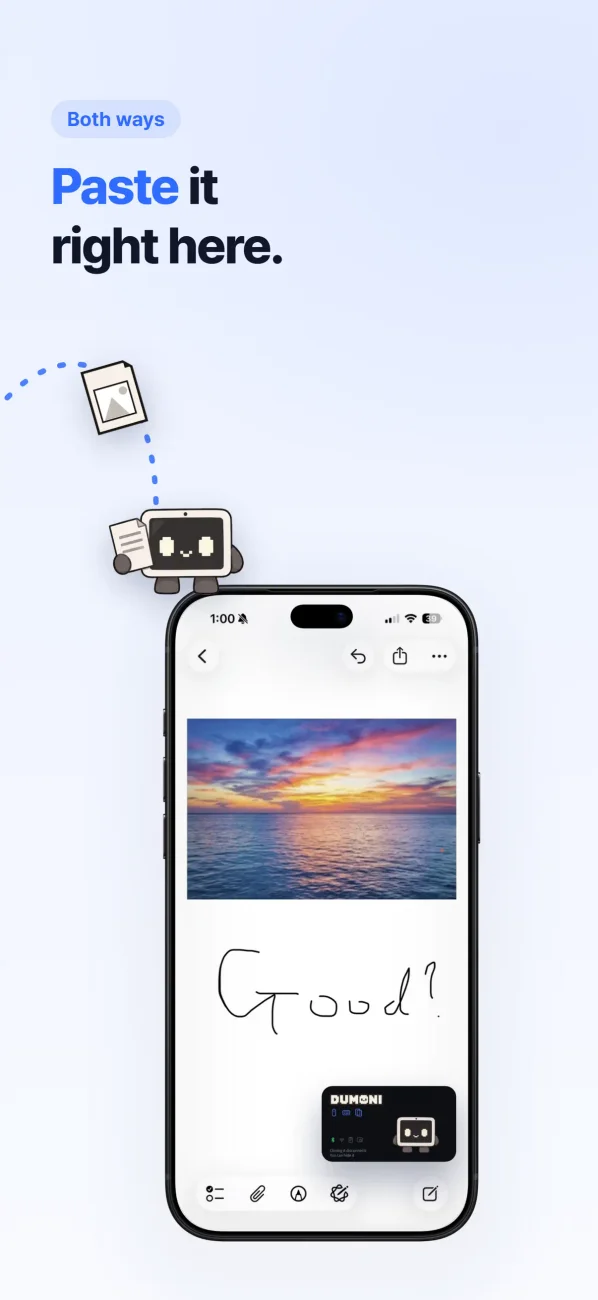
■ Clipboard sharing
Text and photos copied on the laptop can be pasted on the iPad, and what you copy on the iPad can be pasted on the laptop. They keep flowing while the status window is open, even when you leave the app.
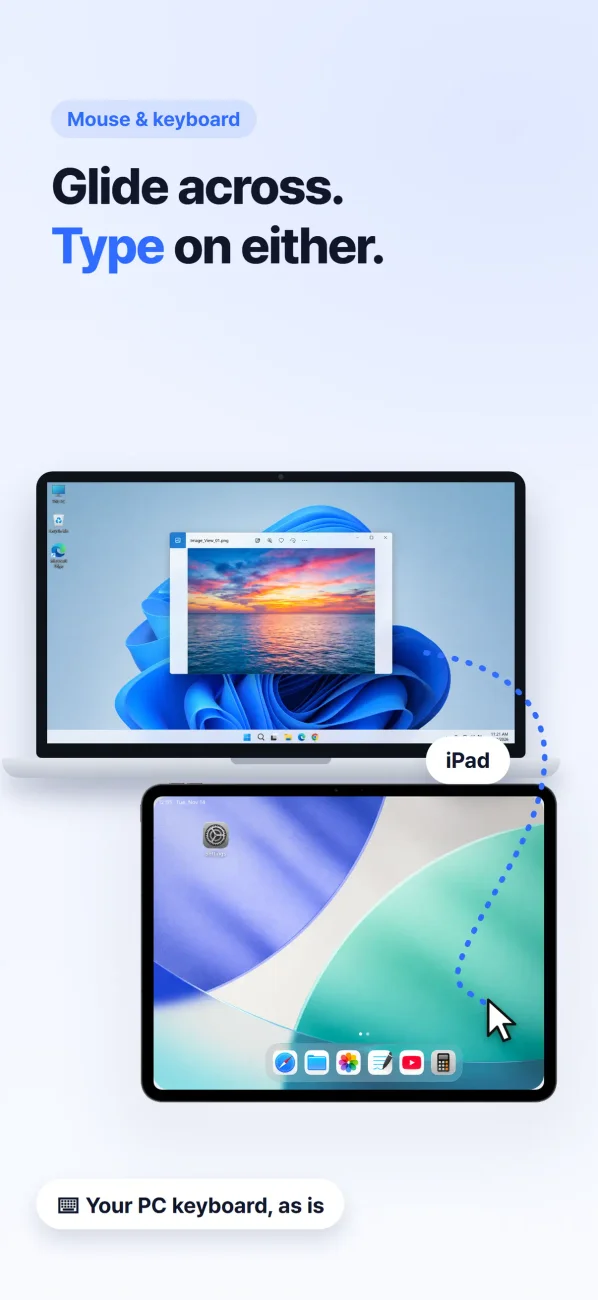
■ Mouse and keyboard sharing
Push your laptop's mouse past the edge of the screen and it moves onto the iPad. The keyboard types into whichever device the pointer is on. Shortcuts can follow Windows (Ctrl+C, Ctrl+V, like your laptop) or Mac (the iPad default).
■ Status window
A small Picture in Picture window shows the connection and which device the pointer is on.
■ Before you start
• Install the free Dumoni program on your laptop from dumoni.app.
• Requires Windows 10 version 2004 or later and a laptop with Bluetooth.
• The extended display and sending photos or long text need both devices on the same Wi-Fi.
• On iPhone you can use the extended display and clipboard sharing (mouse and keyboard sharing is iPad only).
■ Subscription
Start with a 7-day free trial. After the trial, the monthly subscription begins automatically. Payment is charged to your Apple Account, and the subscription renews automatically unless you cancel at least 24 hours before the end of the trial or the current period. You can cancel in Settings > Apple Account > Subscriptions.
■ Privacy
Your screen, input and clipboard travel only between your laptop and your iPad and are never sent to our servers. No sign-up.
Terms of Use: https://dumoni.app/terms
Privacy Policy: https://dumoni.app/privacy
Neue Funktionen
Version 1.0.6 · 25.11.2026
Bug fixes and performance improvements.
App-Datenschutz
Was Dumoni im App Store zum Umgang dieser App mit Daten angibt.
-
Keine Daten erfasst
Der Entwickler erfasst keine Daten von dieser App.
Die Datenschutzpraktiken können variieren, zum Beispiel je nach den von Ihnen verwendeten Funktionen oder Ihrem Alter.
Informationen
- Anbieter
- Dumoni
- Kategorie
- Produktivität
- Version
- 1.0.6
- Aktualisiert
- 25.11.2026
- Veröffentlicht
- 05.11.2026
- Größe
- 3,9 MB
- Erfordert
- iOS 15.0 oder neuer
- Altersfreigabe
- 4+
- In-App-Käufe
- Ja
- Sprachen
- Englisch, Japanisch, Koreanisch
- Copyright
- © Dumoni
Das könnte Ihnen auch gefallen
-
 온트너 - CJ온스타일 크리에이터 수익화 플랫폼Produktivität
-
 Moonlight: AI pdf readerForschung lesen und ordnen
-
 슥삭 - 대학생 커리어 성장 플랫폼Produktivität
-
 Alt: KI-Sprachmemos ohne LimitOffline-Transkript & Resümee
-
 RixFontCloudProduktivität
-
 EasyCanvas -Graphic tablet AppProduktivität
-
 Eisenhower Matrix: Todo & TaskProduktivität
-
 타임스프레드: 구독캘린더, 최애 일정, 시간표, 캘린더Produktivität
-
 Switch - Call recording appProduktivität
-
 TimeBlocks - Mobile PlannerProduktivität