
Dumoni - Essential for Windows
Copy Paste, Extra screen, M&K
Conçue pour iPhone, iPad, iPod touch
Achats intégrés
- Classification d’âge4+
- CatégorieProductivité
- DéveloppeurDumoni
- LanguesAnglais+ 2 de plus
- Taille3,9 Mo
Dumoni - Essential for Windows n’est peut-être pas disponible sur App Store pour le moment
La fiche de la boutique était inaccessible lors de notre dernière vérification. Le lien mène toujours à la page App Store officielle.
Captures d’écran

À propos
Le développeur n’a pas fourni ce texte dans votre langue.
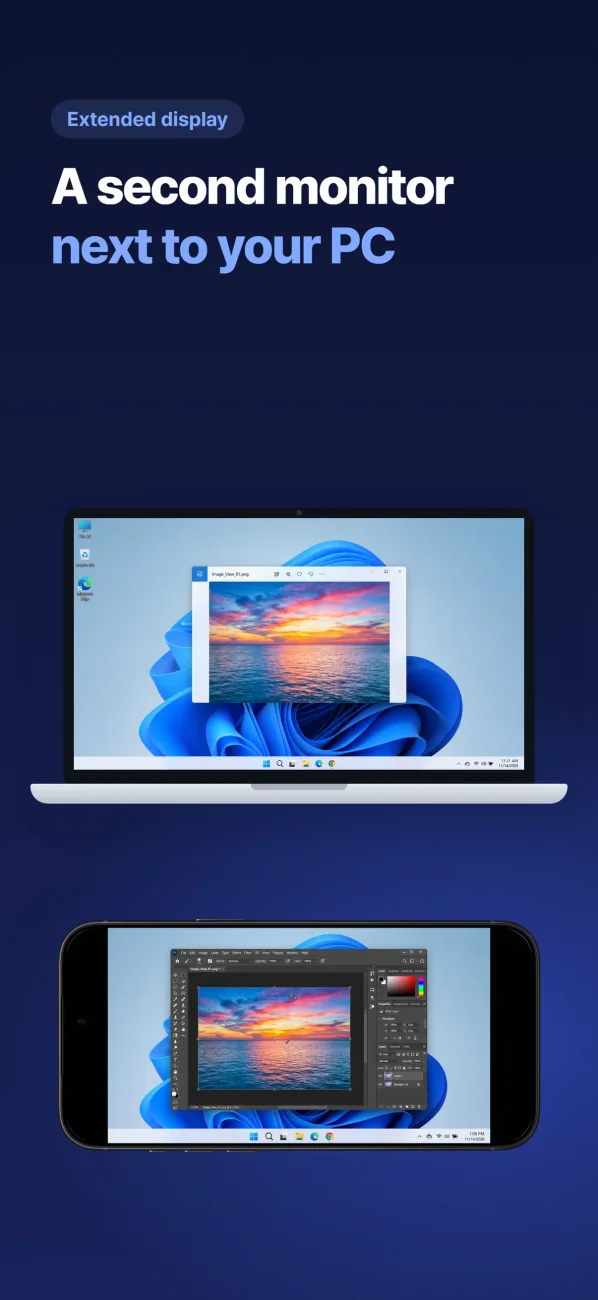
■ Extended display
Use your iPad as a second monitor for your laptop. Move windows to the iPad to keep references open while you keep working on the laptop screen. When you stop, the laptop goes back to its single screen.
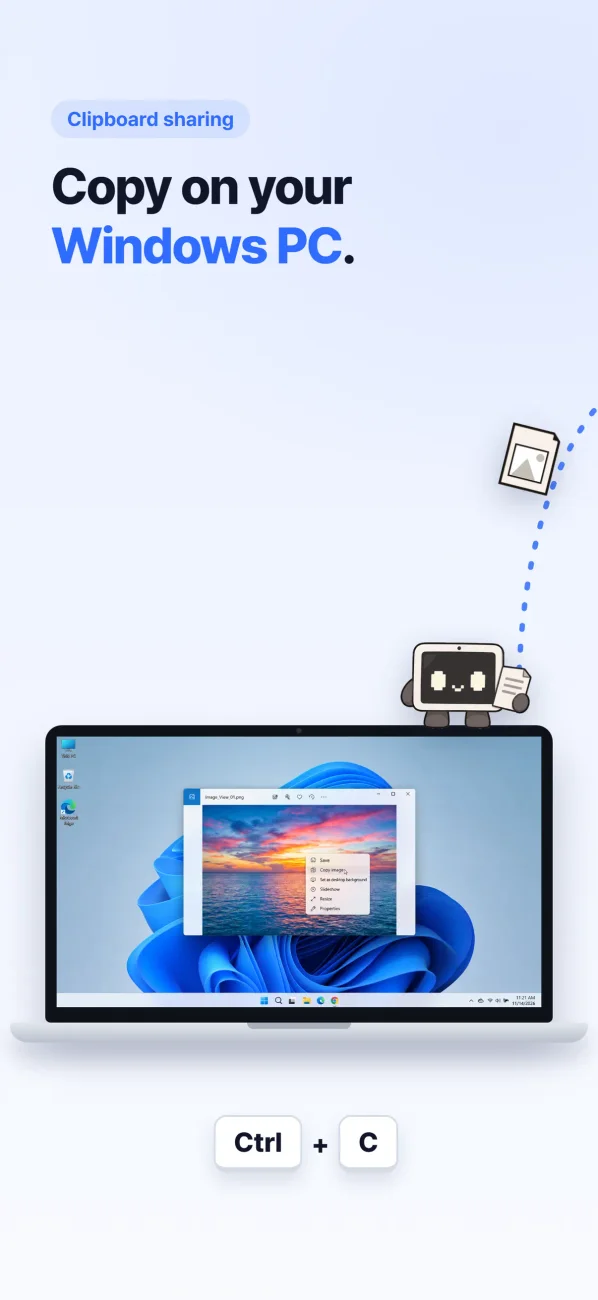
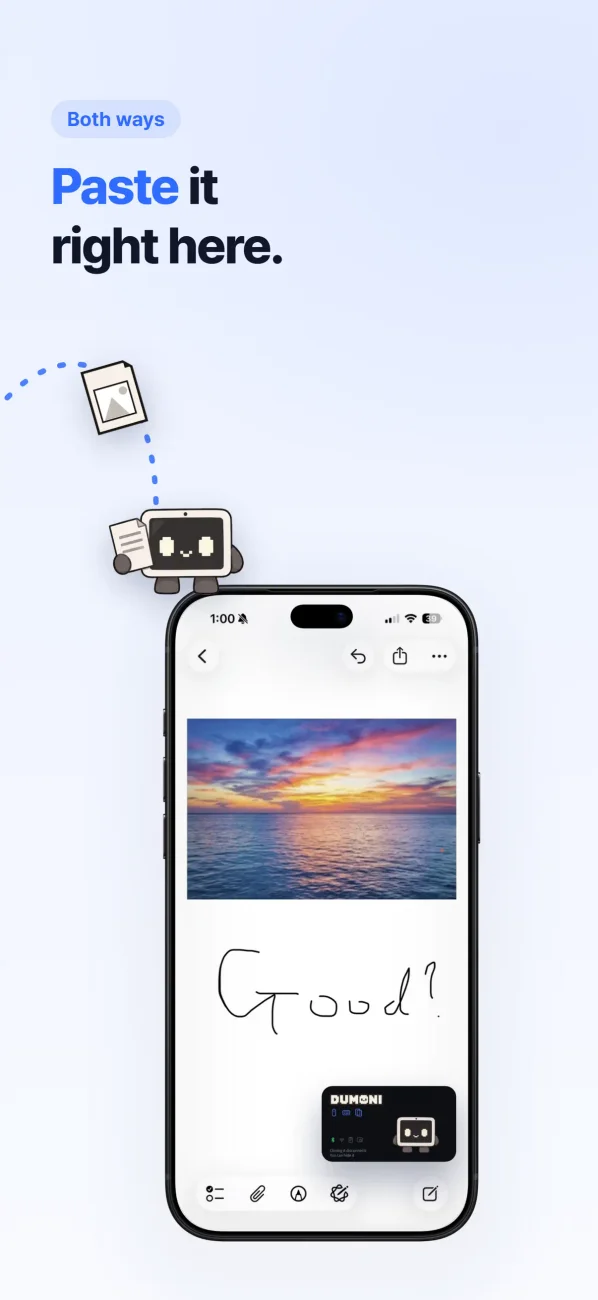
■ Clipboard sharing
Text and photos copied on the laptop can be pasted on the iPad, and what you copy on the iPad can be pasted on the laptop. They keep flowing while the status window is open, even when you leave the app.
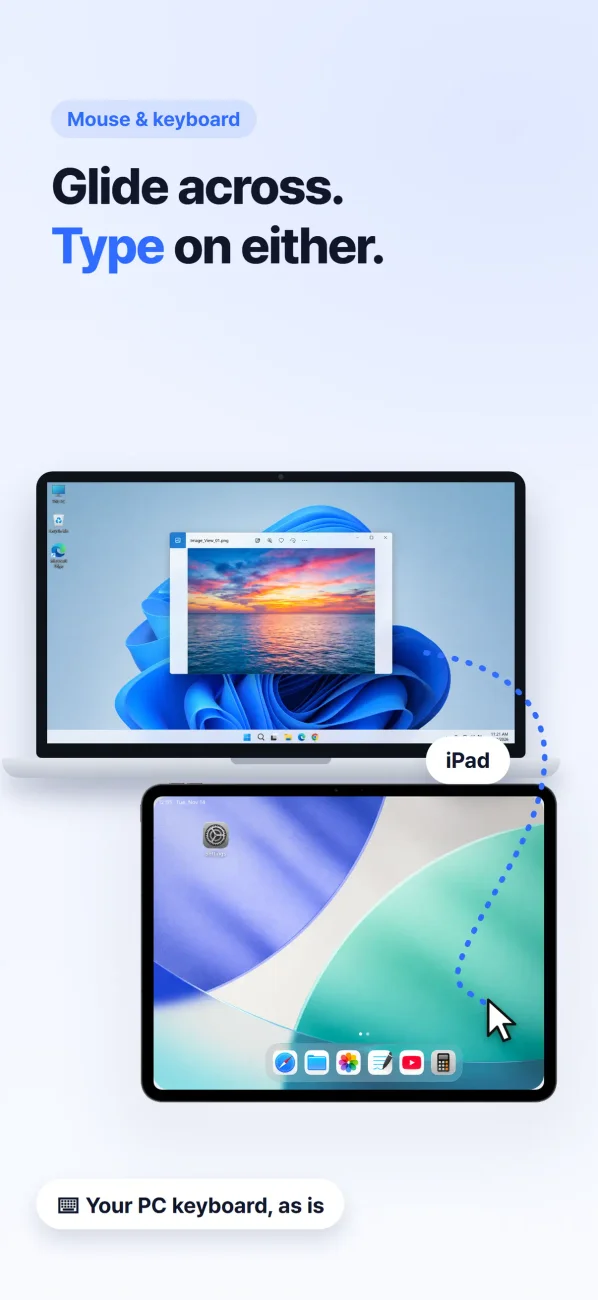
■ Mouse and keyboard sharing
Push your laptop's mouse past the edge of the screen and it moves onto the iPad. The keyboard types into whichever device the pointer is on. Shortcuts can follow Windows (Ctrl+C, Ctrl+V, like your laptop) or Mac (the iPad default).
■ Status window
A small Picture in Picture window shows the connection and which device the pointer is on.
■ Before you start
• Install the free Dumoni program on your laptop from dumoni.app.
• Requires Windows 10 version 2004 or later and a laptop with Bluetooth.
• The extended display and sending photos or long text need both devices on the same Wi-Fi.
• On iPhone you can use the extended display and clipboard sharing (mouse and keyboard sharing is iPad only).
■ Subscription
Start with a 7-day free trial. After the trial, the monthly subscription begins automatically. Payment is charged to your Apple Account, and the subscription renews automatically unless you cancel at least 24 hours before the end of the trial or the current period. You can cancel in Settings > Apple Account > Subscriptions.
■ Privacy
Your screen, input and clipboard travel only between your laptop and your iPad and are never sent to our servers. No sign-up.
Terms of Use: https://dumoni.app/terms
Privacy Policy: https://dumoni.app/privacy
Nouveautés
Version 1.0.6 · 25/11/2026
Bug fixes and performance improvements.
Confidentialité de l’application
Ce que Dumoni déclare sur l’App Store au sujet du traitement des données par cette application.
-
Données non collectées
Le développeur ne collecte aucune donnée à partir de cette application.
Les pratiques en matière de confidentialité peuvent varier, notamment en fonction des fonctionnalités que vous utilisez ou de votre âge.
Informations
- Vendeur
- Dumoni
- Catégorie
- Productivité
- Version
- 1.0.6
- Mis à jour
- 25/11/2026
- Publié
- 05/11/2026
- Taille
- 3,9 Mo
- Nécessite
- iOS 15.0 ou version ultérieure
- Classification d’âge
- 4+
- Achats intégrés
- Oui
- Langues
- Anglais, Japonais, Coréen
- Copyright
- © Dumoni
Vous aimerez peut-être aussi
-
 온트너 - CJ온스타일 크리에이터 수익화 플랫폼Productivité
-
 Moonlight: AI pdf readerLire et organiser sa recherche
-
 슥삭 - 대학생 커리어 성장 플랫폼Productivité
-
 Alt: Mémos vocaux IA illimitésTranscrire, résumer hors ligne
-
 RixFontCloudProductivité
-
 EasyCanvas -Graphic tablet AppProductivité
-
 Eisenhower Matrix: Todo & TaskProductivité
-
 타임스프레드: 구독캘린더, 최애 일정, 시간표, 캘린더Productivité
-
 Switch - Call recording appProductivité
-
 TimeBlocks - Mobile PlannerProductivité