
Easy Smart Scanner
No Ads & No Subscriptions
Entwickelt für iPhone, iPad, iPod touch
Kostenlos · In-App-Käufe
- Altersfreigabe4+
- KategorieProduktivität
- EntwicklerChristophe Pereira
- SprachenEnglisch
- Größe2,9 MB
Verlinkt auf die offizielle App Store-Seite
Download.org hostet keine Datei von Easy Smart Scanner. Die Schaltfläche öffnet die App-Seite bei App Store, wo Christophe Pereira die App veröffentlicht. Eintrag zuletzt geprüft am 21.11.2026.
Screenshots
Info
Der Entwickler hat diesen Text nicht in Ihrer Sprache bereitgestellt.
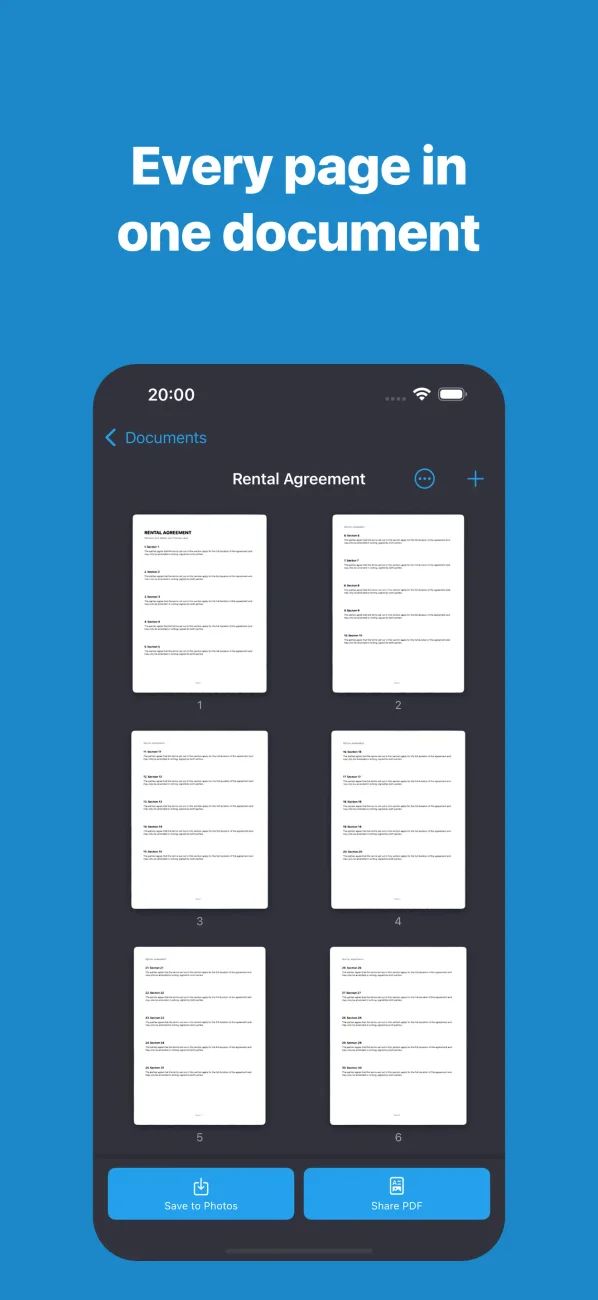
Scan documents with your iPhone or iPad — as many pages as you need.
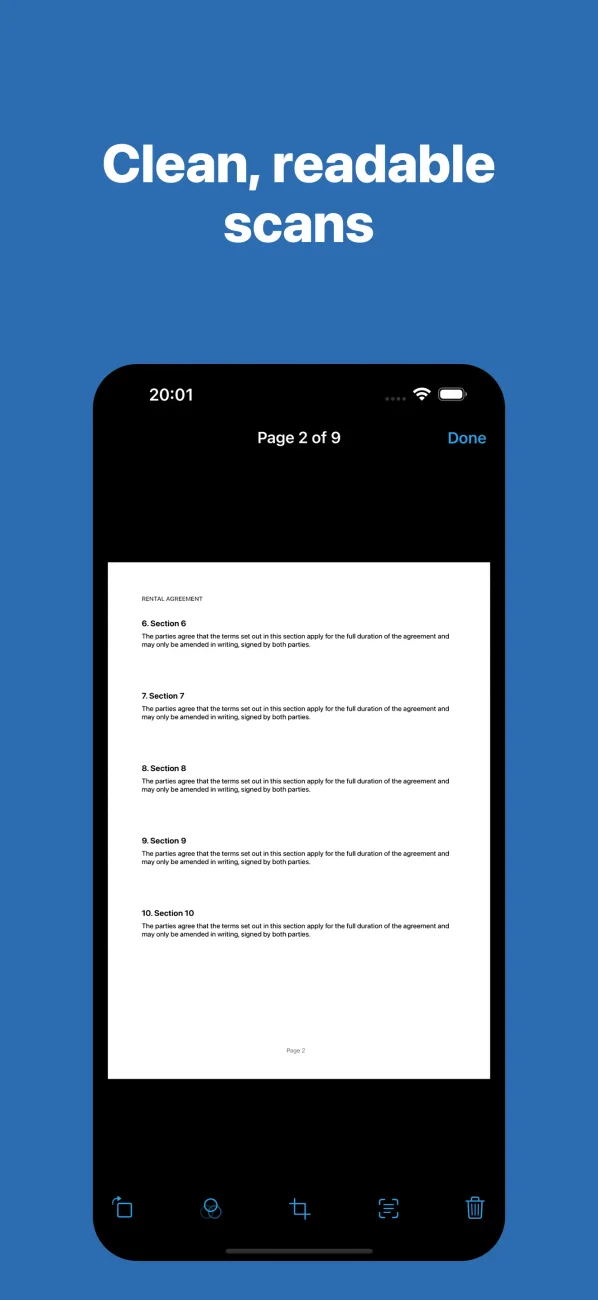
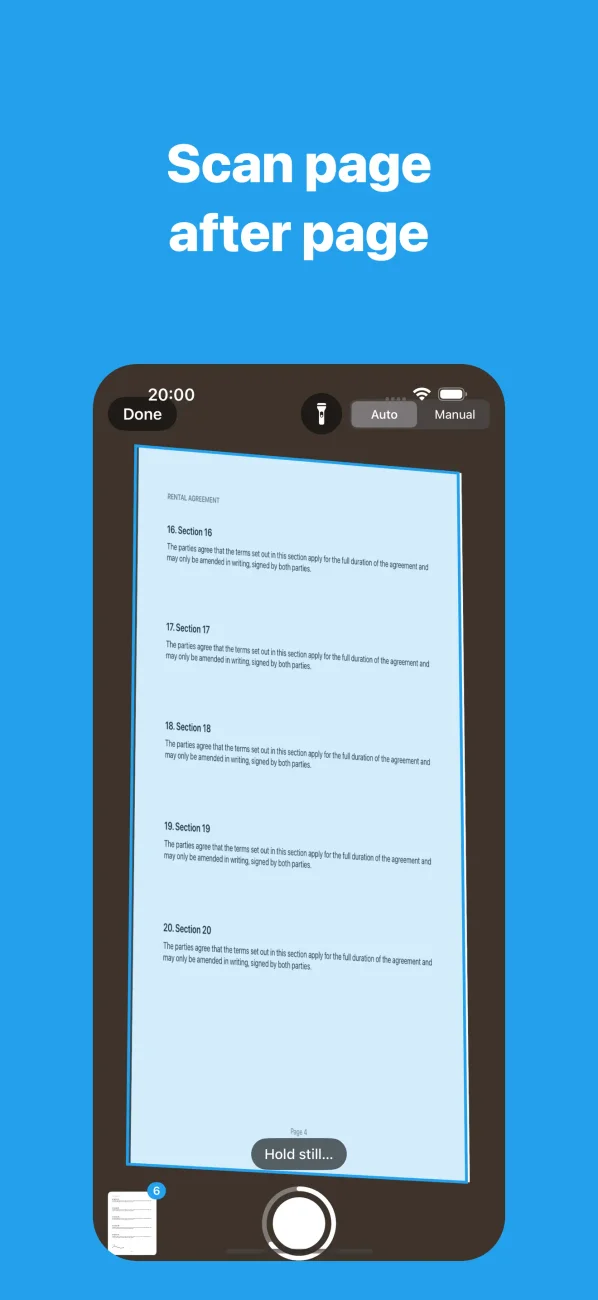
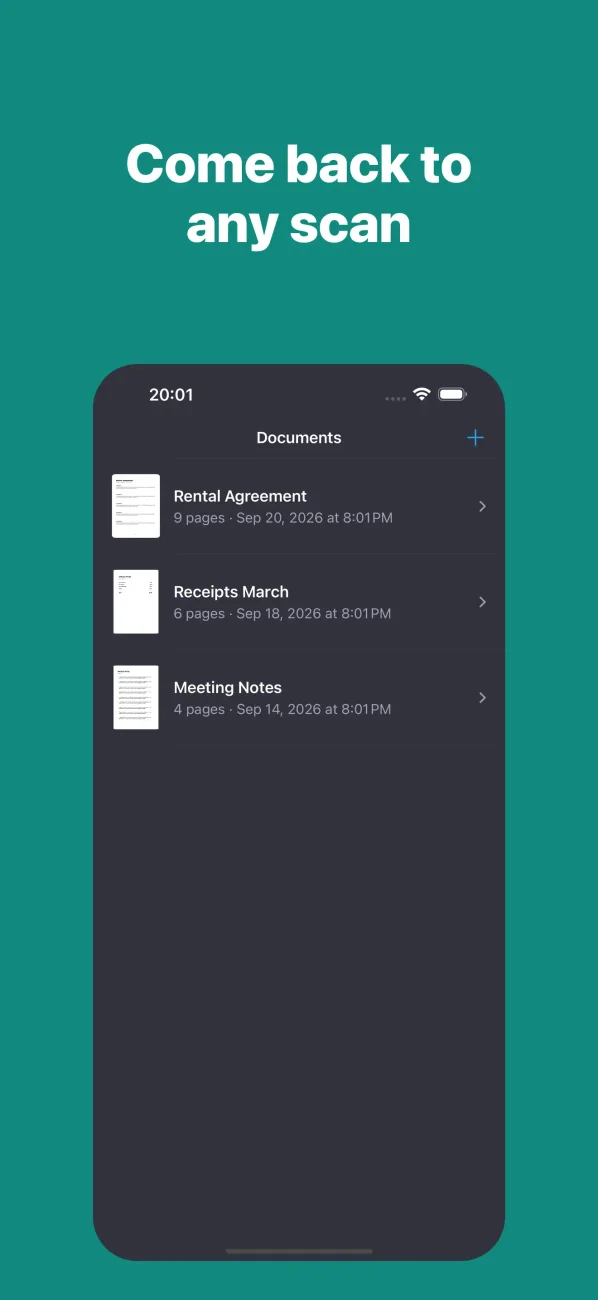
Easy Scanner finds the page in front of the camera, captures it as soon as you hold it steady, and straightens it into a clean, readable scan. Put down the next page and it captures again, so a whole stack goes in one page after another. Every scan is kept as a document you can name, reopen and add to whenever you like.
Free for everyone
• No page limit — scan a receipt, a contract, or a whole folder in one go
• Automatic capture: the page is taken as soon as it's held still, hands free
• Edges found for you, with the perspective straightened out
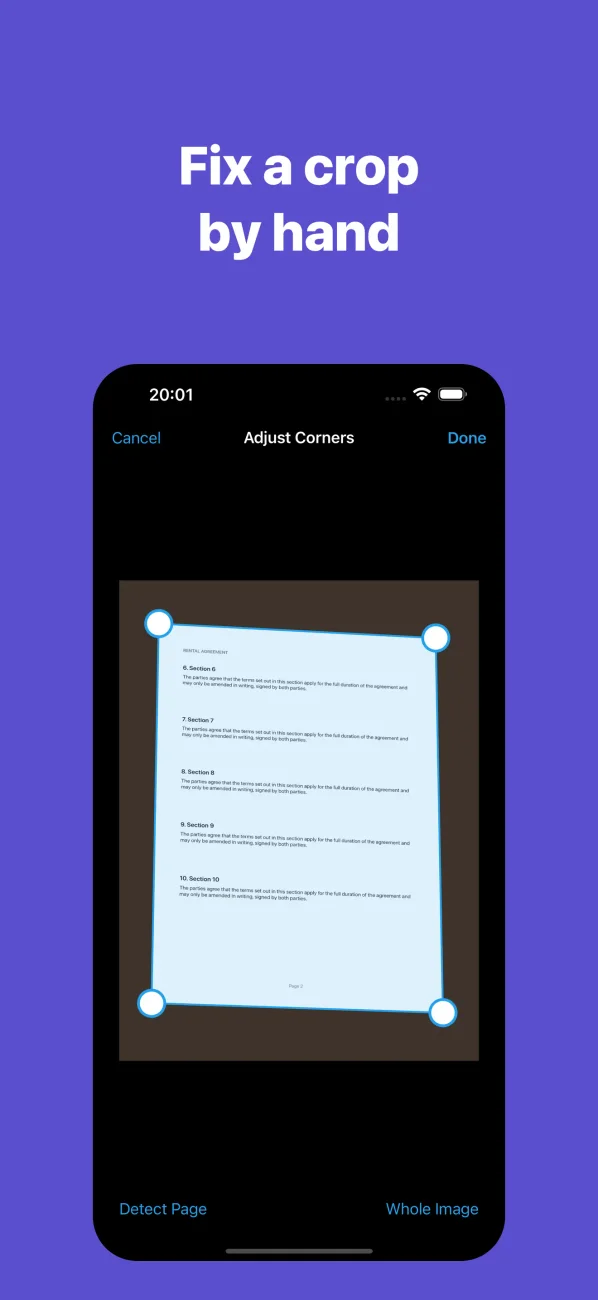
• Adjust the corners by hand whenever a crop needs fixing, while scanning or later
• Filters that whiten paper and sharpen text: Enhanced, Grayscale, Black & White, or the untouched photo
• Searchable PDFs — text is recognised on your device, so you can search the PDF and copy from it
• Copy the text of any page straight from the app
• Drag to reorder pages, rotate them, delete them, or change several at once
• Export as PDF, sized to your scan or to A4 or US Letter, in three file sizes
• Share pages as images or save them to Photos
• Import photos you have already taken
• Export All Documents as PDFs to Files, so you always have a backup
Easy Scanner Pro
One purchase, yours forever, shared with your family. Never a subscription.
• Folders to keep your documents in order
• Search that finds the words inside your pages, not just document names
• Smart names: documents name themselves from what's on the first page
• File name patterns, so exported files are named the way you like
• Sign & Fill: add your signature, text and dates right on the page
• Password-protected PDFs that open only with your password
Everything stays on your device. There is no account to create, nothing to sign in to, and nothing is uploaded.
Neue Funktionen
Version 2.1 · 14.11.2026
Everything in Easy Scanner stays free. New in 2.1: Easy Scanner Pro, one purchase that's yours forever. Never a subscription.
• Folders, and search that finds the words inside your pages
• Smart names: documents name themselves from what's on the first page, and you choose how exported files are named
• Sign & Fill: add your signature, text and dates right on the page
• Password-protected PDFs
• Pro is shared with your family through Family Sharing
• Already using Easy Scanner? Thank you: Pro is free for you, nothing to do
• A tip jar, if you'd like to support the app.
• Export All Documents saves every scan as a PDF to Files, so you always have a copy
• A new Settings screen, with Restore Purchases
App-Datenschutz
Was Christophe Pereira im App Store zum Umgang dieser App mit Daten angibt.
-
Keine Daten erfasst
Der Entwickler erfasst keine Daten von dieser App.
Die Datenschutzpraktiken können variieren, zum Beispiel je nach den von Ihnen verwendeten Funktionen oder Ihrem Alter.
Informationen
- Anbieter
- Christophe Pereira
- Kategorie
- Produktivität
- Version
- 2.1
- Aktualisiert
- 14.11.2026
- Veröffentlicht
- 19.06.2024
- Größe
- 2,9 MB
- Erfordert
- iOS 15.0 oder neuer
- Altersfreigabe
- 4+
- Preis
- Kostenlos
- In-App-Käufe
- Ja
- Sprachen
- Englisch
- Copyright
- © 2026
Das könnte Ihnen auch gefallen
-
 BookendsProduktivität
-
 Umrechner AMFür Einheiten & Währungen
-
 GoodHacks AI: Zen ProductivityProduktivität
-
 Sprachmemos zusammenfügenMehrere Aufnahmen verbinden
-
 Dictation Speech to TextProduktivität
-
 Passport Photo Maker ID PhotoProduktivität
-
 Keyboard iA WriterÜbersetzen
-
 Swift PaperlessNative Dokumentenverwaltung
-
 Scan.Plus - Dokumenten ScannerPDF & OCR Scannen und Konverte
-
 OCR Scanner - QuickScanScannen,Dokument,Signieren,PDF