
Easy Smart Scanner
No Ads & No Subscriptions
Designed for iPhone, iPad, iPod touch
Free · In-app purchases
- Age rating4+
- CategoryProductivity
- DeveloperChristophe Pereira
- LanguagesEnglish
- Size2.9 MB
Links to the official App Store page
Download.org hosts no file of Easy Smart Scanner. The button opens its official App Store page, published by Christophe Pereira. Listing last checked on Nov 21, 2026.
Screenshots

About
Scan documents with your iPhone or iPad — as many pages as you need.
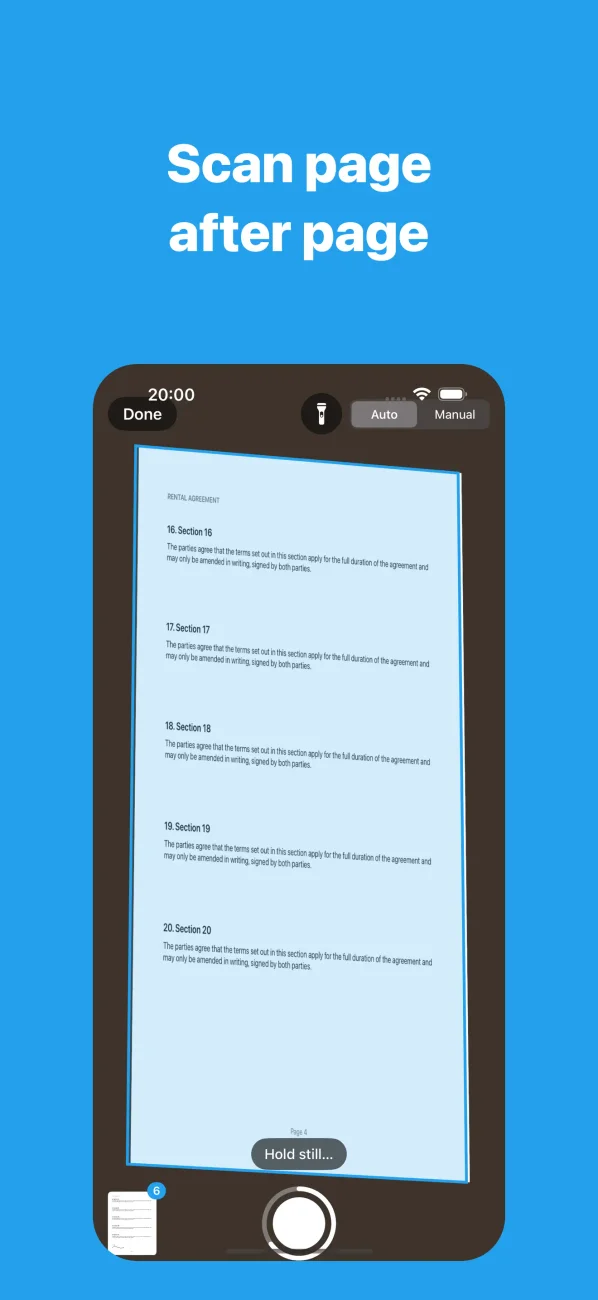
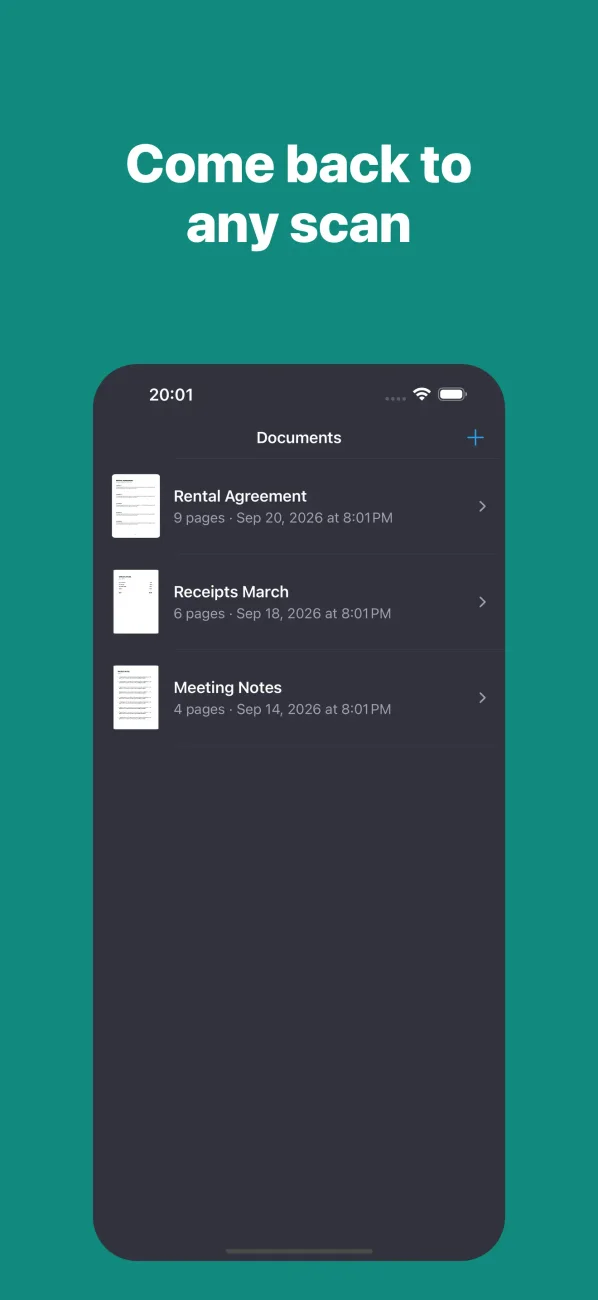
Easy Scanner finds the page in front of the camera, captures it as soon as you hold it steady, and straightens it into a clean, readable scan. Put down the next page and it captures again, so a whole stack goes in one page after another. Every scan is kept as a document you can name, reopen and add to whenever you like.
Free for everyone
• No page limit — scan a receipt, a contract, or a whole folder in one go
• Automatic capture: the page is taken as soon as it's held still, hands free
• Edges found for you, with the perspective straightened out
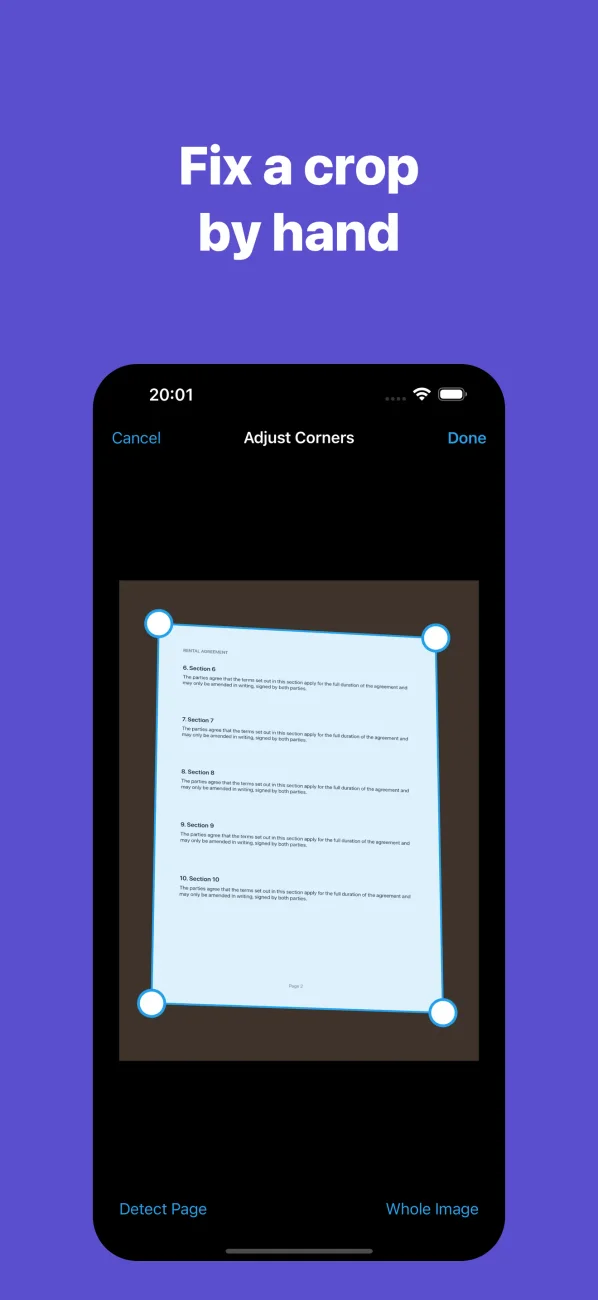
• Adjust the corners by hand whenever a crop needs fixing, while scanning or later
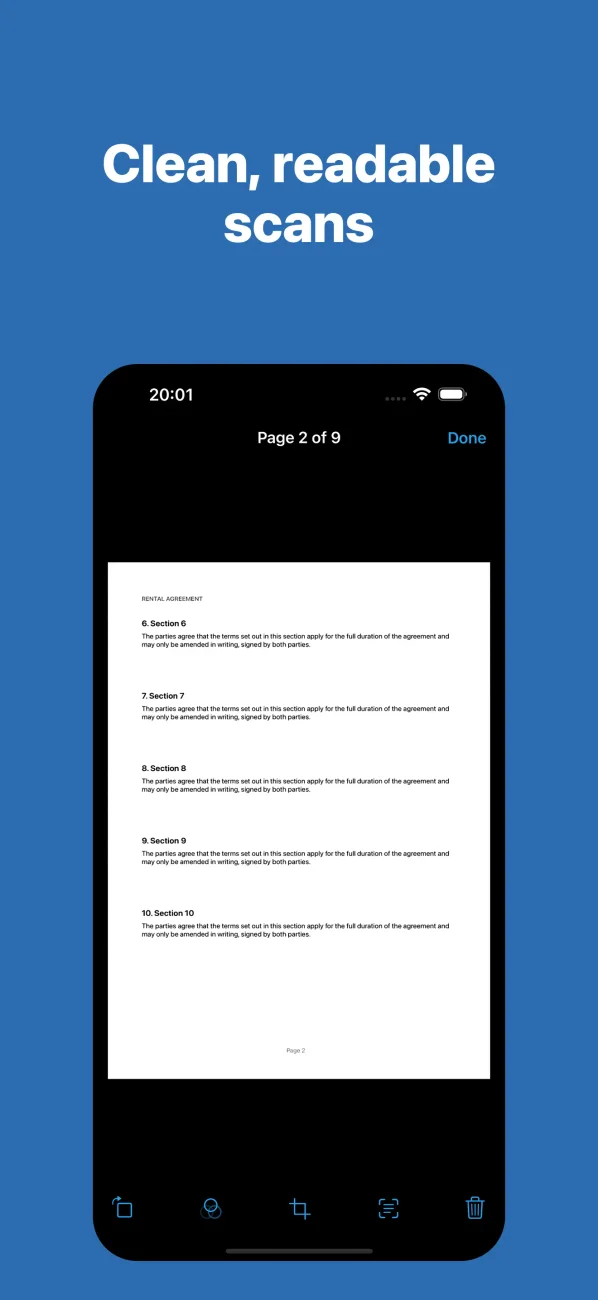
• Filters that whiten paper and sharpen text: Enhanced, Grayscale, Black & White, or the untouched photo
• Searchable PDFs — text is recognised on your device, so you can search the PDF and copy from it
• Copy the text of any page straight from the app
• Drag to reorder pages, rotate them, delete them, or change several at once
• Export as PDF, sized to your scan or to A4 or US Letter, in three file sizes
• Share pages as images or save them to Photos
• Import photos you have already taken
• Export All Documents as PDFs to Files, so you always have a backup
Easy Scanner Pro
One purchase, yours forever, shared with your family. Never a subscription.
• Folders to keep your documents in order
• Search that finds the words inside your pages, not just document names
• Smart names: documents name themselves from what's on the first page
• File name patterns, so exported files are named the way you like
• Sign & Fill: add your signature, text and dates right on the page
• Password-protected PDFs that open only with your password
Everything stays on your device. There is no account to create, nothing to sign in to, and nothing is uploaded.
What’s new
Version 2.1 · Nov 14, 2026
Everything in Easy Scanner stays free. New in 2.1: Easy Scanner Pro, one purchase that's yours forever. Never a subscription.
• Folders, and search that finds the words inside your pages
• Smart names: documents name themselves from what's on the first page, and you choose how exported files are named
• Sign & Fill: add your signature, text and dates right on the page
• Password-protected PDFs
• Pro is shared with your family through Family Sharing
• Already using Easy Scanner? Thank you: Pro is free for you, nothing to do
• A tip jar, if you'd like to support the app.
• Export All Documents saves every scan as a PDF to Files, so you always have a copy
• A new Settings screen, with Restore Purchases
App privacy
What Christophe Pereira declares on the App Store about how this app handles data.
-
Data not collected
The developer does not collect any data from this app.
Privacy practices may vary, for example with the features you use or your age.
Information
- Seller
- Christophe Pereira
- Category
- Productivity
- Version
- 2.1
- Updated
- Nov 14, 2026
- Released
- Jun 19, 2024
- Size
- 2.9 MB
- Requires
- iOS 15.0 or later
- Age rating
- 4+
- Price
- Free
- In-app purchases
- Yes
- Languages
- English
- Copyright
- © 2026
You might also like
-
 BookendsReference management on the go
-
 Converter AMFor units & currencies
-
 GoodHacks AI: Zen ProductivityFocus Keeper & Manifestation
-
 Merge Voice MemosCombine & Join Recordings
-
 Dictation Speech to TextLive Transcribe Audio Notes
-
 Passport Photo Maker ID PhotoPerfect ID Photo Maker App
-
 AI Keyboard - OrkiParaphrase Writer
-
 Swift PaperlessNative document managament
-
 Scan.Plus - Doc & PDF ScannerAI Docs scanning & OCR Scan
-
 QuickScan:PDF OCR Text ScannerScan,Doc,Sign,Edit,Privacy