- Altersfreigabe4+
- KategorieDienstprogramme
- EntwicklerTechiesMarvel, LLC
- SprachenEnglisch
- Größe20,9 MB
Verlinkt auf die offizielle App Store-Seite
Download.org hostet keine Datei von EasyCamScan. Die Schaltfläche öffnet die App-Seite bei App Store, wo TechiesMarvel, LLC die App veröffentlicht. Eintrag zuletzt geprüft am 14.11.2026.
Screenshots


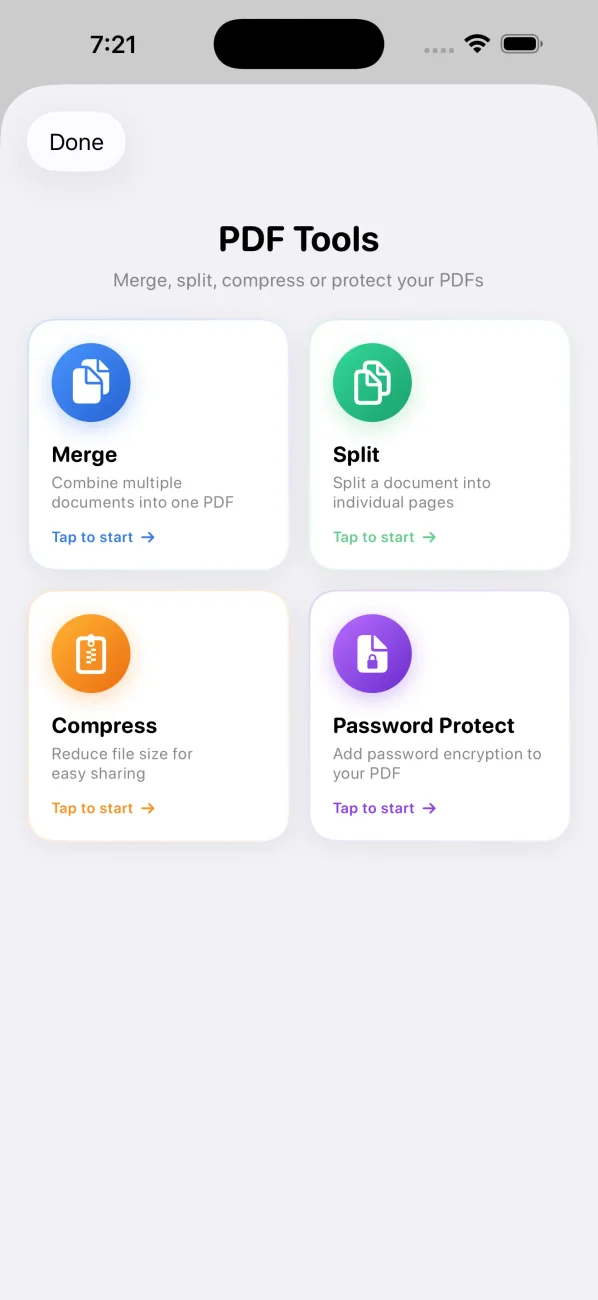
Info
Der Entwickler hat diesen Text nicht in Ihrer Sprache bereitgestellt.
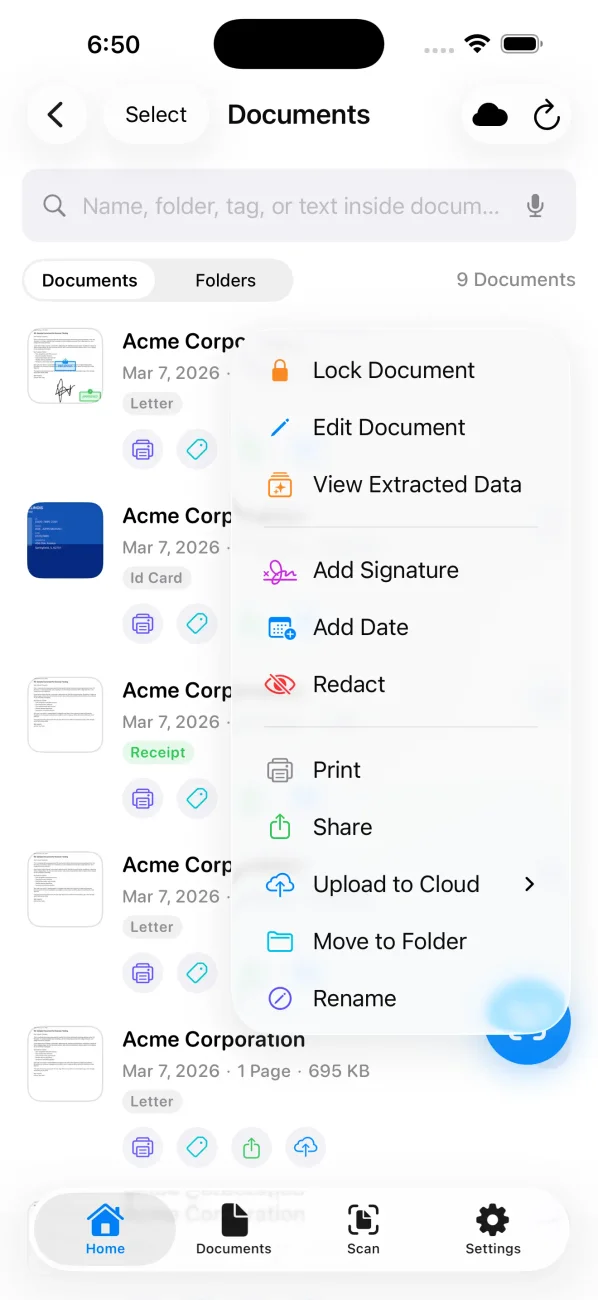
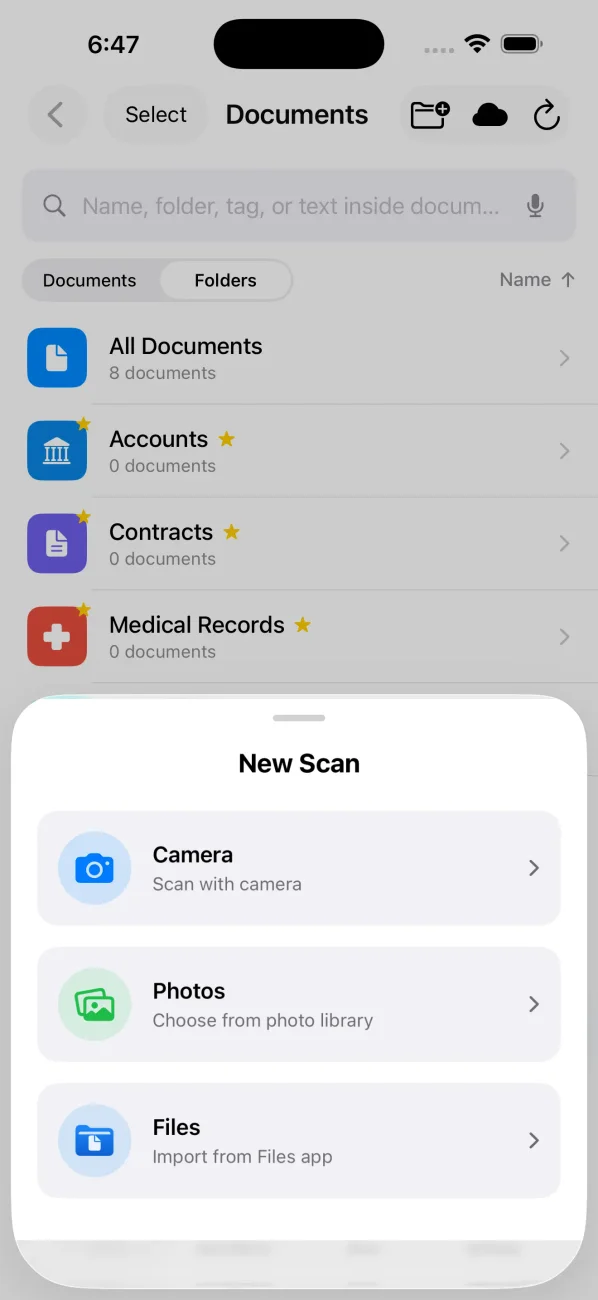
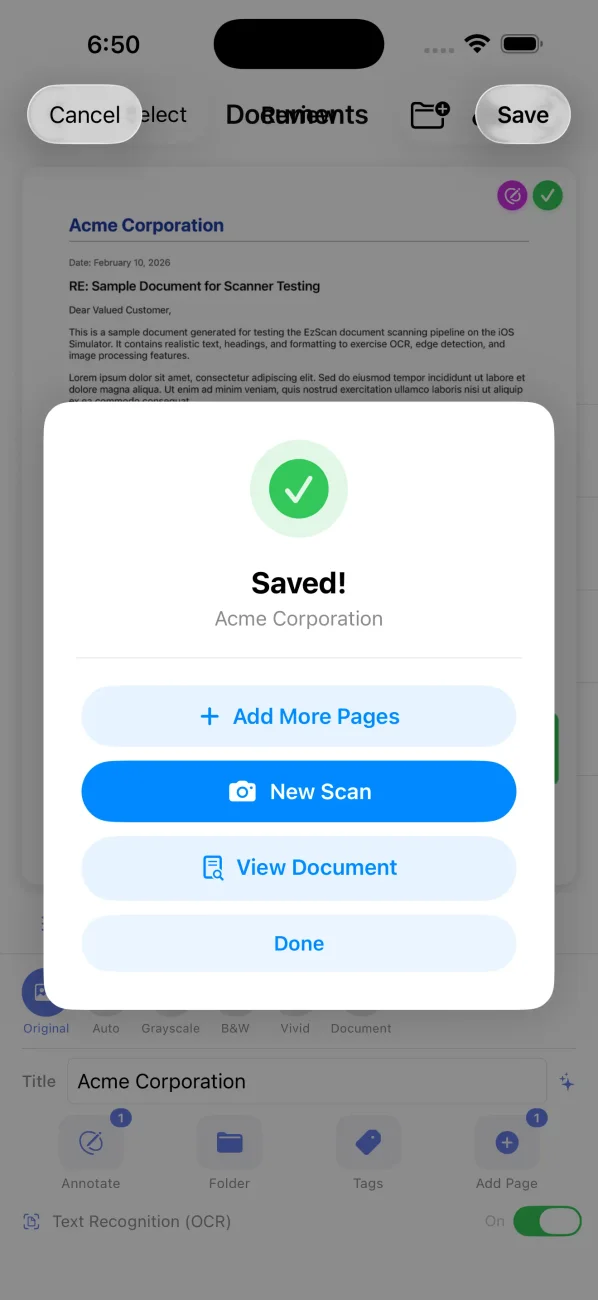
EasyCamScan is a lightning‑fast, privacy‑focused document scanner that turns your iPhone or iPad into a powerful digital filing cabinet. By default, scanning, text recognition (OCR), and image processing run on your device — no account required and no automatic uploads. You stay in control.
Privacy by design
• On‑device by default: Scanning, enhancement, and OCR run locally using Apple frameworks.
• No account required: Open the app and start scanning immediately.
• Optional cloud export: Share or back up to iCloud Drive, Google Drive, or OneDrive only when you choose.
• Biometric security: Lock documents and folders with Face ID or Touch ID.
Pro‑quality scanning
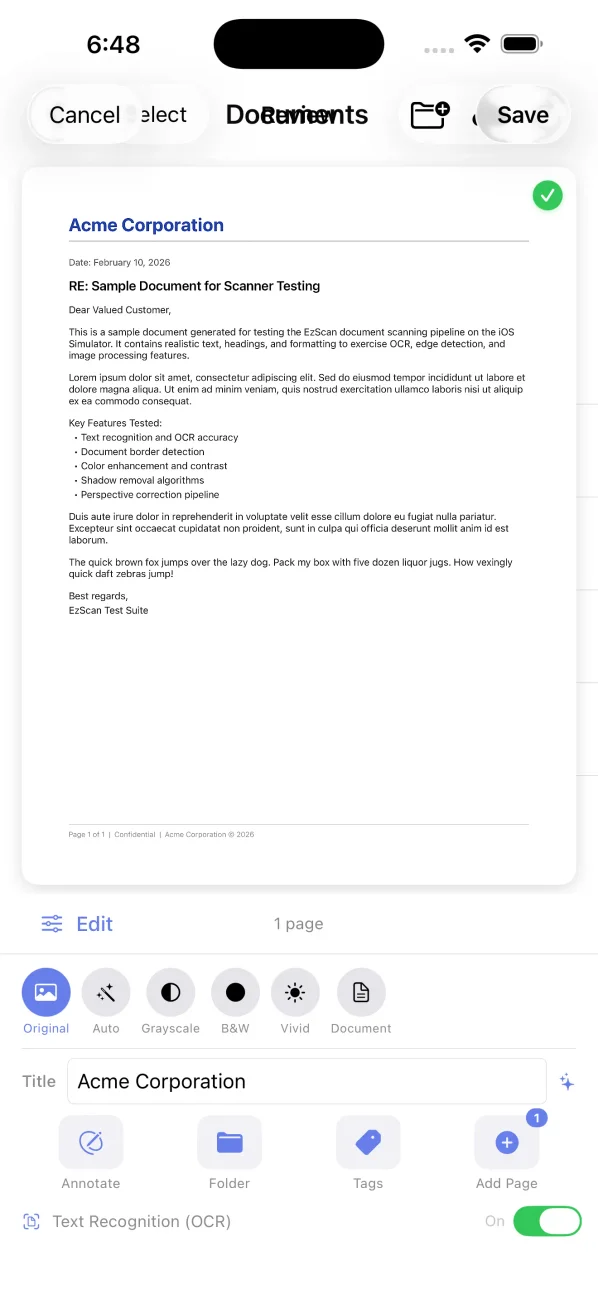
• Smart capture: Automatic edge detection, perspective correction, and shadow reduction for crisp results.
• Multi‑page support: Scan long documents, receipts, ID cards, and passports.
• Low‑light optimization: Clearer scans when lighting isn’t ideal.
Powerful PDF tools
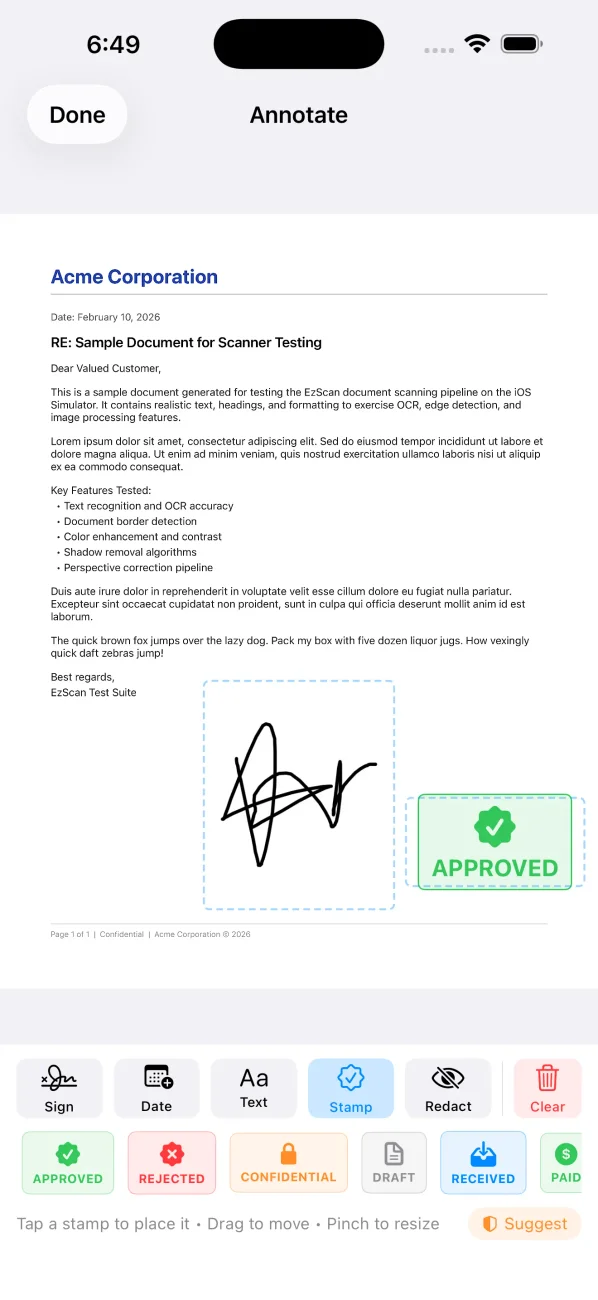
• Annotate & sign: Add signatures, stamps, and notes.
• Redact: Permanently remove sensitive details from image‑based scans.
• Organize pages: Reorder, rotate, or delete pages; merge multiple scans.
• Convert: Turn images into PDFs — and convert PDFs to images when needed.
On‑device OCR & search
• Fast, accurate text recognition in multiple languages.
• Full‑text search across your library to find what you need quickly.
Organize and share
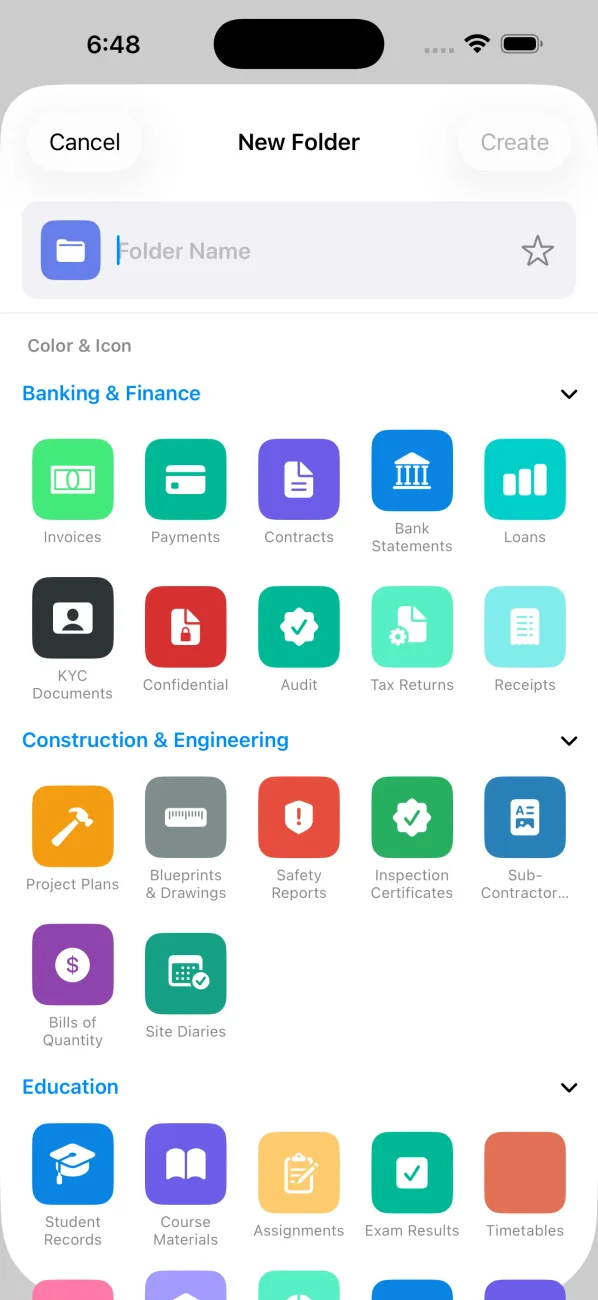
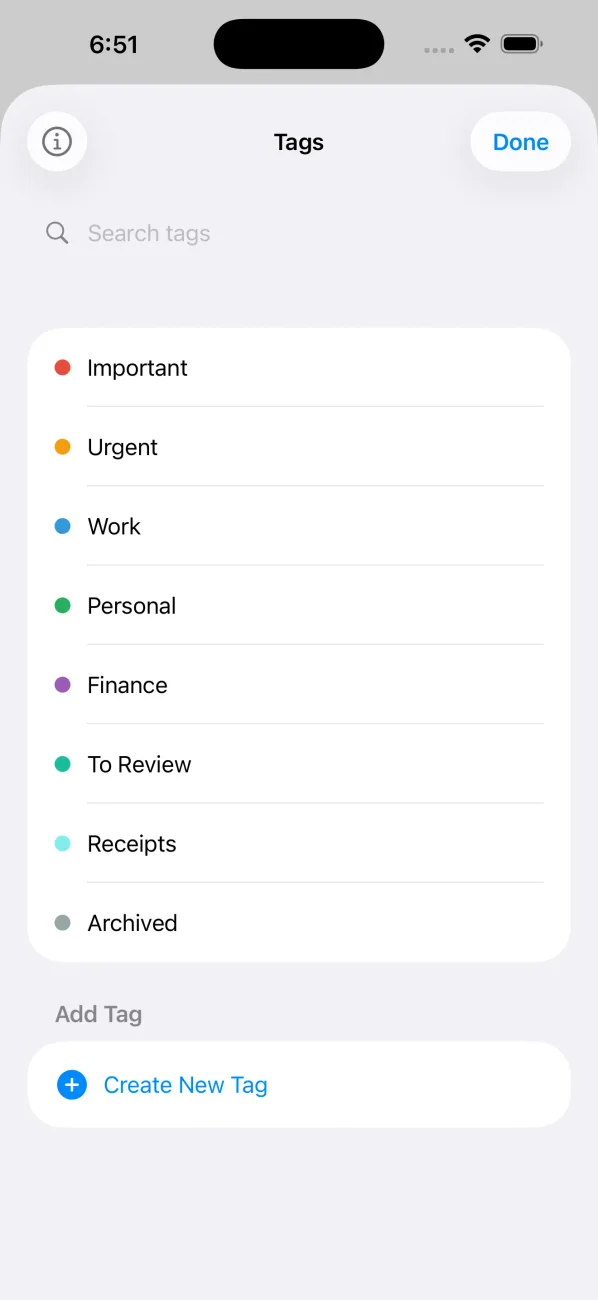
• Folders, subfolders, favorites, and tags to keep everything tidy.
• Share as PDF or images with adjustable quality.
• Print securely with an optional Face ID check (Secure Print).
Your documents. Your device. Your choice.
Notes:
• Some features may require the latest iOS or iPadOS.
• Cloud connections and exports are optional and user‑initiated.
Neue Funktionen
Version 2.1 · 24.03.2026
PDF Import Options Sheet — Importing a PDF from Files now shows an options sheet; encrypted PDFs are flagged visually and the password is only asked when the document is opened, not at import time.
PDF Tools: Remove Password — New tool to unlock a password-protected PDF, with wrong-password error feedback (animated banner, shake), eye toggle for the password field, and save options (replace original or save as new with _Password_Removed suffix).
Encrypted & Type Badges on Document Lists — All document lists (Recent Documents, Home Search, Document List) now show amber ENCRYPTED badge + lock icon for protected PDFs, and red PDF / blue IMG type badges for all documents.
Batch Document Sharing Sheet — New share sheet with grouped actions (cloud, device, print, etc.) replacing the cluttered single-list share panel.
Cloud Connections UI — New cloud file browser with connections UI for managing cloud storage providers (Google Drive, OneDrive, Dropbox, etc.).
Image Processing Overhaul — Despeckling, dual-pass sharpening, improved black & white conversion, orientation auto-correction, and better color/contrast restoration for scanned documents.
Microsoft Authentication (MSAL) — Added MSAL framework for Microsoft/OneDrive account authentication.
Apple AI Intelligence Integration — Structured document recognition and classification plan introduced, with FoundationModels-backed extraction and streaming data card views for AI-assisted document analysis.
App-Datenschutz
Was TechiesMarvel, LLC im App Store zum Umgang dieser App mit Daten angibt.
-
Keine Daten erfasst
Der Entwickler erfasst keine Daten von dieser App.
Die Datenschutzpraktiken können variieren, zum Beispiel je nach den von Ihnen verwendeten Funktionen oder Ihrem Alter.
Informationen
- Anbieter
- TechiesMarvel, LLC
- Kategorie
- Dienstprogramme
- Version
- 2.1
- Aktualisiert
- 24.03.2026
- Veröffentlicht
- 20.02.2026
- Größe
- 20,9 MB
- Erfordert
- iOS 17.6 oder neuer
- Altersfreigabe
- 4+
- Preis
- Kostenlos
- Sprachen
- Englisch
- Copyright
- © 2026 TechiesMarvel LLC
Das könnte Ihnen auch gefallen
-
 BehindYourWallDienstprogramme
-
 Offline RedactorDienstprogramme
-
 FairPay: Scan and SplitDienstprogramme
-
 EasyAuth 2FADienstprogramme
-
 Sambaralu - NATS EventsDienstprogramme
-
 Telangana Liquor PriceDienstprogramme
-
 Sri Lakshmi Narasimha SwamyDienstprogramme
-
 56 Secure: Safety & SecurityDienstprogramme
-
 Off LensDienstprogramme
-
 JETI Studio MobileDienstprogramme