- Clasificación por edad4+
- CategoríaUtilidades
- DesarrolladorTechiesMarvel, LLC
- IdiomasInglés
- Tamaño20,9 MB
Enlaza a la página oficial de App Store
Download.org no aloja ningún archivo de EasyCamScan. El botón abre la página de la aplicación en App Store, donde la publica TechiesMarvel, LLC. Ficha comprobada por última vez el 14/11/2026.
Capturas de pantalla


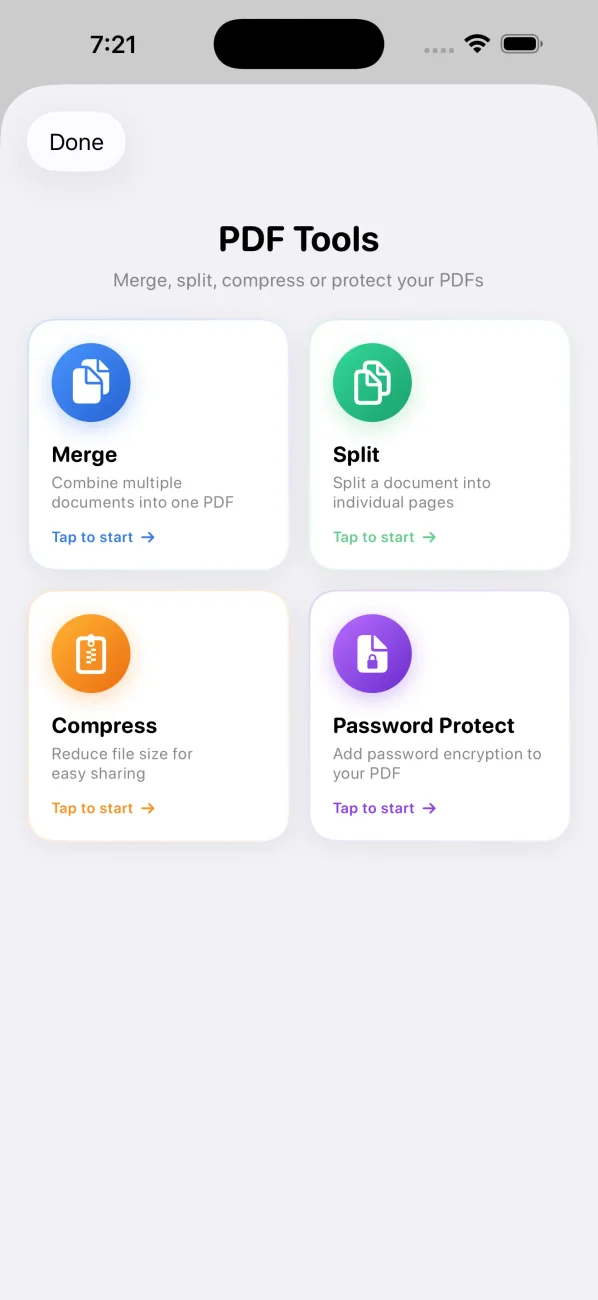
Acerca de
El desarrollador no ha proporcionado este texto en tu idioma.
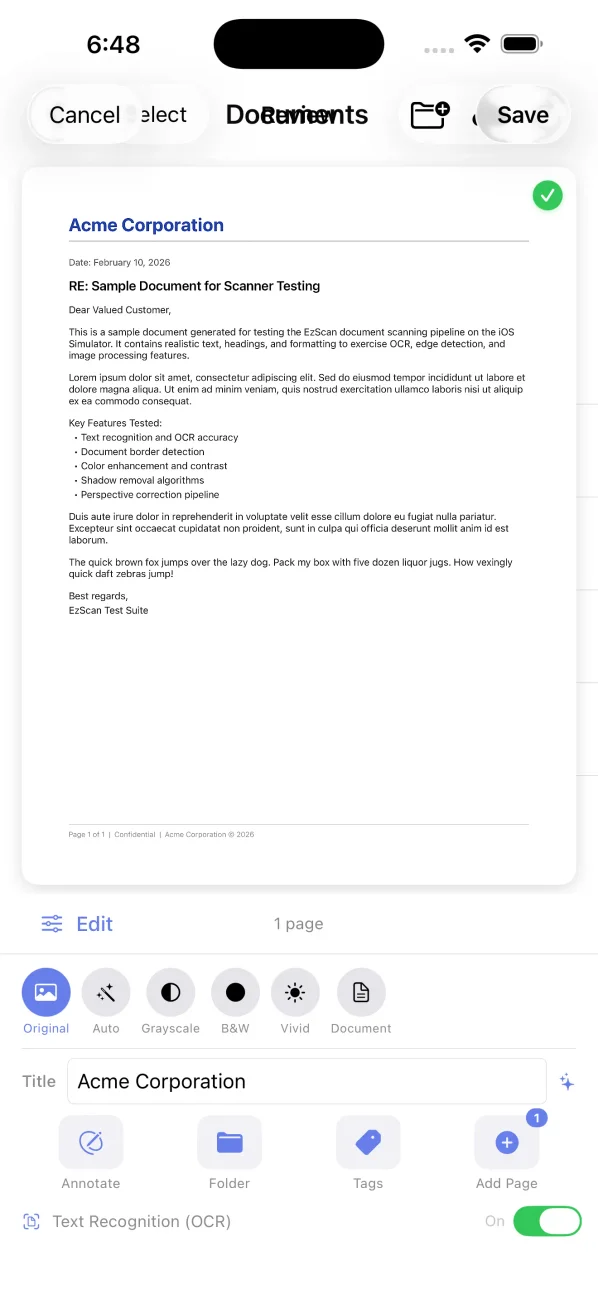
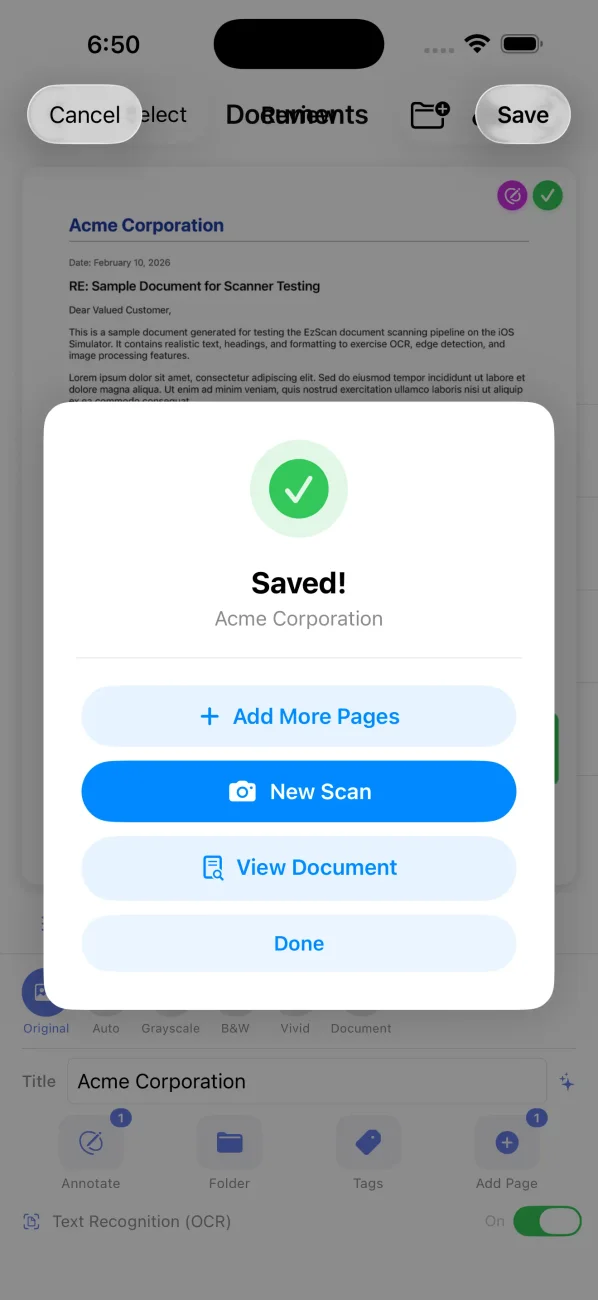
EasyCamScan is a lightning‑fast, privacy‑focused document scanner that turns your iPhone or iPad into a powerful digital filing cabinet. By default, scanning, text recognition (OCR), and image processing run on your device — no account required and no automatic uploads. You stay in control.
Privacy by design
• On‑device by default: Scanning, enhancement, and OCR run locally using Apple frameworks.
• No account required: Open the app and start scanning immediately.
• Optional cloud export: Share or back up to iCloud Drive, Google Drive, or OneDrive only when you choose.
• Biometric security: Lock documents and folders with Face ID or Touch ID.
Pro‑quality scanning
• Smart capture: Automatic edge detection, perspective correction, and shadow reduction for crisp results.
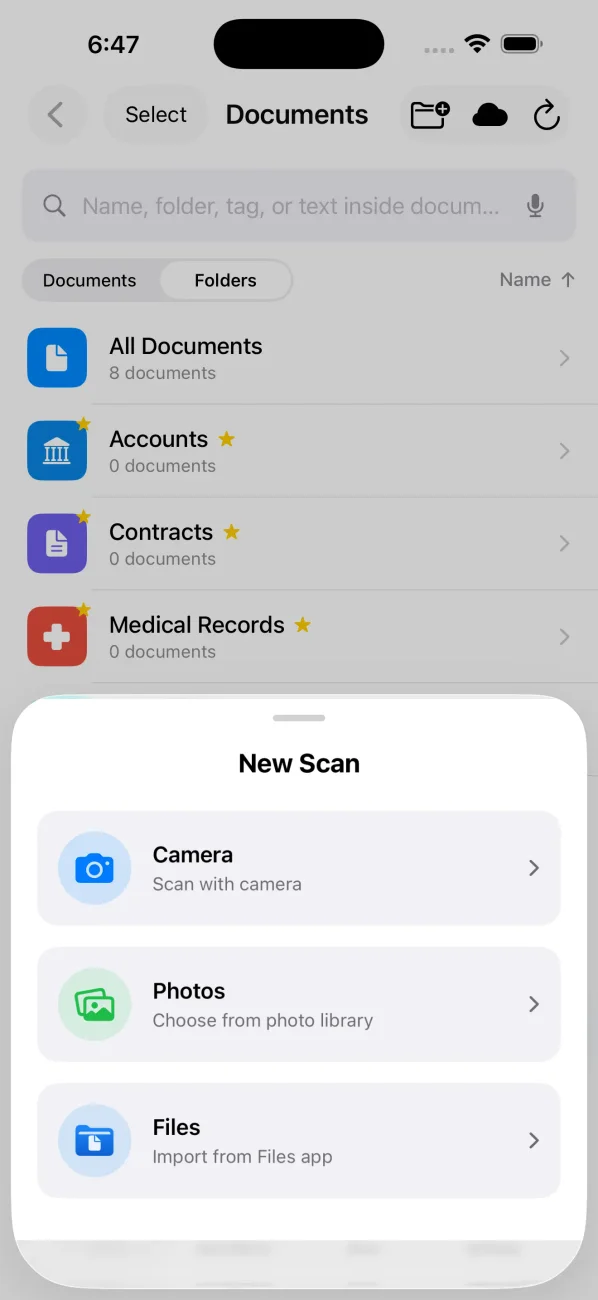
• Multi‑page support: Scan long documents, receipts, ID cards, and passports.
• Low‑light optimization: Clearer scans when lighting isn’t ideal.
Powerful PDF tools
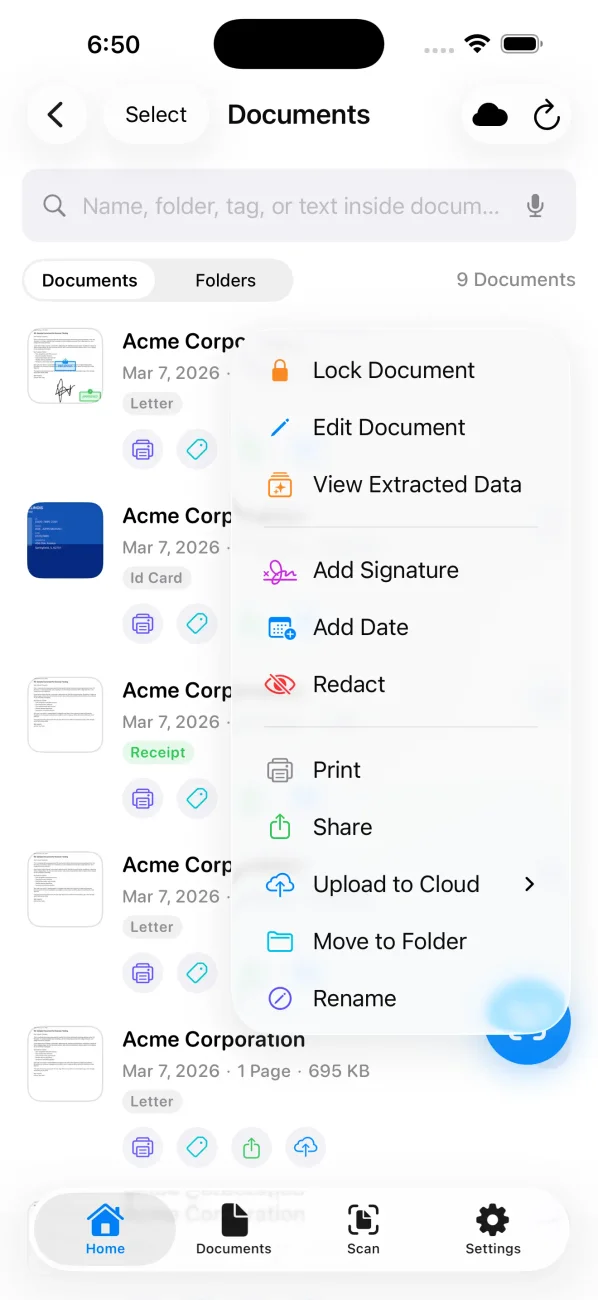
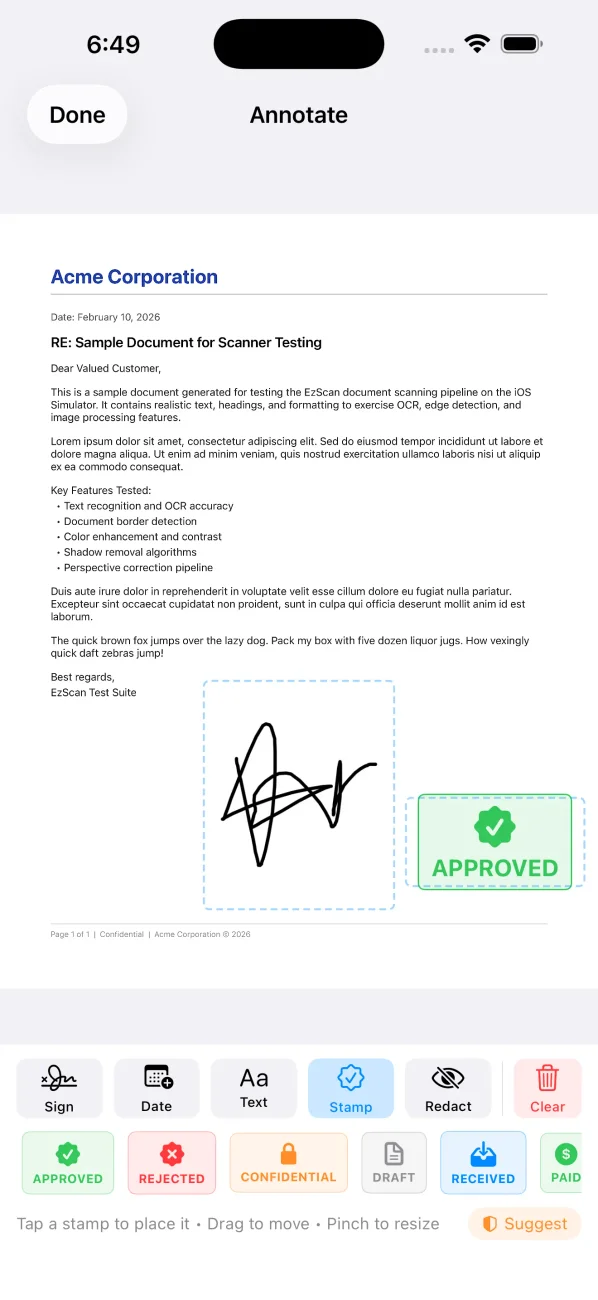
• Annotate & sign: Add signatures, stamps, and notes.
• Redact: Permanently remove sensitive details from image‑based scans.
• Organize pages: Reorder, rotate, or delete pages; merge multiple scans.
• Convert: Turn images into PDFs — and convert PDFs to images when needed.
On‑device OCR & search
• Fast, accurate text recognition in multiple languages.
• Full‑text search across your library to find what you need quickly.
Organize and share
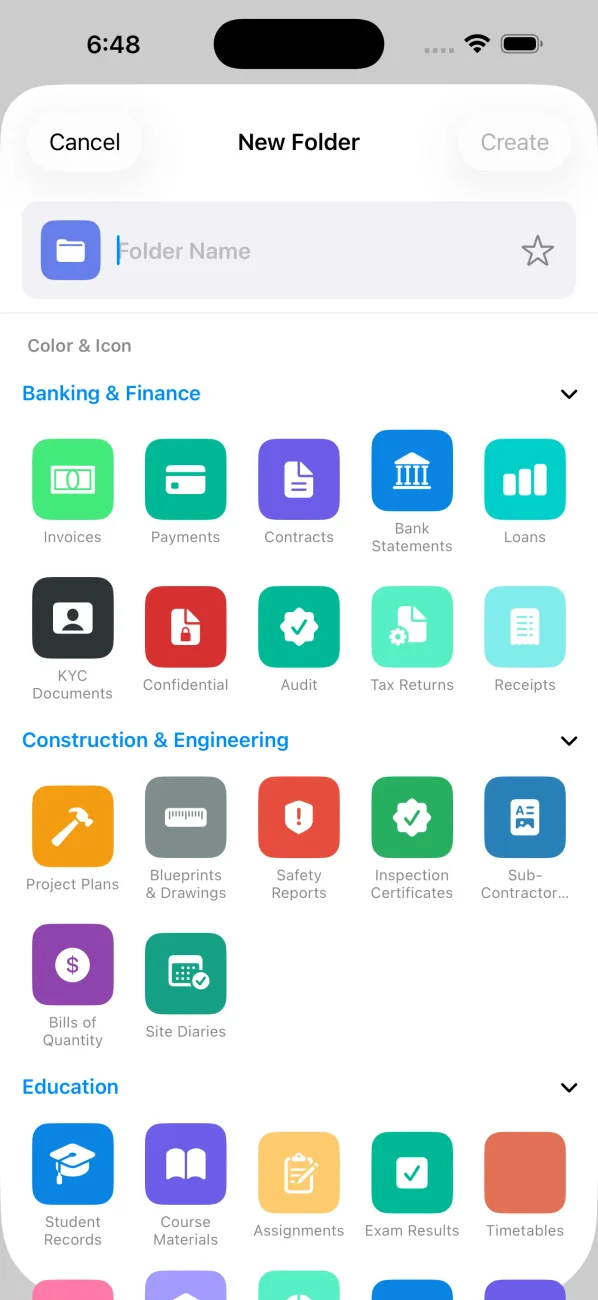
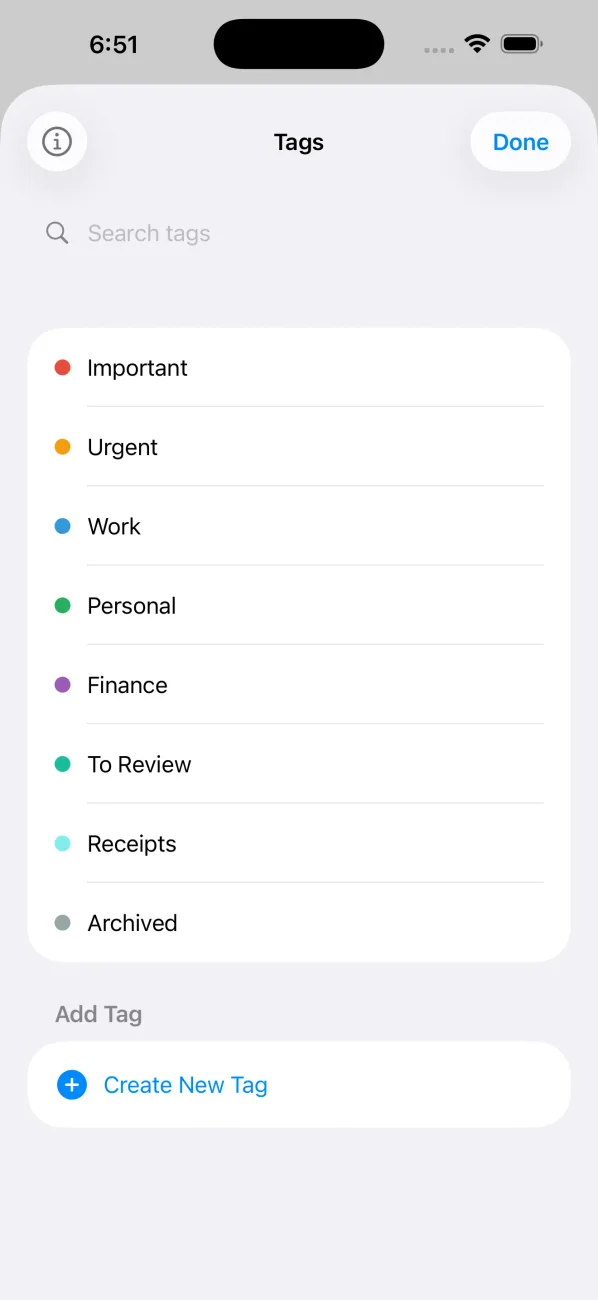
• Folders, subfolders, favorites, and tags to keep everything tidy.
• Share as PDF or images with adjustable quality.
• Print securely with an optional Face ID check (Secure Print).
Your documents. Your device. Your choice.
Notes:
• Some features may require the latest iOS or iPadOS.
• Cloud connections and exports are optional and user‑initiated.
Novedades
Versión 2.1 · 24/3/2026
PDF Import Options Sheet — Importing a PDF from Files now shows an options sheet; encrypted PDFs are flagged visually and the password is only asked when the document is opened, not at import time.
PDF Tools: Remove Password — New tool to unlock a password-protected PDF, with wrong-password error feedback (animated banner, shake), eye toggle for the password field, and save options (replace original or save as new with _Password_Removed suffix).
Encrypted & Type Badges on Document Lists — All document lists (Recent Documents, Home Search, Document List) now show amber ENCRYPTED badge + lock icon for protected PDFs, and red PDF / blue IMG type badges for all documents.
Batch Document Sharing Sheet — New share sheet with grouped actions (cloud, device, print, etc.) replacing the cluttered single-list share panel.
Cloud Connections UI — New cloud file browser with connections UI for managing cloud storage providers (Google Drive, OneDrive, Dropbox, etc.).
Image Processing Overhaul — Despeckling, dual-pass sharpening, improved black & white conversion, orientation auto-correction, and better color/contrast restoration for scanned documents.
Microsoft Authentication (MSAL) — Added MSAL framework for Microsoft/OneDrive account authentication.
Apple AI Intelligence Integration — Structured document recognition and classification plan introduced, with FoundationModels-backed extraction and streaming data card views for AI-assisted document analysis.
Privacidad de la aplicación
Lo que TechiesMarvel, LLC declara en App Store sobre cómo esta aplicación gestiona los datos.
-
No se recopilan datos
El desarrollador no recopila ningún dato de esta aplicación.
Las prácticas de privacidad pueden variar, por ejemplo, según las funciones que uses o tu edad.
Información
- Vendedor
- TechiesMarvel, LLC
- Categoría
- Utilidades
- Versión
- 2.1
- Actualizado
- 24/3/2026
- Publicado
- 20/2/2026
- Tamaño
- 20,9 MB
- Requiere
- iOS 17.6 o posterior
- Clasificación por edad
- 4+
- Precio
- Gratis
- Idiomas
- Inglés
- Copyright
- © 2026 TechiesMarvel LLC
Quizá también te guste
-
 BehindYourWallUtilidades
-
 Offline RedactorUtilidades
-
 FairPay: Scan and SplitUtilidades
-
 EasyAuth 2FAUtilidades
-
 Sambaralu - NATS EventsUtilidades
-
 Telangana Liquor PriceUtilidades
-
 Sri Lakshmi Narasimha SwamyUtilidades
-
 56 Secure: Safety & SecurityUtilidades
-
 Off LensUtilidades
-
 JETI Studio MobileUtilidades