EasyScan: PDF Scanner
Scan Documents, Sign & Editor
Entwickelt für iPhone, iPad, iPod touch
Kostenlos · In-App-Käufe
- Altersfreigabe4+
- KategorieProduktivität
- EntwicklerRahul Alagiya
- SprachenEnglisch
- Größe23,2 MB
Verlinkt auf die offizielle App Store-Seite
Download.org hostet keine Datei von EasyScan: PDF Scanner. Die Schaltfläche öffnet die App-Seite bei App Store, wo Rahul Alagiya die App veröffentlicht. Eintrag zuletzt geprüft am 18.11.2026.
Screenshots
Info
Der Entwickler hat diesen Text nicht in Ihrer Sprache bereitgestellt.
Scan, Sign & Share Documents Instantly
Scan documents, convert images to PDF, and create professional files in seconds — completely offline.
Turn your iPhone into a powerful PDF scanner.
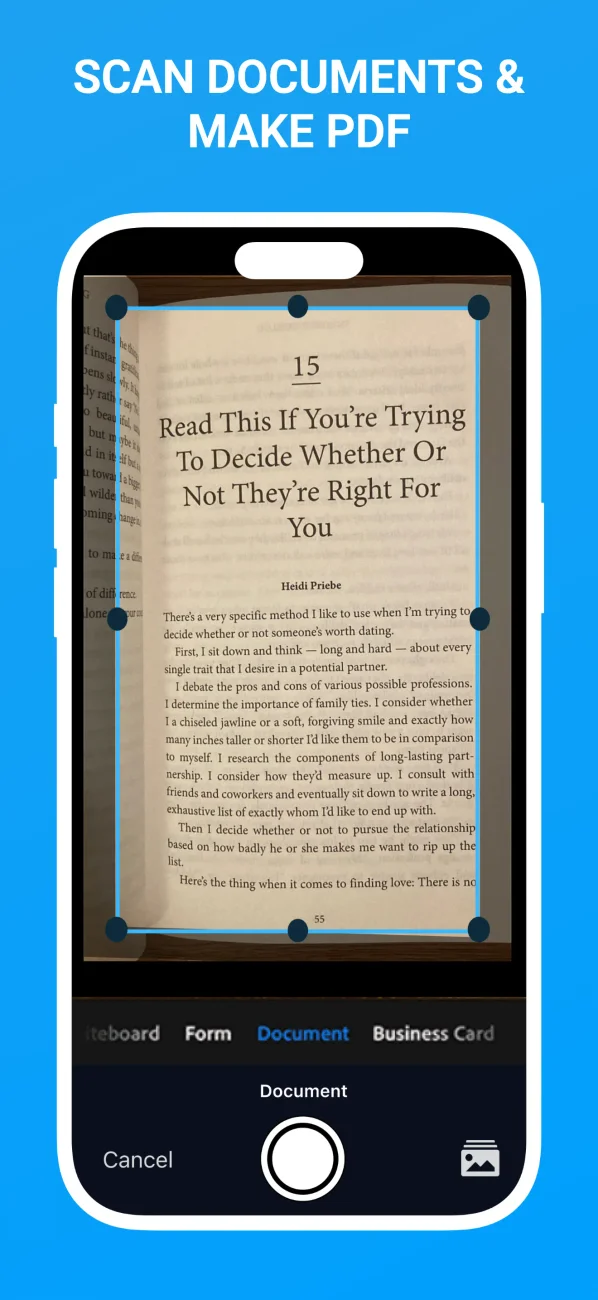
EasyScan: PDF Scanner lets you scan documents, receipts, contracts, notes, and IDs in seconds with high-quality results.
Fast. Accurate. Professional.
Scan Anything to PDF
• Documents
• Receipts
• Contracts
• Notes
• Invoices
• IDs & Cards
• Books & Pages
Auto edge detection and smart cropping make every scan clean and sharp.
Advanced OCR (Text Recognition)
• Extract text from scanned documents instantly.
• Copy, edit, and share text with powerful built-in OCR.
Perfect for business, students, and remote work.
Scan & Sign Documents
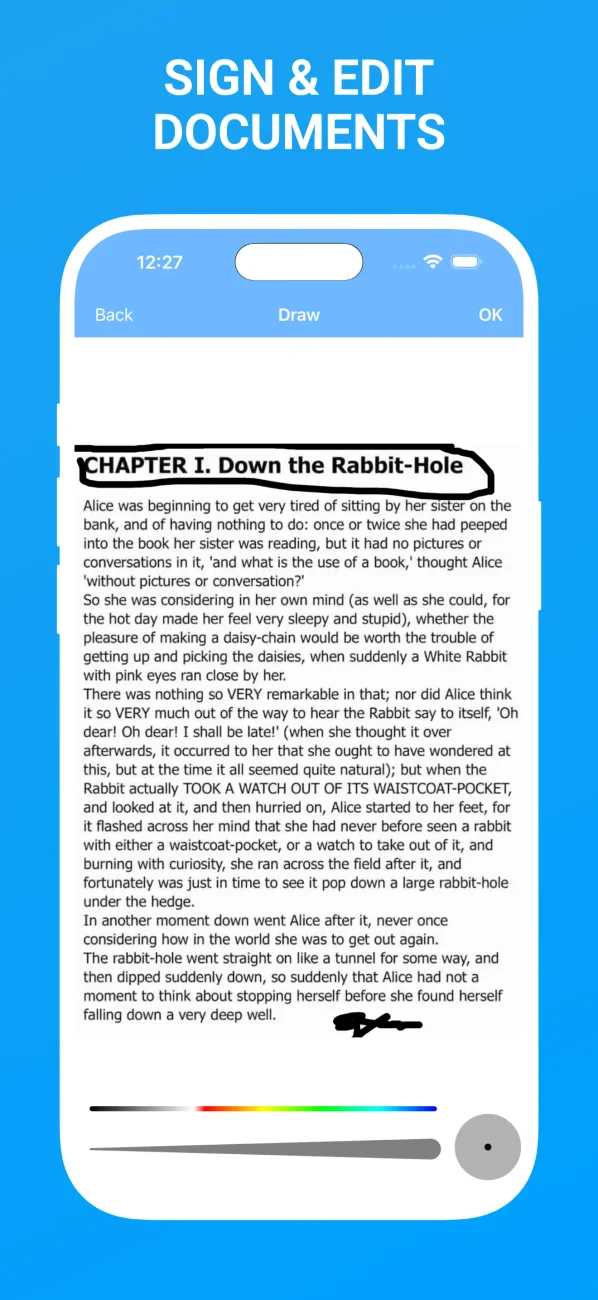
• Sign documents digitally in seconds.
• Add signatures, initials, and annotations without printing.
Save time. Stay paperless.
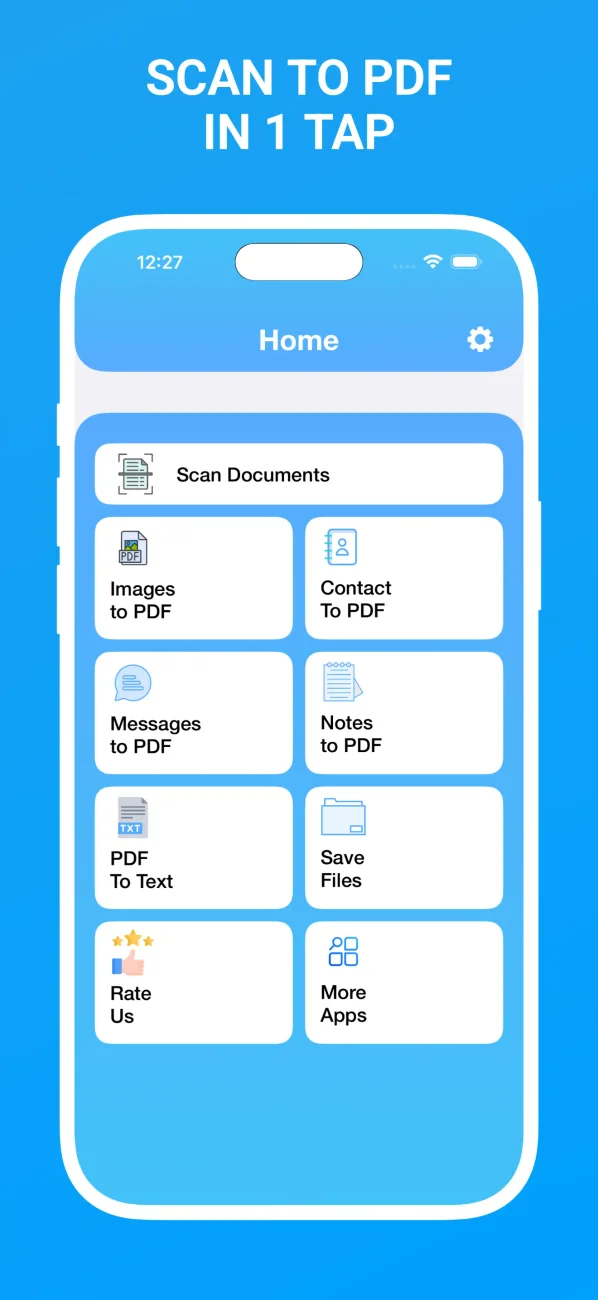
Powerful PDF Tools
• Scan Documents
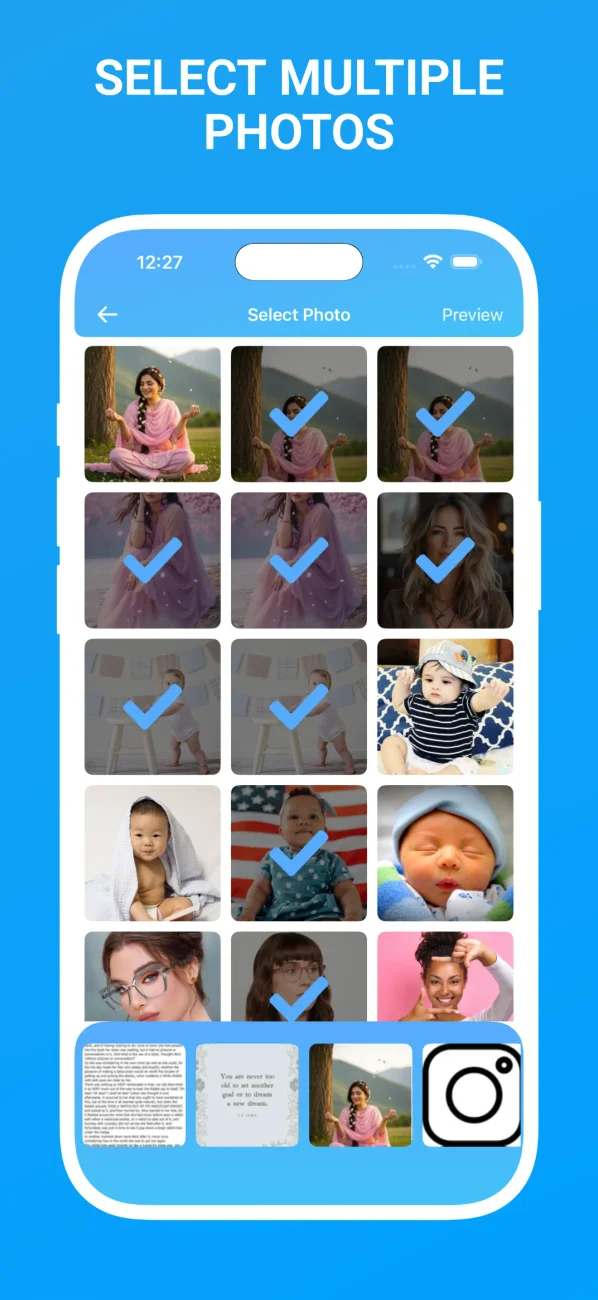
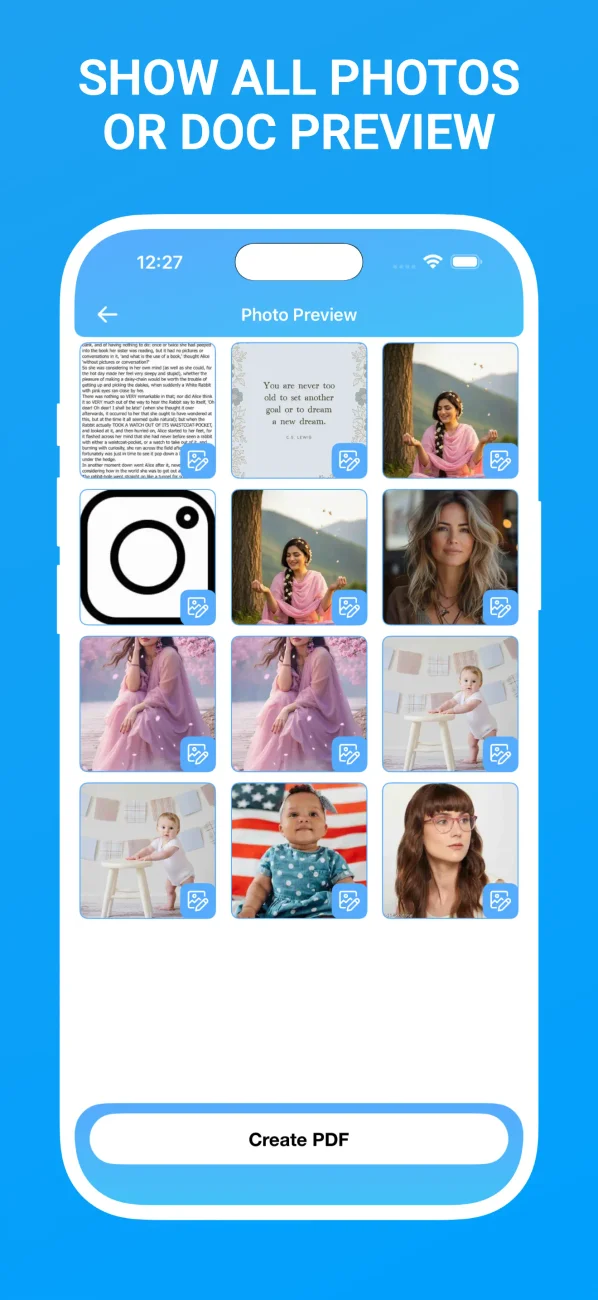
• Photos to PDF
• Convert images to PDF
• Contacts to PDF
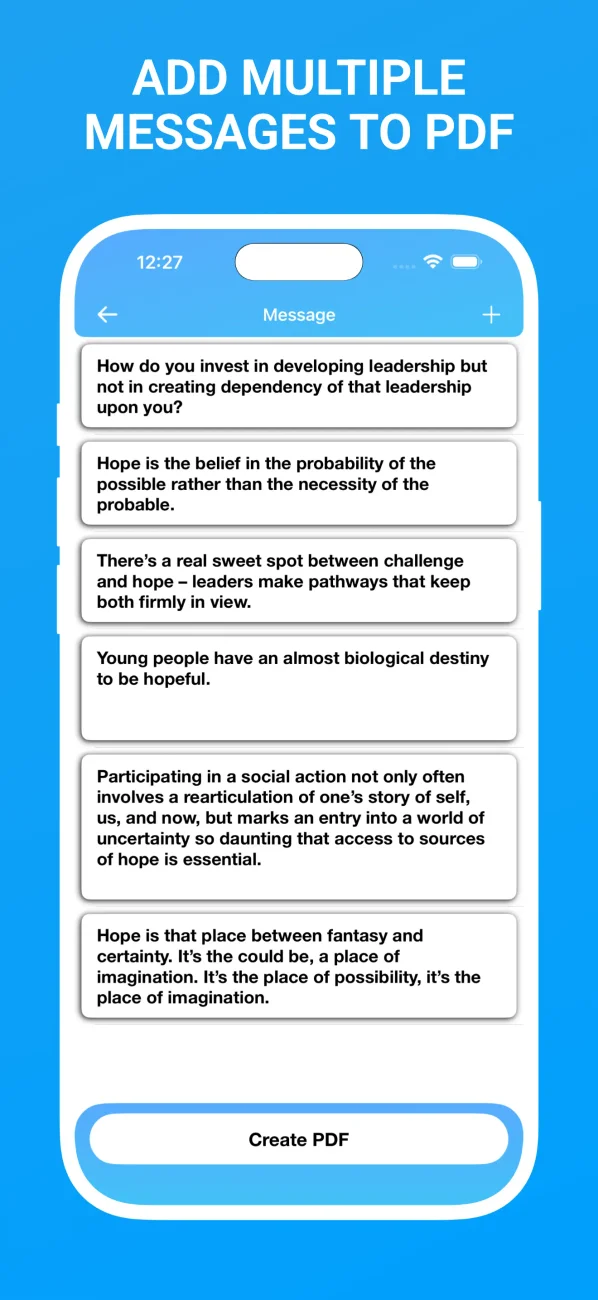
• Messages or Notes to PDF
• PDF To Text
• Compress files
• Edit and annotate
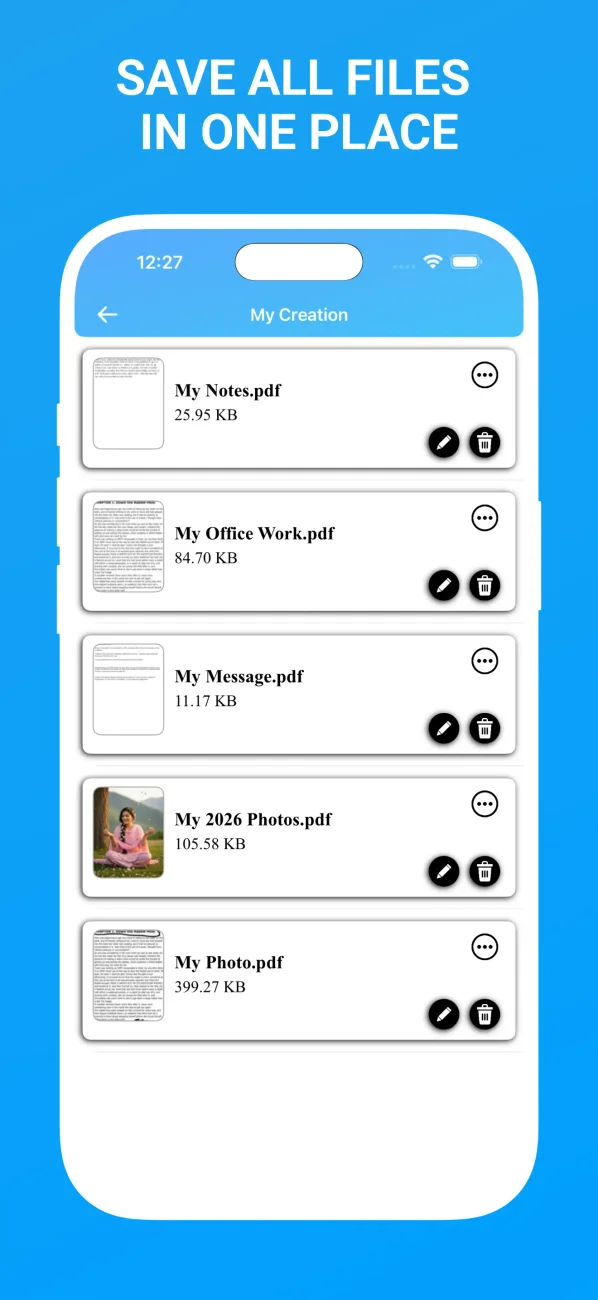
• Share via email or many more..
All in one scanner app.
Secure & Private
• Your documents stay safe and secure.
---- Photo Edit Toolkit ----
• Add filters, effects, and blur focus.
• Crop, rotate, resize, and adjust.
• Draw or write on photos.
• Stickers, text overlays.
Why Choose PDF Scanner?
• Fast scanning
• High-quality PDF output
• Easy to use
• Professional tools
• Trusted by users worldwide
- PDF To Images
- Images To PDF
- Photos to PDF
- PDF Scanner
Subscription Info
EasyScan: PDF Scanner offers an auto-renewing weekly, monthly and one time purchase subscription. Payment will be charged to your iTunes Account on confirmation of purchase. Your subscription will automatically renew unless auto-renew is turned off at least 24 hours prior to the end of the current period. You may manage your subscriptions and turn off auto-renewal in your iTunes Account Settings after purchase. Any unused portion of free trail period, if offered, will be forfeited when you purchase a subscription, where applicable.
Privacy Policy: https://sites.google.com/view/developer-info/privacy-policy
Terms of use: https://sites.google.com/view/developer-info/terms-of-use
Download now and simplify your document workflow.
Neue Funktionen
Version 1.4.5 · 11.06.2026
- App Name Updated.
- Crashes Fixed.
- Performance Improved.
App-Datenschutz
Was Rahul Alagiya im App Store zum Umgang dieser App mit Daten angibt.
-
Daten, die zum Tracking Ihrer Person verwendet werden
Können verwendet werden, um Sie über Apps und Websites anderer Unternehmen hinweg zu verfolgen.
- Nutzungsdaten
- Diagnose
-
Nicht mit Ihnen verknüpfte Daten
Können erfasst werden, sind aber nicht mit Ihrer Identität verknüpft.
- Nutzungsdaten
- Diagnose
Die Datenschutzpraktiken können variieren, zum Beispiel je nach den von Ihnen verwendeten Funktionen oder Ihrem Alter.
Informationen
- Anbieter
- Rahul Alagiya
- Kategorie
- Produktivität
- Version
- 1.4.5
- Aktualisiert
- 11.06.2026
- Veröffentlicht
- 02.10.2022
- Größe
- 23,2 MB
- Erfordert
- iOS 15.6 oder neuer
- Altersfreigabe
- 4+
- Preis
- Kostenlos
- In-App-Käufe
- Ja
- Sprachen
- Englisch
- Copyright
- © Rahul Alagiya
Das könnte Ihnen auch gefallen
-
 PDF Scanner: Doc & OCR ConvertProduktivität
-
 PureDocu: PDF ScannerProduktivität
-
 Scan Spark: PDF Reader, SignPDF scannen, OCR und signieren
-
 NotesGPT - AI Chat Quiz CardsProduktivität
-
 AAISI SkoolTech PlusProduktivität
-
 Word to PDF - Docx ConverterProduktivität
-
 ProScan - PDF Scanner & EditorProduktivität
-
 PDF Maker Pro - OfflineProduktivität
-
 PDFy - The PDF Converter ApрProduktivität
-
 AI Pdf Scanner ProProduktivität