EasyScan: PDF Scanner
Scan Documents, Sign & Editor
Designed for iPhone, iPad, iPod touch
Free · In-app purchases
- Age rating4+
- CategoryProductivity
- DeveloperRahul Alagiya
- LanguagesEnglish
- Size23.2 MB
Links to the official App Store page
Download.org hosts no file of EasyScan: PDF Scanner. The button opens its official App Store page, published by Rahul Alagiya. Listing last checked on Nov 18, 2026.
Screenshots
About
Scan, Sign & Share Documents Instantly
Scan documents, convert images to PDF, and create professional files in seconds — completely offline.
Turn your iPhone into a powerful PDF scanner.
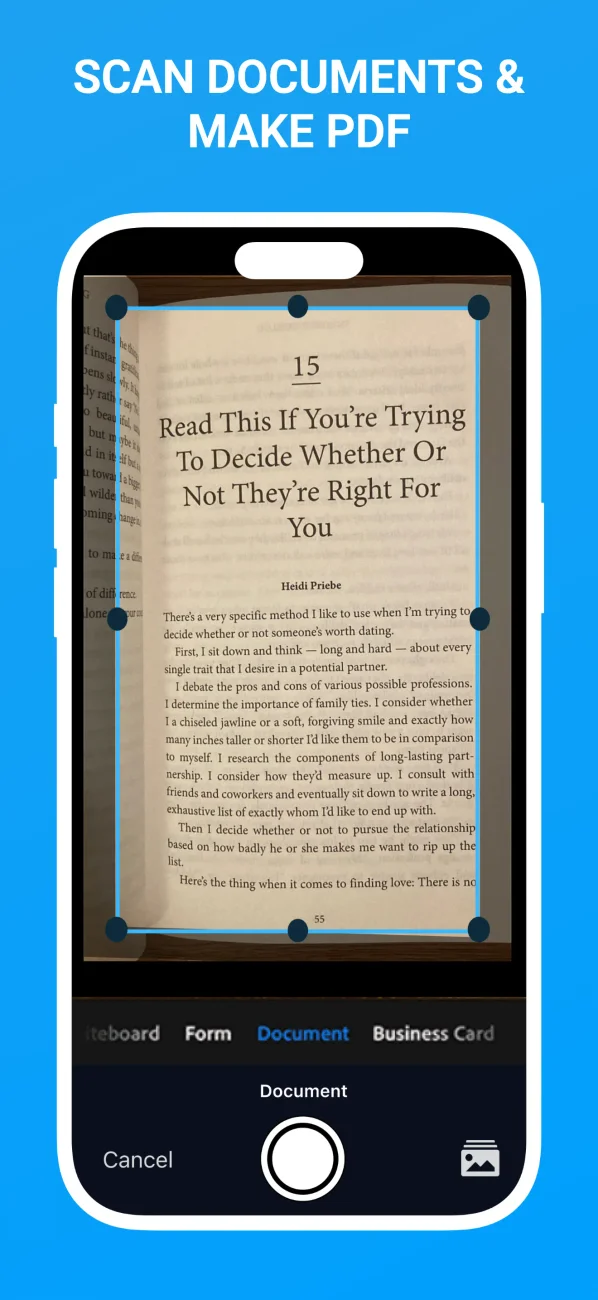
EasyScan: PDF Scanner lets you scan documents, receipts, contracts, notes, and IDs in seconds with high-quality results.
Fast. Accurate. Professional.
Scan Anything to PDF
• Documents
• Receipts
• Contracts
• Notes
• Invoices
• IDs & Cards
• Books & Pages
Auto edge detection and smart cropping make every scan clean and sharp.
Advanced OCR (Text Recognition)
• Extract text from scanned documents instantly.
• Copy, edit, and share text with powerful built-in OCR.
Perfect for business, students, and remote work.
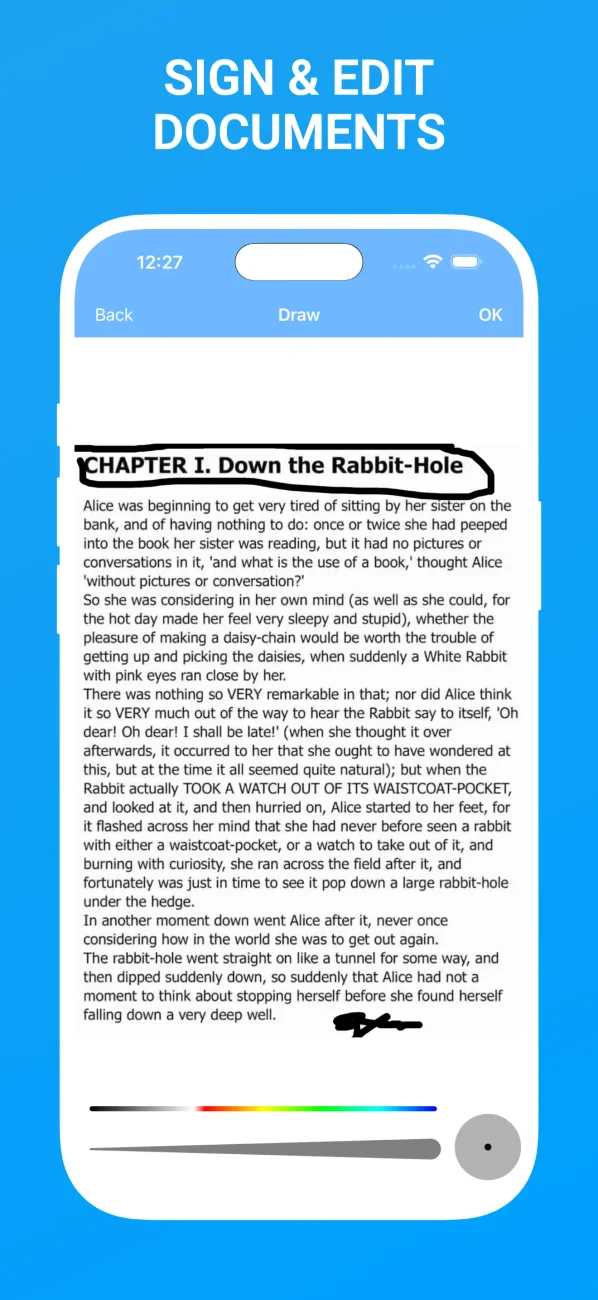
Scan & Sign Documents
• Sign documents digitally in seconds.
• Add signatures, initials, and annotations without printing.
Save time. Stay paperless.
Powerful PDF Tools
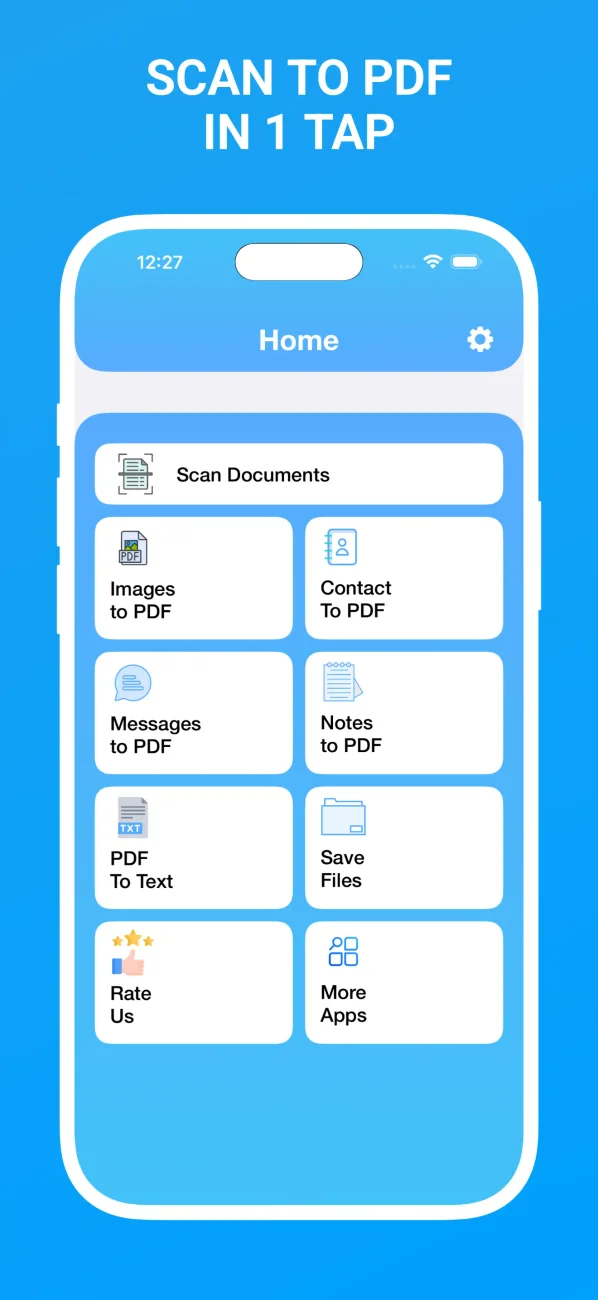
• Scan Documents
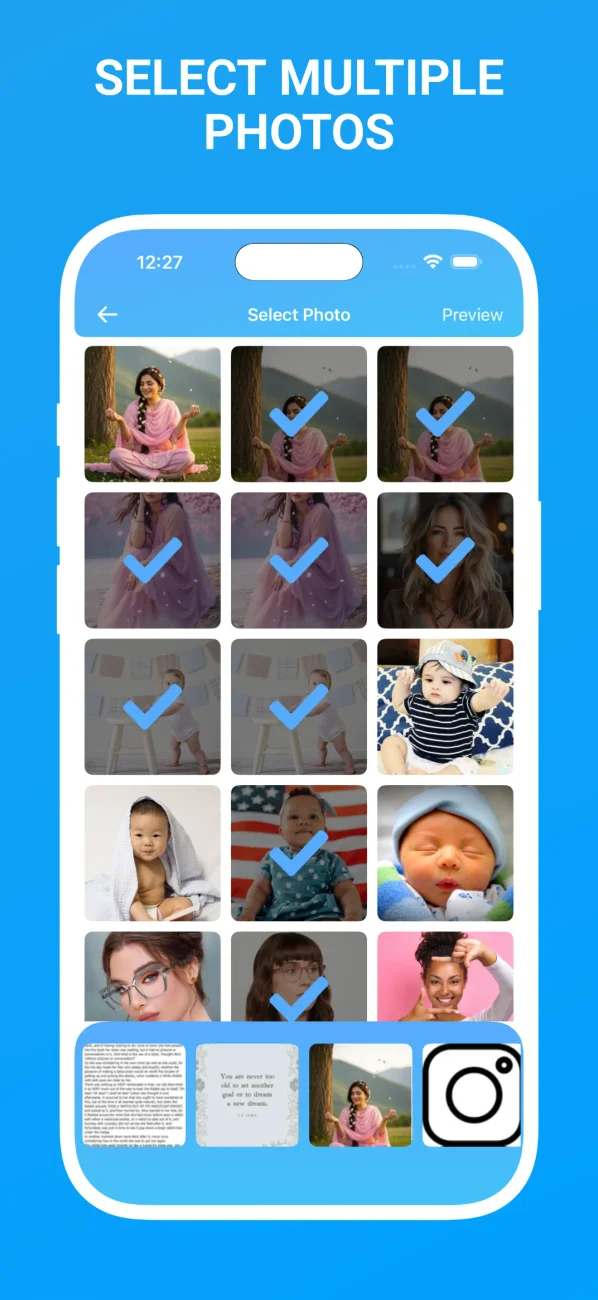
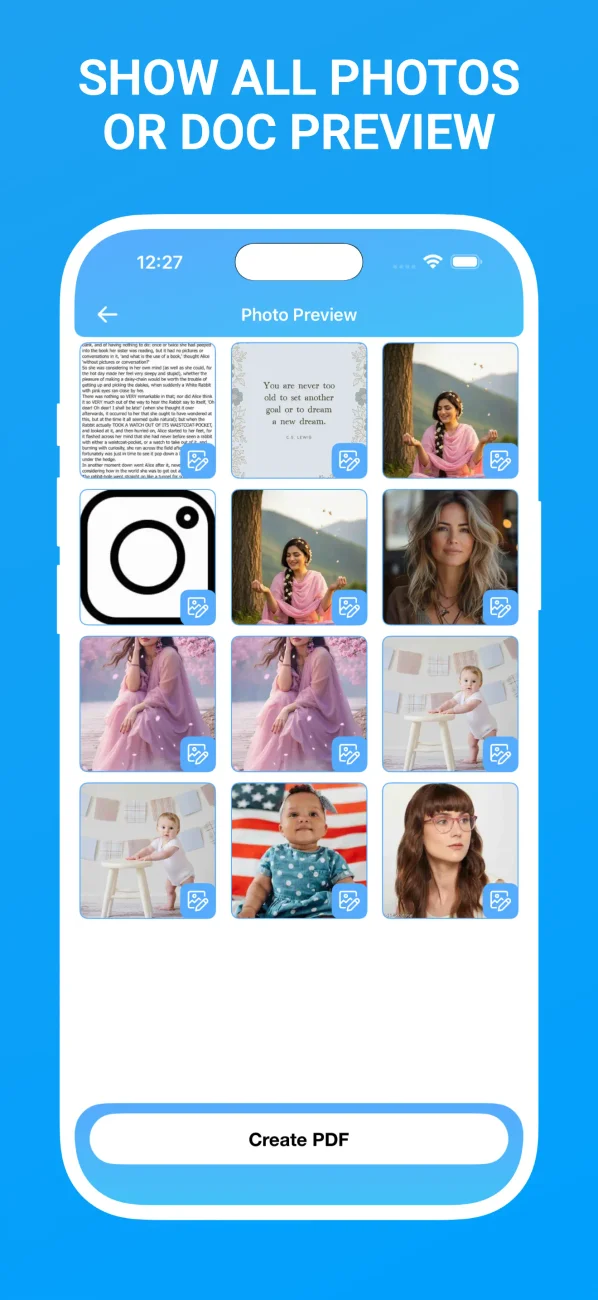
• Photos to PDF
• Convert images to PDF
• Contacts to PDF
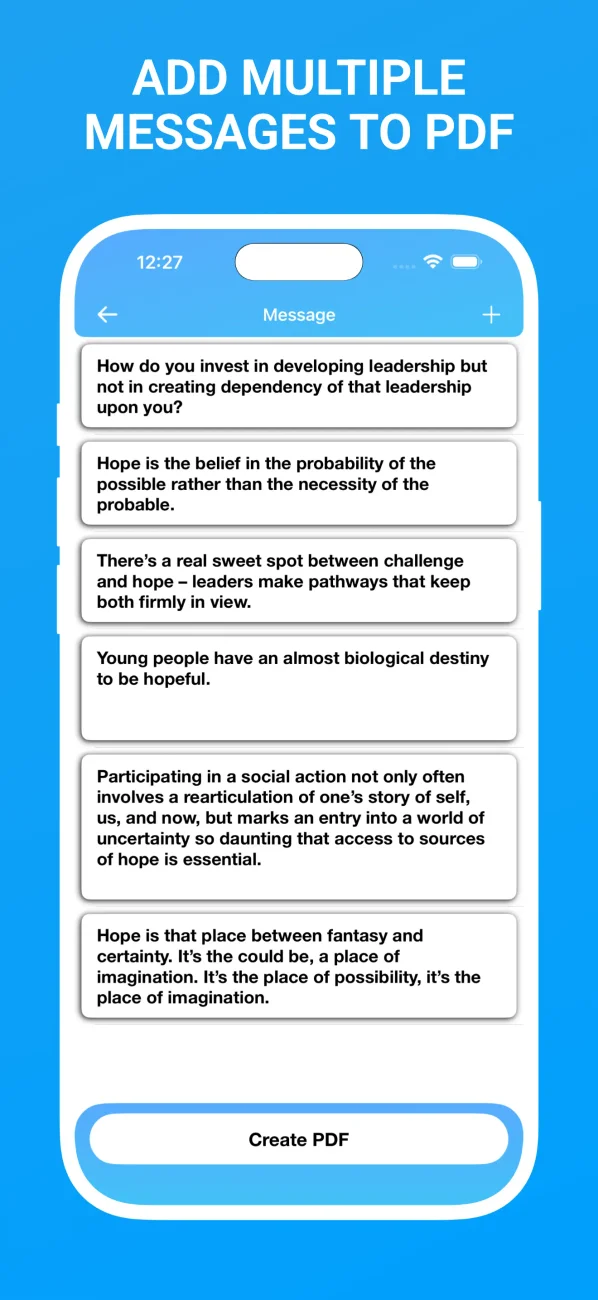
• Messages or Notes to PDF
• PDF To Text
• Compress files
• Edit and annotate
• Share via email or many more..
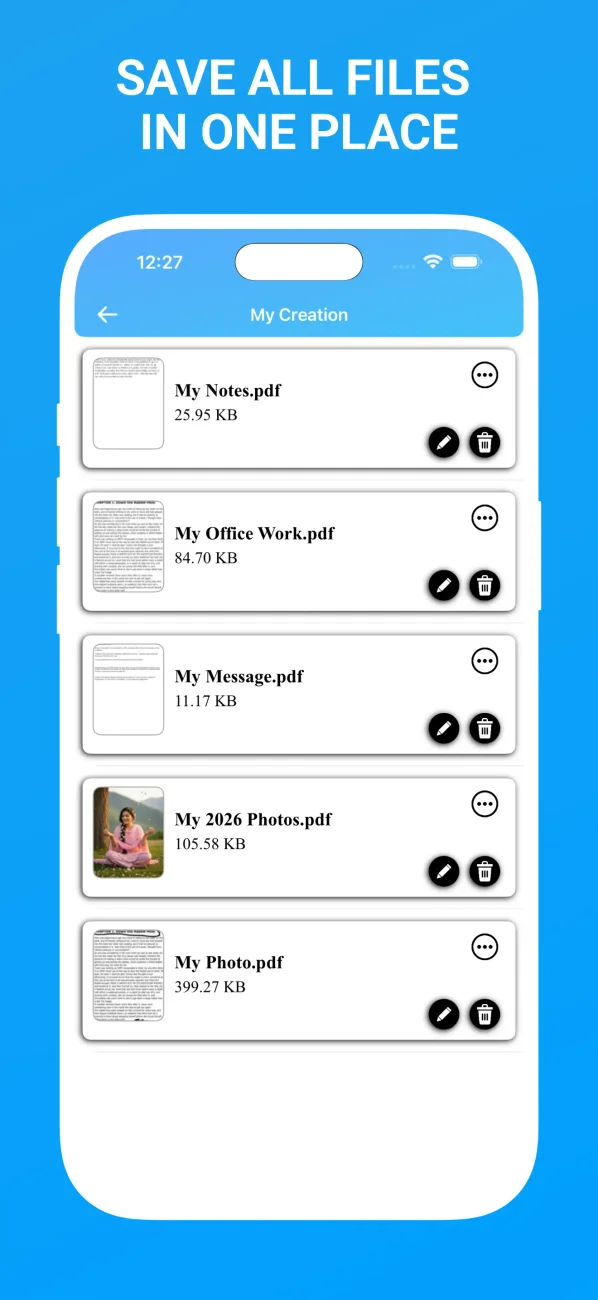
All in one scanner app.
Secure & Private
• Your documents stay safe and secure.
---- Photo Edit Toolkit ----
• Add filters, effects, and blur focus.
• Crop, rotate, resize, and adjust.
• Draw or write on photos.
• Stickers, text overlays.
Why Choose PDF Scanner?
• Fast scanning
• High-quality PDF output
• Easy to use
• Professional tools
• Trusted by users worldwide
- PDF To Images
- Images To PDF
- Photos to PDF
- PDF Scanner
Subscription Info
EasyScan: PDF Scanner offers an auto-renewing weekly, monthly and one time purchase subscription. Payment will be charged to your iTunes Account on confirmation of purchase. Your subscription will automatically renew unless auto-renew is turned off at least 24 hours prior to the end of the current period. You may manage your subscriptions and turn off auto-renewal in your iTunes Account Settings after purchase. Any unused portion of free trail period, if offered, will be forfeited when you purchase a subscription, where applicable.
Privacy Policy: https://sites.google.com/view/developer-info/privacy-policy
Terms of use: https://sites.google.com/view/developer-info/terms-of-use
Download now and simplify your document workflow.
What’s new
Version 1.4.5 · Jun 11, 2026
- App Name Updated.
- Crashes Fixed.
- Performance Improved.
App privacy
What Rahul Alagiya declares on the App Store about how this app handles data.
-
Data used to track you
May be used to track you across apps and websites owned by other companies.
- Usage data
- Diagnostics
-
Data not linked to you
May be collected but is not linked to your identity.
- Usage data
- Diagnostics
Privacy practices may vary, for example with the features you use or your age.
Information
- Seller
- Rahul Alagiya
- Category
- Productivity
- Version
- 1.4.5
- Updated
- Jun 11, 2026
- Released
- Oct 2, 2022
- Size
- 23.2 MB
- Requires
- iOS 15.6 or later
- Age rating
- 4+
- Price
- Free
- In-app purchases
- Yes
- Languages
- English
- Copyright
- © Rahul Alagiya
You might also like
-
 PDF Scanner: Doc & OCR ConvertScan, Sign & Convert to Word
-
 PureDocu: PDF ScannerScan, Convert & OCR Docs
-
 Scan Spark: PDF Reader, SignScan, OCR, Sign & Edit PDFs
-
 NotesGPT - AI Chat Quiz CardsAI Flashcards, Quiz & Chat
-
 AAISI SkoolTech PlusProductivity
-
 Word to PDF - Docx ConverterBatch Convert DOC, DOCX to PDF
-
 ProScan - PDF Scanner & EditorScan Edit Sign and Protect PDF
-
 PDF Maker Pro - OfflineProductivity
-
 PDFy - The PDF Converter ApрConvert, edit & scan PDFs fast
-
 AI Pdf Scanner ProOCR & Cam Scanner for Docs