
Eidetic: Passwords & Notes
Password AutoFill, offline
Entwickelt für iPhone, iPad
Kostenlos · In-App-Käufe
- Altersfreigabe4+
- KategorieProduktivität
- EntwicklerBENEDETTO RIBA
- SprachenItalienisch+ 1 weitere
- Größe42,5 MB
Verlinkt auf die offizielle App Store-Seite
Download.org hostet keine Datei von Eidetic: Passwords & Notes. Die Schaltfläche öffnet die App-Seite bei App Store, wo BENEDETTO RIBA die App veröffentlicht. Eintrag zuletzt geprüft am 12.11.2026.
Screenshots

Info
Der Entwickler hat diesen Text nicht in Ihrer Sprache bereitgestellt.
The passwords, the codes, the number someone read out to you on the phone. Eidetic keeps them on your iPhone, gets them back when you need them, and now types them for you when you have to sign in.
SIGN IN WITHOUT COPY AND PASTE
You save a login — site or app, username, password — and from then on the iPhone keyboard offers it the moment you reach that site. One tap, Face ID, and the fields fill. In Safari and inside apps.
The password comes out only after iPhone has checked it is you: iOS asks, not Eidetic. Without that check nothing is filled in, and an address that merely looks like yours gets no password at all.
WRITE DOWN WHAT YOU MUST NOT FORGET
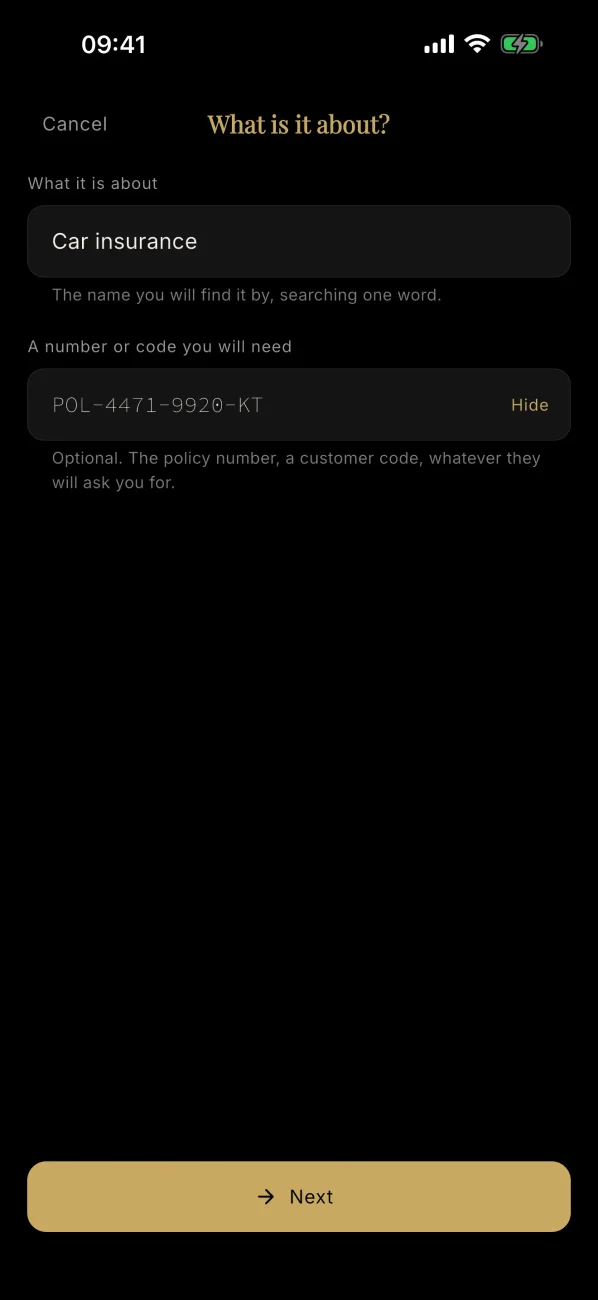
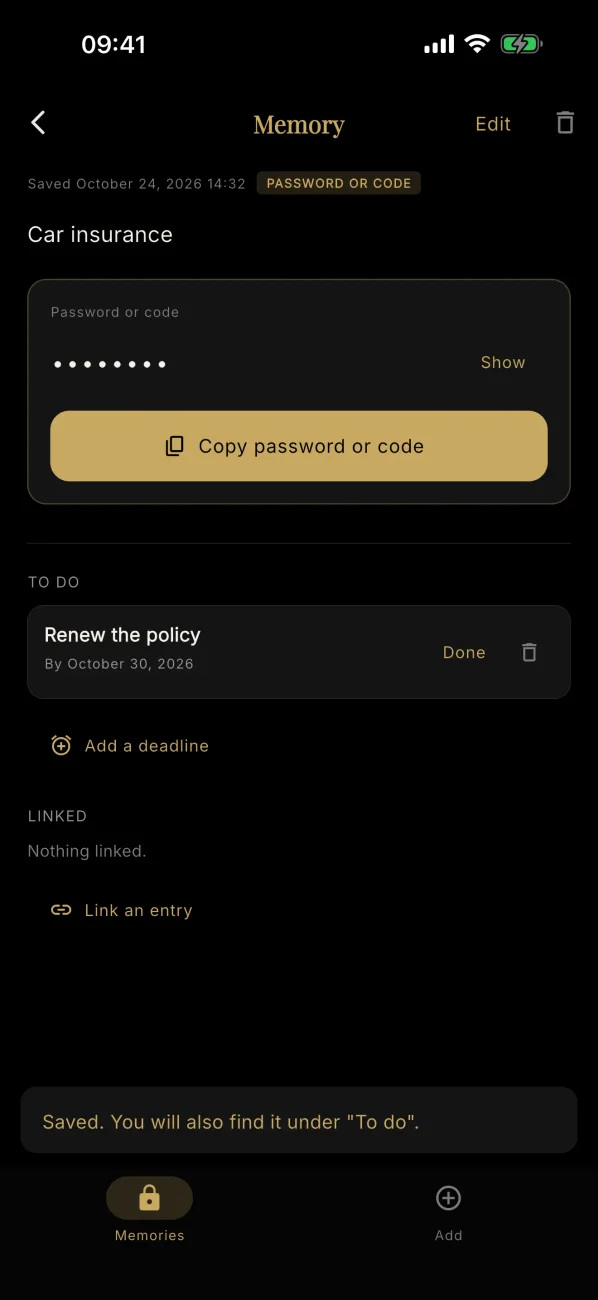
A password, a PIN, an IBAN, the address of a place. You write it and it stays there, in an archive encrypted with AES-256 that never leaves the phone. A password or a code gets its own field: it copies on its own, without the words around it, and you edit it when it changes.
FIND IT WITH ONE WORD
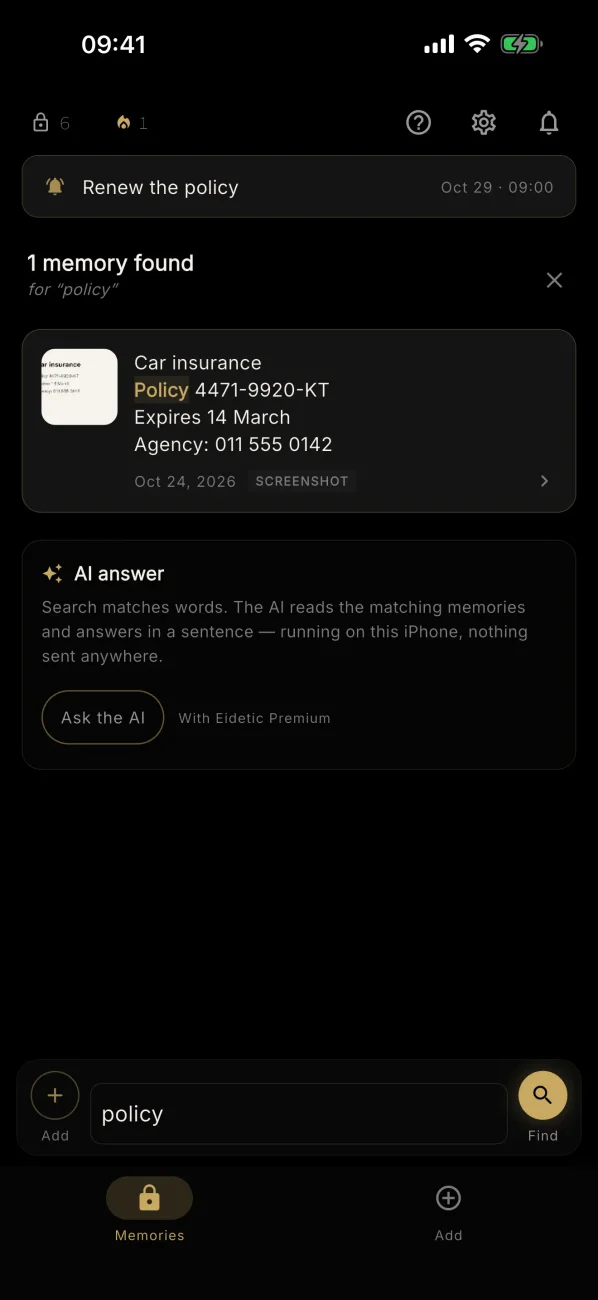
Type a word you remember. Search covers everything you saved, not only the latest items, and it is free without limits.
FROM SCREENSHOTS TOO
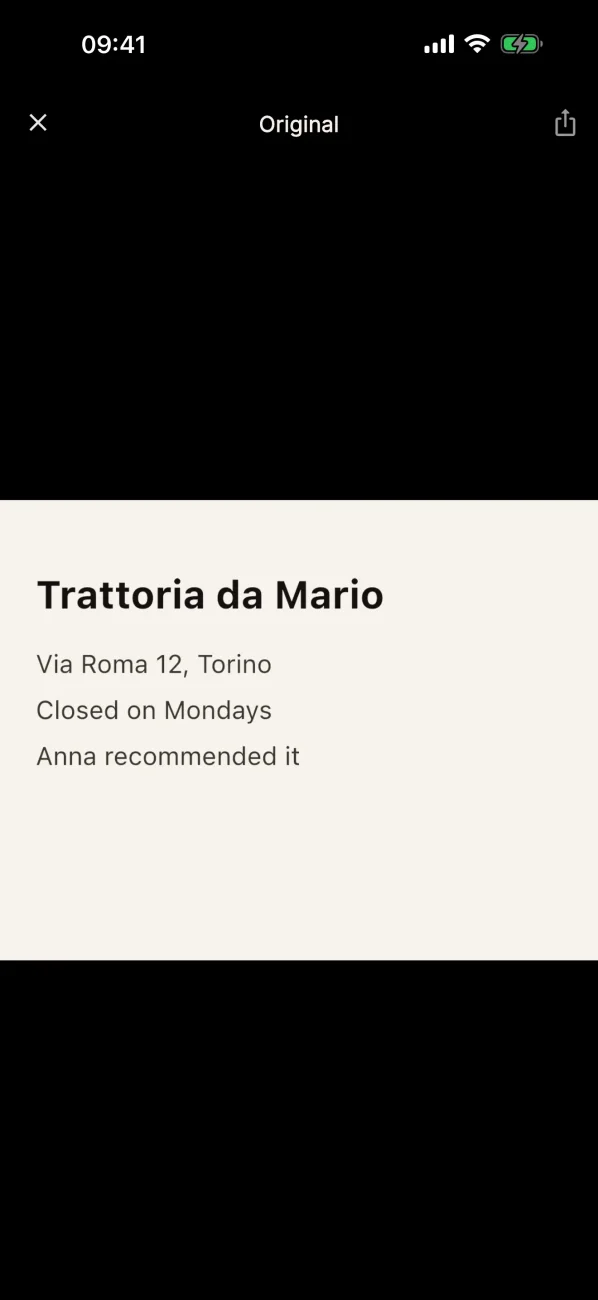
Save a screenshot and the text inside is read on your iPhone: from then on you find it by searching a word, and you can reopen the original image.
SHARE → EIDETIC
From Photos, from Safari, from any app: send Eidetic a screenshot, some text or a link and save it without copy and paste. The app shows you what is about to go into the archive before it writes anything.
SEND A LIST WORTH LOOKING AT
Places for the weekend, gift ideas, recipes to try: pick what to send and it goes as a page — an image, or a PDF when it runs to several pages. Readable with or without Eidetic.
EVERYTHING ON YOUR PHONE
No account, no cloud, no data collection. Search, text recognition and AI all run on the device. Notifications never show what you wrote, the archive is kept out of iCloud backups too, and the credentials used for AutoFill never reach iCloud and never move to another phone.
ENCRYPTED BACKUP
From Settings you can export the archive to a file protected by a password you choose, to move it to another iPhone.
DEADLINES ON WHAT YOU KEEP
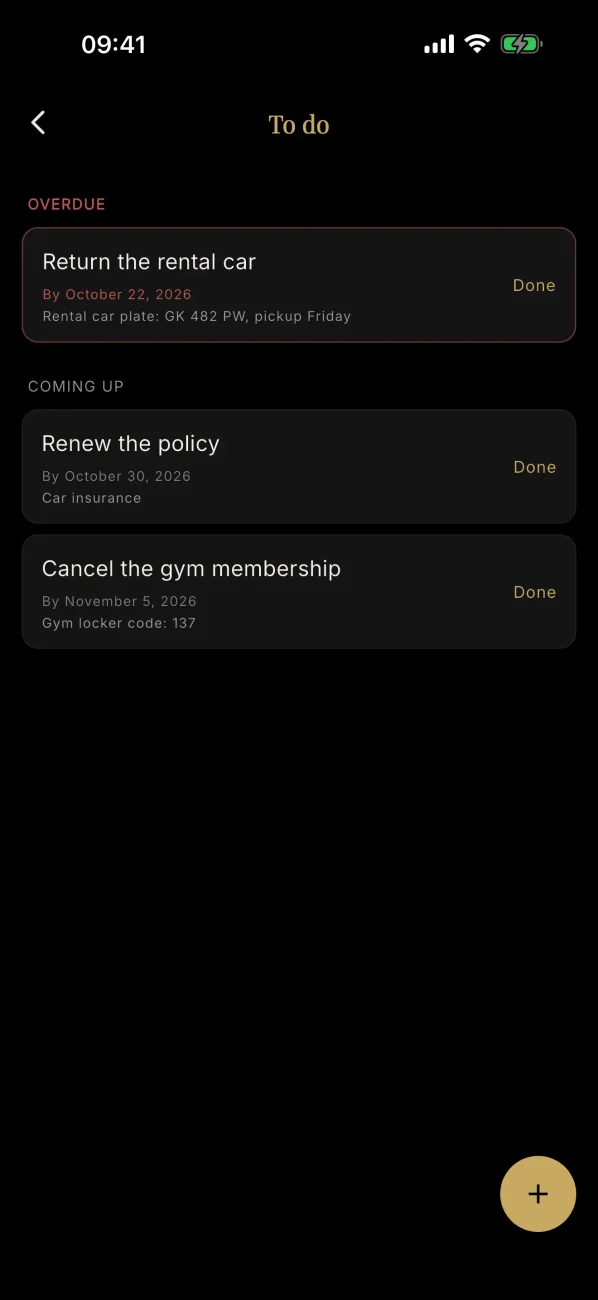
You can give an entry a deadline: what to do, by when, and when to be warned. The deadline, the renewal date and the warning stay three separate things. "To do" lists them, overdue first. If the note already contains a date, Eidetic offers it together with the sentence it read it from: you confirm.
PREMIUM (optional)
The first entry that carries deadlines is free; adding them to other entries is part of Premium, together with the written AI answer. Whatever you already created stays readable, editable and completable.
A one-sentence answer over the memories a search found, computed on your iPhone. Underneath the answer are the memories it came from, with the exact text you saved. Requires a one-time 2.9 GB download. Writing and searching stay free for everyone.
No account also means no password recovery: lose the phone without a backup and the archive is gone. That is the price of keeping it only with you.
Privacy Policy: https://benedetto69.github.io/eidetic-legal/
Terms of Use: https://www.apple.com/legal/internet-services/itunes/dev/stdeula/
Neue Funktionen
Version 1.5.0 · 03.11.2026
EIDETIC NOW SIGNS YOU IN.
Until yesterday it kept the password and you copied it by hand. From today it types it into the login form for you, in Safari and inside apps.
• SAVE A LOGIN
Add → A login. Three fields: site or app, username, password.
• THE KEYBOARD OFFERS IT
When you reach that site, iPhone shows the right credential above the keyboard. It is offered only when the site really matches: an address that merely looks like yours gets nothing.
• FACE ID, THEN YOU ARE IN
The password comes out only after iPhone has checked it is you. iOS asks, not Eidetic: without that check no field is filled, and there is no silent fill at all.
TO TURN IT ON
Eidetic Settings → AutoFill → Open Settings → choose Eidetic.
WHAT DOES NOT CHANGE
Entries you already had stay exactly as they are: none becomes a login on its own. Passwords do not leave the phone, do not reach iCloud, do not enter backups. The only way to move them to another iPhone is still the encrypted archive with the password you choose.
App-Datenschutz
Was BENEDETTO RIBA im App Store zum Umgang dieser App mit Daten angibt.
-
Mit Ihnen verknüpfte Daten
Können erfasst und mit Ihrer Identität verknüpft werden.
- Käufe
Die Datenschutzpraktiken können variieren, zum Beispiel je nach den von Ihnen verwendeten Funktionen oder Ihrem Alter.
Informationen
- Anbieter
- BENEDETTO RIBA
- Kategorie
- Produktivität
- Version
- 1.5.0
- Aktualisiert
- 03.11.2026
- Veröffentlicht
- 09.03.2026
- Größe
- 42,5 MB
- Erfordert
- iOS 16.0 oder neuer
- Altersfreigabe
- 4+
- Preis
- Kostenlos
- In-App-Käufe
- Ja
- Sprachen
- Italienisch, Englisch
- Copyright
- © 2026 Benedetto Riba
Das könnte Ihnen auch gefallen
-
 MakeYourProduktivität
-
 MyPasswords Password ManagerProduktivität
-
 Talk AI - Kreative GPT-ChatbotGenerieren Sie Text und Bilder
-
 CyberTrackerProduktivität
-
 CloudAhoyProduktivität
-
 eBookingProduktivität
-
 Pro & Contra – EntscheidungDeine KI-Entscheidungshilfe
-
 English Editor & ProofreadingProduktivität
-
 Anybox - Bookmark & Read LaterProduktivität
-
 HIN AuthenticatorProduktivität