- 対象年齢4+
- カテゴリ仕事効率化
- 開発元BENEDETTO RIBA
- 言語イタリア語ほか1言語
- サイズ42.5 MB
App Storeの公式ページにリンクしています
Download.orgはEidetic: Passwords & Notesのファイルを一切ホストしていません。ボタンを押すと、BENEDETTO RIBAが公開しているApp Storeのアプリページが開きます。ページの最終確認:2026/11/12。
スクリーンショット

概要
開発元はこのテキストをお使いの言語で提供していません。
The passwords, the codes, the number someone read out to you on the phone. Eidetic keeps them on your iPhone, gets them back when you need them, and now types them for you when you have to sign in.
SIGN IN WITHOUT COPY AND PASTE
You save a login — site or app, username, password — and from then on the iPhone keyboard offers it the moment you reach that site. One tap, Face ID, and the fields fill. In Safari and inside apps.
The password comes out only after iPhone has checked it is you: iOS asks, not Eidetic. Without that check nothing is filled in, and an address that merely looks like yours gets no password at all.
WRITE DOWN WHAT YOU MUST NOT FORGET
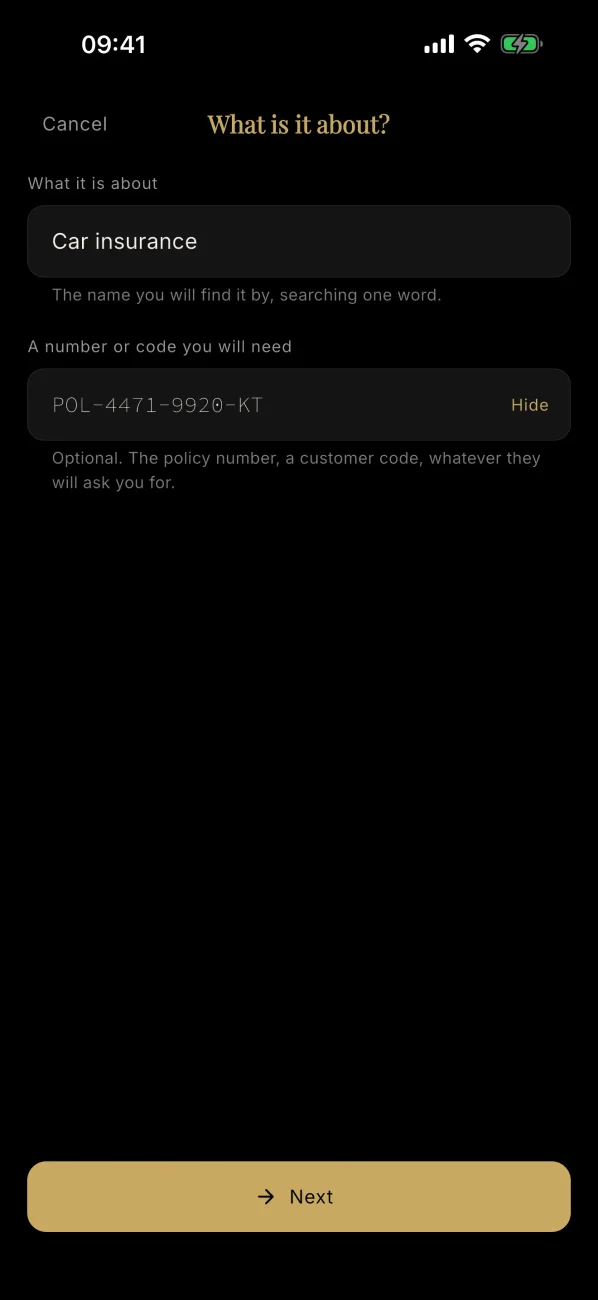
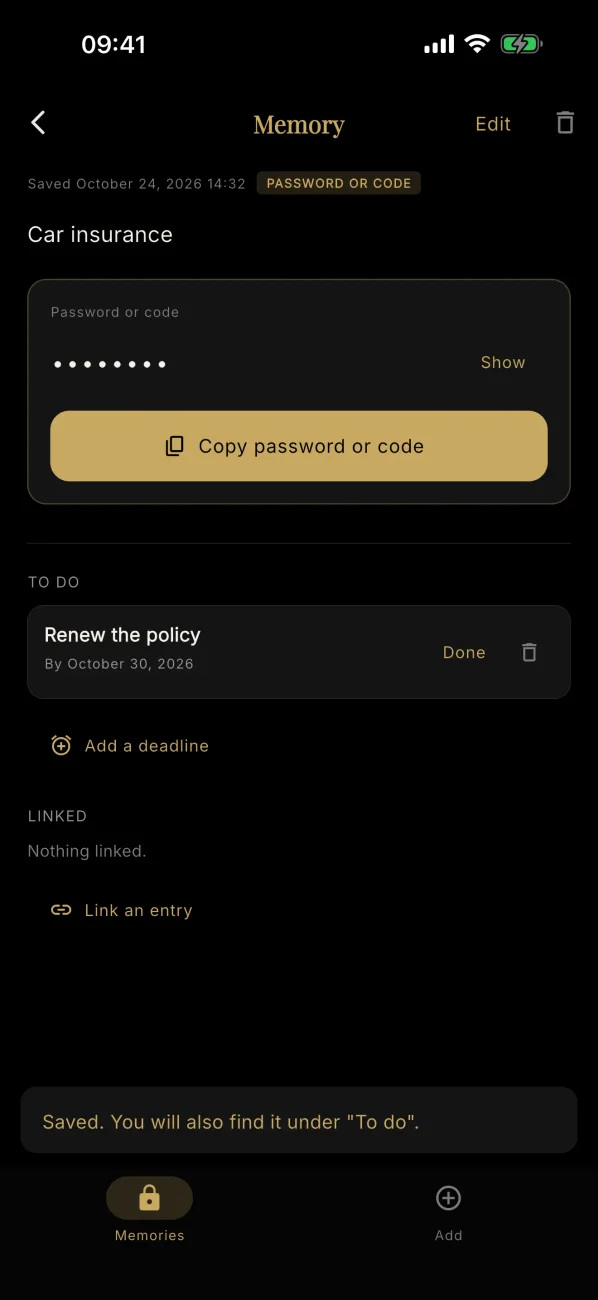
A password, a PIN, an IBAN, the address of a place. You write it and it stays there, in an archive encrypted with AES-256 that never leaves the phone. A password or a code gets its own field: it copies on its own, without the words around it, and you edit it when it changes.
FIND IT WITH ONE WORD
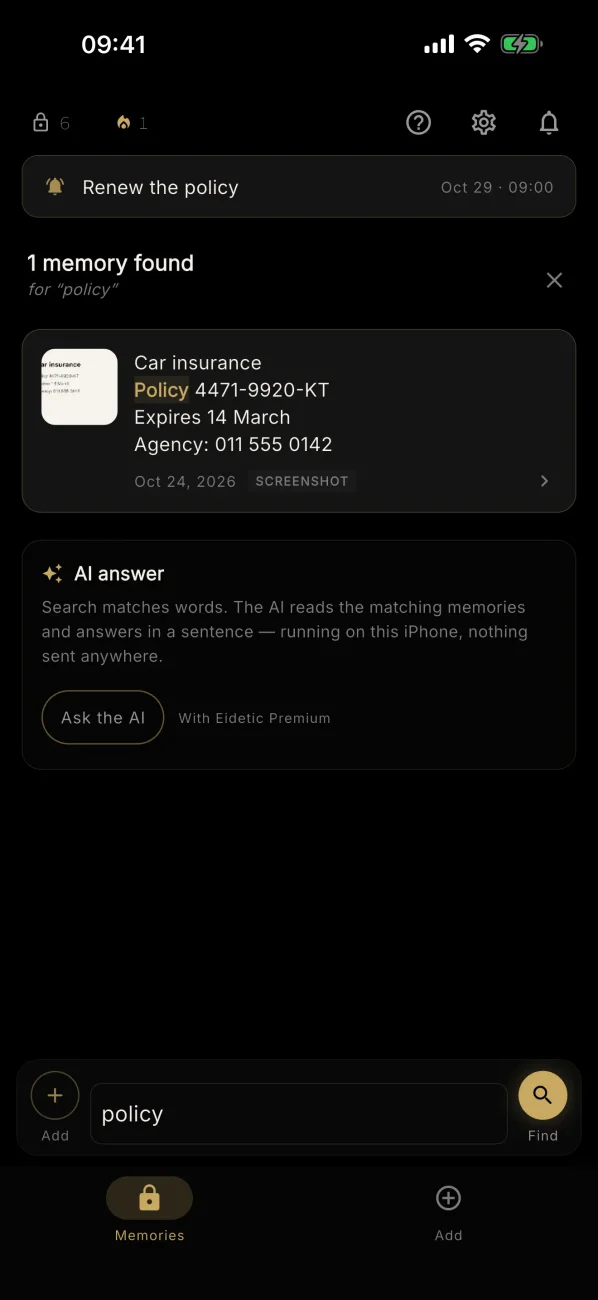
Type a word you remember. Search covers everything you saved, not only the latest items, and it is free without limits.
FROM SCREENSHOTS TOO
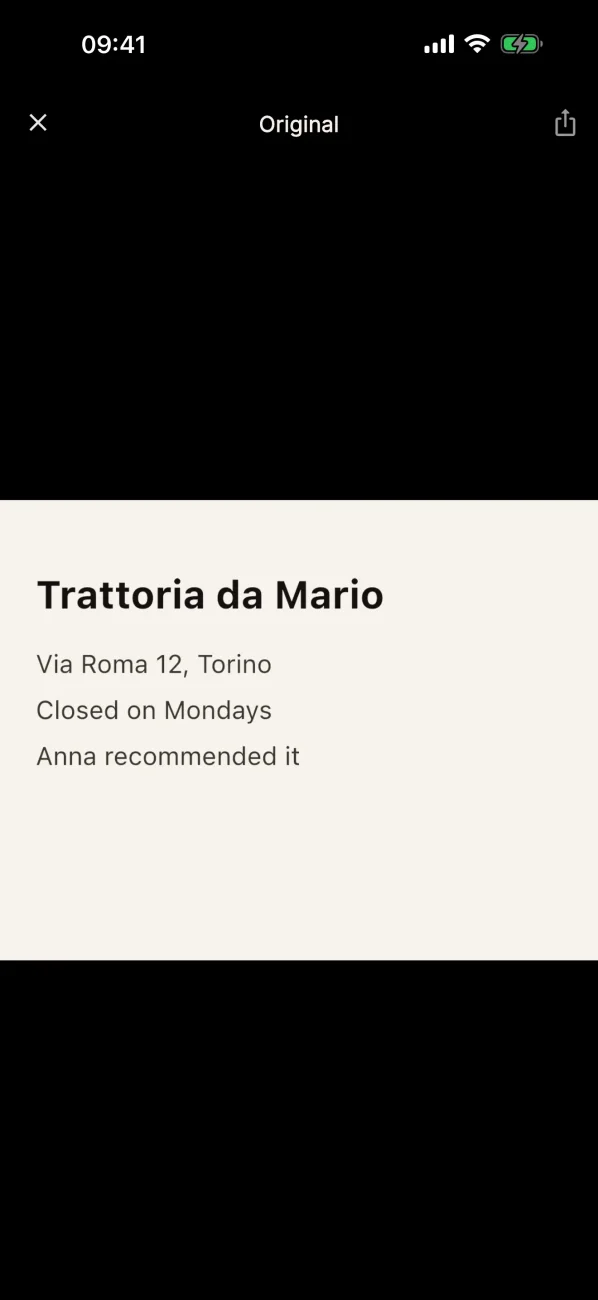
Save a screenshot and the text inside is read on your iPhone: from then on you find it by searching a word, and you can reopen the original image.
SHARE → EIDETIC
From Photos, from Safari, from any app: send Eidetic a screenshot, some text or a link and save it without copy and paste. The app shows you what is about to go into the archive before it writes anything.
SEND A LIST WORTH LOOKING AT
Places for the weekend, gift ideas, recipes to try: pick what to send and it goes as a page — an image, or a PDF when it runs to several pages. Readable with or without Eidetic.
EVERYTHING ON YOUR PHONE
No account, no cloud, no data collection. Search, text recognition and AI all run on the device. Notifications never show what you wrote, the archive is kept out of iCloud backups too, and the credentials used for AutoFill never reach iCloud and never move to another phone.
ENCRYPTED BACKUP
From Settings you can export the archive to a file protected by a password you choose, to move it to another iPhone.
DEADLINES ON WHAT YOU KEEP
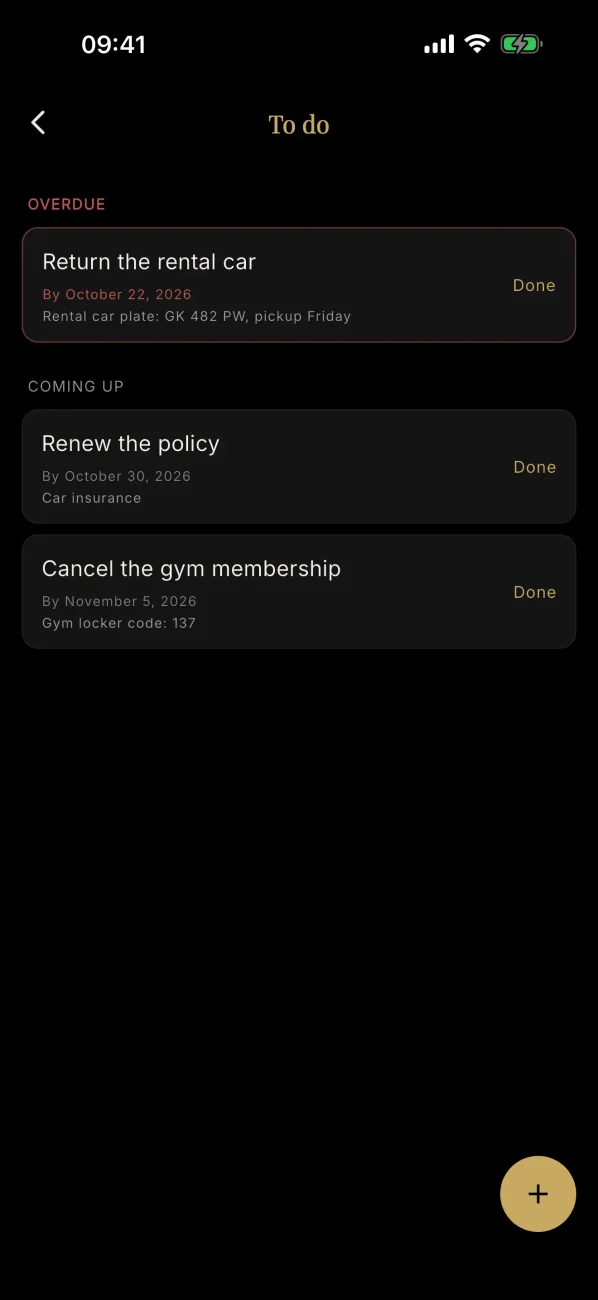
You can give an entry a deadline: what to do, by when, and when to be warned. The deadline, the renewal date and the warning stay three separate things. "To do" lists them, overdue first. If the note already contains a date, Eidetic offers it together with the sentence it read it from: you confirm.
PREMIUM (optional)
The first entry that carries deadlines is free; adding them to other entries is part of Premium, together with the written AI answer. Whatever you already created stays readable, editable and completable.
A one-sentence answer over the memories a search found, computed on your iPhone. Underneath the answer are the memories it came from, with the exact text you saved. Requires a one-time 2.9 GB download. Writing and searching stay free for everyone.
No account also means no password recovery: lose the phone without a backup and the archive is gone. That is the price of keeping it only with you.
Privacy Policy: https://benedetto69.github.io/eidetic-legal/
Terms of Use: https://www.apple.com/legal/internet-services/itunes/dev/stdeula/
新機能
バージョン 1.5.0 · 2026/11/3
EIDETIC NOW SIGNS YOU IN.
Until yesterday it kept the password and you copied it by hand. From today it types it into the login form for you, in Safari and inside apps.
• SAVE A LOGIN
Add → A login. Three fields: site or app, username, password.
• THE KEYBOARD OFFERS IT
When you reach that site, iPhone shows the right credential above the keyboard. It is offered only when the site really matches: an address that merely looks like yours gets nothing.
• FACE ID, THEN YOU ARE IN
The password comes out only after iPhone has checked it is you. iOS asks, not Eidetic: without that check no field is filled, and there is no silent fill at all.
TO TURN IT ON
Eidetic Settings → AutoFill → Open Settings → choose Eidetic.
WHAT DOES NOT CHANGE
Entries you already had stay exactly as they are: none becomes a login on its own. Passwords do not leave the phone, do not reach iCloud, do not enter backups. The only way to move them to another iPhone is still the encrypted archive with the password you choose.
アプリのプライバシー
このアプリのデータの取り扱いについて、BENEDETTO RIBAがApp Storeで申告している内容です。
-
ユーザーに関連付けられたデータ
収集され、ユーザーの識別情報に関連付けられる場合があります。
- 購入
プライバシーの取り扱いは、ご利用の機能やお客様の年齢などに応じて異なる場合があります。
情報
- 販売元
- BENEDETTO RIBA
- カテゴリ
- 仕事効率化
- バージョン
- 1.5.0
- 更新日
- 2026/11/3
- リリース
- 2026/3/9
- サイズ
- 42.5 MB
- 必要条件
- iOS 16.0以降
- 対象年齢
- 4+
- 価格
- 無料
- アプリ内課金
- あり
- 言語
- イタリア語, 英語
- 著作権
- © 2026 Benedetto Riba