
Episcopal Prayer List
Prayer List and devotions
Entwickelt für iPhone, iPad
Kostenlos
- Altersfreigabe4+
- KategorieLifestyle
- EntwicklerMark Spaulding
- SprachenEnglisch
- Größe4,3 MB
Verlinkt auf die offizielle App Store-Seite
Download.org hostet keine Datei von Episcopal Prayer List. Die Schaltfläche öffnet die App-Seite bei App Store, wo Mark Spaulding die App veröffentlicht. Eintrag zuletzt geprüft am 16.11.2026.
Screenshots

Info
Der Entwickler hat diesen Text nicht in Ihrer Sprache bereitgestellt.
Version 3.0 is a complete rewrite of the app utilizing Apple’s modern frameworks.
This simple app gives users a place to jot down their prayers. The app also allows users to set up four times daily to remember their prayers. This setting utilizes the notifications system to repeat daily notifications.
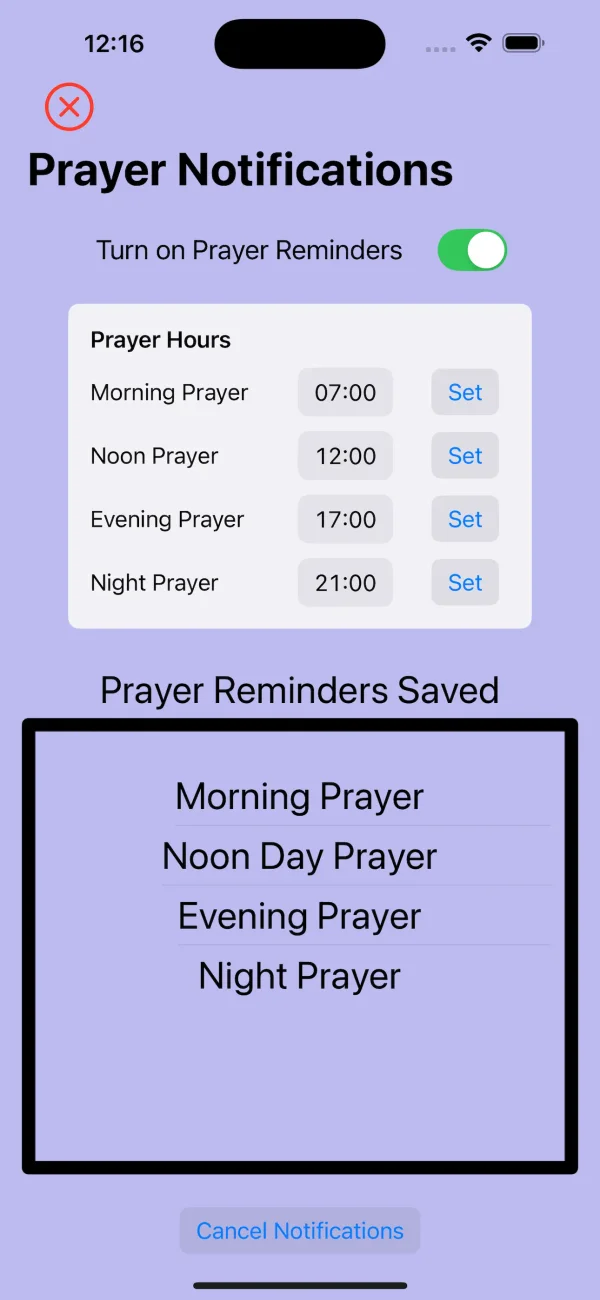
I chose to create the app with four prayer times as the traditional monastic hours of prayer are: Morning Prayer at 7 AM, Noon Day Prayers at noon, Evening Prayers at 5 PM, and Night Prayers, also known as Compline, at 9 PM. You can add more scheduled times as you desire.
Instructions for use
• Prayer List
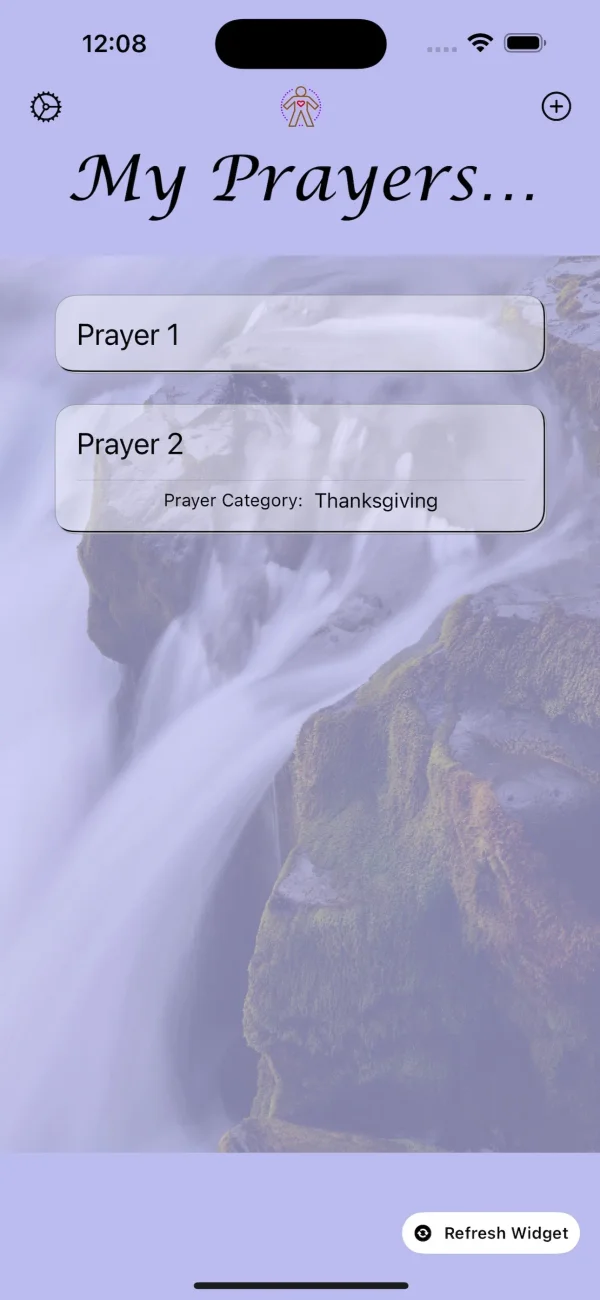
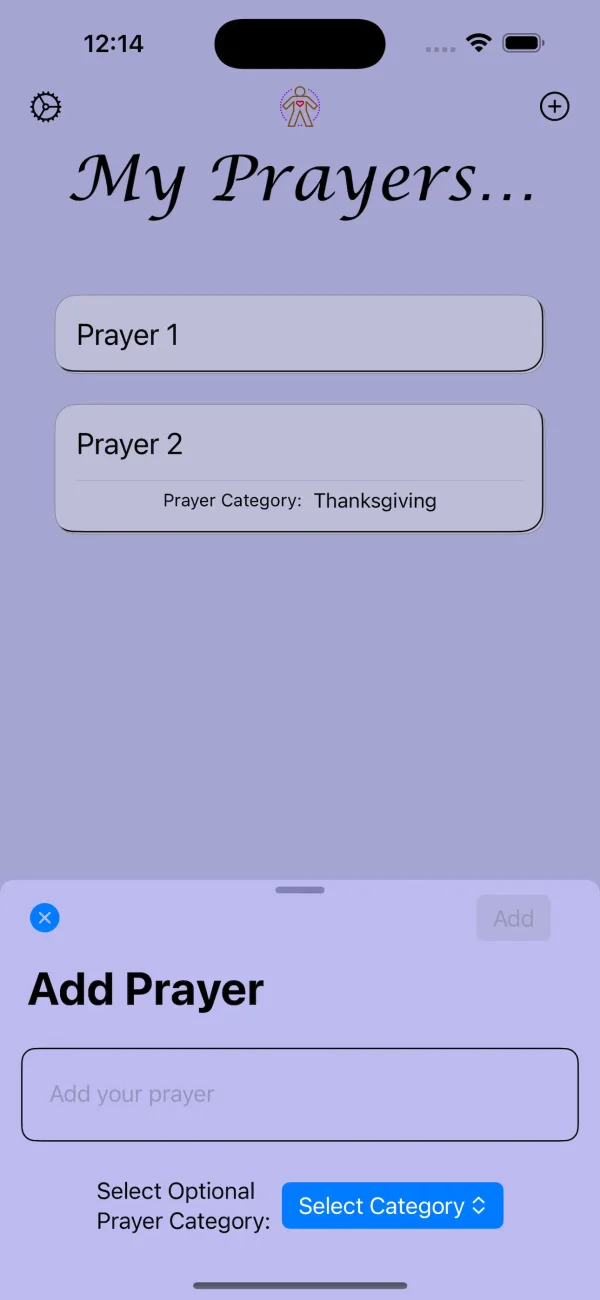
Prayers are listed on the opening screen. Tap the traditional + icon in the right-hand corner to add a new prayer.
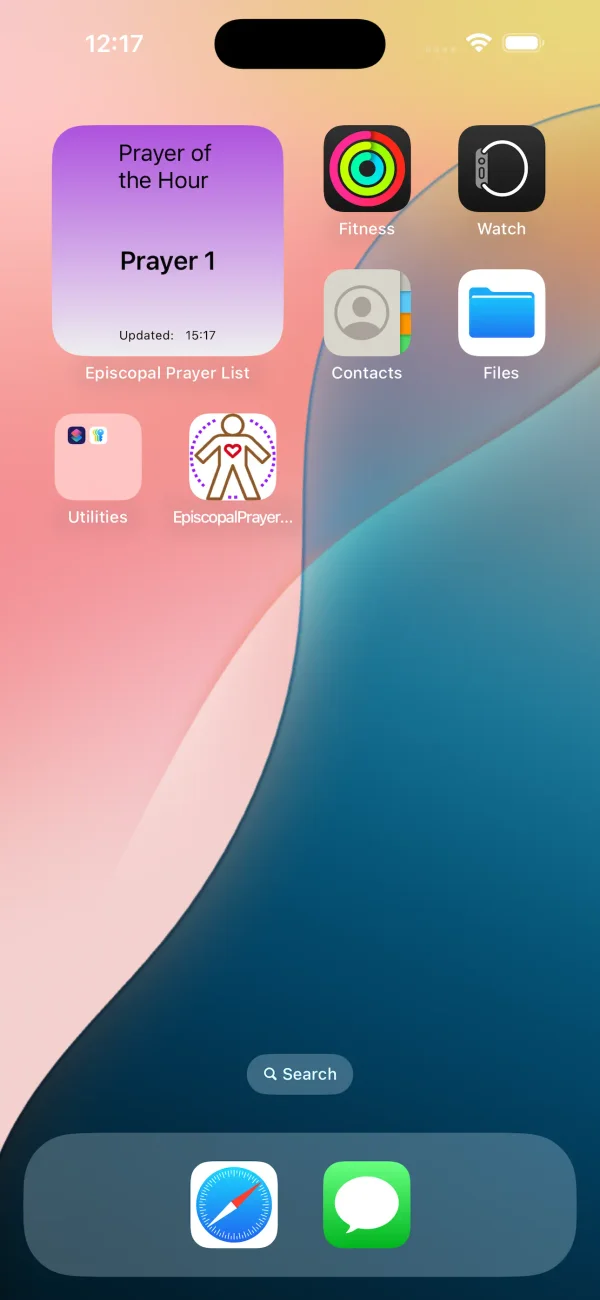
You can also add an Episcopal Prayer List Widget from any home screen. This widget will randomly select a prayer from your list and display it in the widget every hour. You can manually force a refresh of the widget from the prayer list screen.
In version 3.0, you can add a prayer category to the entry.
Swipe left to delete a prayer from the list, and swipe right to edit.
• Settings
Tap into a field will bring up a picker to select a time.
Set the Schedule time with the button to the right of the picker fields.
To delete all the scheduled notifications, select the Cancel Notifications button at the bottom of the screen or swipe left to delete a single reminder.
You can add as many reminders as desired at different scheduled times.
• Daily Devotions
Finally, the middle icon from the Prayer List screen takes the user to Daily Devotions. These simple one-page devotions are from the Episcopal Book of Common Prayer (1979) and are designed for individuals to pray in their daily routines.
I hope you find this app supports your prayer journey.
Blessings,
(The Rev.) Mark Spaulding
Retired Episcopal Priest
Neue Funktionen
Version 3.4 · 17.06.2026
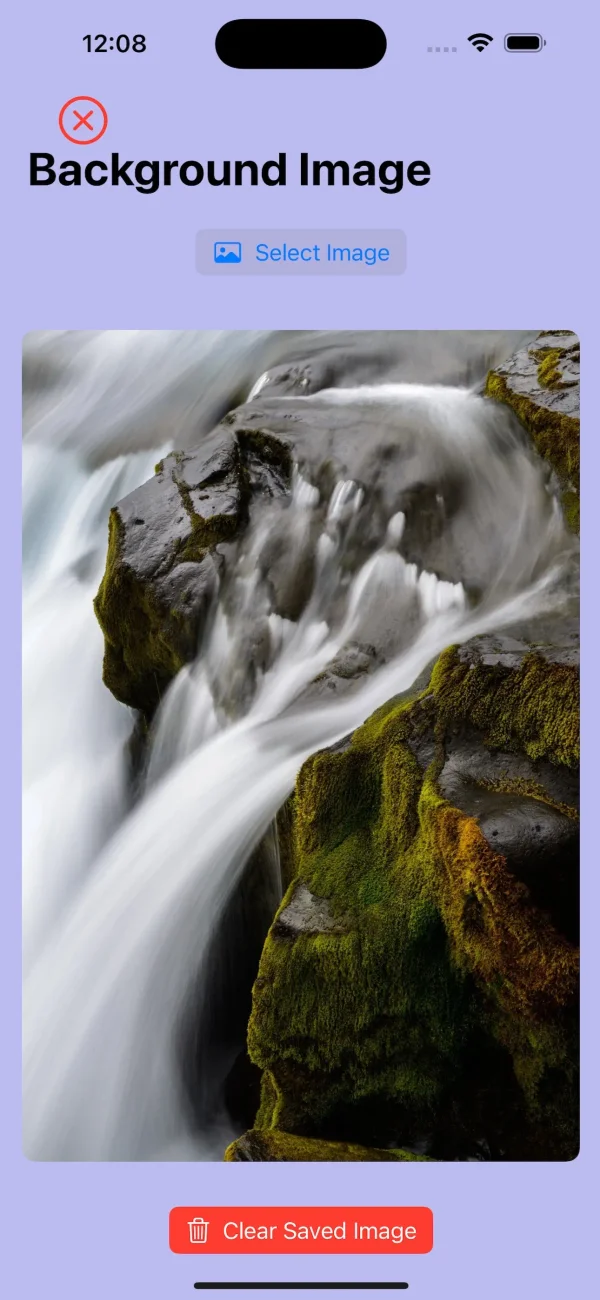
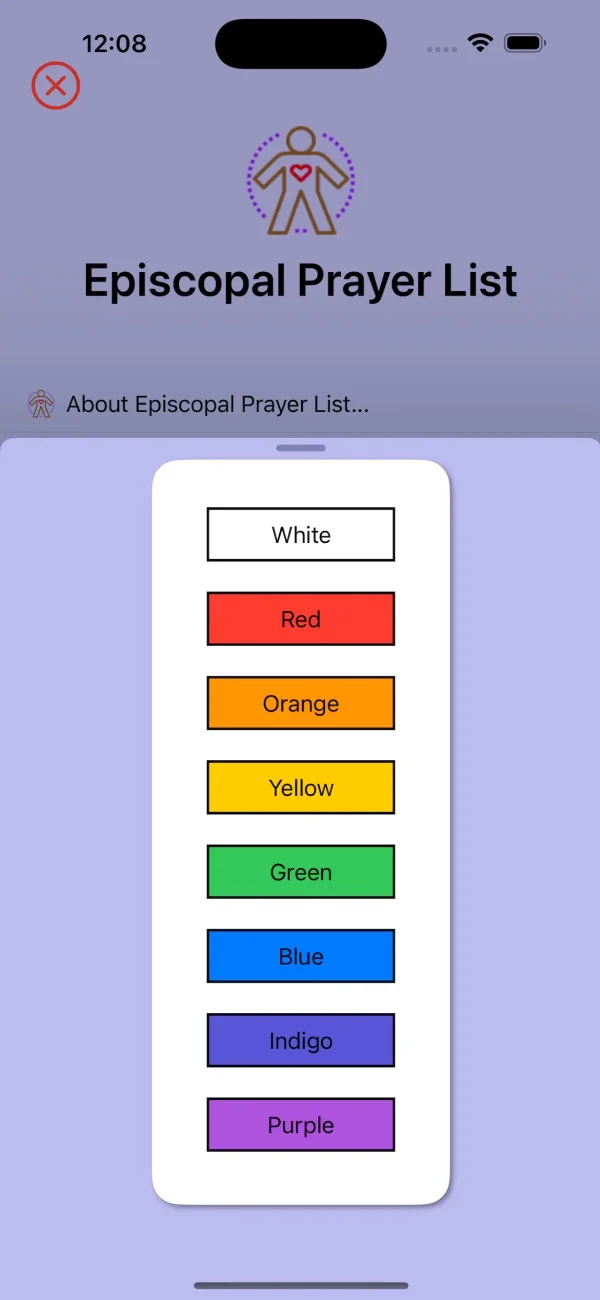
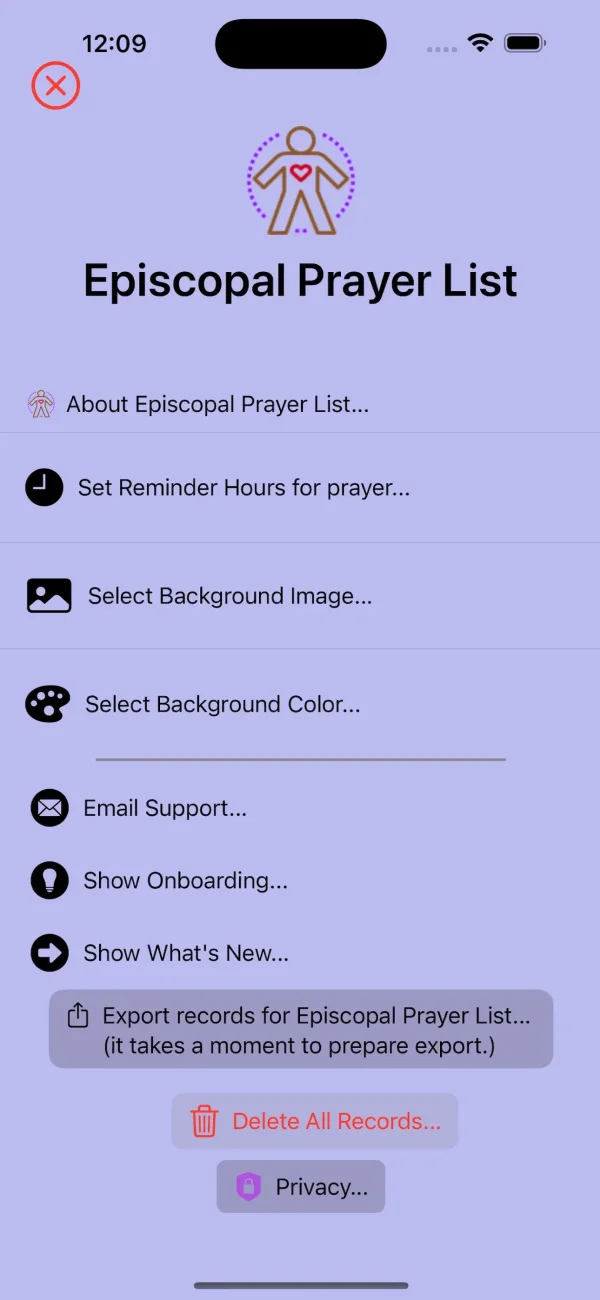
- Added the ability to change the background color opacity throughout the app from the Settings > Select Background Color screen.
App-Datenschutz
Was Mark Spaulding im App Store zum Umgang dieser App mit Daten angibt.
-
Keine Daten erfasst
Der Entwickler erfasst keine Daten von dieser App.
Die Datenschutzpraktiken können variieren, zum Beispiel je nach den von Ihnen verwendeten Funktionen oder Ihrem Alter.
Informationen
- Anbieter
- Mark Spaulding
- Kategorie
- Lifestyle
- Version
- 3.4
- Aktualisiert
- 17.06.2026
- Veröffentlicht
- 14.10.2019
- Größe
- 4,3 MB
- Erfordert
- iOS 18.0 oder neuer
- Altersfreigabe
- 4+
- Preis
- Kostenlos
- Sprachen
- Englisch
- Copyright
- © Mark Spaulding