
- Age rating4+
- CategoryLifestyle
- DeveloperMark Spaulding
- LanguagesEnglish
- Size4.3 MB
Links to the official App Store page
Download.org hosts no file of Episcopal Prayer List. The button opens its official App Store page, published by Mark Spaulding. Listing last checked on Nov 16, 2026.
Screenshots


About
Version 3.0 is a complete rewrite of the app utilizing Apple’s modern frameworks.
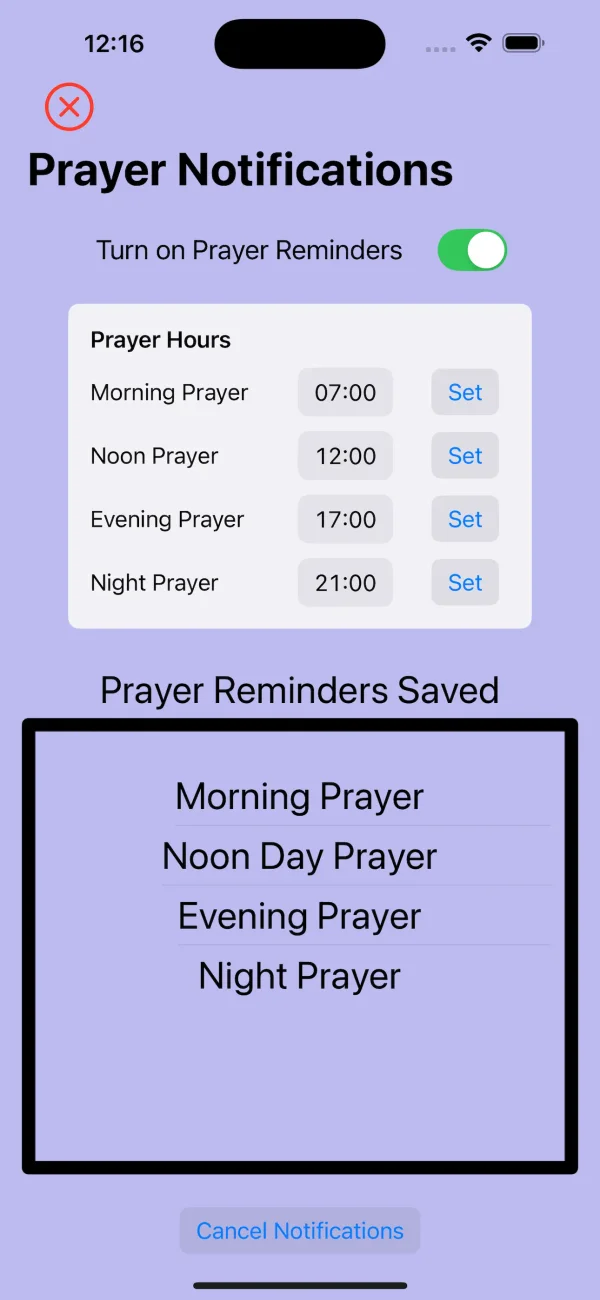
This simple app gives users a place to jot down their prayers. The app also allows users to set up four times daily to remember their prayers. This setting utilizes the notifications system to repeat daily notifications.
I chose to create the app with four prayer times as the traditional monastic hours of prayer are: Morning Prayer at 7 AM, Noon Day Prayers at noon, Evening Prayers at 5 PM, and Night Prayers, also known as Compline, at 9 PM. You can add more scheduled times as you desire.
Instructions for use
• Prayer List
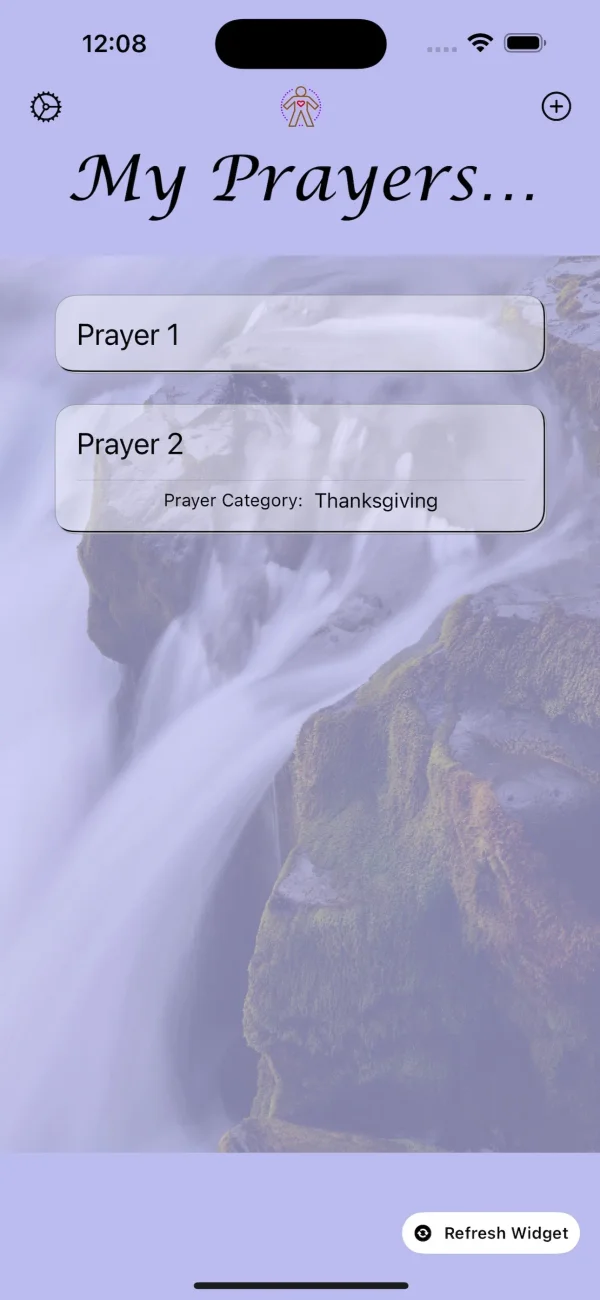
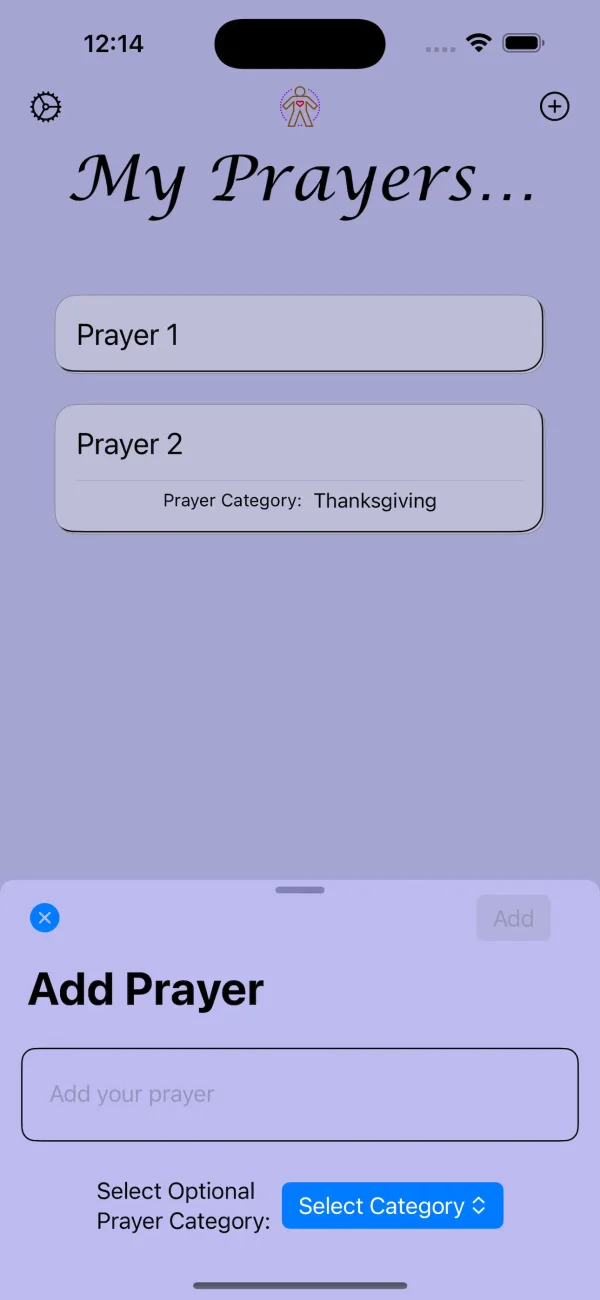
Prayers are listed on the opening screen. Tap the traditional + icon in the right-hand corner to add a new prayer.
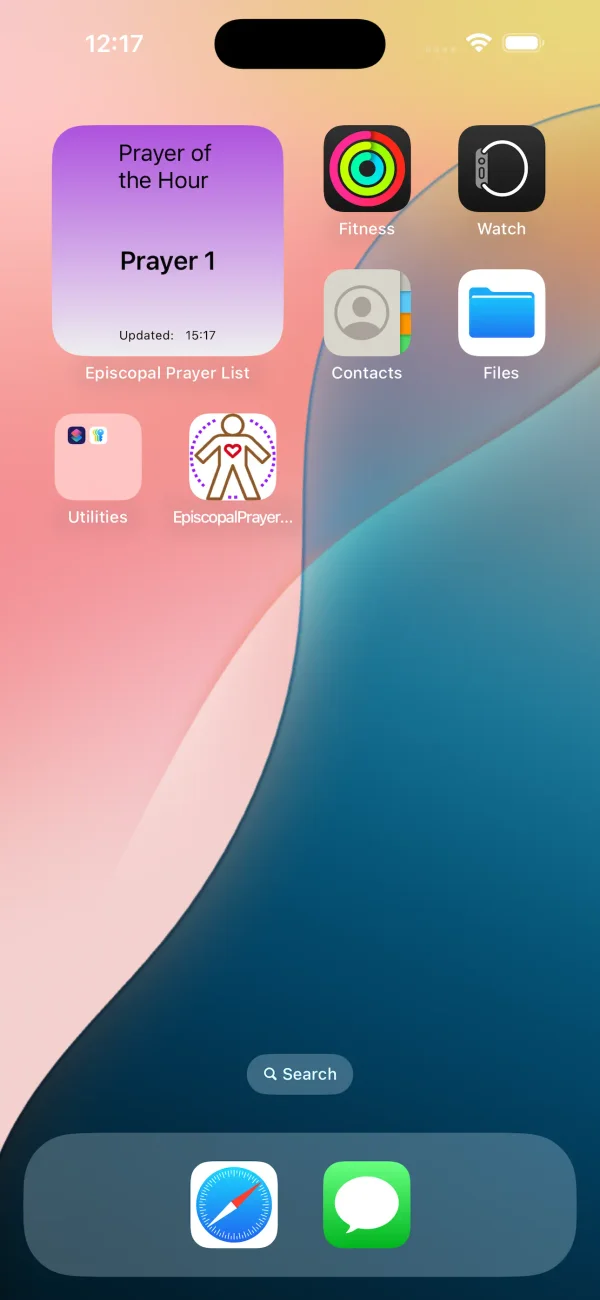
You can also add an Episcopal Prayer List Widget from any home screen. This widget will randomly select a prayer from your list and display it in the widget every hour. You can manually force a refresh of the widget from the prayer list screen.
In version 3.0, you can add a prayer category to the entry.
Swipe left to delete a prayer from the list, and swipe right to edit.
• Settings
Tap into a field will bring up a picker to select a time.
Set the Schedule time with the button to the right of the picker fields.
To delete all the scheduled notifications, select the Cancel Notifications button at the bottom of the screen or swipe left to delete a single reminder.
You can add as many reminders as desired at different scheduled times.
• Daily Devotions
Finally, the middle icon from the Prayer List screen takes the user to Daily Devotions. These simple one-page devotions are from the Episcopal Book of Common Prayer (1979) and are designed for individuals to pray in their daily routines.
I hope you find this app supports your prayer journey.
Blessings,
(The Rev.) Mark Spaulding
Retired Episcopal Priest
What’s new
Version 3.4 · Jun 17, 2026
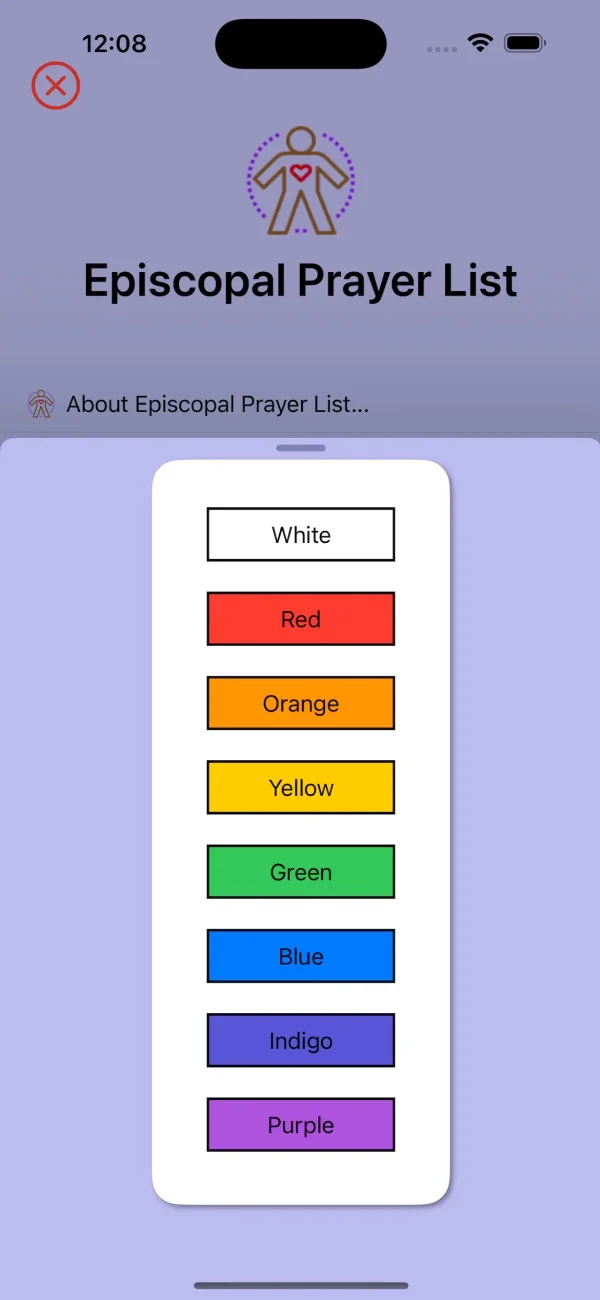
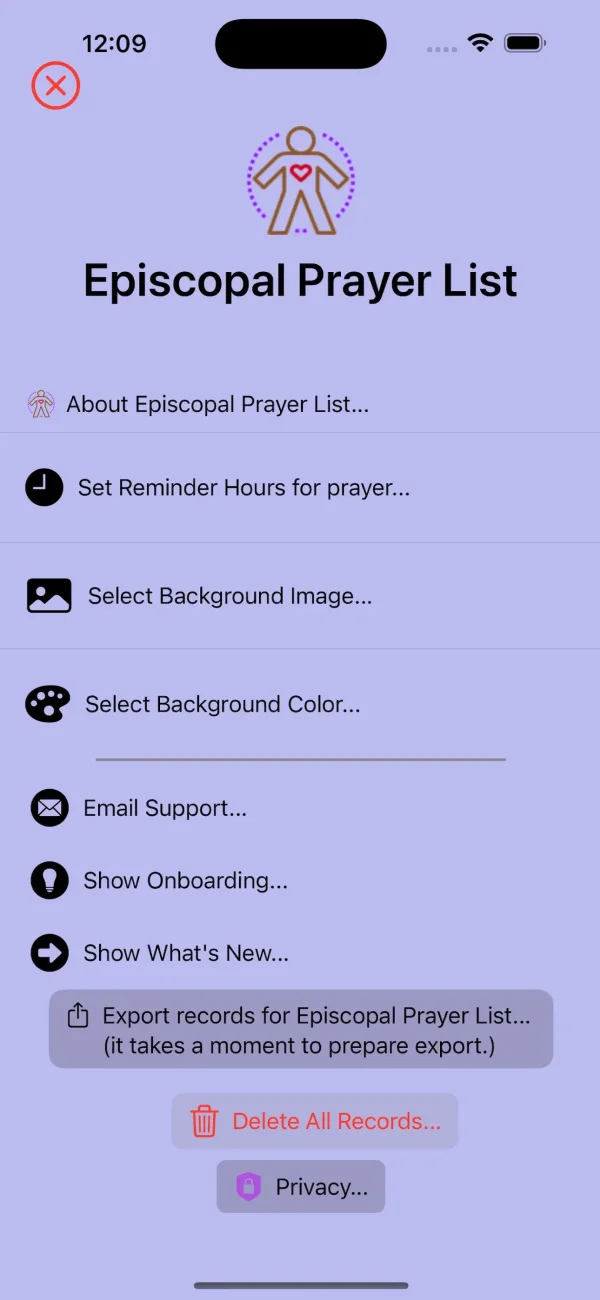
- Added the ability to change the background color opacity throughout the app from the Settings > Select Background Color screen.
App privacy
What Mark Spaulding declares on the App Store about how this app handles data.
-
Data not collected
The developer does not collect any data from this app.
Privacy practices may vary, for example with the features you use or your age.
Information
- Seller
- Mark Spaulding
- Category
- Lifestyle
- Version
- 3.4
- Updated
- Jun 17, 2026
- Released
- Oct 14, 2019
- Size
- 4.3 MB
- Requires
- iOS 18.0 or later
- Age rating
- 4+
- Price
- Free
- Languages
- English
- Copyright
- © Mark Spaulding
You might also like
-
 Christ Church Episcopal TylerLifestyle
-
 electronic Common PrayerLifestyle
-
 Forward Day by DayLifestyle
-
 Venite.appDaily Office and Prayer
-
 Pray with My Daily OfficePrayer wherever you are
-
 Pray As You Go - Daily PrayerPrayer, Music, Scripture
-
 Daily Prayer AppA Guide to Spiritual Rhythm
-
 Echo PrayerLifestyle
-
 Blue Mountain EcardsSend Free Ecards
-
 Everything AAMeetings, Big Book, Reflection