eSign: Sign Documents, PDF
Signature Creator & Scanner
Entwickelt für iPhone
Kostenlos · In-App-Käufe
- Altersfreigabe4+
- KategorieDienstprogramme
- EntwicklerHarun Mert Gokcegoz
- SprachenEnglisch
- Größe8,6 MB
Verlinkt auf die offizielle App Store-Seite
Download.org hostet keine Datei von eSign: Sign Documents, PDF. Die Schaltfläche öffnet die App-Seite bei App Store, wo Harun Mert Gokcegoz die App veröffentlicht. Eintrag zuletzt geprüft am 16.11.2026.
Screenshots

Info
Der Entwickler hat diesen Text nicht in Ihrer Sprache bereitgestellt.
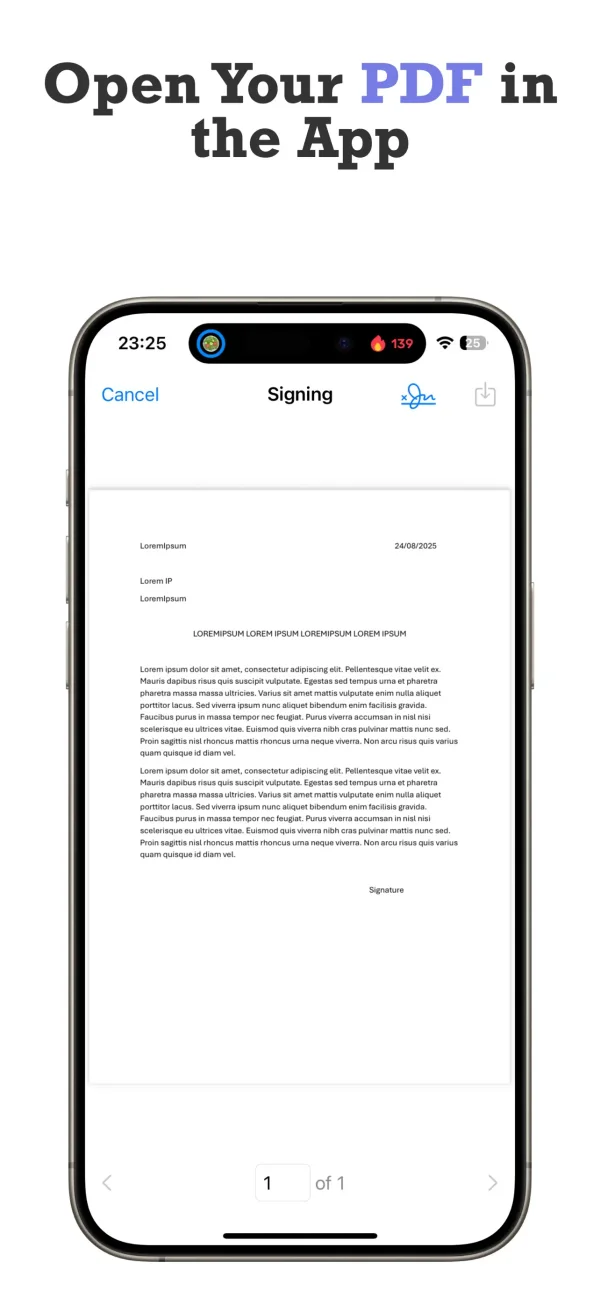
eSign turns your iPhone & iPad into a complete e-signature tool — create a signature, sign any PDF, and share it in seconds. No printer, no scanner, no paper.
• Sign PDF documents anywhere, anytime
• Create a signature 3 ways: draw, scan from paper, or import a photo
• Fill & sign forms, then flatten to a secure, share-ready PDF
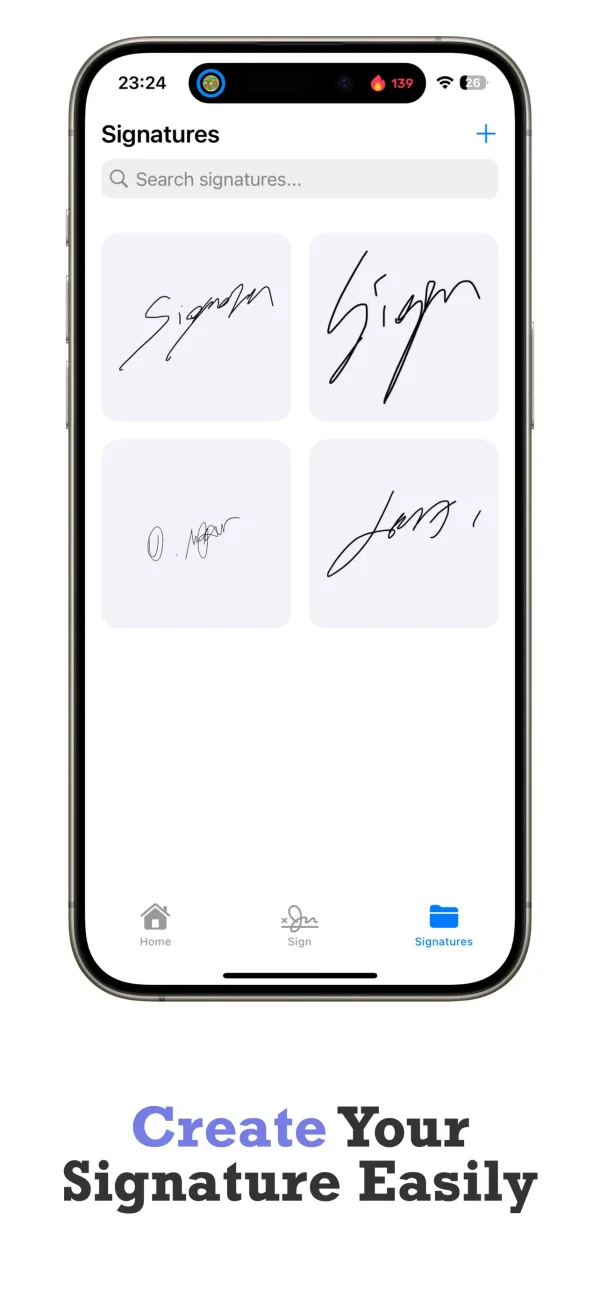
• Signature Library with iCloud sync across all your devices
• 100% on-device processing — your documents stay private
CREATE YOUR PERFECT SIGNATURE
Your signature is personal, so eSign gives you full control over how you make it:
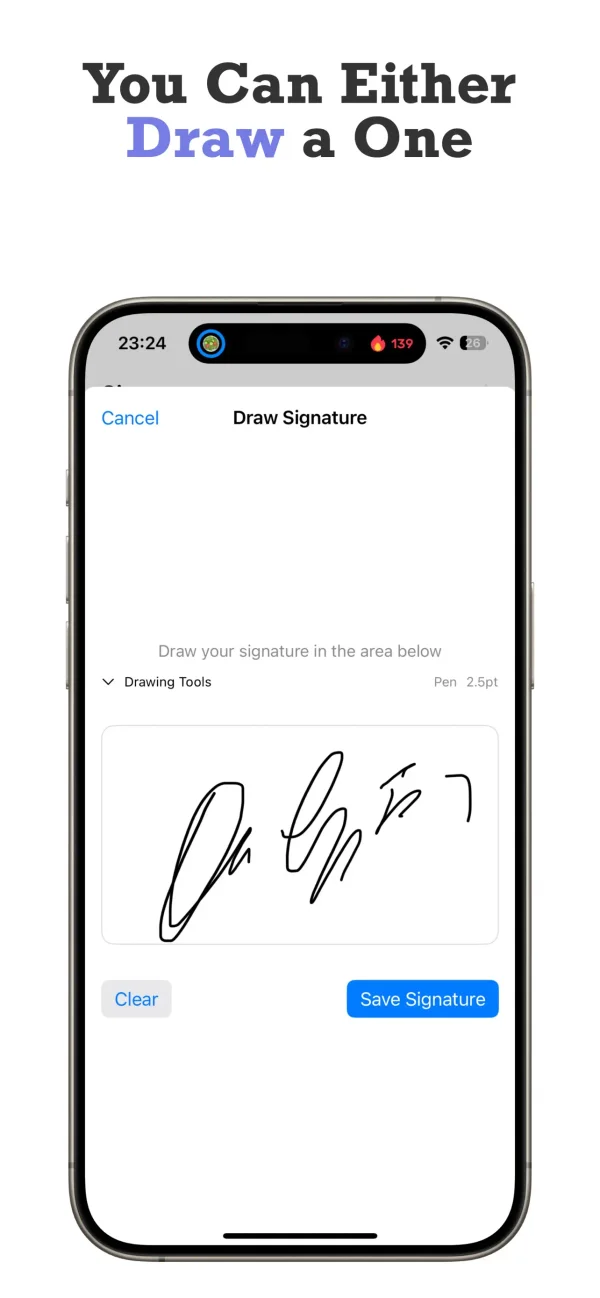
• Draw with precision — sign directly on screen with your finger or Apple Pencil for a smooth, natural result.
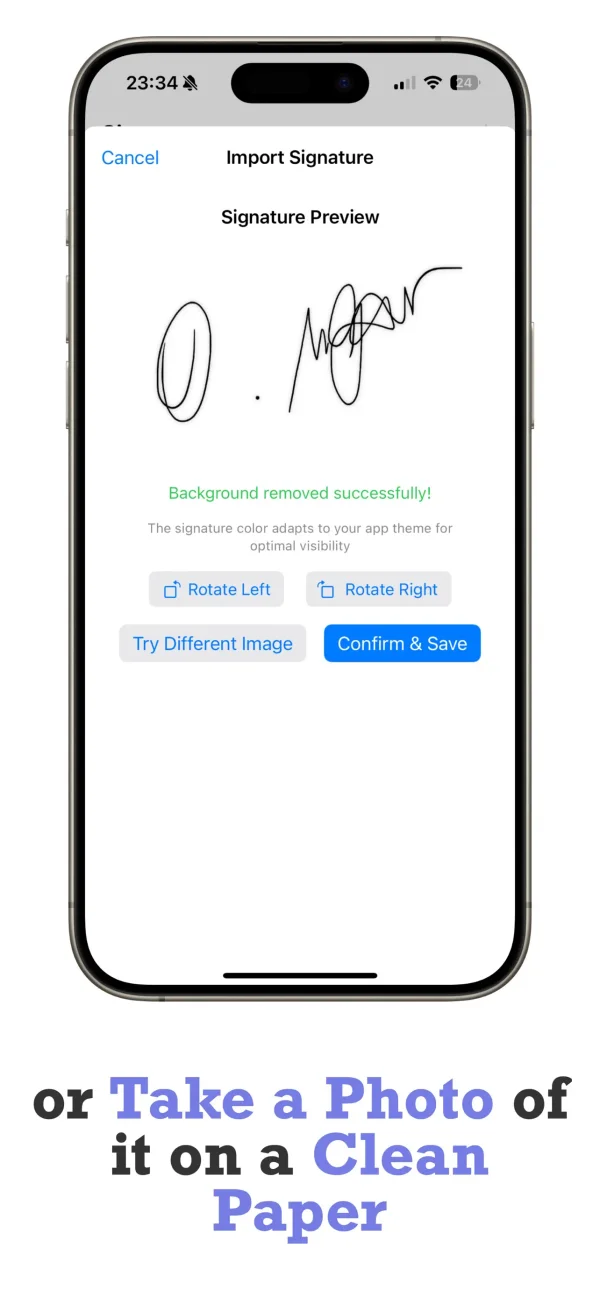
• Scan from paper — point your camera at a pen-and-paper signature and our image processing removes the background automatically, leaving a crisp, transparent signature.
• Import from your library — already have a digital signature? Import it from Photos and reuse it instantly.
eSIGN DOCUMENTS IN SECONDS
1. Import your PDF — open any document from Files, iCloud Drive, or any connected cloud service.
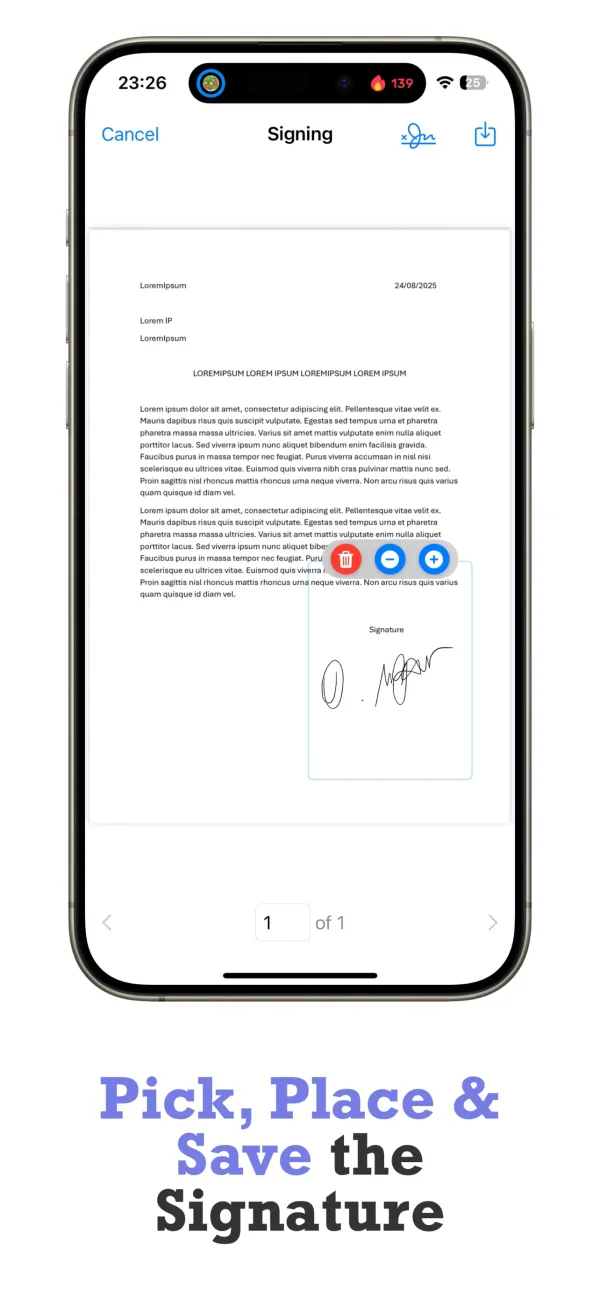
2. Place your signature — tap to add it, then move, resize, and rotate it to fit any form field perfectly.
3. Save & share — export a new, secure PDF and send it via email, AirDrop, Messages, or back to the cloud.
YOUR SIGNATURE & DOCUMENT HUB
• Signature Library — store every signature you create in one secure place and manage multiple signatures for personal or professional use. With iCloud Sync they're always available across your iOS devices.
• Document Management — keep all your signed documents organized; view, search, and sort to find what you need fast.
Download eSign today and stop printing, scanning, and mailing paper. Create your signature, sign your documents, and go fully digital.
Privacy Policy: https://sites.google.com/view/esign-privacy-policy/home
Terms of Use: https://sites.google.com/view/esign-terms-of-service/home
Neue Funktionen
Version 1.0.1 · 16.06.2026
Thanks for using eSign — the easy way to sign PDFs and documents on iPhone & iPad.
What's new in this update:
• Smoother PDF handling and faster rendering
• More precise signature placement, resizing & rotation
• Fill, sign & share documents in fewer taps
• Performance and stability improvements
Create your e-signature by drawing, scanning, or importing a photo — then sign any PDF in seconds. Enjoying eSign? A quick rating helps us a lot and tells us what to build next!
App-Datenschutz
Was Harun Mert Gokcegoz im App Store zum Umgang dieser App mit Daten angibt.
-
Mit Ihnen verknüpfte Daten
Können erfasst und mit Ihrer Identität verknüpft werden.
- Käufe
- Kennungen
- Nutzungsdaten
-
Nicht mit Ihnen verknüpfte Daten
Können erfasst werden, sind aber nicht mit Ihrer Identität verknüpft.
- Kennungen
Die Datenschutzpraktiken können variieren, zum Beispiel je nach den von Ihnen verwendeten Funktionen oder Ihrem Alter.
Informationen
- Anbieter
- Harun Mert Gokcegoz
- Kategorie
- Dienstprogramme
- Version
- 1.0.1
- Aktualisiert
- 16.06.2026
- Veröffentlicht
- 15.09.2025
- Größe
- 8,6 MB
- Erfordert
- iOS 17.6 oder neuer
- Altersfreigabe
- 4+
- Preis
- Kostenlos
- In-App-Käufe
- Ja
- Sprachen
- Englisch
- Copyright
- © @ThemisTech
Das könnte Ihnen auch gefallen
-
 eSign: PDF Unterschrift AppDokumente signieren, ausfüllen
-
 Digitale Unterschrift-eSign •PDF Signieren,Verträge,Scan
-
 Signature Maker: PDF signierenZeichnen, erstellen und
-
 eSign: Docs & PDFDienstprogramme
-
 eSign Electronic Signature DocDienstprogramme
-
 ComPhysics Green UVDienstprogramme
-
 AI Humanizer - Rewrite TextDienstprogramme
-
 UnitFlow - Unit ConverterDienstprogramme
-
 Lye & Loaf: SeifenrechnerSeife sieden im Kaltverfahren
-
 UnitFlow - Unit ConverterMiles-km, Lbs-kg, °C-°F