eSign: Sign Documents, PDF
Signature Creator & Scanner
Designed for iPhone
Free · In-app purchases
- Age rating4+
- CategoryUtilities
- DeveloperHarun Mert Gokcegoz
- LanguagesEnglish
- Size8.6 MB
Links to the official App Store page
Download.org hosts no file of eSign: Sign Documents, PDF. The button opens its official App Store page, published by Harun Mert Gokcegoz. Listing last checked on Nov 16, 2026.
Screenshots

About
eSign turns your iPhone & iPad into a complete e-signature tool — create a signature, sign any PDF, and share it in seconds. No printer, no scanner, no paper.
• Sign PDF documents anywhere, anytime
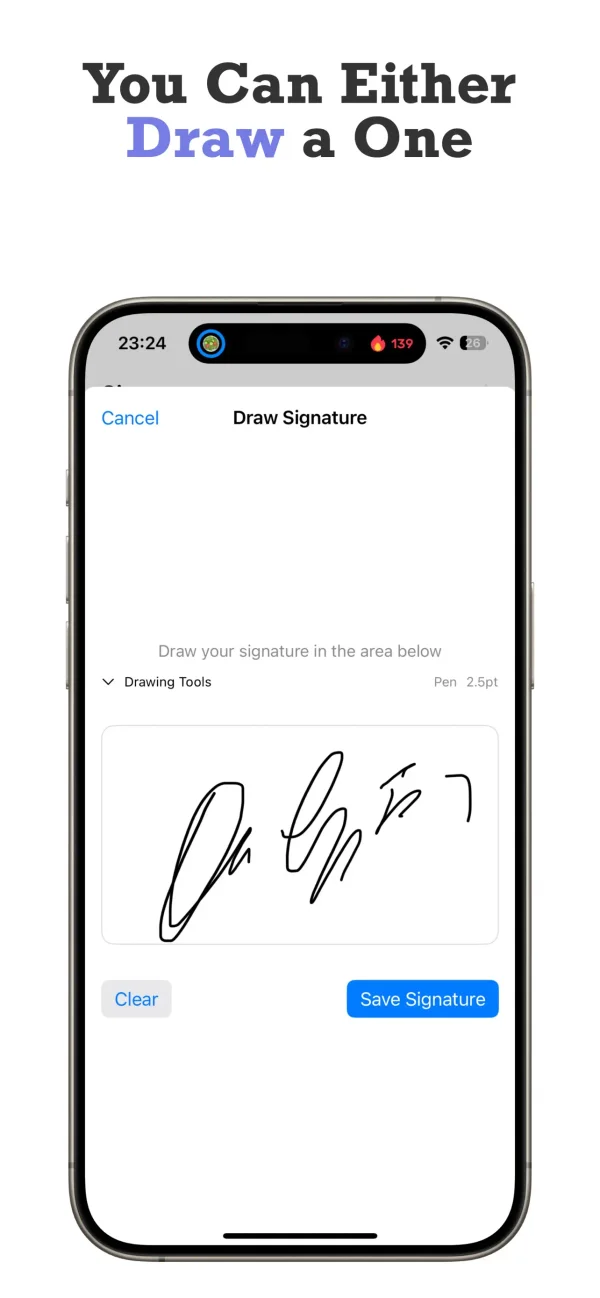
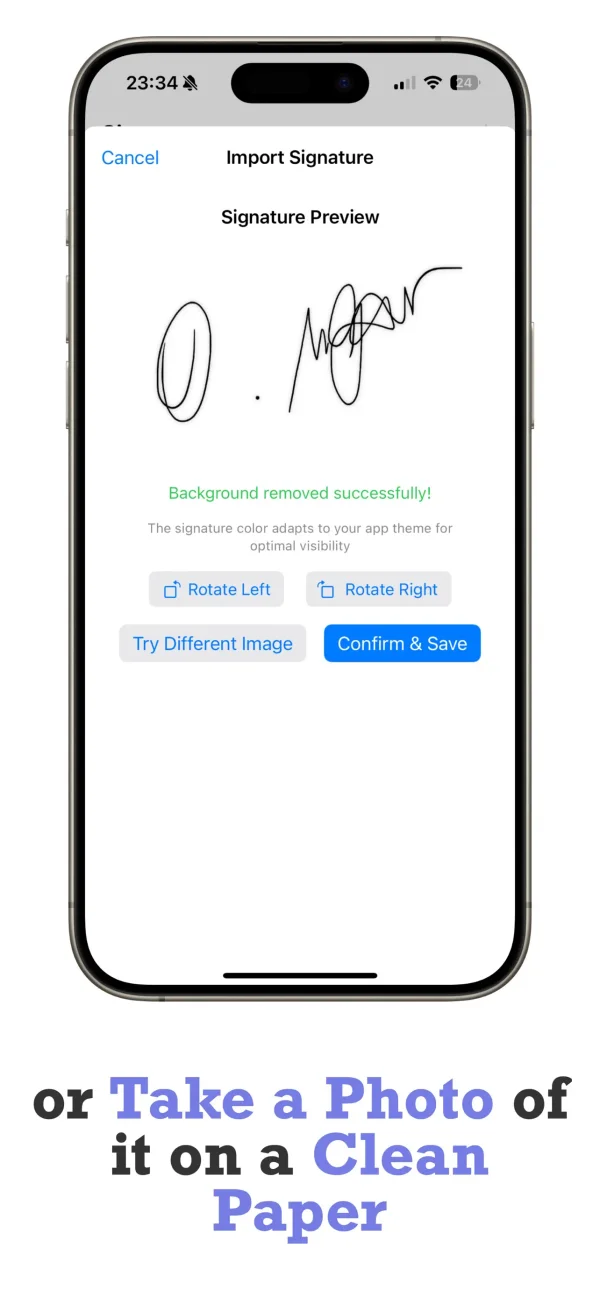
• Create a signature 3 ways: draw, scan from paper, or import a photo
• Fill & sign forms, then flatten to a secure, share-ready PDF
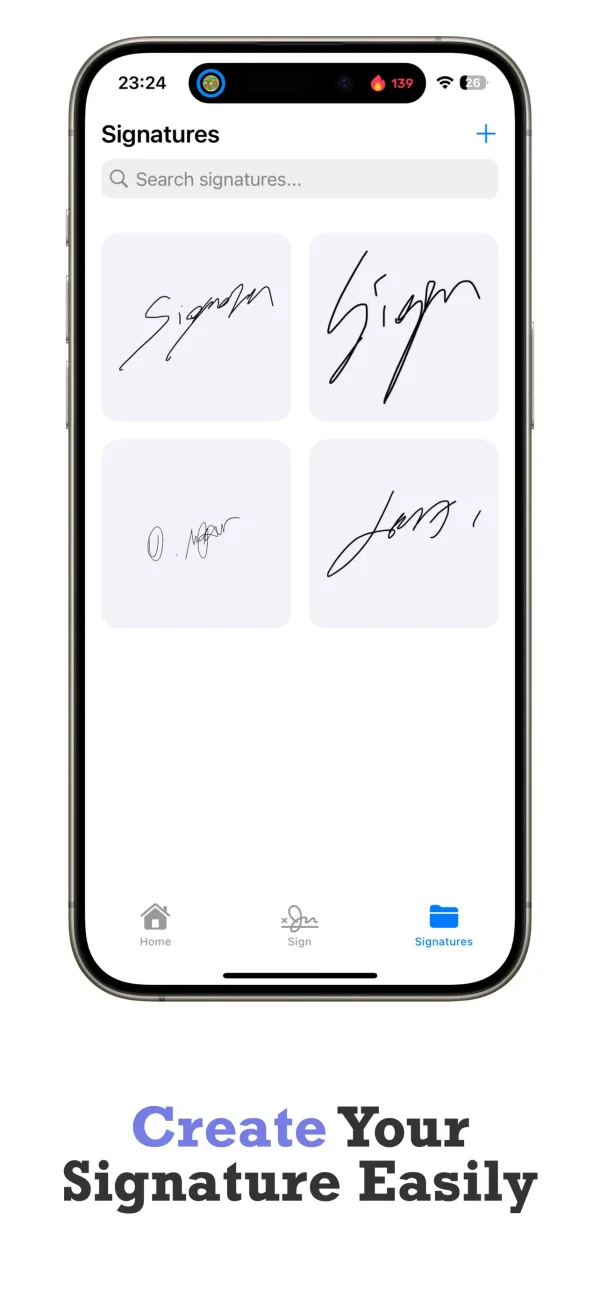
• Signature Library with iCloud sync across all your devices
• 100% on-device processing — your documents stay private
CREATE YOUR PERFECT SIGNATURE
Your signature is personal, so eSign gives you full control over how you make it:
• Draw with precision — sign directly on screen with your finger or Apple Pencil for a smooth, natural result.
• Scan from paper — point your camera at a pen-and-paper signature and our image processing removes the background automatically, leaving a crisp, transparent signature.
• Import from your library — already have a digital signature? Import it from Photos and reuse it instantly.
eSIGN DOCUMENTS IN SECONDS
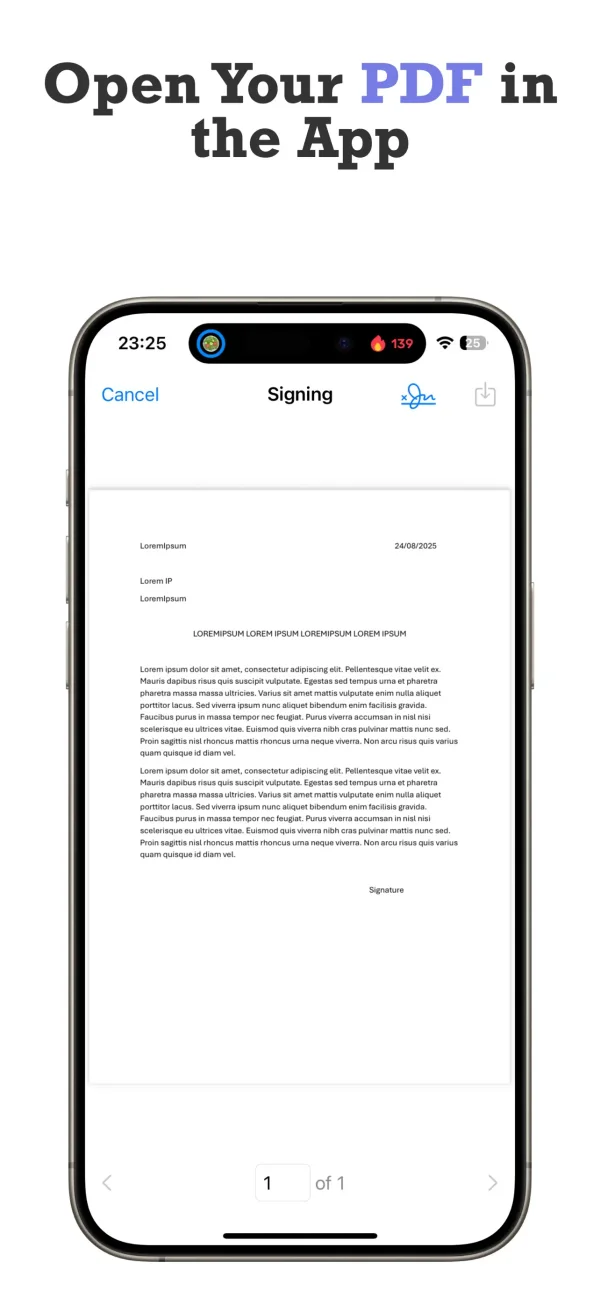
1. Import your PDF — open any document from Files, iCloud Drive, or any connected cloud service.
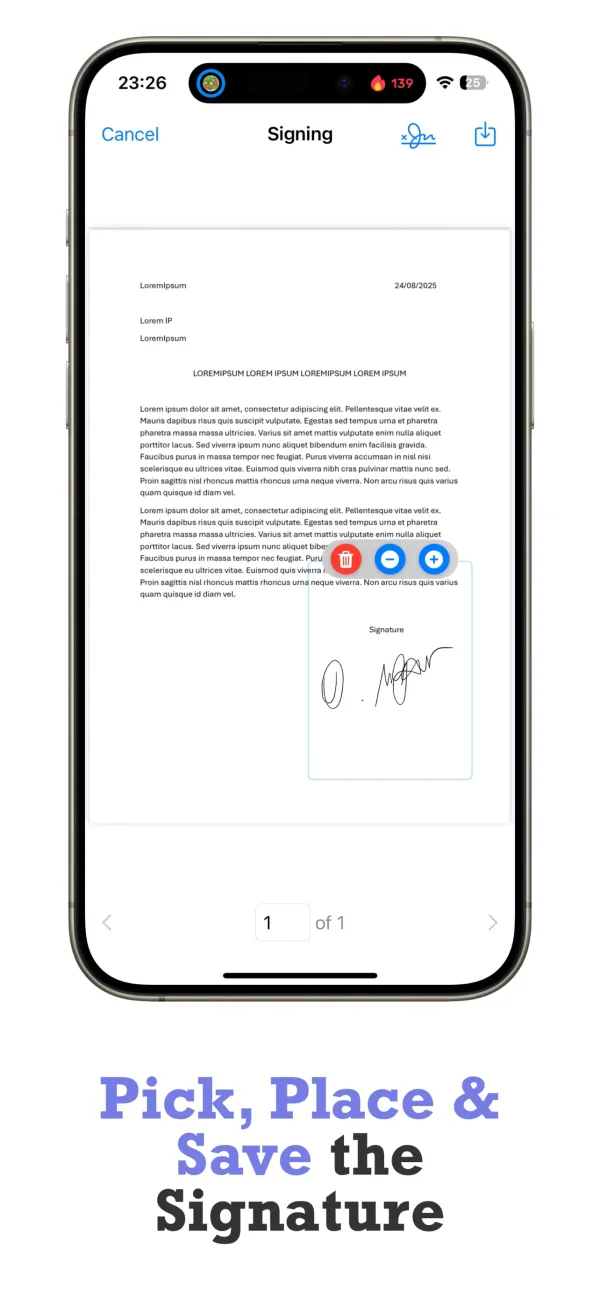
2. Place your signature — tap to add it, then move, resize, and rotate it to fit any form field perfectly.
3. Save & share — export a new, secure PDF and send it via email, AirDrop, Messages, or back to the cloud.
YOUR SIGNATURE & DOCUMENT HUB
• Signature Library — store every signature you create in one secure place and manage multiple signatures for personal or professional use. With iCloud Sync they're always available across your iOS devices.
• Document Management — keep all your signed documents organized; view, search, and sort to find what you need fast.
Download eSign today and stop printing, scanning, and mailing paper. Create your signature, sign your documents, and go fully digital.
Privacy Policy: https://sites.google.com/view/esign-privacy-policy/home
Terms of Use: https://sites.google.com/view/esign-terms-of-service/home
What’s new
Version 1.0.1 · Jun 16, 2026
Thanks for using eSign — the easy way to sign PDFs and documents on iPhone & iPad.
What's new in this update:
• Smoother PDF handling and faster rendering
• More precise signature placement, resizing & rotation
• Fill, sign & share documents in fewer taps
• Performance and stability improvements
Create your e-signature by drawing, scanning, or importing a photo — then sign any PDF in seconds. Enjoying eSign? A quick rating helps us a lot and tells us what to build next!
App privacy
What Harun Mert Gokcegoz declares on the App Store about how this app handles data.
-
Data linked to you
May be collected and linked to your identity.
- Purchases
- Identifiers
- Usage data
-
Data not linked to you
May be collected but is not linked to your identity.
- Identifiers
Privacy practices may vary, for example with the features you use or your age.
Information
- Seller
- Harun Mert Gokcegoz
- Category
- Utilities
- Version
- 1.0.1
- Updated
- Jun 16, 2026
- Released
- Sep 15, 2025
- Size
- 8.6 MB
- Requires
- iOS 17.6 or later
- Age rating
- 4+
- Price
- Free
- In-app purchases
- Yes
- Languages
- English
- Copyright
- © @ThemisTech
You might also like
-
 eSign: PDF Signer & Fill SignSignature Creator & Maker App
-
 eSign: PDF Signature Maker AppFill & Sign Documents & Forms
-
 Signature Maker: Sign PDFDraw, Create & E-Sign
-
 eSign: Docs & PDFSign Docs & PDF editor,scanner
-
 eSign Electronic Signature DocDocument Scanner Sign Creator
-
 ComPhysics Green UVUtilities
-
 AI Humanizer - Rewrite TextMake AI Text Sound Human
-
 UnitFlow - Unit ConverterUtilities
-
 Lye & Loaf: Soap CalculatorCold process recipe maker
-
 UnitFlow - Unit ConverterMiles to Km, Lbs to Kg, °F °C