- Altersfreigabe4+
- KategorieProduktivität
- EntwicklerByeongsoo Kang
- SprachenEnglisch+ 1 weitere
- Größe1,4 MB
Filepad Markdown ist bei App Store derzeit möglicherweise nicht verfügbar
Bei unserer letzten Prüfung war der Store-Eintrag nicht erreichbar. Der Link führt weiterhin zur offiziellen App Store-Seite.
Screenshots

Info
Der Entwickler hat diesen Text nicht in Ihrer Sprache bereitgestellt.
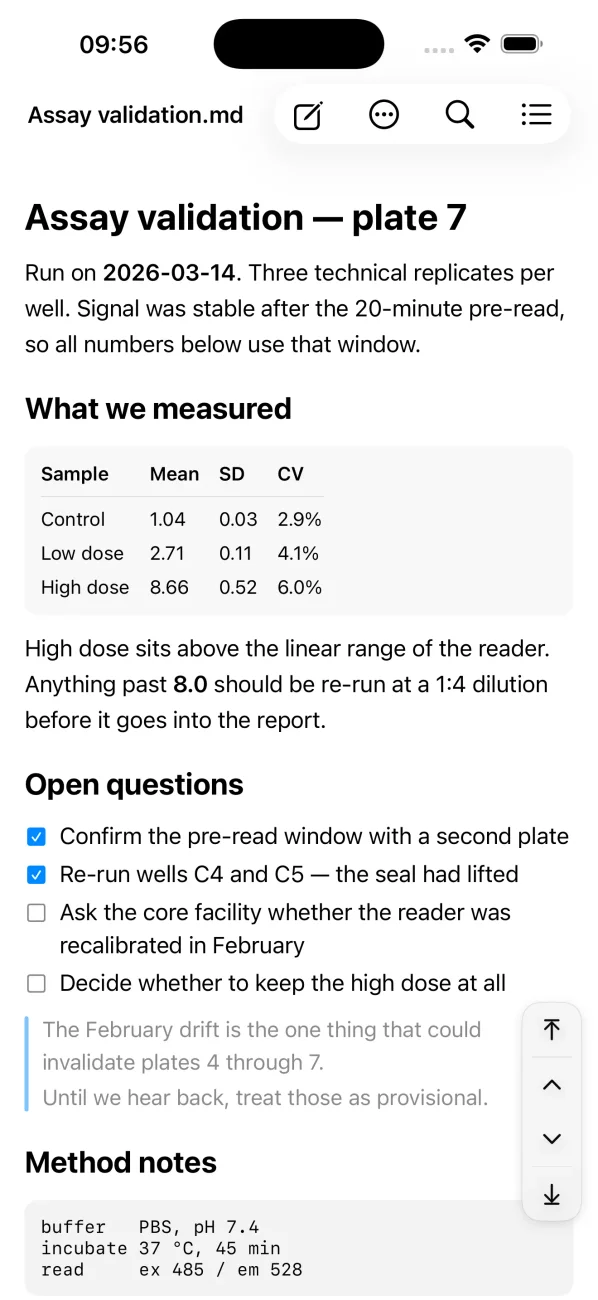
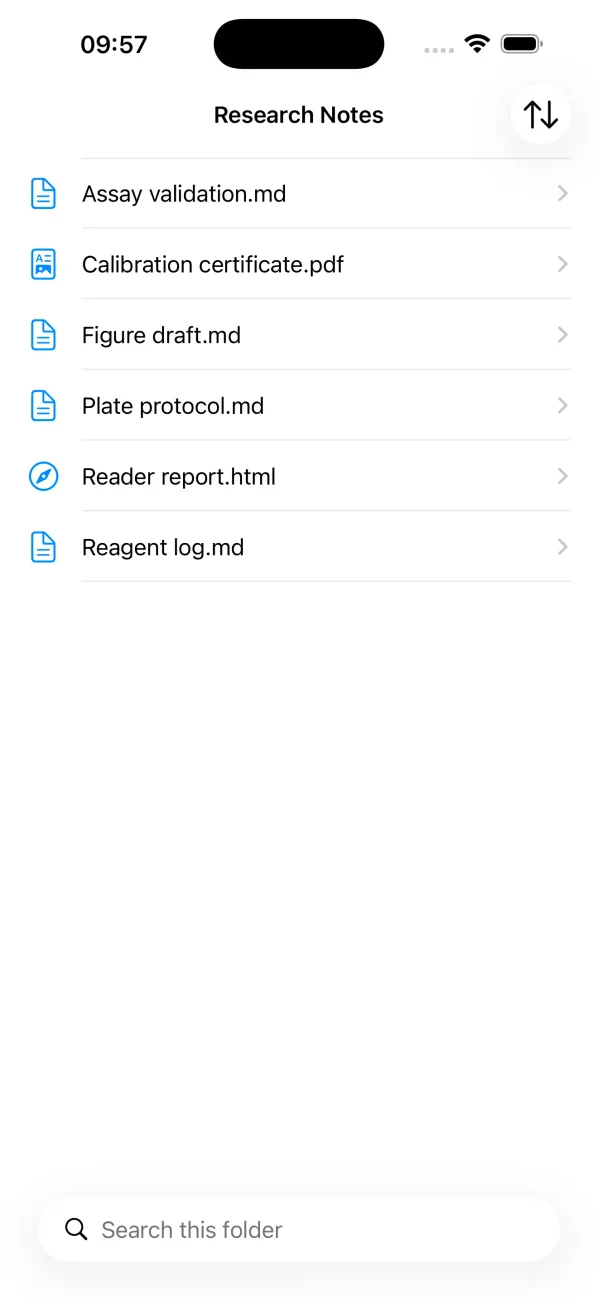
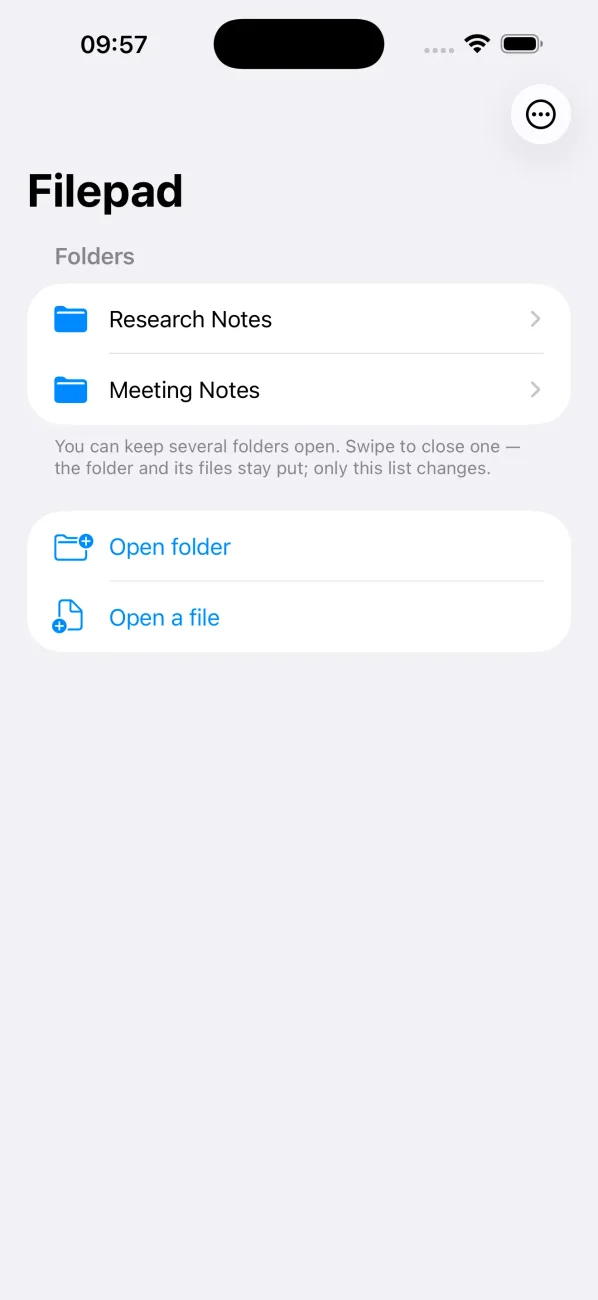
Filepad opens the Markdown you already have — in iCloud Drive, Dropbox, Google Drive, or on this iPhone — and leaves it exactly where it is. Nothing is copied into the app. Nothing is uploaded anywhere.
FINDS WHAT IS QUIETLY WRONG
HTML tells you when you break it. Markdown does not — it just renders differently, and you never notice. Filepad reads your document the way the renderer does and points at the lines that will not come out the way you meant: a heading with no space after the #, a table row with the wrong number of cells, an unclosed link, a footnote with no definition. One tap fixes what can be fixed by adding text. Nothing is ever deleted to "fix" something.
READS PROPERLY
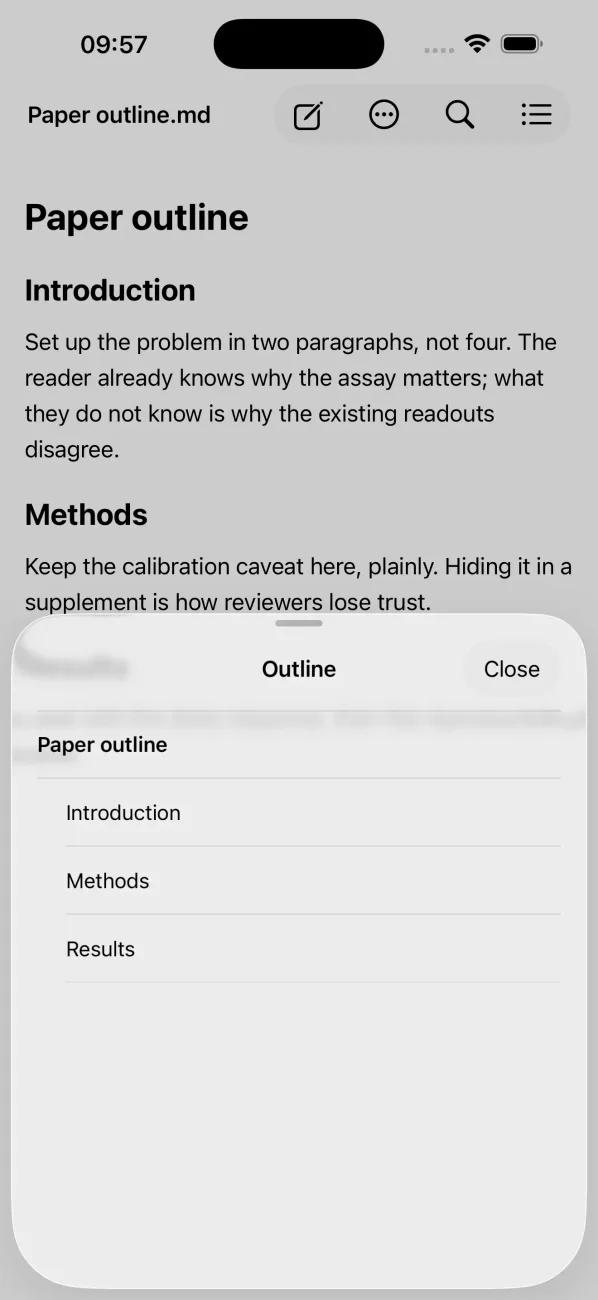
Headings, tables, task lists, quotes, code blocks, footnotes, front matter, and [[wiki links]] between documents in the same folder. Jump by heading with the outline, or with the four navigation buttons that sit under your thumb.
FINDS THINGS
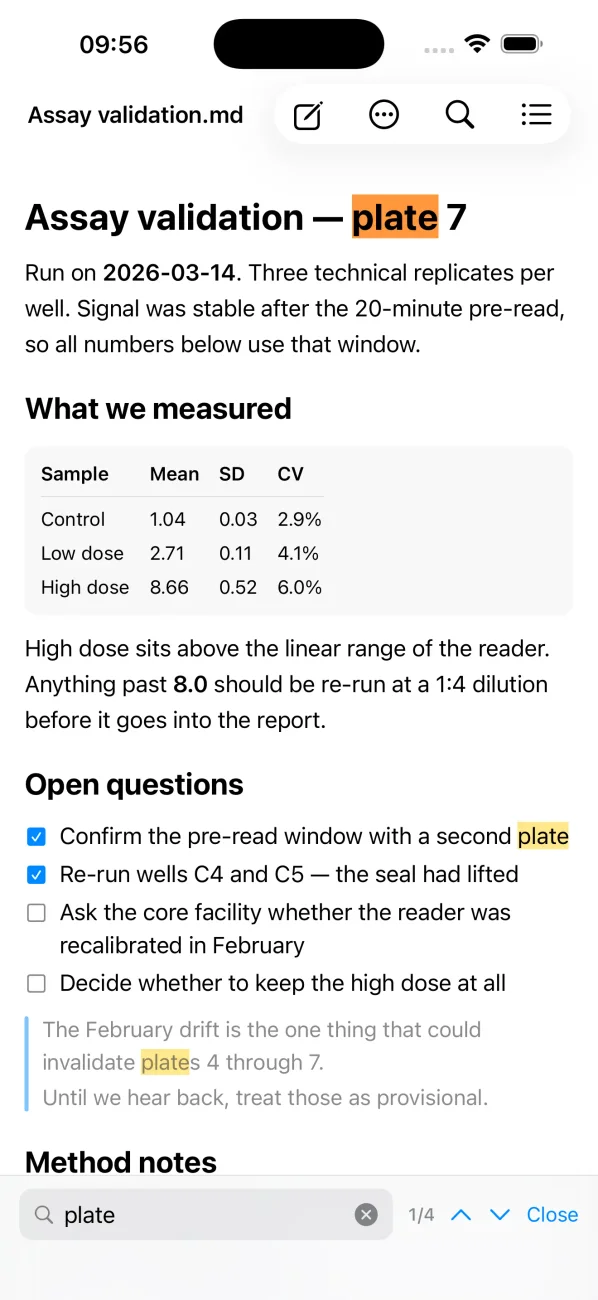
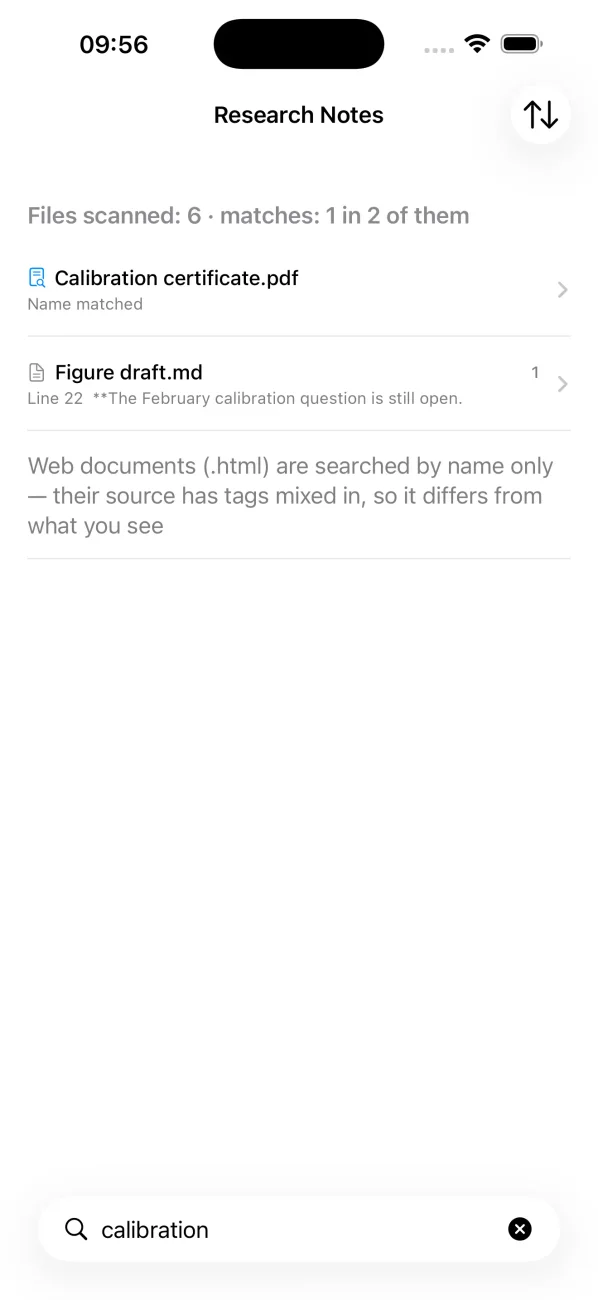
Search inside a document with every hit highlighted, or search a whole folder and see which files hold what you are looking for. Sort by name or by when you last changed something.
EDITS AND SAVES CAREFULLY
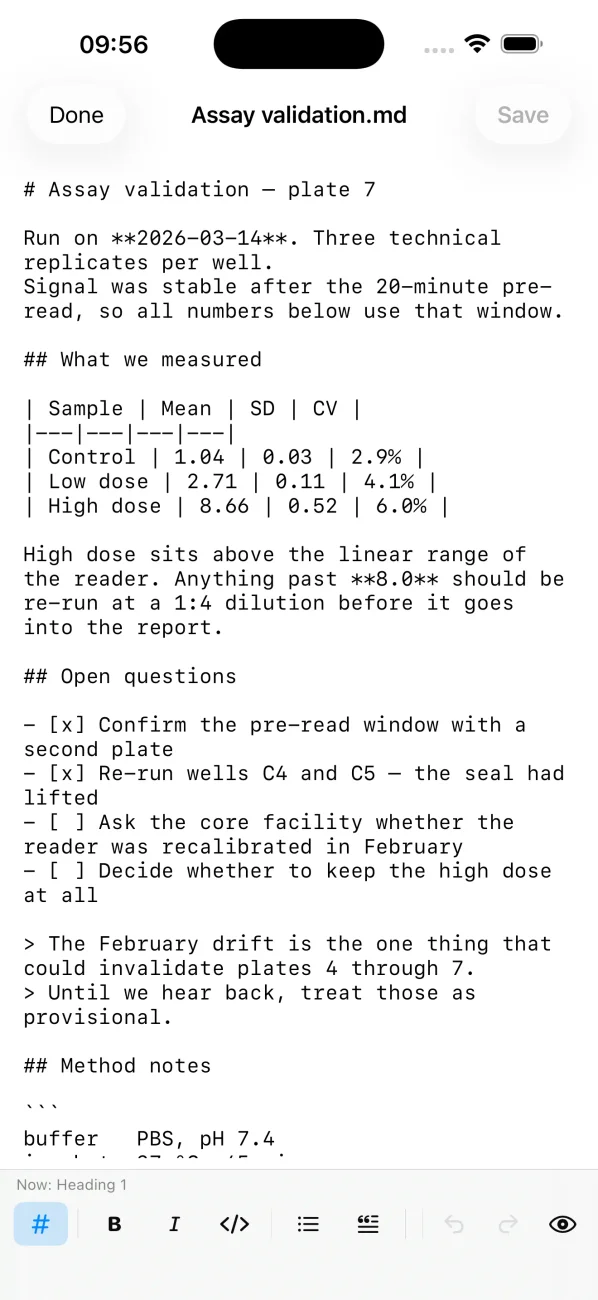
Edit the source with a toolbar for the marks you forget, and a line that tells you what the cursor is sitting on. Saving is atomic, and the previous version is kept beside the file so an edit can be undone. If the file changed outside the app while you were editing, Filepad does not overwrite it — it saves your version alongside and asks you.
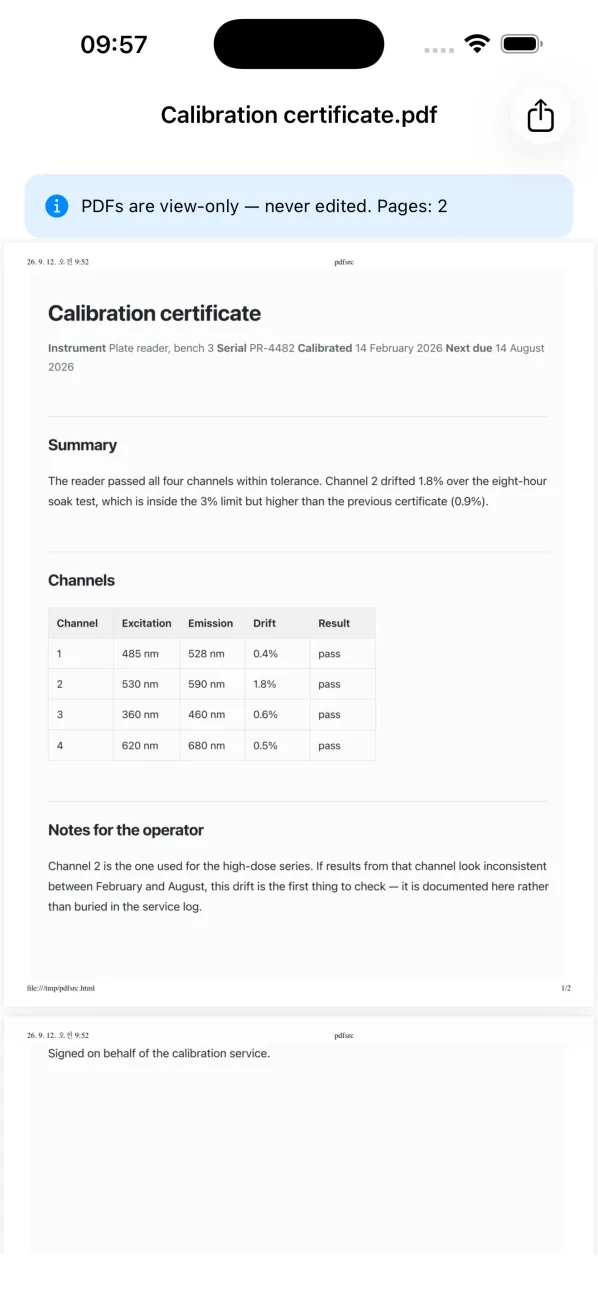
ALSO OPENS PDF, HTML AND TEXT
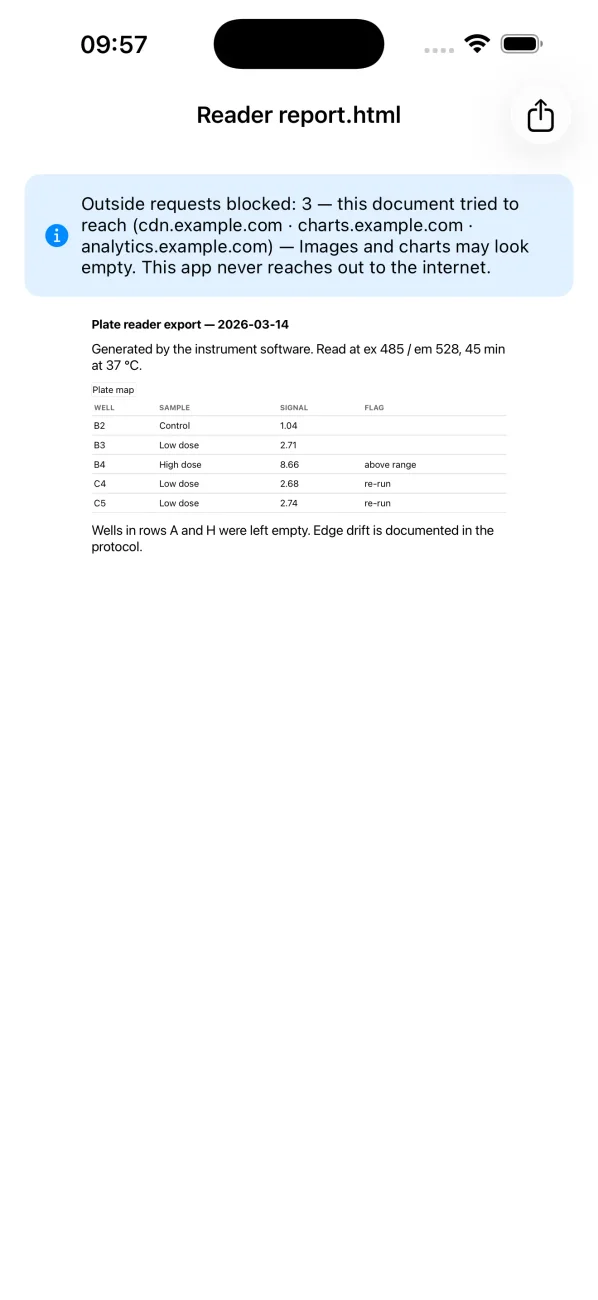
PDFs and web documents are view-only. HTML is drawn with network access blocked at two independent layers, and when a document tries to reach the internet for an image or a script, Filepad says so on screen instead of quietly fetching it.
WHAT IT DOES NOT DO
No account. No sync service of ours. No analytics, no advertising, no tracking. The app makes no network requests at all. Your folders, your files, your device.
Free, and staying free.
App-Datenschutz
Was Byeongsoo Kang im App Store zum Umgang dieser App mit Daten angibt.
-
Keine Daten erfasst
Der Entwickler erfasst keine Daten von dieser App.
Die Datenschutzpraktiken können variieren, zum Beispiel je nach den von Ihnen verwendeten Funktionen oder Ihrem Alter.
Informationen
- Anbieter
- Byeongsoo Kang
- Kategorie
- Produktivität
- Version
- 1.0
- Aktualisiert
- 21.09.2026
- Veröffentlicht
- 21.09.2026
- Größe
- 1,4 MB
- Erfordert
- iOS 17.0 oder neuer
- Altersfreigabe
- 4+
- Sprachen
- Englisch, Koreanisch
- Copyright
- © 2026 Byeongsoo Kang
Das könnte Ihnen auch gefallen
-
 MDacrobatProduktivität
-
 bryteNotesProduktivität
-
 KoladaProduktivität
-
 Poof NoteProduktivität
-
 Easy MD: Markdown ReaderProduktivität
-
 Markleaf - Markdown EditorNativ, leicht und fokussiert
-
 Marko Viewer: Markdown-LeserKI-Dokumente live lesen
-
 TabulaDBProduktivität
-
 MD SlideProduktivität
-
 Markdown Editor mit VorschauMD Datei Viewer, Splitscreen