
- Age rating4+
- CategoryProductivity
- DeveloperByeongsoo Kang
- LanguagesEnglish+ 1 more
- Size1.4 MB
Links to the official App Store page
Download.org hosts no file of Filepad Markdown. The button opens its official App Store page, published by Byeongsoo Kang. Listing last checked on Nov 16, 2026.
Screenshots


About
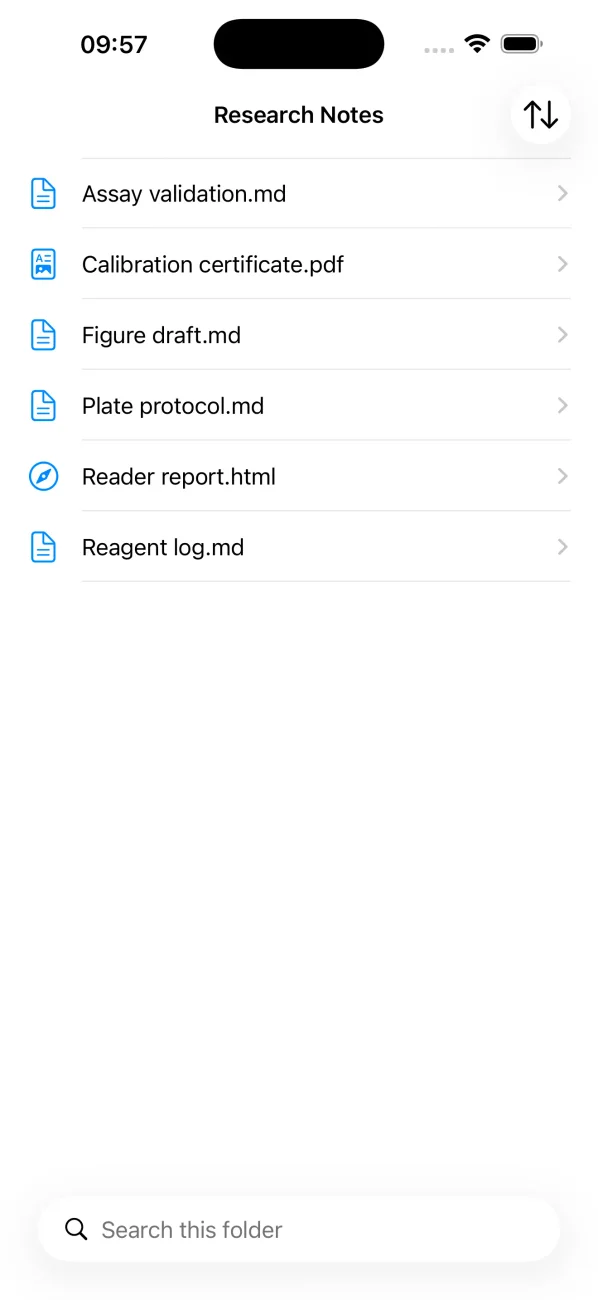
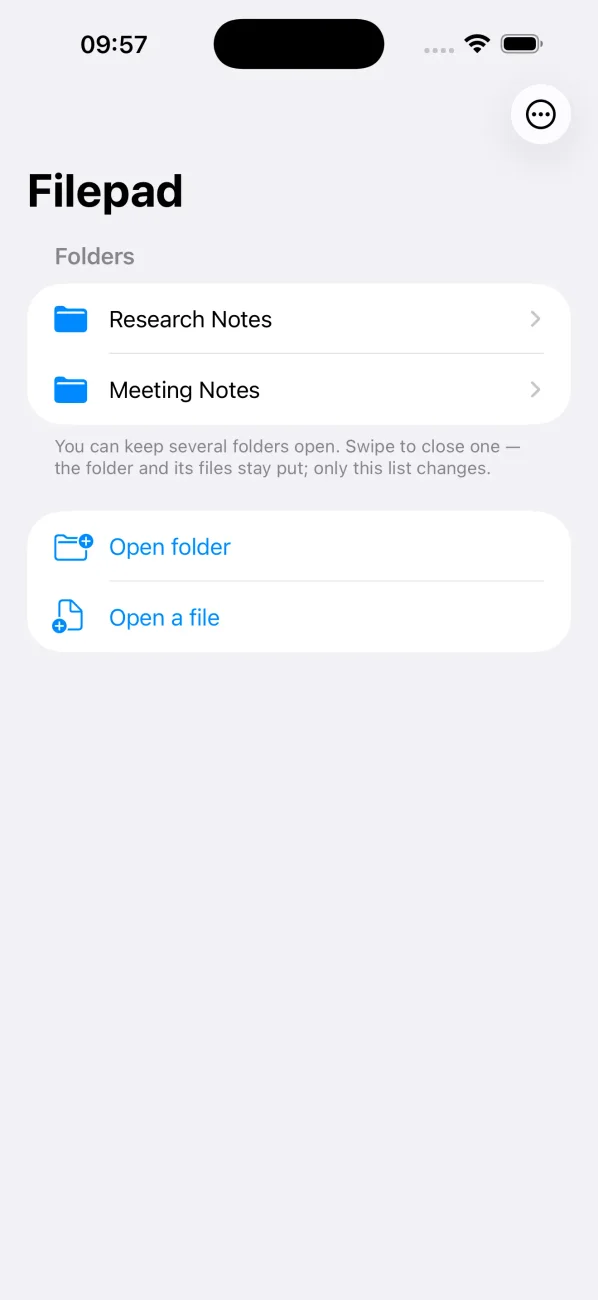
Filepad opens the Markdown you already have — in iCloud Drive, Dropbox, Google Drive, or on this iPhone — and leaves it exactly where it is. Nothing is copied into the app. Nothing is uploaded anywhere.
FINDS WHAT IS QUIETLY WRONG
HTML tells you when you break it. Markdown does not — it just renders differently, and you never notice. Filepad reads your document the way the renderer does and points at the lines that will not come out the way you meant: a heading with no space after the #, a table row with the wrong number of cells, an unclosed link, a footnote with no definition. One tap fixes what can be fixed by adding text. Nothing is ever deleted to "fix" something.
READS PROPERLY
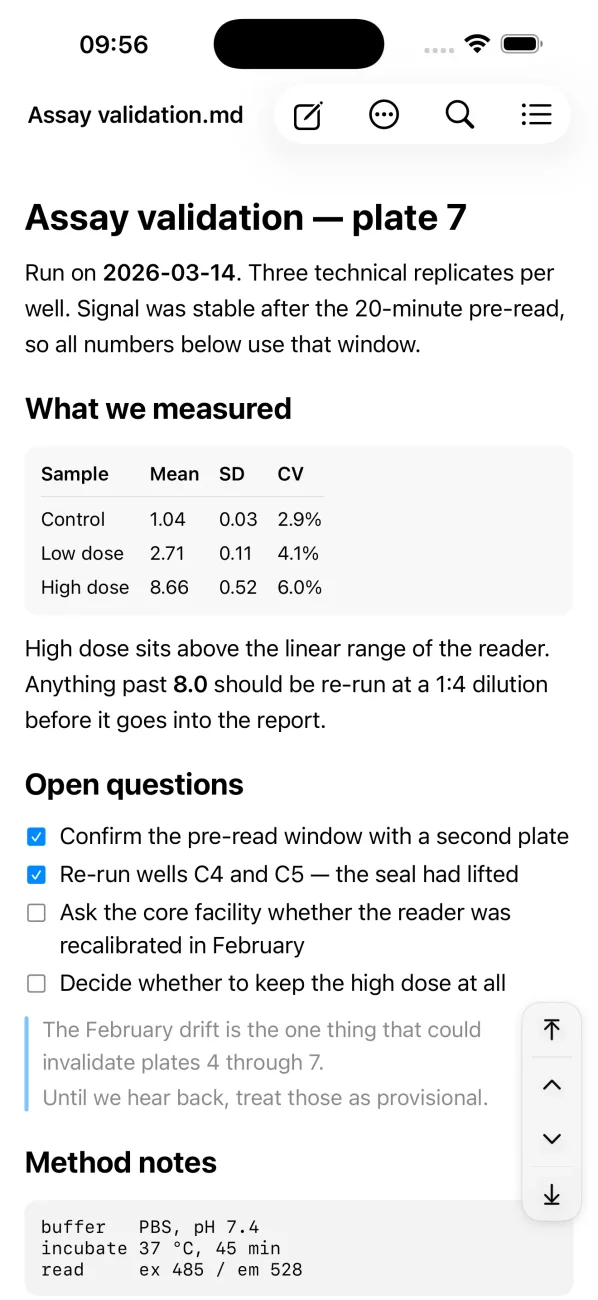
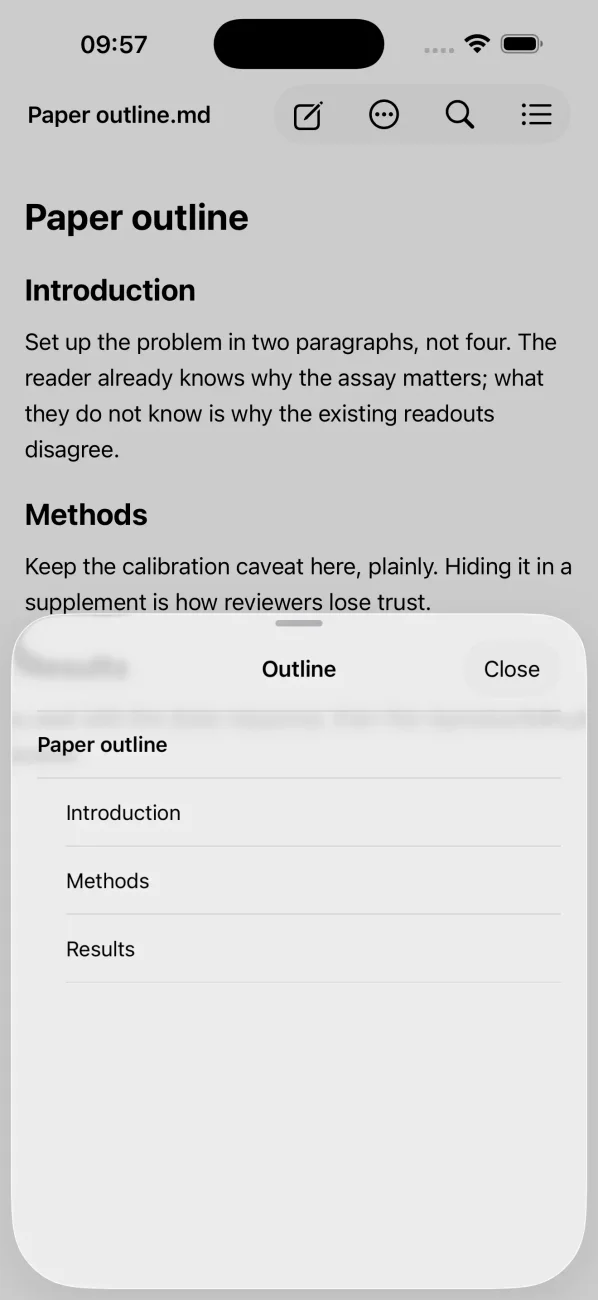
Headings, tables, task lists, quotes, code blocks, footnotes, front matter, and [[wiki links]] between documents in the same folder. Jump by heading with the outline, or with the four navigation buttons that sit under your thumb.
FINDS THINGS
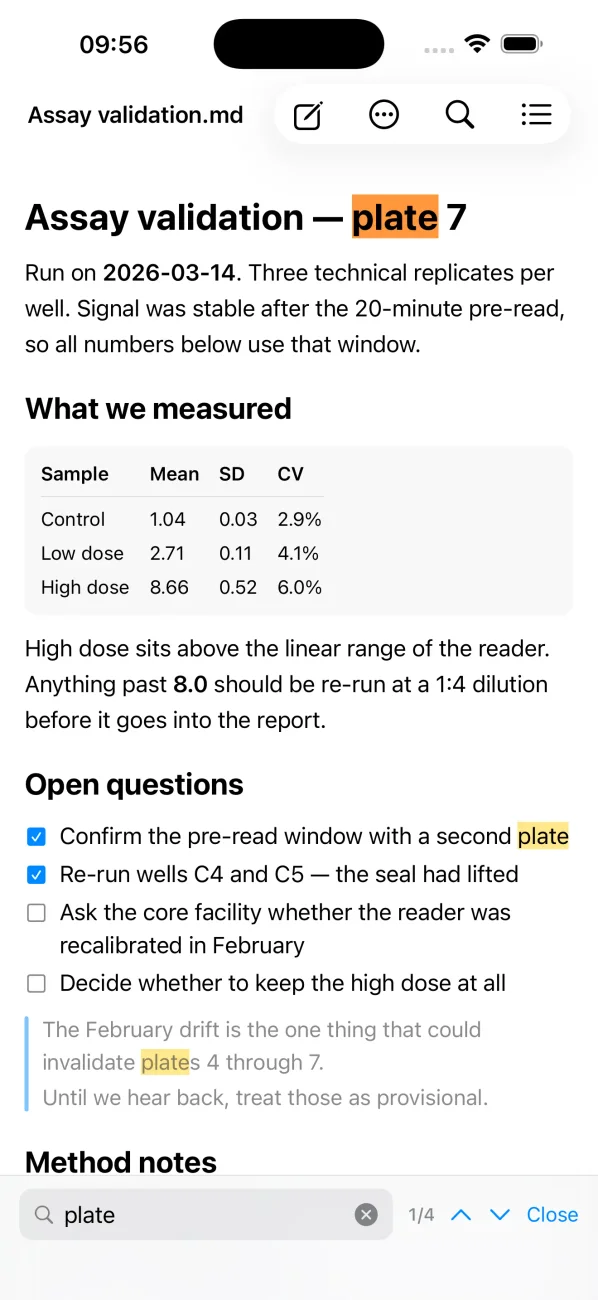
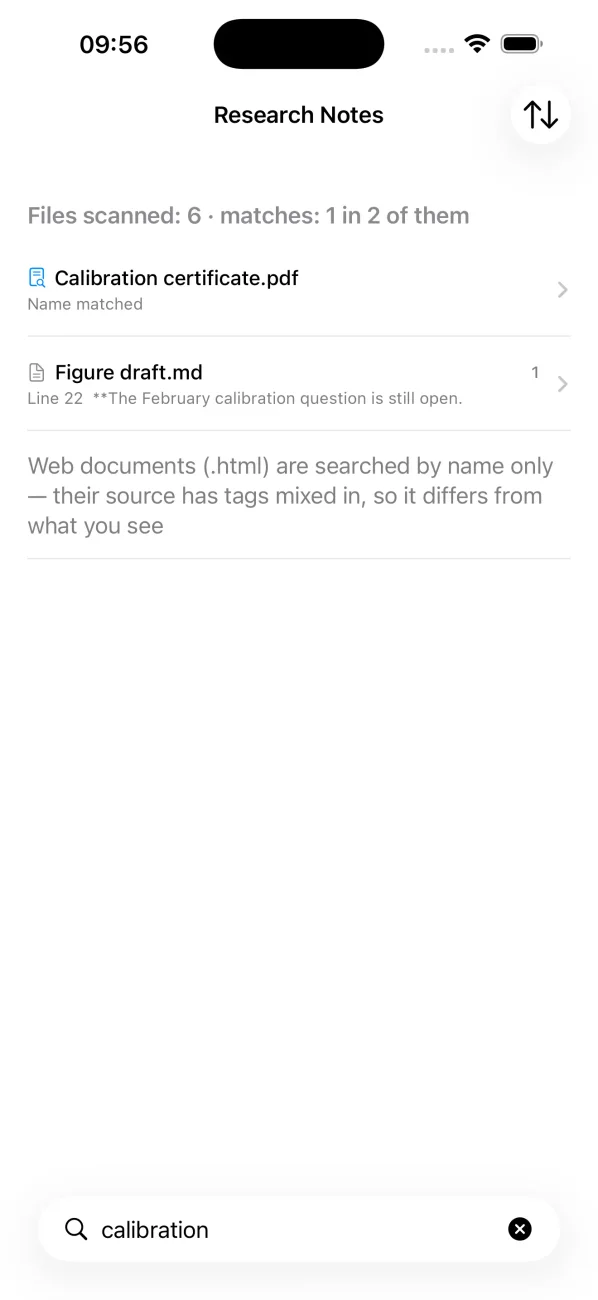
Search inside a document with every hit highlighted, or search a whole folder and see which files hold what you are looking for. Sort by name or by when you last changed something.
EDITS AND SAVES CAREFULLY
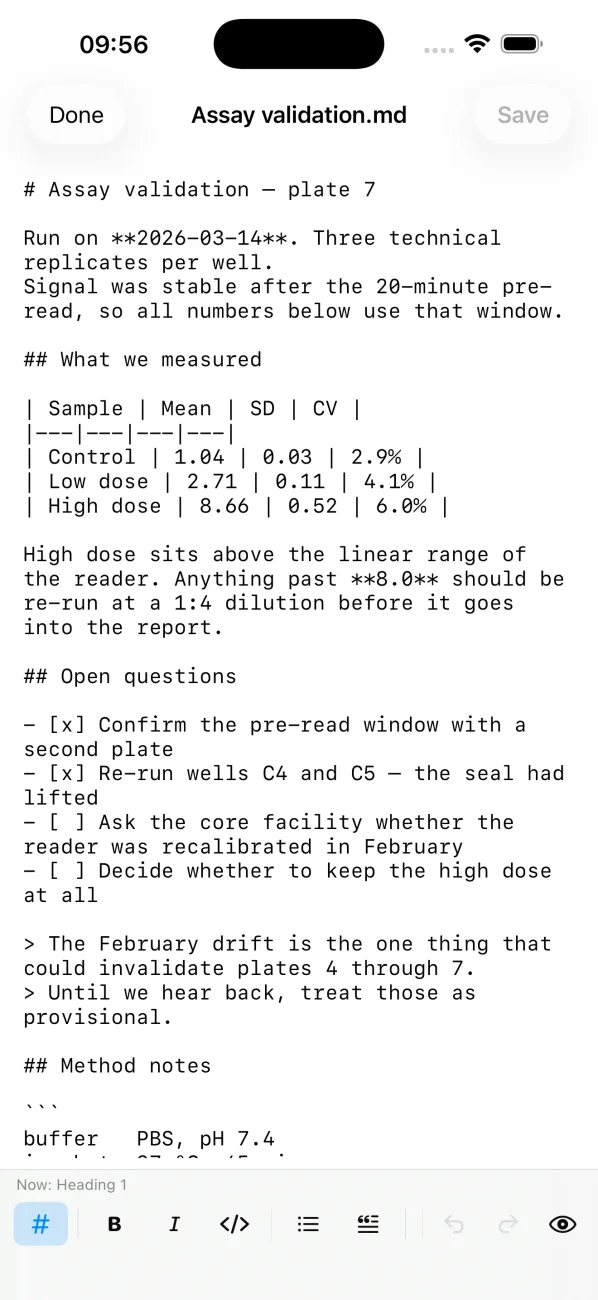
Edit the source with a toolbar for the marks you forget, and a line that tells you what the cursor is sitting on. Saving is atomic, and the previous version is kept beside the file so an edit can be undone. If the file changed outside the app while you were editing, Filepad does not overwrite it — it saves your version alongside and asks you.
ALSO OPENS PDF, HTML AND TEXT
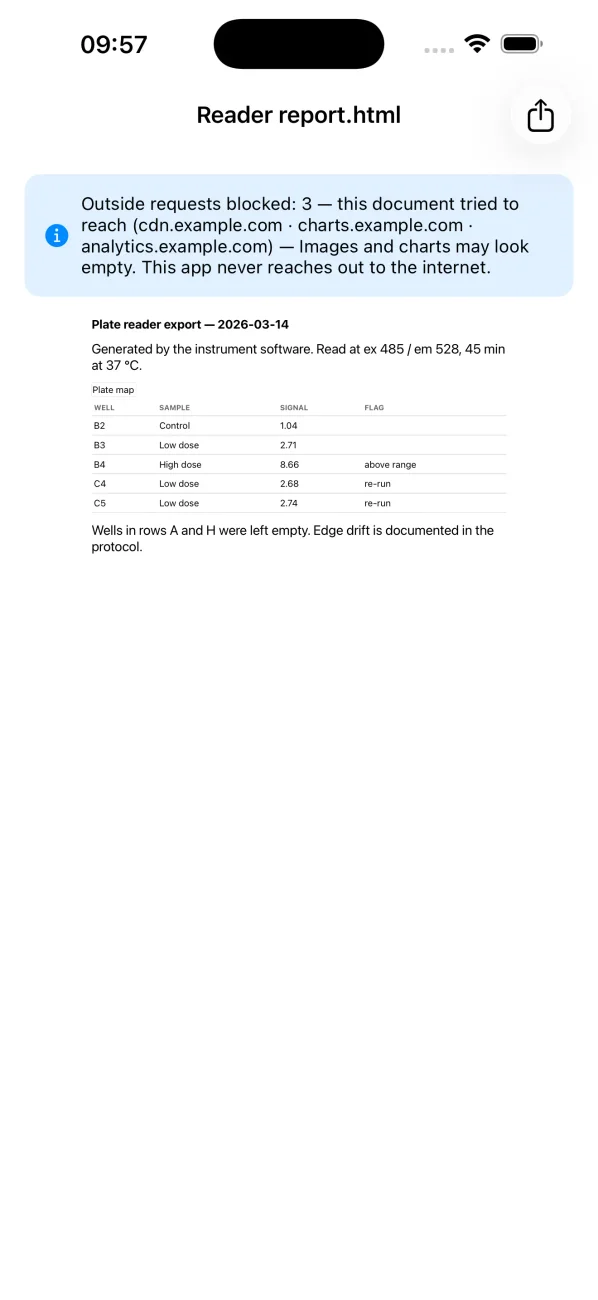
PDFs and web documents are view-only. HTML is drawn with network access blocked at two independent layers, and when a document tries to reach the internet for an image or a script, Filepad says so on screen instead of quietly fetching it.
WHAT IT DOES NOT DO
No account. No sync service of ours. No analytics, no advertising, no tracking. The app makes no network requests at all. Your folders, your files, your device.
Free, and staying free.
App privacy
What Byeongsoo Kang declares on the App Store about how this app handles data.
-
Data not collected
The developer does not collect any data from this app.
Privacy practices may vary, for example with the features you use or your age.
Information
- Seller
- Byeongsoo Kang
- Category
- Productivity
- Version
- 1.0
- Updated
- Sep 21, 2026
- Released
- Sep 21, 2026
- Size
- 1.4 MB
- Requires
- iOS 17.0 or later
- Age rating
- 4+
- Languages
- English, Korean
- Copyright
- © 2026 Byeongsoo Kang
You might also like
-
 MDacrobatThe complete Markdown app
-
 bryteNotesProductivity
-
 KoladaFast notes on all your devices
-
 Poof NoteDisappearing Notes
-
 Easy MD: Markdown ReaderBrowse and Listen to Markdown
-
 Markleaf - Markdown EditorNative, lightweight, focused
-
 Marko ViewerBeautiful Markdown Viewer
-
 TabulaDBPersonal Database Builder
-
 MD SlideMarkdown Slides on the Go
-
 Markdown Editor: MD PreviewLive Split View, HTML Export