
FlexCam: AI Sports Coach
Instant Replay & Highlights
Entwickelt für iPhone
Kostenlos · In-App-Käufe
- Altersfreigabe4+
- KategorieGesundheit und Fitness
- EntwicklerAaron Satterfield
- SprachenEnglisch
- Größe41,8 MB
Verlinkt auf die offizielle App Store-Seite
Download.org hostet keine Datei von FlexCam: AI Sports Coach. Die Schaltfläche öffnet die App-Seite bei App Store, wo Aaron Satterfield die App veröffentlicht. Eintrag zuletzt geprüft am 23.11.2026.
Screenshots

Info
Der Entwickler hat diesen Text nicht in Ihrer Sprache bereitgestellt.
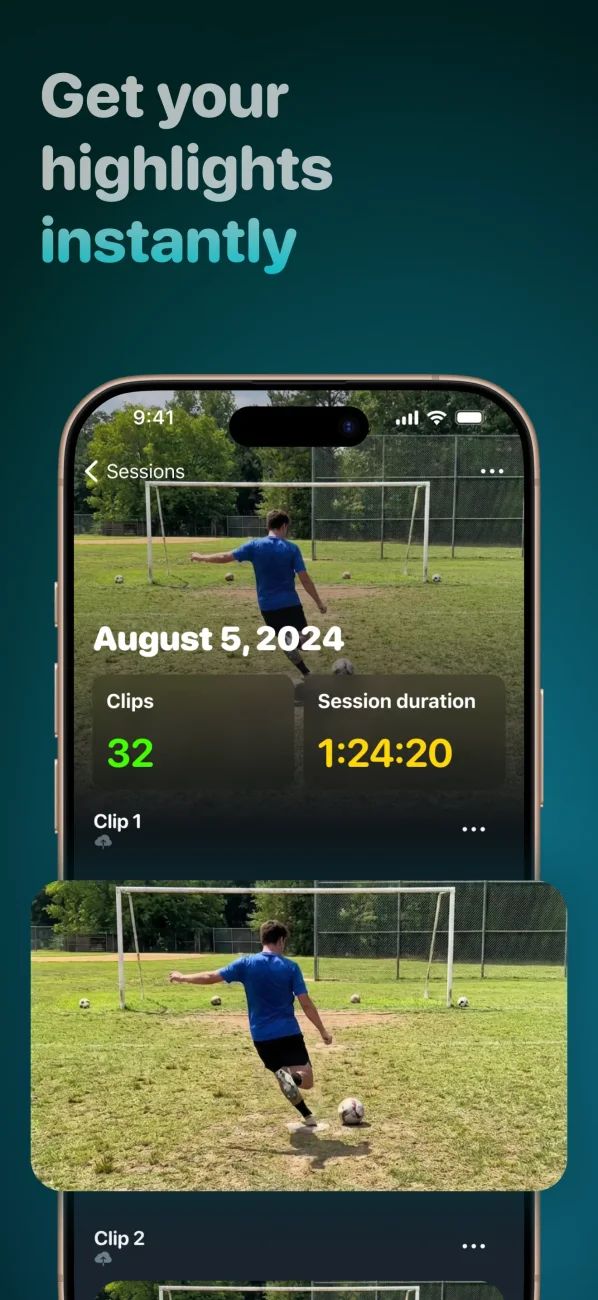
Record your whole session and keep only the moments that matter. Mark a great play from your Apple Watch, or tap Replay on your iPhone, and FlexCam saves a clip that ends right there. Then get AI coaching tips on your clips.
SAVE IT AFTER IT HAPPENS
You do not have to start recording at the right moment. FlexCam records the whole session on your iPhone. When something great happens, scroll the crown of your Apple Watch to mark it, and FlexCam saves the clip that led up to the mark. You choose the clip length, from 30 seconds to 2 minutes. When you end the workout on your Watch, your clips appear on your phone. No scrubbing through hours of footage.
INSTANT REPLAY
Tap Replay while you record to see the last moments right away. Keep the clip or delete it, then resume recording or end the session.
AI COACHING
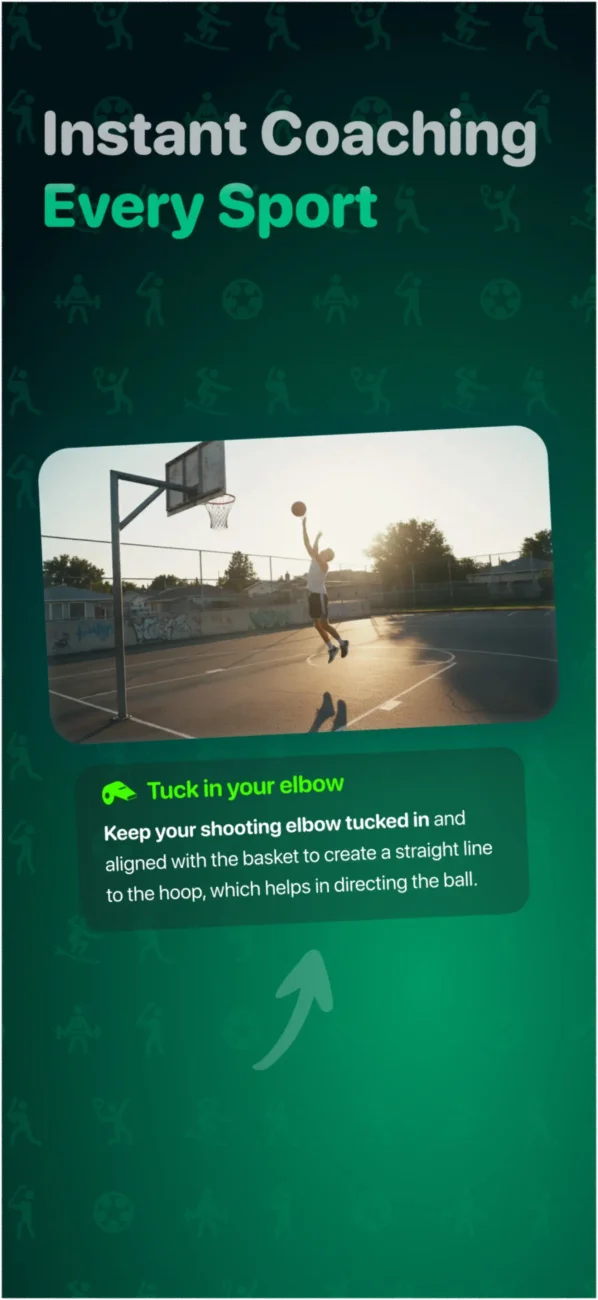
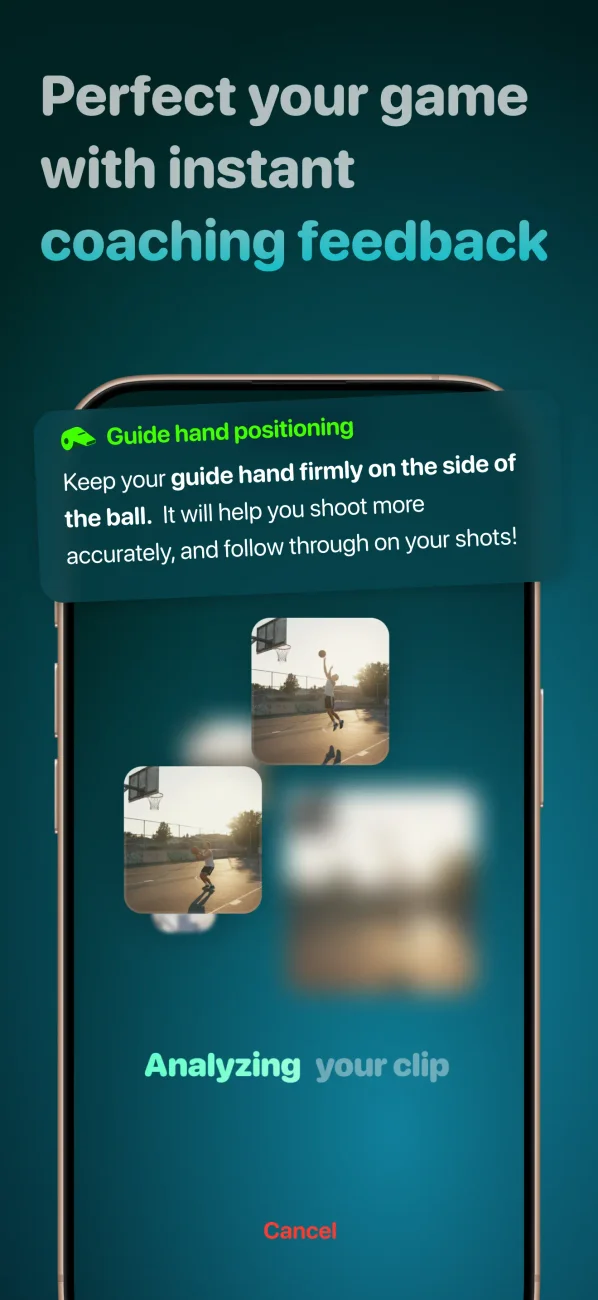
Pick a clip from a session or a video from your Photos, and trim it to the 10 seconds that matter. In seconds you get personalized, text-based tips on your technique for basketball, soccer, tennis, golf, surfing or any other sport. Your first 3 coaching requests are free.
WORKS WITH APPLE WATCH
The Watch app tracks your workout and calories while you play, and shows how many moments you marked. Watch workouts: surfing, skating, volleyball, soccer, climbing, basketball, tennis, martial arts and pickleball. No Watch? You can still record and use Replay on your iPhone.
HOW TO GET GREAT CLIPS
- Charge your iPhone and Apple Watch, and sign in with Apple
- Calls and notifications can interrupt a recording: turn on Airplane Mode or Do Not Disturb. Guided Access can keep the phone in FlexCam
- Start a session, place the phone with a good view of the action, and tap "Start Recording"
- To mark a moment, scroll up on the Watch crown until the circle fills and you see the "rock on" hand
- When you are done, stop the recording on your iPhone and end the workout on your Watch, with the phone nearby. Then tap the session thumbnail to watch your clips
PRIVACY
Your recordings and clips stay on your iPhone, and full recordings are also saved to your Photos library. For coaching, FlexCam sends still frames from the clip, not the video, to our server and to our AI provider (OpenAI) to make the tips, and then deletes the image from our server.
FLEXCAM COACHING SUBSCRIPTION
Unlimited AI coaching with a monthly subscription. New subscribers get a 3-day free trial. Payment is charged to your Apple Account. The subscription renews automatically unless you cancel at least 24 hours before the end of the period. Manage or cancel it in your App Store account settings.
Use FlexCam at your own risk. Get consent before you record or share video of other people, and follow local laws.
Privacy policy: https://flexcam.app/privacy
Terms of use: https://flexcam.app/terms
Neue Funktionen
Version 1.2.0 · 20.11.2026
Instant replay: tap Replay while you record to see the last moments right away. Keep or delete the clip, then carry on.
- You can now record without an Apple Watch. Add the Watch when you want to mark moments from a distance and track your workout
- Fixes for importing clips for coaching
- Fixes a few issues around subscriptions
App-Datenschutz
Was Aaron Satterfield im App Store zum Umgang dieser App mit Daten angibt.
-
Mit Ihnen verknüpfte Daten
Können erfasst und mit Ihrer Identität verknüpft werden.
- Standort
- Kontaktinformationen
- Kennungen
- Nutzungsdaten
- Diagnose
-
Nicht mit Ihnen verknüpfte Daten
Können erfasst werden, sind aber nicht mit Ihrer Identität verknüpft.
- Gesundheit und Fitness
- Benutzerinhalte
Die Datenschutzpraktiken können variieren, zum Beispiel je nach den von Ihnen verwendeten Funktionen oder Ihrem Alter.
Informationen
- Anbieter
- Aaron Satterfield
- Kategorie
- Gesundheit und Fitness
- Version
- 1.2.0
- Aktualisiert
- 20.11.2026
- Veröffentlicht
- 25.02.2025
- Größe
- 41,8 MB
- Erfordert
- iOS 17.6 oder neuer
- Altersfreigabe
- 4+
- Preis
- Kostenlos
- In-App-Käufe
- Ja
- Sprachen
- Englisch
- Copyright
- © 2026 Aaron Satterfield
Das könnte Ihnen auch gefallen
-
 Kingtide: Train Around PainGesundheit und Fitness
-
 Tend With Me: Fitness PetGesundheit und Fitness
-
 Neptune — AI Surf CoachGesundheit und Fitness
-
 Steady MeditationGesundheit und Fitness
-
 MONO: Attention LaboratoryGesundheit und Fitness
-
 RYZNGesundheit und Fitness
-
 SurfFit ProGesundheit und Fitness
-
 Surf BlackballGesundheit und Fitness
-
 Flex – StretchGesundheit und Fitness
-
 Yew: Hike,Bike, Run & MotivateGesundheit und Fitness