
- 対象年齢4+
- カテゴリヘルスケア/フィットネス
- 開発元Aaron Satterfield
- 言語英語
- サイズ41.8 MB
App Storeの公式ページにリンクしています
Download.orgはFlexCam: AI Sports Coachのファイルを一切ホストしていません。ボタンを押すと、Aaron Satterfieldが公開しているApp Storeのアプリページが開きます。ページの最終確認:2026/11/23。
スクリーンショット

概要
開発元はこのテキストをお使いの言語で提供していません。
Record your whole session and keep only the moments that matter. Mark a great play from your Apple Watch, or tap Replay on your iPhone, and FlexCam saves a clip that ends right there. Then get AI coaching tips on your clips.
SAVE IT AFTER IT HAPPENS
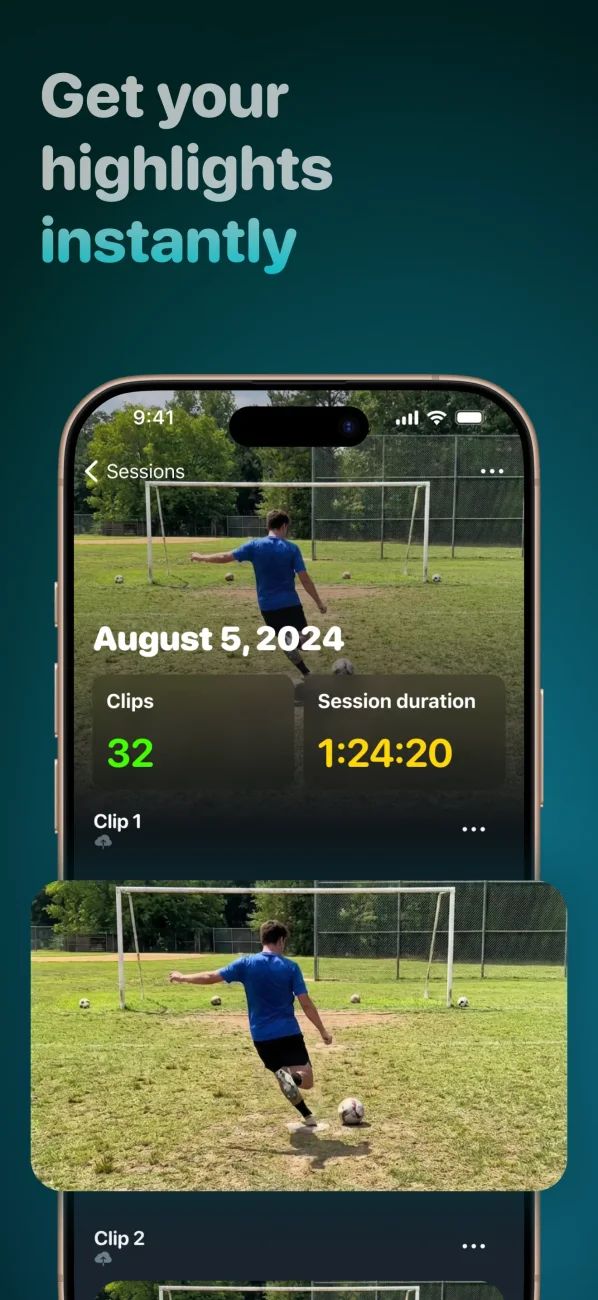
You do not have to start recording at the right moment. FlexCam records the whole session on your iPhone. When something great happens, scroll the crown of your Apple Watch to mark it, and FlexCam saves the clip that led up to the mark. You choose the clip length, from 30 seconds to 2 minutes. When you end the workout on your Watch, your clips appear on your phone. No scrubbing through hours of footage.
INSTANT REPLAY
Tap Replay while you record to see the last moments right away. Keep the clip or delete it, then resume recording or end the session.
AI COACHING
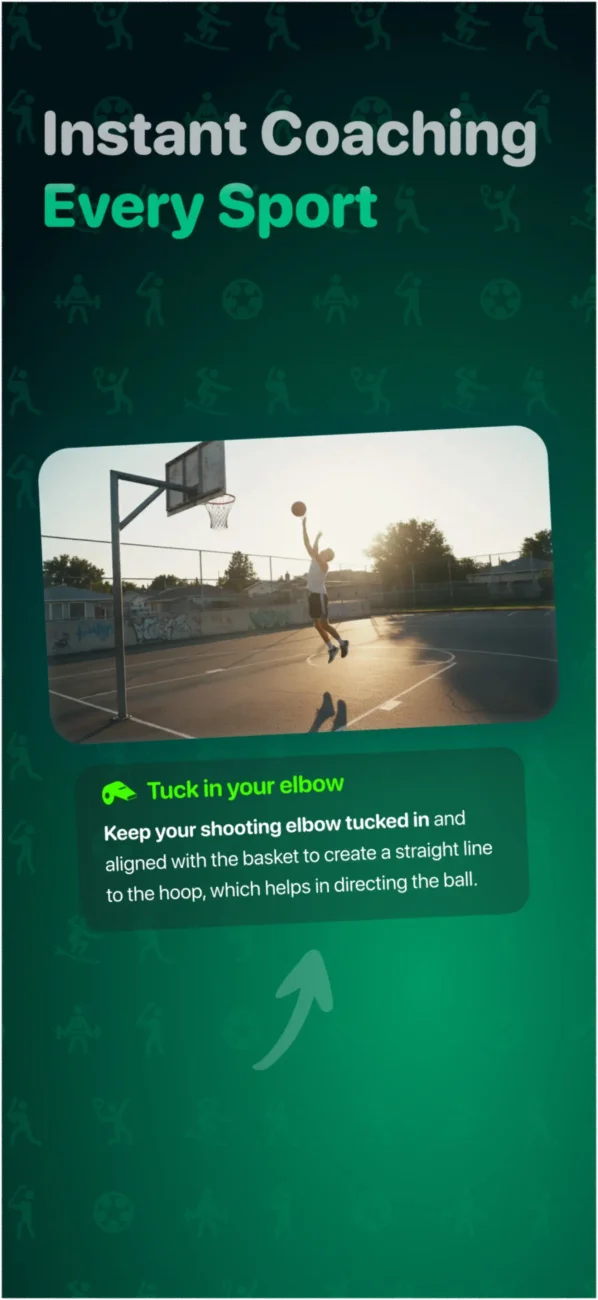
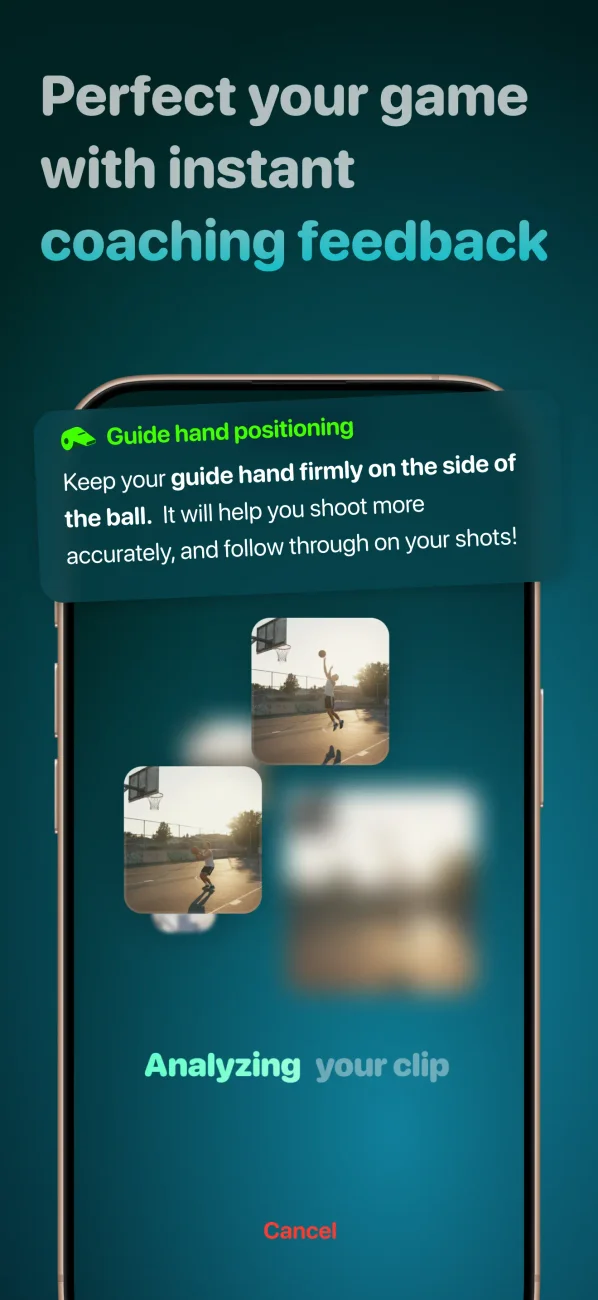
Pick a clip from a session or a video from your Photos, and trim it to the 10 seconds that matter. In seconds you get personalized, text-based tips on your technique for basketball, soccer, tennis, golf, surfing or any other sport. Your first 3 coaching requests are free.
WORKS WITH APPLE WATCH
The Watch app tracks your workout and calories while you play, and shows how many moments you marked. Watch workouts: surfing, skating, volleyball, soccer, climbing, basketball, tennis, martial arts and pickleball. No Watch? You can still record and use Replay on your iPhone.
HOW TO GET GREAT CLIPS
- Charge your iPhone and Apple Watch, and sign in with Apple
- Calls and notifications can interrupt a recording: turn on Airplane Mode or Do Not Disturb. Guided Access can keep the phone in FlexCam
- Start a session, place the phone with a good view of the action, and tap "Start Recording"
- To mark a moment, scroll up on the Watch crown until the circle fills and you see the "rock on" hand
- When you are done, stop the recording on your iPhone and end the workout on your Watch, with the phone nearby. Then tap the session thumbnail to watch your clips
PRIVACY
Your recordings and clips stay on your iPhone, and full recordings are also saved to your Photos library. For coaching, FlexCam sends still frames from the clip, not the video, to our server and to our AI provider (OpenAI) to make the tips, and then deletes the image from our server.
FLEXCAM COACHING SUBSCRIPTION
Unlimited AI coaching with a monthly subscription. New subscribers get a 3-day free trial. Payment is charged to your Apple Account. The subscription renews automatically unless you cancel at least 24 hours before the end of the period. Manage or cancel it in your App Store account settings.
Use FlexCam at your own risk. Get consent before you record or share video of other people, and follow local laws.
Privacy policy: https://flexcam.app/privacy
Terms of use: https://flexcam.app/terms
新機能
バージョン 1.2.0 · 2026/11/20
Instant replay: tap Replay while you record to see the last moments right away. Keep or delete the clip, then carry on.
- You can now record without an Apple Watch. Add the Watch when you want to mark moments from a distance and track your workout
- Fixes for importing clips for coaching
- Fixes a few issues around subscriptions
アプリのプライバシー
このアプリのデータの取り扱いについて、Aaron SatterfieldがApp Storeで申告している内容です。
-
ユーザーに関連付けられたデータ
収集され、ユーザーの識別情報に関連付けられる場合があります。
- 位置情報
- 連絡先情報
- ID
- 使用状況データ
- 診断
-
ユーザーに関連付けられないデータ
収集される場合がありますが、ユーザーの識別情報には関連付けられません。
- ヘルスケアとフィットネス
- ユーザーコンテンツ
プライバシーの取り扱いは、ご利用の機能やお客様の年齢などに応じて異なる場合があります。
情報
- 販売元
- Aaron Satterfield
- カテゴリ
- ヘルスケア/フィットネス
- バージョン
- 1.2.0
- 更新日
- 2026/11/20
- リリース
- 2025/2/25
- サイズ
- 41.8 MB
- 必要条件
- iOS 17.6以降
- 対象年齢
- 4+
- 価格
- 無料
- アプリ内課金
- あり
- 言語
- 英語
- 著作権
- © 2026 Aaron Satterfield
こちらもおすすめ
-
 Kingtide: Train Around Painヘルスケア/フィットネス
-
 Tend With Me: Fitness Petヘルスケア/フィットネス
-
 Neptune — AI Surf Coachヘルスケア/フィットネス
-
 Steady Meditationヘルスケア/フィットネス
-
 MONO: Attention Laboratoryヘルスケア/フィットネス
-
 RYZNヘルスケア/フィットネス
-
 SurfFit Proヘルスケア/フィットネス
-
 Surf Blackballヘルスケア/フィットネス
-
 Flex – Stretchヘルスケア/フィットネス
-
 Yew: Hike,Bike, Run & Motivateヘルスケア/フィットネス