Fuse Bead Patterns
Photo to Fuse Bead Patterns
Entwickelt für iPhone, iPad
In-App-Käufe
- Altersfreigabe4+
- KategorieDienstprogramme
- Entwickler杰 陈
- SprachenEnglisch+ 4 weitere
- Größe30,1 MB
Fuse Bead Patterns ist bei App Store derzeit möglicherweise nicht verfügbar
Bei unserer letzten Prüfung war der Store-Eintrag nicht erreichbar. Der Link führt weiterhin zur offiziellen App Store-Seite.
Screenshots


Info
Der Entwickler hat diesen Text nicht in Ihrer Sprache bereitgestellt.
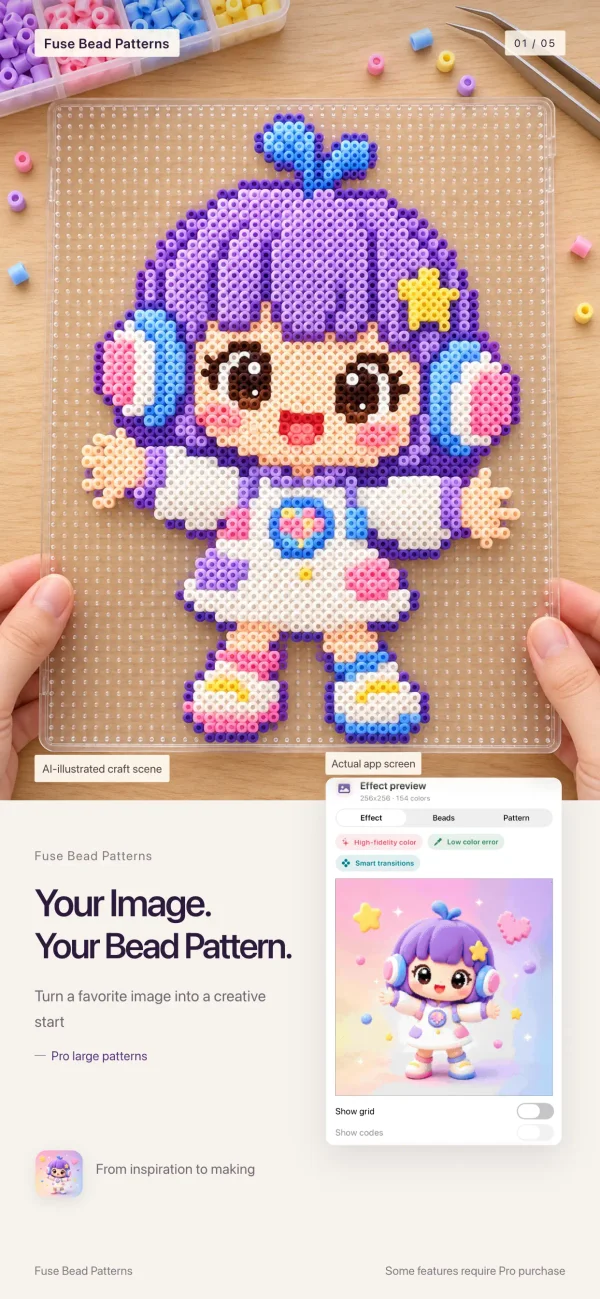
At first, fuse beads may look like simple dots of color. But when one bead is placed on a grid, then another, then many more, something quiet begins to happen. Colors find direction. Lines become clearer. A photo, a portrait, a pet, or a memory slowly appears from tiny pieces.
Fuse Bead Patterns is made for that moment between a digital image and a handmade object. It is not just a filter, and it is not only a pixel effect. It helps you turn images you care about into bead patterns that are readable, editable, countable, and ready to make by hand.
Choose a photo from your library, crop it to the right shape, select a grid size, and control the number of colors. The app generates a bead preview and a grid pattern locally, so you can review the result before you start making it.
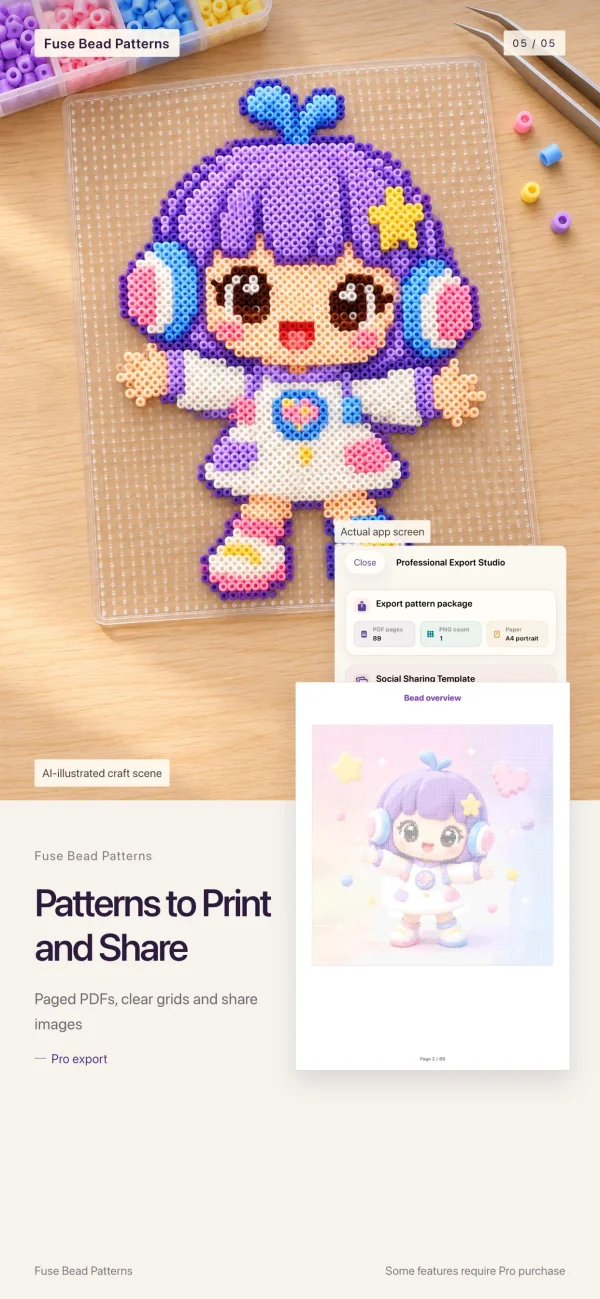
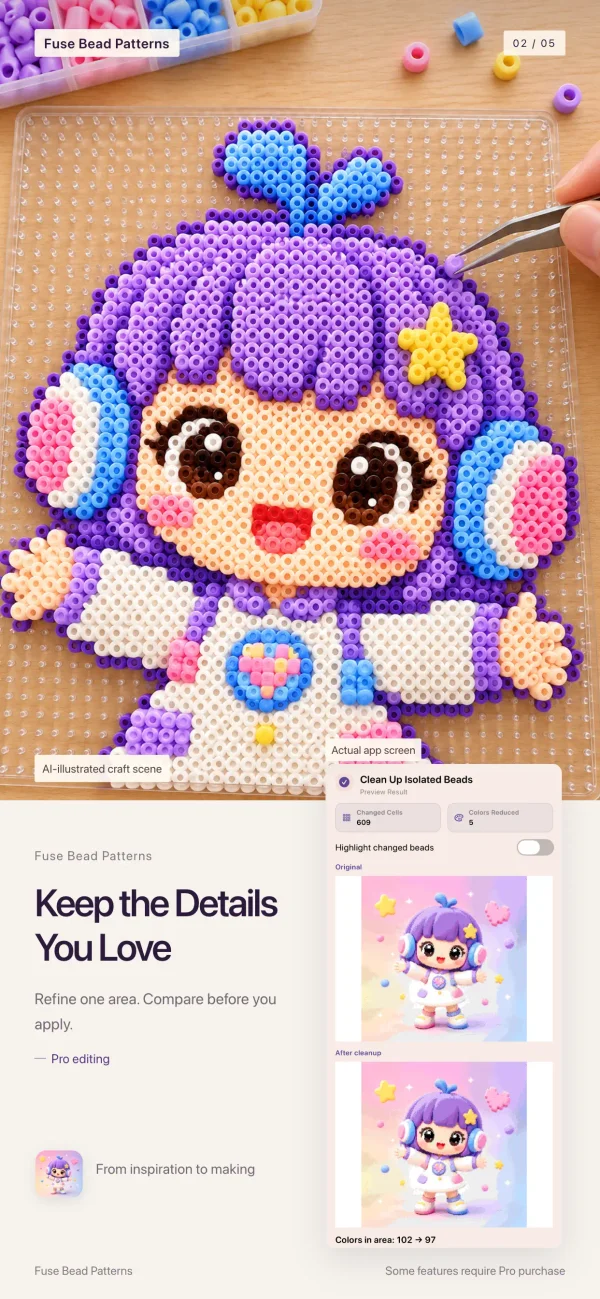
If a color does not feel right, open the editor and replace it. If you are preparing materials, check how many beads each color needs. If you want to keep or share the plan, export a round bead preview, grid PNG, or PDF pattern package. You can also save the project and return later to continue editing or making it.
Fuse Bead Patterns works well for many small creative plans: turning an avatar into a charm, making a pet portrait keepsake, creating room decor from a favorite image, or preparing a handmade gift with more personal meaning. It is also useful for family crafts, pixel art fans, beginners, and makers who want to bring screen images back into real life.
Saved artwork can also be viewed in a gallery, and supported projects can be previewed on a wall through AR. This lets you see how a piece may feel in a real space before it becomes a finished craft.
The charm of bead craft is not only the final image. It is the time you place into it: choosing a photo, adjusting colors, checking materials, and setting down each bead by hand. What remains is more than a picture. It is a memory you helped build, one bead at a time.
Terms of Use (EULA): https://www.apple.com/legal/internet-services/itunes/dev/stdeula/
Neue Funktionen
Version 2.0.2 · 21.11.2026
Now you can bead on iPad! Make big designs one board at a time. Want to swap beads? Just change the spots you haven’t filled. Next time, pick up where you left off.
App-Datenschutz
Was 杰 陈 im App Store zum Umgang dieser App mit Daten angibt.
-
Keine Daten erfasst
Der Entwickler erfasst keine Daten von dieser App.
Die Datenschutzpraktiken können variieren, zum Beispiel je nach den von Ihnen verwendeten Funktionen oder Ihrem Alter.
Informationen
- Anbieter
- 杰 陈
- Kategorie
- Dienstprogramme
- Version
- 2.0.2
- Aktualisiert
- 21.11.2026
- Veröffentlicht
- 24.06.2026
- Größe
- 30,1 MB
- Erfordert
- iOS 16.0 oder neuer
- Altersfreigabe
- 4+
- In-App-Käufe
- Ja
- Sprachen
- Englisch, Japanisch, Koreanisch, Vereinf. Chinesisch, Tradit. Chinesisch
- Copyright
- © 2026 JC
Das könnte Ihnen auch gefallen
-
 Bügelperlen - Foto zu VorlageErstelle Vorlagen aus Fotos
-
 PicoBead: PerlenmusterFotos als Bügelperlenmuster
-
 Bead Lab – Fuse Bead PatternsDienstprogramme
-
 Beadly: Bügelperlen VorlageFoto zur Bügelperlen-Vorlage
-
 拼豆点点Dienstprogramme
-
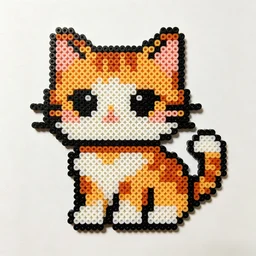 BeadSnap: Perler Bead PatternsDienstprogramme
-
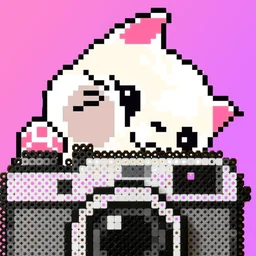 Beadcraft - Bead Pattern MakerDienstprogramme
-
 OhMyBeadFoto zu Bügelperlen-Muster
-
 Bügelperlen Studio: VorlagenSteckplatte & Perler Muster
-
 BeadCanvas: BügelperlenFoto zu Vorlage, jede Größe