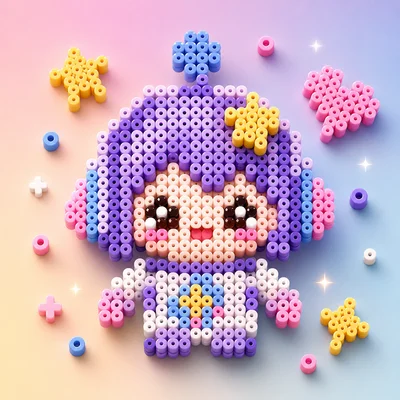
Fuse Bead Patterns
Photo to Fuse Bead Patterns
Diseñada para iPhone, iPad
Compras en la aplicación
- Clasificación por edad4+
- CategoríaUtilidades
- Desarrollador杰 陈
- IdiomasInglés+ 4 más
- Tamaño30,1 MB
Es posible que Fuse Bead Patterns no esté disponible en App Store en este momento
No se pudo acceder a la ficha de la tienda en nuestra última comprobación. El enlace sigue llevando a la página oficial de App Store.
Capturas de pantalla


Acerca de
El desarrollador no ha proporcionado este texto en tu idioma.
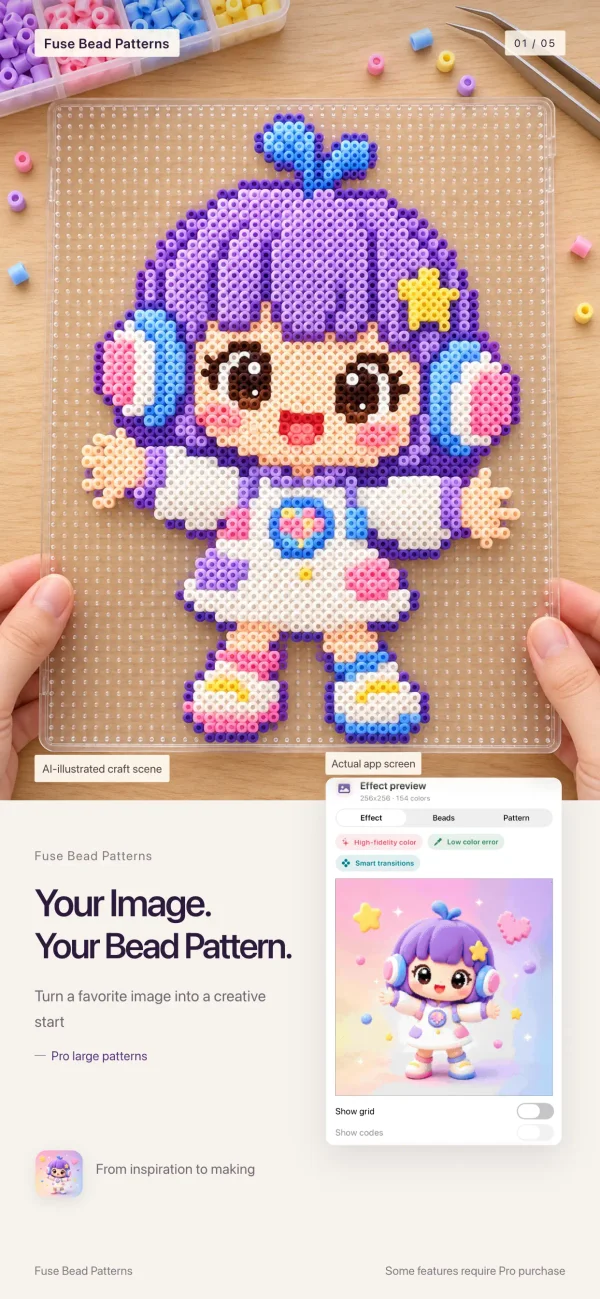
At first, fuse beads may look like simple dots of color. But when one bead is placed on a grid, then another, then many more, something quiet begins to happen. Colors find direction. Lines become clearer. A photo, a portrait, a pet, or a memory slowly appears from tiny pieces.
Fuse Bead Patterns is made for that moment between a digital image and a handmade object. It is not just a filter, and it is not only a pixel effect. It helps you turn images you care about into bead patterns that are readable, editable, countable, and ready to make by hand.
Choose a photo from your library, crop it to the right shape, select a grid size, and control the number of colors. The app generates a bead preview and a grid pattern locally, so you can review the result before you start making it.
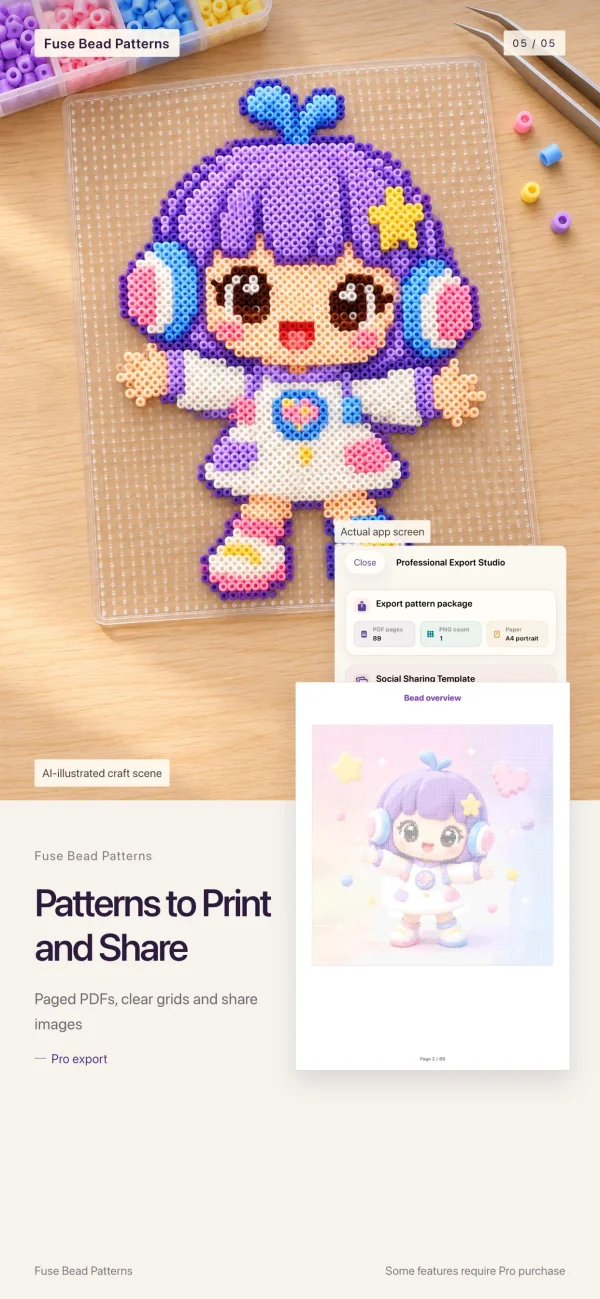
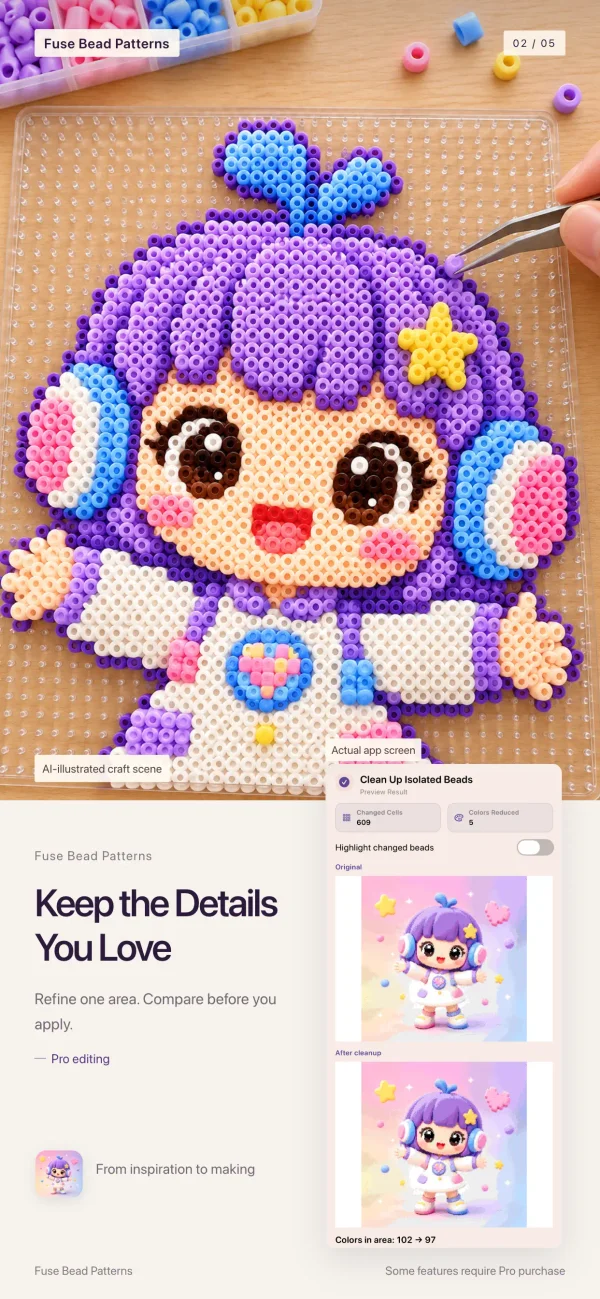
If a color does not feel right, open the editor and replace it. If you are preparing materials, check how many beads each color needs. If you want to keep or share the plan, export a round bead preview, grid PNG, or PDF pattern package. You can also save the project and return later to continue editing or making it.
Fuse Bead Patterns works well for many small creative plans: turning an avatar into a charm, making a pet portrait keepsake, creating room decor from a favorite image, or preparing a handmade gift with more personal meaning. It is also useful for family crafts, pixel art fans, beginners, and makers who want to bring screen images back into real life.
Saved artwork can also be viewed in a gallery, and supported projects can be previewed on a wall through AR. This lets you see how a piece may feel in a real space before it becomes a finished craft.
The charm of bead craft is not only the final image. It is the time you place into it: choosing a photo, adjusting colors, checking materials, and setting down each bead by hand. What remains is more than a picture. It is a memory you helped build, one bead at a time.
Terms of Use (EULA): https://www.apple.com/legal/internet-services/itunes/dev/stdeula/
Novedades
Versión 2.0.2 · 21/11/2026
Now you can bead on iPad! Make big designs one board at a time. Want to swap beads? Just change the spots you haven’t filled. Next time, pick up where you left off.
Privacidad de la aplicación
Lo que 杰 陈 declara en App Store sobre cómo esta aplicación gestiona los datos.
-
No se recopilan datos
El desarrollador no recopila ningún dato de esta aplicación.
Las prácticas de privacidad pueden variar, por ejemplo, según las funciones que uses o tu edad.
Información
- Vendedor
- 杰 陈
- Categoría
- Utilidades
- Versión
- 2.0.2
- Actualizado
- 21/11/2026
- Publicado
- 24/6/2026
- Tamaño
- 30,1 MB
- Requiere
- iOS 16.0 o posterior
- Clasificación por edad
- 4+
- Compras en la aplicación
- Sí
- Idiomas
- Inglés, Japonés, Coreano, Chino simplificado, Chino tradicional
- Copyright
- © 2026 JC
Quizá también te guste
-
 Cuentas para Planchar - FotoPatrones, pixel art y exportar
-
 PicoBead: PatronesFotos a patrones de cuentas
-
 Bead Lab – Fuse Bead PatternsUtilidades
-
 Beadly: Patrón Hama BeadsDe foto a patrón de cuentas
-
 拼豆点点Utilidades
-
 BeadSnap: Cuentas & PerlerFoto en patrón de cuentas DIY
-
 Beadcraft - Bead Pattern MakerUtilidades
-
 OhMyBeadHama beads, patrón, pixel art
-
 Perler & Fuse Beads StudioPatrones Hama y Mesa de Luz
-
 BeadCanvas: hama beads patrónFoto a patrón, tamaño libre