- Altersfreigabe4+
- KategorieDienstprogramme
- EntwicklerChris Russell
- SprachenEnglisch
- Größe11,1 MB
Verlinkt auf die offizielle App Store-Seite
Download.org hostet keine Datei von Glance VNC. Die Schaltfläche öffnet die App-Seite bei App Store, wo Chris Russell die App veröffentlicht. Eintrag zuletzt geprüft am 24.11.2026.
Screenshots

Info
Der Entwickler hat diesen Text nicht in Ihrer Sprache bereitgestellt.
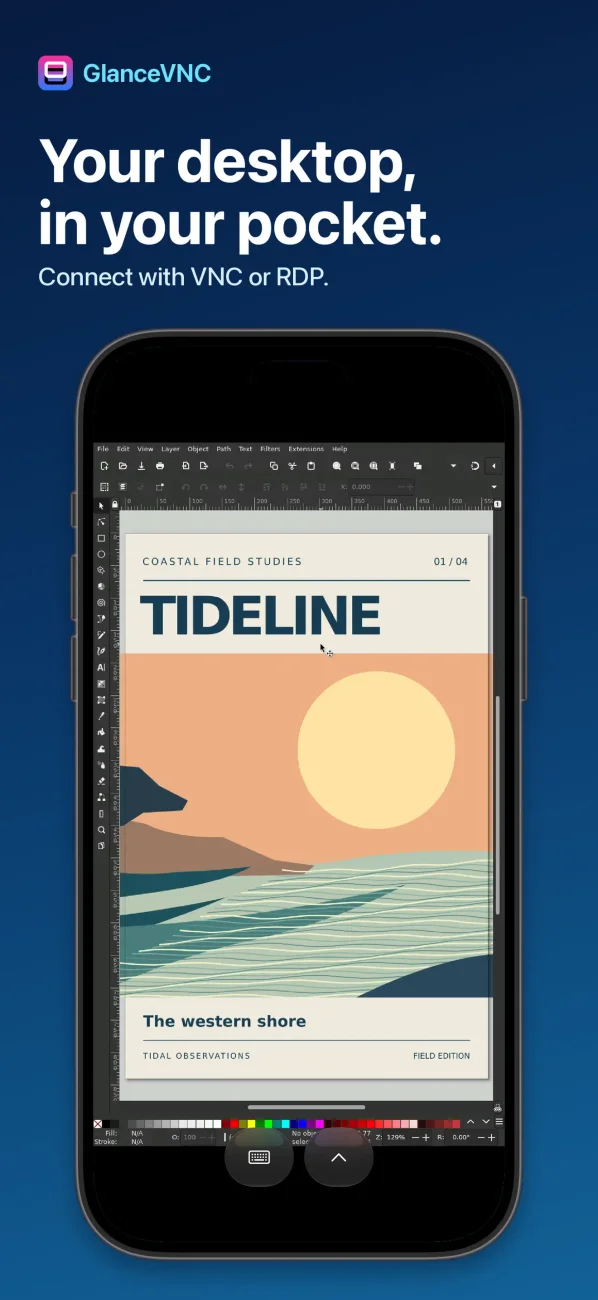
Control your Mac, Windows or Linux desktop from your iPhone or iPad. GlanceVNC brings your saved connections together so you can open a remote desktop and get straight to work.
FEATURES
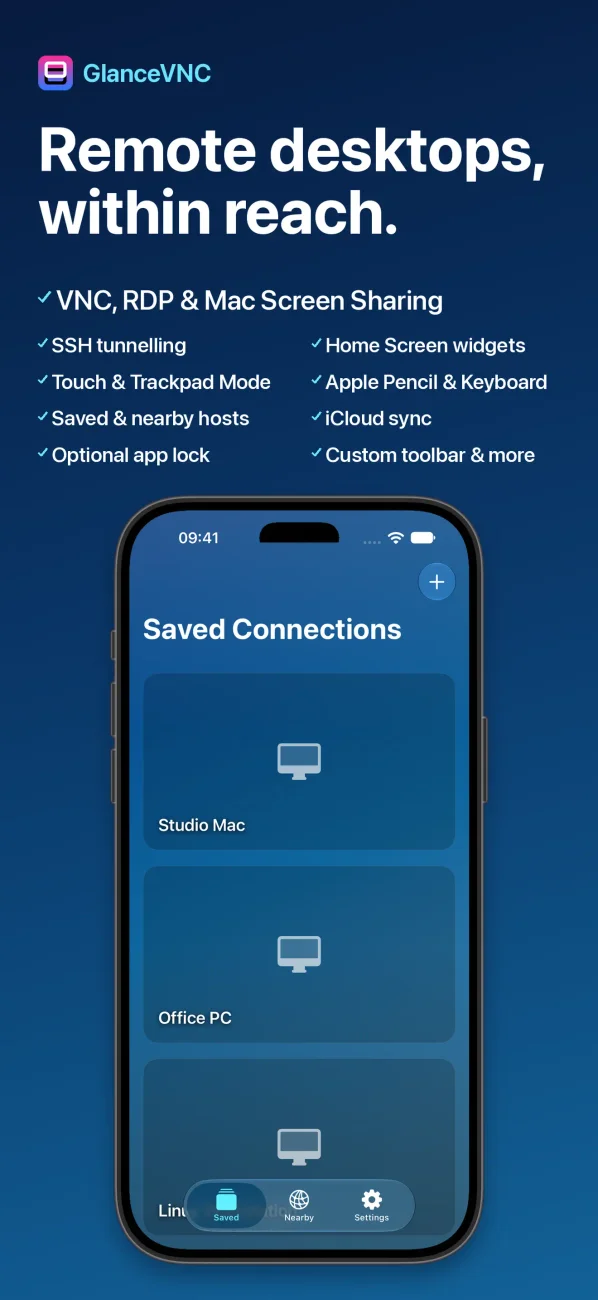
• VNC, RDP and compatible Mac Screen Sharing connections
• SSH tunnelling with password or private-key authentication, Ed25519 key generation, key import and trusted server management
• Home Screen widgets, Shortcuts and Siri for opening saved connections
• Touch and Trackpad controls, pinch to zoom and Apple Pencil support on iPad
• Hardware keyboard support and plain-text clipboard transfer
• Saved connections with desktop thumbnails and nearby VNC discovery
• iCloud sync for saved connections
• Optional app lock with Face ID, Touch ID or your device passcode
• And more, including a customisable session toolbar, Mac, Windows and Linux profiles for keyboard shortcuts, and a 16-bit VNC colour mode for slower connections.
GET BACK TO YOUR COMPUTERS QUICKLY
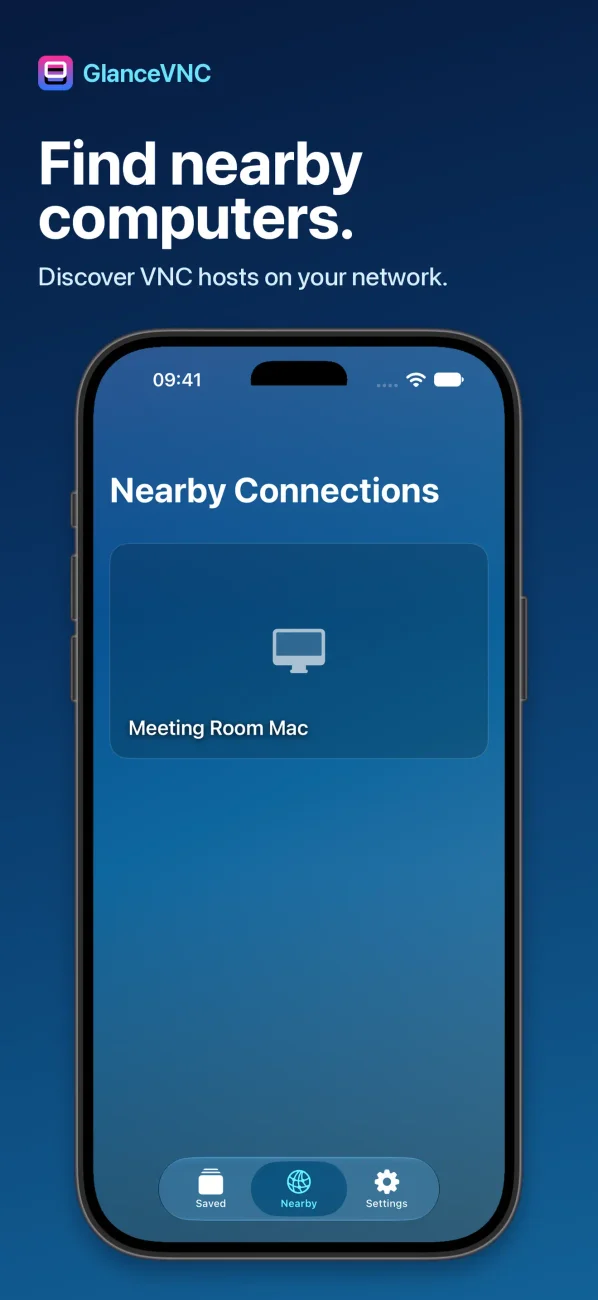
Save your connections and recognise them at a glance with desktop thumbnails. Discover compatible VNC servers on your local network and connect without saving them first. Open a favourite computer from a Home Screen widget, see recent connections in a larger widget, or start a saved connection with Shortcuts or Siri.
CONTROL YOUR REMOTE DESKTOP
Tap directly on the desktop in Touch mode, or move the pointer in Trackpad mode. Pinch to zoom in either mode, and use two fingers to scroll. On iPad, use Apple Pencil to click and drag, with pointer hover on supported models. Choose Fit whole desktop to see the entire screen, or Fill screen to use more of your display.
Make the session toolbar your own. Add and reorder the commands you use most, including Escape, arrow keys, copy and paste. Transfer plain text between your device and a compatible remote desktop using the clipboard controls.
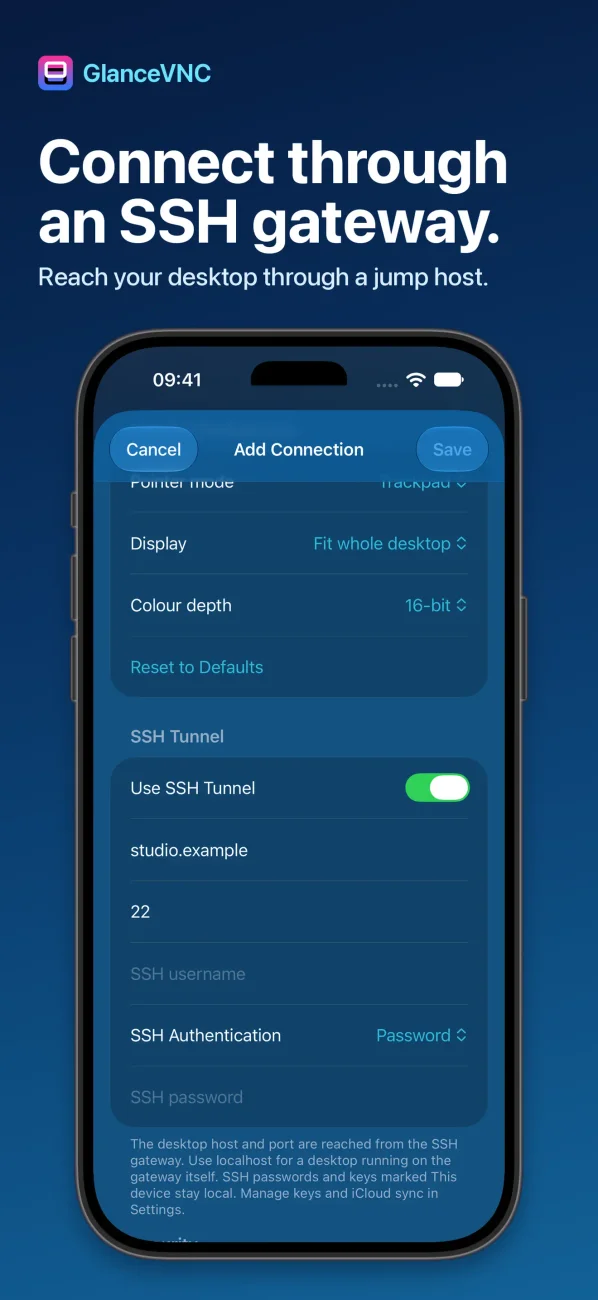
CONNECT THROUGH AN SSH GATEWAY
Tunnel VNC and RDP sessions through an SSH gateway using a password or private key. Generate Ed25519 keys, import existing keys and review trusted SSH servers in Settings. Newly generated and imported private keys stay in the device’s Keychain. GlanceVNC asks you to review a gateway’s identity on first connection and blocks the connection if that identity changes.
RDP uses TLS. For compatible VeNCrypt VNC servers, you can require certificate verification using system trust, an imported certificate or a SHA-256 fingerprint.
KEEP YOUR CONNECTIONS WITH YOU
Sync saved connections across devices using the same Apple Account. Saved desktop passwords can sync through iCloud Keychain when available. Manage sync in Settings, and optionally require Face ID, Touch ID or your device passcode when you return to GlanceVNC.
REQUIREMENTS
Requires iOS 18 or iPadOS 18 or later and a reachable computer running a compatible VNC or RDP server, or with Mac Screen Sharing enabled. Remote access from outside your local network requires your own network setup, such as a VPN or a reachable SSH gateway.
Neue Funktionen
Version 1.8.2 · 23.11.2026
• On a partially folded iPhone Duo, keep your desktop above the fold and use the lower half as a trackpad or native keyboard, with Escape, Tab and arrow keys.
• See the remote pointer change shape over text and window edges in compatible VNC and RDP sessions. Prefer the dot? Turn off “Use remote cursor” in Settings.
• Mac Screen Sharing keeps Retina cursors the same size when you switch between 16-bit and 24-bit colour at the same zoom.
• VNC screen updates decode faster, and connection progress is easier to read over a busy desktop.
• Switch apps briefly and return to the same desktop. When iOS allows it, your connection stays open for up to 20 seconds. If it reconnects, your last desktop image stays visible.
App-Datenschutz
Was Chris Russell im App Store zum Umgang dieser App mit Daten angibt.
-
Keine Daten erfasst
Der Entwickler erfasst keine Daten von dieser App.
Die Datenschutzpraktiken können variieren, zum Beispiel je nach den von Ihnen verwendeten Funktionen oder Ihrem Alter.
Informationen
- Anbieter
- Chris Russell
- Kategorie
- Dienstprogramme
- Version
- 1.8.2
- Aktualisiert
- 23.11.2026
- Veröffentlicht
- 23.09.2026
- Größe
- 11,1 MB
- Erfordert
- iOS 18.0 oder neuer
- Altersfreigabe
- 4+
- Preis
- 2,99 €
- Sprachen
- Englisch
- Copyright
- © 2026 Chris Russell
Das könnte Ihnen auch gefallen
-
 Anonym zuhörenSprachnachrichten ohne Häkchen
-
 Garrison AppDienstprogramme
-
 DoubtfolioBelege sammeln. Selbst denken.
-
 hanova WOHNEN GmbHhanova-App
-
 eduIDDienstprogramme
-
 STL MasterDienstprogramme
-
 APEX EVDienstprogramme
-
 Screens 5: VNC Remote-DesktopSchneller und sicherer Zugriff
-
 KI Chatbot Deutsch - AI Chat.Künstliche Intelligenz Expert
-
 Google AuthenticatorDienstprogramme